This topic is in the 2017 archive. You can read it and like its posts here. It is read only.
Archive 2017Official Nikon D850 image & resource hub thread ...
p.68 #1Official Nikon D850 image & resource hub thread ( images picture )
charles.K wrote:
I use Lr CC/PS with various plugins. I also have Capture Pro but I find the cataloguing not as easy and little difference in the final result.
With the D850 I only shoot RAW unless I need quick Jpegs. Auto WB on 0 or 1, sometimes Daylight. For portraits/normal shoots I use Adobe Standard or Camera Portrait. Adobe seems to have a more natural skin tones obviously supported by Adobe The colors from the D850 are the best I have seen.
I am assuming you have color calibrated your monitor and complete workflow. This is most often the culprit.
From your example...Show more →
Thanks Charles,
I have WB auto 0 in camera and profile Adobe , I just tried auto tone with my Lightroom 6.13 but it goes really bright , I presume LR CC would be much better
I use Lr CC/PS with various plugins. I also have Capture Pro but I find the cataloguing not as easy and little difference in the final result.
With the D850 I only shoot RAW unless I need quick Jpegs. Auto WB on 0 or 1, sometimes Daylight. For portraits/normal shoots I use Adobe Standard or Camera Portrait. Adobe seems to have a more natural skin tones obviously supported by Adobe
The colors from the D850 are the best I have seen.I am assuming you have color calibrated your monitor and complete workflow. This is most often the culprit.
From your example...Show more →
Thanks Charles,
I have WB auto 0 in camera and profile Adobe , I just tried auto tone with my Lightroom 6.13 but it goes really bright , I presume LR CC would be much better
Feb 11, 2018 at 04:54 PM
brian_sp
Offline
Activity
[X]
Details
p.68 #2Official Nikon D850 image & resource hub thread ( images picture )
CritterRacing wrote:
i never shoot raw anymore with my d850. one of my favorite features are the outstanding jpg's out of this camera. i find the white balance spot on also. i use the standard picture control with plus 1 on saturation and plus 1 on sharpness. lightroom cc.
i felt the same, when i first got the 850 i was using jpeg and i was actually quite happy with the files straight out of the camera
i never shoot raw anymore with my d850. one of my favorite features are the outstanding jpg's out of this camera. i find the white balance spot on also. i use the standard picture control with plus 1 on saturation and plus 1 on sharpness. lightroom cc.
i felt the same, when i first got the 850 i was using jpeg and i was actually quite happy with the files straight out of the camera
Feb 11, 2018 at 05:16 PM
p.68 #3Official Nikon D850 image & resource hub thread ( images picture )
multibit wrote:
With the D850 I only shoot RAW unless I need quick Jpegs. Auto WB on 0 or 1, sometimes Daylight. For portraits/normal shoots I use Adobe Standard or Camera Portrait. Adobe seems to have a more natural skin tones obviously supported by Adobe The colors from the D850 are the best I have seen.
I am assuming you have color calibrated your monitor and complete workflow. This is most often the culprit.
From your example above make sure you set your WB on AUTO and 0 and use Profile: Adobe. This should resolve the issue above.
The latest version of Lr CC is great! Try the AUTO in the TONE module as this has vastly improved over the last 2 updates. It really works great with the D850 RAW and if not a great starting point
The flat output you see initially relates to the higher DR and if your record Jpegs alongside the RAWs you have post processed image to compare with.
If you are seeking color accuracy I find Nikon's Capture NXD superb.Thanks Charles,
I have WB auto 0 in camera and profile Adobe , I just tried auto tone with my Lightroom 6.13 but it goes really bright , I presume LR CC would be much better
The older versions of Lr just does not work with the AUTO in the tone module! It is only the last two Lr CC updates that AUTO tab works properly. I was surprised how well it works considering that I also use Mastin Lab presets and the AUTO works in a very similar way.
charles.K wrote
I use Lr CC/PS with various plugins. I also have Capture Pro but I find the cataloguing not as easy and little difference in the final result.With the D850 I only shoot RAW unless I need quick Jpegs. Auto WB on 0 or 1, sometimes Daylight. For portraits/normal shoots I use Adobe Standard or Camera Portrait. Adobe seems to have a more natural skin tones obviously supported by Adobe
The colors from the D850 are the best I have seen.I am assuming you have color calibrated your monitor and complete workflow. This is most often the culprit.
From your example above make sure you set your WB on AUTO and 0 and use Profile: Adobe. This should resolve the issue above.
The latest version of Lr CC is great! Try the AUTO in the TONE module as this has vastly improved over the last 2 updates. It really works great with the D850 RAW and if not a great starting point
The flat output you see initially relates to the higher DR and if your record Jpegs alongside the RAWs you have post processed image to compare with.
If you are seeking color accuracy I find Nikon's Capture NXD superb.
I have WB auto 0 in camera and profile Adobe , I just tried auto tone with my Lightroom 6.13 but it goes really bright , I presume LR CC would be much better
The older versions of Lr just does not work with the AUTO in the tone module! It is only the last two Lr CC updates that AUTO tab works properly. I was surprised how well it works considering that I also use Mastin Lab presets and the AUTO works in a very similar way.
Feb 11, 2018 at 05:43 PM
p.68 #4Official Nikon D850 image & resource hub thread ( images picture )
NIKON D850 600.0 mm f/4.0 lens 840mm f/8.0 1/200s 200 ISO
 123212 by eric laquerre, sur Flickr
Feb 11, 2018 at 07:29 PM

p.68 #5Official Nikon D850 image & resource hub thread ( images picture )
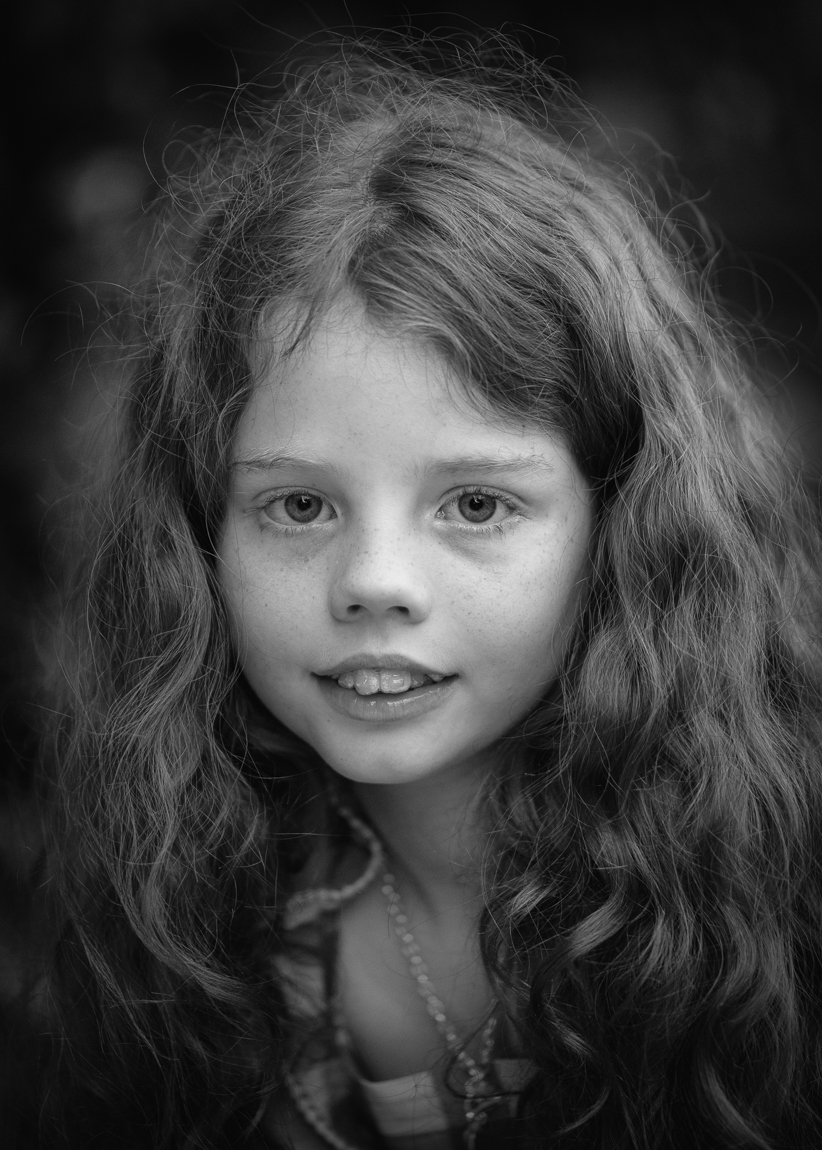
105mm 1.4. Sunlit in the forest on the Vancouver's North Shore.

O
Feb 11, 2018 at 07:39 PM
p.68 #6Official Nikon D850 image & resource hub thread ( images picture )
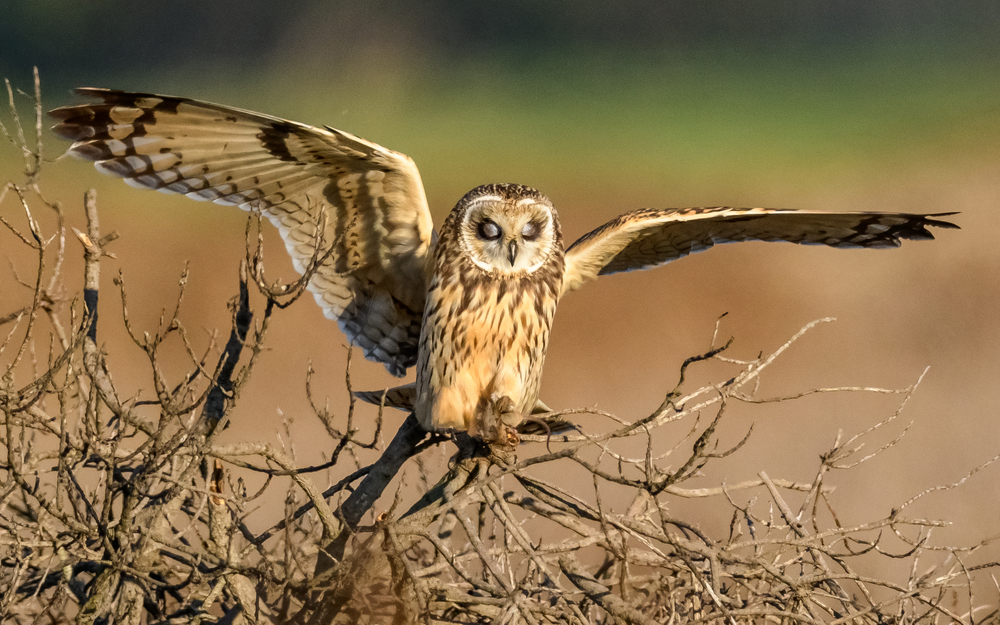
Shot a couple of cars on a frozen lake, the D850 worked like a charm even in -22c. Shot 1200 photos over 5 hours outside and the battery only dipped to about 60%. All shot with the Sigma 135mm.


Feb 12, 2018 at 06:11 AM
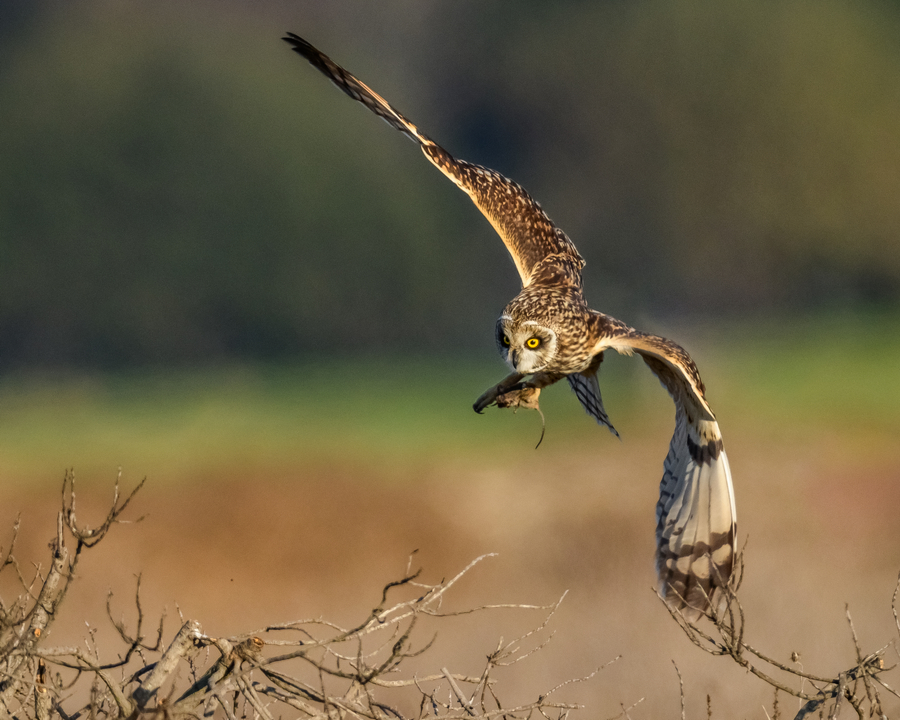
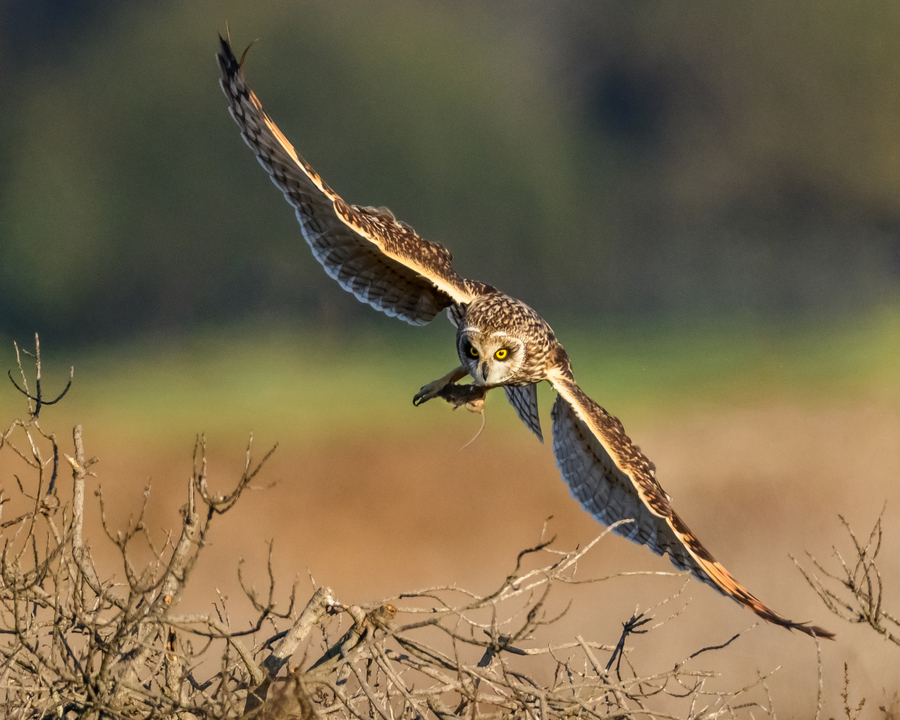
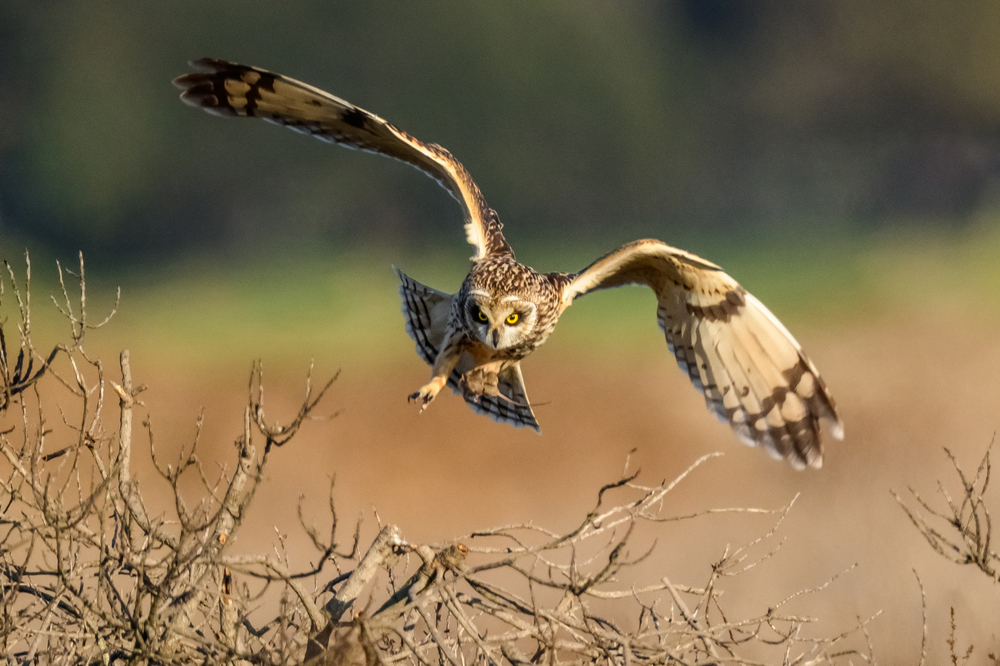
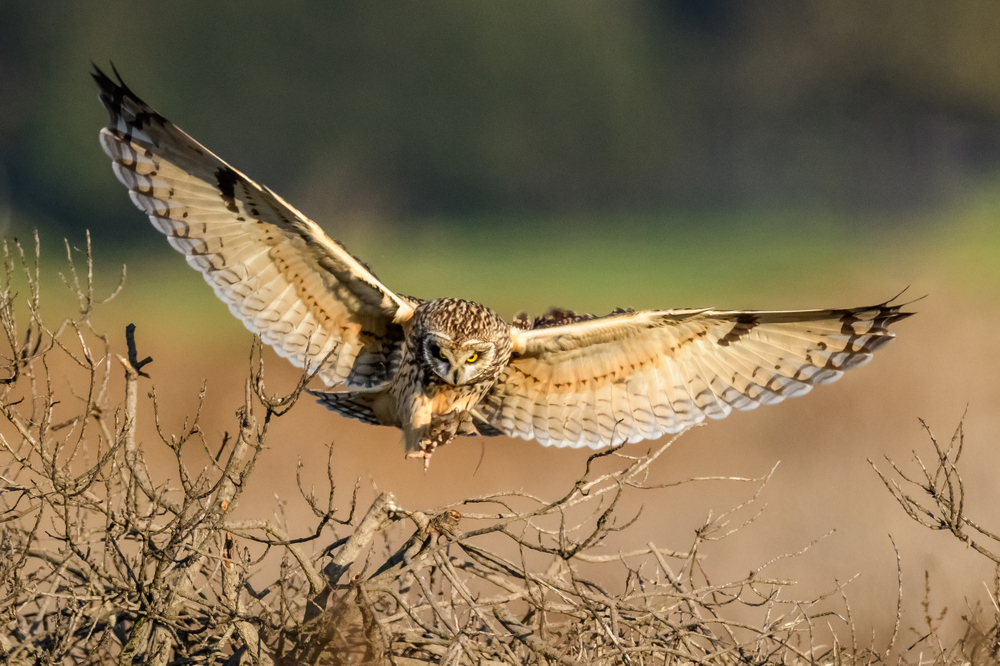
brian_sp
Offline
Activity
[X]
Details
p.68 #8Official Nikon D850 image & resource hub thread ( images picture )
^^^ sweet series Thang. shows the excellent tracking of the 850
Feb 12, 2018 at 01:31 PM
p.68 #9Official Nikon D850 image & resource hub thread ( images picture )
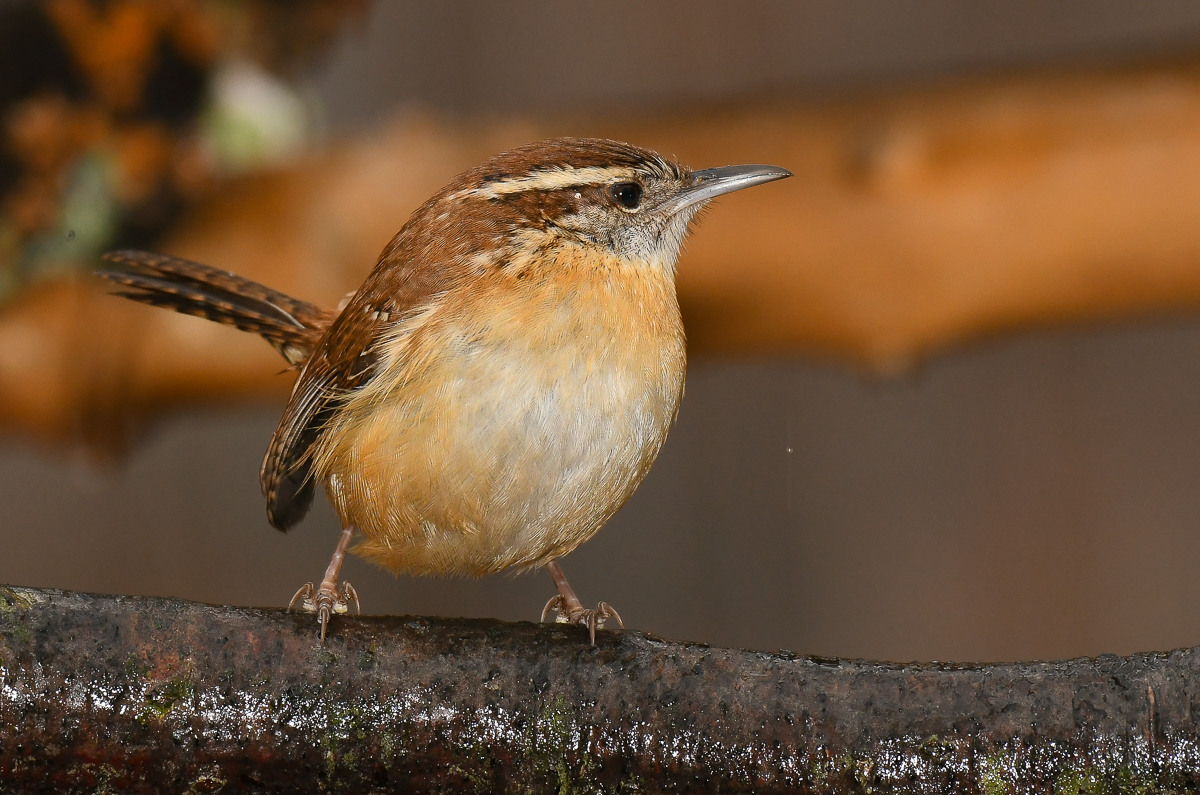
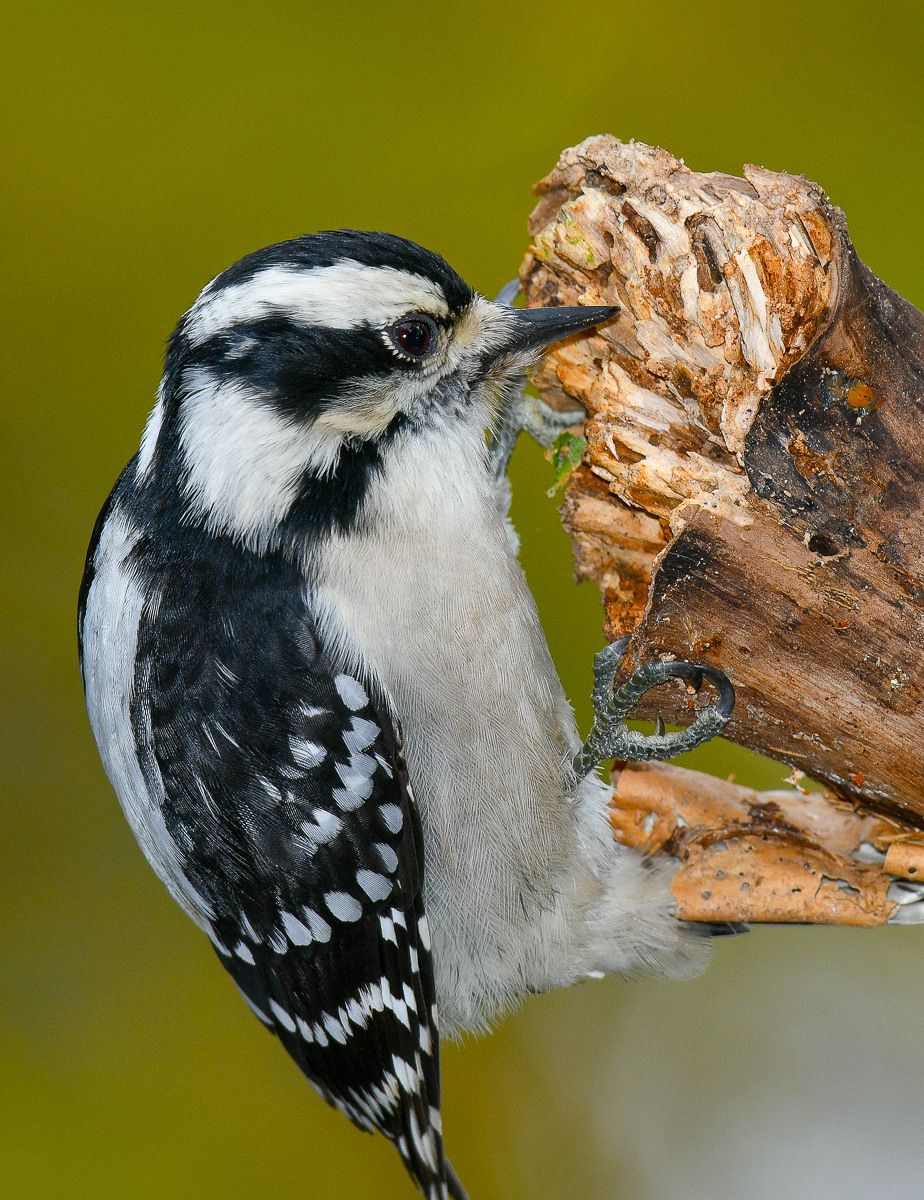
couple of recents
 |
||
 |
||
|
|
||
 |
||
|
Feb 12, 2018 at 04:10 PM
p.68 #10Official Nikon D850 image & resource hub thread ( images picture )
Tom Conte wrote:
Used D850 at B&H for $2835 just now. Condition "9." Let's see how long it lasts...
I just bought a condition "9" for the same price Tom. Hopefully mine will be just as nice as yours.
Used D850 at B&H for $2835 just now. Condition "9." Let's see how long it lasts...
I just bought a condition "9" for the same price Tom. Hopefully mine will be just as nice as yours.
Feb 12, 2018 at 05:46 PM
p.68 #11Official Nikon D850 image & resource hub thread ( images picture )
D850 200-500 overcast and rain
 850_7467_openWith D850 200-500 by leon kirkbride, on Flickr
 850_7165_openWith D850 200-500 by leon kirkbride, on Flickr
 850_7458_openWith D850 200-500 by leon kirkbride, on Flickr
D850 old 24mm Sigma super-wide , really need a nice wide angle
 _8507567_openWith by leon kirkbride, on Flickr
850_7467_openWith D850 200-500 by leon kirkbride, on Flickr850_7165_openWith D850 200-500 by leon kirkbride, on Flickr850_7458_openWith D850 200-500 by leon kirkbride, on FlickrD850 old 24mm Sigma super-wide , really need a nice wide angle
_8507567_openWith by leon kirkbride, on FlickrFeb 13, 2018 at 02:40 PM
brian_sp
Offline
Activity
[X]
Details
p.68 #12Official Nikon D850 image & resource hub thread ( images picture )
i don't know Leon...you were saying your PP skills weren't that great and were questing the software but wow, these along with all the rest you have posted are exceptional. don't change a thing
Feb 13, 2018 at 02:45 PM
p.68 #13Official Nikon D850 image & resource hub thread ( images picture )
brian_sp wrote:
i don't know Leon...you were saying your PP skills weren't that great and were questing the software but wow, these along with all the rest you have posted are exceptional. don't change a thing
Thank you Brian thats much appreciated , tbh apart from sometimes when the colour is slightly off (only in poor weather ) I find the images from this camera require far less doing to them than my D500. Both are fantstic cameras but if I'm honest I'm enjoying using the D850 a lot more now
i don't know Leon...you were saying your PP skills weren't that great and were questing the software but wow, these along with all the rest you have posted are exceptional. don't change a thing
Thank you Brian thats much appreciated , tbh apart from sometimes when the colour is slightly off (only in poor weather ) I find the images from this camera require far less doing to them than my D500. Both are fantstic cameras but if I'm honest I'm enjoying using the D850 a lot more now
Feb 13, 2018 at 03:26 PM
p.68 #14Official Nikon D850 image & resource hub thread ( images picture )
Same here! The D850 color are amazing! It cut down the processing tine for me too! The new auto white balance is so good! There is lot to like about the D850!. Only thing I dont like is how fast a 128 gig card fill up when you do a lot of highfps action shots!
Feb 13, 2018 at 03:58 PM
p.68 #16Official Nikon D850 image & resource hub thread ( images picture )
 _8507667_DxO by leon kirkbride, on Flickr
Feb 16, 2018 at 04:37 AM
p.68 #17Official Nikon D850 image & resource hub thread ( images picture )
multibit wrote:
https://farm5.staticflickr.com/4758/40297222381_7bb001667d_k.jpg_8507667_DxO by leon kirkbride, on Flickr
Nice detail there.
https://farm5.staticflickr.com/4758/40297222381_7bb001667d_k.jpg_8507667_DxO by leon kirkbride, on Flickr
Nice detail there.
Feb 16, 2018 at 07:59 AM
p.68 #18Official Nikon D850 image & resource hub thread ( images picture )
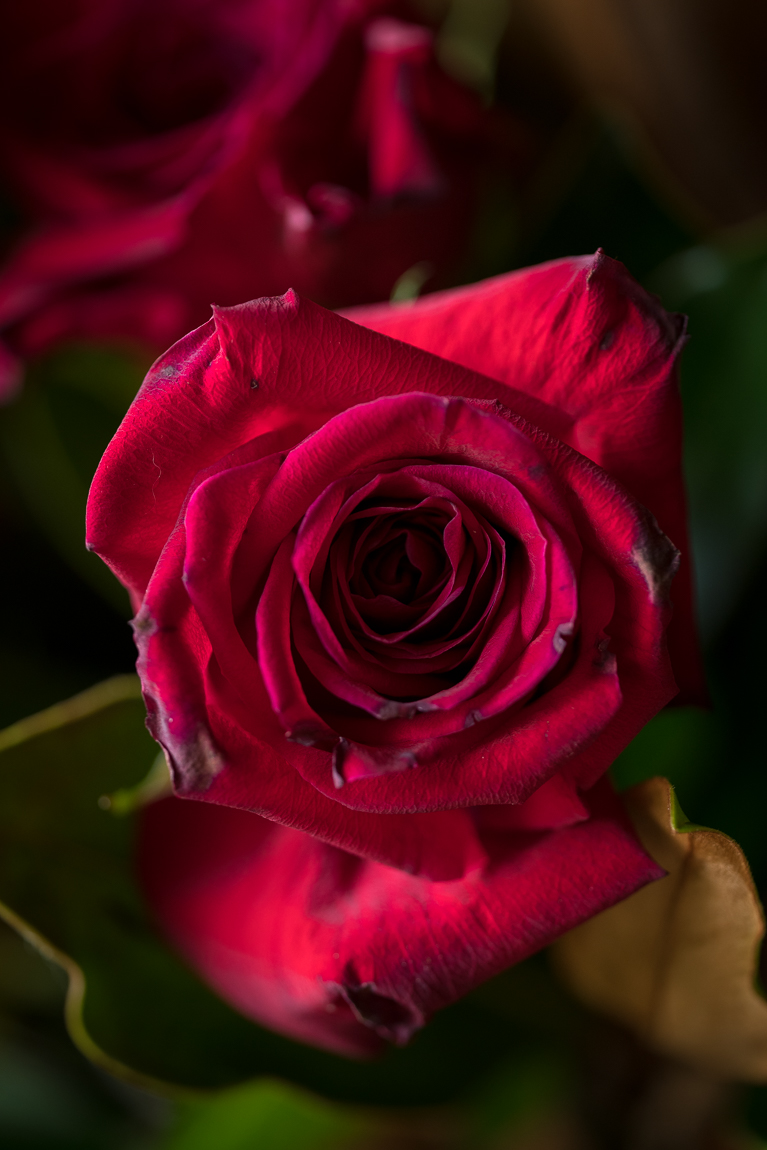
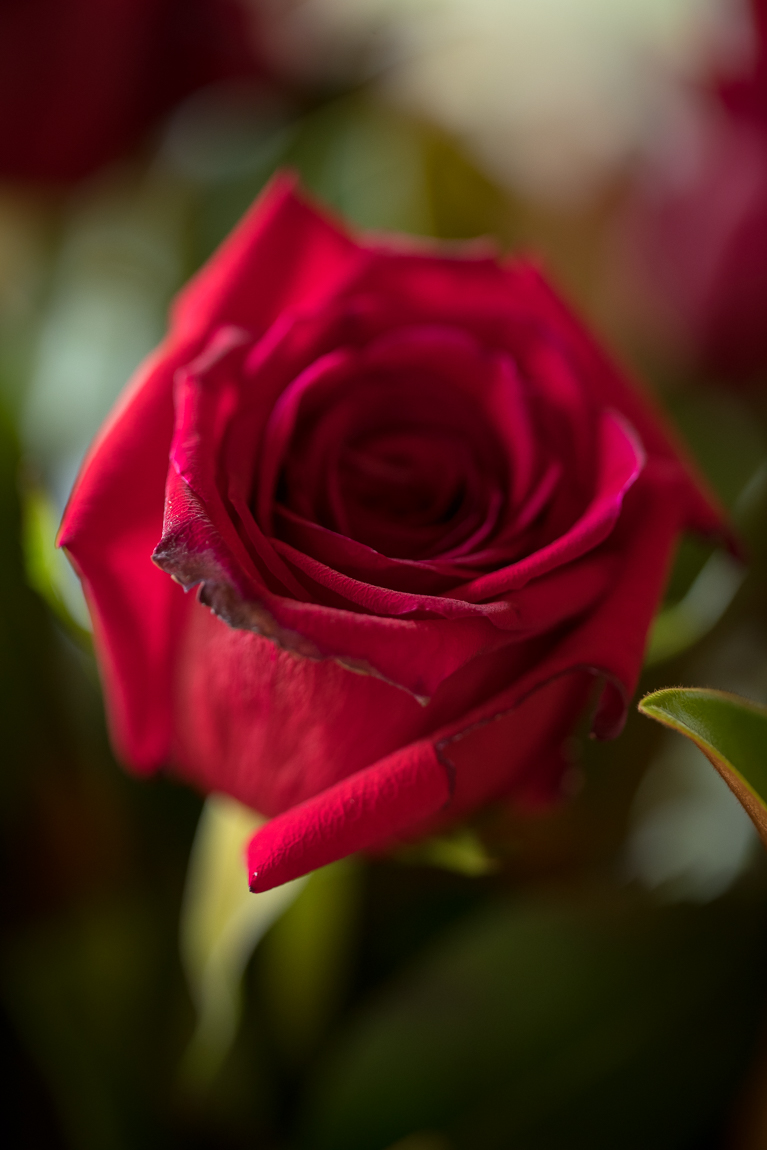
Shots this morning D850 and Sigma 150mm f/2.8 Macro
 |
||
 |
||
|
|
||
 |
||
|
Feb 16, 2018 at 07:47 PM
p.68 #19Official Nikon D850 image & resource hub thread ( images picture )
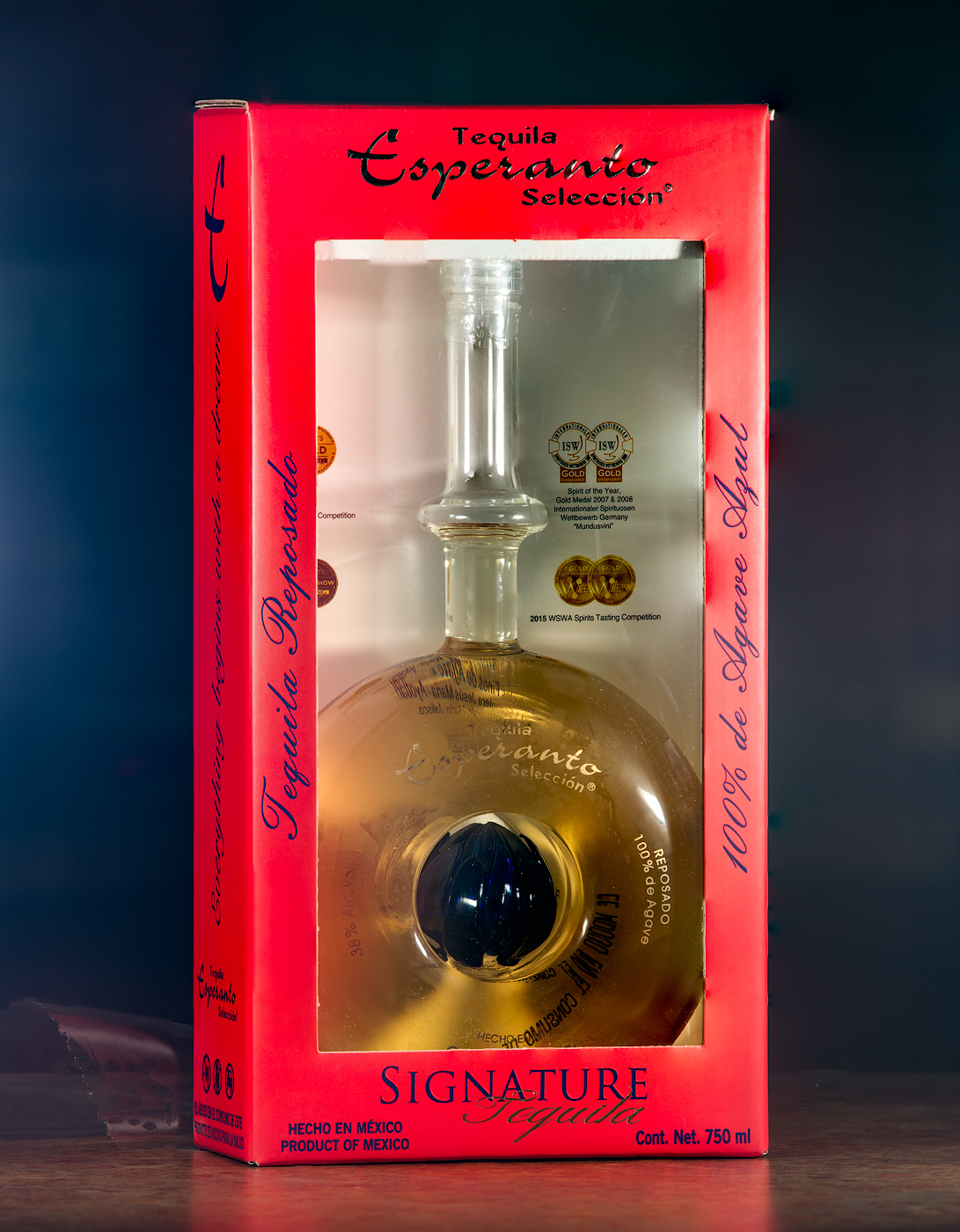
Tried the new to me Focus Shift shooting. 11 frames stacked in PS. No other edits except cropping
Feb 16, 2018 at 08:03 PM
p.68 #20Official Nikon D850 image & resource hub thread ( images picture )
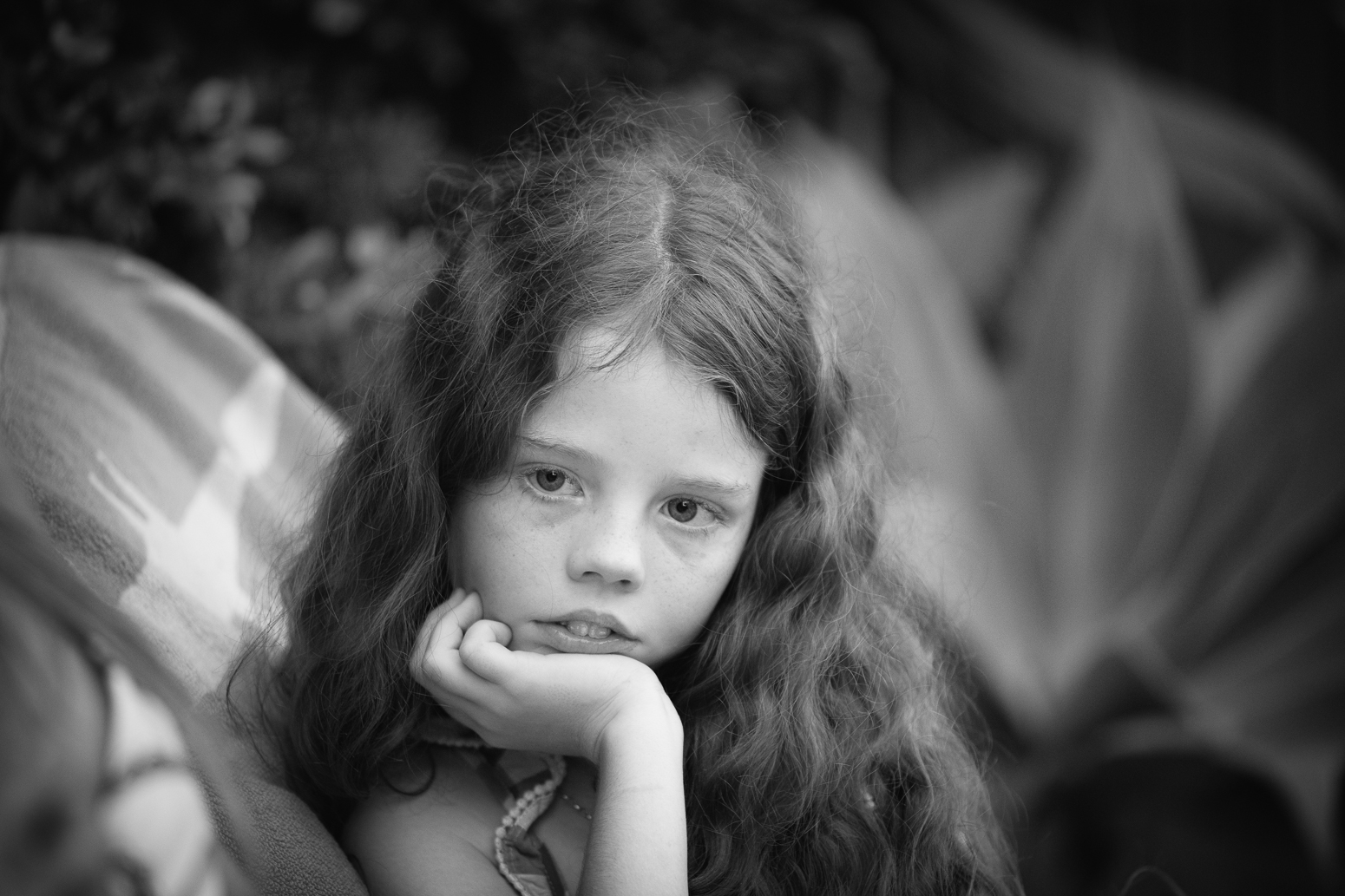
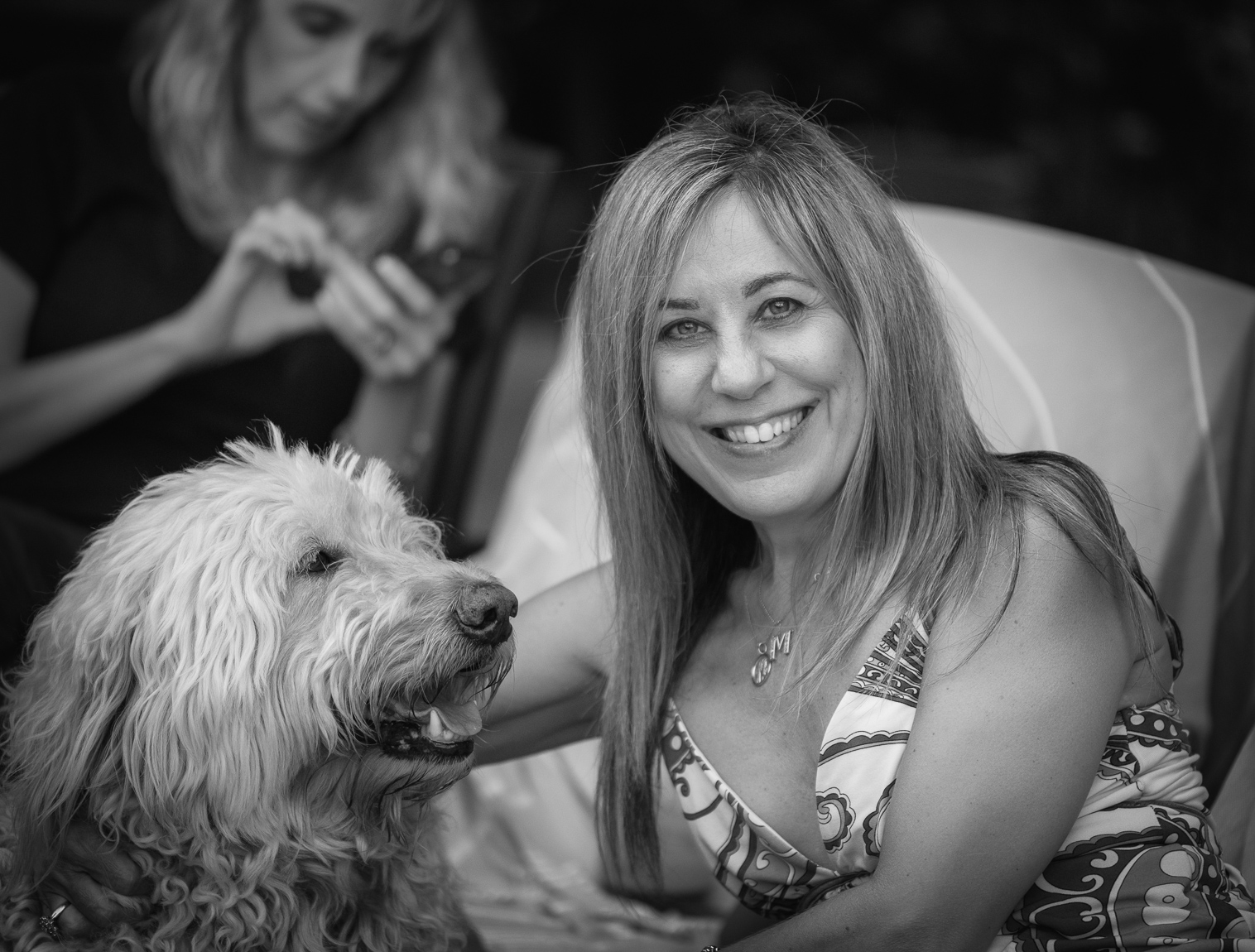
Shots later this afternoon
D850 and Sigma 150 f/2.8 Macro
D850 and Sigma 150 f/2.8 Macro
|
||
 |
||
|
|
||
 |
||
|
|
||
 |
||
|
Feb 17, 2018 at 07:42 AM