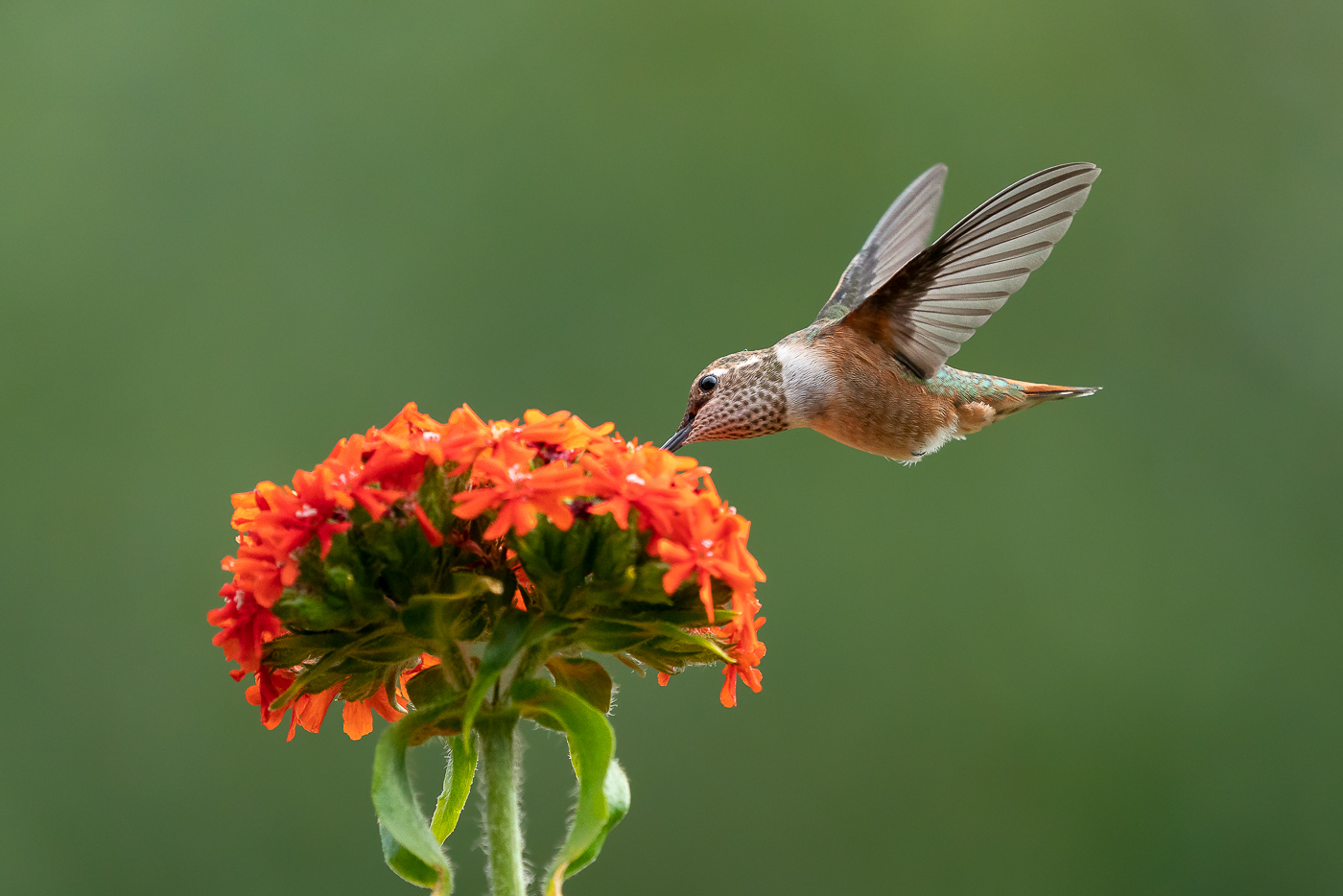
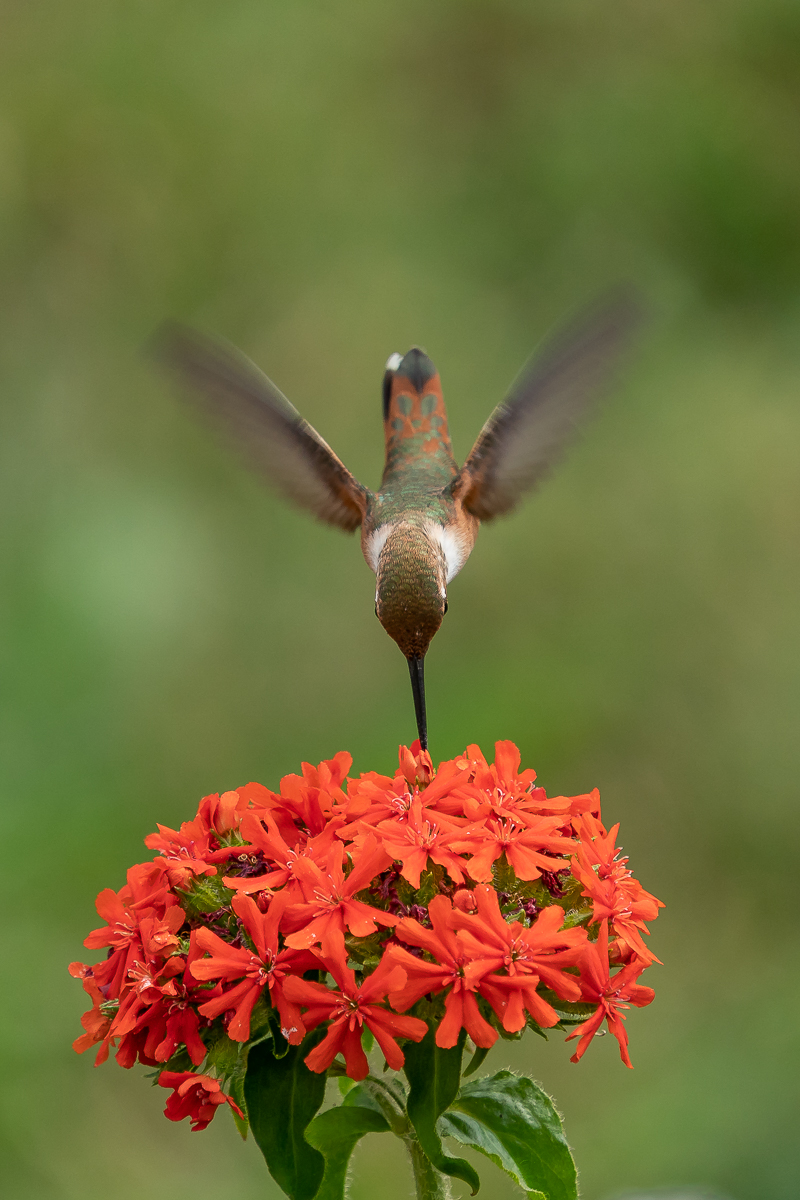
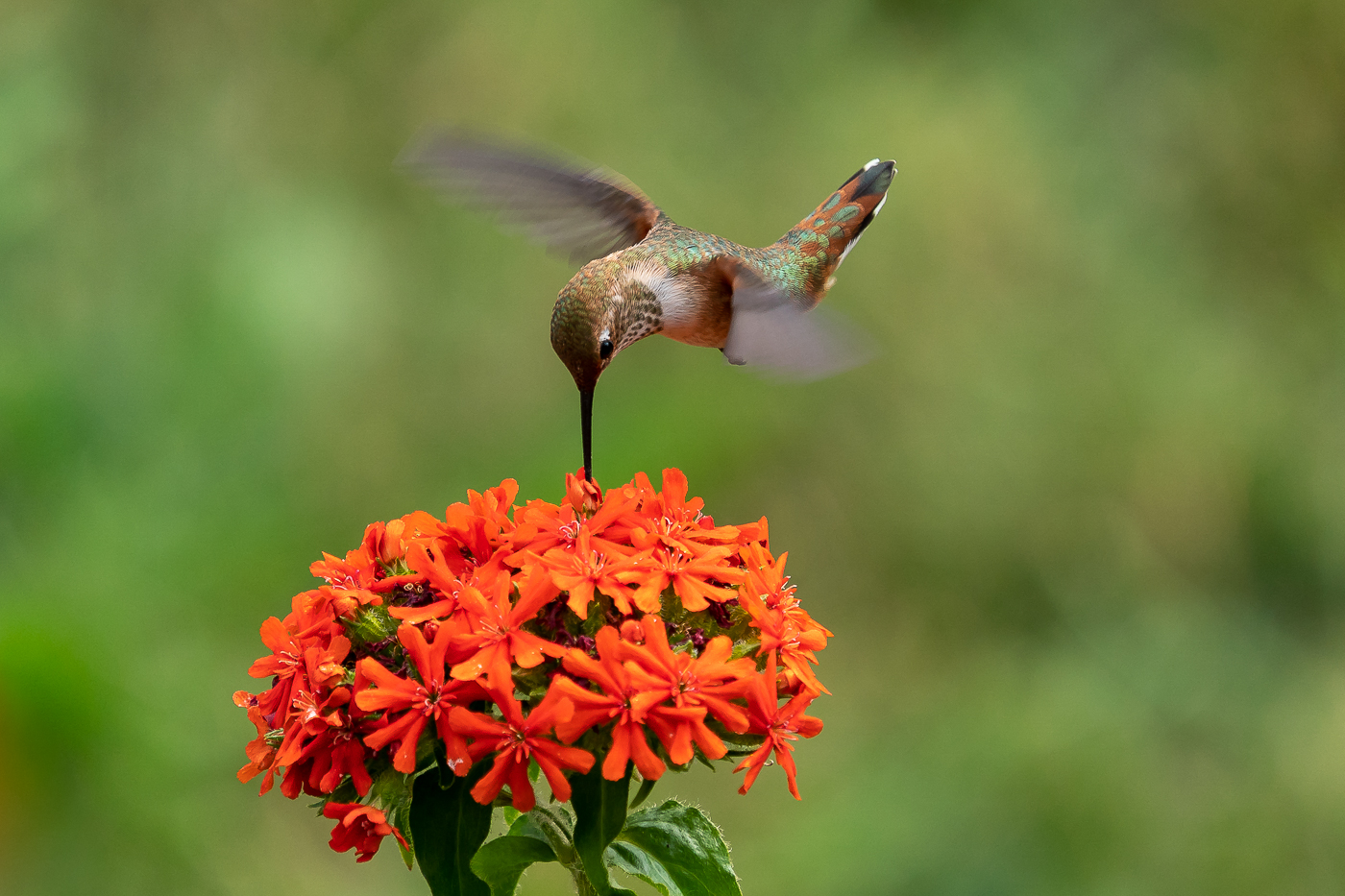
Dennis I promise to you and God I could not see this couple at 16 inches, just the outlines of a little green sliver.
I was hunting drone flies-never got a good one, with Spidy's help I at least got a dead one
Well I survived the border shake down after a New Brunswick agent found a box of bullets. Imagine that he didn't believe me that I did remember to remove the gun from the campervan....freak out, called backup, blue lights, and me sitting there 1.5 hours as they tore the van apart!
Beautiful work Geoff. Obvious you love the art of photography.
I saw a hummer fly by the kitchen window yesterday toward a hosta bank. I should investigate further but after trips to CR I get kinda blah about our Ruby-throated's
Now your Anna's, now that is a hummer to invest time on.
Well I've caved, will be getting A9 on Sunday and also ordered the 100-400 and 1.4x TC. Since I also have D500 and 5D4 my beloved behemoth the 1DX will be up for sale soon as will my 300 f/2.8. Will take the A9 whale watching in the next month and hopefully will get some breaching action.
nobody23 wrote:
Hi
Great images!
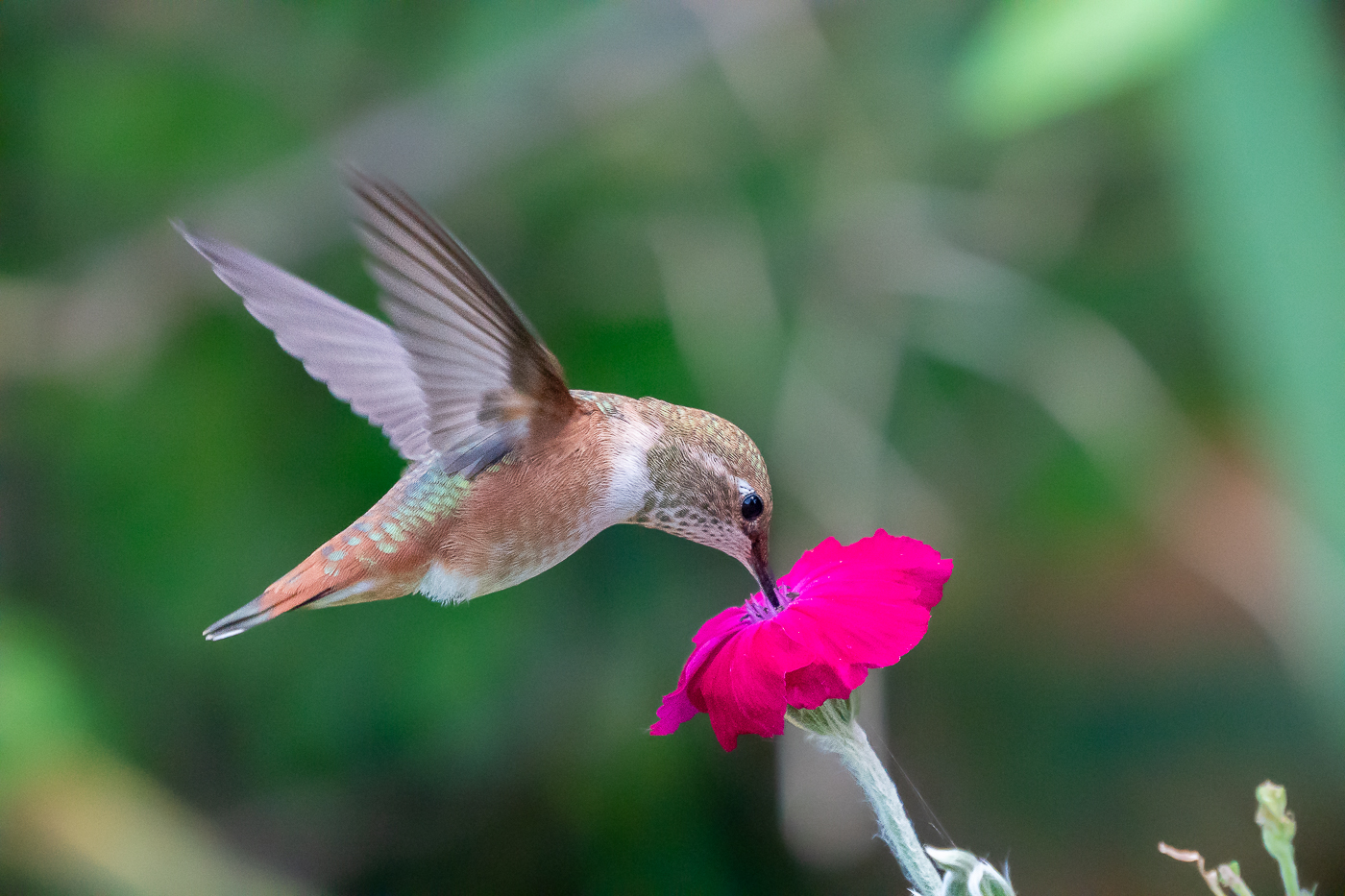
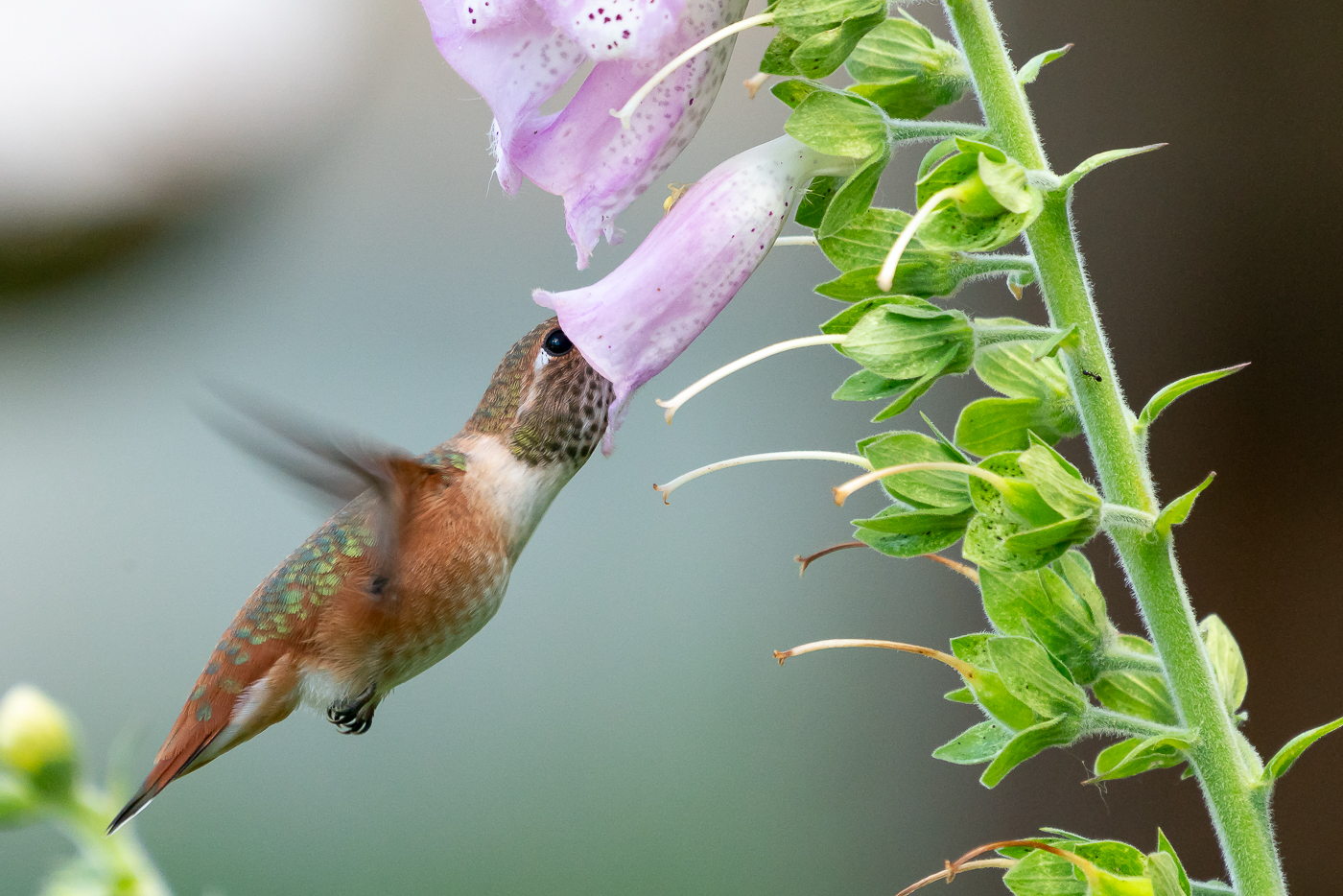
How did you get so clean ones with ISO 25k?
With post-processing. I have a quick and dirty way in LR to do it. I do a rough brush over the subject without Auto-Mask selected that overflows onto the background. Then I use the Erase Mask with Auto-Mask On to refine the edge back to the subject...with a clean background this works very well and all in all takes me about 30sec. Then I drag the Noise slider for the brush all the way to the left. Then I take the Luminance NR setting in the main Develop panel to about 75% and detail to 25%....that really knocks out the background but leaves the bird alone...it looks even cleaner before I export but the LR export sharpening adds some noise back to the background. Also important in the Develop module to properly Mask in your Sharpening to just the subject (Hold Option/Alt while adjusting the slider for the black and white view).
For the 4000 ISO one instead of that process (especially because there is more complicated background and a lot more flower to deal with, I just put the NR at about 50% but the Detail slider up to 100%...this usually preserves most of the subject detail but does fairly good NR on the background....and again proper sharpening Masking.
Congrats Whayne 🎉🎉
I hope it works out for you. I’m sure 20FPS will help for the unpredictable 🐋
Pixel Perfect wrote:
Well I've caved, will be getting A9 on Sunday and also ordered the 100-400 and 1.4x TC. Since I also have D500 and 5D4 my beloved behemoth the 1DX will be up for sale soon as will my 300 f/2.8. Will take the A9 whale watching in the next month and hopefully will get some breaching action.
arbitrage wrote:
With post-processing. I have a quick and dirty way in LR to do it. I do a rough brush over the subject without Auto-Mask selected that overflows onto the background. Then I use the Erase Mask with Auto-Mask On to refine the edge back to the subject...with a clean background this works very well and all in all takes me about 30sec. Then I drag the Noise slider for the brush all the way to the left. Then I take the Luminance NR setting in the main Develop panel to about 75% and detail to 25%....that really knocks out the background but leaves the bird alone...it looks even cleaner before I export but the LR export sharpening adds some noise back to the background. Also important in the Develop module to properly Mask in your Sharpening to just the subject (Hold Option/Alt while adjusting the slider for the black and white view).
For the 4000 ISO one instead of that process (especially because there is more complicated background and a lot more flower to deal with, I just put the NR at about 50% but the Detail slider up to 100%...this usually preserves most of the subject detail but does fairly good NR on the background....and again proper sharpening Masking....Show more →