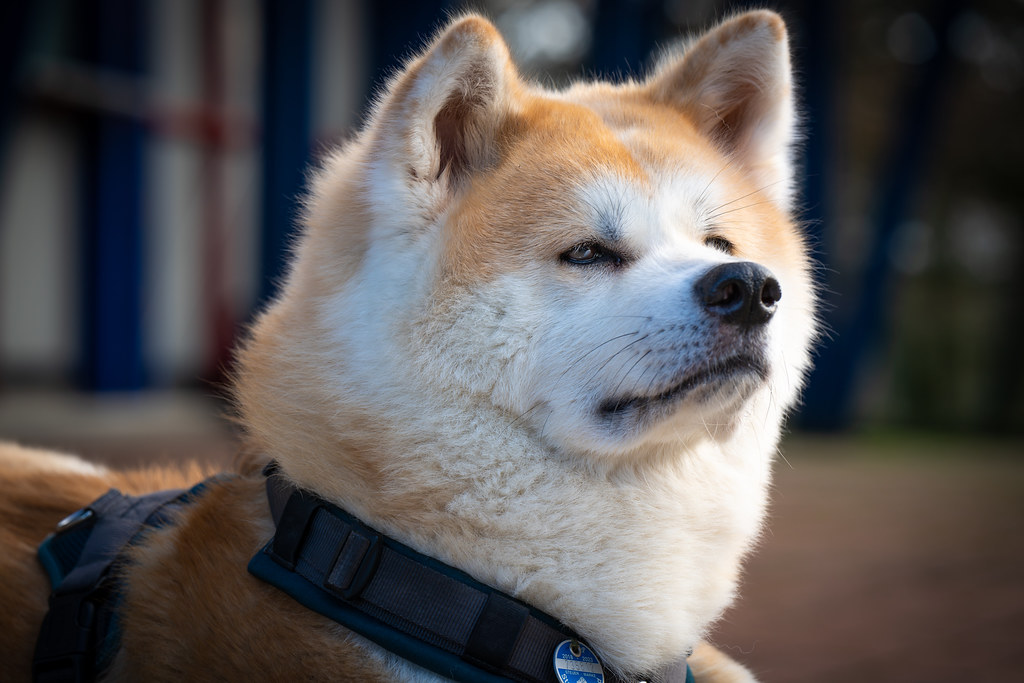
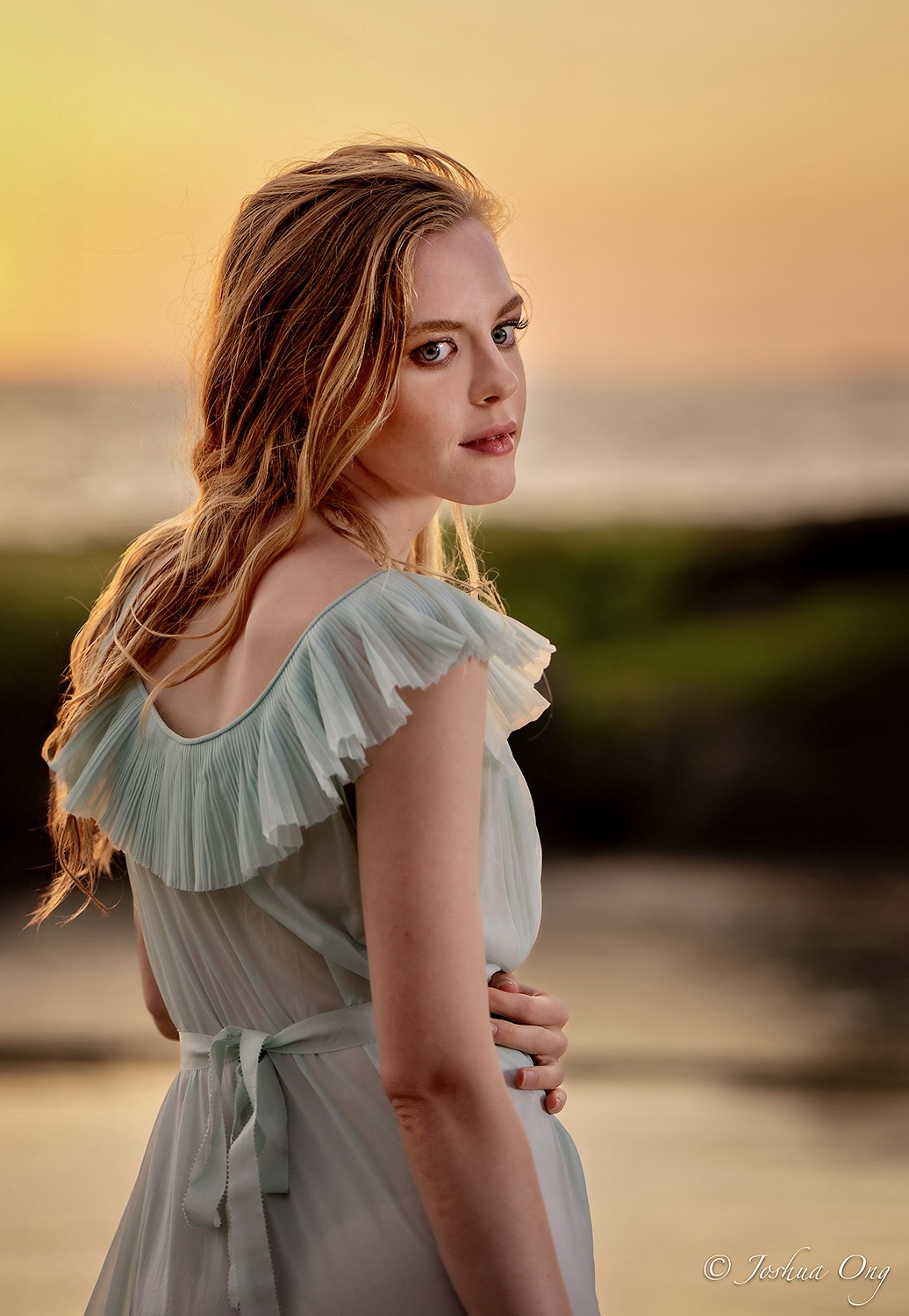
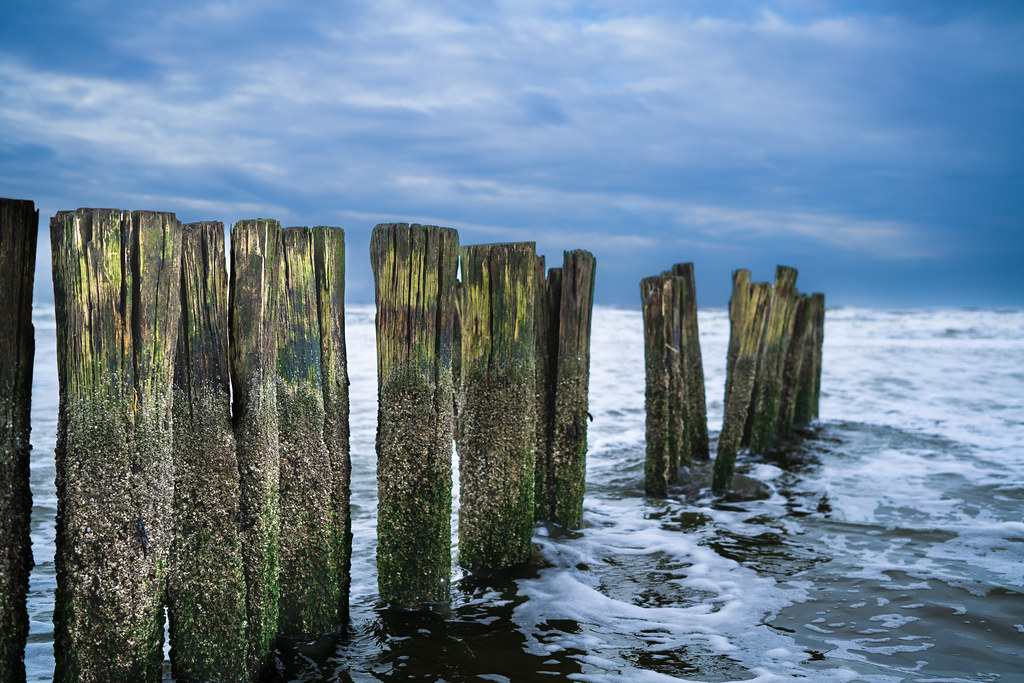
Had a fun trip to Taiwan this December and visited the Gaomei wetlands in Taichung city as well as Taroko Gorge in Hualien. Sharing some shots with the Batis 40/2 & 135/2.8:
This is getting ridiculous. Even when taking the whole 27" screen it is often not possible to see the whole picture. Can people please have the courtesy and politeness to see to it that their pictures are a correct size to be viewed by others?
zoomo wrote:
Even when taking the whole 27" screen it is often not possible to see the whole picture.
You have a few options to view images that are too large and overflow
1 - click on the image and FM will load it in the browser, scaled to fit
2 - right-click on the image and select "Open image in a new tab"
saaketham wrote:
You have a few options to view images that are too large and overflow
1 - click on the image and FM will load it in the browser, scaled to fit
2 - right-click on the image and select "Open image in a new tab"
saaketham wrote:
You have a few options to view images that are too large and overflow
1 - click on the image and FM will load it in the browser, scaled to fit
2 - right-click on the image and select "Open image in a new tab"
Thanks, that is very useful info! It does not however change my opinion that posters should see to it that their pictures are an acceptable size instead of depending on people having to do extra manipulations.
zoomo wrote:
Thanks, that is very useful info! It does not however change my opinion that posters should see to it that their pictures are an acceptable size instead of depending on people having to do extra manipulations.
The problem is that "acceptable" size varies by user ...
In fact, one of the ways to view all images on a page is to click on the first one that is clickable and
then use the left and right arrow keys to view them one by one, fit to scale.
The problem with this method is that directly linked images (non-clickable) won't show up.
Always a catch.
AGeoJO wrote:
Yes, it depends on the varying resolution/size of the viewing monitor of each user.
Yes true, and that is easilly solvable, you take the worst case monitor and see to it that your picture does not not exceed the viewing area of that monitor. Anyone with a higher resolution screen will be seeing the pictures somewhat smaller, but everyone will be able to see a whole picture without having to scroll left and right and up and down and without extra manipulations.
zoomo wrote:
Yes true, and that is easilly solvable, you take the worst case monitor and see to it that your picture does not not exceed the viewing area of that monitor. Anyone with a higher resolution screen will be seeing the pictures somewhat smaller, but everyone will be able to see a whole picture without having to scroll left and right and up and down and without extra manipulations.
How do we know what is the worst case monitor though? If resized too small and viewed on a high resolution screen that image would look tiny and would loose a lot of the viewing impact. Your best bet is to resize the image you want to post on FM to 1,500 pixel on the long end. Most image posters here stick to that size and the images look just fine on a wide range of monitor/viewing device resolution.
I think the image has an extreme Zeiss Pop effect. Especially when I look at it on the 65 inch Oled TV, it seems very extreme. I have this effect more often with the Batis 40/2.
(It's a shame that images from Flickr cannot be properly integrated here. It looks blurry to me. If you would like to see the images in normal resolution, you must click on the flickr link below the image) Otherwise, I still think that the Batis 40/2 is an excellent and extraordinary lens for me. Together with the Batis 135 Apo, wich in my opinion is a fantastic landscape and portrait lens, it makes a great and esecially light combo. Plus, it is weatherproof and protected from dust and fine sand on the beach.
Netherlands, Silver Coast near Bergen aan Zee in December





 ...
...