I just received my E-M1II this afternoon, and going through the set up I was dismayed to find that in the button assignment options, the selection to do focus point positioning (without using the 4 way controller) is no longer available.
You can set the focusing mode and select eye focus but not use the front and rear dials to move the focus point. In my E-M1, E-M5 II, and Pen F I have always used the front button to bring up the focusing grid (sits right under my middle finger when shooting) and than quickly use the front and rear dials to move the focus point to the desired location......no need to fumble with the 4 way.
Someone please help me out if I'm missing something, or is this really not available
gary0319 wrote:
I just received my E-M1II this afternoon, and going through the set up I was dismayed to find that in the button assignment options, the selection to do focus point positioning (without using the 4 way controller) is no longer available.
You can set the focusing mode and select eye focus but not use the front and rear dials to move the focus point. In my E-M1, E-M5 II, and Pen F I have always used the front button to bring up the focusing grid (sits right under my middle finger when shooting) and than quickly use the front and rear dials to move the focus point to the desired location......no need to fumble with the 4 way.
Someone please help me out if I'm missing something, or is this really not available...Show more →
Gear Menu-->A2--> [AF Point Icon] Custom Settings --> Set 1/2 --> Change the dials to move the AF points.
whumber wrote:
Gear Menu-->A2--> [AF Point Icon] Custom Settings --> Set 1/2 --> Change the dials to move the AF points.
Thanks for the solution. I never even looked at that setting since it was in a different place on my other Olympus bodies. Heading out tomorrow for the maiden shoot with the E-M1 II.....this will make it a lot more enjoyable.
Jack Kelley wrote:
Wow. You're not kidding. The EPA just cited me for operating a lighthouse without a permit.
It's like sleeping with the lights on.
My understanding of the high resolution mode is that the only software that supports the raw file is Olympus's? The only way I see to use the file is to convert in Olympus Viewer to a Tiff and then import into the software program of your choice. Hopefully it gets added to Lightroom before too long.
I'm still using my older UHS-I cards for now, still waiting for the UHS-II ones to go down in price a little. My 32GB Sandisk ones are working fine. I'm hoping that I can catch a sale on a 32 or 64GB UHS-II one that bobby linked to before, but at $59 for a 32 and about $90 or so for the 64GB I'm waiting. Seems silly after spending $2,000 for a camera but I haven't been held back yet since I don't shoot in burst that often.
High Res is slowly becoming supported but for now it seems like Olympus Viewer is the only one. I'm interested in trying out Capture One. I bought ON1 RAW and while I haven't used it that much, it's a good alternative to LR. I ended up canceling my LR CC subscription. I don't mind the subscription model if I was using it a lot but I haven't had time to PP as much this year and it frustrated me that I realized in January that my subscription had renewed and I was on the hook for another year or pay a 50% termination fee of what remained.
What I don't like about the Mark II so far. Taking into account that I have always used Canon.
1. Right strap lug is located in an assinine position, regardless of where the memory card door is.
2. Memory card door is mickey=mouse.
3. Paperback manual is really lame, and downloadable PDF one is not much better. My paperback copy has references to pages 40-71, yet the English instructions only go to page 35. Really helpful.
4. Too many menus and buttons and knobs to change simple options.
5. Side notes: Olympus makes a 1.4x TC, but it only works with certain lenses
Oly does not have a 400mm prime or zoom.
Jack Kelley wrote:
Page 68: "If you press the button while in M mode, you can change the shutter speed and aperture value with the dial or (trackpad)."
Looks like you do need to assign a button. But why not just use the exposure readout, and change shutter speed or aperture (without assigning a button), which you can do in one-third stops? Exp Comp only changes in half stops, no?
Since you are in auto ISO mode changing either the shutter speed or aperture will also change the ISO to compensate. The whole point of using auto ISO with exposure compensation is to be able to select the applicable combination of shutter speed and aperture, and still be able to compensate for the light meter reading the camera derives.
6mm f4 PRO would make my heart beat faster for sure!
Henning wrote:
An 8x f/2.8 zoom would be huge. Since this lens would tend to be a 'walk about' lens, size plays a significant role. It'll still be larger and heavier than the 12-40 most probably.F/4 seems a reasonable compromise.
What I would be more interested in would be some high quality wide angle primes, like a 10mm f/2.8 or f/2, and a 6mm f/4. That would start me tugging at my credit card.
As far as I know, there is no TC that works with all lenses.
40-150/2.8 PRO = 80-300mm at f2.8
40-150/2.8 PRO + MC14 = 56-210 or 112-420mm at f4
300/4 PRO = 600mm at f4
300/4 PRO + MC14 = 420 or 840mm at f5.6
So you basically have 80-420mm + 600mm + 840mm. Isn't this good enough for shooting birds and other wildlife
You have to realize that the OM-D system is less than 5 years old. Within that time frame, Olympus have released pro-grade lenses from 14mm through 840mm, which I think is quite a feat.
Imagemaster wrote:
5. Side notes: Olympus makes a 1.4x TC, but it only works with certain lenses
Oly does not have a 400mm prime or zoom.


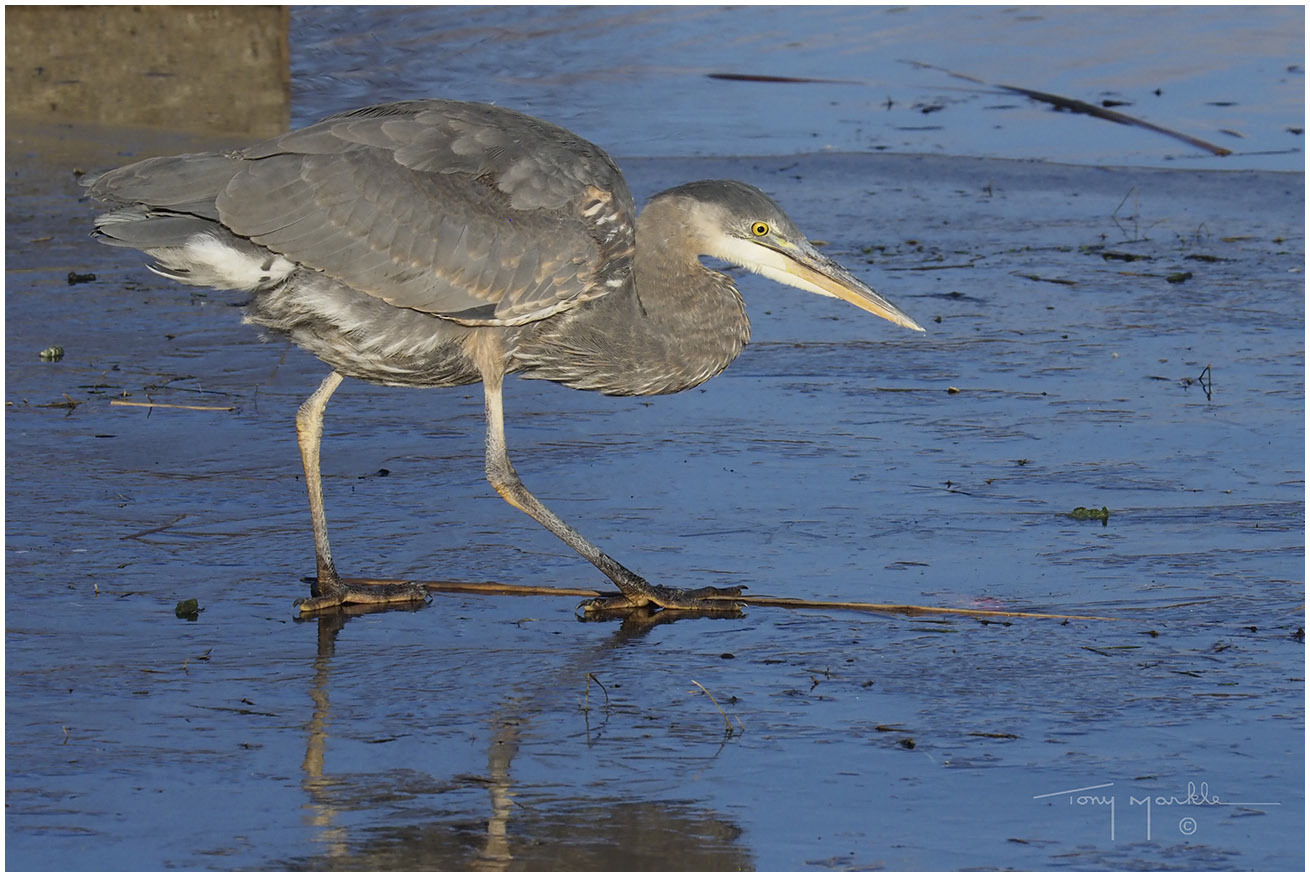
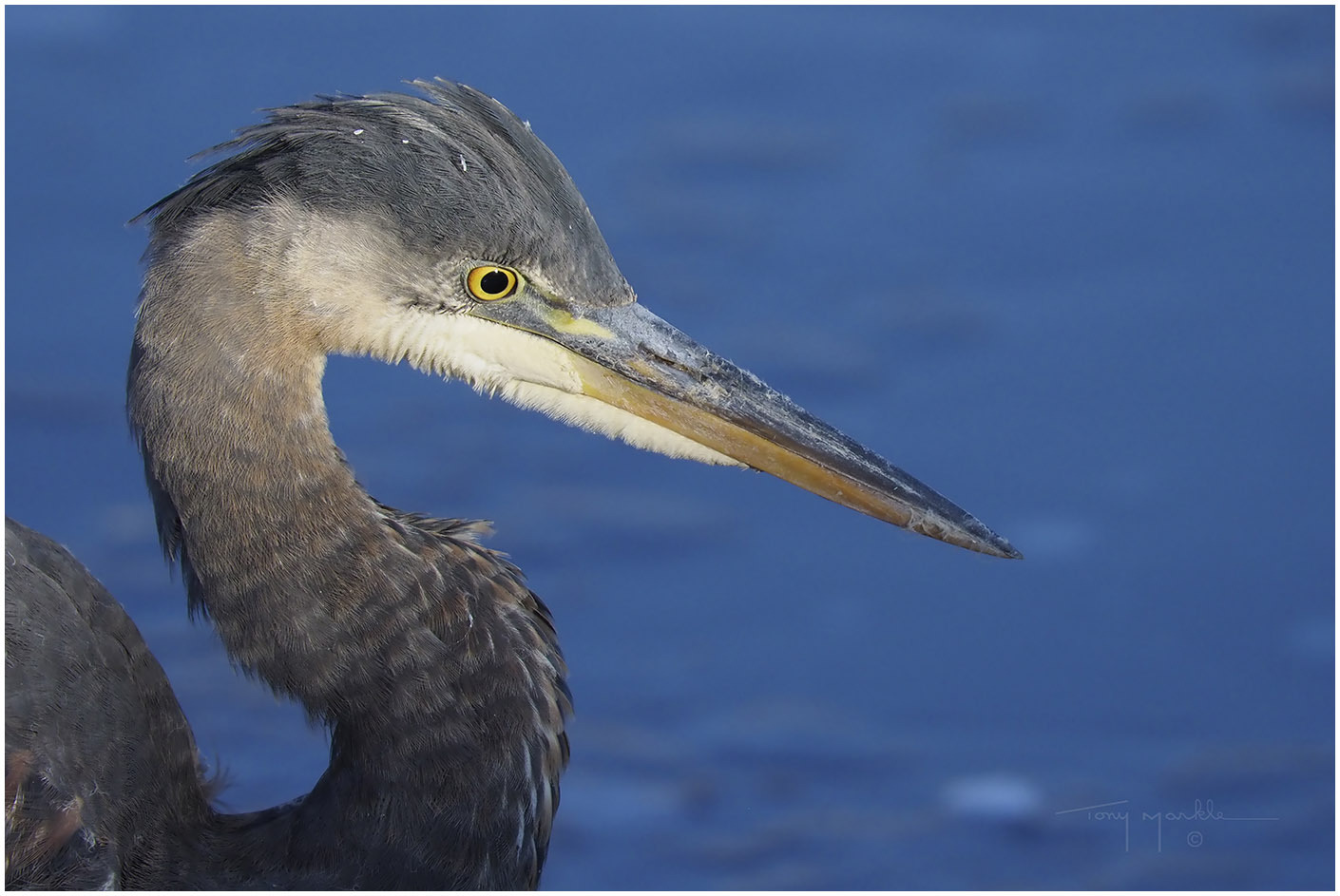
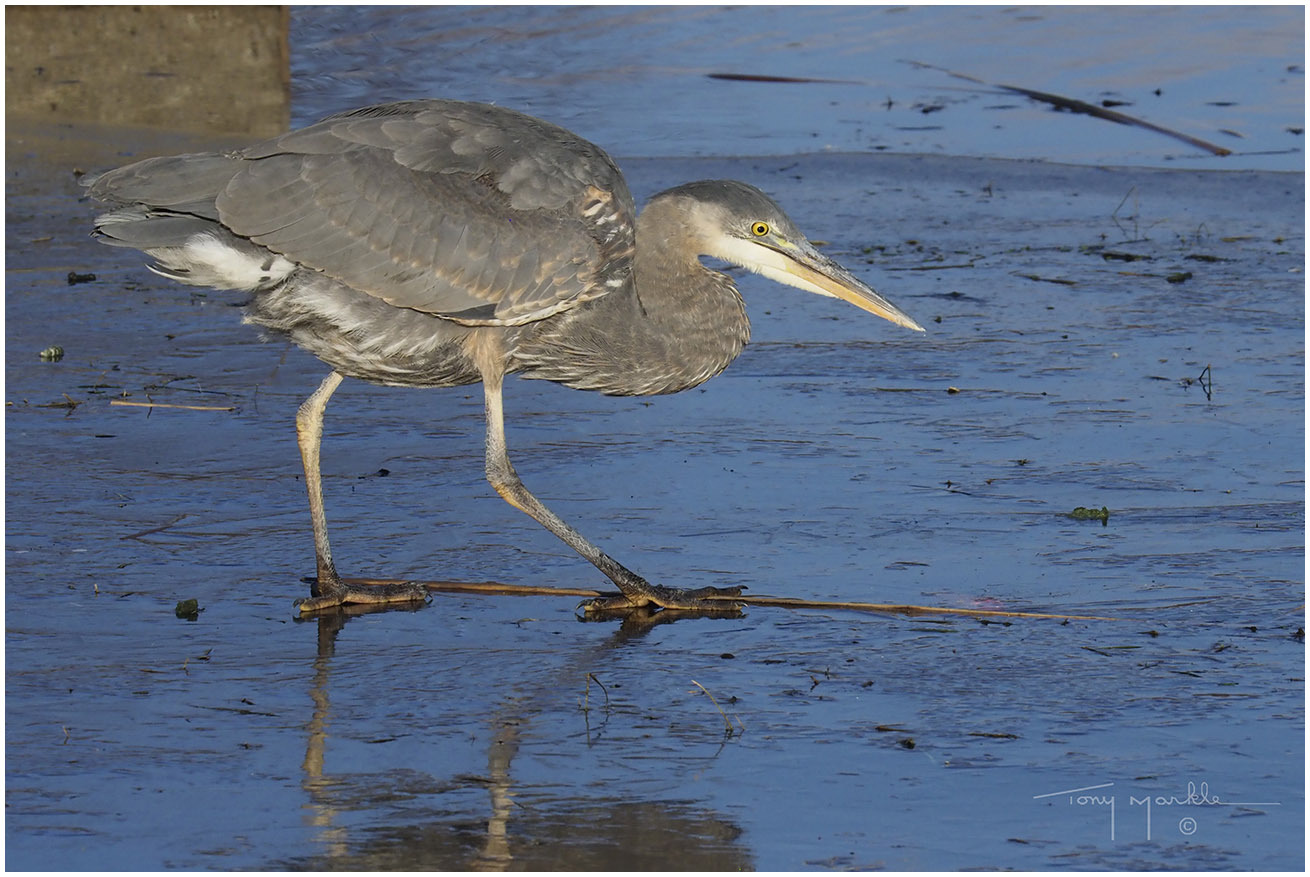
 another adapter. Results are 10 star.


