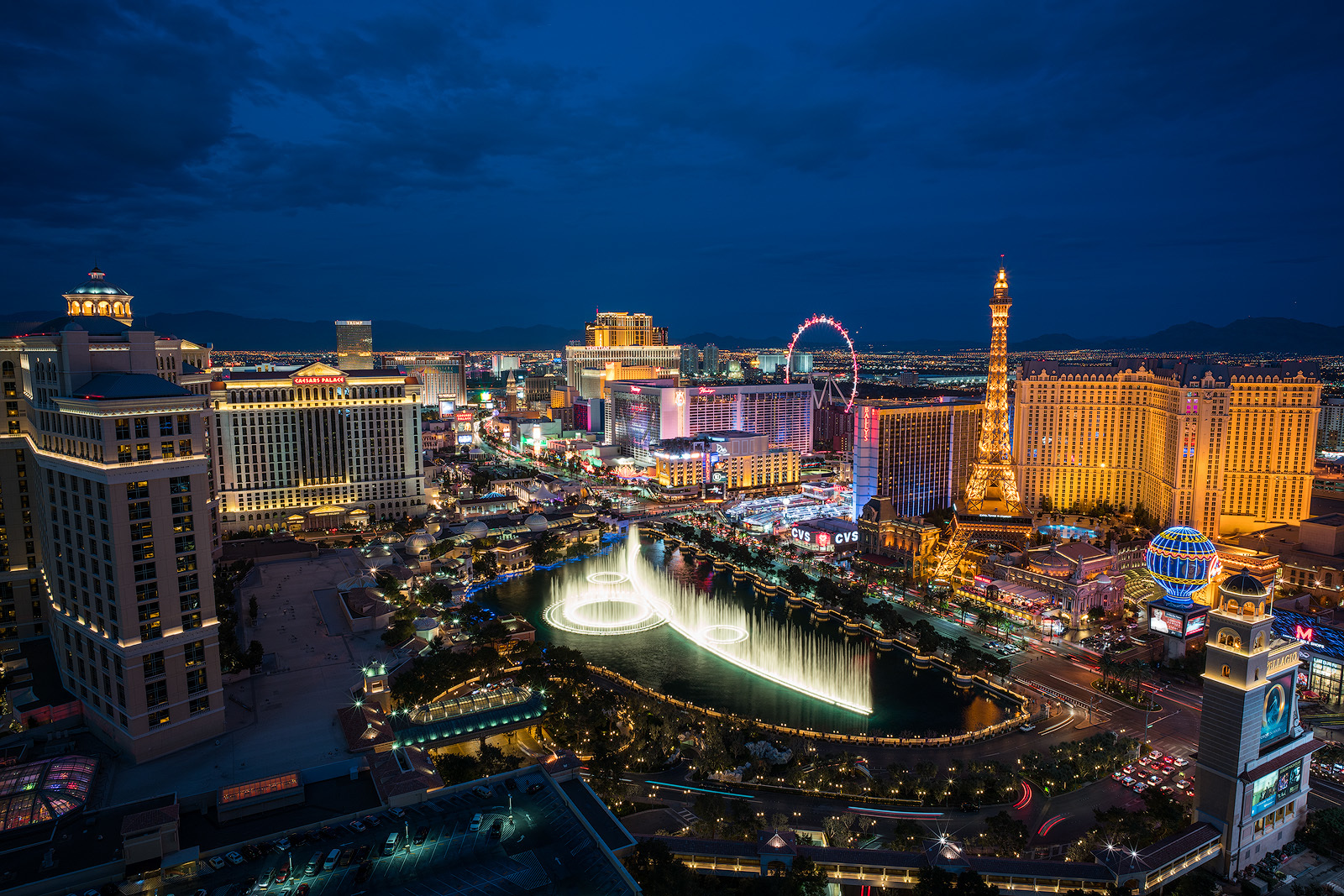
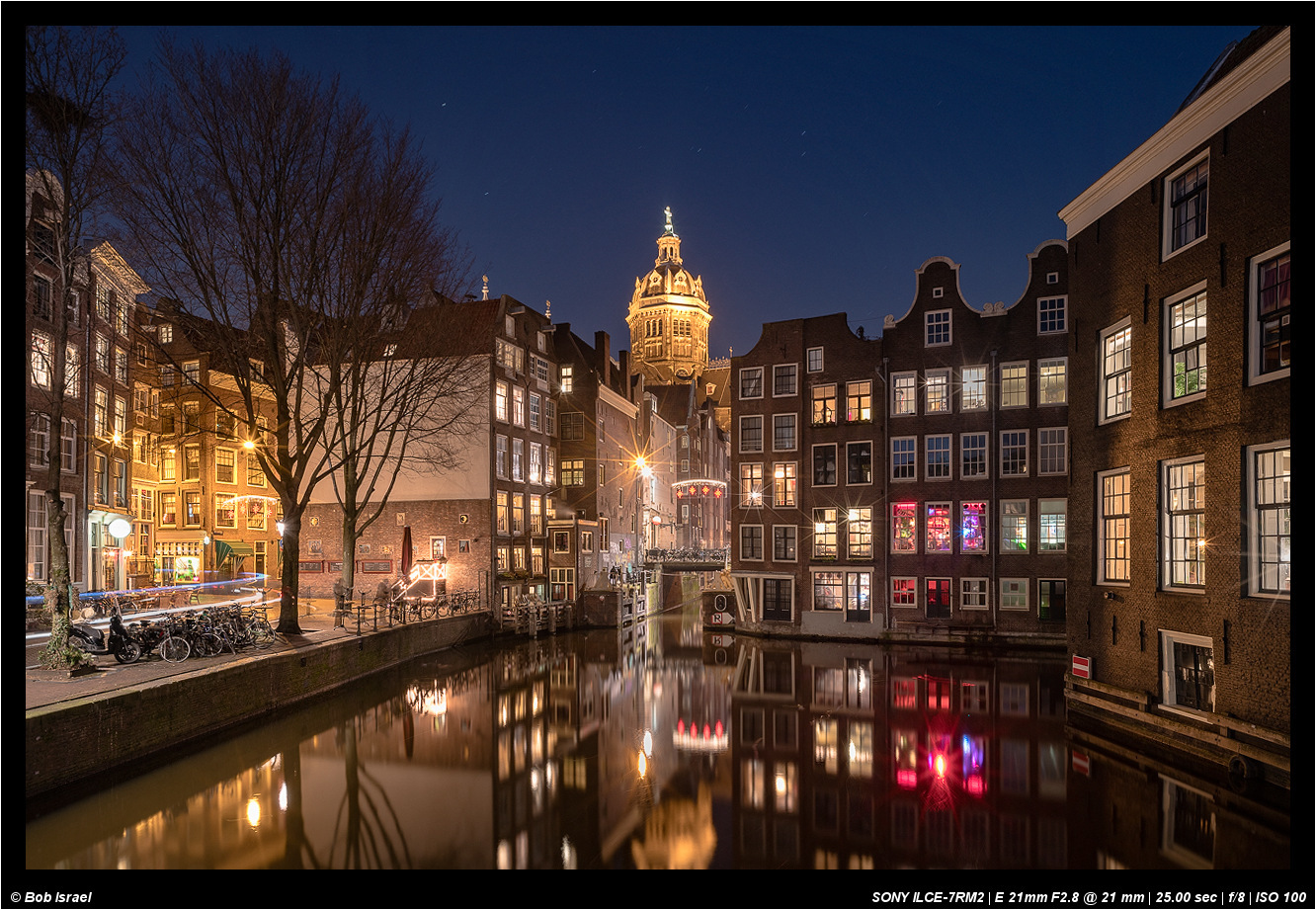
My first ever non-test shot with my L21. Have spent the past couple of days in Vegas, and my balcony has afforded excellent views to shoot Last night I used my C/Y 35-70 for a similar shot and tonight I decided to go a bit wider and give the L21 a spin. Only a super quick edit on my laptop mind you, but very pleased with this copy of the lens (after returning my first one.)
Can you also post some 35-70 shots ? What is your impression compared to Loxia?
Aztatlan wrote:
My first ever non-test shot with my L21. Have spent the past couple of days in Vegas, and my balcony has afforded excellent views to shoot Last night I used my C/Y 35-70 for a similar shot and tonight I decided to go a bit wider and give the L21 a spin. Only a super quick edit on my laptop mind you, but very pleased with this copy of the lens (after returning my first one.)
If you check my post history I did put up a 35-70 shot in a different thread from the same spot. I also drove to Death Valley for sunrise yesterday and used the 35-70 a lot there, however I have not processed those images. Very pleased with the optics, however. I personally wouldn't really try and compare the L21 and the 35-70 though; they are totally different lenses & focal lengths.
prashant wrote:
Can you also post some 35-70 shots ? What is your impression compared to Loxia?
If you check my post history I did put up a 35-70 shot in a different thread from the same spot. I also drove to Death Valley for sunrise yesterday and used the 35-70 a lot there, however I have not processed those images. Very pleased with the optics, however. I personally wouldn't really try and compare the L21 and the 35-70 though; they are totally different lenses & focal lengths.
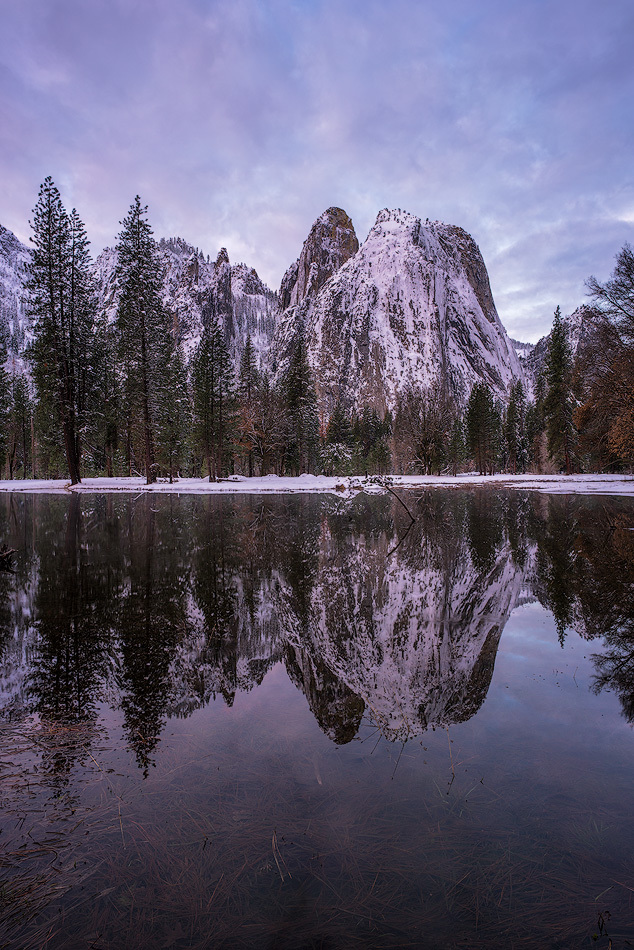
Snapped this frame this morning at Yosemite. I started off for the morning at this spot to shoot the Cathedral Rocks before moving around to the Southside drive to shoot Three Brothers and El Cap. A great morning of light.
This has only had a basic edit on my laptop; I will likely work on the file further on my desktop at home.
DavidBM wrote:
Wow the kind of thing that is so hard to focus stack; getting the wire and what's behind the wire sharp with no artefacts.
Thanks! HeliconFocus has three rendering methods but the one optimised for "multiple crossing lines and complex shapes" actually produced the most artefacts. I've downloaded a trial version of Zerene Stacker to see how well it performs in comparison.
genji wrote:
Thanks! HeliconFocus has three rendering methods but the one optimised for "multiple crossing lines and complex shapes" actually produced the most artefacts. I've downloaded a trial version of Zerene Stacker to see how well it performs in comparison.
I tried Helicon years ago but didn't get on with it, but can't recall why.....I use Zerene now, which is quite good and has a great retouching tool. But I also find the stacking tool in Photoshop works well, sometimes better. And actually for a lot of purposes I find myself creating an aligned stack in PS and blending entirely manually.....
DavidBM wrote:
I tried Helicon years ago but didn't get on with it, but can't recall why.....I use Zerene now, which is quite good and has a great retouching tool. But I also find the stacking tool in Photoshop works well, sometimes better. And actually for a lot of purposes I find myself creating an aligned stack in PS and blending entirely manually.....
That's interesting, I'll give Photoshop a try too. But, given that I didn't even know it offers focus stacking, I think that "creating an aligned stack in PS and blending entirely manually" is well above my pay grade.
genji wrote:
That's interesting, I'll give Photoshop a try too. But, given that I didn't even know it offers focus stacking, I think that "creating an aligned stack in PS and blending entirely manually" is well above my pay grade.
The focus stacking is pretty straightforward (although a bit hidden in the interface!)
First import all the images as layers (one way is lightroom allows you to export multiple images as one set of layers in a single PS document, another way way is via file > scrips > load files into stack)
The just select auto blend! (being sure to choose stack rather than panorama in the options that come up)
To manually do it, select instead align, and wait for PS to align the stack. Then create and manually edit layer masks to blend. But if you aren't a regular user of layer masks it's probably not worth acquiring skills to do this alone. Although, it is helpful as a way of editing the focus stack by selectively blending in some of the layers after an overall stack has been created.
PS works at least as often as Helicon or Zerene; so if you have PS there may be no need to pay extra. If you are comfortable with layer masks PS is great, maybe best, for touching up the stack too. But if you aren' really, then Zerene has a really great interface for touching up the stack by effectively painting back in component images to the bits of the stack you aren't happy with.
Enjoy! I do a lot of this for macro, and it's great. But it does mean more time at the computer and less actually photographing...
DavidBM wrote:
The focus stacking is pretty straightforward (although a bit hidden in the interface!)
First import all the images as layers (one way is lightroom allows you to export multiple images as one set of layers in a single PS document, another way way is via file > scrips > load files into stack)
The just select auto blend! (being sure to choose stack rather than panorama in the options that come up)
To manually do it, select instead align, and wait for PS to align the stack. Then create and manually edit layer masks to blend. But if you aren't a regular user of layer masks it's probably not worth acquiring skills to do this alone. Although, it is helpful as a way of editing the focus stack by selectively blending in some of the layers after an overall stack has been created.
PS works at least as often as Helicon or Zerene; so if you have PS there may be no need to pay extra. If you are comfortable with layer masks PS is great, maybe best, for touching up the stack too. But if you aren' really, then Zerene has a really great interface for touching up the stack by effectively painting back in component images to the bits of the stack you aren't happy with.
Enjoy! I do a lot of this for macro, and it's great. But it does mean more time at the computer and less actually photographing......Show more →
Thank you so much for this detailed explanation. I'm comfortable using adjustment layers in PS so now might be a good time to learn how to use layer masks properly. Are online tutorials and/or YouTube videos a good place to start? Or is there a really good book on the subject?
My personal experience with PS focus stacking is that it doesn't do a very good job, and my stacks are usually fairly simple (focus stacked landscapes to bypass DOF limitations on the foreground.) I find its output requires a lot of manual cleanup to get it right.
For basic stacks I've started just hand blending it in PS as it's usually pretty easy to do this for landscape scenes. (Eg I take a frame with optimal centre focus, extreme edge focus, and foreground focus and blend.)
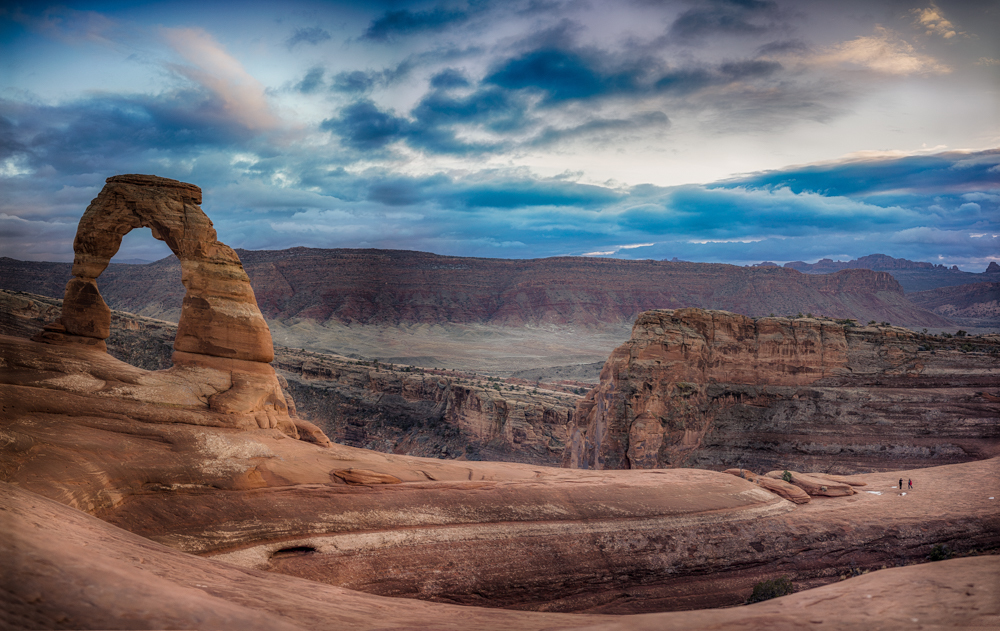
I've had some success with Zerene Stacker in the past too. This scene was a focus stack of around 5-6 images at 50mm with Zerene.


 Last night I used my C/Y 35-70 for a similar shot and tonight I decided to go a bit wider and give the L21 a spin. Only a super quick edit on my laptop mind you, but very pleased with this copy of the lens (after returning my first one.)