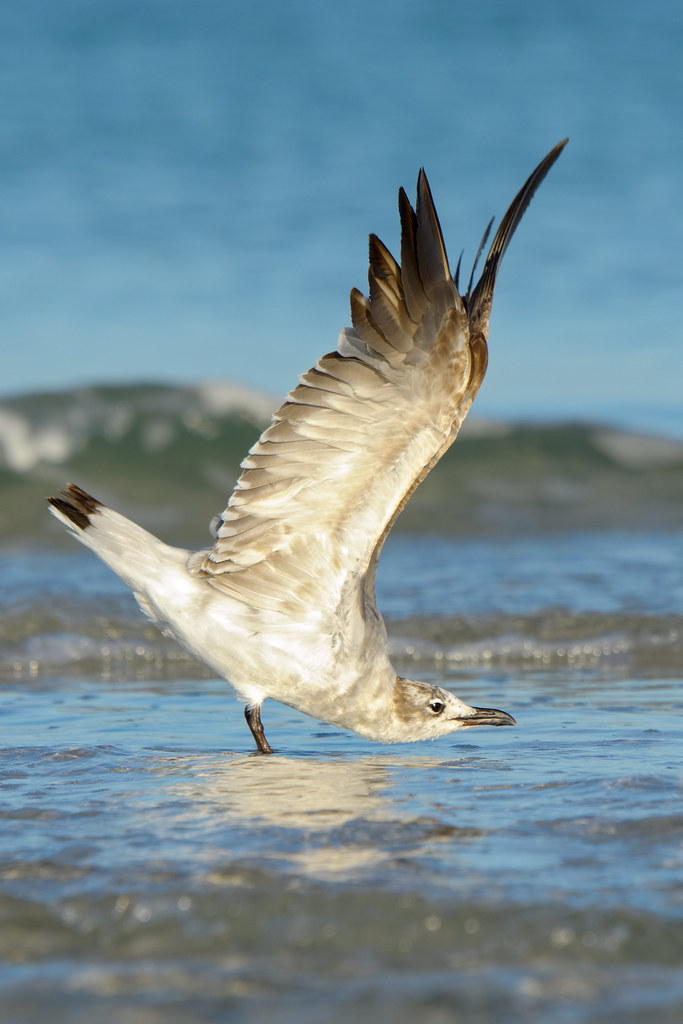
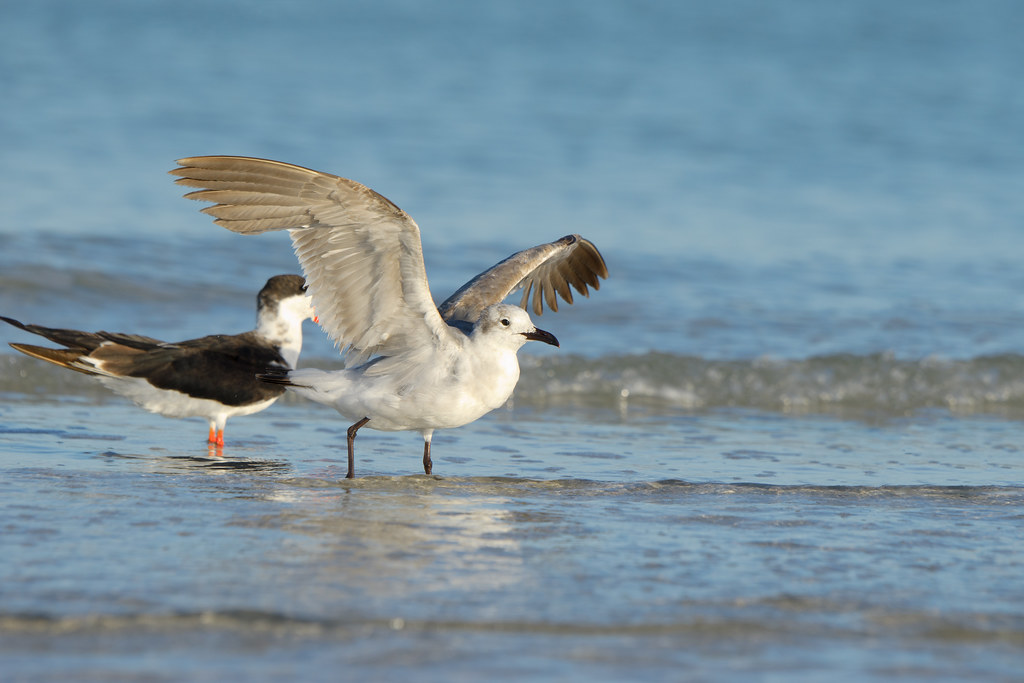
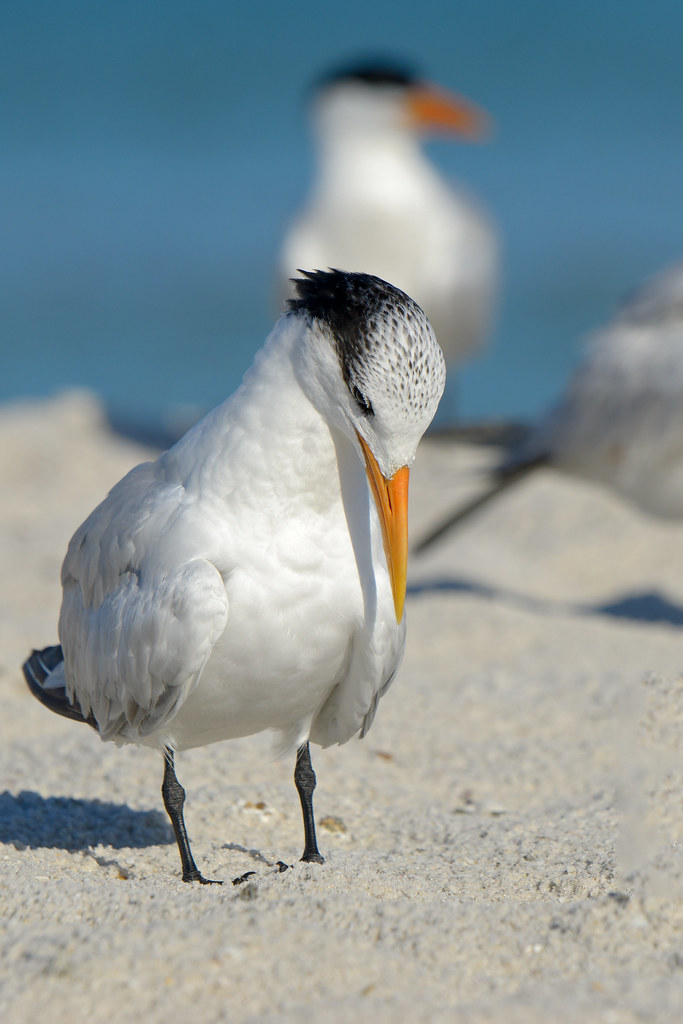
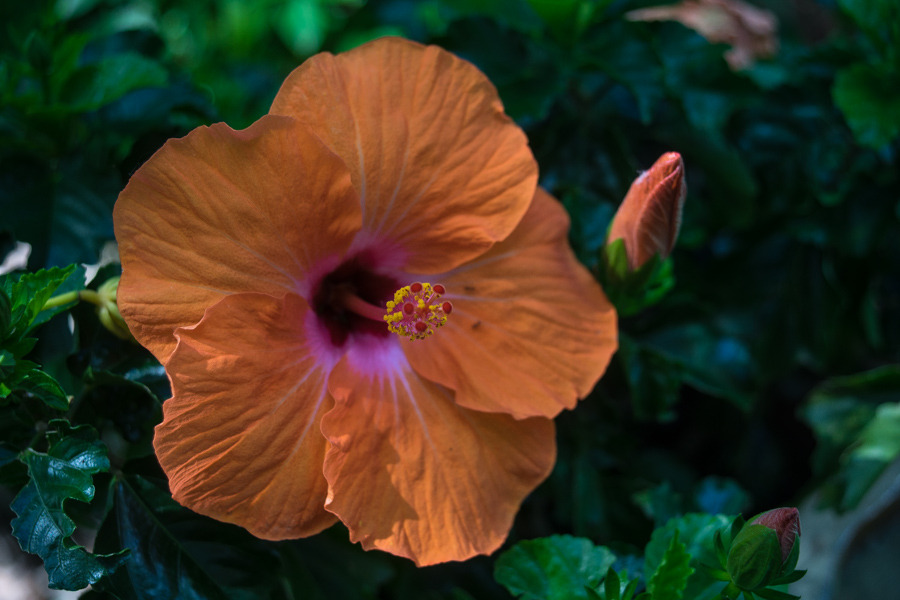
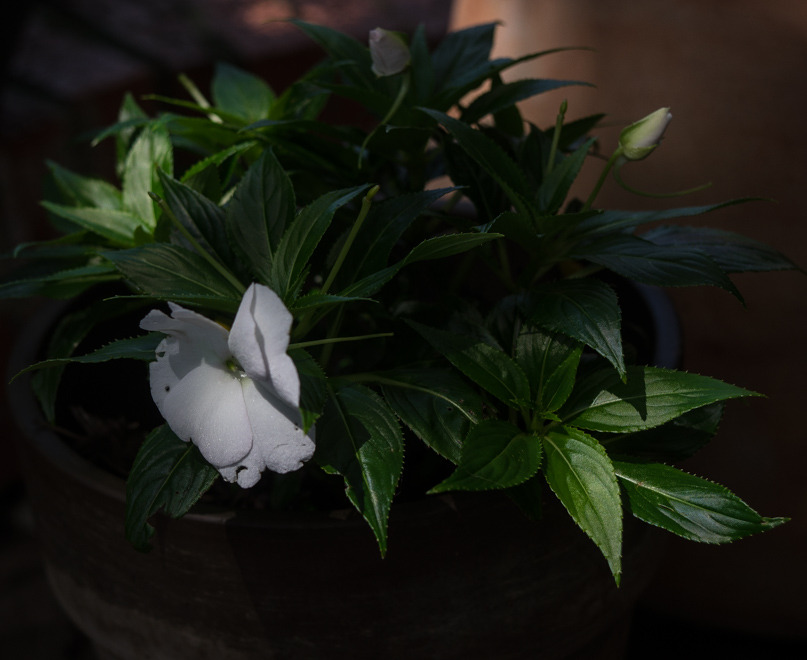
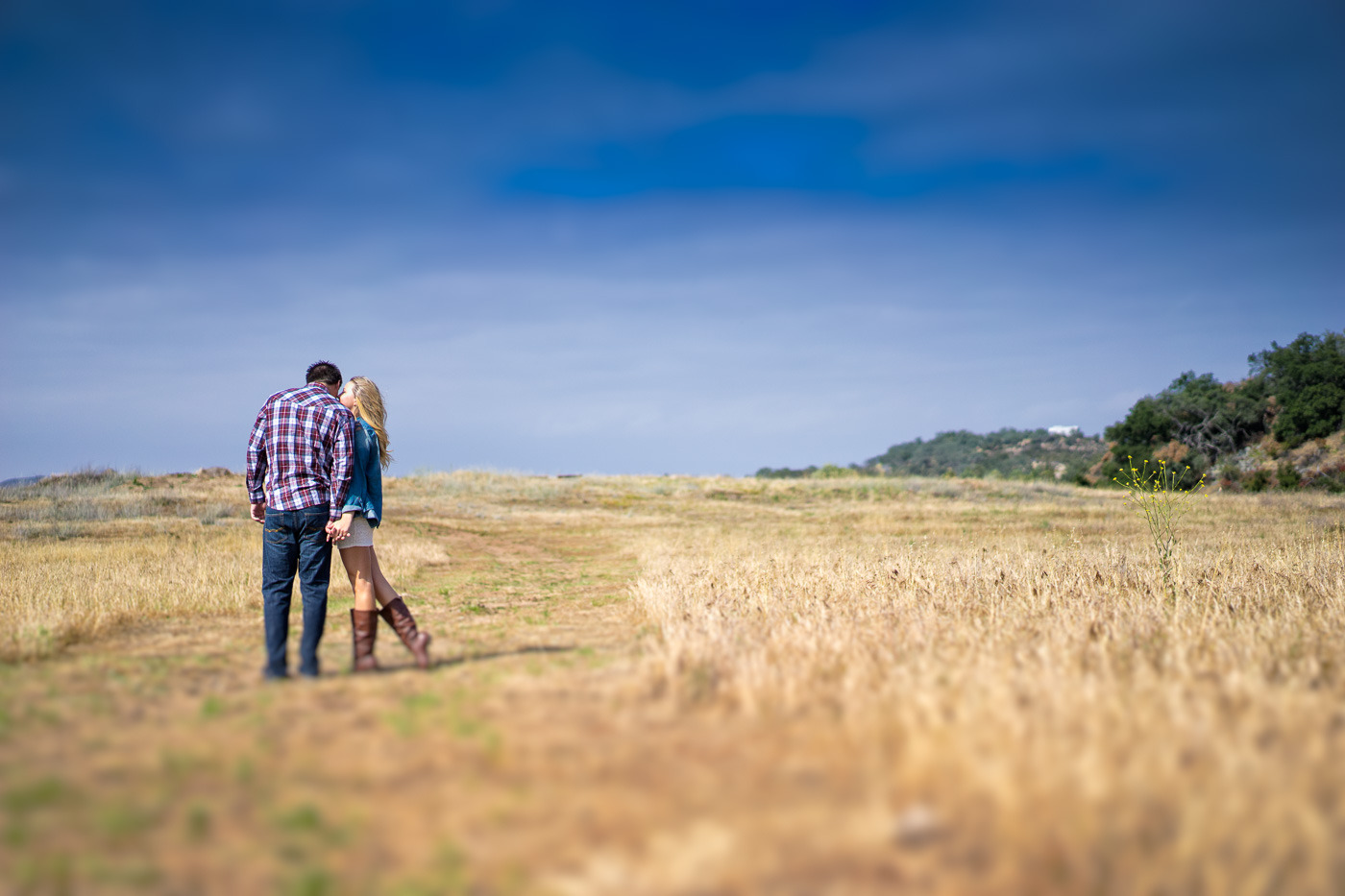
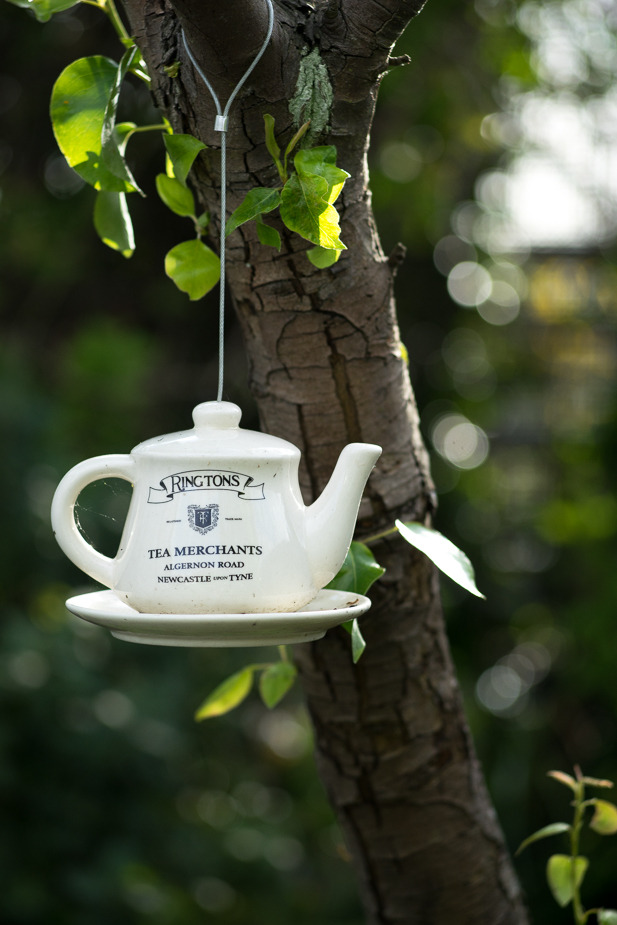
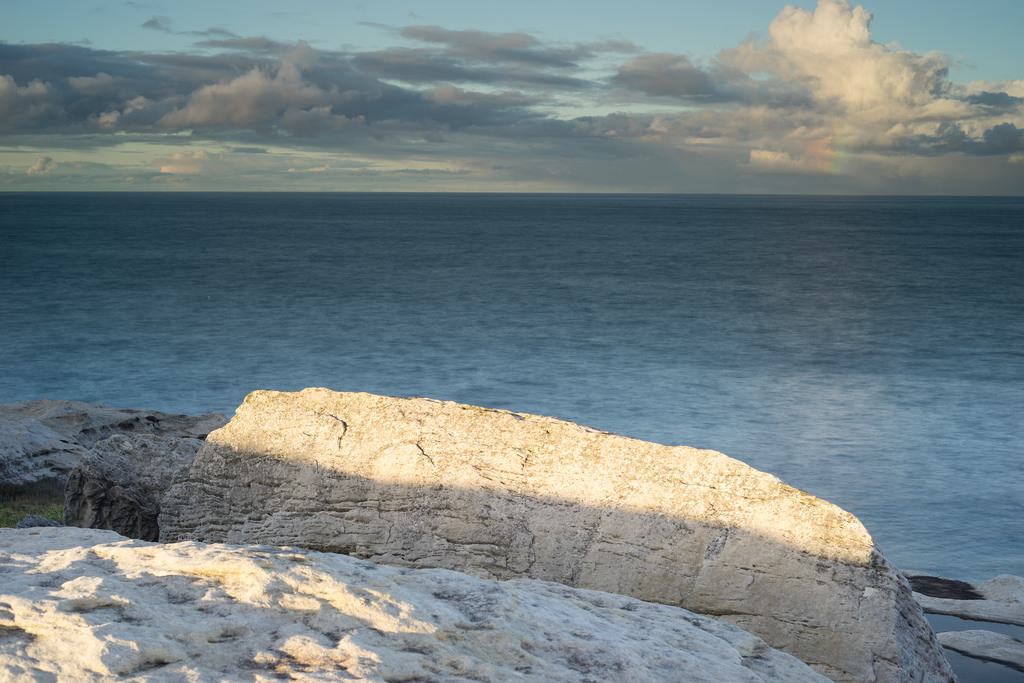
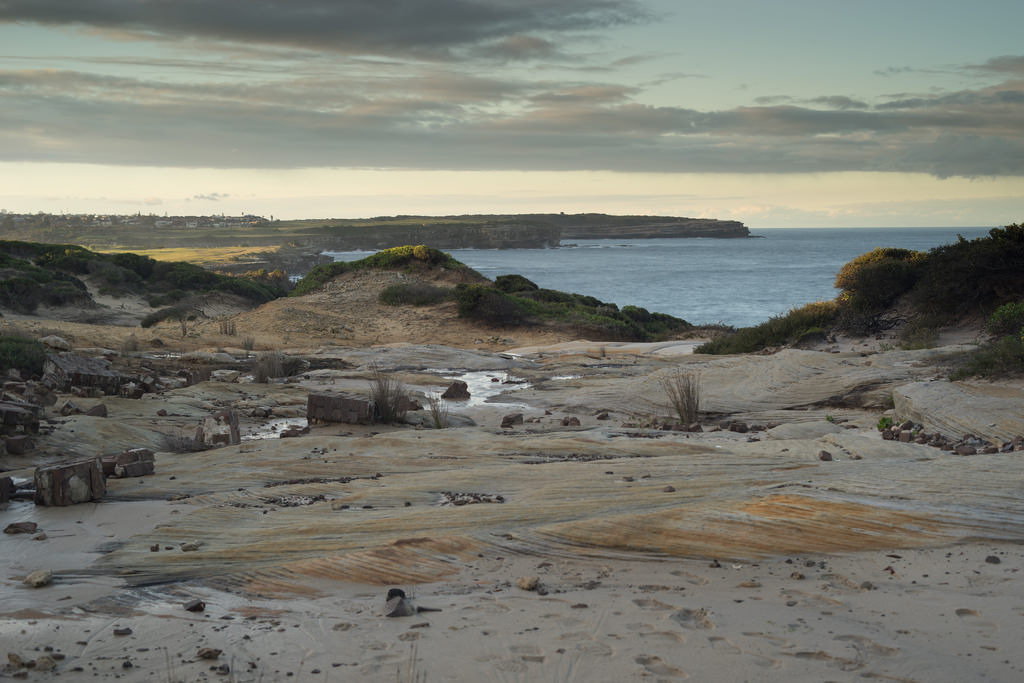
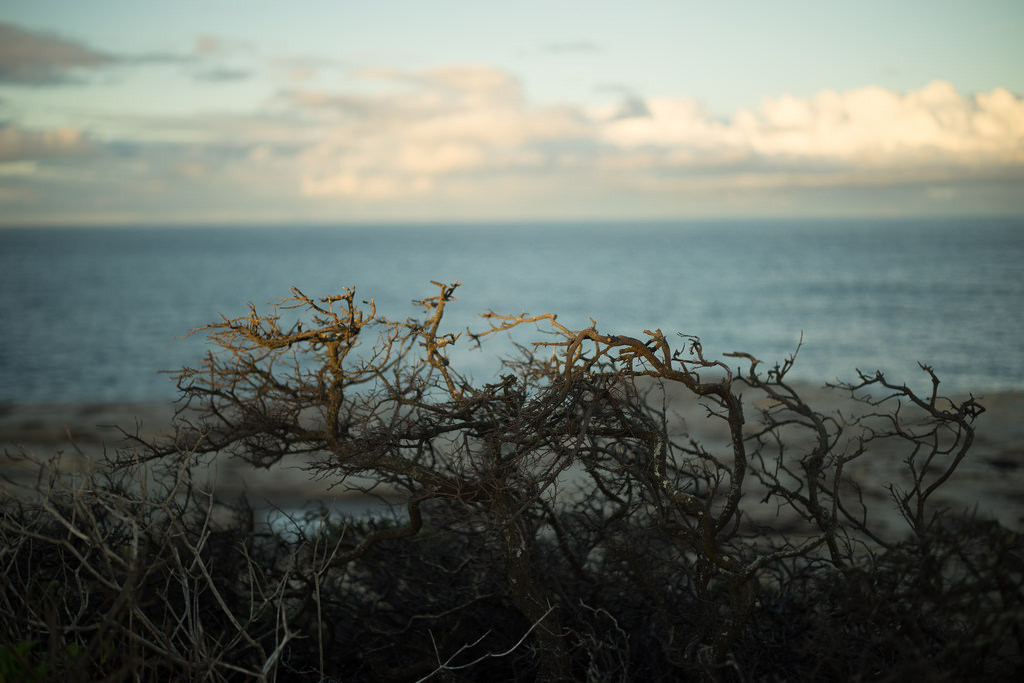
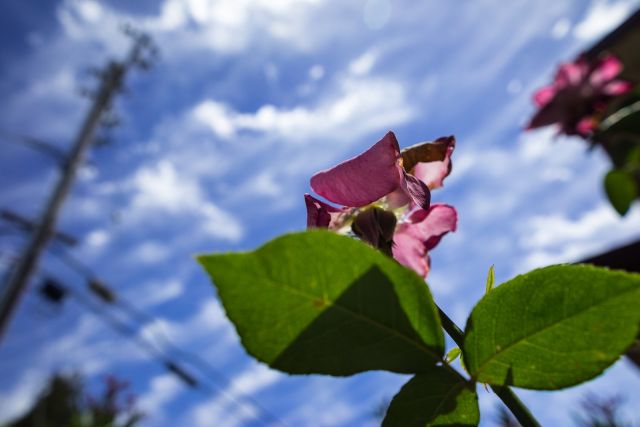
So many incredible images in this thread, impossible to keep up with it. Here's a series from a recent Spring hiking/camping trip to the Northeast Kingdom of VT......(all with the A7)....
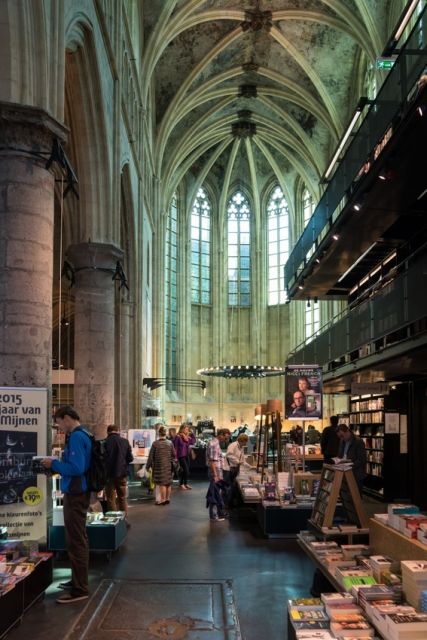
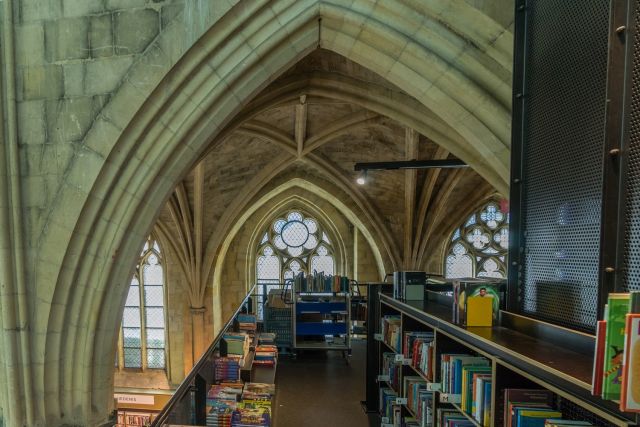
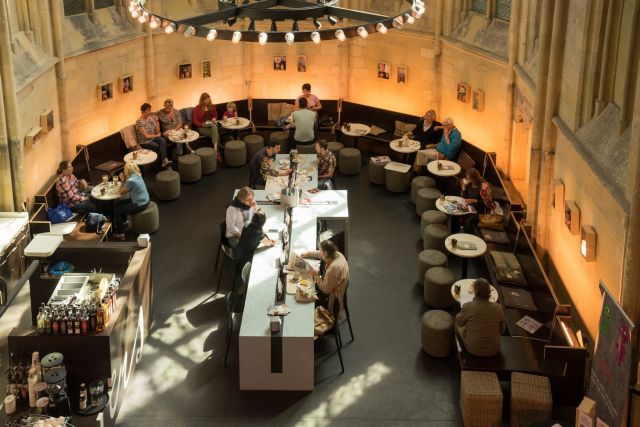
Bookstore in Maastrict Cathedral
Maastrict has a most unusual bookstore, a 13th-century Dominican Cathedral, which has been converted into a bookstore.
Lunch and coffee is served in the choir, with a special center table!
Damn Jim...you were in Santa Cruz, too?? Another member was here earlier this week.
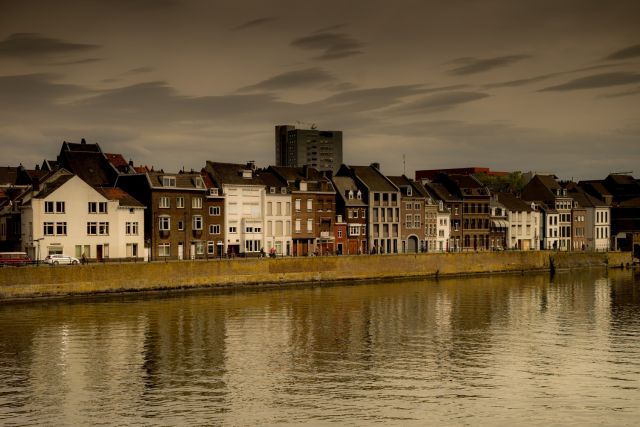
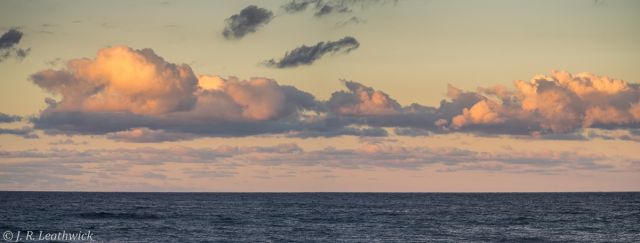
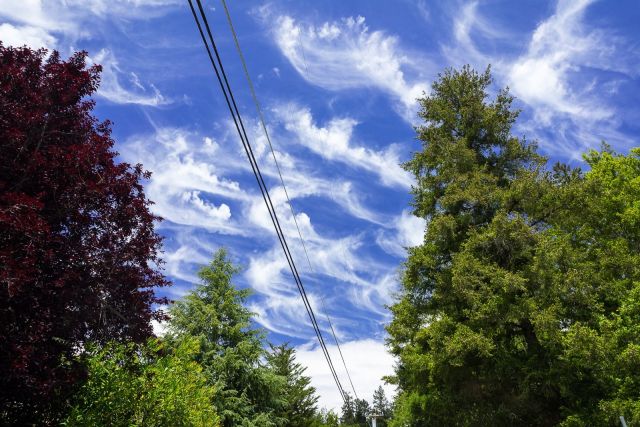
Today had some incredible clouds around the house. These shots aren't really all that and I apologize, but I wanted to capture the clouds.
Gregg
A7rM and FE 28/cpl
Wilbus wrote:
Yes I did/do, I started the trail 15 days ago, I was blown away but over all image quality from it, it's like having a new sensor in my camera but I am having trouble with too much red/magenta. I started playing with the skin tone color checker first but that didn't bring down the reds in the image over all (such as the background etc) and then went on to play and add some blue tones from the color wheel. It worked OK. I also tried brining down the white balance to a cooler level which worked for some shots.
I just (well yesterday) found out the best solution, for me, so far though and I recommend you give it a try.
Bring up the curves tool, go in to the red color channel and just add a point to the middle of the curve (or where you need it) and just bring it down a notch, or as far as needed of course. Just a tad down, like 2 or 3 presses of the down arrow gave me overall good colors without bringing too much green or blue in to the photo.
Funnily enough, I don't have the same issue with my Fuji x100s files.
Mate,
I'm continuing the search for the 'perfect color', whatever this means.
I've came across some advice on Ming Thein's blog which simply suggested to:
1. make sure the colors that matter in the image are not over exposed, as different colors saturate differently (i.e. reds are blown more easily than blues)
2. spend some time on white balance
3. only then select the individual color with the drop-pin (or whatever it's called that tool) and adjust hue & saturation (which you do it in the 'color editor') section; oviously prioritising skin colors.
to be honest i've found this method yealds slightly better and more constant results than acting on the curves, although it's just a different tool to do the same thing I suppose.
I feel my search is over, as this method is enough easy, quick, consistent and effective.
I'm now working on getting my photos a bit more contrasty, as sometimes they look a bit washed down, but that's a different area to work on I guess.
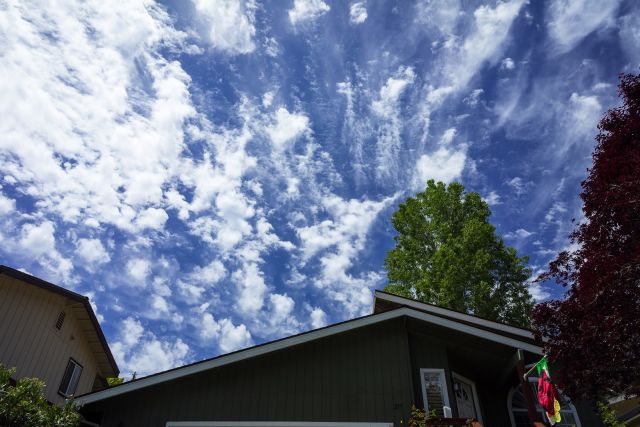
A couple of samples of the results, quick snapshots around the house: