Sony FE Images Thread
p.892 #1Sony FE Images Thread

Nikkor 16mm f3.5 AI fisheye by Ronny Olsson, on Flickr
May 23, 2015 at 03:39 PM
p.892 #2Sony FE Images Thread

Sony A7 + C/Y 80-200/4.0 T*SC2882 by Ronny Olsson, on Flickr

Sony A7 + C/Y Contax Distagon 35/1.4 by Ronny Olsson, on Flickr
May 23, 2015 at 03:46 PM

p.892 #4Sony FE Images Thread
balga wrote:
Yes, I just tried c1 for first time and whilst it is way better and easier for denoising and sharpening (at least for ISO levels below 10000) skin tones are just harder to make as nice. Can't find the right balance and there's always too much magenta or green
just a matter of finding the right presets I guess/hope.
did you have the same issues?
Yes I did/do, I started the trail 15 days ago, I was blown away but over all image quality from it, it's like having a new sensor in my camera but I am having trouble with too much red/magenta. I started playing with the skin tone color checker first but that didn't bring down the reds in the image over all (such as the background etc) and then went on to play and add some blue tones from the color wheel. It worked OK. I also tried brining down the white balance to a cooler level which worked for some shots.
I just (well yesterday) found out the best solution, for me, so far though and I recommend you give it a try.
Bring up the curves tool, go in to the red color channel and just add a point to the middle of the curve (or where you need it) and just bring it down a notch, or as far as needed of course. Just a tad down, like 2 or 3 presses of the down arrow gave me overall good colors without bringing too much green or blue in to the photo.
Funnily enough, I don't have the same issue with my Fuji x100s files.
May 23, 2015 at 04:06 PM
p.892 #5Sony FE Images Thread
Around Chandler,AZ, early this morning with new to me Minolta AF 100 macro lens.
Harry Palmer
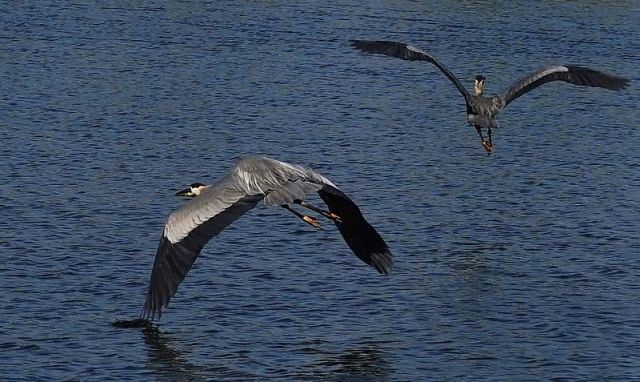
Great Blue Herons in flight.
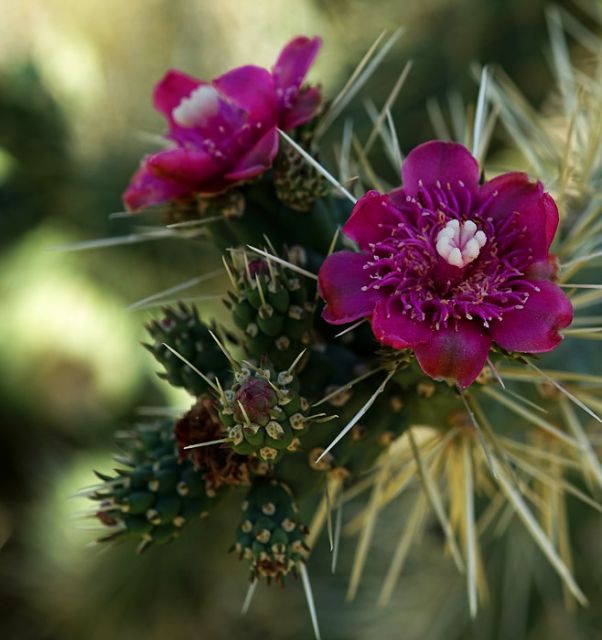
Jumping Cholla Blossoms.
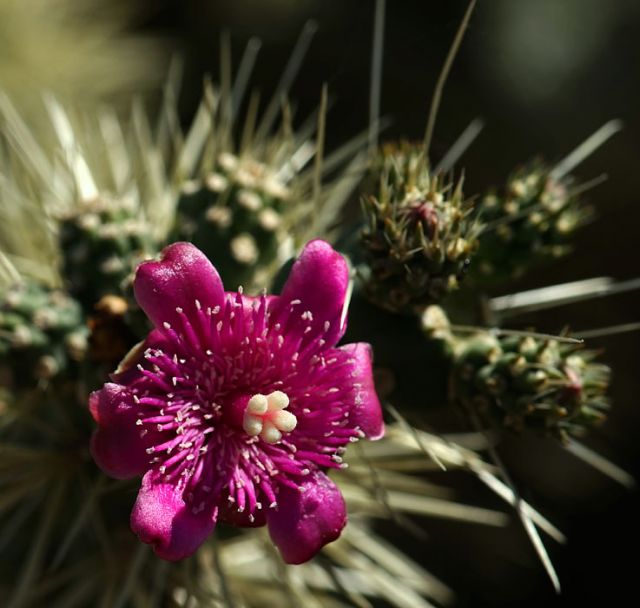
Cholla blossom.
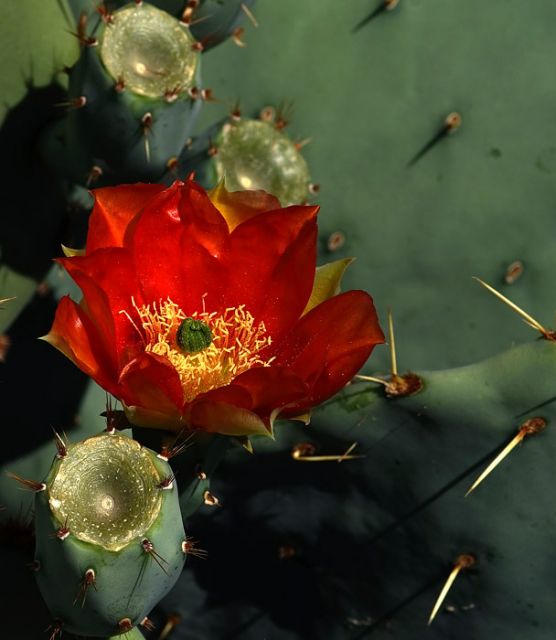
Prickley Pear blossom.
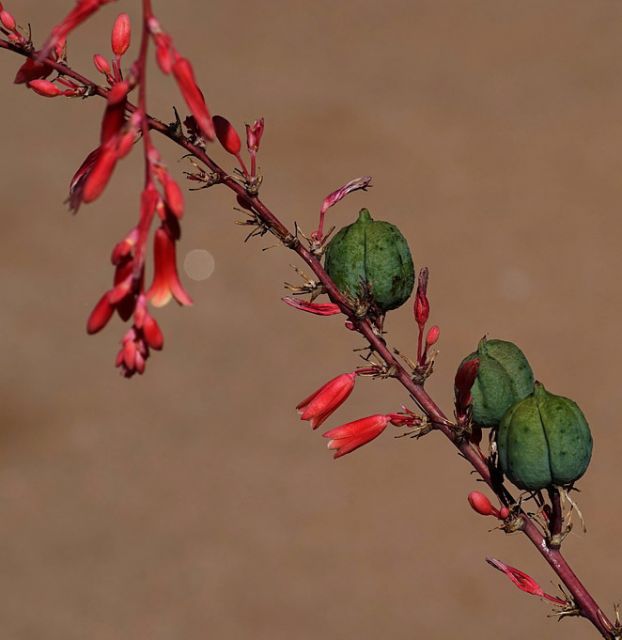
Green pods .
Edited on May 23, 2015 at 05:02 PM · View previous versions
Harry Palmer
Great Blue Herons in flight.
Jumping Cholla Blossoms.
Cholla blossom.
Prickley Pear blossom.
Green pods .
Edited on May 23, 2015 at 05:02 PM · View previous versions
May 23, 2015 at 04:59 PM
p.892 #7Sony FE Images Thread
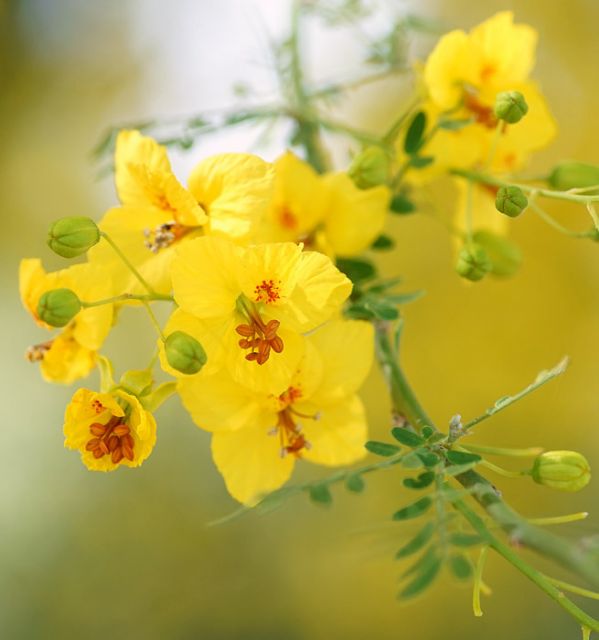
Shots from Småland, CV35/1.2II and A7II.
 DSC00280 1500 by Wilhelm Frank - Stockholm, on Flickr
 DSC00289 1500 by Wilhelm Frank - Stockholm, on Flickr
 DSC00301 1500 by Wilhelm Frank - Stockholm, on Flickr
DSC00280 1500 by Wilhelm Frank - Stockholm, on FlickrDSC00289 1500 by Wilhelm Frank - Stockholm, on FlickrDSC00301 1500 by Wilhelm Frank - Stockholm, on FlickrMay 23, 2015 at 05:34 PM
p.892 #8Sony FE Images Thread
Kingfishphoto wrote:
Around Chandler,AZ, early this morning with new to me Minolta AF 100 macro lens.
Harry Palmer
New lens looks good Harry. Just what you were looking for.
Around Chandler,AZ, early this morning with new to me Minolta AF 100 macro lens.
Harry Palmer
New lens looks good Harry. Just what you were looking for.
May 23, 2015 at 08:11 PM
p.892 #9Sony FE Images Thread
Took a walk in Henry Cowell State Park again today with the family and brought out the Loxia 35 on the A7rM
Gregg
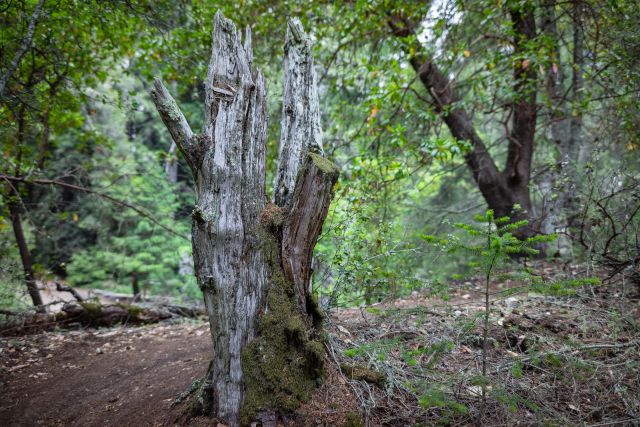
@f2.8
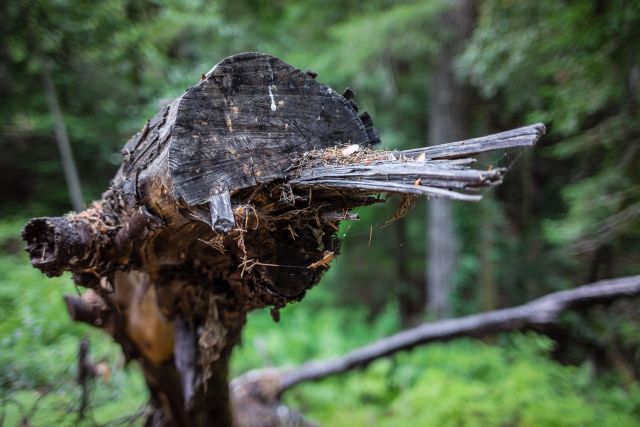
@f2
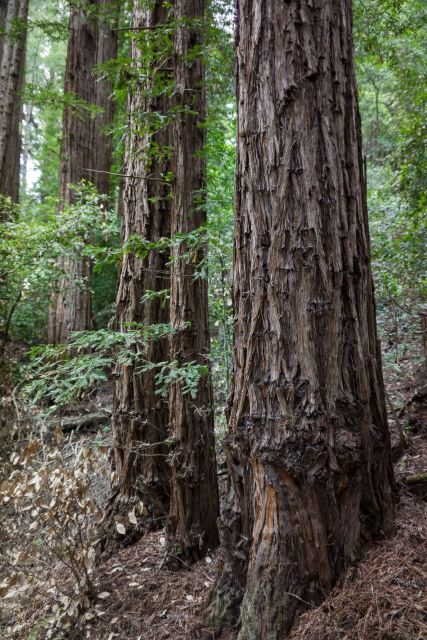
@f2.8
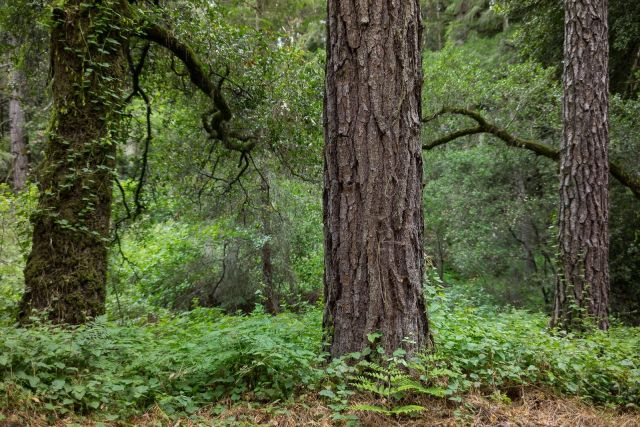
@f2.5
Edited on May 23, 2015 at 09:45 PM · View previous versions
Gregg
@f2.8
@f2
@f2.8
@f2.5
Edited on May 23, 2015 at 09:45 PM · View previous versions
May 23, 2015 at 08:43 PM
p.892 #10Sony FE Images Thread
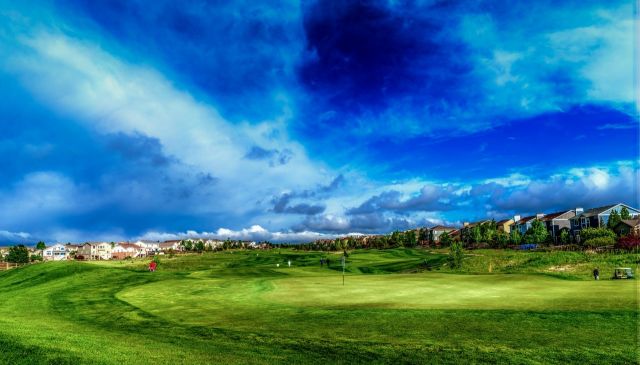
Trying my hand at some HDR. FE 28/2 with the A7
May 23, 2015 at 08:50 PM
|


p.892 #12Sony FE Images Thread
Three from a walk on our local University campus, all with Canon FD 28 F/2, one of my favourites...
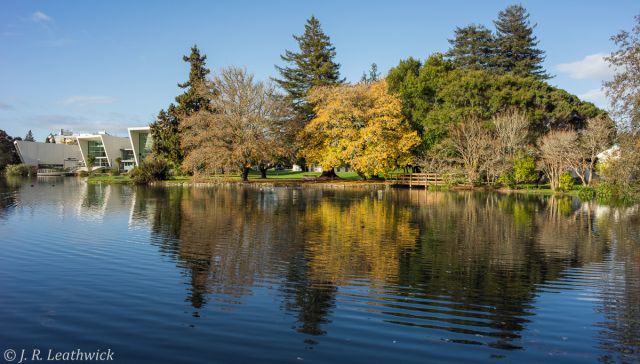
Performing Arts Centre
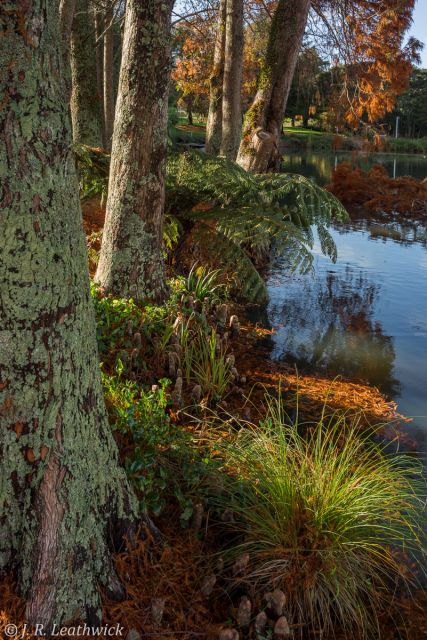
Dawn redwoods
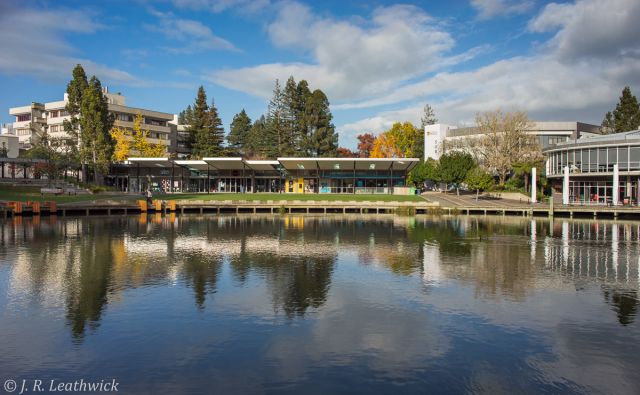
Campus shops
Performing Arts Centre
Dawn redwoods
Campus shops
May 23, 2015 at 09:41 PM
p.892 #13Sony FE Images Thread
rji2goleez wrote:
A few more from Cleveland, OH
That first image with your Heliar 15 is a beauty, Bob - the only thing that stops me heading straight to the shop to buy one is the inability to remove the lens-hood - I'd prefer something wide that I can mount an ND filter on... John
A few more from Cleveland, OH
That first image with your Heliar 15 is a beauty, Bob - the only thing that stops me heading straight to the shop to buy one is the inability to remove the lens-hood - I'd prefer something wide that I can mount an ND filter on... John
May 23, 2015 at 09:59 PM

p.892 #14Sony FE Images Thread
rji2goleez wrote:
A few more from Cleveland, OH
 Are you selling yours, Bob
 ? JK, JK
A few more from Cleveland, OH
Are you selling yours, Bob ? JK, JKMay 24, 2015 at 01:09 AM
p.892 #15Sony FE Images Thread
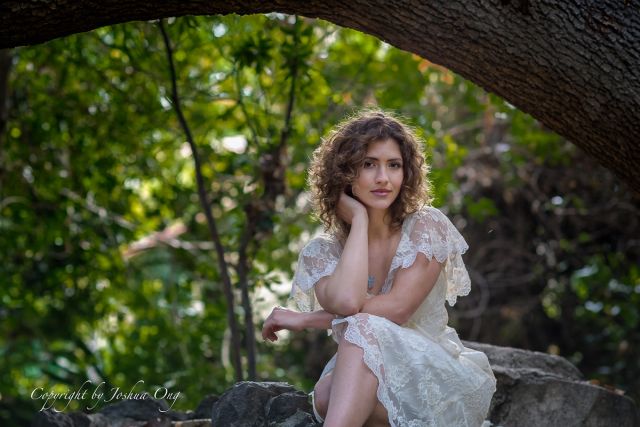
The first image from a session earlier today taken with the 85mm f/1.4 ZA. I handheld the camera throughout the entire session. I know, I know, shame on me. Because of the fairly low lighting conditions, my shutter speed went down to about 1/20sec at ISO200 but the images are still tack sharp thanks to the IBIS 
I am still debating whether to Batis not not to Batis though .
Jensi
I am still debating whether to Batis not not to Batis though
. |
||
 © AGeoJO 2015 |
||
 |
Jensi
May 24, 2015 at 01:10 AM


p.892 #17Sony FE Images Thread
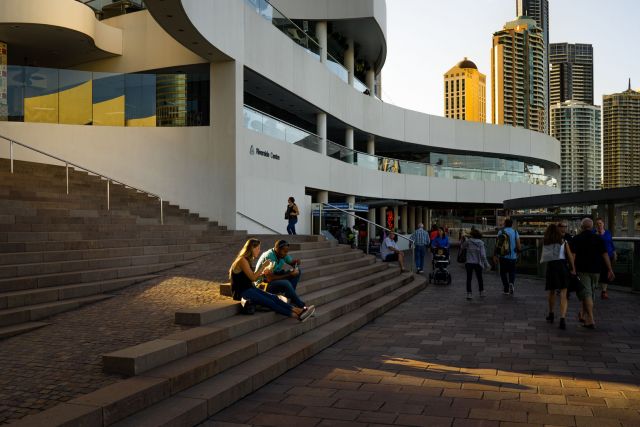
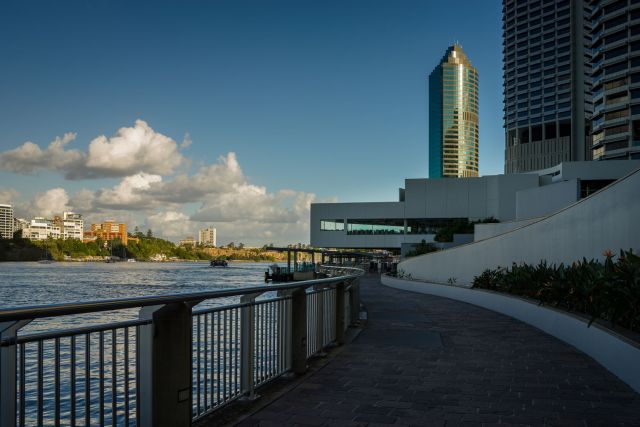
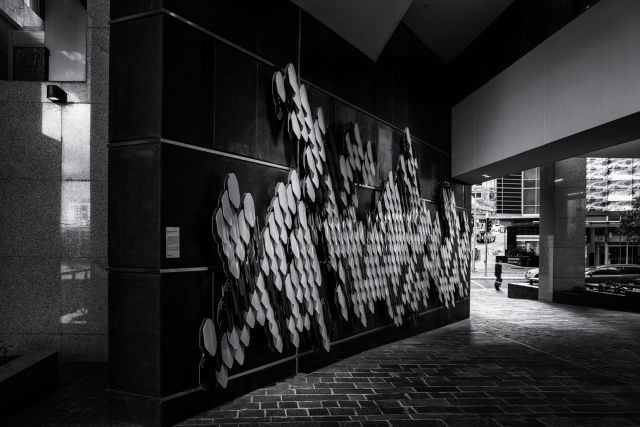
Shots this afternoon by the Brisbane river walk.
Really nice portrait Joshua! It is wonderful to just be able to hand hold shots with the A7II for portrait shoots. I think the Batis 85 will be excellent, but having the 85/1.4 you may not need it for awhile
A7II and FE 35/1.4
Edited on May 24, 2015 at 03:14 AM · View previous versions
Really nice portrait Joshua! It is wonderful to just be able to hand hold shots with the A7II for portrait shoots. I think the Batis 85 will be excellent, but having the 85/1.4 you may not need it for awhile
A7II and FE 35/1.4
 |
||
 |
||
|
|
||
 |
||
|
|
||
 |
||
|
Edited on May 24, 2015 at 03:14 AM · View previous versions
May 24, 2015 at 01:48 AM
p.892 #18Sony FE Images Thread
Super pictures here, as ever. Liking the really nice ones is like handing out candy at Halloween. Better not miss out! :-)
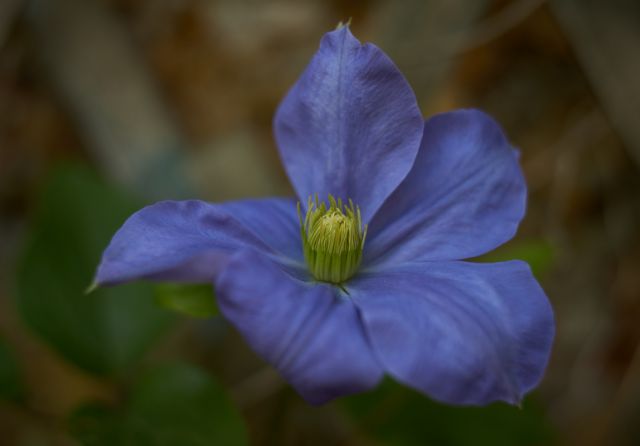
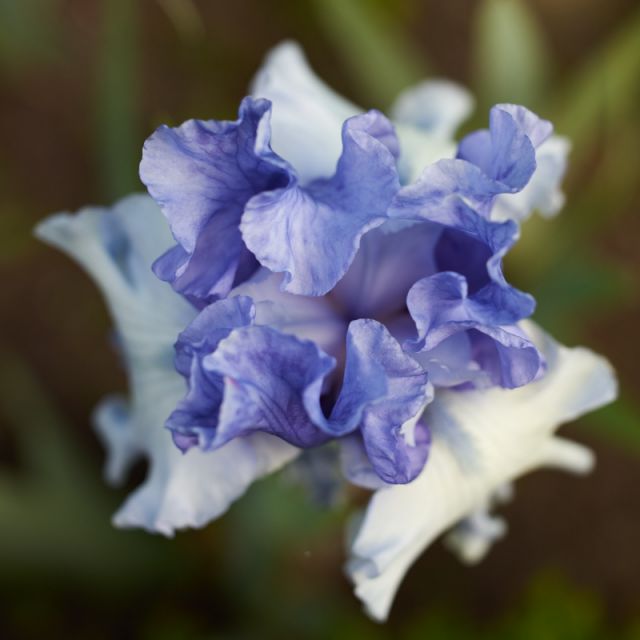
More flowers, with Otus 55 and 12mm tube. 12mm is a bit long, because it leaves a gap between the tubeless MFD and the tubed maxi focusing distance, and that is where most of my shots would have been. But Nikon can't seem to ship an 8mm one...
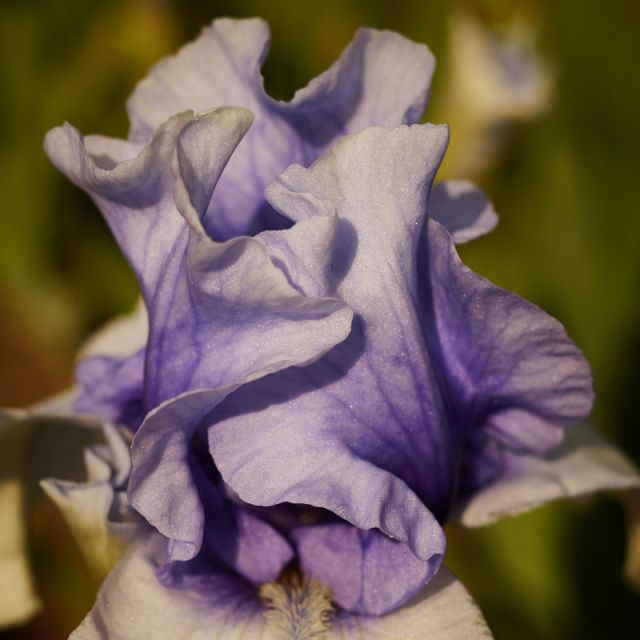
More flowers, with Otus 55 and 12mm tube. 12mm is a bit long, because it leaves a gap between the tubeless MFD and the tubed maxi focusing distance, and that is where most of my shots would have been. But Nikon can't seem to ship an 8mm one...
May 24, 2015 at 02:05 AM
p.892 #19Sony FE Images Thread
Nice Joshua .. seems that you can live without Batis 
Willem Charles and Phillip : Great shots
Wihelm: Great shots from Småland
A tilt- lens had been good sometimes

Sony A7 + Carl Zeiss Distagon T* 2.8/21 ZF 2 by Ronny Olsson, on Flickr
Willem Charles and Phillip : Great shots
Wihelm: Great shots from Småland
A tilt- lens had been good sometimes
Sony A7 + Carl Zeiss Distagon T* 2.8/21 ZF 2 by Ronny Olsson, on Flickr
May 24, 2015 at 02:07 AM
p.892 #20Sony FE Images Thread

DSC03184-58.jpg by Werner Utsch, on Flickr

DSC03158.jpg by Werner Utsch, on Flickr
May 24, 2015 at 02:32 AM