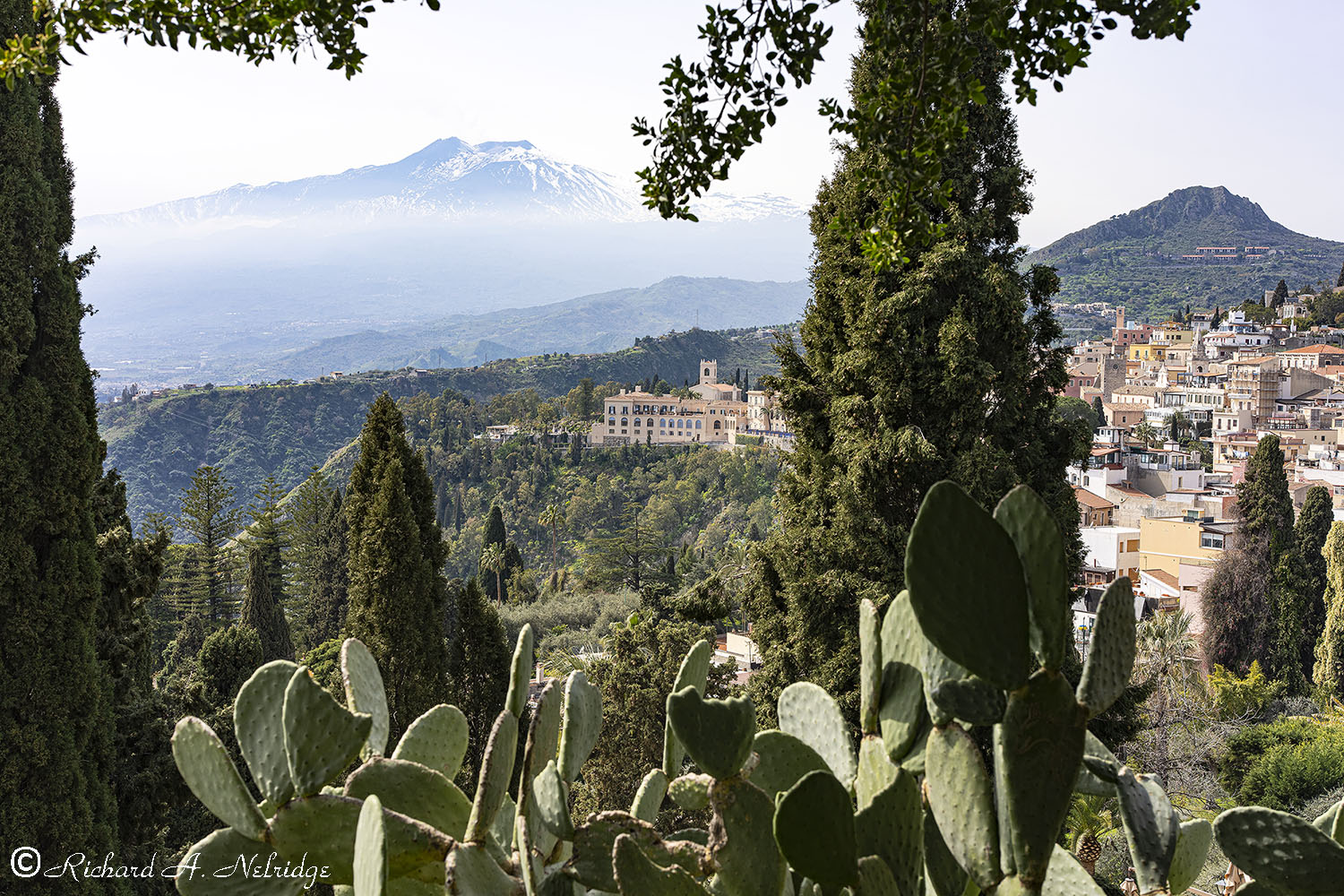
Looking through some trees and over some prickly pear cacti at the ruins of the Teatro antico di Taormina (the Ancient Greek Theater in Taormina), and across a portion of Taormina at the volcano, Mt. Etna (which is 17.3 miles away as the crow flies from Taorimina).
Hand Held relying on Camera IBIS, A1 and Voigtlander 50mm f2 Apo-Lanthar Asph, FE mount lens; silent shutter.
ISO 100, F8, 1/250 Second.
Eposure Corrected +0.18 Stops.
March 16, 2022
At the Teatro antico di Taormina (the Ancient Greek Theater in Taormina), Taormina, Sicily, Italy.
Of course one has to be pretty careful with using the image alignment functionality of Photoshop 2023.
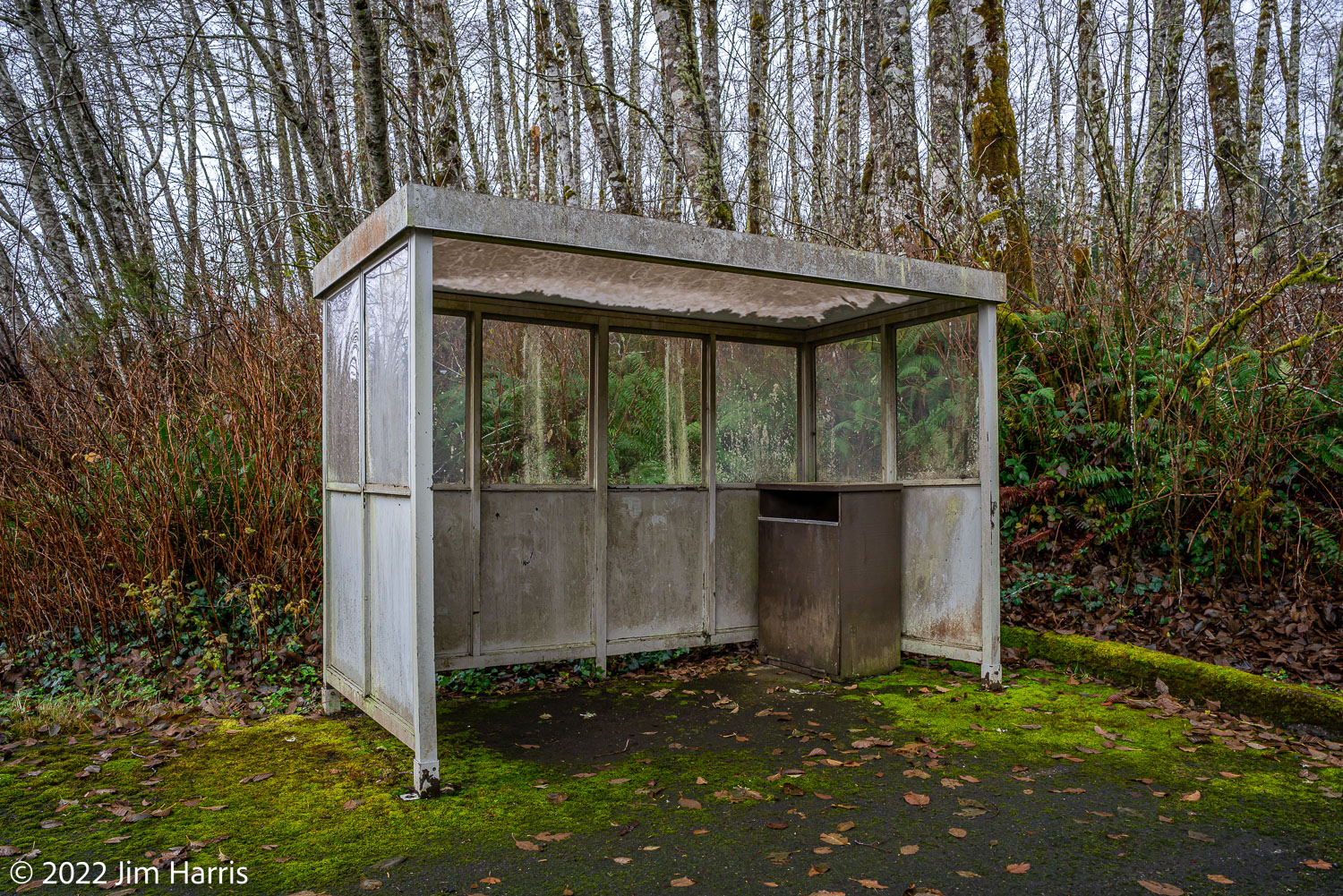
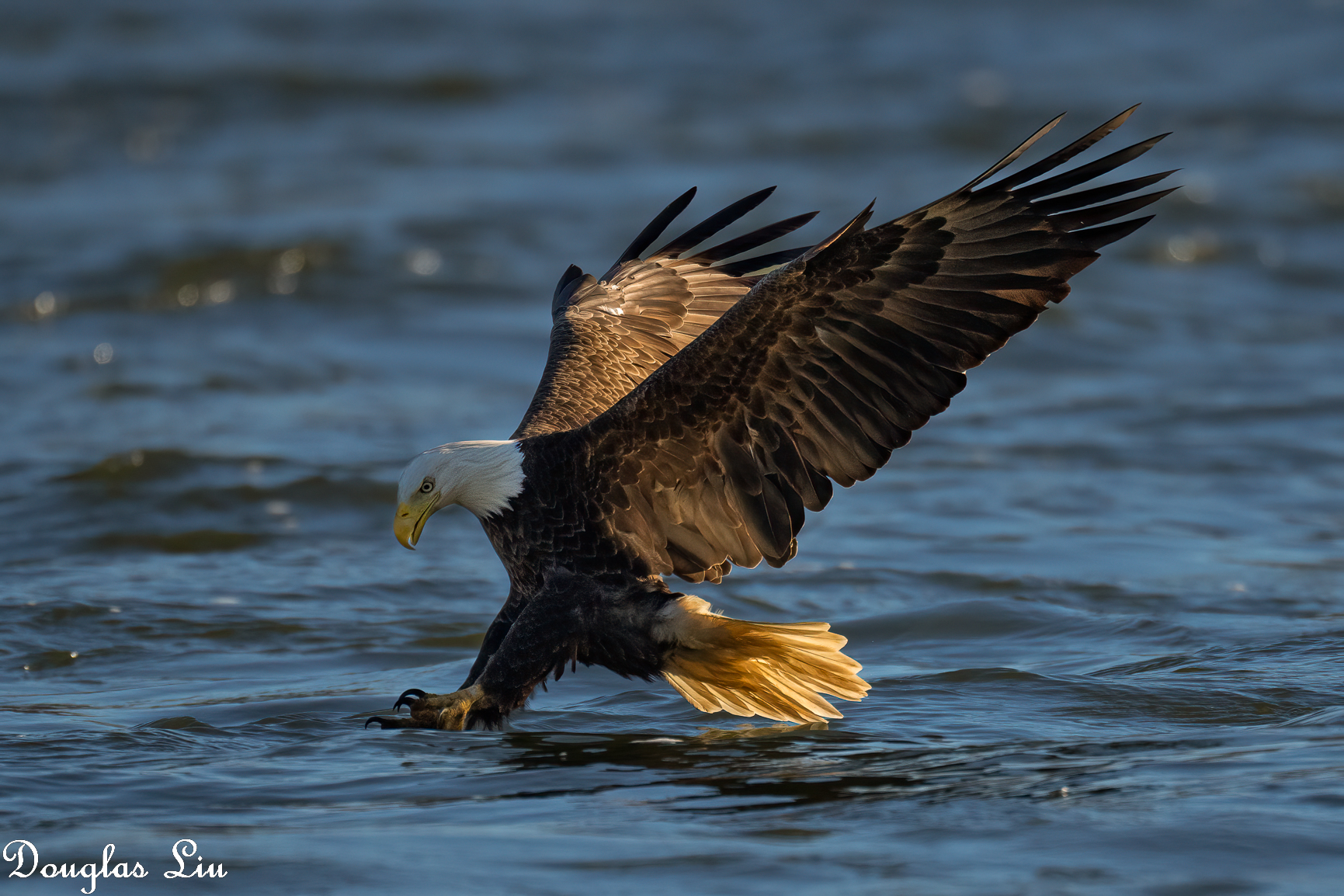
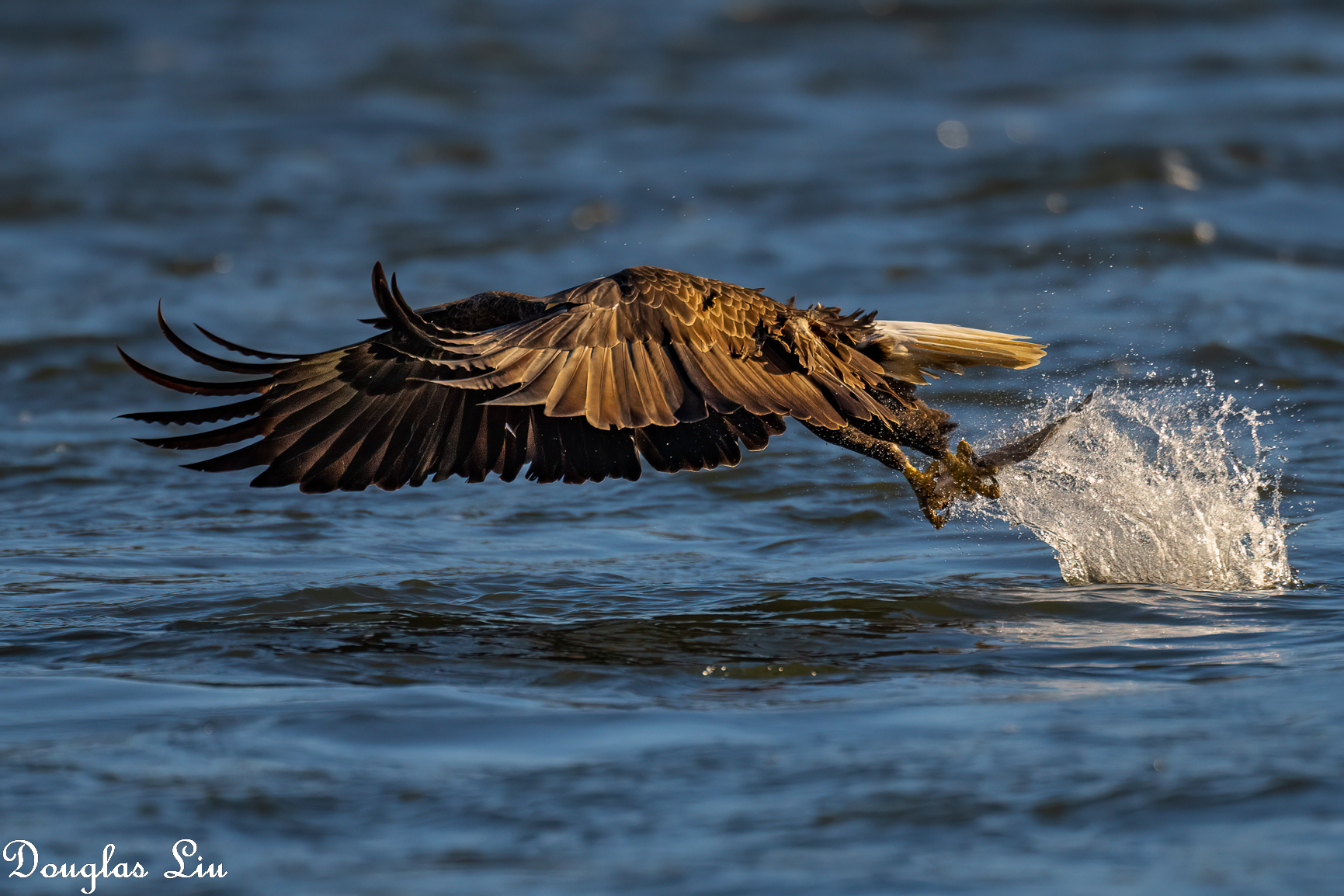
Here is a GIF clip of some images I shot with using a tripod, so not much inadvertent camera drifting.
So alignment of images is not necessary and can indeed lead to some pretty funny artifacts caused by the post-processing.
However that gives me an indication how Adobe PS 2023 goes about aligning images.
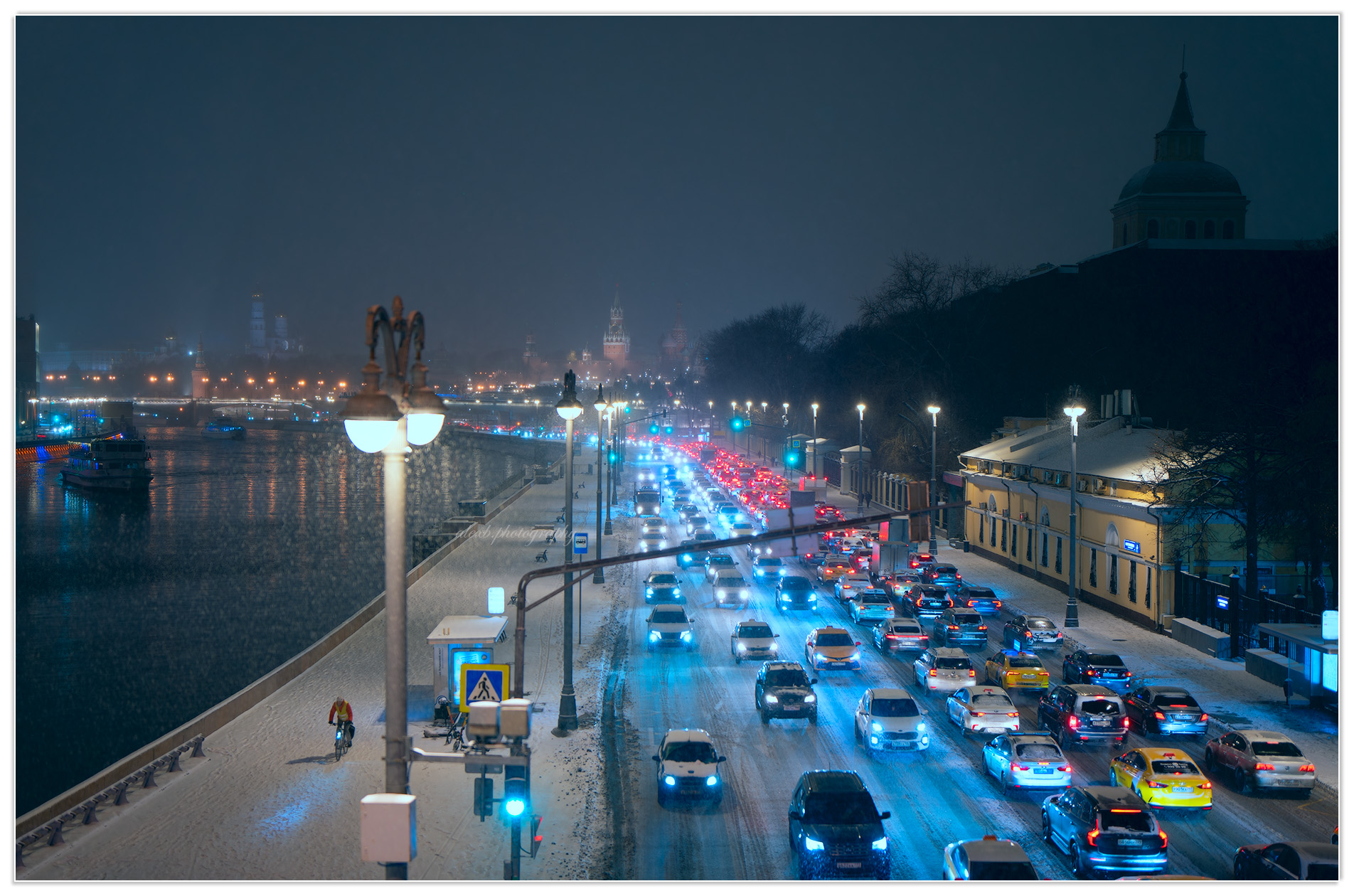
Beautiful set, Helena. I keep saying you seem to be able to always "put" a pedestrian at the right place at the right time.
---------------------------------------------
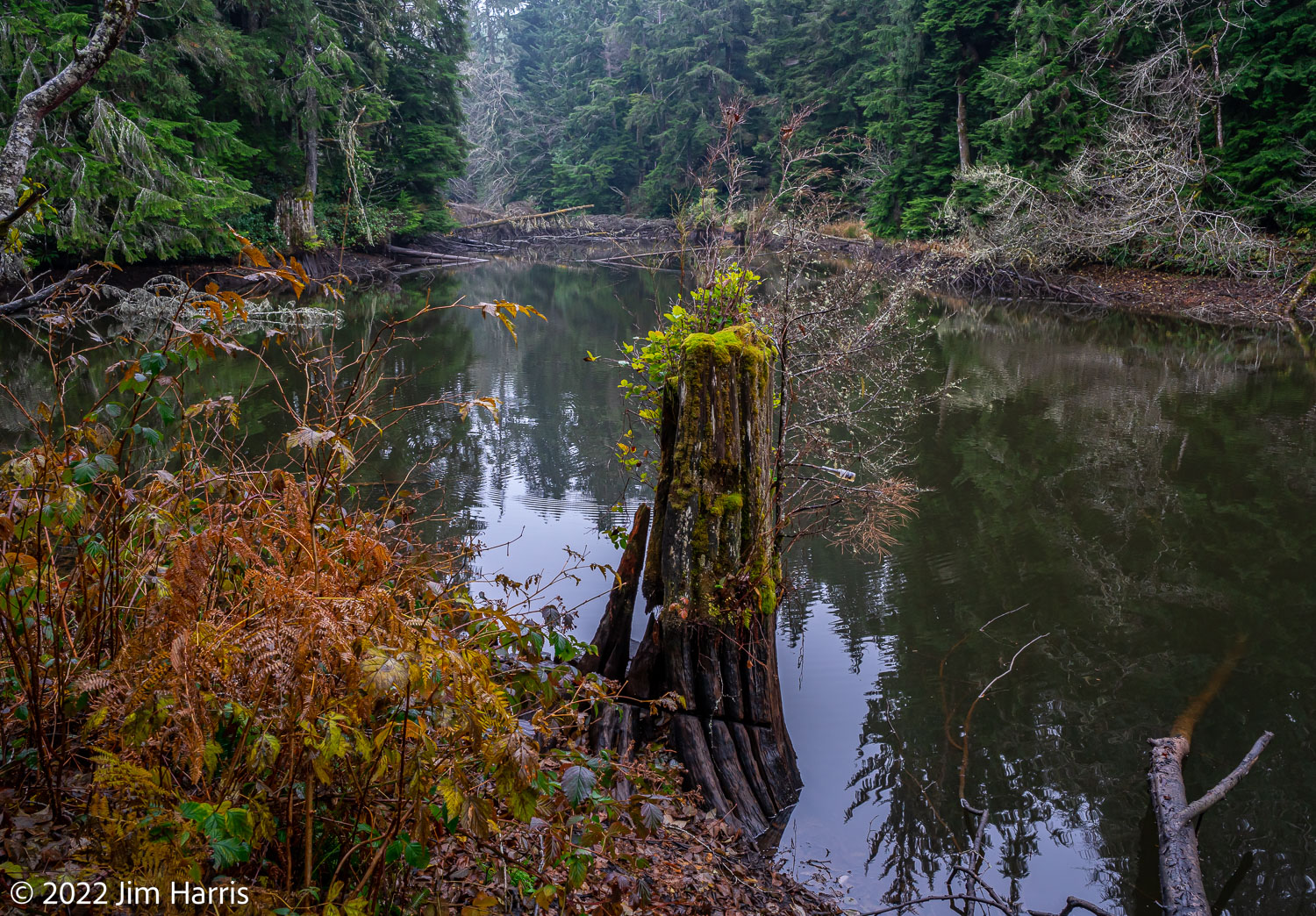
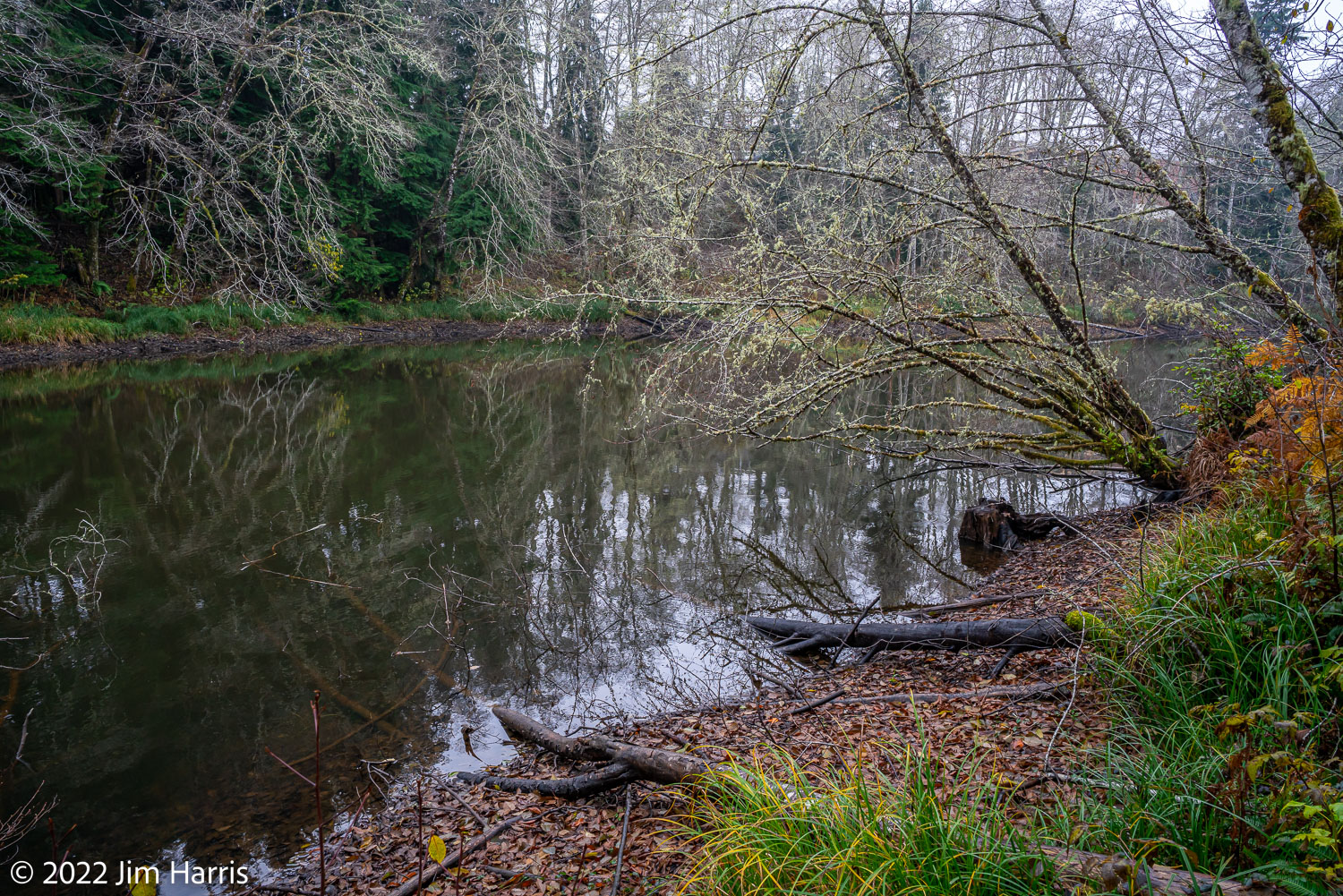
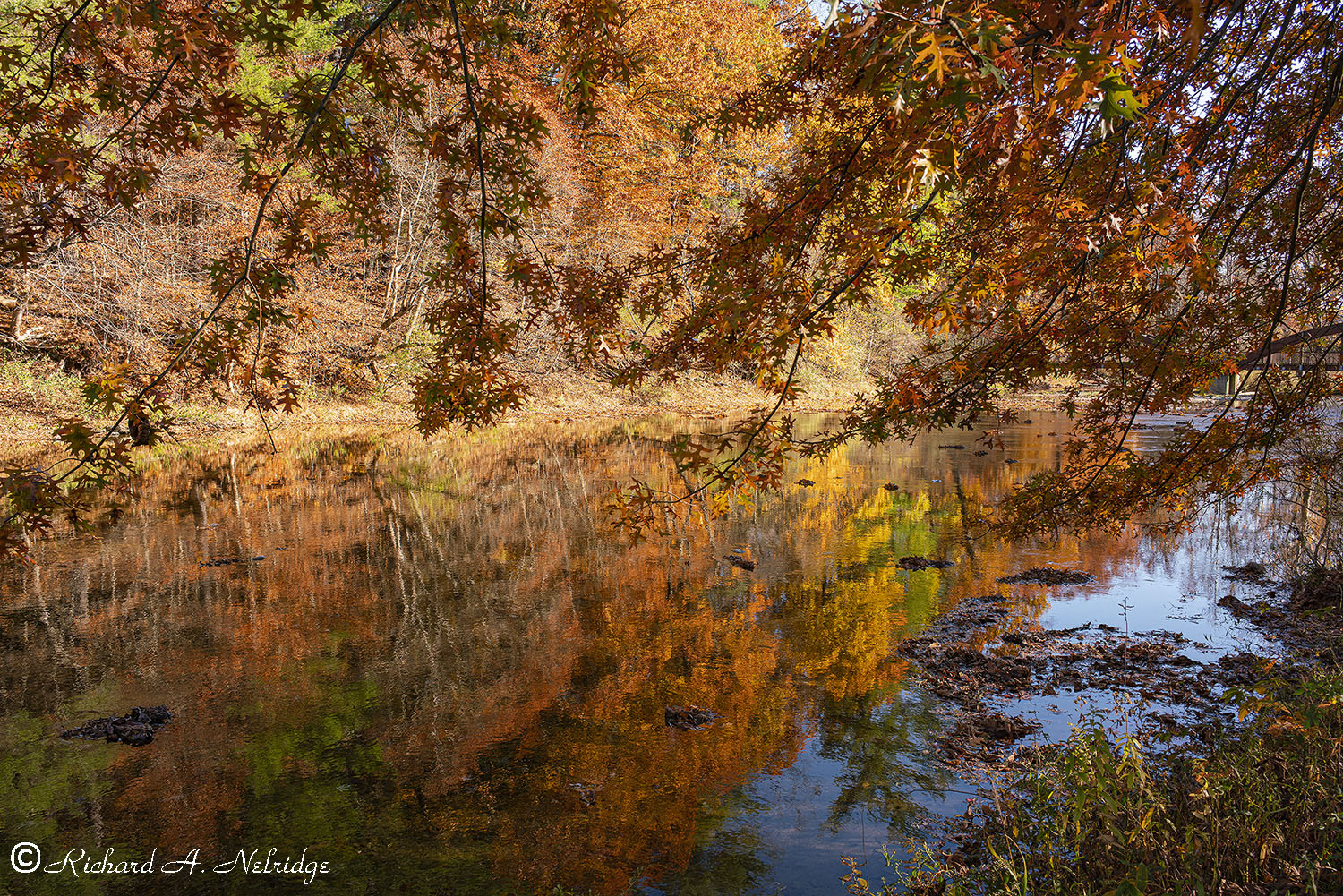
Looking downstream across Jordan Creek at Autumn Color and reflection and the Pedestrian Bridge that crosses the Creek.
Tripod mounted A7rII Kolari Vision UT Sensor modified camera and Voigtlander 28mm f2 Ultron II Asph VM lens; silent shutter.
ISO 100, f8, 1/60 second.
Exposure Corrected +0.44 Stops.
October 29, 2022
Along Jordan Creek, near the Pedestrian Bridge and Ford, Trexler Nature Preserve, Schnecksville, PA.
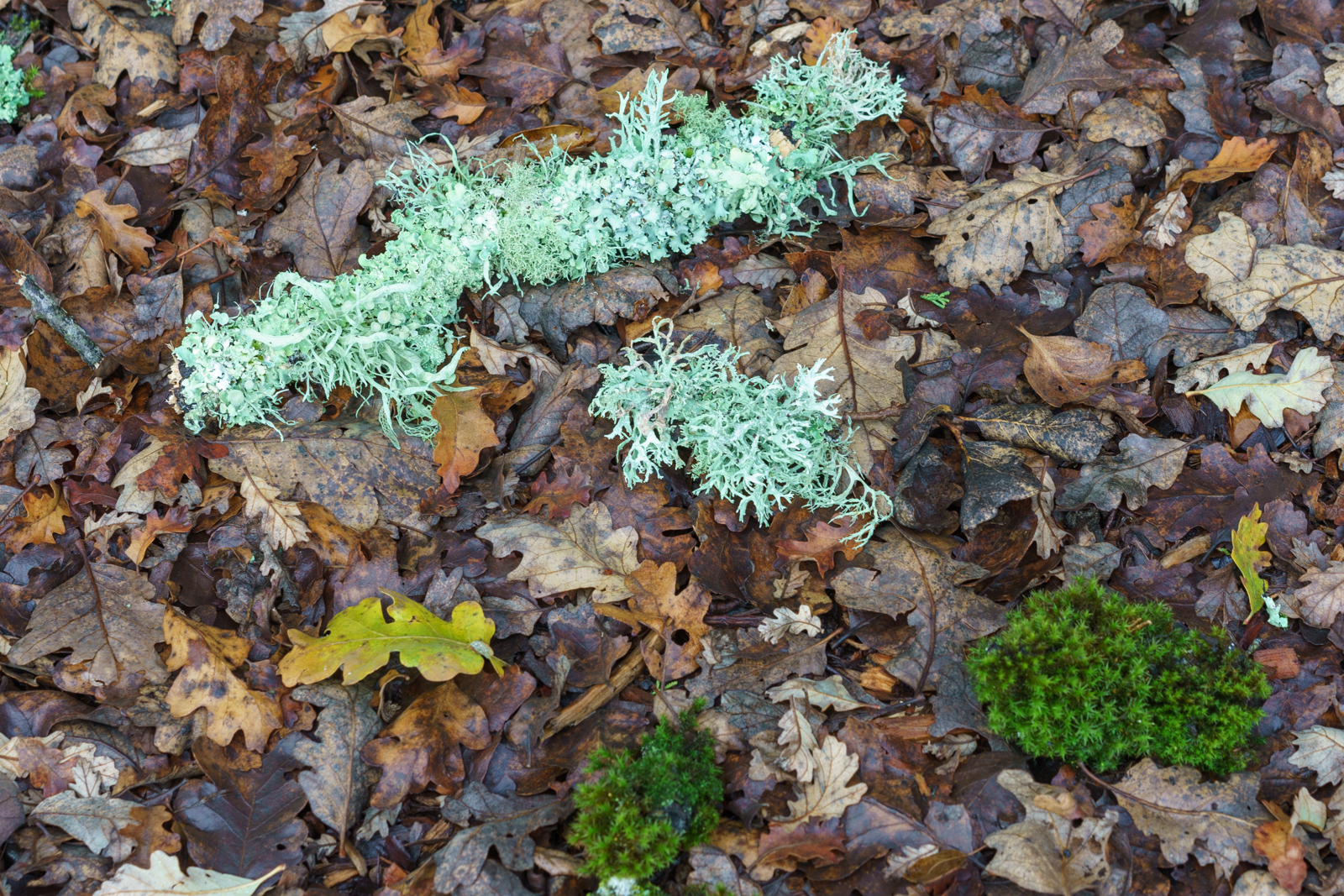
Another example of using Adobe Photoshop 2023 alignment functionality.
As the images appear in the camera.
Now after aligning the images.
One way to describe the Adobe Photoshop 2023 alignment functionality is as follows:
It seems to pick out a dominant feature in the images and transforms the remainder of the images into the rest frame of this dominant feature. In other words it performs a coordinate transformation of the images to the rest frame of the dominant feature. That actually makes sense to me.
So if the dominant feature doesn't move or change, like the ground or a structure, then the transformed images look naturally as a non-drifting camera at rest sees them.
However if there are no statically fixed features in the images then they are being transformed to the rest frame of the dominant feature.
To me that's a sensible approach. It gives me a way to understand the alignment functionally of PS 2023.
It also tells me when to use the alignment function and when not.