This topic is in the 2013 archive. You can read it and like its posts here. It is read only.
Archive 2013"MF Nikon Glass" shooters shooting AF !!
p.109 #1"MF Nikon Glass" shooters shooting AF !!
pburke wrote:
Freshly processed shot from September with the rental dream team gear
D810 with 400mm f/2.8 and 1.4x TC, plus quite a liberal crop. Usually I shoot at least 600mm at that location, but the D810 resolution makes up for the shorter lens. Processed twice, once as color, once as B&W and then blended on luminance levels. Really like the control over shadow detail you get that way without turning the image into some sort of pseudo HDR glow look
https://farm2.staticflickr.com/1501/24120461201_a5d10291d1_b.jpg
Newgarden Highlights
Can you go into a little more detail about how you blended the two photos? I really like this effect, and how you got it to turn out.
Mar 14, 2016 at 10:34 PM
p.109 #2"MF Nikon Glass" shooters shooting AF !!
TheOtherKav wrote:
D810 with 400mm f/2.8 and 1.4x TC, plus quite a liberal crop. Usually I shoot at least 600mm at that location, but the D810 resolution makes up for the shorter lens. Processed twice, once as color, once as B&W and then blended on luminance levels. Really like the control over shadow detail you get that way without turning the image into some sort of pseudo HDR glow look
https://farm2.staticflickr.com/1501/24120461201_a5d10291d1_b.jpg
Newgarden HighlightsCan you go into a little more detail about how you blended the two photos? I really like this effect, and how you got it to turn out.
well, open camera raw, do the usual processing, perhaps not quite as aggressive with the contrast as usual, as I am planning to pull some extra contrast with the black and white layer in a second round.
Not all images lend themselves to this processing, as some colors like red tend to get much ligher in black and white unless you get very liberal on the color response sliders in SilverEfex.
anyway - once the pre-processed image is in Photoshop, I usually go through a quick round of Viveza to adjust some cares for brightness and contrast in ways that are just a lot easier with that tool than in camera raw. At that point, the color image is done, except maybe for some sharpening. duplicate that layer and load SilverEfex Pro 2
In SilverEfex I look for a preset that gives me a good start with the given image to get the lighting effect I am after. In this case I wanted to get some texture in the dark areas where the color process wasn't quite as well defined. Most notably the tires, which now look like roughed up racing tires, not just blurry black blobs.
Adjust colors in the black and white process to get the lightness levels about right. First time you get that all wrong you'll know what I mean after you get back into photoshop. I avoid using frames in SilverEfex, because I rarely combine the layers at 100% opacity when I get back into Photoshop.
Once happy with the black and white, nice range of texture, darks and whites, whatever the image works best with, I bring it into Photoshop, where you'll see the black and white top layer. At that time, in the layers menu, I change the blend mode to "luminance" and immediately you will see a dramatic change in how the image renders. Usually too strong for my liking. Then just dial back the opacity, or even put a mask on it and remove the luminance blend from select areas. Sounds all complicated, but I can whip up an image I like in about 5 minutes.
this also works on images of other sources. Just yesterday I edited some old film scans. Two very similar images here, first one straight from scanner with minor tweaks, second one dual processed in B&W and luminance blended, and at 100%, as the frame on the image shows - white will completely block out the color image below, so the effect here is pretty strong. Grain is from the original film scan but you can add grain to modern digital files via the SilverEfex layer for effect if you want
http://flic.kr/p/FpjKck
http://flic.kr/p/Fn2pXW
Here's another film scan I processed that way, mostly to bring the water spray out better than any color process allowed me to do
http://flic.kr/p/EoWeai
hope this makes sense. My method is constantly in flux - each image I process I do differently looking for new things, experimenting, etc - I never save PSD files with the layers to go back and see what I actually did. Disk space is always at a premium.
pburke wrote
Freshly processed shot from September with the rental dream team gearD810 with 400mm f/2.8 and 1.4x TC, plus quite a liberal crop. Usually I shoot at least 600mm at that location, but the D810 resolution makes up for the shorter lens. Processed twice, once as color, once as B&W and then blended on luminance levels. Really like the control over shadow detail you get that way without turning the image into some sort of pseudo HDR glow look
https://farm2.staticflickr.com/1501/24120461201_a5d10291d1_b.jpg
Newgarden Highlights
well, open camera raw, do the usual processing, perhaps not quite as aggressive with the contrast as usual, as I am planning to pull some extra contrast with the black and white layer in a second round.
Not all images lend themselves to this processing, as some colors like red tend to get much ligher in black and white unless you get very liberal on the color response sliders in SilverEfex.
anyway - once the pre-processed image is in Photoshop, I usually go through a quick round of Viveza to adjust some cares for brightness and contrast in ways that are just a lot easier with that tool than in camera raw. At that point, the color image is done, except maybe for some sharpening. duplicate that layer and load SilverEfex Pro 2
In SilverEfex I look for a preset that gives me a good start with the given image to get the lighting effect I am after. In this case I wanted to get some texture in the dark areas where the color process wasn't quite as well defined. Most notably the tires, which now look like roughed up racing tires, not just blurry black blobs.
Adjust colors in the black and white process to get the lightness levels about right. First time you get that all wrong you'll know what I mean after you get back into photoshop. I avoid using frames in SilverEfex, because I rarely combine the layers at 100% opacity when I get back into Photoshop.
Once happy with the black and white, nice range of texture, darks and whites, whatever the image works best with, I bring it into Photoshop, where you'll see the black and white top layer. At that time, in the layers menu, I change the blend mode to "luminance" and immediately you will see a dramatic change in how the image renders. Usually too strong for my liking. Then just dial back the opacity, or even put a mask on it and remove the luminance blend from select areas. Sounds all complicated, but I can whip up an image I like in about 5 minutes.
this also works on images of other sources. Just yesterday I edited some old film scans. Two very similar images here, first one straight from scanner with minor tweaks, second one dual processed in B&W and luminance blended, and at 100%, as the frame on the image shows - white will completely block out the color image below, so the effect here is pretty strong. Grain is from the original film scan but you can add grain to modern digital files via the SilverEfex layer for effect if you want
http://flic.kr/p/FpjKck
http://flic.kr/p/Fn2pXW
Here's another film scan I processed that way, mostly to bring the water spray out better than any color process allowed me to do
http://flic.kr/p/EoWeai
hope this makes sense. My method is constantly in flux - each image I process I do differently looking for new things, experimenting, etc - I never save PSD files with the layers to go back and see what I actually did. Disk space is always at a premium.
Mar 17, 2016 at 03:17 PM
p.109 #3"MF Nikon Glass" shooters shooting AF !!
pburke wrote:
D810 with 400mm f/2.8 and 1.4x TC, plus quite a liberal crop. Usually I shoot at least 600mm at that location, but the D810 resolution makes up for the shorter lens. Processed twice, once as color, once as B&W and then blended on luminance levels. Really like the control over shadow detail you get that way without turning the image into some sort of pseudo HDR glow look
https://farm2.staticflickr.com/1501/24120461201_a5d10291d1_b.jpg
Newgarden HighlightsCan you go into a little more detail about how you blended the two photos? I really like this effect, and how you got it to turn out.well, open camera raw, do the usual processing, perhaps not quite as aggressive with the contrast as usual, as I am planning to pull some extra contrast with the black and white layer in a second round.
Not all images lend themselves to this processing, as some colors like red tend to get much ligher in black and white unless you get very liberal on the color response sliders in SilverEfex.
anyway - once the pre-processed image is in Photoshop, I usually go through a quick round of Viveza to adjust some cares for brightness and contrast in ways that are...Show more →
That's a great write up, I'll give it a go and see what I come up with. Many thanks!
TheOtherKav wrote
pburke wrote
Freshly processed shot from September with the rental dream team gearD810 with 400mm f/2.8 and 1.4x TC, plus quite a liberal crop. Usually I shoot at least 600mm at that location, but the D810 resolution makes up for the shorter lens. Processed twice, once as color, once as B&W and then blended on luminance levels. Really like the control over shadow detail you get that way without turning the image into some sort of pseudo HDR glow look
https://farm2.staticflickr.com/1501/24120461201_a5d10291d1_b.jpg
Newgarden Highlights
Not all images lend themselves to this processing, as some colors like red tend to get much ligher in black and white unless you get very liberal on the color response sliders in SilverEfex.
anyway - once the pre-processed image is in Photoshop, I usually go through a quick round of Viveza to adjust some cares for brightness and contrast in ways that are...Show more →
That's a great write up, I'll give it a go and see what I come up with. Many thanks!
Mar 18, 2016 at 09:10 PM
p.109 #4"MF Nikon Glass" shooters shooting AF !!
Anyone shoot the 28/2.8 AF? I have one I am trying out and so far, pretty awful.
Mar 30, 2016 at 12:58 AM
p.109 #5"MF Nikon Glass" shooters shooting AF !!
Never tried it. The lens uses a 5 elements in 5 groups design like the 28 f2,8 Nikon E rather then the excellent 8/8 design of the excellent Ai-S version. Maybe this simpler design is reason for the poor performance.
Mar 30, 2016 at 02:32 AM
p.109 #6"MF Nikon Glass" shooters shooting AF !!
the solitaire wrote:
Never tried it. The lens uses a 5 elements in 5 groups design like the 28 f2,8 Nikon E rather then the excellent 8/8 design of the excellent Ai-S version. Maybe this simpler design is reason for the poor performance.
I had the 28/2.8E and it was better. This lens is awful.
Mar 30, 2016 at 10:09 AM

p.109 #7"MF Nikon Glass" shooters shooting AF !!
This is inline with my experience as well.
kwoodard wrote:
I had the 28/2.8E and it was better. This lens is awful.
kwoodard wrote:
the solitaire wrote
Never tried it. The lens uses a 5 elements in 5 groups design like the 28 f2,8 Nikon E rather then the excellent 8/8 design of the excellent Ai-S version. Maybe this simpler design is reason for the poor performance.Mar 30, 2016 at 08:55 PM
p.109 #8"MF Nikon Glass" shooters shooting AF !!
ramkumar999 wrote:
This is inline with my experience as well.
kwoodard wrote
the solitaire wrote
Never tried it. The lens uses a 5 elements in 5 groups design like the 28 f2,8 Nikon E rather then the excellent 8/8 design of the excellent Ai-S version. Maybe this simpler design is reason for the poor performance.I feel that if all I shot was documentary style photos, it might be ok, but I think this may be a bad copy as well. My 28E was decentered and performed better. I'm taking it back.
Mar 30, 2016 at 09:15 PM
p.109 #9"MF Nikon Glass" shooters shooting AF !!
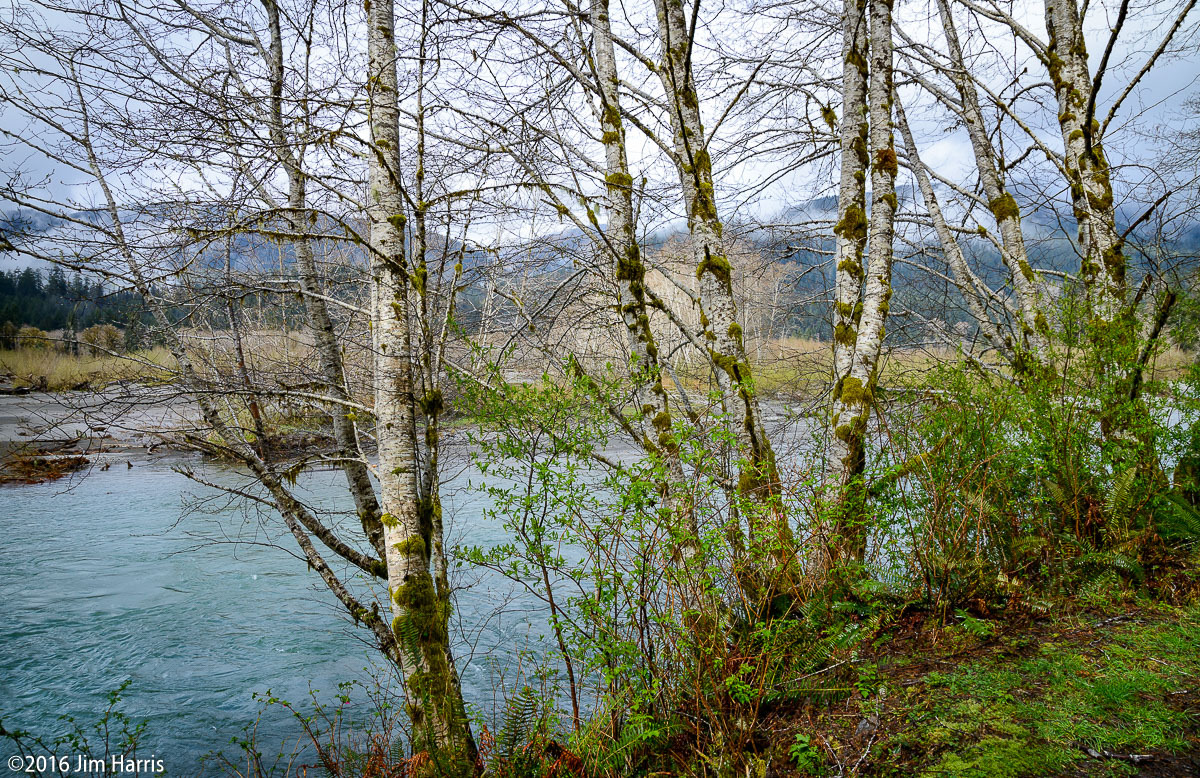
A few shots from a recent trip to Washington near Mt. Rainier and Olympic Nat'l Parks.
All taken with D800e and Sigma 24-105 Art lens.
All hand held, LRCC.
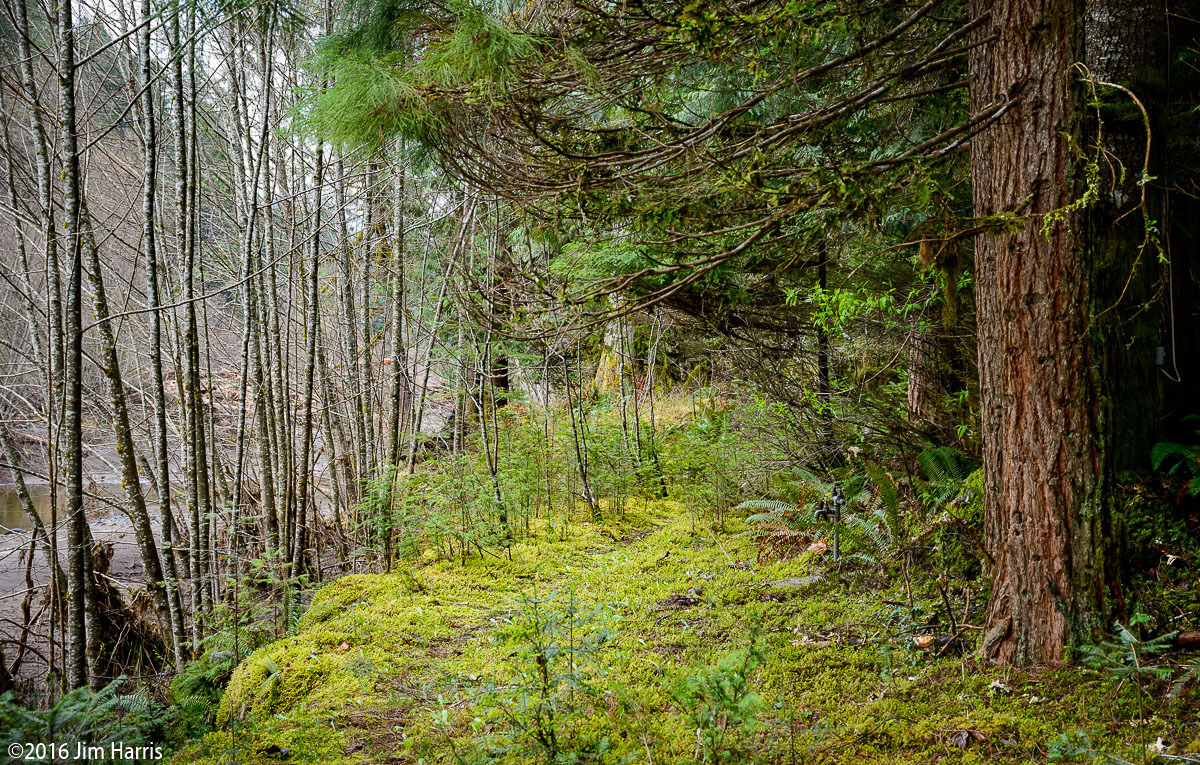
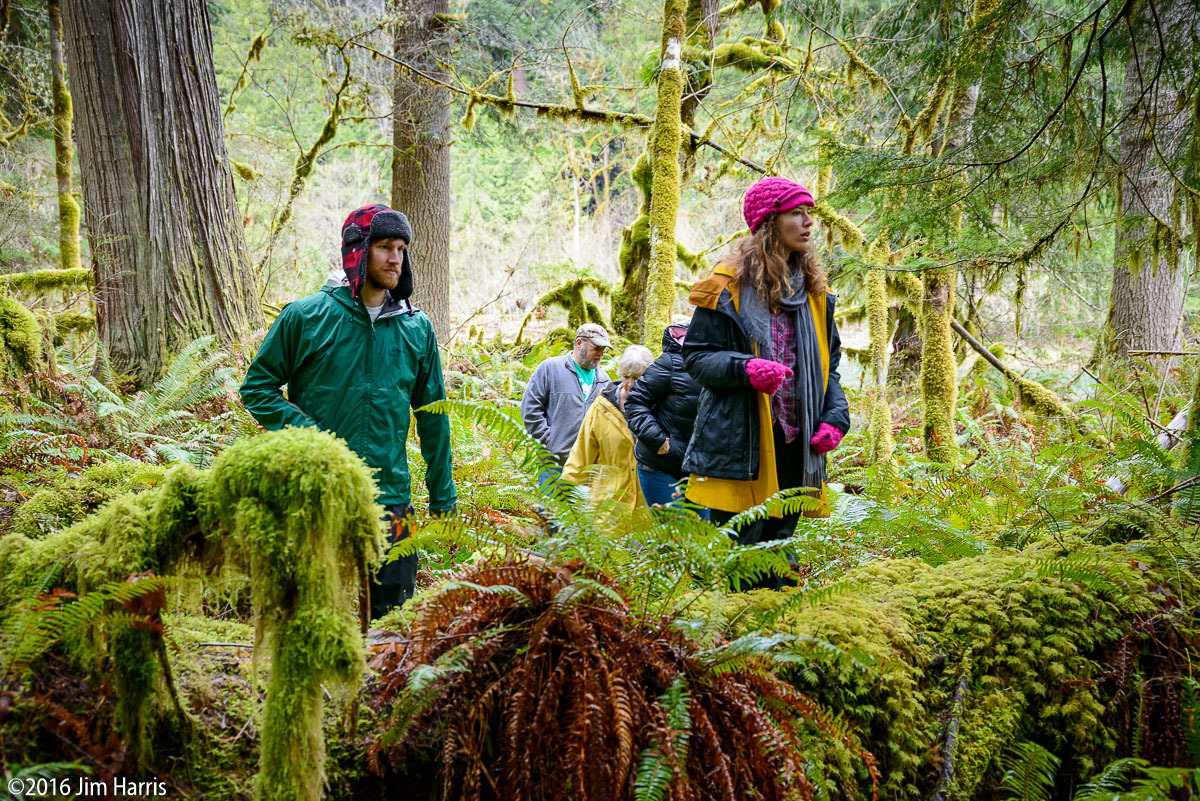
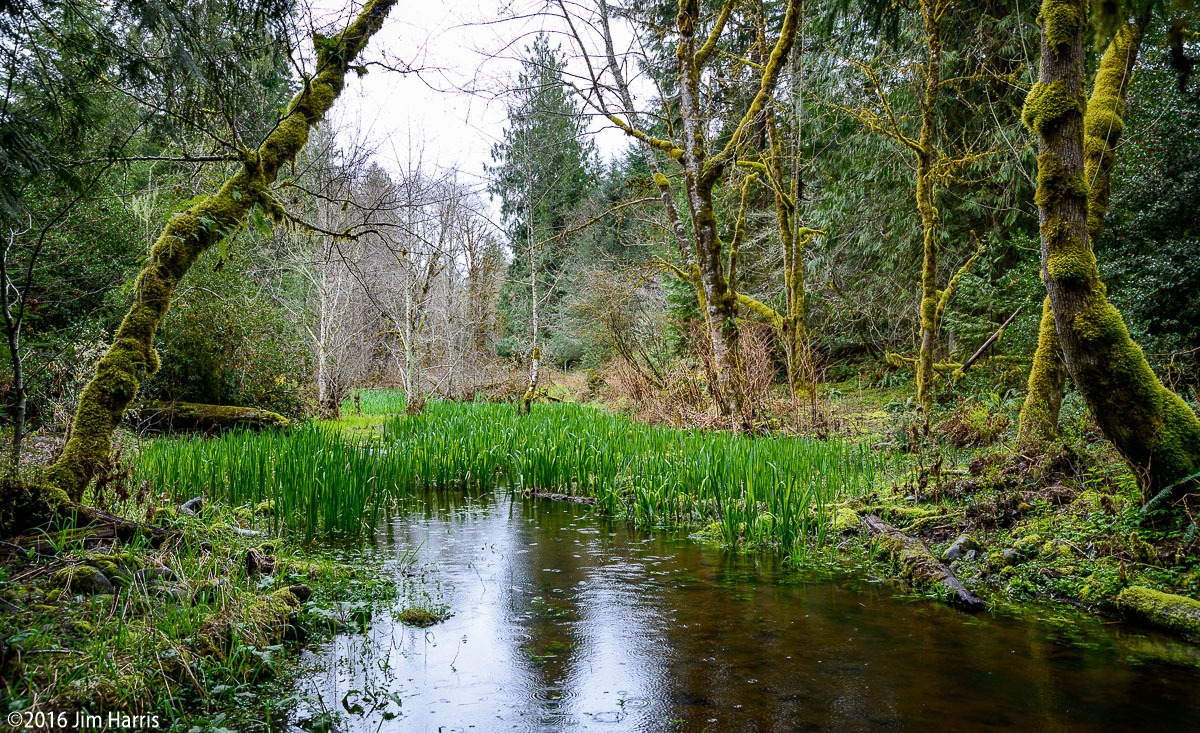
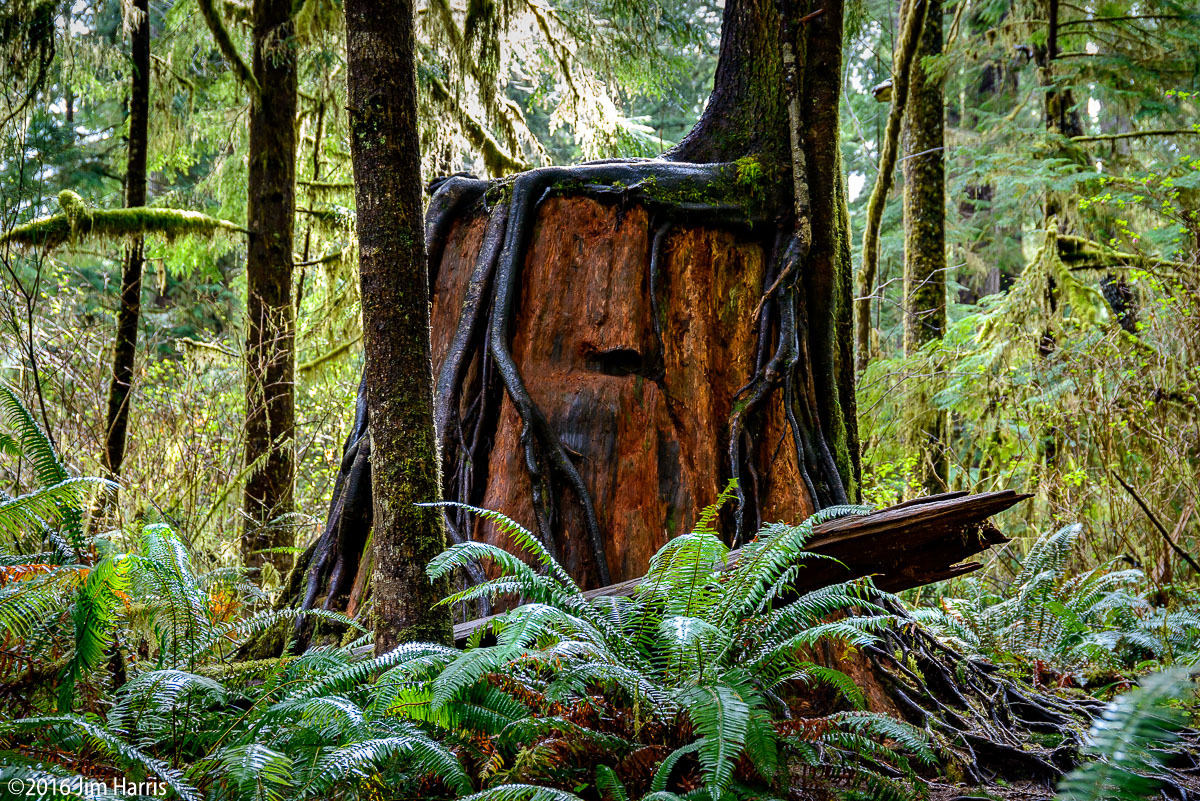
All taken with D800e and Sigma 24-105 Art lens.
All hand held, LRCC.
Mar 30, 2016 at 11:55 PM
p.109 #10"MF Nikon Glass" shooters shooting AF !!
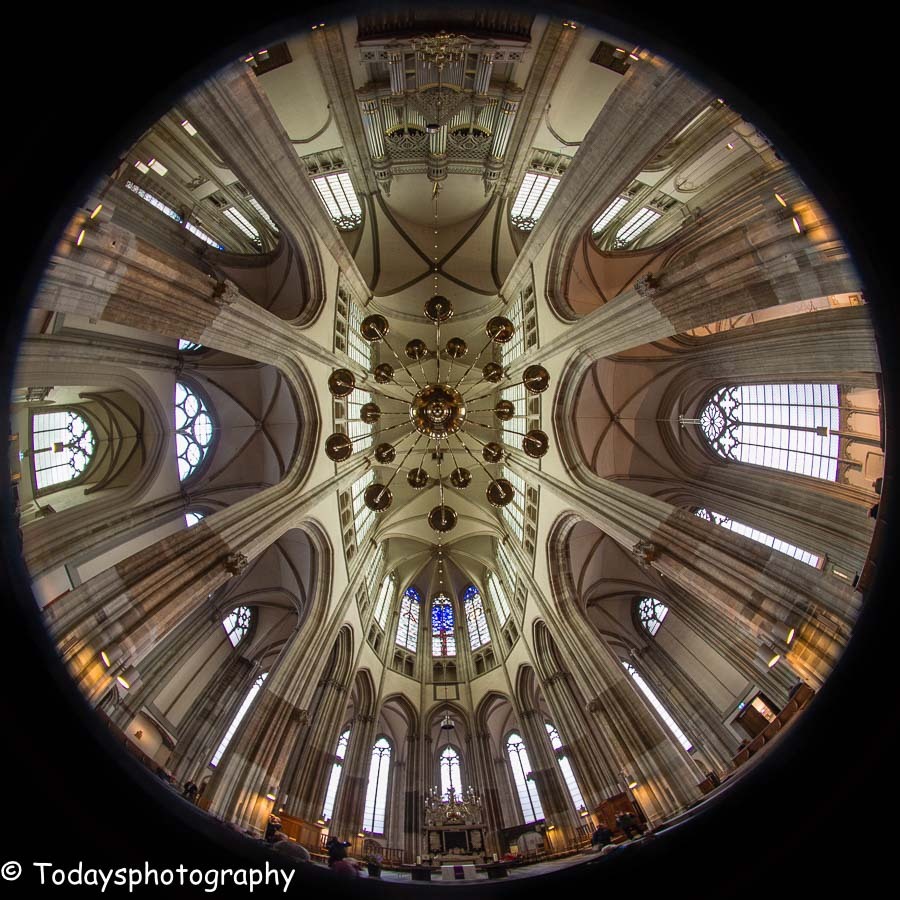
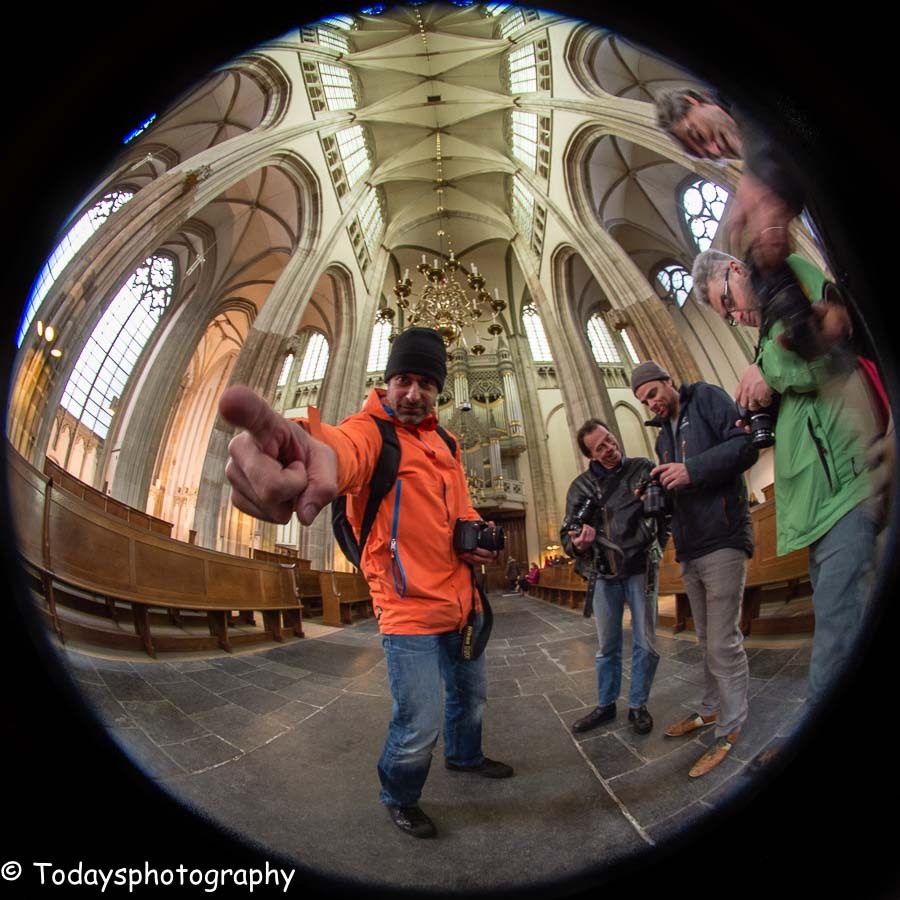
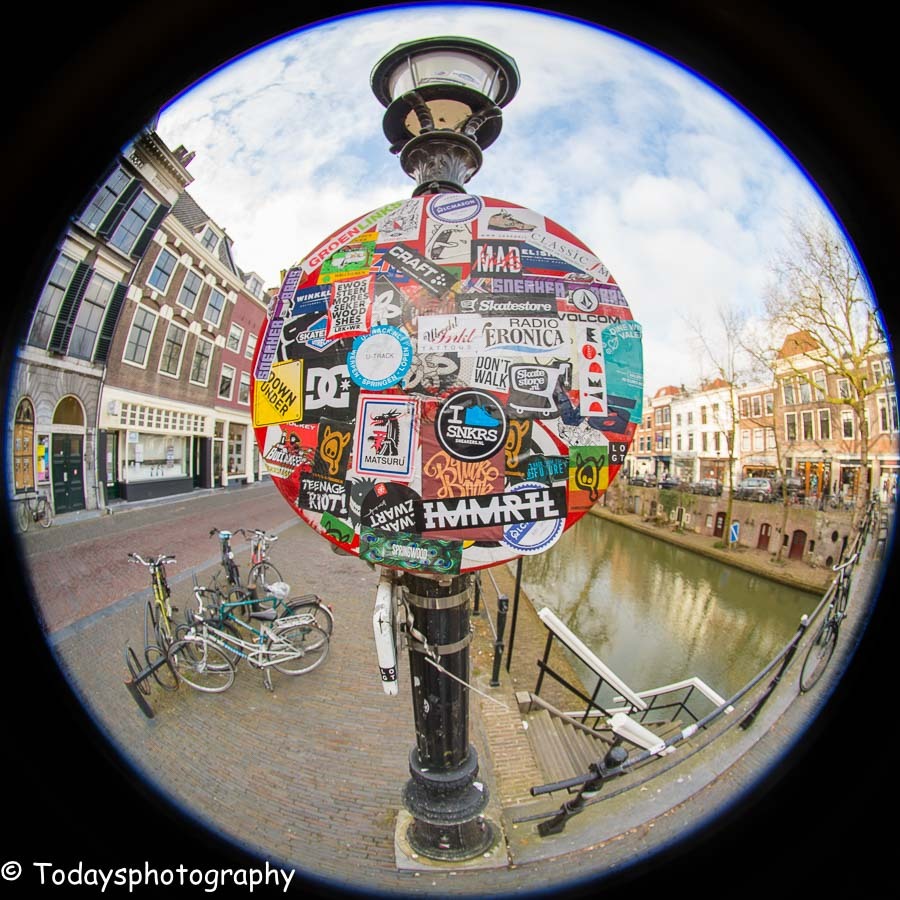
A few with the Df + Sigma 8/3.5 fisheye
The Dom Cathedral in Utrecht
Again the Dom
A plastered traffic sign
 |
||
 |
||
 |
The Dom Cathedral in Utrecht
|
||
 |
||
|
Again the Dom
|
||
 |
||
|
A plastered traffic sign
Mar 31, 2016 at 12:54 AM
p.109 #11"MF Nikon Glass" shooters shooting AF !!
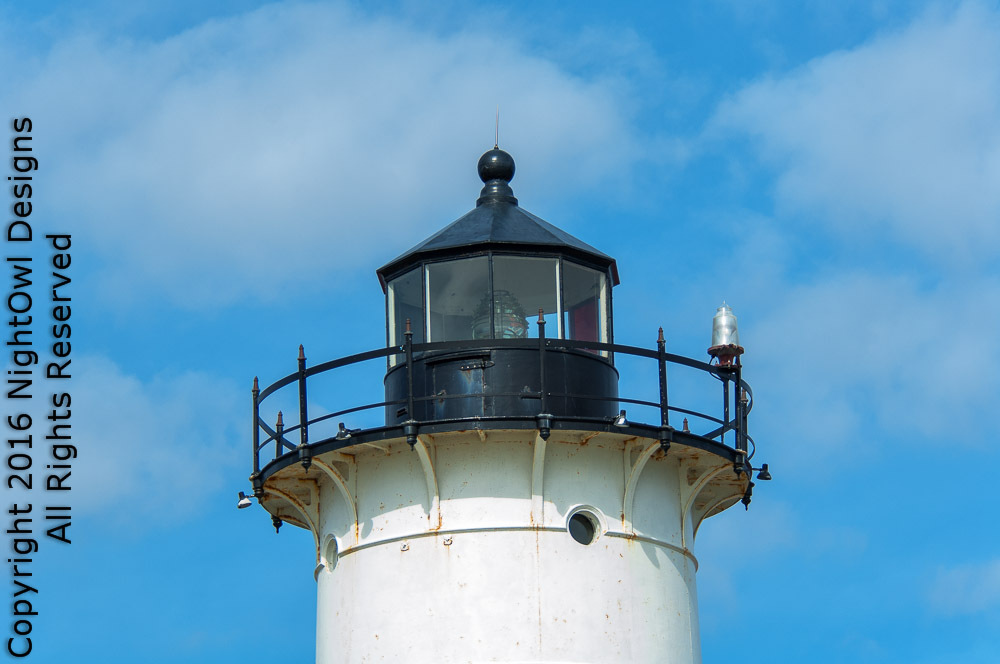
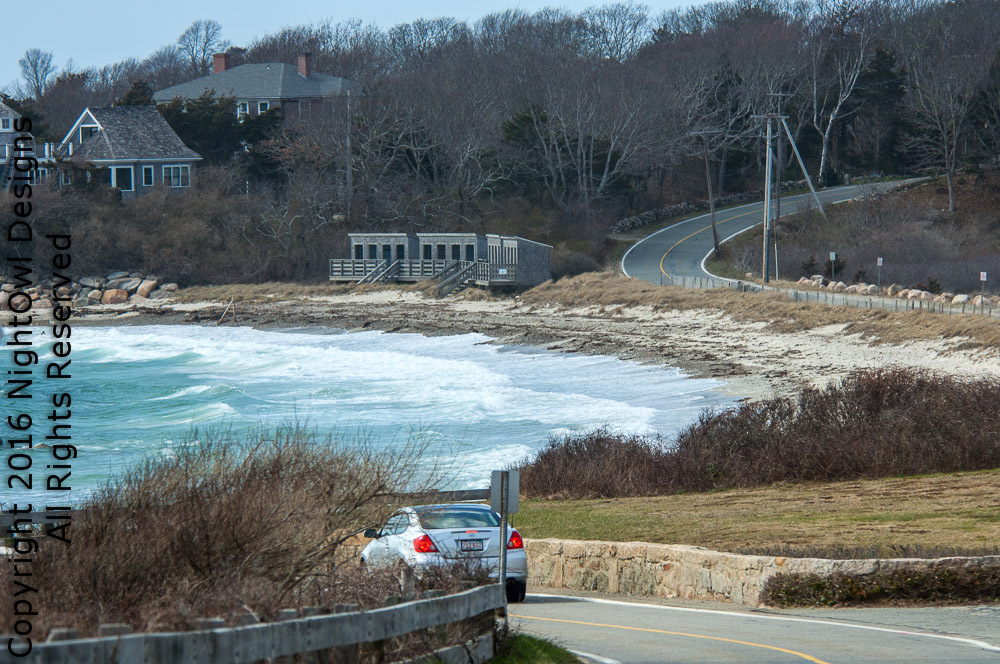
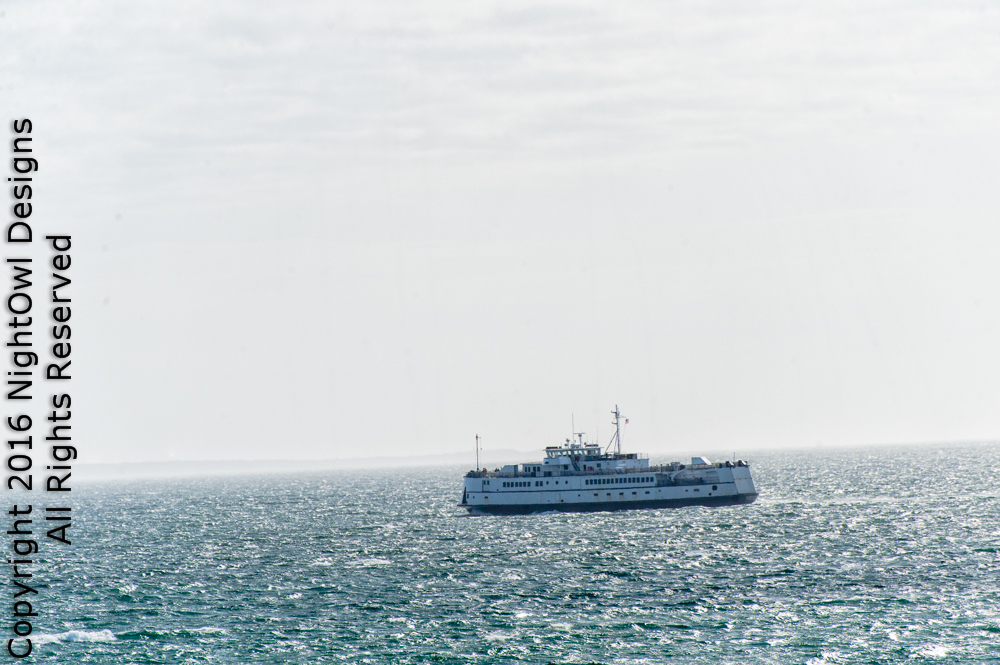
A few LR edits
 |
||
 © NightOwl Cat 2016 |
||
|
|
||
 © NightOwl Cat 2016 |
||
|
|
||
 © NightOwl Cat 2016 |
||
|
Apr 04, 2016 at 06:10 PM
p.109 #12"MF Nikon Glass" shooters shooting AF !!
I am sure I have some posts on this thread way back.
I have spent the last months or even year or more working with Manual Focus lenses.
So stepping over to the dark side, only because I have recently acquired a couple of AF lenses, has been an adventure in relearning how to use AF
So I arrived on an 80-400mm VR and a 70-180mm D micro
With the micro I have now completed meh ring of SB-R200's .... crazy .... I now have 8 and can make a whole ring flash, with very small gaps .... I wonder how many photographers have 8 in a ring !!
Anyway ....
Enjoy
Steve
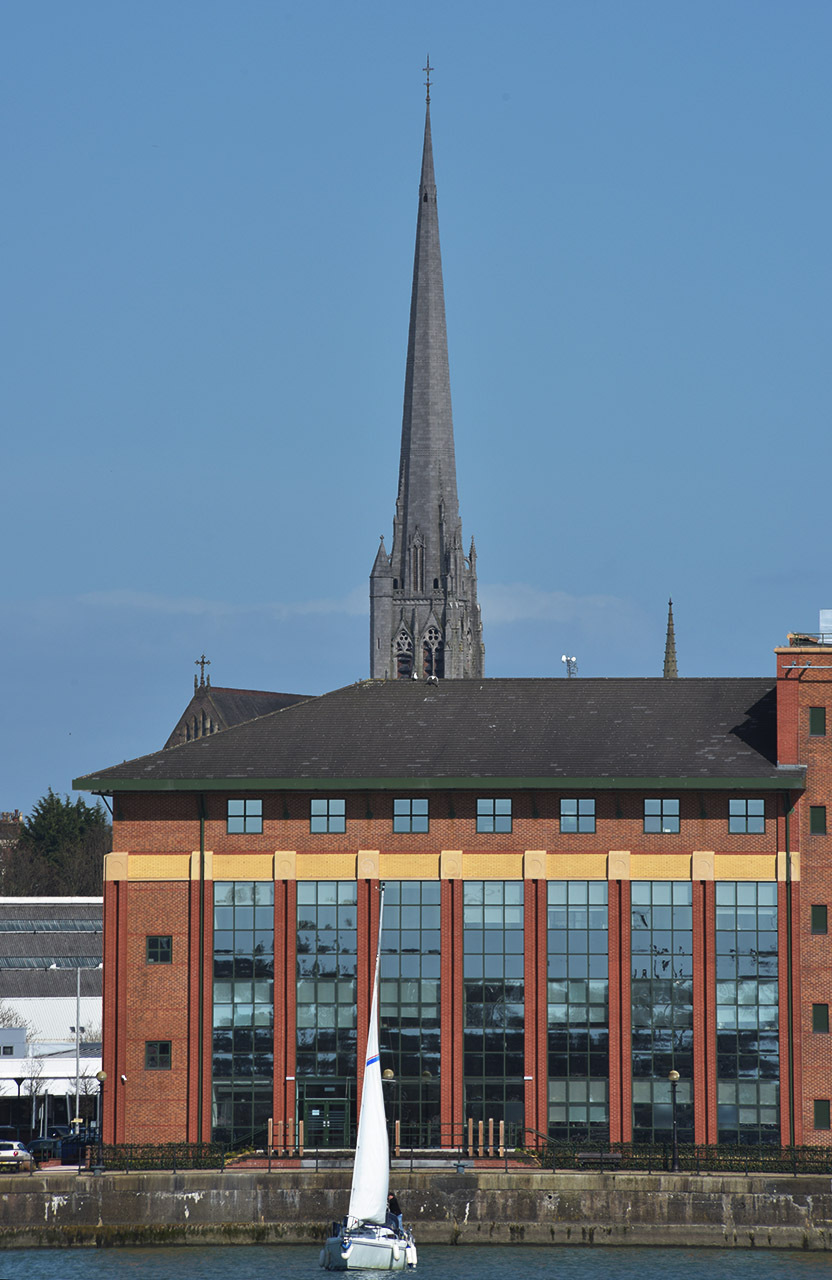
Sailing on the dock below the St Warburg steeple
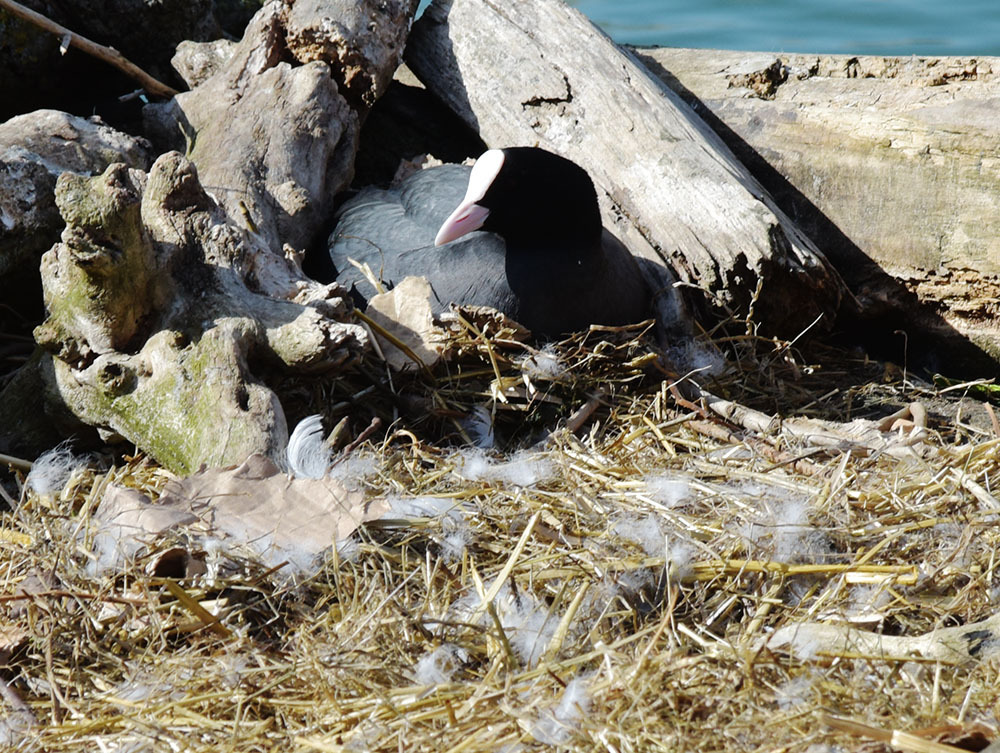
Coot nest sharing on a swans nest ..... who knew ....
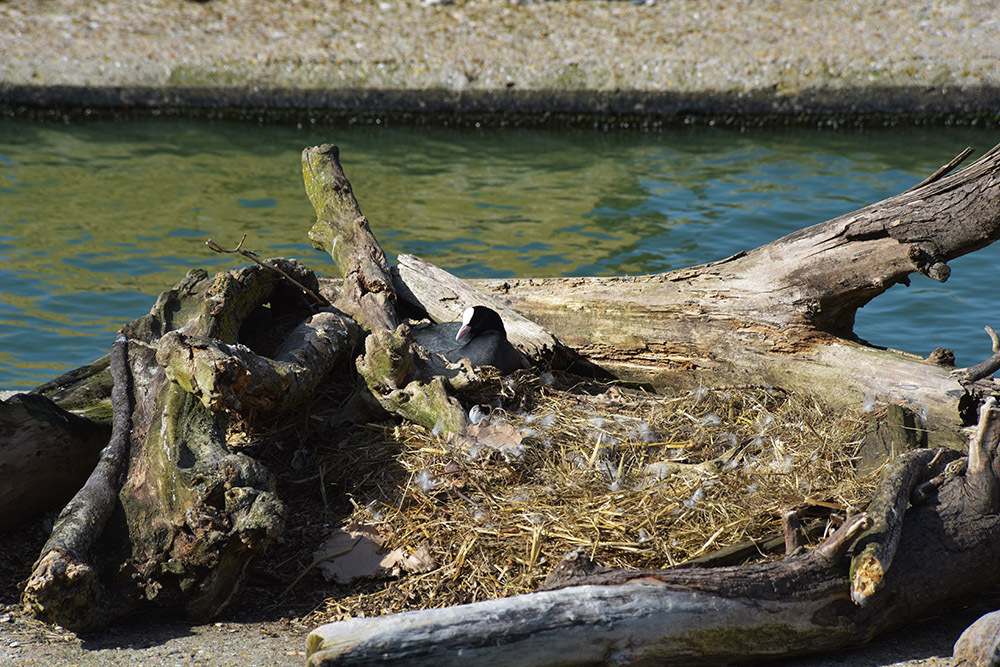
No eggs in the swans nest yesterday !!
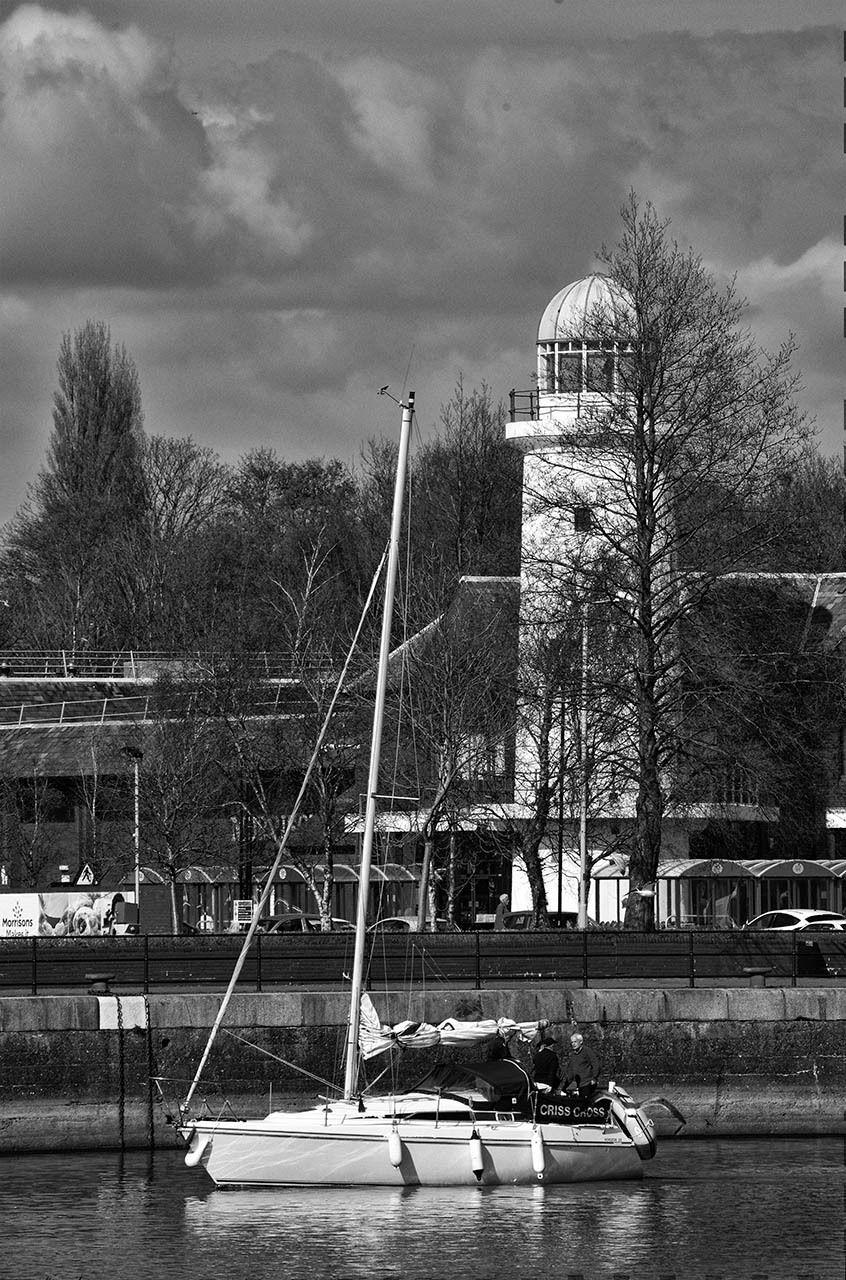
Sailing past the old lighthouse - monochrome - SEP2, wet rocks
I have spent the last months or even year or more working with Manual Focus lenses.
So stepping over to the dark side, only because I have recently acquired a couple of AF lenses, has been an adventure in relearning how to use AF
So I arrived on an 80-400mm VR and a 70-180mm D micro
With the micro I have now completed meh ring of SB-R200's .... crazy .... I now have 8 and can make a whole ring flash, with very small gaps .... I wonder how many photographers have 8 in a ring !!
Anyway ....
Enjoy
Steve
© Stokesey 2016
Sailing on the dock below the St Warburg steeple
© Stokesey 2016
Coot nest sharing on a swans nest ..... who knew ....
© Stokesey 2016
No eggs in the swans nest yesterday !!
© Stokesey 2016
Sailing past the old lighthouse - monochrome - SEP2, wet rocks
Apr 20, 2016 at 02:40 PM
p.109 #13"MF Nikon Glass" shooters shooting AF !!
Post some sample shot using the ring flash.
Stokesey wrote:
I am sure I have some posts on this thread way back.
I have spent the last months or even year or more working with Manual Focus lenses.
So stepping over to the dark side, only because I have recently acquired a couple of AF lenses, has been an adventure in relearning how to use AF
So I arrived on an 80-400mm VR and a 70-180mm D micro
With the micro I have now completed meh ring of SB-R200's .... crazy .... I now have 8 and can make a whole ring flash, with very small gaps .... I wonder how many photographers...Show more →
Stokesey wrote:
I am sure I have some posts on this thread way back.
I have spent the last months or even year or more working with Manual Focus lenses.
So stepping over to the dark side, only because I have recently acquired a couple of AF lenses, has been an adventure in relearning how to use AF
So I arrived on an 80-400mm VR and a 70-180mm D micro
With the micro I have now completed meh ring of SB-R200's .... crazy .... I now have 8 and can make a whole ring flash, with very small gaps .... I wonder how many photographers...Show more →
Apr 20, 2016 at 03:42 PM
p.109 #14"MF Nikon Glass" shooters shooting AF !!
Chris, I like those fish eye shots. Especially the plastered speed limit shield with the Radio Veronica sticker (as well as some others) on it
Apr 20, 2016 at 03:48 PM
p.109 #15"MF Nikon Glass" shooters shooting AF !!
I just discovered this thread after hanging out in Curtis's thread for MF glass.
Here are some shots of the Sundial bridge in Redding, CA designed by Santiago Calatrava. All were taken with the DX 14-24mm on a D300s.
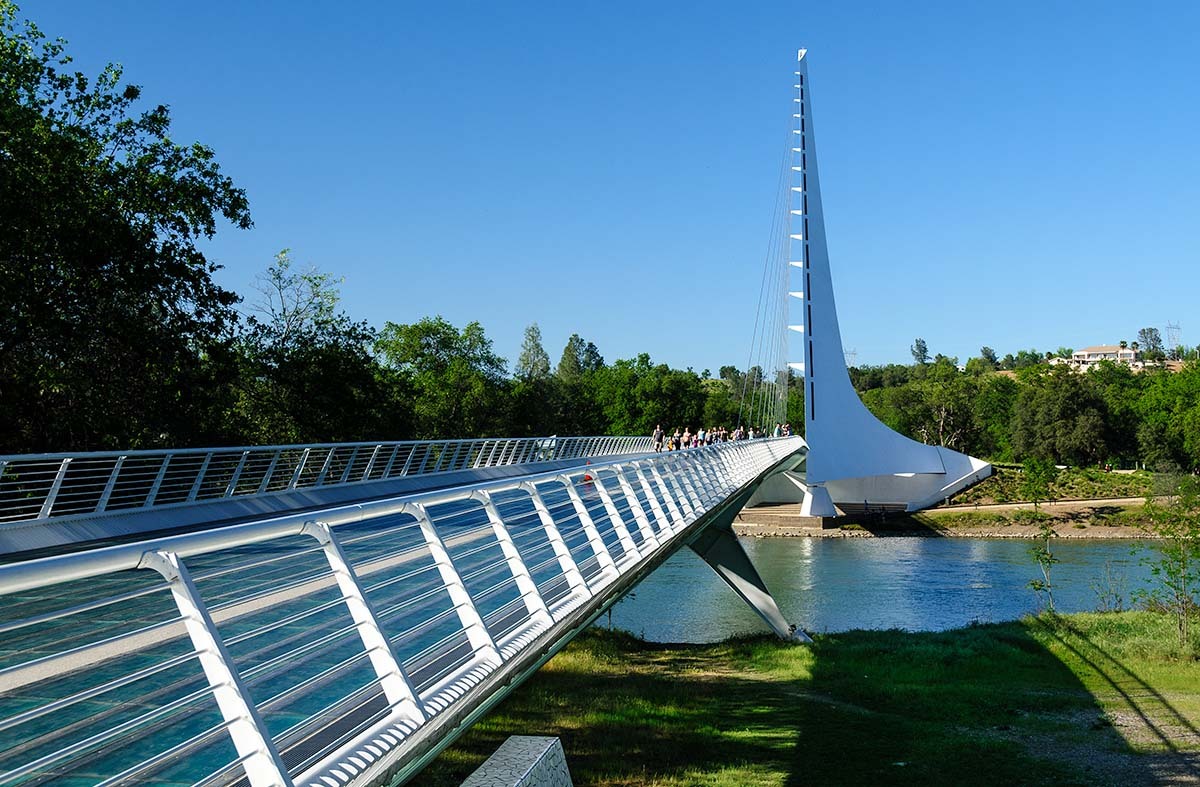
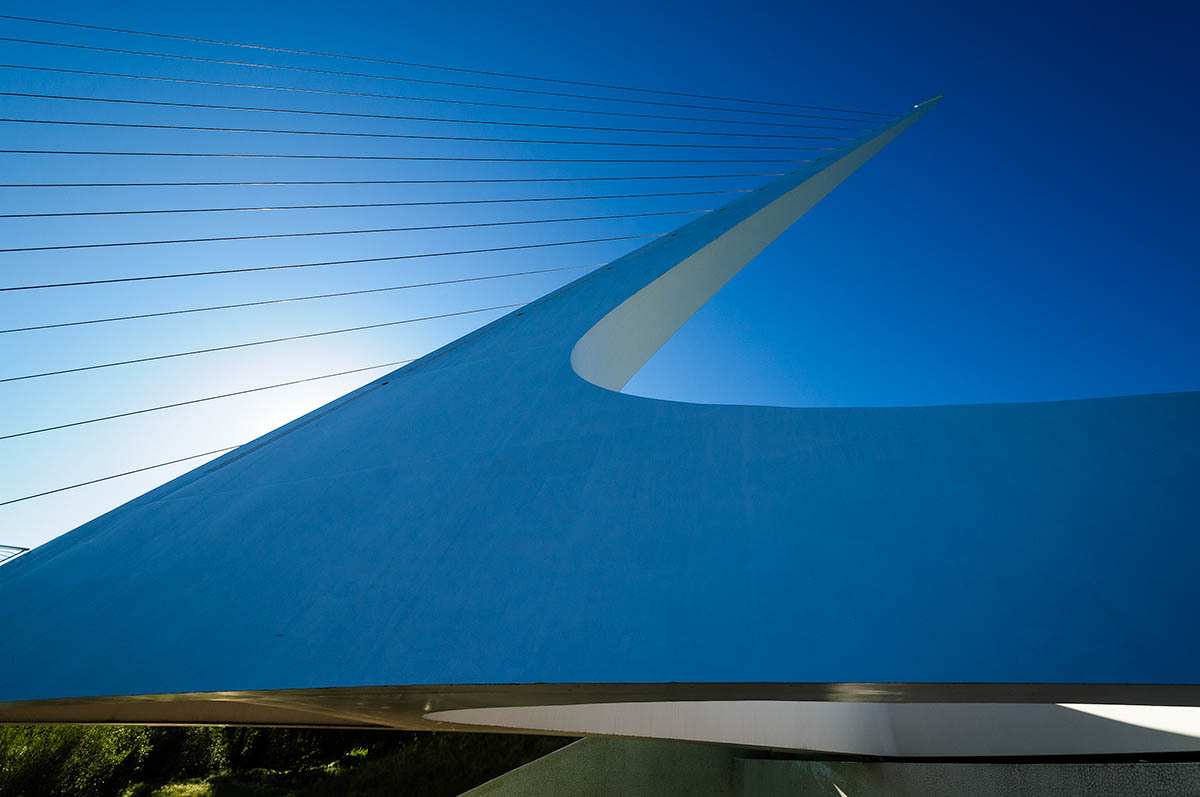
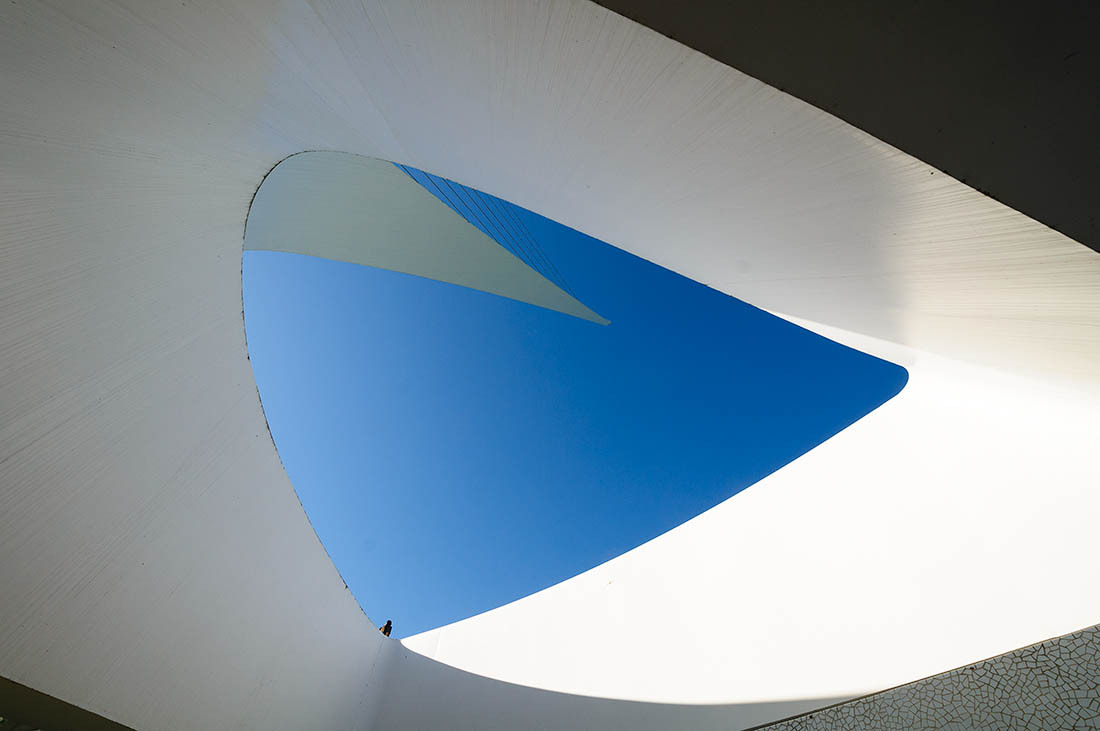
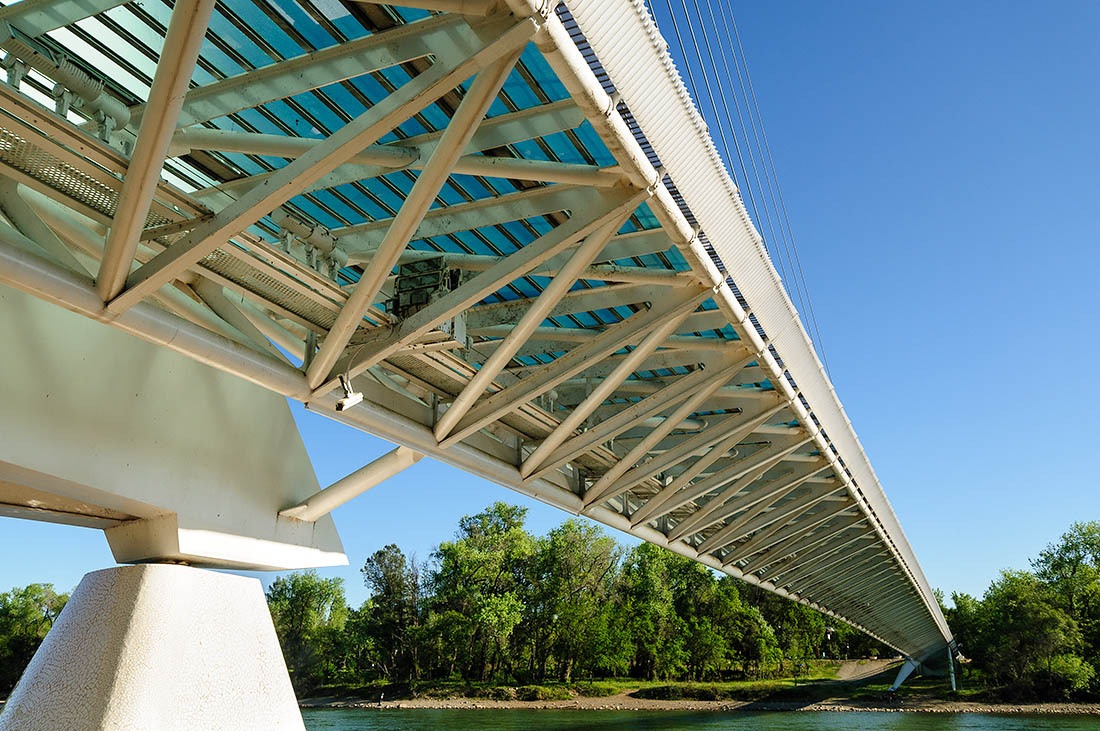
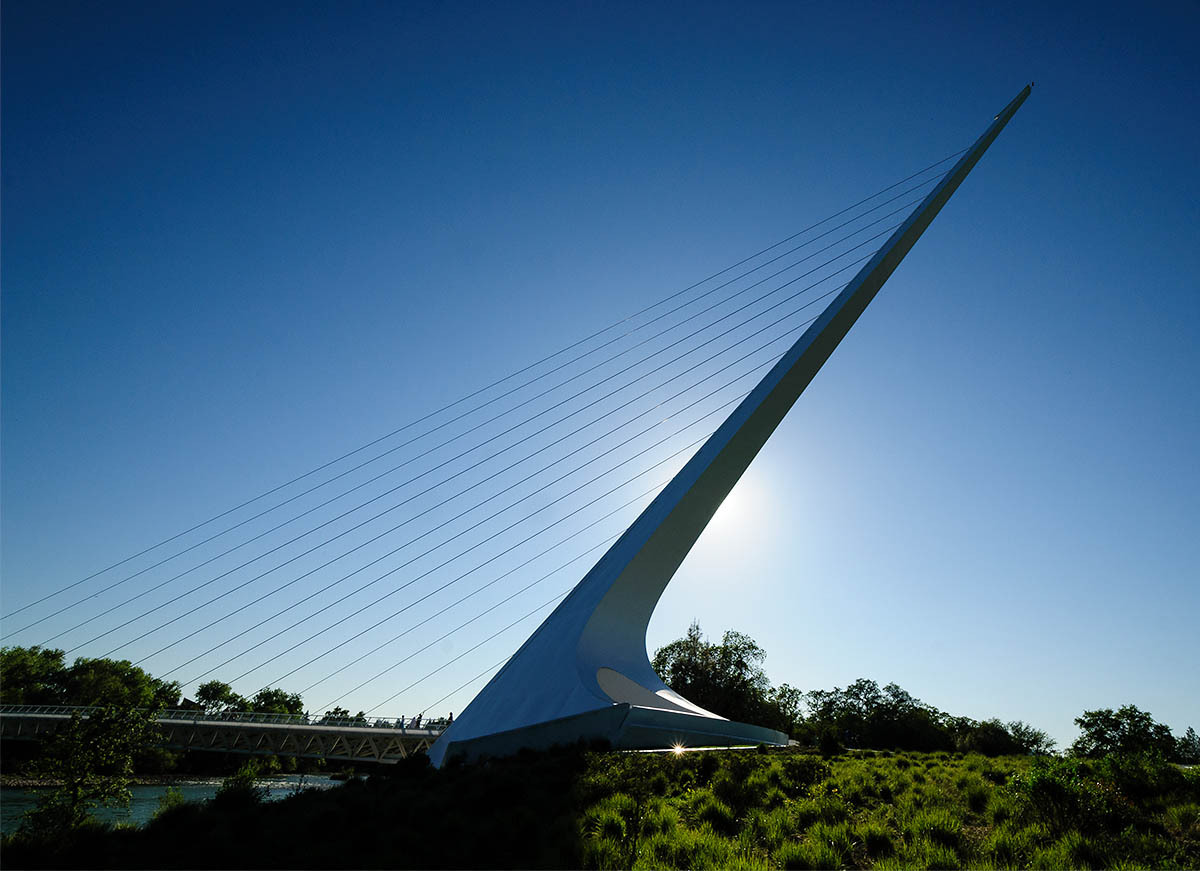
Here are some shots of the Sundial bridge in Redding, CA designed by Santiago Calatrava. All were taken with the DX 14-24mm on a D300s.
Apr 25, 2016 at 06:01 PM
p.109 #16"MF Nikon Glass" shooters shooting AF !!
Ballard wrote:
I just discovered this thread after hanging out in Curtis's thread for MF glass.
Here are some shots of the Sundial bridge in Redding, CA designed by Santiago Calatrava. All were taken with the DX 14-24mm on a D300s.
Very nice shots of the Sundial Bridge. I keep wanting to drive out and photograph it, just haven't had the time.
Apr 25, 2016 at 06:14 PM
p.109 #17"MF Nikon Glass" shooters shooting AF !!
the family at Mammoth Mountain CA
Df 80-200 2.8D
 4-2-2016078 by ric_hammond, on Flickr
 4-2-2016047 by ric_hammond, on Flickr
 4-2-2016042 by ric_hammond, on Flickr
 4-2-2016086 by ric_hammond, on Flickr
Df 80-200 2.8D
4-2-2016078 by ric_hammond, on Flickr4-2-2016047 by ric_hammond, on Flickr4-2-2016042 by ric_hammond, on Flickr4-2-2016086 by ric_hammond, on FlickrApr 26, 2016 at 08:15 PM
p.109 #18"MF Nikon Glass" shooters shooting AF !!
More from Massachusetts and Rochester
|
||
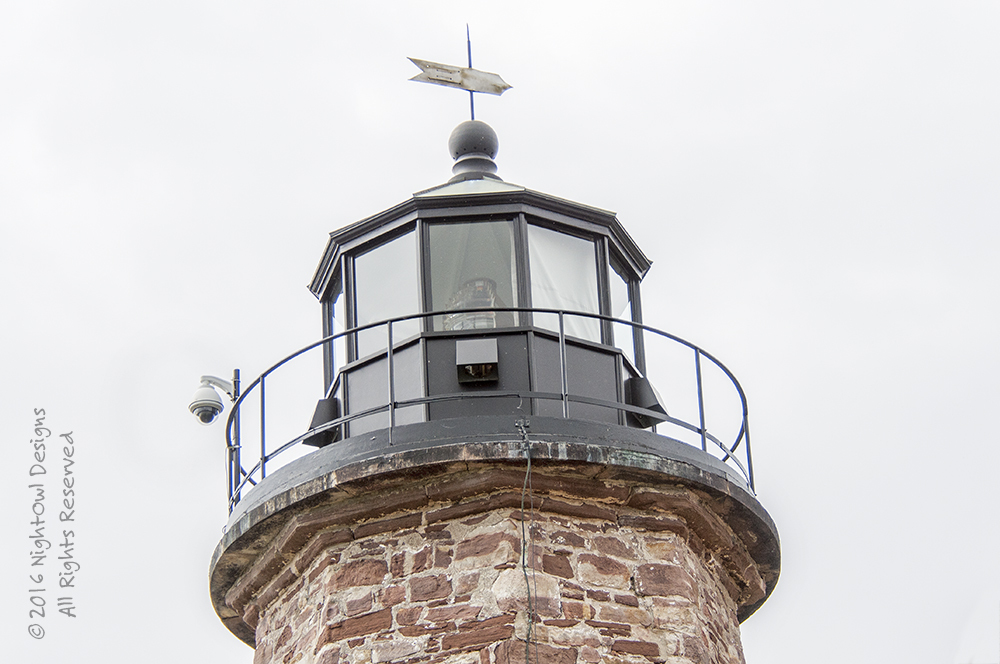 © NightOwl Cat 2016 |
||
|
|
||
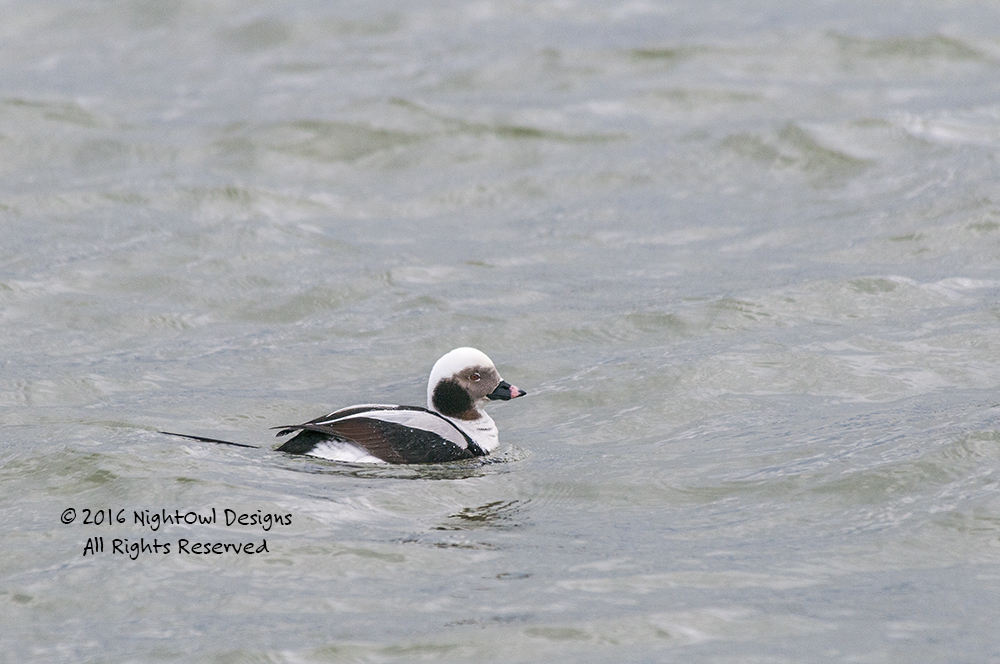 © NightOwl Cat 2016 |
||
|
|
||
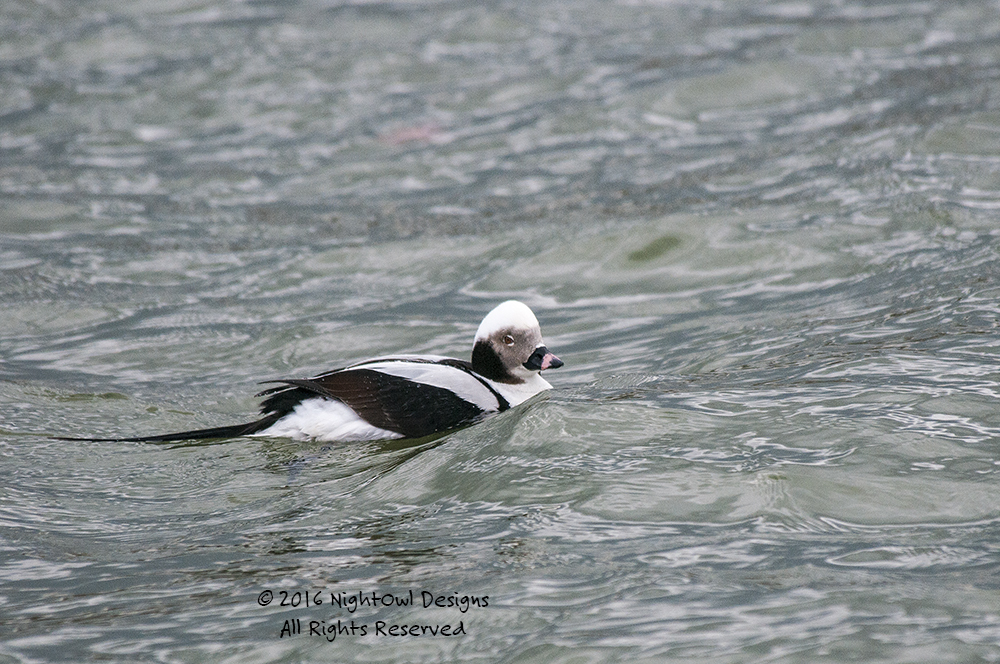 © NightOwl Cat 2016 |
||
|
|
||
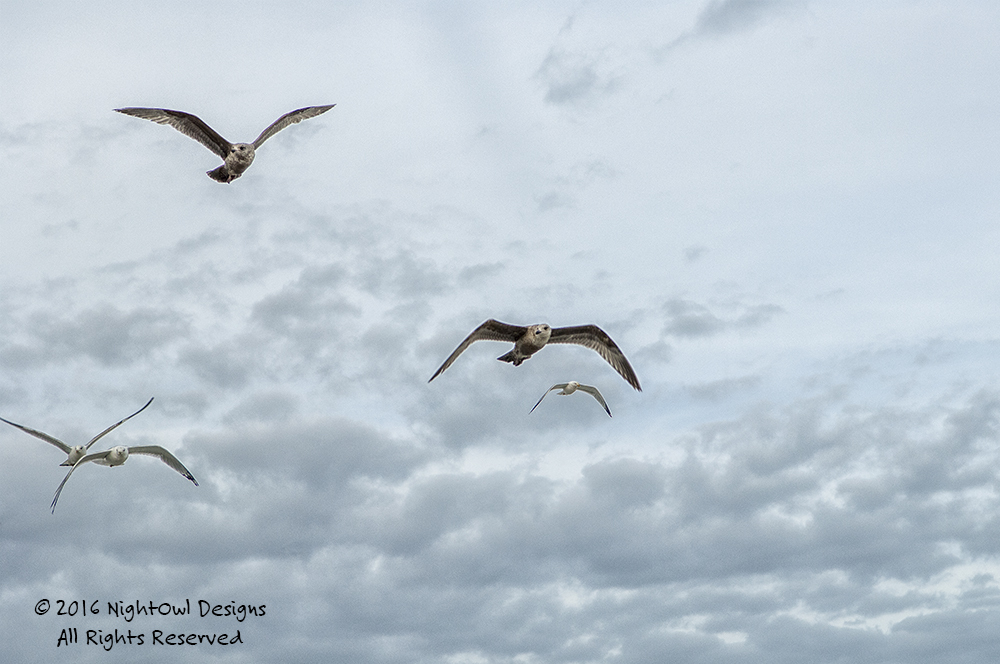 © NightOwl Cat 2016 |
||
|
Apr 26, 2016 at 09:21 PM
p.109 #19"MF Nikon Glass" shooters shooting AF !!
It is getting to me now ...
Using AF lenses has become a bit of a re-learning situation ....
Like riding a bike .... a bit wobbly to begin with ... but getting there
Slowly !!
Yesterday with the D700 + 80-400mm VR
Steve
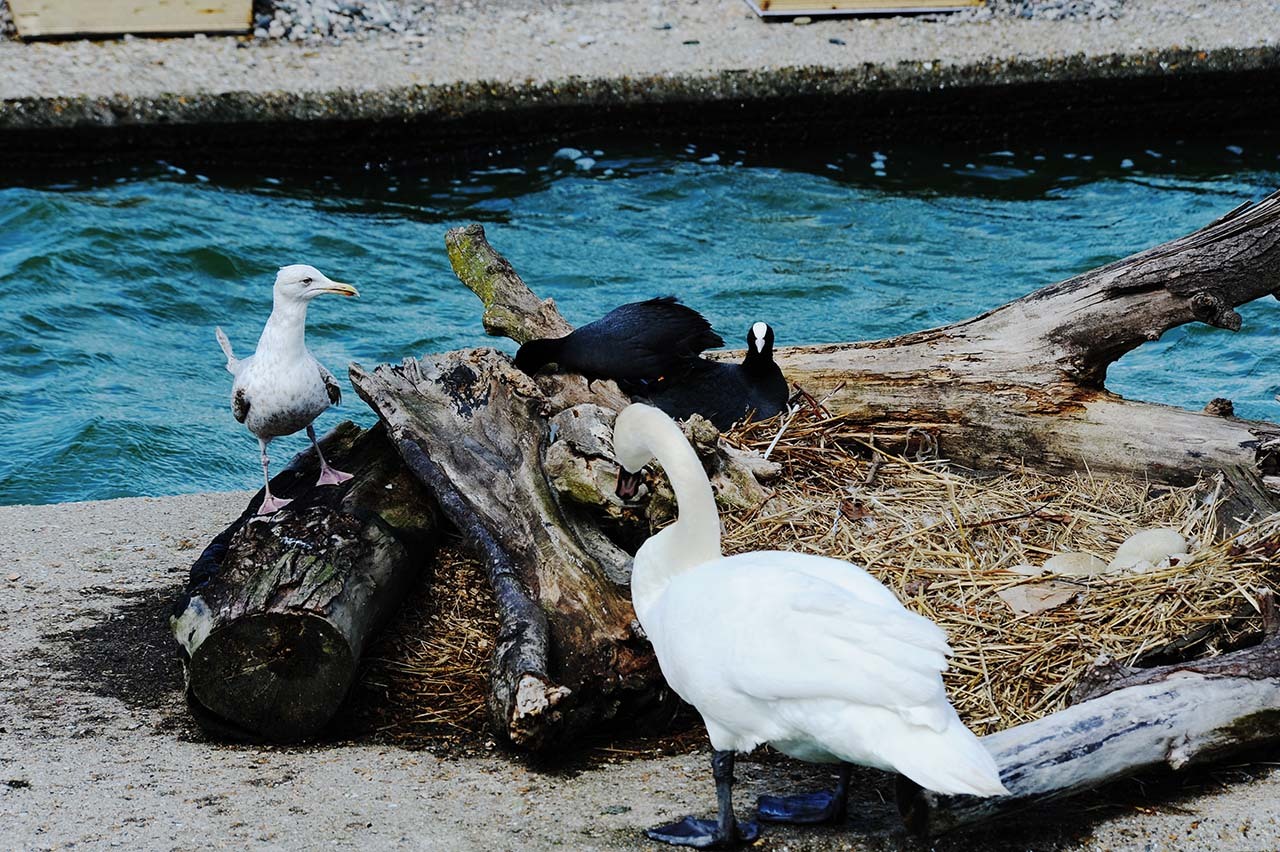
Cheeky Gull ... waiting to get a free egg for lunch
Using AF lenses has become a bit of a re-learning situation ....
Like riding a bike .... a bit wobbly to begin with ... but getting there
Slowly !!
Yesterday with the D700 + 80-400mm VR
Steve
© Stokesey 2016
Cheeky Gull ... waiting to get a free egg for lunch
May 02, 2016 at 11:38 PM
p.109 #20"MF Nikon Glass" shooters shooting AF !!
Then there's always the shots on the D810 + 70-180mm Micro
As I say ... like riding a bike ...
Just choose your bike carefully !!
Steve
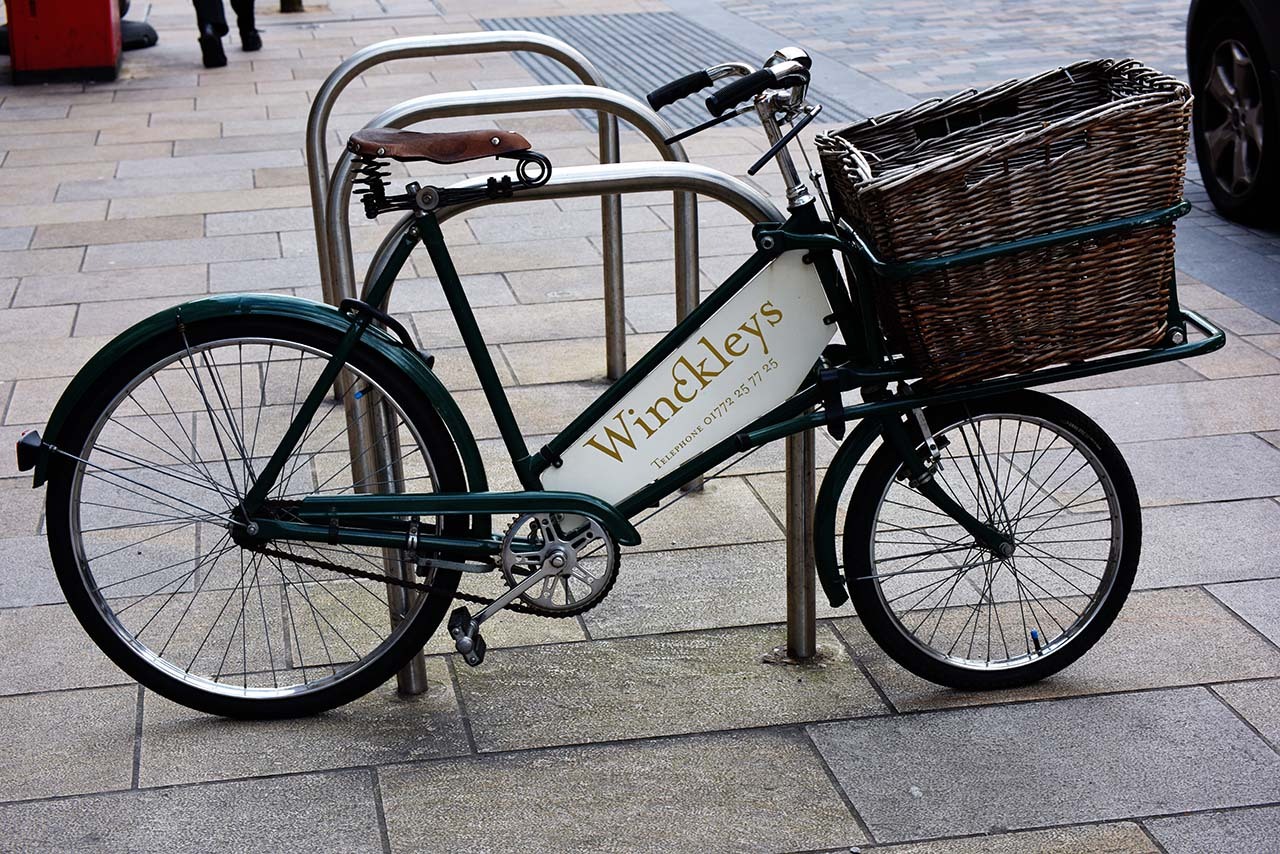
The Shop Bike
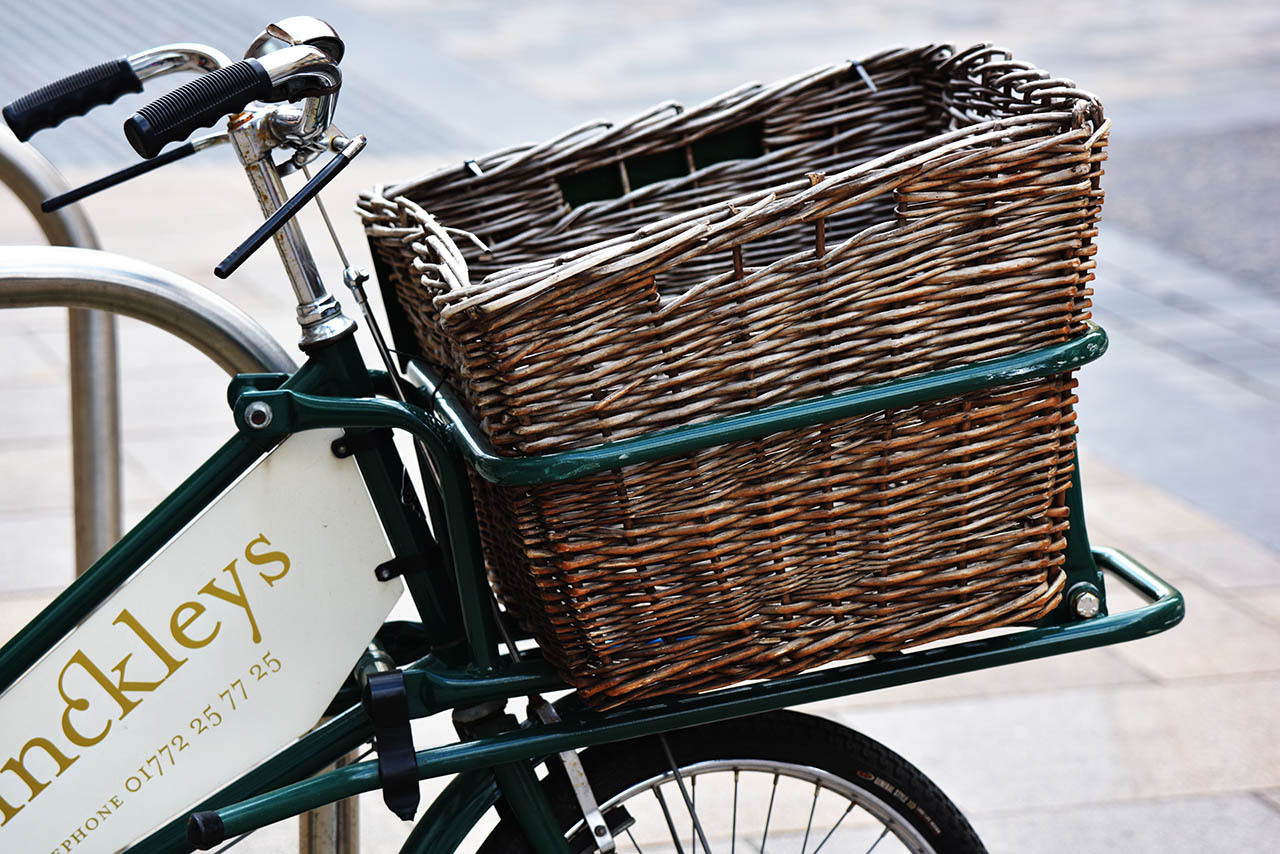
Am I just a basket case ??
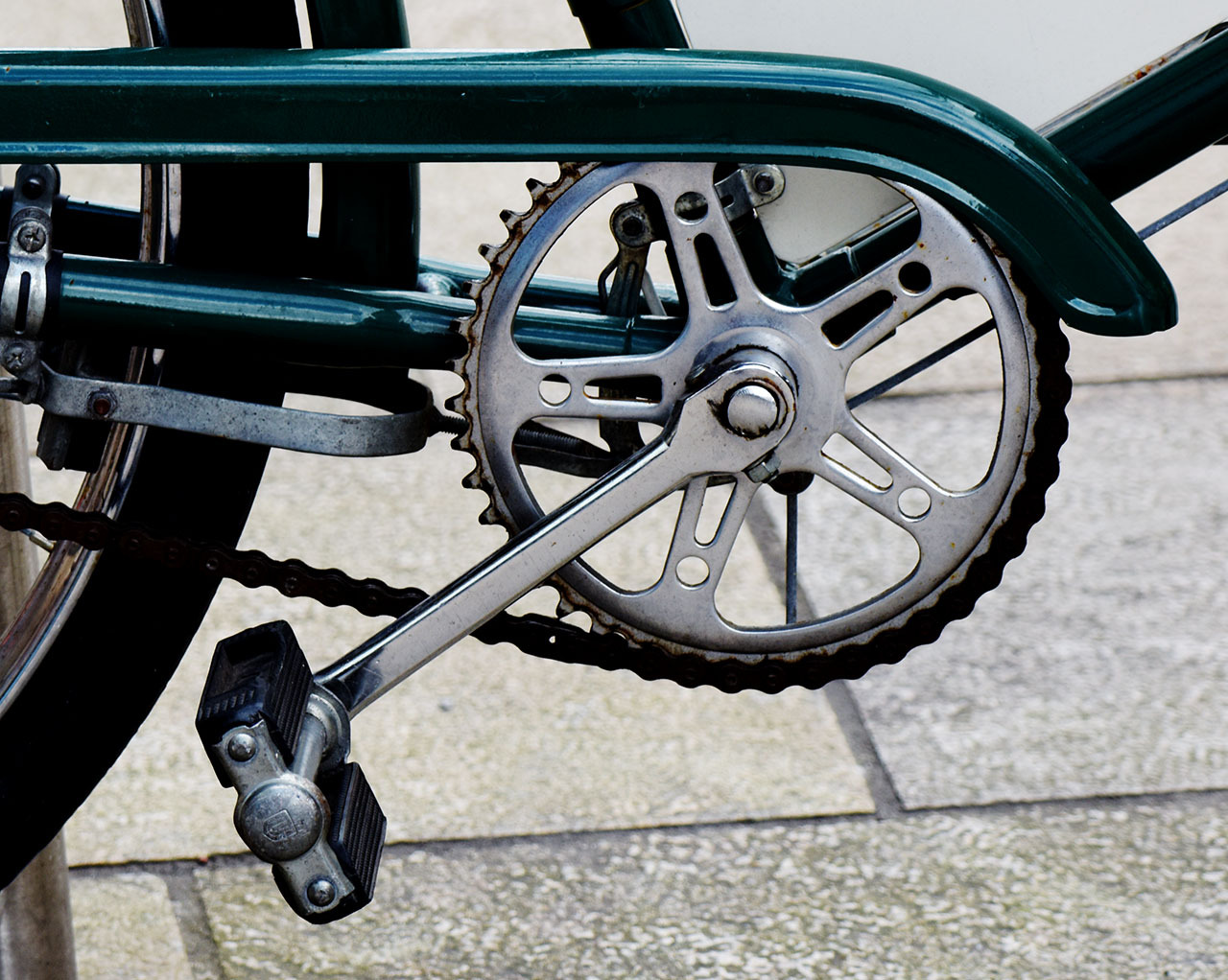
Cranks with cotter pins ... now that's old hat !!
As I say ... like riding a bike ...
Just choose your bike carefully !!
Steve
© Stokesey 2016
The Shop Bike
© Stokesey 2016
Am I just a basket case ??
© Stokesey 2016
Cranks with cotter pins ... now that's old hat !!
May 02, 2016 at 11:44 PM