I've been wanting to take my camera along with me on some of my less strenuous outings just to shoot it along side digital. I've got a nice darkroom/studio in town where I can develop my own B/W and a place around the corner that'll scan it for me pretty cheaply. It beats having it sit untouched for so long.
Well, color-shift is what happens in corners of photo, color changes hue, usually either towards magenta or green.
Its very common in medium format or with Leica M. In case of Leica M, there are build in software profiles for each lens, that can correct this to certain degree of success (its close to invisible with native Leica M lens which have those profiles).
For medium format, its usually needed to make your own profiles. Capture One from Phase One has utility for this build-in. You can try Capture One 7 for I think 60 days for free. Or maybe you already have it, since you own digital back from them.
Under lens correction in Capture One, there is option for LCC, all you need is lens set to aperture which you want to correct, and then shoot for example evenly lit white wall. LCC profile is then created and can be applied on any other photo you wish.
Im not sure how much that color shift changes with aperture or focused distance, that needs bit of experimenting.
I guess as you own Phase One back, you may contact them for help. They have very helpful support service.
Edit: And as I was writing this, corposant managed to do the same with one link.
Mescalamba wrote:
Dunno, isnt making color shift profile bit easier?
I wasnt aware, there are some center filters..
Not possible as the shift is complex with the 35XL and changes with different focus distance.
Shooting an LCC for every critical image is the only way. That said, I only bothered to do it for the first waterfall shot since I don't find it offensive.
The center filter does help with luminance falloff though, I like vignette so I don't bother with it (even though I have it). For architecture it'd be useful though.
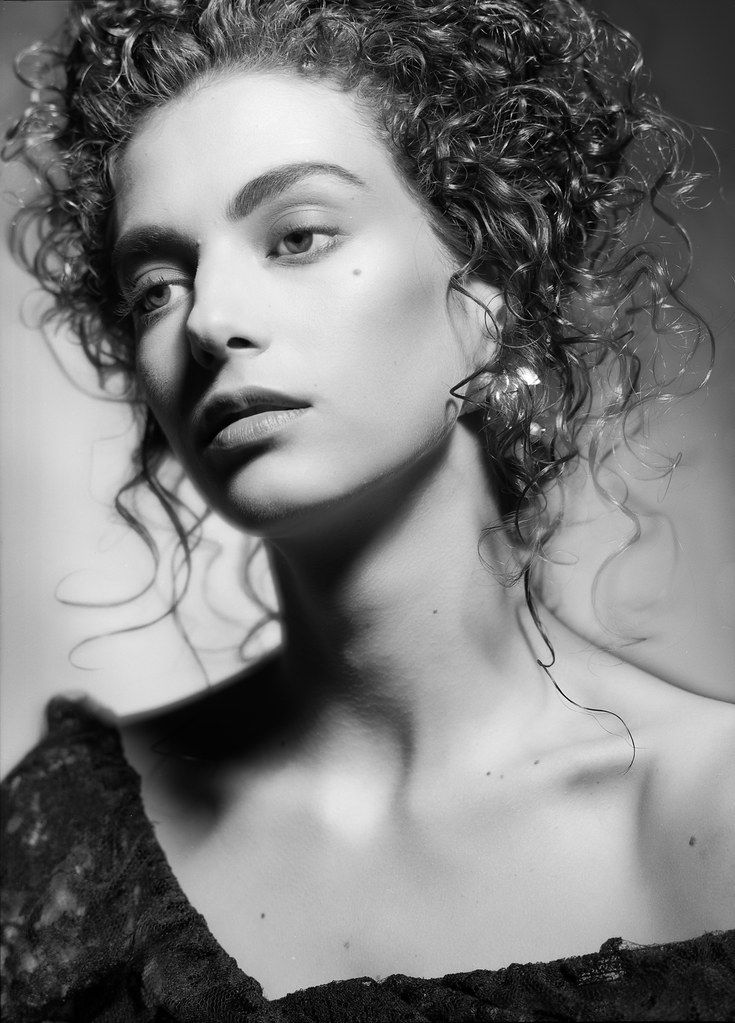
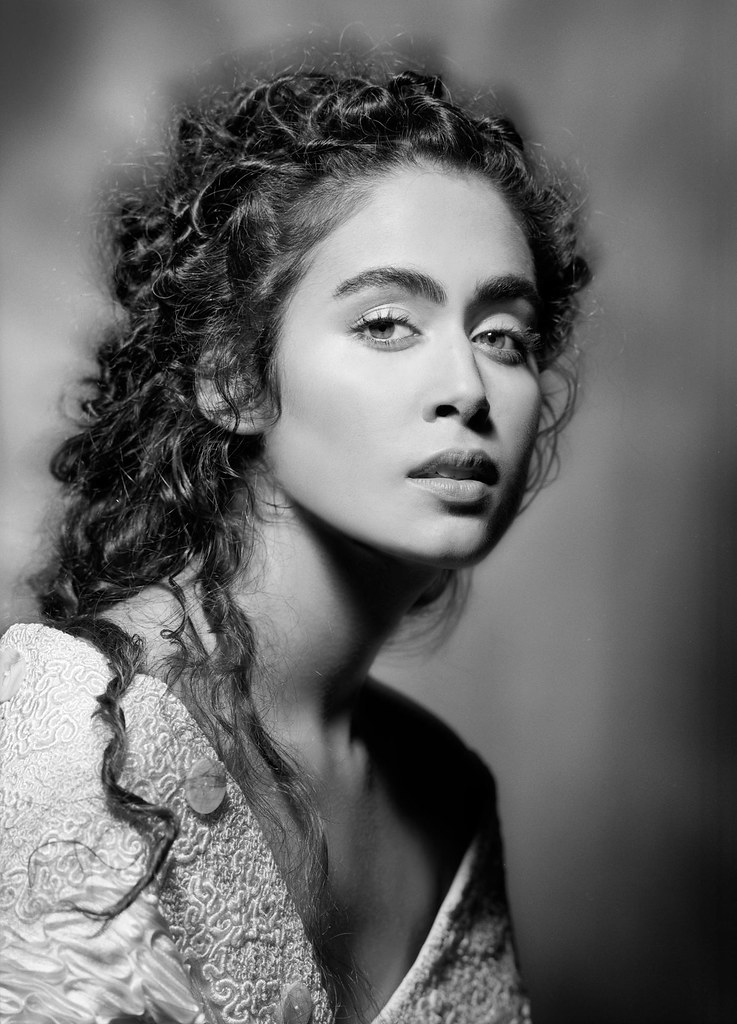
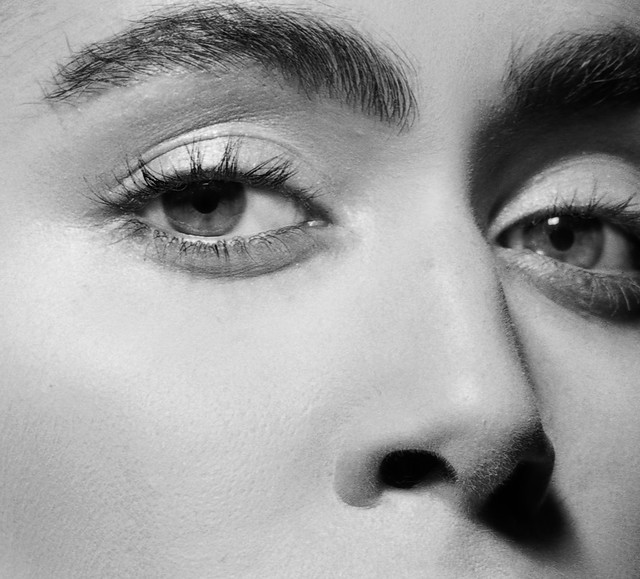
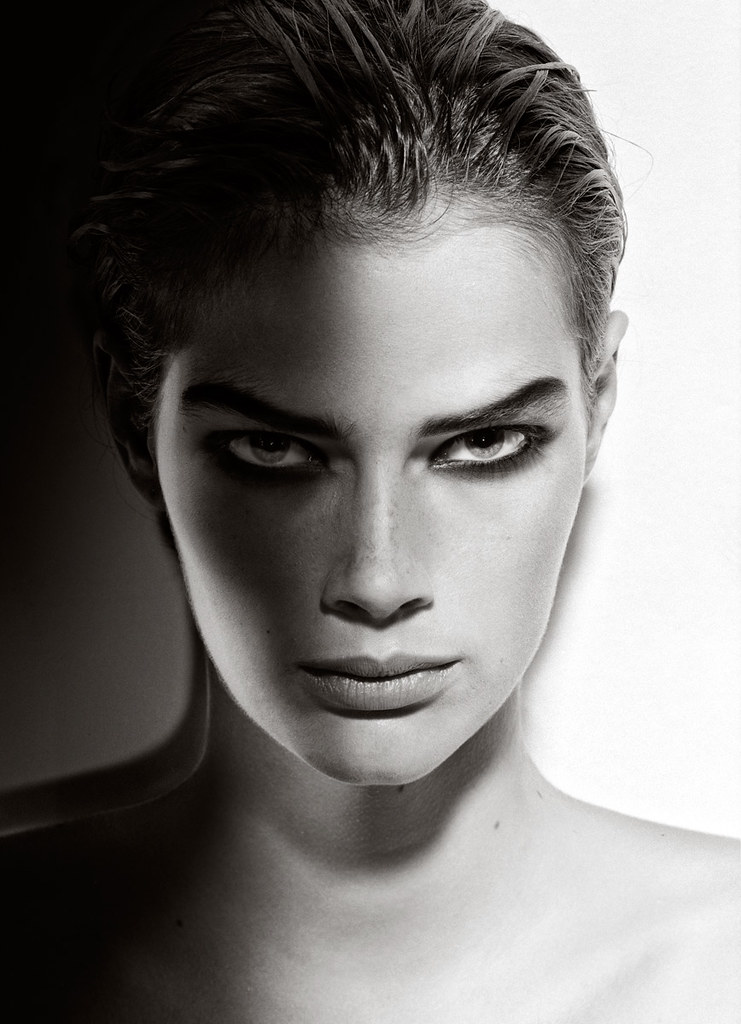
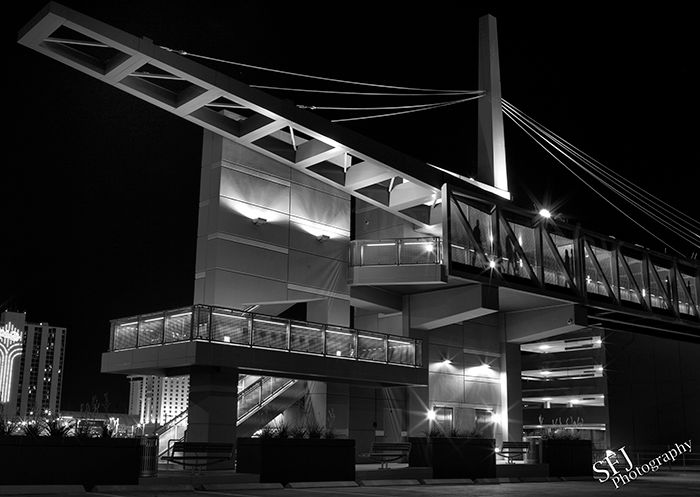
+1 second if that makes sense. That Film BW is very clean. Which did you use?
inglis wrote:
I have been reading older discussions on the pros and cons of film vs. digital for medium format. Usually I find older discussions that are not up do date. Does anyone know of a good recent discussion or treatment that goes beyond the resolution theme?
Im guessing that the Mpixel wars have changed the way we think, and anyone new to film will always have the MP theory to fall back on. I grew up with my dad shooting film and developing at home. I will not do that. I jumped on with the original Canon D30 (used of course) and a 50mm F1.8 Mk I (original Metal mount) 6yrs later and a few DSLR's (20D, 1D Mark II, 5D 12.8 MP) and a few L lens I bought a Mamiya 645 1000s and shot 2 rolls of Film. One BW and 1 Color. WOW. I was blown away at the depth of field, the graduated tone and the imperfections of dust, hair, and blurry image. Something that bothered me in Digital.
Although developing at home is an option, I will not go down that route. Today Im just sending out my film to 2 local Shops and getting my images done there.
Calumet and Dale Labs here in South Florida.
For $20 each roll I get them Printed and Scanned. Calumet was horrible in my scans, low resolution 2.2mp .jpg and cropping things they shouldn't have. DaleLabs was fantastic. I sent them my BW and had a fast turn around (next day) and the .tif files are large at 17.2mp from a (I have a Folder called 100Norit. Sorry Im new to film so I have to look up what a Norit is).
So other than finding a good deal on Film. Im thinking I'll be shooting 5 Rolls a month, Im looking at spending $100 on developing and $30 on actual film $28 for Kodak Tmax 400.
Looking to try different films over the next few months. illford HP5 or FP4 is next
Im sure I drifted away from topic and let my mind wonder loose. It was liberating, thanks all…