p.7 #1 · Official: Canon EOS 5D Mark III Firmware v1.2.1
Fred Miranda wrote:
You may have to get the 400mm f/2.8 II after all...
Hah.
May as well, if I can't go light, then go all in, forget the 300 2.8 IS that I have and go all out sherpa. I will now lug a 400 2.8 II and an 800 f/5.6 + 1.4x TC around with me AT ALL TIMES FOR ALL OCCASIONS.
p.7 #2 · Official: Canon EOS 5D Mark III Firmware v1.2.1
Imagemaster wrote:
Wrong shot. Edited.
Hi Tony,
Out of curiosity, was the original shot that showed 500mm just cropped a lot more or had you moved closer? I ask because the overall IQ of the two shots looks very equal. (if my memory serves)
p.7 #4 · Official: Canon EOS 5D Mark III Firmware v1.2.1
Okay you computer types. So I click my PC on the "download" deal, and then it opens two boxes, one presumably downloading, the other box, over the first, asks if I want to "open, save, or cancel." I click on "open" and I can't open anything and the box behind keeps downloading, like for two hours or more. I'm trying to "extract" files, of course. Any guidance here for a computer idiot?
p.7 #5 · Official: Canon EOS 5D Mark III Firmware v1.2.1
Jim,
Don't use "open" as its a binary file for the camera to use.
Use save & the download should be much faster.
Note where it's downloaded by right-click on the file on the download screen & you should have a choice to go to the folder. Follow the rest of the instructions on the Canon site.
p.7 #6 · Official: Canon EOS 5D Mark III Firmware v1.2.1
Dan, Thanks. I thought I was there, but the EOS Utility asks if I want to update 1.0.7 firmware, not the current 1.2.1 firmware. I'm sorry for my ignorance. Self taught computer guy. I've done this downloading before but I'm never quite sure how I pulled it off.
p.7 #8 · Official: Canon EOS 5D Mark III Firmware v1.2.1
Okay, so now I've proven to the international community how I am a computer dunce. I got this simple task done. I'm learning all of the time. I guess an old dog can learn new tricks.
p.7 #9 · Official: Canon EOS 5D Mark III Firmware v1.2.1
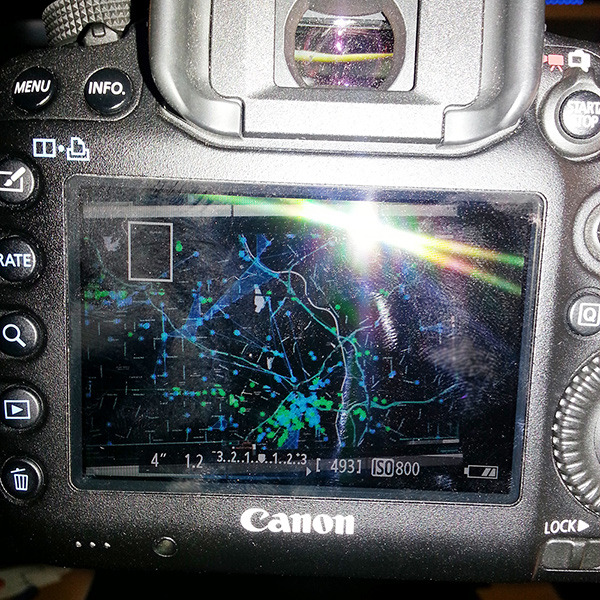
Forgive me if this has been raised elsewhere, but what happened to my live view? I can no longer check the corners of the frame, and at 1x the white frame indicator is a portrait-oriented box, thought I'm shooting landscape? It looks like [].
Was something reset and my n()ob$auc3 self cannot figure it out? Or did the live view behavior change?
I need to be able to check critical focus and sharpness in the corners, when shooting stills. I swear I used to be able to use the joystick to get into the corners. Gah?!?
Also, Canon didn't include lens corrections for the 24-70II?
Here, have a look at my live view. It's portrait-oriented box, and that's as far into the corner as I can move, at 1x, 5x or 10x. - this seems really weird.
p.7 #10 · Official: Canon EOS 5D Mark III Firmware v1.2.1
sirimiri, That is the correct behavior during Live View and has not changed. If you want to go all the way to the edges switch the lens to manual focus. This will change the orientation of the rectangle that you remember.
P.S. The 24-70L II lens corrections are supported and have been for some time now. You need to use EOS utility to load the corrections into the camera body via USB cable.
Bonus info: If you have the Live View aspect ratio set to something other than 3:2 or shoot stills in movie mode, that will also limit area that the focus box can enter.
sirimiri wrote:
Forgive me if this has been raised elsewhere, but what happened to my live view? I can no longer check the corners of the frame, and at 1x the white frame indicator is a portrait-oriented box, thought I'm shooting landscape? It looks like [].
Was something reset and my n()ob$auc3 self cannot figure it out? Or did the live view behavior change?
I need to be able to check critical focus and sharpness in the corners, when shooting stills. I swear I used to be able to use the joystick to get into the corners. Gah?!?
Also, Canon didn't include lens corrections for the 24-70II?
Here, have a look at my live view. It's portrait-oriented box, and that's as far into the corner as I can move, at 1x, 5x or 10x. - this seems really weird....Show more →
p.7 #11 · Official: Canon EOS 5D Mark III Firmware v1.2.1
Hi Super35 (you're not a Panavision 70 guy, I take it?)
Thank you for your input. Indeed, I shoot so many "alt" and TS-E lenses that while testing a 50L for centering, I guess I didn't realize what behavior the 5D III has with a native AF Canon lens. As sure as I'm alive, flick the AF/MF switch and in real time, the live view box ratio and "depth" changes.
Regarding the lens corrections, thank you for the prompt! I checked and indeed, though I have never (ever) delved that deep into EOS Utility, there is a whole system map (or list) where you can decide which lenses and teleconverter combinations, to register with the 40 available slots on the 5DIII. I'll post this here so others don't have to ask the same question somewhere down the line. It's under the "lens aberration correction" tab of the "shooting menu" (in red).
This is, in part, why I continue to use Canon. It's a complete system and though Canon make some odd decisions sometimes, for the most part they really work hard on software and lens/body integration...and it's "free" (included in the price of admission to the EOS world).
p.7 #12 · Official: Canon EOS 5D Mark III Firmware v1.2.1
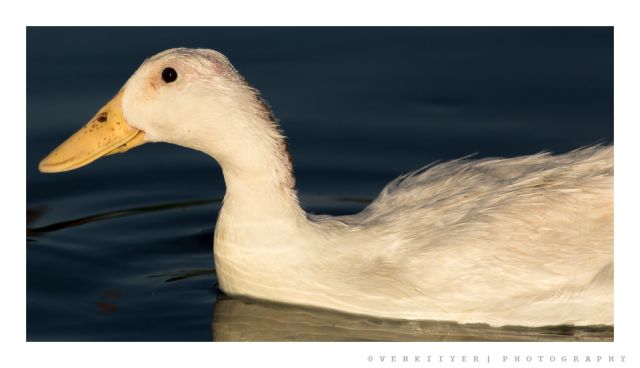
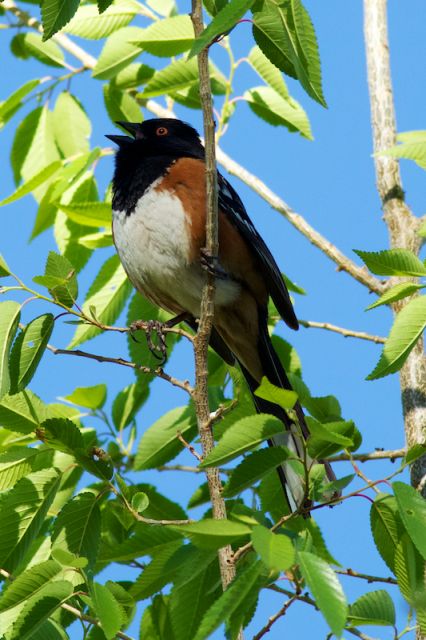
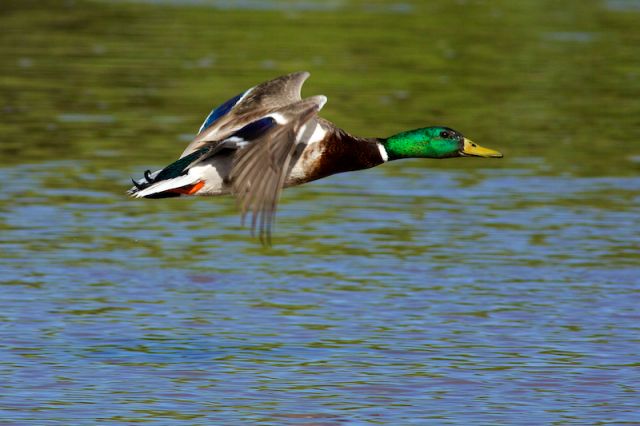
Updated with Firmware. Tested with 400 5.6L + 1.4X MK 3. Reasonably happy with results. Not realistic to expect the same results as with bare lens with out extender. I have feeling that AFMA with extender may improve the results. Need to try that though
p.7 #14 · Official: Canon EOS 5D Mark III Firmware v1.2.1
super35 wrote:
...That is the correct behavior during Live View and has not changed. If you want to go all the way to the edges switch the lens to manual focus. This will change the orientation of the rectangle that you remember...
Bonus info: If you have the Live View aspect ratio set to something other than 3:2 or shoot stills in movie mode, that will also limit area that the focus box can enter.
I also figured out last night that keeping the AF mode in the live view setting as "Quick mode" will allow you to inspect the edges of the image as well.
p.7 #15 · Official: Canon EOS 5D Mark III Firmware v1.2.1
For those who might be interested, I had 2 5d3's with me at a wedding reception saturday - one with 1.2.1 and one with 1.13. The 1.2.1 was great with flash on camera; the 1.13 was sluggish - so the firmware fix has really improved my one complaint about the camera
p.7 #16 · Official: Canon EOS 5D Mark III Firmware v1.2.1
Great to hear, that was a bummer for me too. The lost focal point in the dark (my only other nit with the 5D3) is not as bad as waiting several seconds for AF lock at a reception.
p.7 #17 · Official: Canon EOS 5D Mark III Firmware v1.2.1
Edit: the message reflects the limitations of the older DPP version 3.11.31.0; issues fixed in version 3.13!
What we need now (okay, okay, what I need now, and maybe a few others ) is CA adjustment for various 1.4x & 2x combos in DPP. I was a little bummed not to be able to do it there on my 1.4x + 100-400mm shots (or on 28mm IS shots). Hopefully, the DPP will see an upgrade soon addressing this. I rather like the ease of CA adjustment in there and was trying to avoid upgrading to LR 4 and PS CS6.
I think - I am pretty sure even - I could do it in earlier versions of DPP with 1.4x + 100-400mm 1D IV CR2 files without any trouble; strange to see Canon apparently remove this functionality from DPP. The version that came with the 60D (3.9.1.0) could do it (I think), but it (obviously) doesn't support 5D III raws. It was one of the versions where the lens aberrations tab was also the NR tab and provided lens corrections for all lenses, not just a few Ls from the list.
Is there a DPP patch out there I've missed? (using version 3.11.31.0 that came with the 5D III)
Any thoughts? Solutions, workarounds you're using?
p.7 #20 · Official: Canon EOS 5D Mark III Firmware v1.2.1
timbop wrote:
For those who might be interested, I had 2 5d3's with me at a wedding reception saturday - one with 1.2.1 and one with 1.13. The 1.2.1 was great with flash on camera; the 1.13 was sluggish - so the firmware fix has really improved my one complaint about the camera
TimBop,
Could you quantify how it was sluggish before. Also, what flash?



 The version that came with the 60D (3.9.1.0) could do it (I think), but it (obviously) doesn't support 5D III raws. It was one of the versions where the lens aberrations tab was also the NR tab and provided lens corrections for all lenses, not just a few Ls from the list.