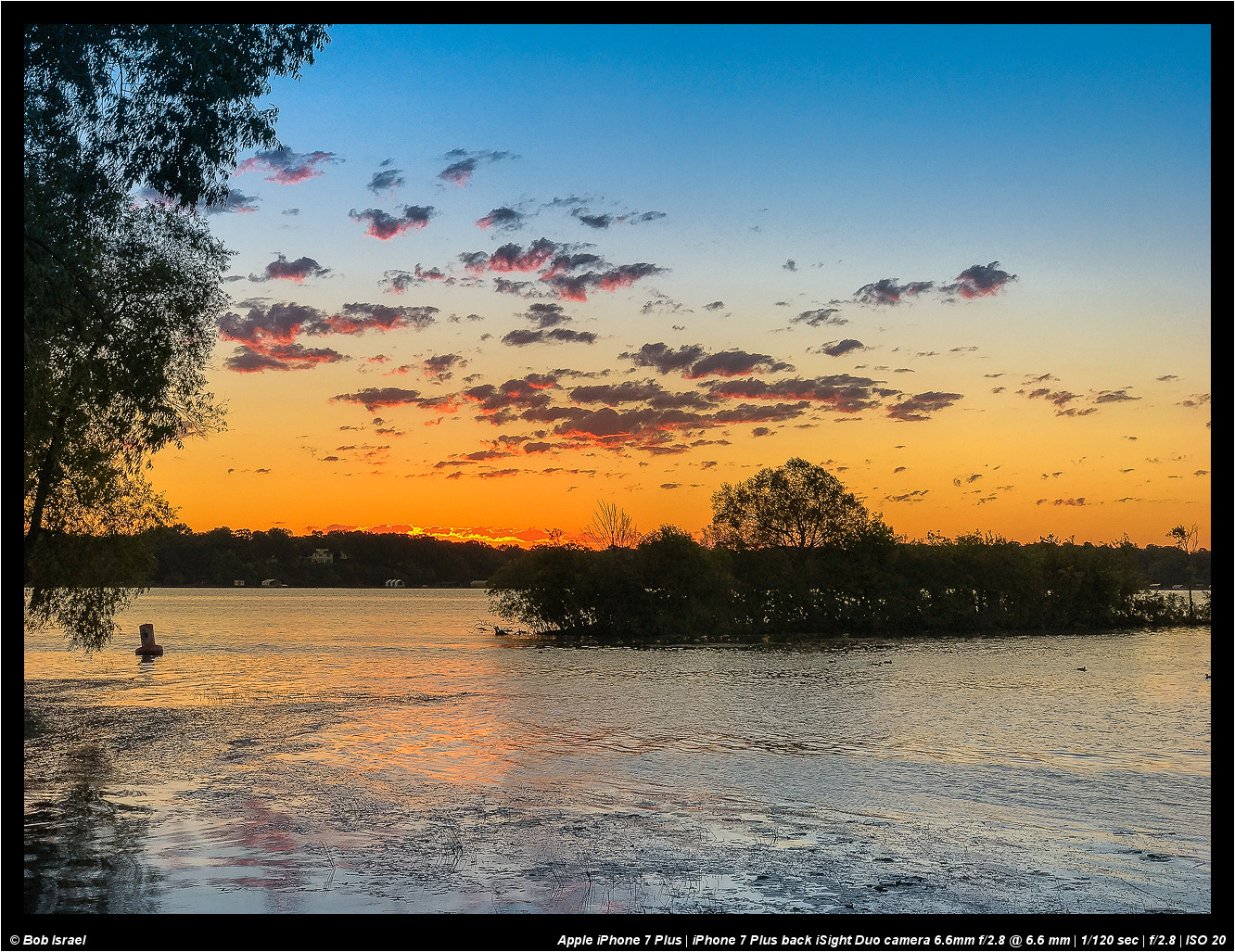
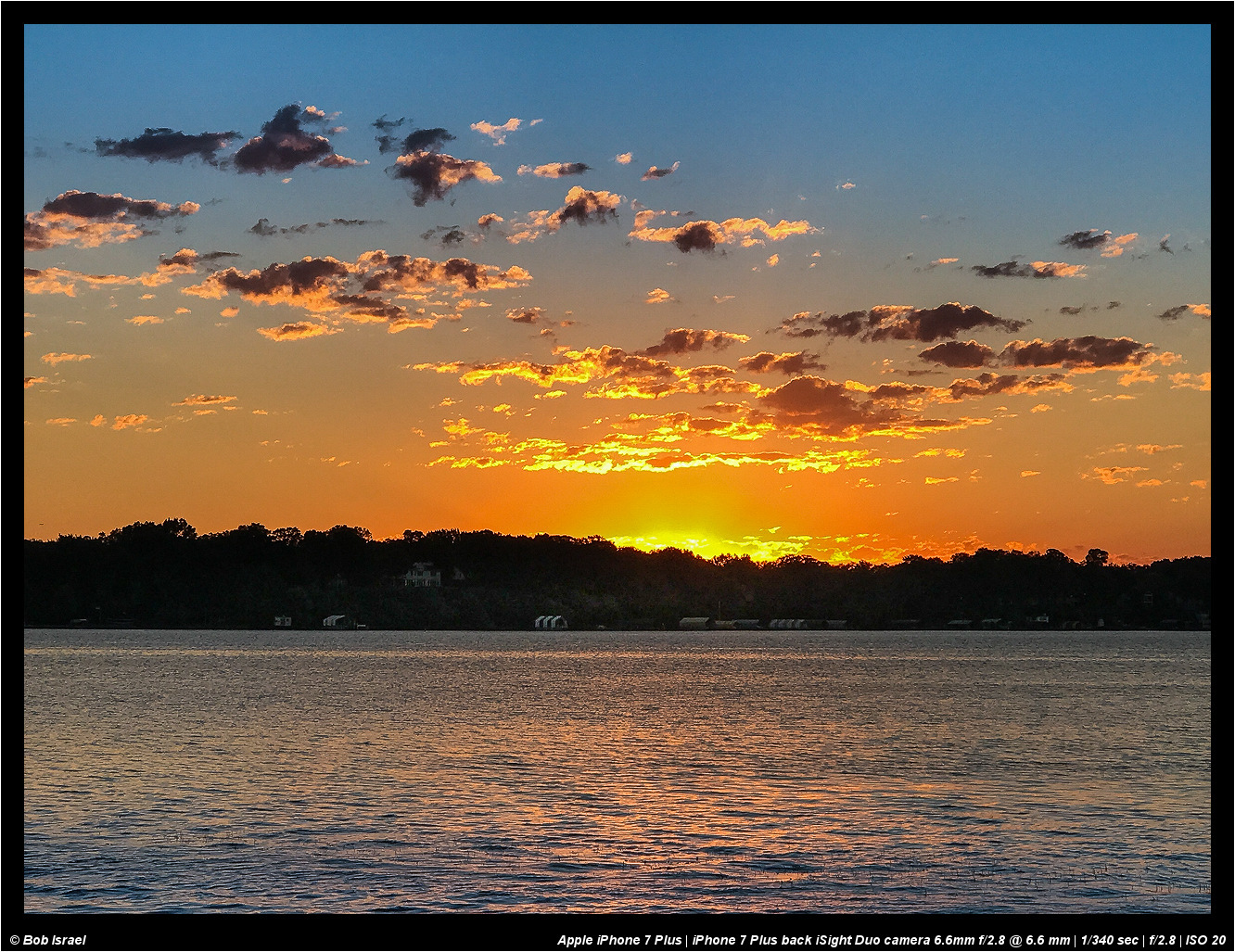
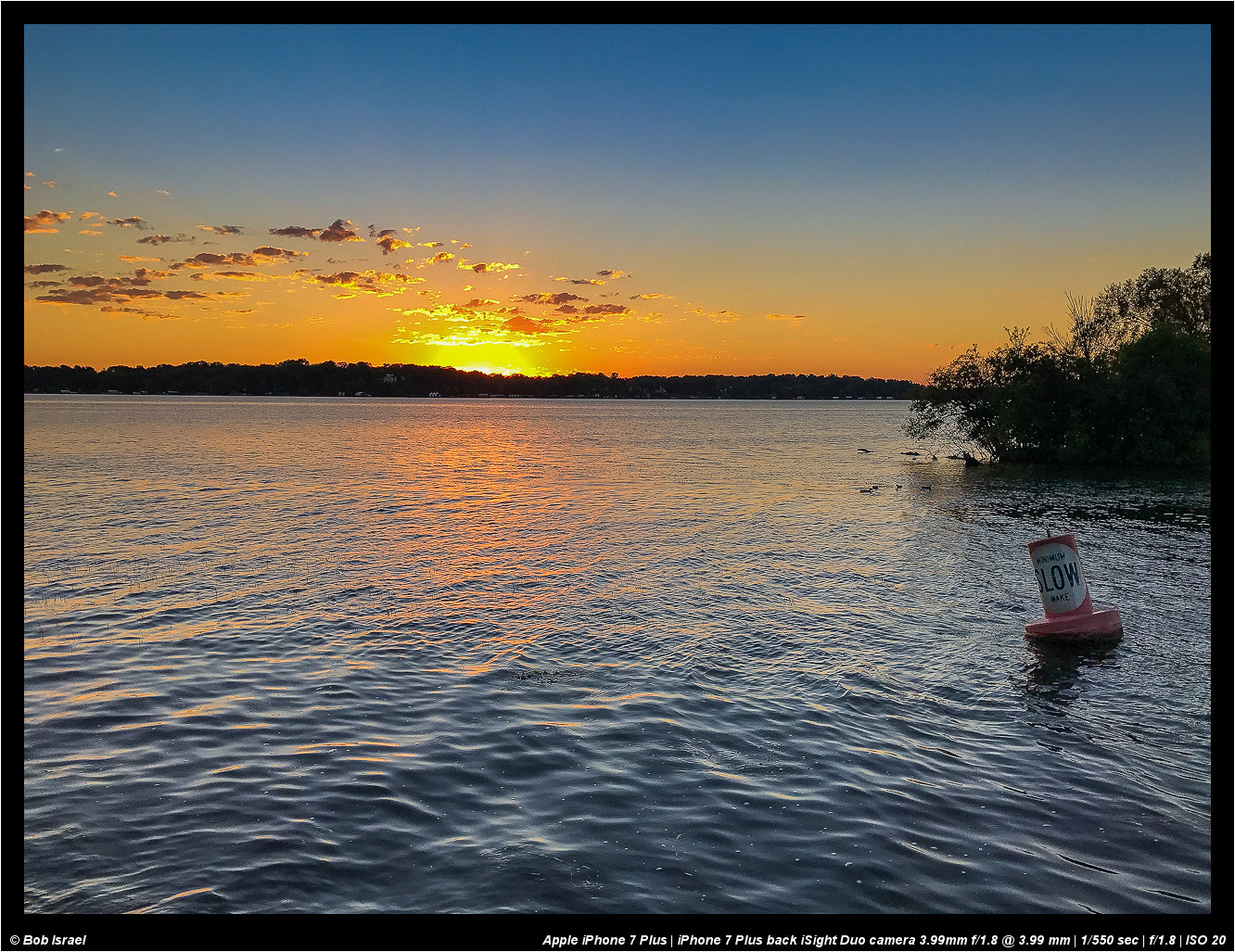
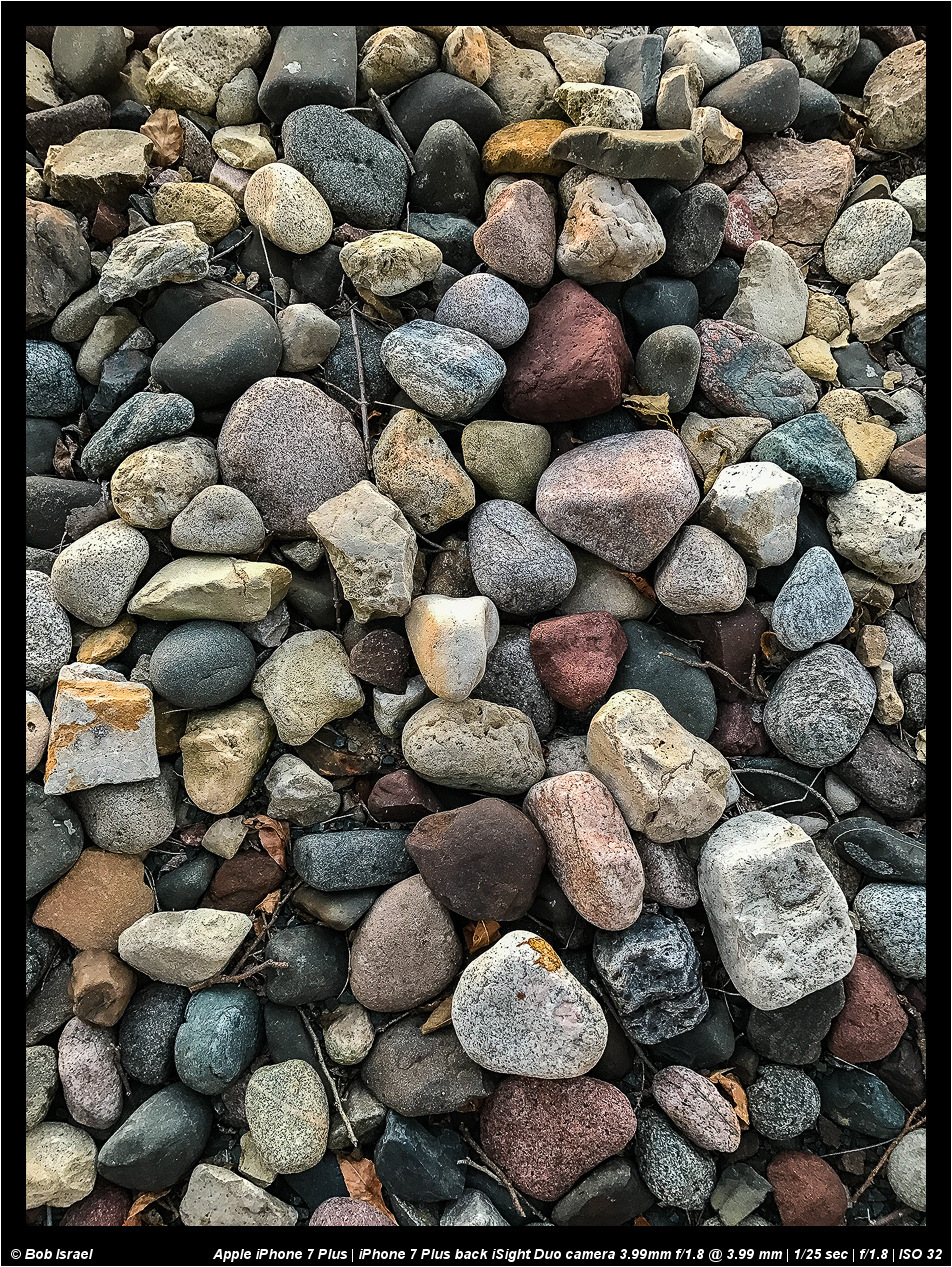
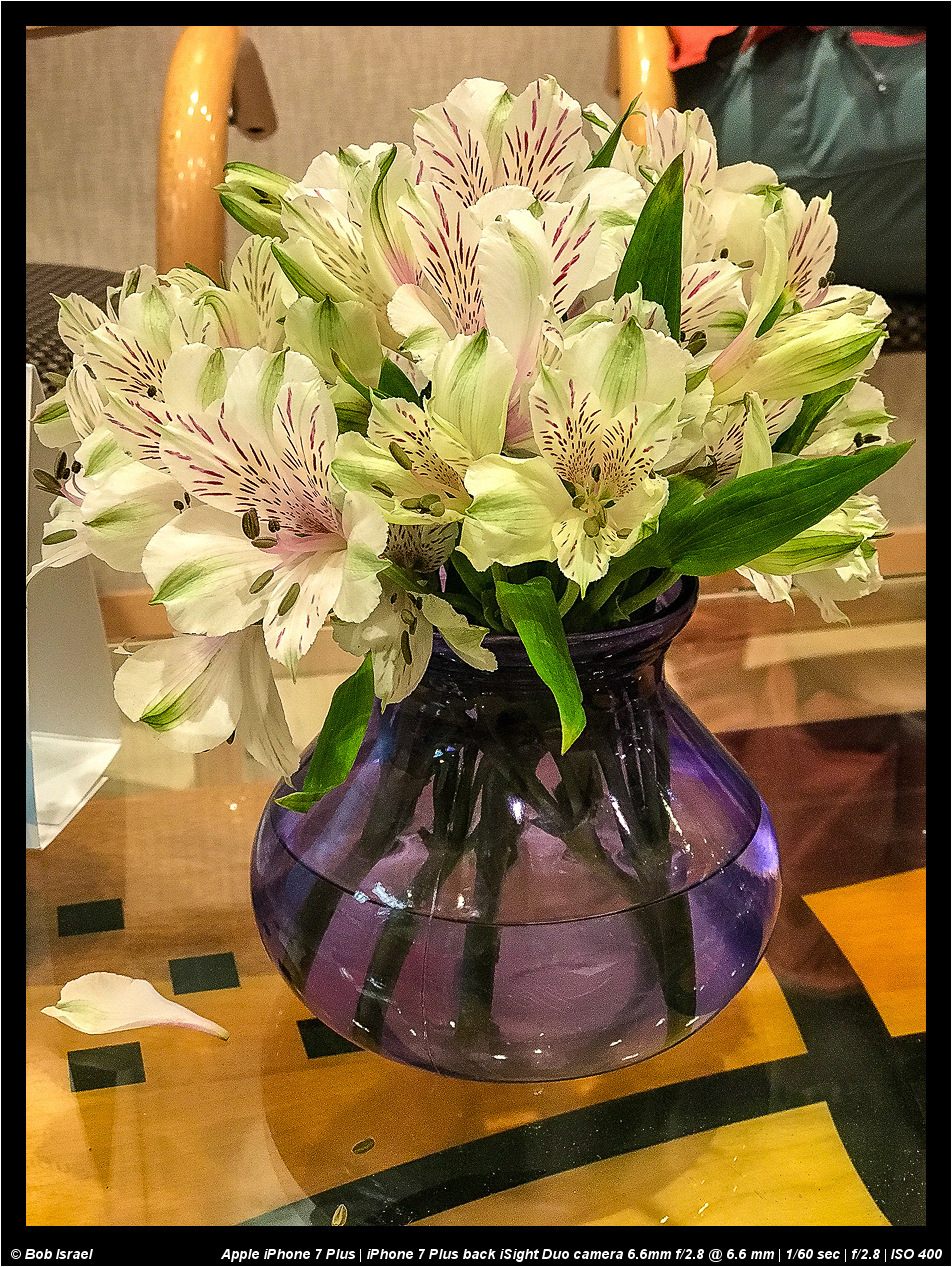
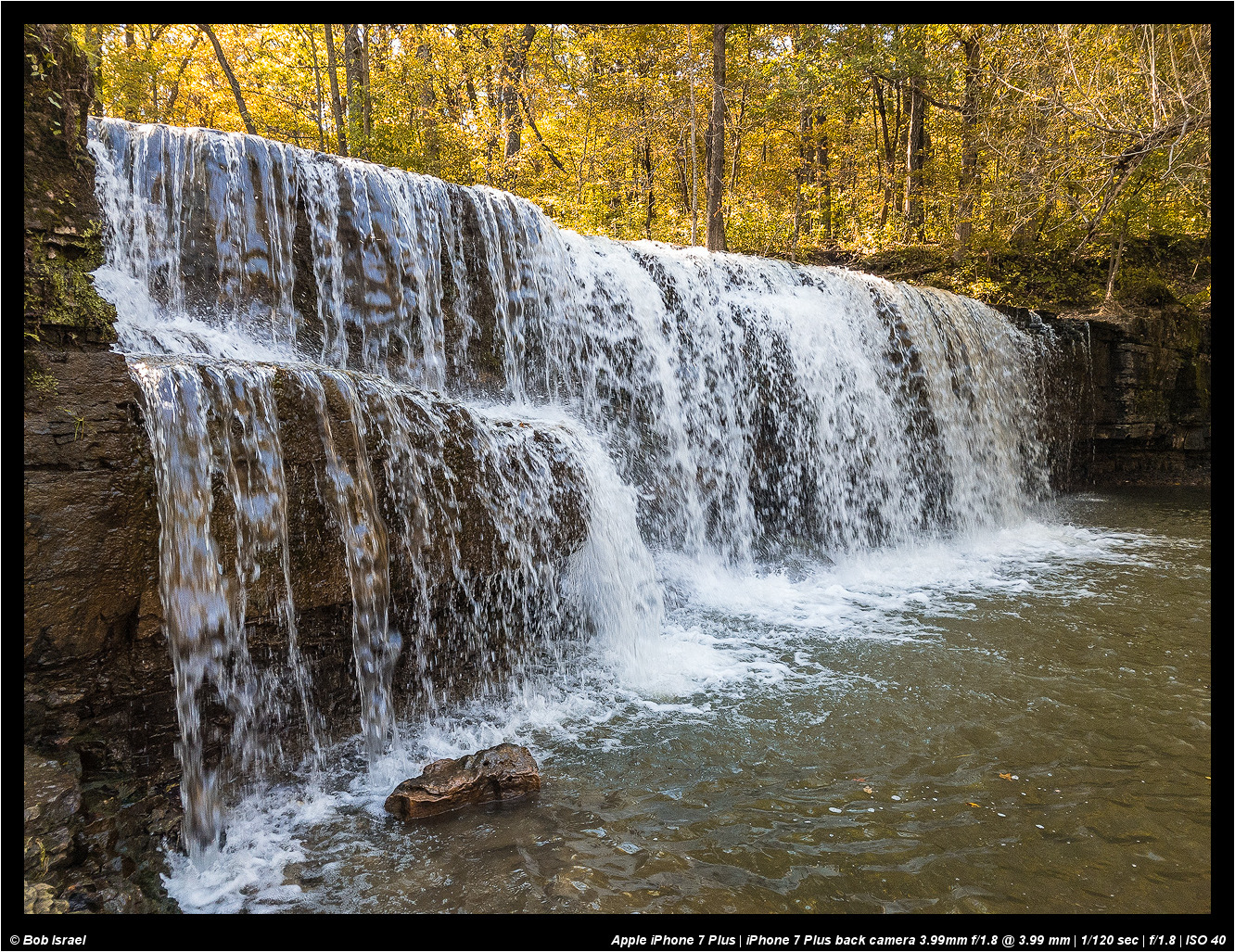
Here are a few from my new iPhone 7 Plus. A couple of observations. The native camera app doesn't appear to support RAW. You need another app that does. So I tried Lightroom Mobile. It works great with raw but doesn't take advantage of the dual lens system of the 7 Plus. So when I 'zoom' in using Lightroom Mobile, I'm actually cropping the image. It shows the crop in Lr Mobile and Desktop.
So, I need to find a camera app that will shoot in RAW DNG and utilize the dual lens system of the 7 Plus. Otherwise, it's a nice camera . . . I mean phone . . .
I have not tried this app but it says it does support raw capture.
"500px’s RAW app is a powerful editing service, enabling RAW-formatted files to be captured, edited (including filter application), and uploaded to the social network,"
Thanks. I'll check it out after I try snapseed. I hear that camera app makers are contemplating whether to take advantage of the zoom telephoto feature or not. So, it's likely it will be an evolving thing.
Occasionally we see these frogs looking hapless - bought from markets, often as a means of gaining merit, they are released near ponds. Survival odds are slim to none, especially when discovered by Khmer labourers.
I have not tried this app but it says it does support raw capture.
"500px’s RAW app is a powerful editing service, enabling RAW-formatted files to be captured, edited (including filter application), and uploaded to the social network,"
BTW - the latest update to Lightroom Mobile now allows the use of the iPhone 7 Plus telephoto lens and RAW. This makes for a nice workflow to use adobe cloud and get images from the phone back to the desktop in RAW rather than use icloud space.
I entered the Apple Beta program and installed iOS 10.1 beta on my iPhone 7 Plus. This gave me access to the camera Portrait mode that gives an image a shallow DOF. So, naturally, I needed to explore this a bit. Here are some of the first images:
rji2goleez wrote:
I entered the Apple Beta program and installed iOS 10.1 beta on my iPhone 7 Plus. This gave me access to the camera Portrait mode that gives an image a shallow DOF. So, naturally, I needed to explore this a bit. Here are some of the first images:
r
rji2goleez wrote:
I entered the Apple Beta program and installed iOS 10.1 beta on my iPhone 7 Plus. This gave me access to the camera Portrait mode that gives an image a shallow DOF. So, naturally, I needed to explore this a bit. Here are some of the first images:
Geez Bob - you always get the cool new stuff first.
Question for you. I understand the new IOS operating system lets you record images in Raw format. Have you figured out a way to get the Raw images into a converter so they can be worked on?
Jeff Kott wrote:
Geez Bob - you always get the cool new stuff first.
Question for you. I understand the new IOS operating system lets you record images in Raw format. Have you figured out a way to get the Raw images into a converter so they can be worked on?
Jeff - From what I've seen so far, you need a separate app that will record the image in RAW. I haven't figured out how to capture RAW from the native camera app. What I am doing right now is using Lightroom Mobile to capture the RAW image. What I like about this approach is that the image goes through adobe cloud and ends up on my desktop! I can edit the image using LR mobile or desktop (when I get home). LR Mobile also let's me upload to social media sites like facebook and Instagram. I have not figured out a good workflow to reduce size and upload to FM directly from my iPad/iPhone. The best I can do is either wait till I get home to my desktop and run my resizing/web sharpening scripts or use a cumbersome process of uploading to flickr and then use the BBcode to link to FM. It works but not ideal.
There are a few other apps that will write to RAW but so far I've settled on LR mobile which I've come to enjoy for on the road processing of images . . . even from my A7r2. What's nice about LR mobile is that I can take photos on my iPhone 7 Plus from the LR mobile app and then process them on my iPad because it all syncs to the cloud.
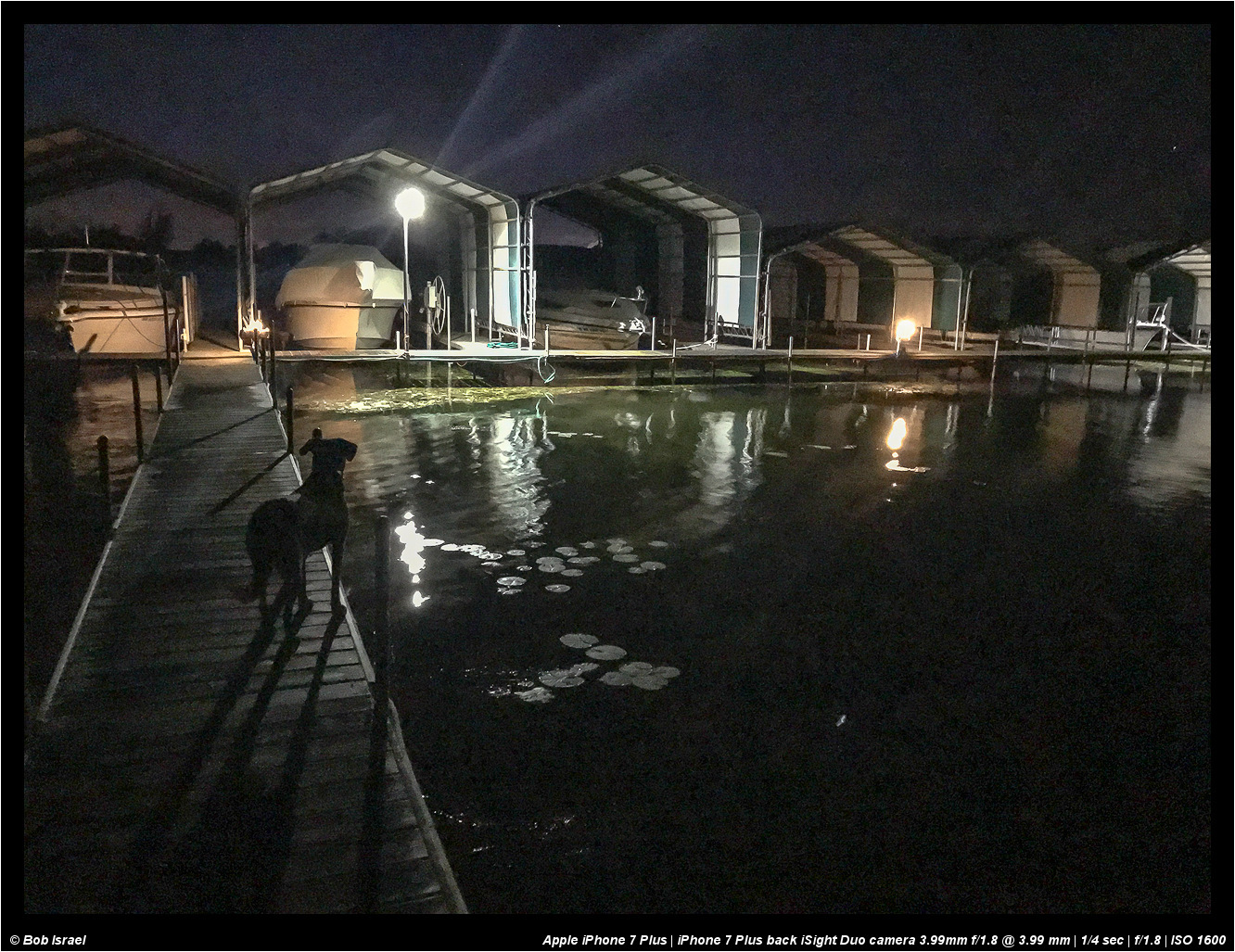
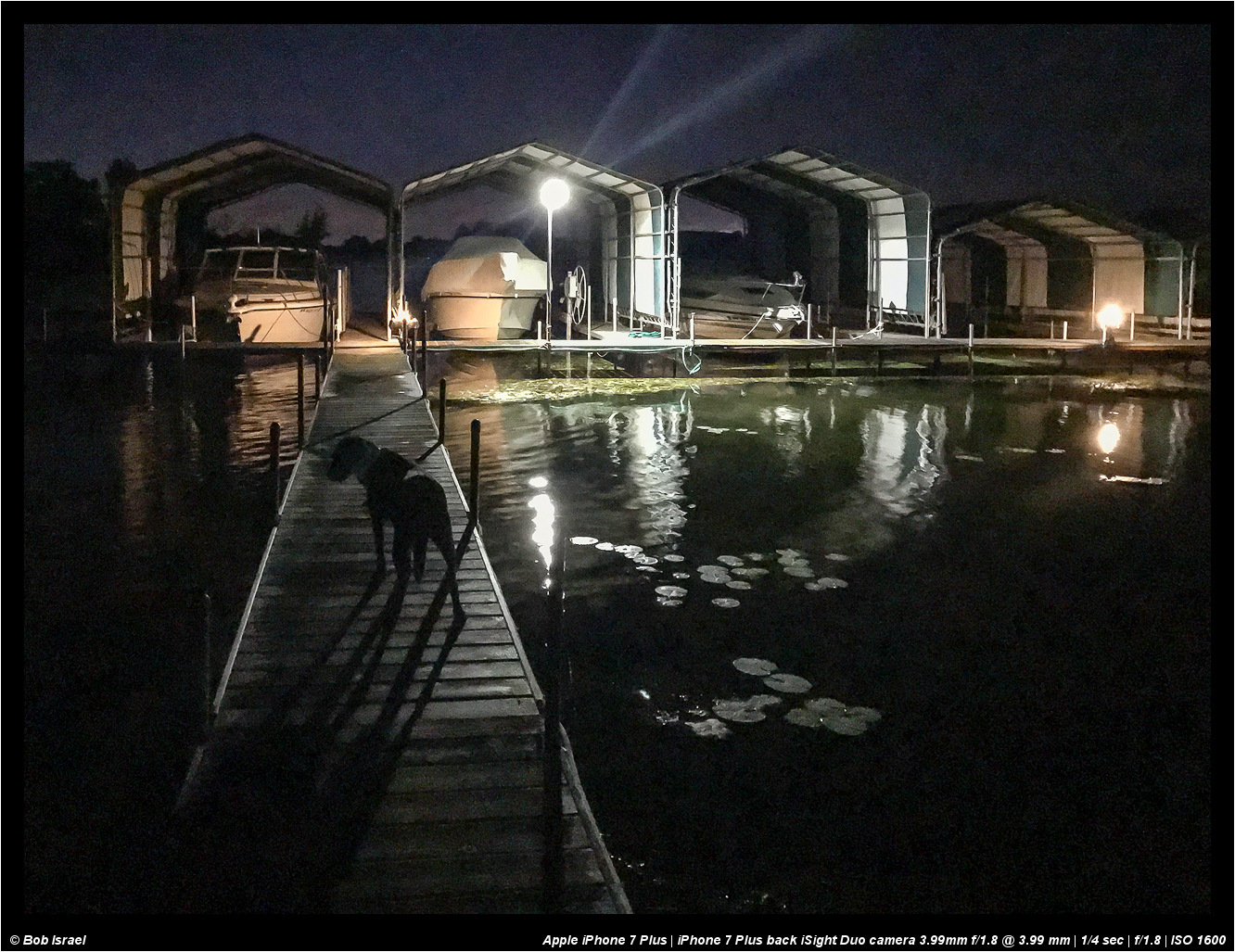
Here's a couple of quick handheld low light shots with the iPhone 7plus. These were shot in total darkness except for the dock lights. These were shot in jpeg and I need to compare with shooting in RAW. Certainly, these are not wall hangers but for social media sharing with friends, it's much better low light performance that past iPhones, IMO.