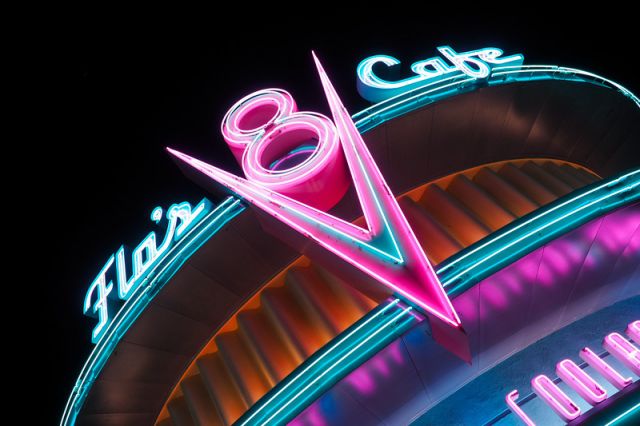
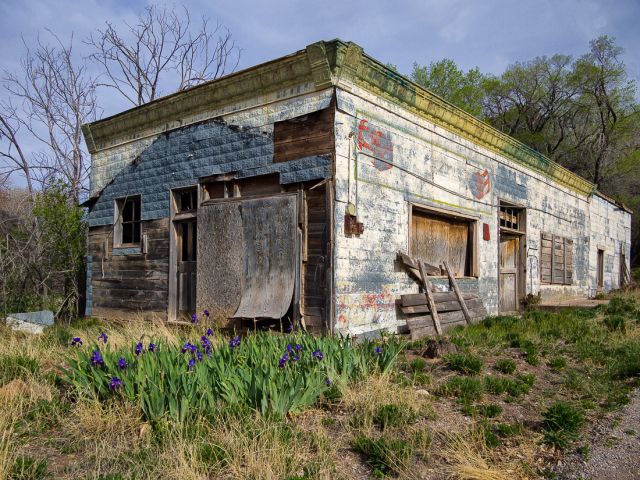
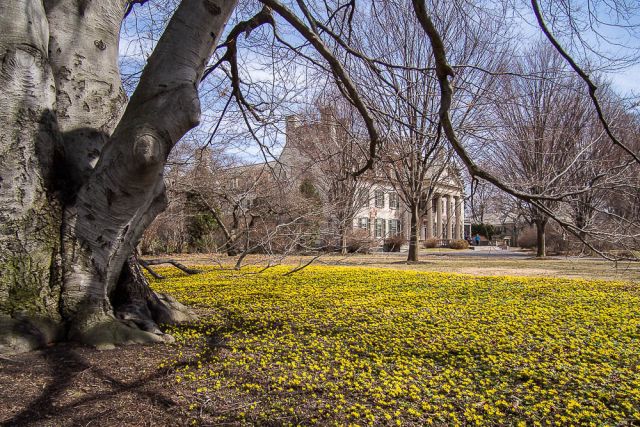
Pretty close to SooC. I think there was a -5 blacks adjust, crop and save for web. I did use a little bit of the keystone correction at capture. This is the first time I've tried that feature.
Nice. I have not used the keystone comp feature before. Is it easy to use?
Michael H wrote:
Pretty close to SooC. I think there was a -5 blacks adjust, crop and save for web. I did use a little bit of the keystone correction at capture. This is the first time I've tried that feature.
bobbytan wrote:
Nice. I have not used the keystone comp feature before. Is it easy to use?
Thanks Bobby. Yeah, it was pretty easy. I was just experimenting a bit. Seems you can tilt or shift, not both. I set FN1 button to engage it. You then use the dials to adjust. You can see the effect real time. I'm going to mess with it a bit more but it has more potential than then I thought.
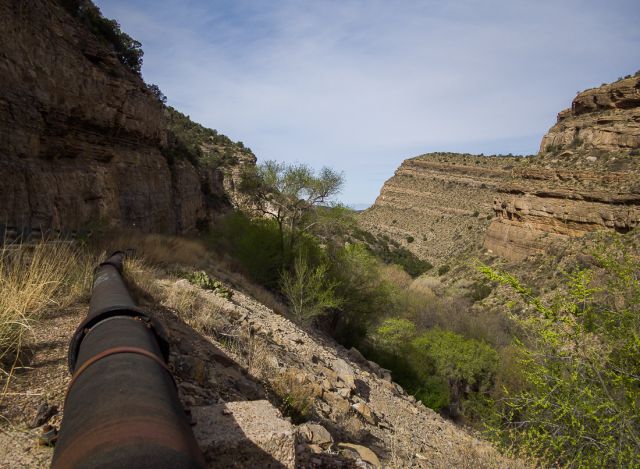
Here is another one cropped to 16x9. When I get a minute I will try to post from the RAW file where you can see it without. These are JPEGs. This really highlighted a solid use of jpeg+raw file save. Get the benefits of the tilt but still have an unaltered version.
Are you saying that keystone comp only works with a jpeg file and not RAW?
Michael H wrote:
Thanks Bobby. Yeah, it was pretty easy. I was just experimenting a bit. Seems you can tilt or shift, not both. I set FN1 button to engage it. You then use the dials to adjust. You can see the effect real time. I'm going to mess with it a bit more but it has more potential than then I thought.
Here is another one cropped to 16x9. When I get a minute I will try to post from the RAW file where you can see it without. These are JPEGs. This really highlighted a solid use of jpeg+raw file save. Get the benefits of the tilt but still have an unaltered version.