Just woke up this morning and saw that DxO 4 has been released. Felt like it was out of nowhere since I never saw any previews or anything posted. Here's what they say the new additions are:
🔹DxO DeepPRIME 👉 Achieve spectacular image quality in just one step with our revolutionary new technology based on artificial intelligence (AI) and developed using deep learning
🔹 DxO Instant Watermarking 👉 Insert your watermark or logo – and customize it – and view the results immediately
🔹 DxO Smart Workspace 👉 Improve your efficiency with a better organized workspace
🔹 DxO Advanced History 👉 Navigating through your editing history has never been easier
🔹 Photo library 👉 Rename multiple files simultaneously and boost your productivity
Has anyone used it yet that can comment on the changes? The history function sounds like Lightroom, and while it would be nice, I've gotten used to doing without. I'm not sure how big of an impact the DeepPRIME function would have. Personally don't care about the watermarking, library or workspace functions.
Wanted to touch a trial version in order to decide if to buy it (I was a DXO Optics Pro user and as I see I still have a discount for your software), but I can't install for it some reason, the installer tells I am not using the right Windows version although the WIndows 10 64-bit 1803 I am using is listed as supported.
Being a software engineer I found this check to be a pretty strange practice, a warning alone would be enough especially in circumstances when your boys cannot do it properly. Please spread this POV somehow to your development department: a software must not be needlessly complicated. If you can live without a check, you should live without a check, especially in critical places like this.
I have been a DxO user for about 15 years and do all my PP with this software. I purchased the new version, though the changes are in my opinion quite minor. For my photography, the "old" prime NR is very adequate, but the new version might benefit high iso photography. I like the new more flexible UI, since I mainly use a small set of adjustment parameters.
I just upgraded a couple of hours ago and have been playing around with it. Lots of little improvements everywhere, starts a little quicker as well which is nice. The new 'Deep Prime' noise removal does well to retain detail in 'iffy' images. Improvements in the workspace make it a faster to get stuff done. At first glance I find the $69 upgrade fee worth it...it's another improvement on the previous version but nothing groundbreaking.
One annoying thing that still remains is that your file names are automatically appended with an "_DxO" when exporting the file to another application. I wish they would just make it an option to have it or not...
I've always liked this software, but now that I have started using E-mount Voigtlander lenses, I'm kind of s.o.l. until they provide profiles for the lenses. Given how long it's been already, I'm not holding out much hope.
I just downloaded it to test out the new Denoise Prime Ai feauture among other things. There are many interesting things with DXO but their noise suppression has been very good for a long time.
I also love the U-point technology, first time I used it was with Nikons RAW software back in the days and it's really more powerful than ever now.
I bought Capture One the other day, been a fan for long and have had it before but decided to buy it at 40% off with my new Lumix S1R so I had no plans and no interest in buying DXO 4 as Capture One is really what has given me the best output for any files. Specially compared to Lightroom where Capture One does a FAR better job with noise and details. With my m43 bodies in Capture One it was like using a new larger sensor compared to the files in Lightroom.
Having said that, and sorry about the long post but it does lead to something, I might have to buy DXO 4 as well, even though I just bought C1, and the images bellow will show you why. I will have to do more testing first though.
For now, a quick share.
This is just a high ISO shot I took after receiving the new camera last week in order to see how it behaves at the highest native ISO which is 25600 for the 47mp sensor in the S1R.
So, I'll share the full sized pictures from Flickr. Mind you, this is a quick first test of the first picture I've tried with DXO 4.
I'm sharing the 2000px sized versions here, I can share the full 8000px size as well but I feel that will be overkill and seriously mess up the thread.
Also, I forgot to make the images somewhat similar in the highlights I notice but the test is for ISO, you'll just have to bare with me in the exposure/highlights of the different programs right now.
This first picture is the full image from Capture One Pro 20.
Second picture is from DXO 4 using Deep Prime Noise reduction (this is the new one, the older "prime" is still there but it does give some noticeable differences).
Third image is a crop from Capture One Pro. Capture One Pro is very good at suppressing noise and even better at extracting details in most photos in my experience, specially compared to Lightroom.
This is, IMO, very good quality from such a heavy crop in those conditions and high ISO.
But DXO 4 is just jaw dropping with the new Deep Prime. When I first saw it in the preview window I thought "same as always, heavy suppression with no details left" and then I looked closer and saw that not only were there details but they were very clean, the entire image seems to be enhanced.
And finally DXO's Normal "HQ" noise reduction which is included with the cheapest version of DXO 4. If you want Prime or Deep Prime it's the Elite edition.
Compared to Capture One Pro, the "HQ" noise reduction of DXO suppresses the noise better IMO, but at the cost of detail. Capture One retains the detail better in the brick wall behind the car, also, the bike handlebar doesn't look as blotchy. But none of them stand a chance against Deep Prime which both enhance detail and suppress the noise.
I also tested this file in Topaz Denoise that I just downloaded a trail of, as this is a software that many find to be extremely good. To my eyes it doesn't stand a chance.
@LBJ2 I saw your reply but now it's gone for me, for some reason, deleted?
Anyway, I did read that you requested the Topaz Denoise example as well and of course, just fixed it
On another note. I'm an experienced Lightroom and Capture One Pro user since many years back. I have tried and tested DXO before but consider my self new to it which means the settings I used here were pure auto but they did give excellent results.
I have tried Topaz Denoise before but haven't been too impressed by it, on one hand it does suppress noise well but often at the cost of detail or other weird things. I felt the same with Topaz Enhance for example where the program introduced things that were not there, it looked fine zoomed out but once I started looking closer before printing I found weird artifacts.
Anyway, being novice to Topaz Denoise I tried two different methods. Both yield different results.
One, I exported the file from Capture One using the standard settings after import. That means Capture One adds an automatic noise reduction based on camera and ISO etc to every file. One the second attempt I removed all noise reduction by setting it to zero and then exported it to Denoise.
So one file was "noise reduction with noise reduction on it" and the other was just noise reduction. All exports from Capture One were made with 16 bit TIFF.
To my eyes, the file which had had noise reduction in Capture One looks better. It does show some more noise but without a bunch of weird color artifacts unlike the file where Topaz Denoise had all color noise and normal noise to deal with from the start. Capture One is very good a suppressing color noise and the standard noise reduced file exported was more or less free from color noise.
Frist, the full image and the crop from the Standard noise reduced export from Capture one which was then run through Topaz Denoise.
And the files where Topaz Denoise had to do it all by it self where no noise reduction was applied from Capture One, so this would make the most fair comparison as Capture One and DXO also have to work "from the start" with each file.
Personally I think this file is the worst of them all. Topaz Denoise has introduced a bunch of weird color blotches in the green of the car as well as other weird artifacts.
You see the large weird color blotch in the read view mirror? It's not there in the original RAW or any other version here. Just in the one where Denoise had to handle everything by it self.
The Rat wrote:
@Wilbus@ those are some very striking differences between the shots. Like you said, eye dropping on the DeepPRIME shot compared to the others!
Have you noticed that much of a difference on lower ISO levels, like 200-800 range?
I only started playing with it this morning and started with the high ISO stuff as I knew both programs handle low ISO and details very well. However, I will start testing tomorrow from 6400 and down to see if there is any difference and if so how much. After all, it's rare to shoot at more than that for many of us (at least for me).
Another thing I am asking my self, is the difference visible when printing? If yes, how much and at what sizes and from what viewing distances? If no, then why bother?
I'll try and make some prints but need something a bit better to print, I don't mind getting a bit worse quality prints from the printer but I don't want the subject and composition to suck
One annoying thing that still remains is that your file names are automatically appended with an "_DxO" when exporting the file to another application. I wish they would just make it an option to have it or not...
You can change _DXO to whatever you want. I append WEB or my initials in certain export presets. In the export to disk dialog box, just change suffix to what ever you want. Exporting to another application is a different matter, but you can export a full size tiff file, to disk, and call it whatever. Then open up in the target application. That is my workflow, anyway. YMMV
Just downloaded the trial version and played some with it.
The DeepPRIME makes a difference, though with most of my pictures, I can't tell unless I zoom in.
The more noticeable difference is the export time. DeepPRIME in v4 is faster than PRIME in v3, anywhere from 1.5-2x as fast. It sounds like it's engaging the GPU in my computer more, because I can hear the fans in it spinning up a little when I give the export time. By contrast, I've never heard it do that when using v3.
Wilbus wrote:
I only started playing with it this morning and started with the high ISO stuff as I knew both programs handle low ISO and details very well. However, I will start testing tomorrow from 6400 and down to see if there is any difference and if so how much. After all, it's rare to shoot at more than that for many of us (at least for me).
Another thing I am asking my self, is the difference visible when printing? If yes, how much and at what sizes and from what viewing distances? If no, then why bother?
I'll try and make some prints but need something a bit better to print, I don't mind getting a bit worse quality prints from the printer but I don't want the subject and composition to suck
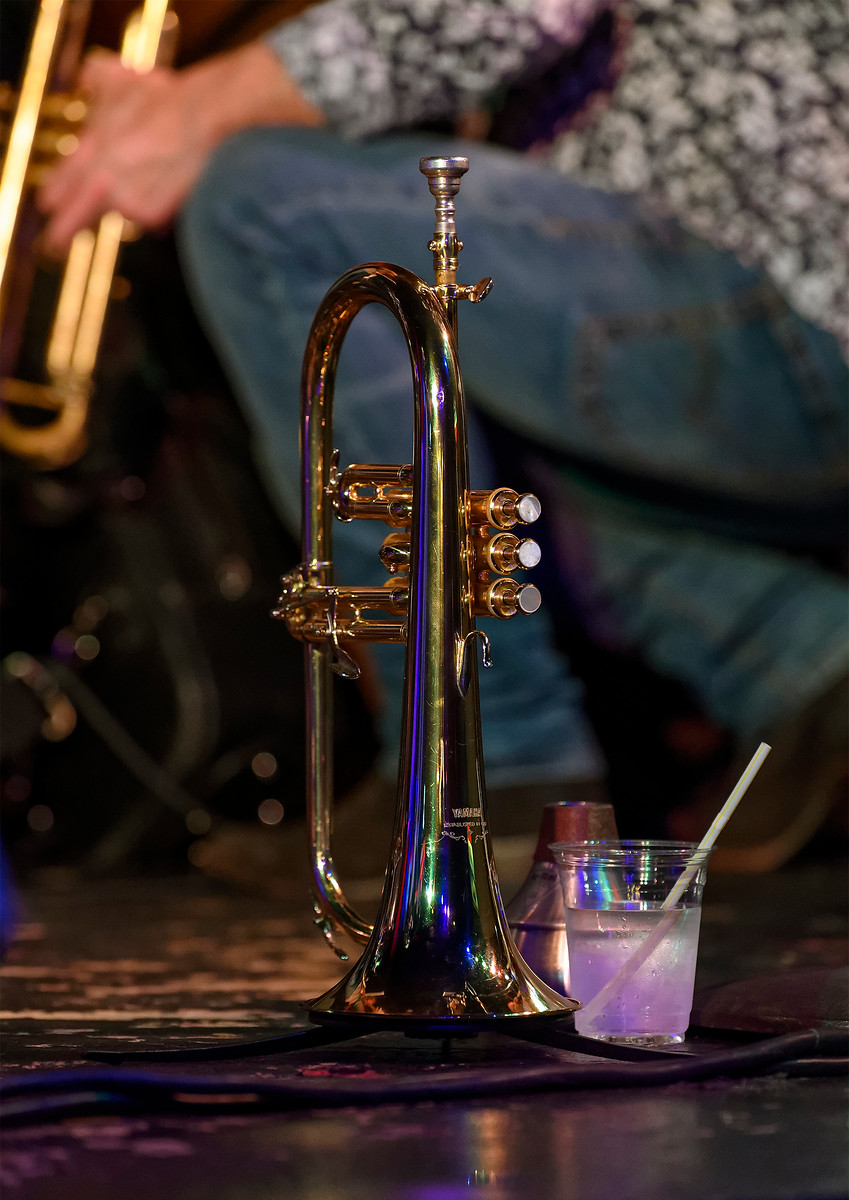
i have printed the horn shot on 17x22 paper and that was with v3 you are looking at it and wondering why you don't see your reflection in it off the polished brass.
I have always found that camera RAW files exported as DNG from Topaz DeNoise to Capture One have a pretty serious color cast (casts) making them unusable.
My workflow with C1 is: Process in C1 -Export as Tiff to DeNoise - Export from DeNoise as Tiff.
Playing with the DXO PL4 demo, DXO PL4 seems to have only a minor effect on the color of the DNGs sent to C1.
So C1 users seem to have the option of using DeepPrime as a first step noise reduction plugin and then doing everything else in C1.
DeepPrime seems to do a really good job on noisy DNGs sent to C1.
At first they looked quite blurry in C1 until I realized you have to set noise reduction to zero in C1 after they come from DXO PL4.
Then they sharpened up nicely.
Maybe there are some other catches I have not found yet though.
@Sjms nice shot, are you a DXO 3 since before? Since you had to search around for things I mean?
I haven't used DXO much so I search around for almost everything
@gbinoz yeah the fact that it can noise reduce and maintain detail at 25600 like that is amazing. The same with my car shot that which is done with a higher mp sensor which isn't as good at 25600 as the Z6 from the start.
You are right and I forgot to mention that Prime and Deep Prime only works with native RAW. I tried to get around this for my brothers X-Trans Fuji files by converting to DNG etc but no go. It seems to be able to handle everything but X-trans. Though I'm not sure about Foveon sensors (scarce as they are).
Normal HQ noise reduction does a good job, probably a bit better than C1 but nowhere near Prime or Deep Prime.
Also, my brother started experimenting with Topaz Denoise more since he's using Fuji and he got some better results than I did using manual settings with the program. It is still prone to introducing some artifacts and color blotches though so it would require some manual work after the noise reduction.
I also noticed very little, if any, difference when converting the RAW file in DXO to DNG and opened it in C! after noise reduction was applied. As you say it's important to remember to turn the noise reduction in C1 all the way down at first. Doing this I get far sharper more detailed results from the exported DXO file. What's funny, this is a longer process but exporting with Deep prime from DXO to C1, removing noise reduction in C1 but maintaining sharpening settings brings out way more clean detail from the file than I get in DXO at the moment. But like I said, I am new to DXO and need to play with the settings more.