fredmiranda.com
Forum
Presentation Boards
Nature & Wildlife
Landscape Photography
City, Street & Architecture
People Photography
Black & White Photography
Macro & Still Life
Sports Photography
Wedding Photography
Digital Art, Smartphone & Abstract
Trip Location Advice & Meet-ups
Gear Talk
Canon Forum
Nikon Forum
Sony Forum
Leica & Alternative Gear
Fuji Forum
Film Is Not Dead
Micro Four Thirds Forum
Latest Photography News
General Gear-talk
Pro Digital Corner
Lighting & Studio Techniques
Post-processing & Printing
Forum & Miscellaneous
Assignments
Weekly Assignments
Monthly Assignments
Photo Critique
Buy & Sell
Photo Gear
Tech Tools
Tips for Safe Transactions
Guidelines & Rules
Join Today
What's New
Latest Posts
FM Gear Reviews
Assignment Winners
Weekly Assignments
Monthly Assignments
Category Winners
Landscape Photography
Nature & Wildlife
People Photography
Register
Login
Forum
Buy & Sell
What's New
Register
Login
fredmiranda.com
Login
Moderated by:
Fred Miranda
New fredmiranda.com Mobile Site
New Feature: SMS Notification alert
New Feature: Buy & Sell Watchlist
FM Forums
|
City, Street & Architecture
|
Join Upload & Sell
1
2
3
…
1236
1237
end
Mustang Air to Air: The Sequel
Message
Username
cs3is
Offline
• • •
Upload & Sell
:
On
p.1237 #1
· Mustang Air to Air: The Sequel
Airshow season is on and glad to see some amazing images
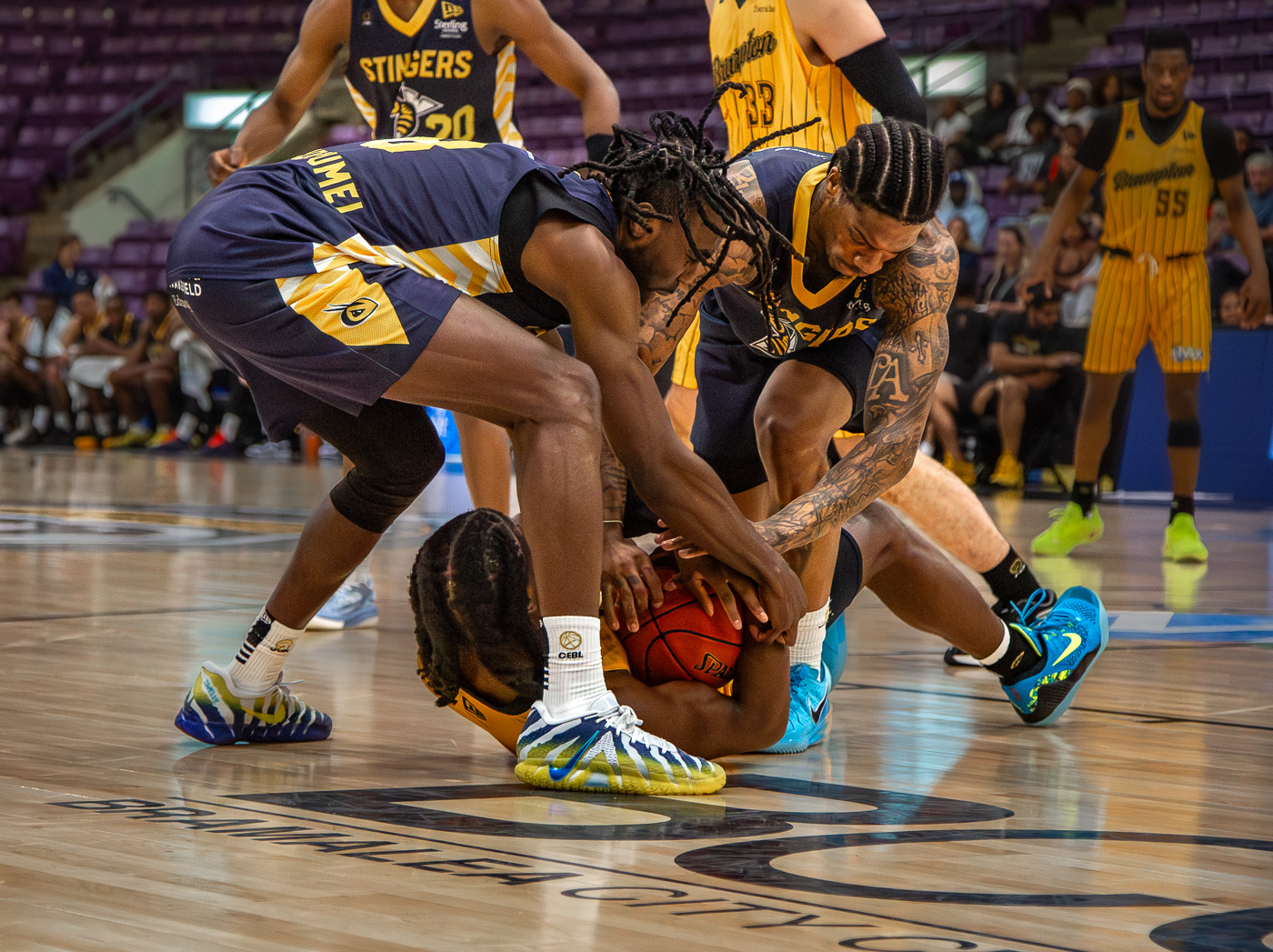
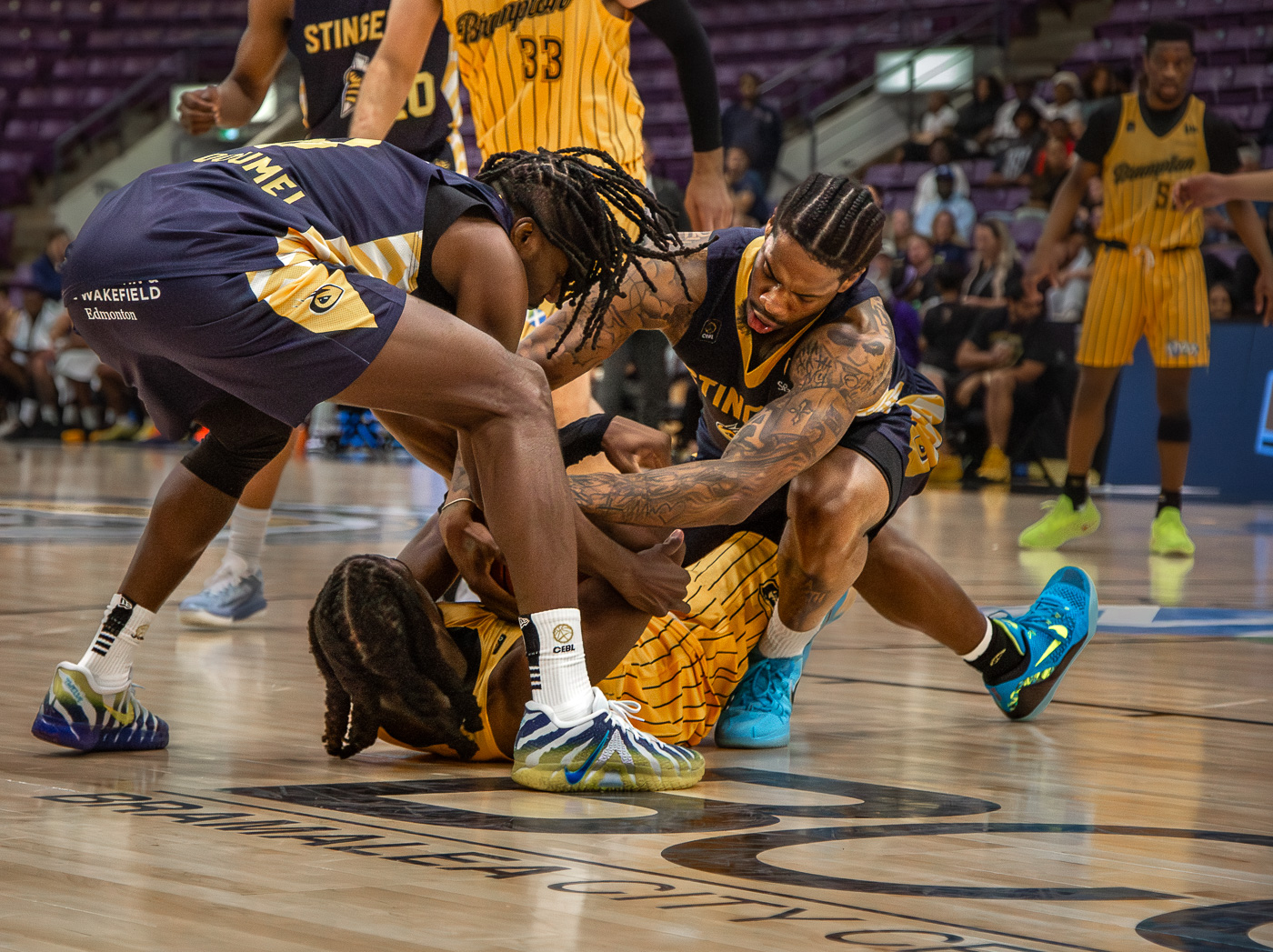
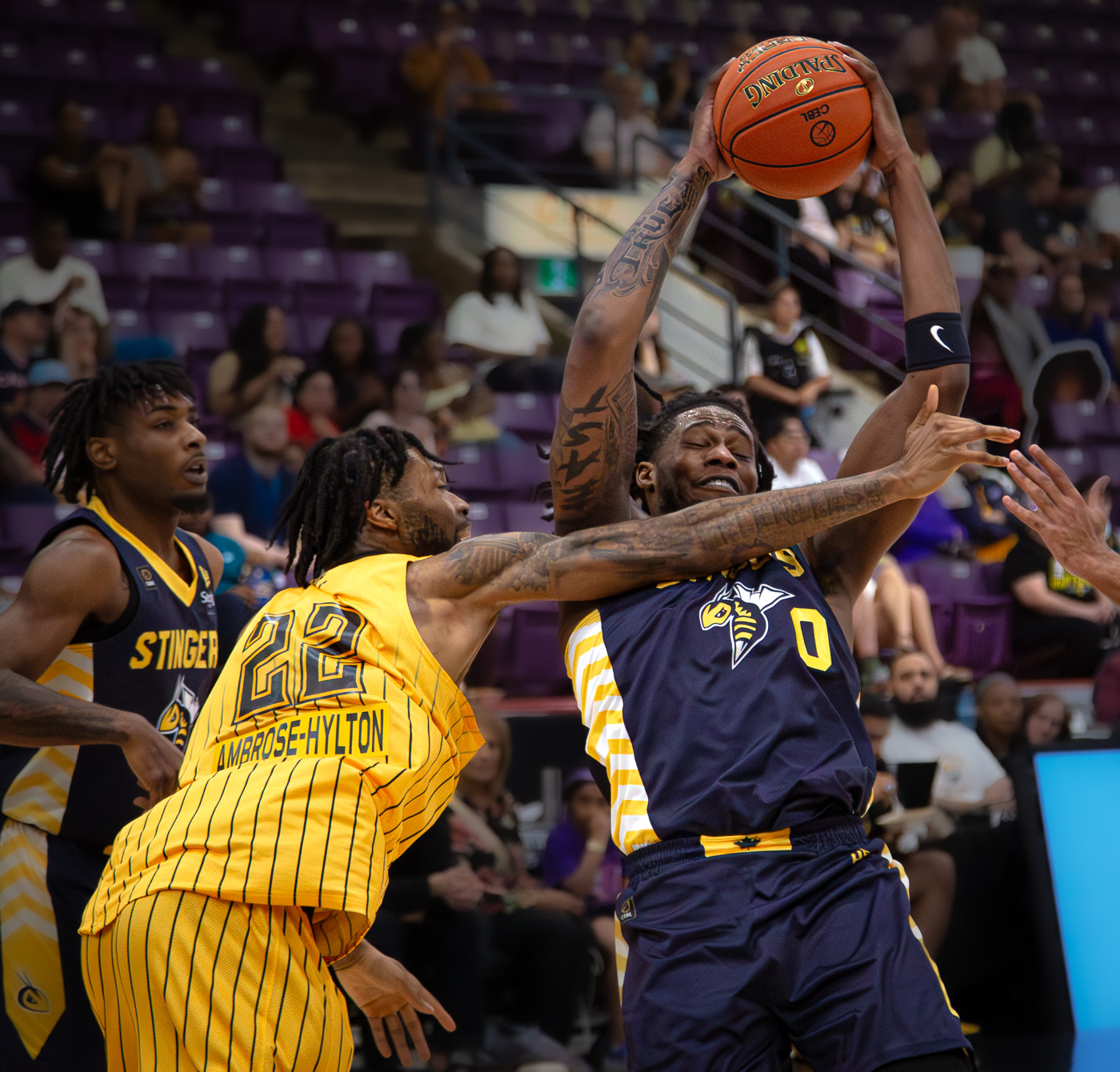
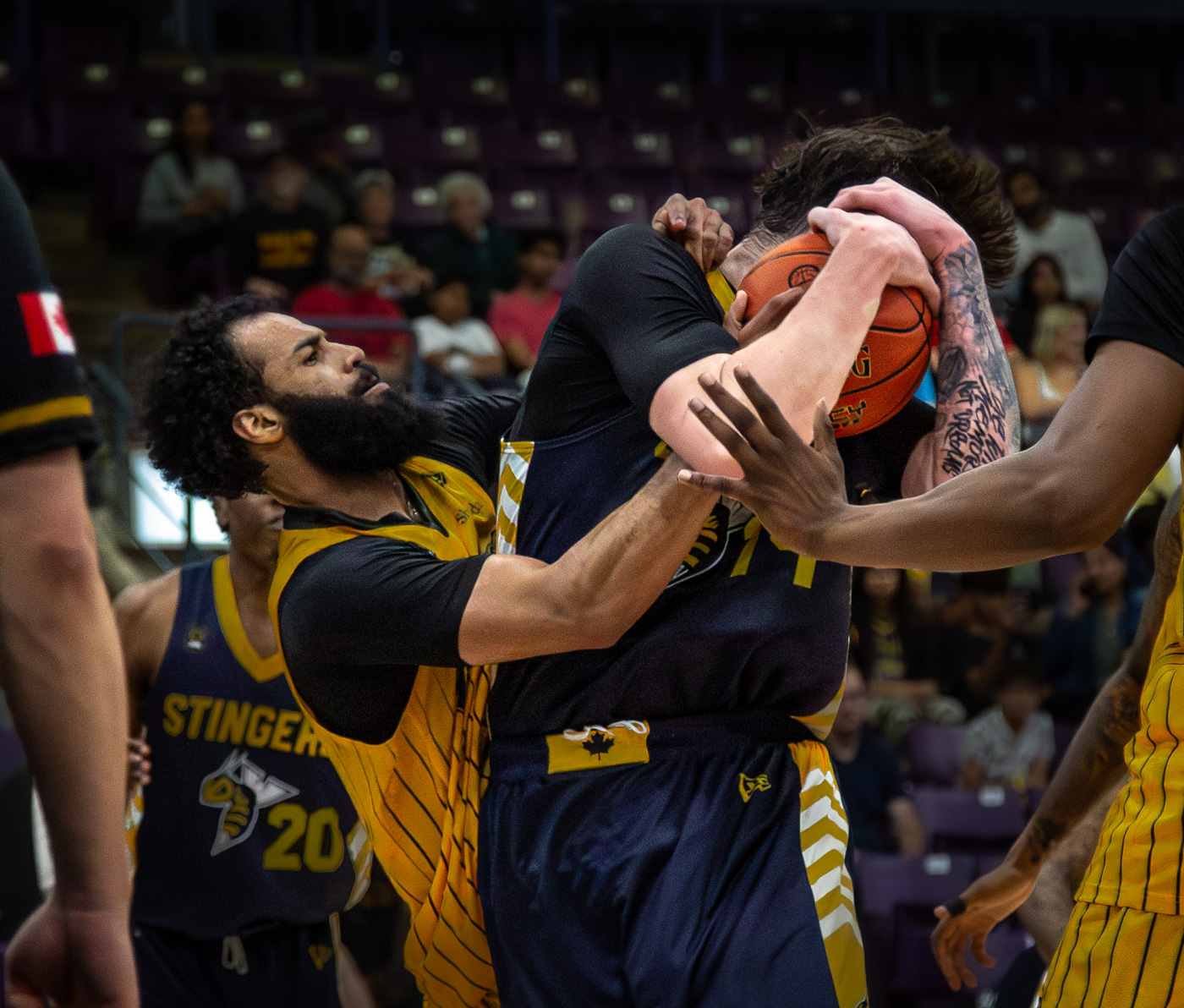
I was covering our local basketball team HoneyBadgers the other day. I was wondering if anyone else has shot the games with f1.2 glass. I am researching and may pull the plug.
© cs3is 2026
1
© cs3is 2026
2
© cs3is 2026
3
© cs3is 2026
4
Jun 09, 2026 at 11:31 PM
1
2
3
…
1236
1237
end
FM Forums
|
City, Street & Architecture
|
Join Upload & Sell
1
2
3
…
1236
1237
end
Welcome back
Log in to your account
Username
Password
Login
Reset password
No account?
Register