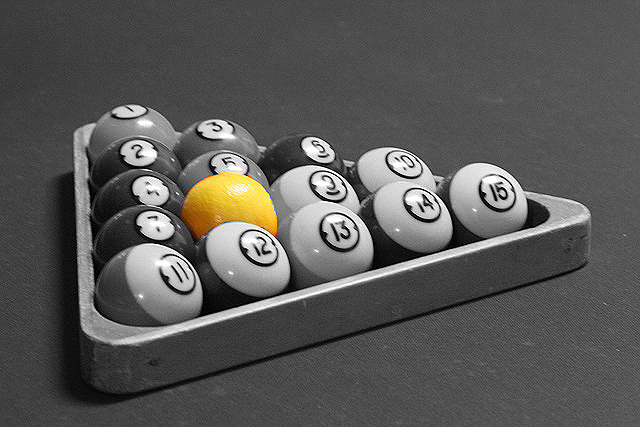
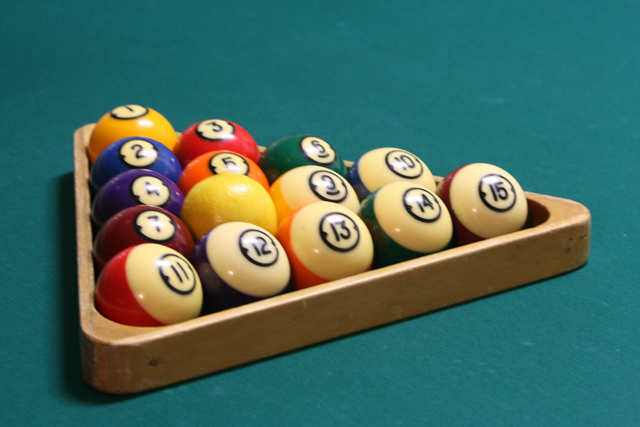
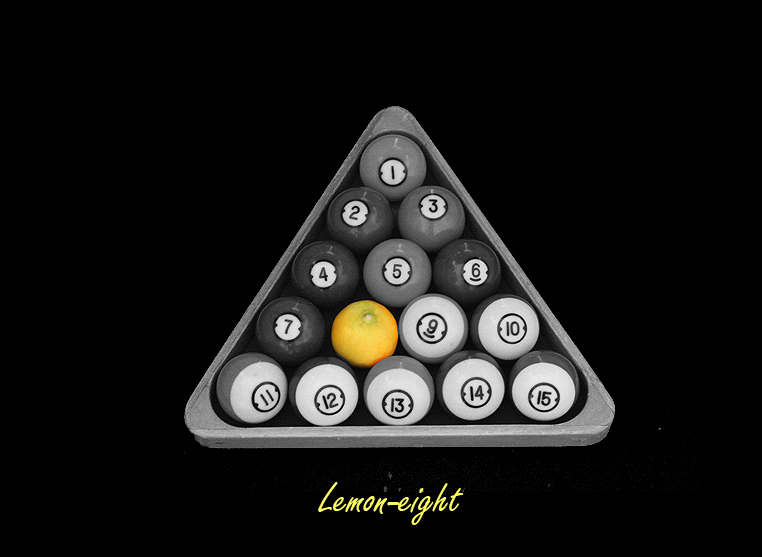
Eightball is a popular game of billiards. If life gives you a lemon instead of making lemonade, you could play a game of LemonEight!
C&C's welcomed....
Thanks
Bob
This is quite a clever take on the assignment. I like the idea but I think with some additional post-processing or perhasp reshooting you can improve it. The lemon has a bit of a halo around it and the balls all have a bit of hot spots on the top. Perhaps you might want to reshoot with a different light source that the lights over the pool table. I hope this helps and congrats on a great idea.
This is quite a clever take on the assignment. I like the idea but I think with some additional post-processing or perhasp reshooting you can improve it. The lemon has a bit of a halo around it and the balls all have a bit of hot spots on the top. Perhaps you might want to reshoot with a different light source that the lights over the pool table. I hope this helps and congrats on a great idea.
Thanks Steve! I will try to improve on the the hot spots and halo. Do you think doing it all in color would be better?
Edited by levartze on Oct 27, 2007 at 12:39 PM GMT
Nice idea Bob, I think I'd keep the selective coloring, makes the lemon stand out a little better. You could always try and tone down the hot spots using the clone tool on darken mode, but in your color version I see things are a little soft, so sharpening without halos might be difficult, so it might be easier to reshoot, if possible. Since you're going black and white and posting small, don't be scared to push the ISO some, better noisy than soft, imo.
Awesome idea though, keep it up.
Jazno wrote:
Nice idea Bob, I think I'd keep the selective coloring, makes the lemon stand out a little better. You could always try and tone down the hot spots using the clone tool on darken mode, but in your color version I see things are a little soft, so sharpening without halos might be difficult, so it might be easier to reshoot, if possible. Since you're going black and white and posting small, don't be scared to push the ISO some, better noisy than soft, imo.
Awesome idea though, keep it up.
Cheers,
Jason
Thanks Jason!
I've been working on the clone and stamp tools in Photoshop, but I'm new at this and its easier said than done. This image is ISO 800 I will try another with ISO 1600 and no overhead lighting to see if that improves things.
Bob
My pleasure, I'm guessing you either don't have a tripod, or can't fit one in the room, but if you're still having trouble getting a sharp image even with high iso, you might try resting the camera on a stack of books, a chair, anything you've got on hand. A desk lamp or two as fill lights could also help, since they're easily positionable to minimize hot-spots.
Jazno wrote:
My pleasure, I'm guessing you either don't have a tripod, or can't fit one in the room, but if you're still having trouble getting a sharp image even with high iso, you might try resting the camera on a stack of books, a chair, anything you've got on hand. A desk lamp or two as fill lights could also help, since they're easily positionable to minimize hot-spots.
Cheers.
Jason
Hi Jason,
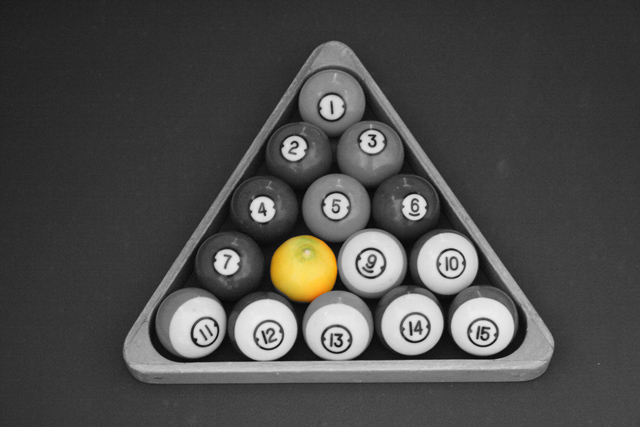
I have a tri and uni pod and I was able to bump up the ISO to 1600 and surrounded the rack of balls with cardboard boxes to cut out the light from my garage windows; then, I got a ladder and took the following image from a different perspective. Does it look any better to you?
Thanks so much for the comments and suggestions. I'm new to this and your comments are really appreciated.
Bob
In Photoshop:
First I pulled down the exposure a little using a gentle curve on a curves adjustment layer. Next, I gave a slight color "correction" using a hue/saturation adjustment layer. (hue+6 saturation+1 Lightness 0) At the same time, I cloned out some of the green on the top of the lemon, Clone stamp opacity at 44%. Added a last curves adjustment layer for contrast (A very gentle S shape) Finalized by flattening, then sharpening using unsharp mask. (Amount120%(ish) Radius 0.8)
Layer stack before flattening looked like this:
Curves (for contrast, gentle S)
Hue/Saturation (Color correction)
Curves (exposure adjustment)
Background
Of course, this is just one interpretation of what it could look like, when it comes to processing there is no right or wrong process or result, so it's all up to you.
In Photoshop:
First I pulled down the exposure a little using a gentle curve on a curves adjustment layer. Next, I gave a slight color "correction" using a hue/saturation adjustment layer. (hue+6 saturation+1 Lightness 0) At the same time, I cloned out some of the green on the top of the lemon, Clone stamp opacity at 44%. Added a last curves adjustment layer for contrast (A very gentle S shape) Finalized by flattening, then sharpening using unsharp mask. (Amount120%(ish) Radius 0.8)
Layer stack before flattening looked like this:
Curves (for contrast, gentle S)
Hue/Saturation (Color correction)
Curves (exposure adjustment)
Background
Of course, this is just one interpretation of what it could look like, when it comes to processing there is no right or wrong process or result, so it's all up to you.
Wow! Thanks Jason! What a wonderful way to learn more about taking pictures and using Photoshop. I tried what you suggested and may not have it quite as good as yours, but its close!
Philly Rains wrote:
Wonderful idea, and I think you've gotten a great capture...thanks to so much help. Aren't these folks just the best?
Love the concept, and spot color. I think it's excellent!
Thanks Philly Rains!
Yes, this is really a neat place to learn. One can think of a concept, put it together (even in the rough) and others often make suggestions on how it could be improved.
I enjoy taking pictures and playing pool and its wonderful when I can do them both!
Interesting post. Lots of great help. I like your idea and selective coloring. I also really like the composition in your #2 different angle b&w image. Tough decision. Nice work.
contre-jour wrote:
Interesting post. Lots of great help. I like your idea and selective coloring. I also really like the composition in your #2 different angle b&w image. Tough decision. Nice work.
Jamie
Thanks Jamie! I like #2 as well and it is tough deciding which is better, especially when you don't have much experience. I went with the current on based on feedback and suggestions.
I wonder how difficult it would be to make images like this into a poster of larger image that can be framed?