Jim Schemel wrote:
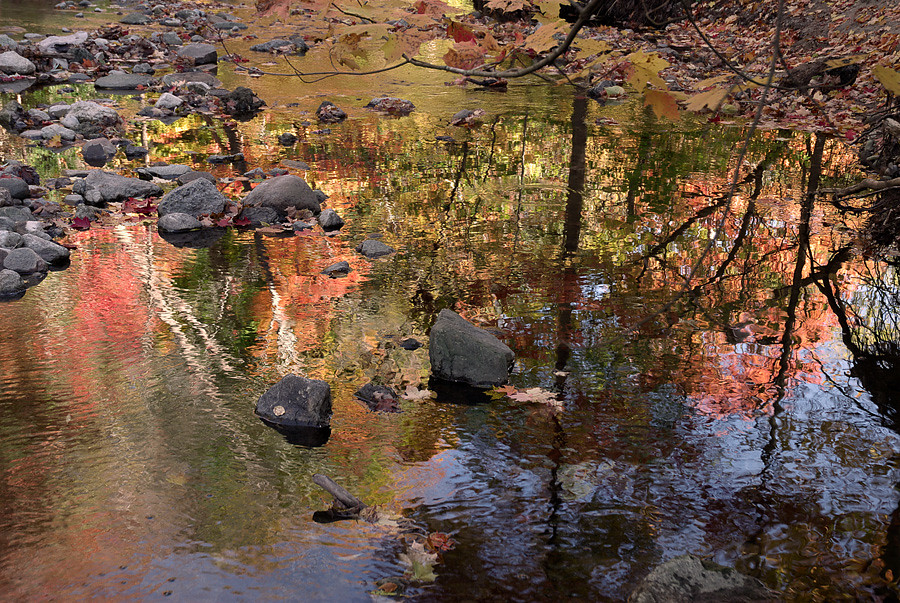
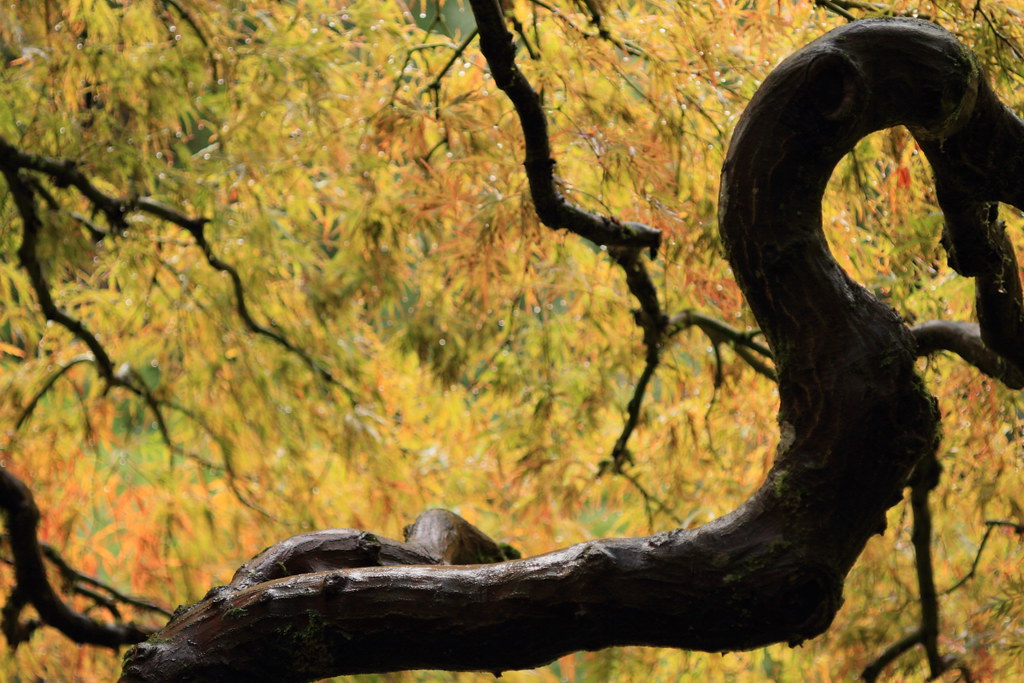
Phillip - Nice set. I really like the reflection captured in the first one.
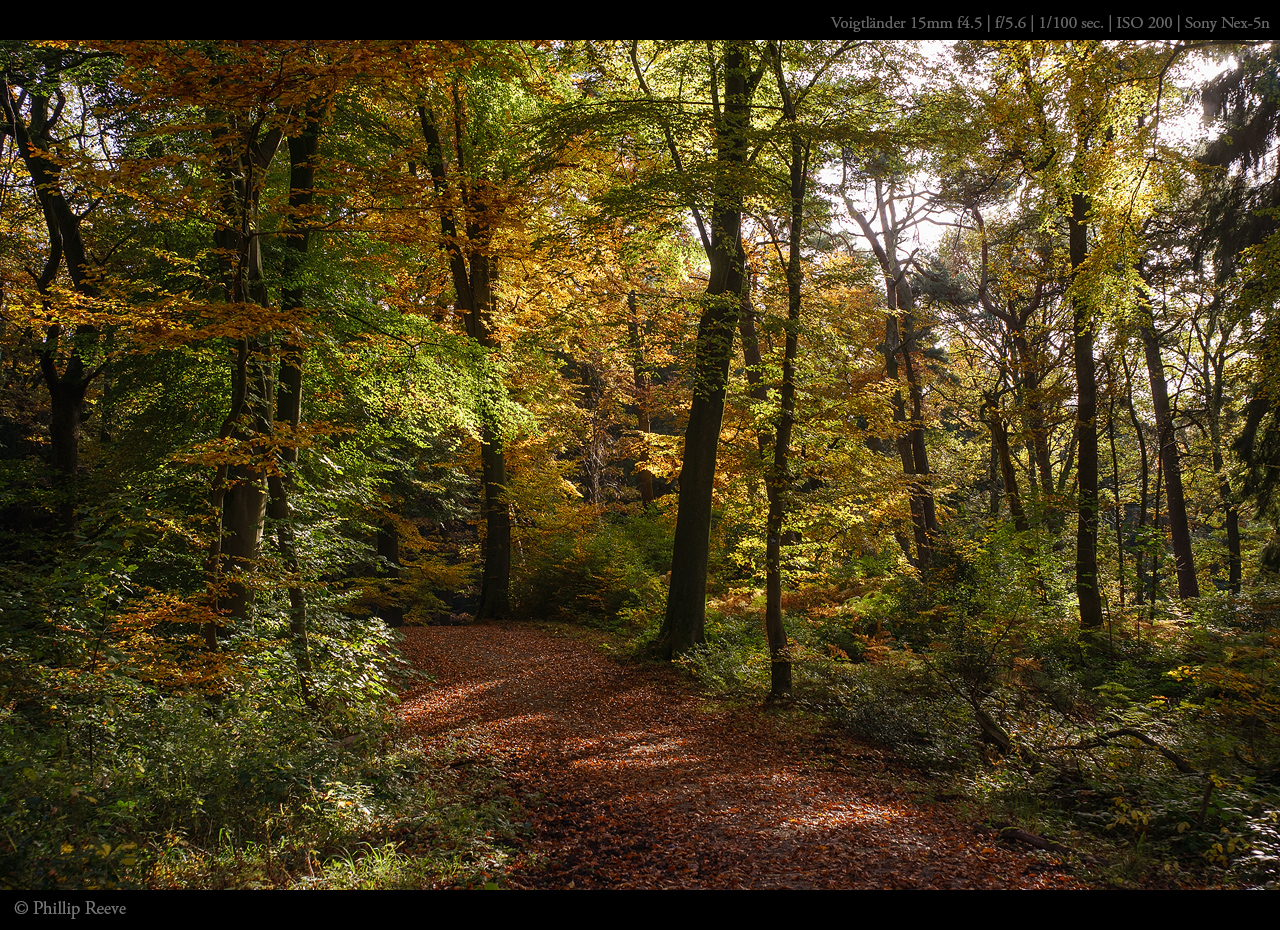
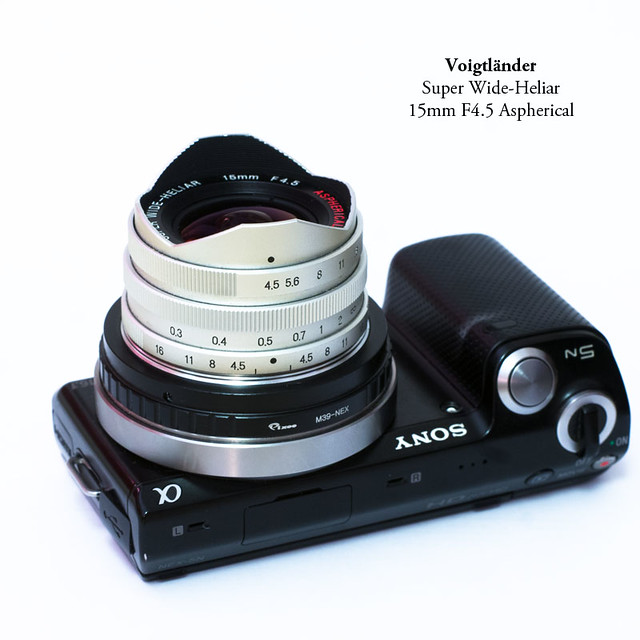
Would you mind sharing your thoughts with me on the Voigtlander 15?
thanks :-)
regarding the CV15:
its surprisingly small for a fullframe lens
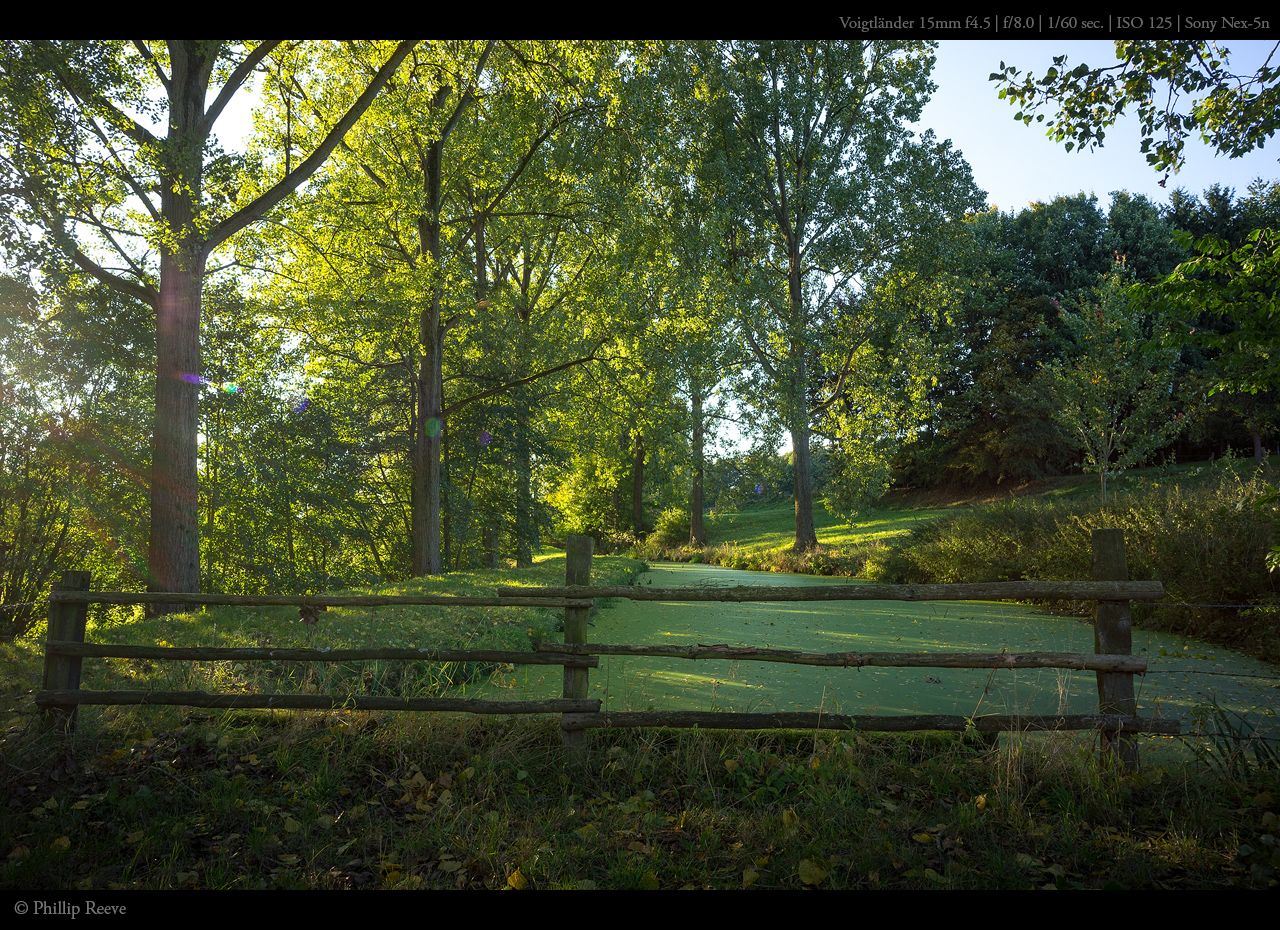
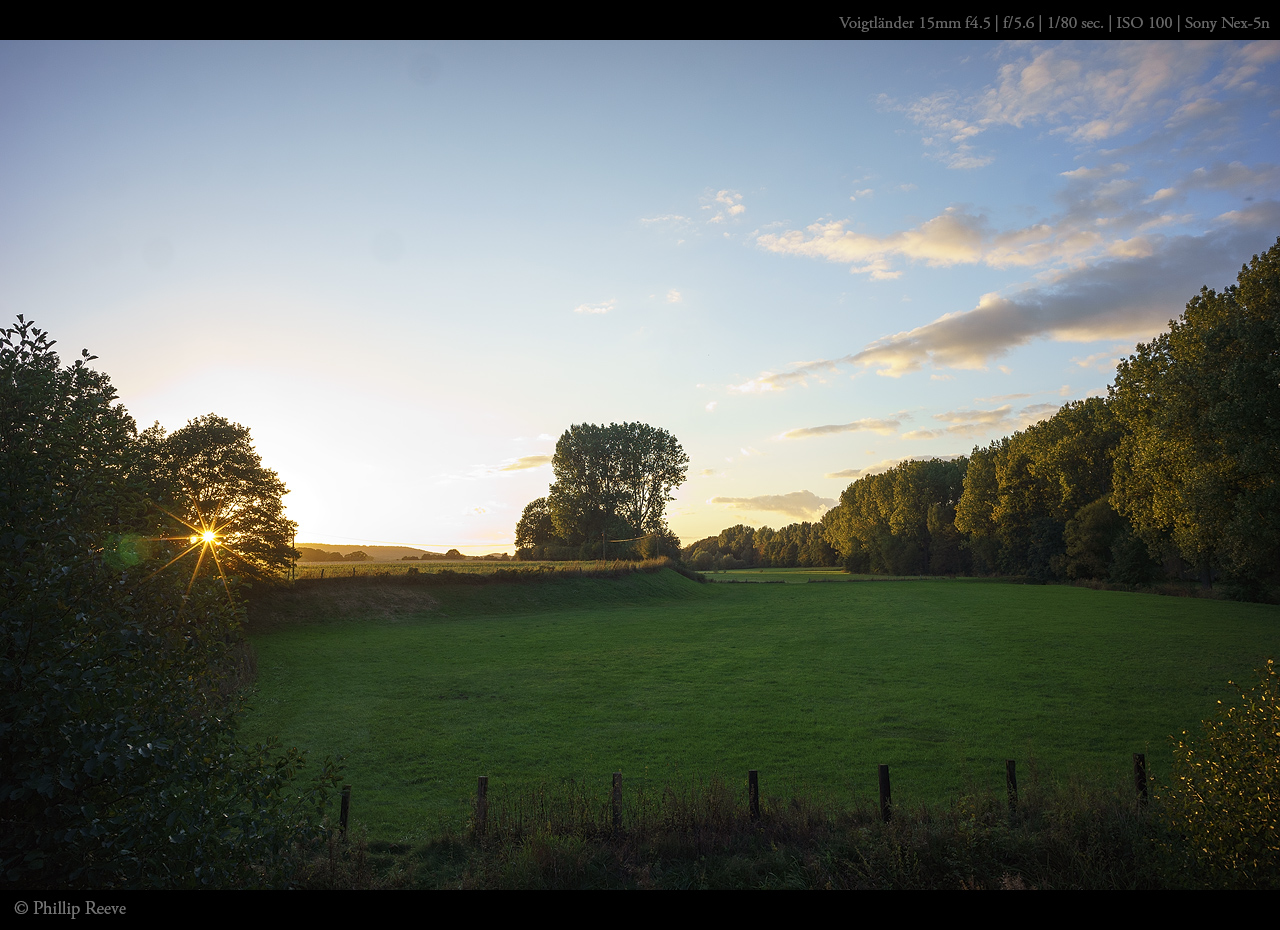
some full-rez sample images can be found here so i won't bother putting some online myself ;-). Some 1280px-images can be found in my flickr set
color-shifting can be noticed even on the Nex-5n, see images #2 and #3 here. But those are the only images were i ever thought about using corner-fix
Jim and Phillip: Regarding the LR flat field plug in. I have successfully used it to fix panoramas created with a Fotodiox shift adapter and OM 28mm full frame lens. This combo shows terrible vignetting and color shift uncorrected.
I got the plastic diffusers required for the correction images from CaptureIntegration. Don't remember what they call the item but it is $19.95 plus exorbitant shipping. There are two diffusers: a small one suitable for most small cameras and a larger size for medium format. I checked into getting some white frosted plexi but the cost difference and not being sure that it would do the job correctly led me to the commercial product which is designed for the task.
You must take a correction exposure with the diffuser for each focal length, aperture, and distance used. If a series of photos have all three variables the same only one correction images needs to be taken. When taking the correction image you must increase the exposure by shutter speed by about two stops so that the histogram shows almost white - near the right edge without clipping.
I took the three pano shifted exposures, then shifted the lens back to the starting point, adjusted the shutter, and took the three correction images, one at each shift. The resulting pano came out excellently.
After the images have been taken it is a piece of cake, that is if the plugin is working properly. I initially had problems getting it to work with LR 4.2 but it mysteriously cleared itself up and is working properly now.
Needed for short lenses only - less than 50mm on my m4/3. My 80mm for example shows no traces of this problem.
Larry - thanks for the reply.I appreciate your feedback.The part that you described as a piece of cake is what i am having problem with.When i apply the plugins and LR goes to work i am not seeing any difference in the image, am i doing something wrong? Keep in mind that i am new to LR.
-Jim
Select your image and correction image, go to Plug-in Extras..->apply interleaved correction...
You will get a confirmation dialog, select OK.
When LR is finished, you will get a new image with 'ff'' at the end of the filename. This is the corrected image.
If you are not seeing any difference perhaps no correction was required. I tested with my 80mm and the corrected image looked the same as the uncorrected one because no correction was required. With the 28mm I see a big difference.
Select your image and correction image, go to Plug-in Extras..->apply interleaved correction...
You will get a confirmation dialog, select OK.
When LR is finished, you will get a new image with 'ff'' at the end of the filename. This is the corrected image.
If you are not seeing any difference perhaps no correction was required. I tested with my 80mm and the corrected image looked the same as the uncorrected one because no correction was required. With the 28mm I see a big difference.
Larry
Larry,
thank you for taking the time to explain even the simple things.I do appreciate it and i think i am getting the hang of it.
-Jim
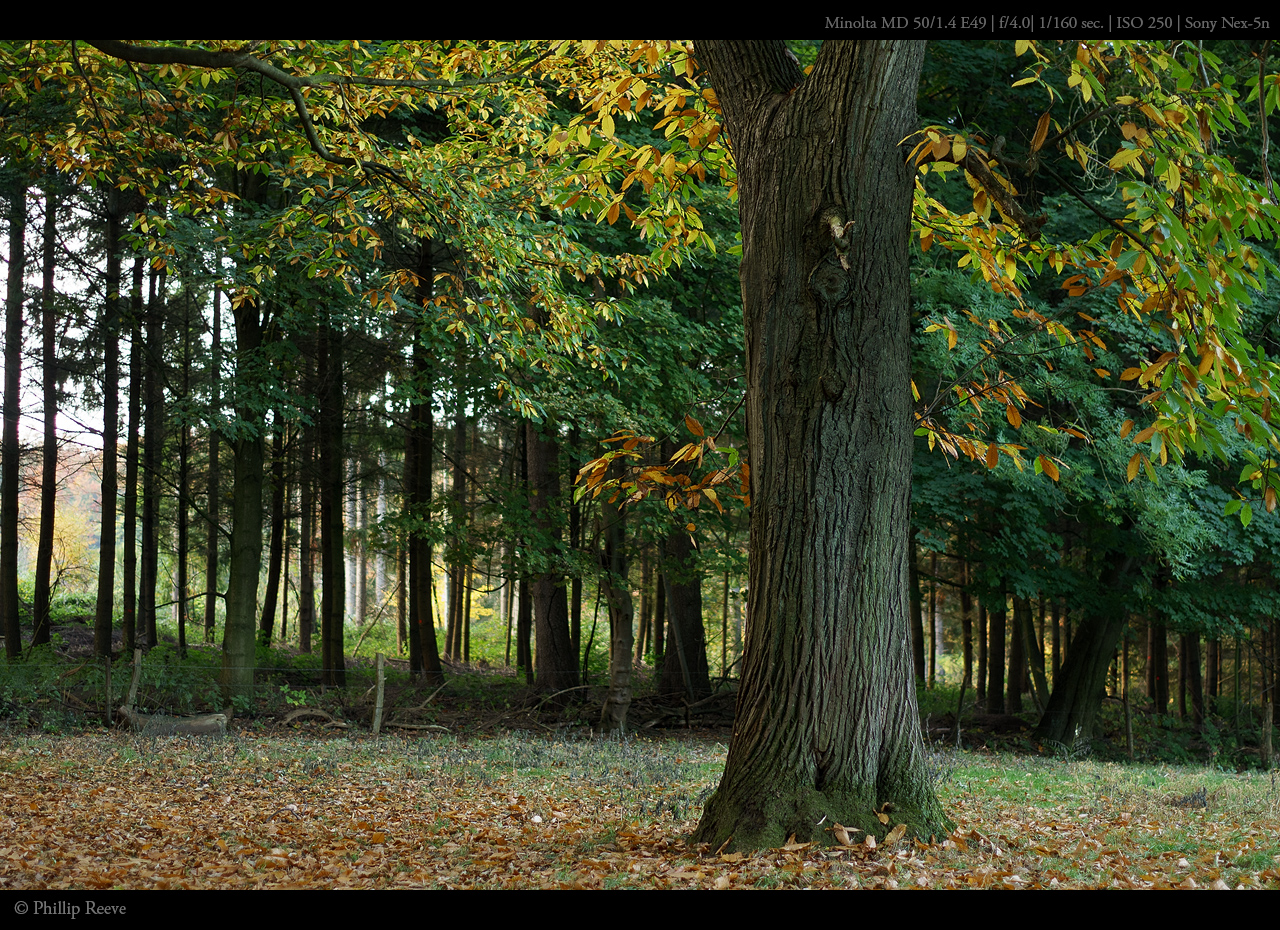
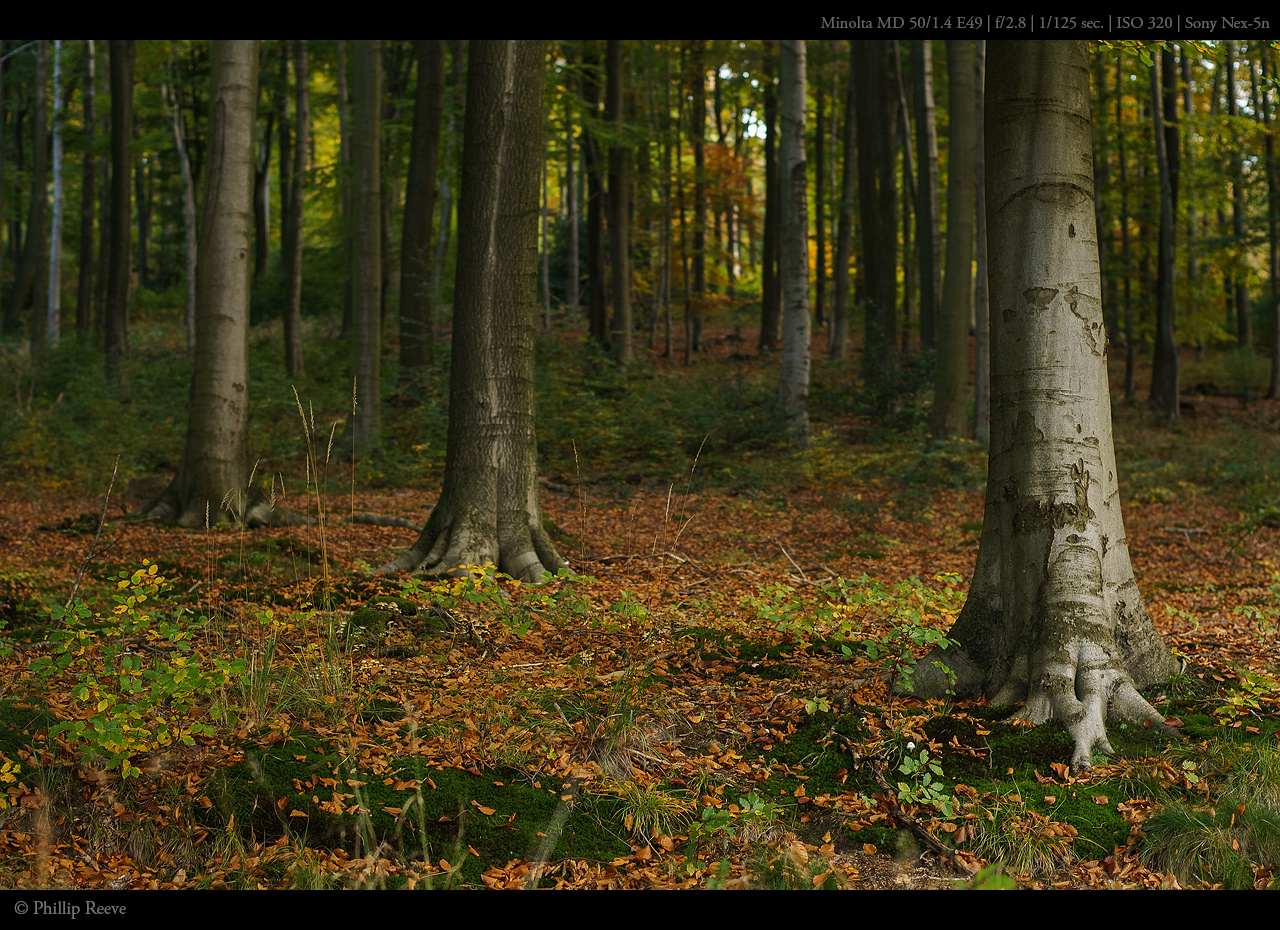
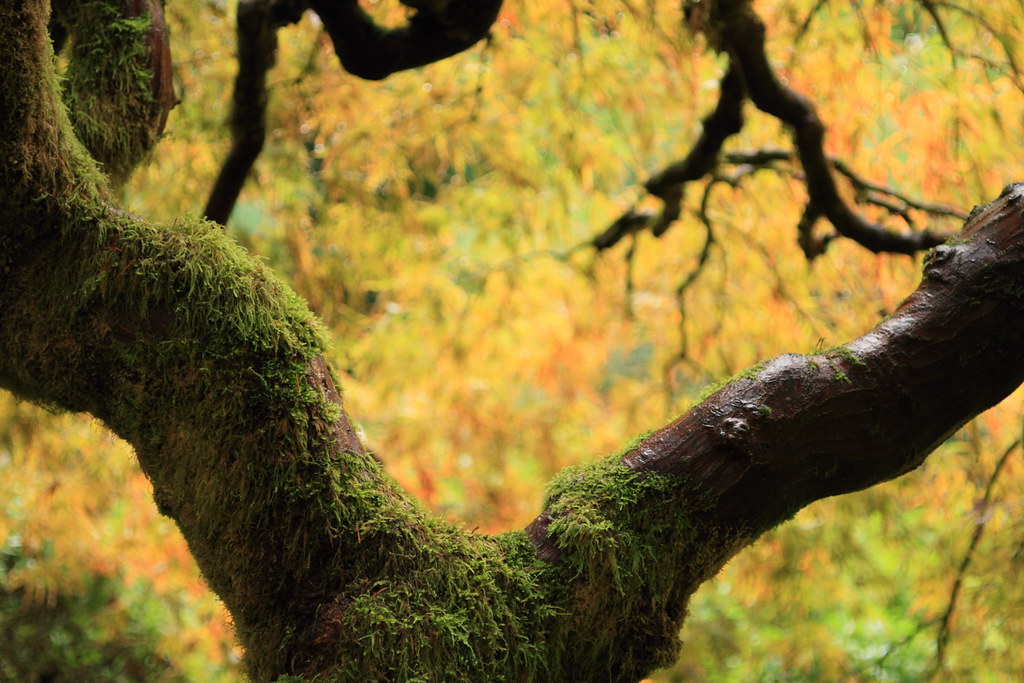
All great as usual, but this is my favorite. The two with the 15mm are close behind, though too bad about the look of the sky behind the leaves in the upper right.
The whole page is great stuff, wonderful thread folks!