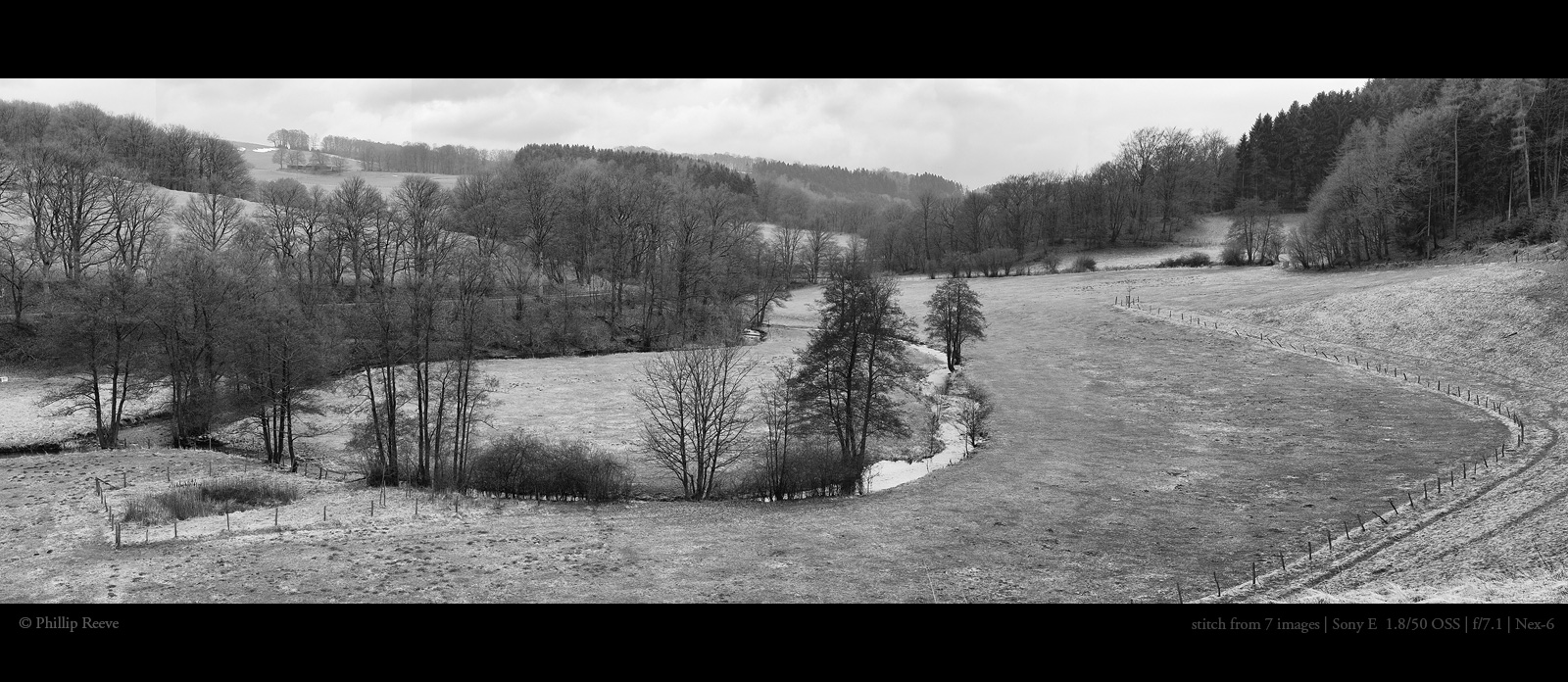
Here is a rather "phat" panorama made with the 40mm STM and 5DIII. I really like shooting events with that lens, especially now that it has a correction tab in DPP.
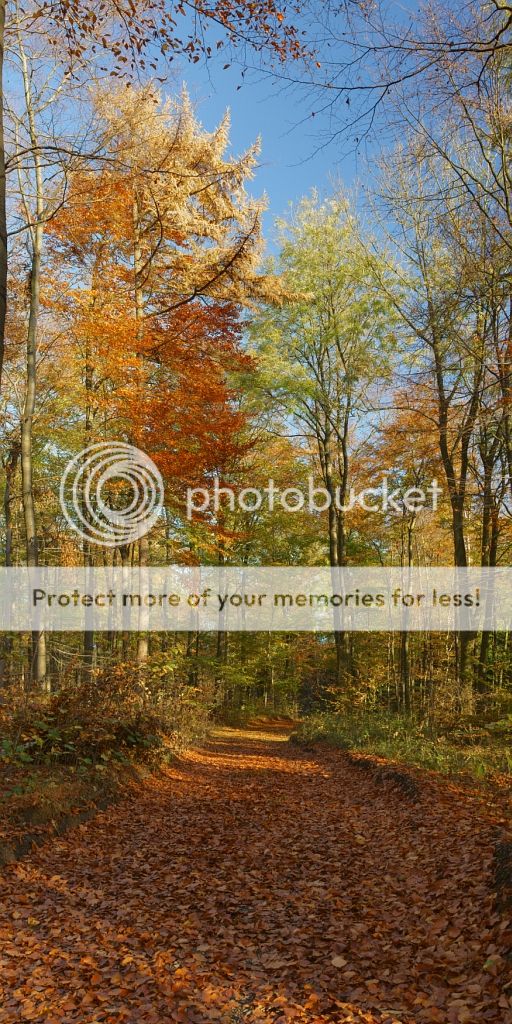
Another one in elongated portrait format. Taken last fall, Nex 5n and 35-70 CY at 35mm and around f/8, Hoya HD polarizer, ISO 100, three images in landscape orientation, faux HDR (two different developments form raw).
Here's one that's a good example of why you want to control color balance (WB) between exposures. Most of the image looks pretty good, but the lower sky between the leaves and branches is very cyan until 1/2 way through, then switches to blue.
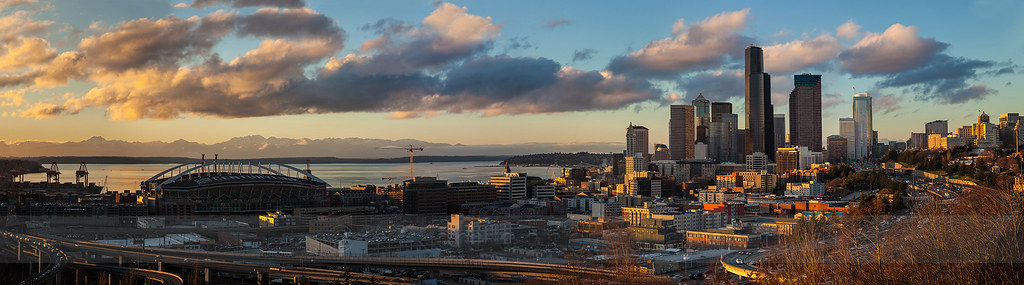
Four shot stitch, 1D3, Contax Zeiss 50/1.4, f/2.8, ISO 100.
Thanks Wilhelm! I'm impressed with the lens, and the extender doesn't seem to hurt the IQ much at all. Yes, I like the contrasting focus, as well as the contrasting colors.