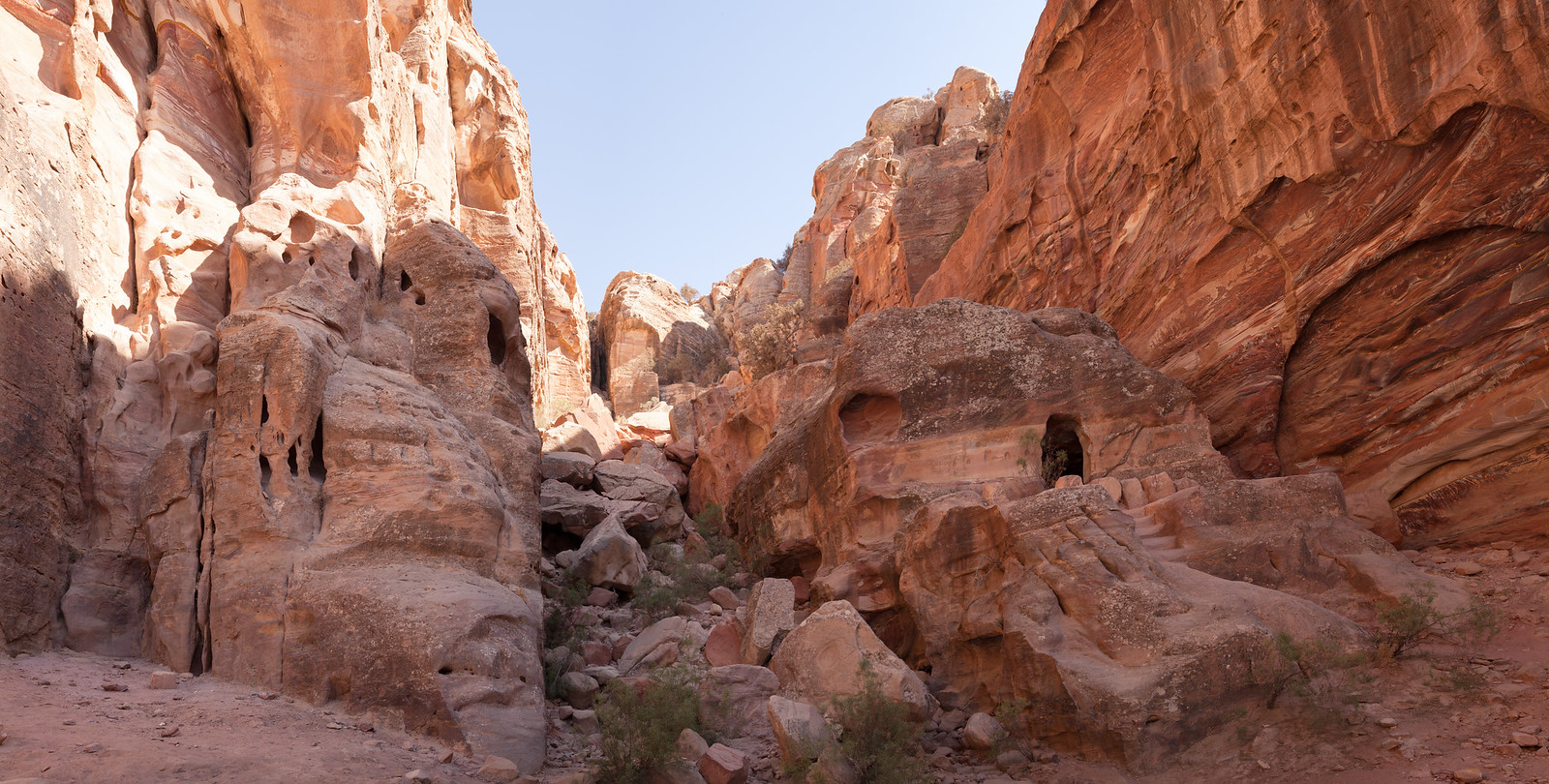
I guess with the half-circle of the eye it's one of those things where the brain compensates and fills in the rest. I could tilt the camera up and fit it all in but then I'd get crappy perspective distortion on the buildings
I thought I would tutorialize a little bit here in case anyone is interested.
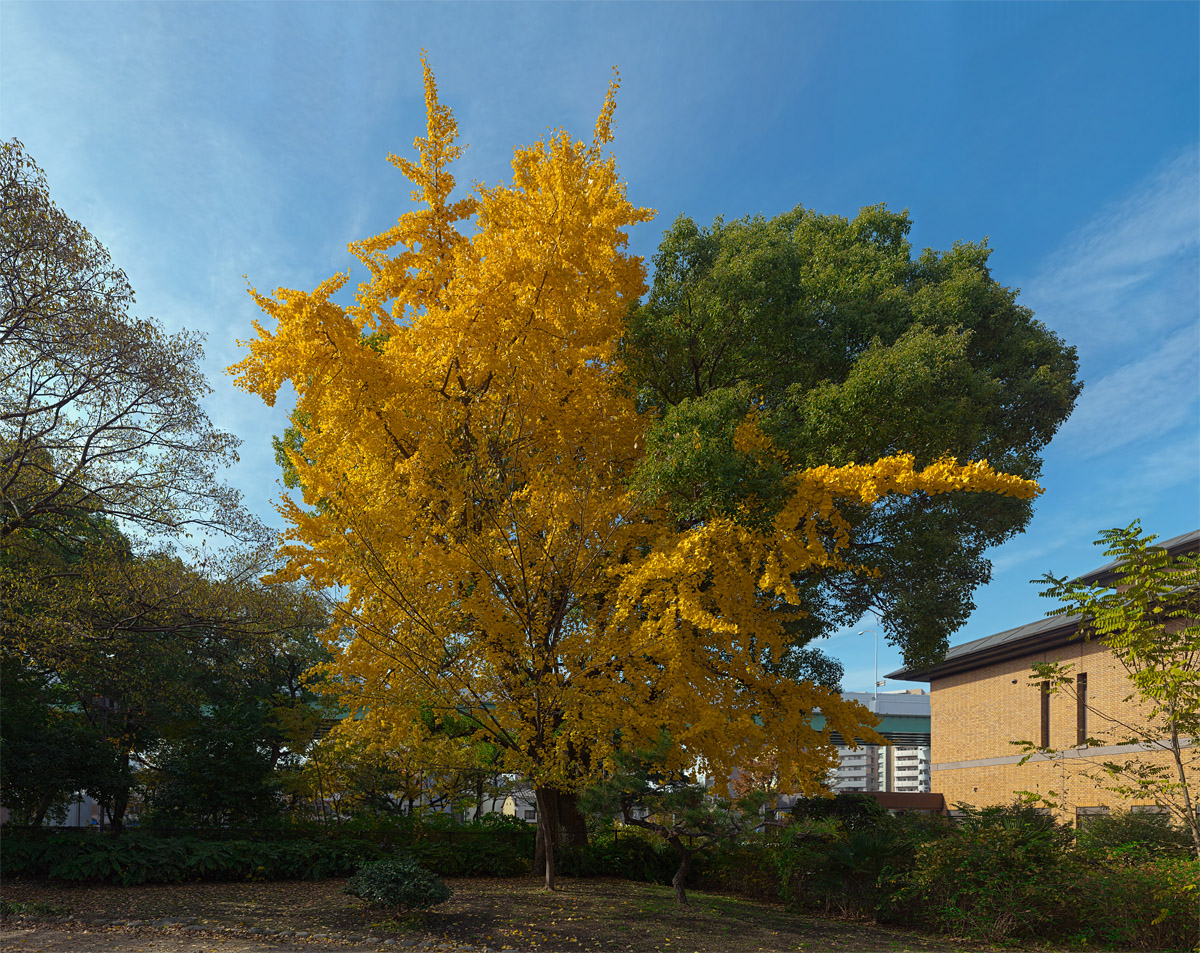
Using the Canon FD 85mm/1.2L set to f/1.2 and stitched together using Autopano Giga 2.6 this is about 240 images after cropping:
I was pretty much standing right under that tree there. The top images are pointed > 80˚ up off horizontal. oO
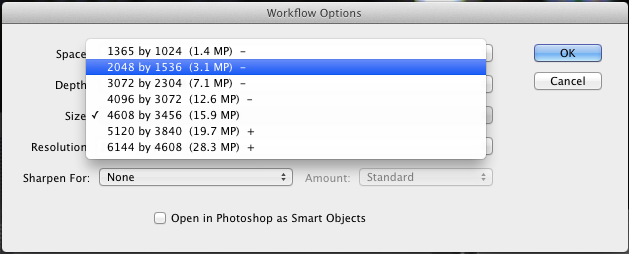
My process might be slightly different from most in a few regards. If the FOV I wanted works out to too many images (more than about 20 or 30 total) I use Adobe Camera RAW to convert and scale them. I always shoot RAW and not all stitchers can read the RAW files.
In ACR the setting to scale the image is I think, a function of how ACR demosaics the image in the first place as such:
After that setting is selected I select all images and mess with the sliders as needed for the best processed look. When done I use the "Save Images" feature and save them all off into a JPeg folder properly labeled like:
This effectively adds the post-processing changes to each of the individual files uniformly.
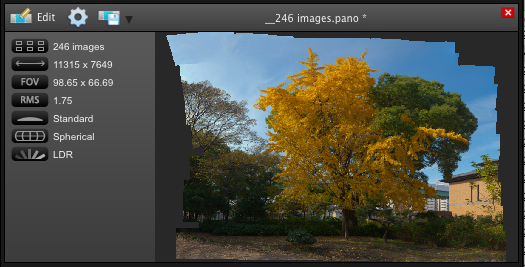
Then I just load them into Autopano Giga or whatever stitcher I happen to wanna load up, and press Render:
From there I either crop it in PS or have the stitcher software automatically crop it. And with the ACR scale-type process the result is actually manageable enough (small enough) to process further in PS should it be needed. With the full sized RAW images the slightest edits can take very long to complete! Even on my 8-core MacPro with 16GB or RAM. I like shooting panoramas in general - pretty fun stuff! One of the tools I find most helpful - almost indispensable - is a gimbal head! Absolutely perfect tool for the job!
Here's a 360 degree night panorama -- 4 bracketed shots at each of 8 camera positions with a fisheye lens. All 32 images stitched and blended in PTGui Pro.



 I like shooting panoramas in general - pretty fun stuff! One of the tools I find most helpful - almost indispensable - is a gimbal head! Absolutely perfect tool for the job!