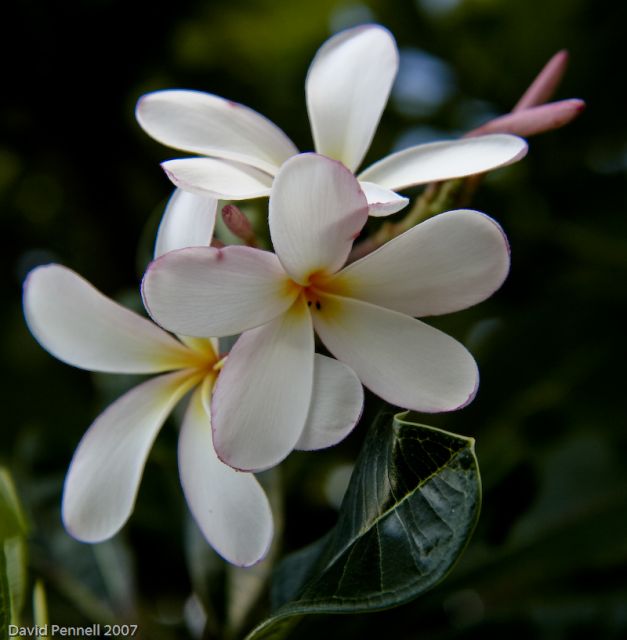
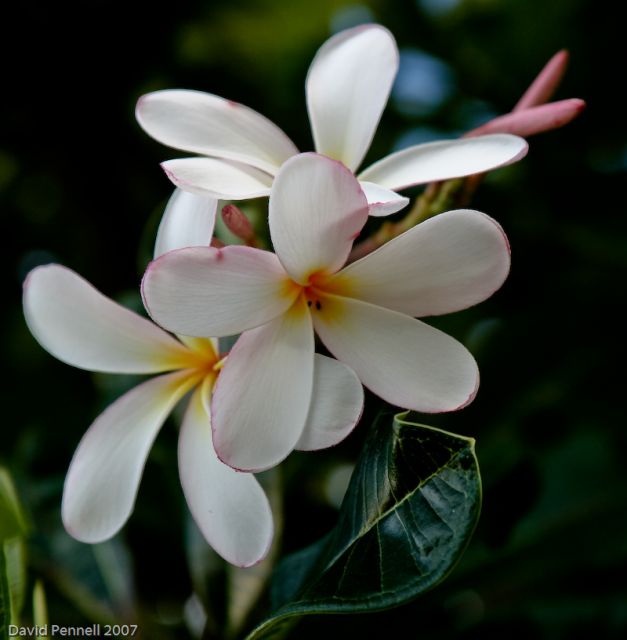
Yeah, that looks like a Plumeria. Nicely composed.
David, I noticed that it has an embedded AdobeRGB profile... that means that most browsers won't display the colors correctly as they assume sRGB.
check out this link, which displays the EXIF/IPTC info from your image:
"http://regex.info/exif.cgi?dummy=on&url=http%3A%2F%2Fwww.fredmiranda.com%2Fforum%2Ffiles%2F234470.jpg"
When you use Lightroom to Export the picture, choose the setting "sRGB" in the Export options, instead of the default.
Thanks Shaun. I think I was playing with those settings the other day and forgot to switch back to sRGB.
Where did you get the EXIF reader ? That is really nice!
David Pennell wrote:
Thanks Shaun. I think I was playing with those settings the other day and forgot to switch back to sRGB.
Where did you get the EXIF reader ? That is really nice!
Yeah, I think I stumbled across it one day while searching for information about color management. Good blog about it here:
"http://regex.info/blog/photo-tech/color-spaces-page1/"
Now the edges of the flowers look better... at first glance of your original, I thought "Whoa, that's a lot of chromatic abberation around the edges!"