Andy, I don't normally say anything about the way folks process their images because everyone's tastes are different.
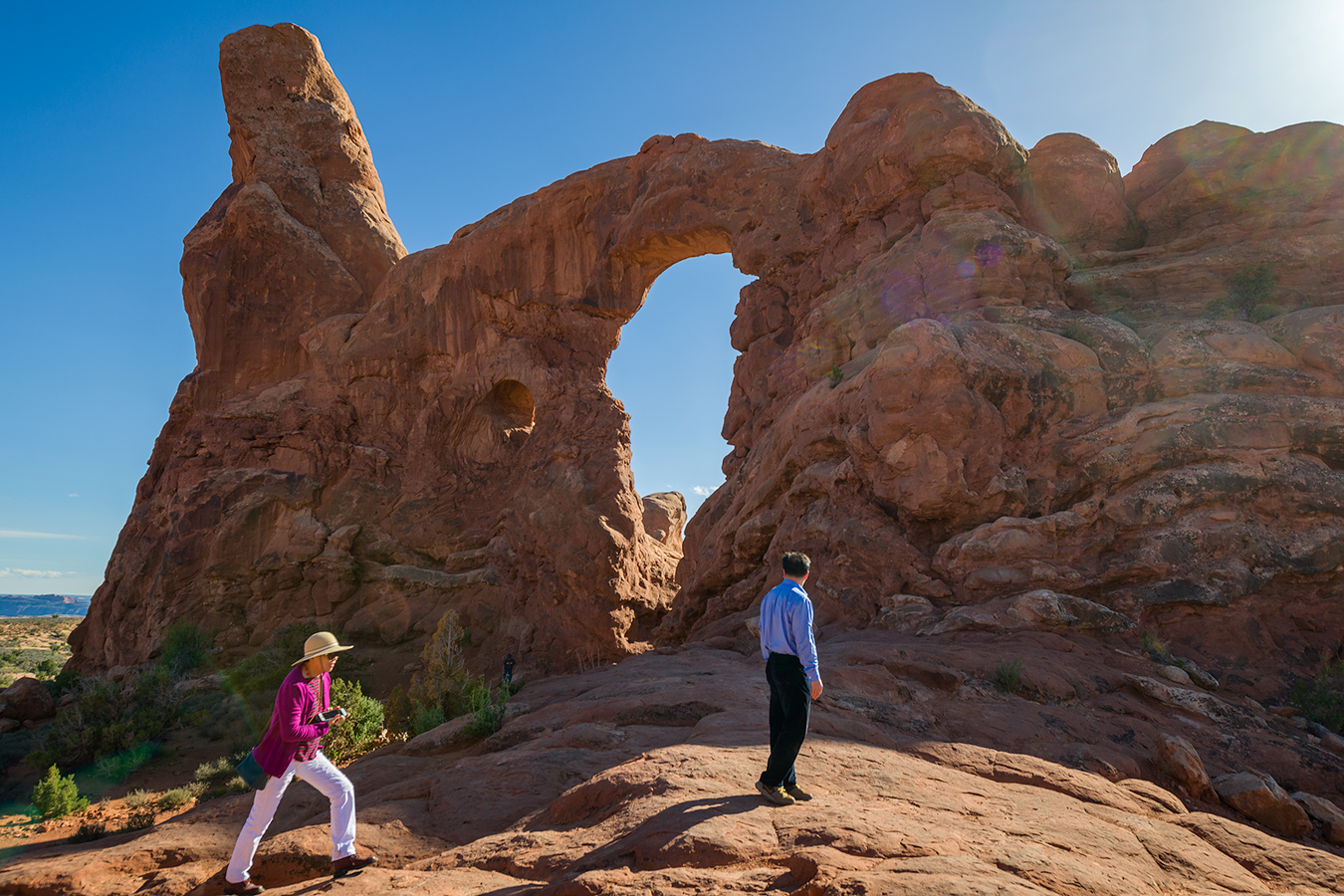
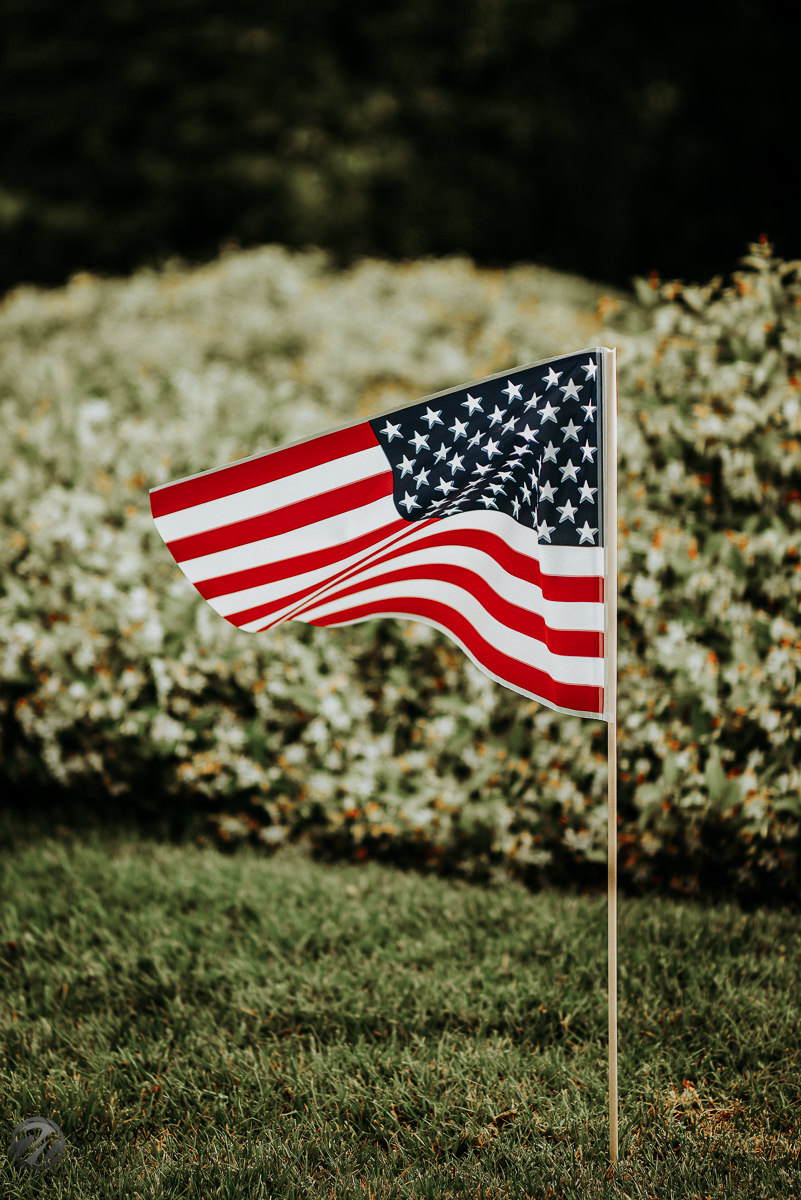
But...since you asked, I'd have to agree with Curtis. Not all of your images are dark, just some of the B&W's you have posted. Take these two for example:
Thanks for commenting Leighton, I'll revisit a couple and see if they benefit from a fresh look. To be honest, I'm a lazy post processor especially when I've got lots of pics to PP, copy and pasting PP across multiple files in LR rather than individually processing them.
BTW I have no problem at all with constructive critisism of anything I post so don't be shy ! Worse thing that happened on this thread IMO was the introduction of the "Like" button, so easy just to hit that now rather than comment, and I'm as guilty as anyone.
As I mentioned, I'm currently debating which upgrade path to go with, build a new desktop and buy a new IPS 4k monitor or buy a new laptop. (I've always built desktops previously, this is my first laptop.) I do need a laptop for astrophotography but that can just be a cheap one as all the processing will be done on the desktop. (Windows obviously)
Andy those two do look a bit dark but overall your Hampi sets are quite an encyclopaedia. You may want to consider a photobook about Hampi. I just have never seen much about the place and am overawed by the scale of the place.
cadman342001 wrote:
Thanks for commenting Leighton, I'll revisit a couple and see if they benefit from a fresh look. To be honest, I'm a lazy post processor especially when I've got lots of pics to PP, copy and pasting PP across multiple files in LR rather than individually processing them.
BTW I have no problem at all with constructive critisism of anything I post so don't be shy ! Worse thing that happened on this thread IMO was the introduction of the "Like" button, so easy just to hit that now rather than comment, and I'm as guilty as anyone.
As I mentioned, I'm currently debating which upgrade path to go with, build a new desktop and buy a new IPS 4k monitor or buy a new laptop. (I've always built desktops previously, this is my first laptop.) I do need a laptop for astrophotography but that can just be a cheap one as all the processing will be done on the desktop. (Windows obviously)
You're welcome and anytime I can bash your (or anyone else's) images, you just ask.
I hope you know I'm just kidding. We could all learn from each other in a constructive way. I know I could benefit.
One more thought. Since you say you're a "lazy" PP'er, maybe you should consider shooting jpegs. You know yourself how good Fuji jpegs are. I'm not sure about the Z6, but I would be willing to bet they're just as good. Anyway, just a thought.
leighton w wrote:
You're welcome and anytime I can bash your (or anyone else's) images, you just ask.
I hope you know I'm just kidding. We could all learn from each other in a constructive way. I know I could benefit.
One more thought. Since you say you're a "lazy" PP'er, maybe you should consider shooting jpegs. You know yourself how good Fuji jpegs are. I'm not sure about the Z6, but I would be willing to bet they're just as good. Anyway, just a thought.
Just make sure your horizons are level or Leighton will
surely bring it to your attention
The Z6 jpgs are good unless your really wanting to work with the shadows
everything I have posted with the 45/2.8 were jpgs
Me too. Fear of "others" getting stoked all the time generates this, and there are those out there capitalizing on it. We're all "others" to somebody else.
leighton w wrote:
I'm still shocked at the hatred just 45 minutes from me in Charlottesville from a few years ago. I would have hoped we had outgrown that stuff by now.
Hopefully Reagan isn't salivating over the people in this photo... knowing P-Town, things aren't always as they appear to be
And there's quite the drive down the Cape to get there, that one stretch of road where it's one lane each way and no shoulder, nowhere to pull off. One wreck will tie things up all the way to Boston in the summer.
saph wrote:
Laura, a bit of an antidote for your Dayton event: Love and Happiness in Provincetown, Cape Cod.
Ken, it's a slow journey for sure. Keep him in your heart as you go through the day, have conversations in your mind with him through the day, and if you feel the need, have a cry, even if you have to go sit in the car to do it. Are you using the bereavement services from a hospice?
Ballard wrote:
I'd settle for a 6-month lease on Happiness right now.
Should have added a disclaimer for Reagan Hadn't heard of Provincetown until I researched Cape Cod tourism websites. Boy its such a pretty town! Wonderfully landscaped properties and just a fun vibe, whatever persuasion one may be. And then it turns out that's where the Pilgrims first landed, a little known fact. Of course its right at the tip of the Cape.
Since I am into recycling my old pics, here's one of the Pilgrim monument at Provincetown with the 24 3.5 PC-E and Df.
NightOwl Cat wrote:
Hopefully Reagan isn't salivating over the people in this photo... knowing P-Town, things aren't always as they appear to be
And there's quite the drive down the Cape to get there, that one stretch of road where it's one lane each way and no shoulder, nowhere to pull off. One wreck will tie things up all the way to Boston in the summer.
Andy, congrats on the Z6! That is one great machine.
Rafael, terrific classic auto photos. Once upon a time, auto designs were exciting.
Peter, the split window coupe photo is awesome.
Dam Square, Amsterdam: It was a brief moment and only had time to aim the camera and click the shutter. I sure would like to have this one back.
The Royal Palace (ca 1655) which is the background left of the above. Our hotel was behind me and a perfect location with lots of activity, restaurants and bars.
Maine is within that radius, and so is Old Ironsides. It really is a neat town, and there's nothing to be afraid of there (other than summertime prices!!).
Reagan wrote:
No interest in going within 100 miles of Provincetown
cambyses wrote:
For those of you in the US, Happy Memorial Day...
Nikon D800E, 105mm, f/2.5, 1/1000 sec, ISO 100
This old 105 f/2.5 Ai-S lens can still hold its own spot in Nikon's 105mm lens line up, even against the latest 105/1.4 AF-S...
Heck, the 10.5 cm 2.5 LTM from 1956 holds its own against anything, producing more overall smoothness than any modern lens.
Queen music concert in Temecula downtown at the community theater. Temecula downtown is a neat small town center in the middle of nowhere. The music was exceptional. This is the band. All at 2.5.
cadman342001 wrote:
Thanks for commenting Leighton, I'll revisit a couple and see if they benefit from a fresh look. To be honest, I'm a lazy post processor especially when I've got lots of pics to PP, copy and pasting PP across multiple files in LR rather than individually processing them.
BTW I have no problem at all with constructive critisism of anything I post so don't be shy ! Worse thing that happened on this thread IMO was the introduction of the "Like" button, so easy just to hit that now rather than comment, and I'm as guilty as anyone.
As I mentioned, I'm currently debating which upgrade path to go with, build a new desktop and buy a new IPS 4k monitor or buy a new laptop. (I've always built desktops previously, this is my first laptop.) I do need a laptop for astrophotography but that can just be a cheap one as all the processing will be done on the desktop. (Windows obviously)
There is a way to be lazy and also let LR do the heavy, repetitive lifting.
As you stated - when you edit one image to your liking and then sync to the others it simply takes all the slider info and applies it as is. No 'auto' tone or auto B&W info will get carried over using sync. Therefore this might not satisfy the whole series - so you end up potentially with over/under exposed images that you will need to go and auto expose manually. That's a right royal pain.
To overcome this you can do the following:
Simply select the 1st photo (the one you will tweak/process LR settings for). This identifies it as the master.
Then select all the other images you want to process in the same batch in the same way (each image getting its own auto tone/exposure values applied)
Now click on the little on/off switch to the left of the SYNC selector in the Right hand window. SYNC should now show AUTO SYNC
Go and apply, B&W, auto tone, auto B&W toning, clarity etc
All of you images should now have their OWN auto values applied as well as any common specific ones such as noise, sharpen, vignette, etc that you applied to the master image.
Make sure AUTO SYNC is turned off.
Voila - you should have a bunch of B&W converted, auto-exposed, auto-toned images, plus whatever common edits you applied.


 Thanks for thinking of me.