Love the rendering of the last shot Colin! That is what draws me to these old lenses
DeltaSigma wrote:
We had a family meet-up in London yesterday. Headed to the re-developed Battersea power station.
This was the view from the jetty looking east.
For my American friends - the US embassy is the building right of centre. It is the one with the 'bobbin' shapes on the exterior.
GeorgeBo wrote:
... I am almost ready to try another OS for field shooting, but that is for another thread
On the other hand, George, maybe it's a great subject for this thread. I mean, we do field shooting too, and we occasionally talk about things like how to get results in On1 PhotoRaw and where to find good darkroom chemicals. So why not briefly discuss the comparative advantages of various OS's for portable photo processing devices?
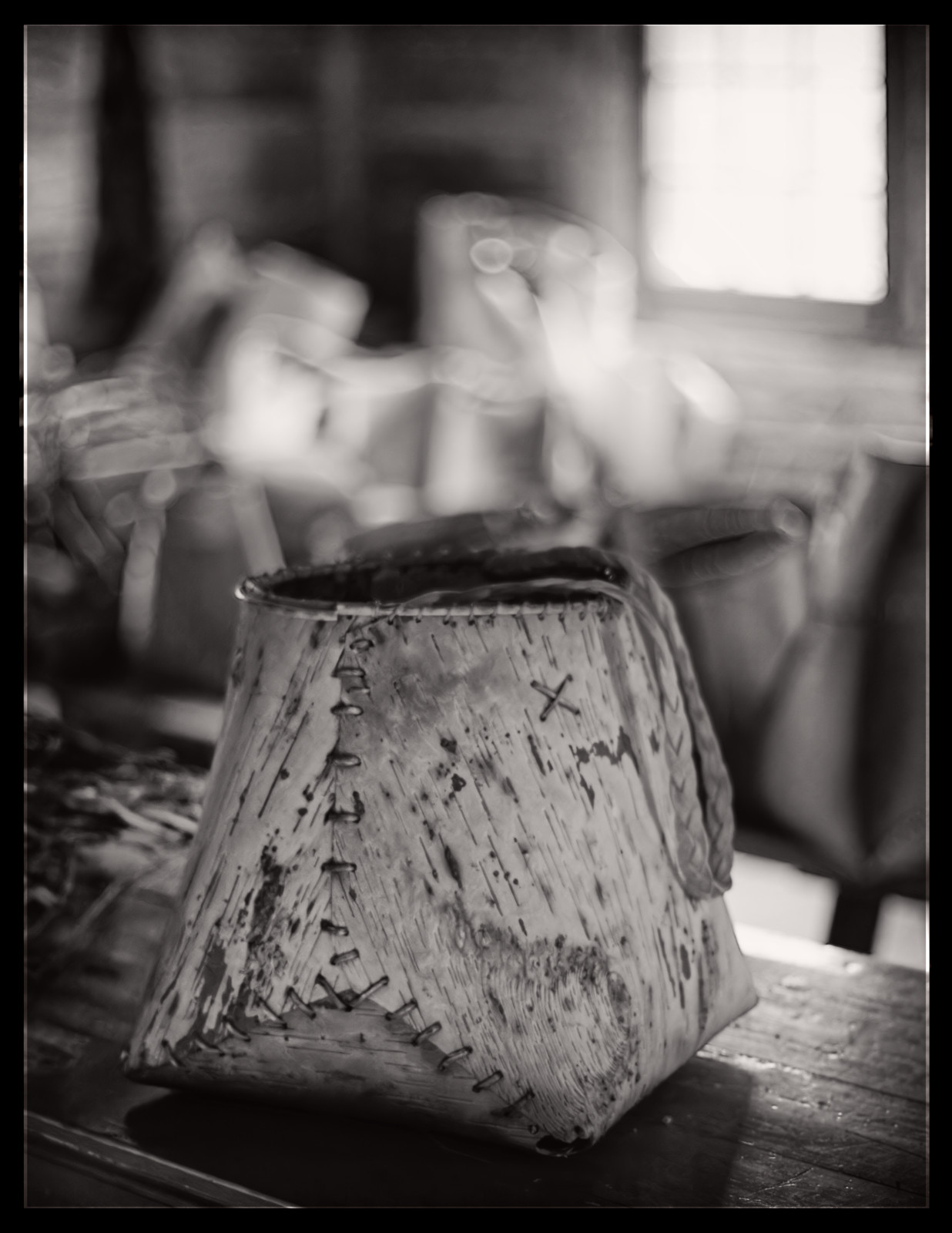
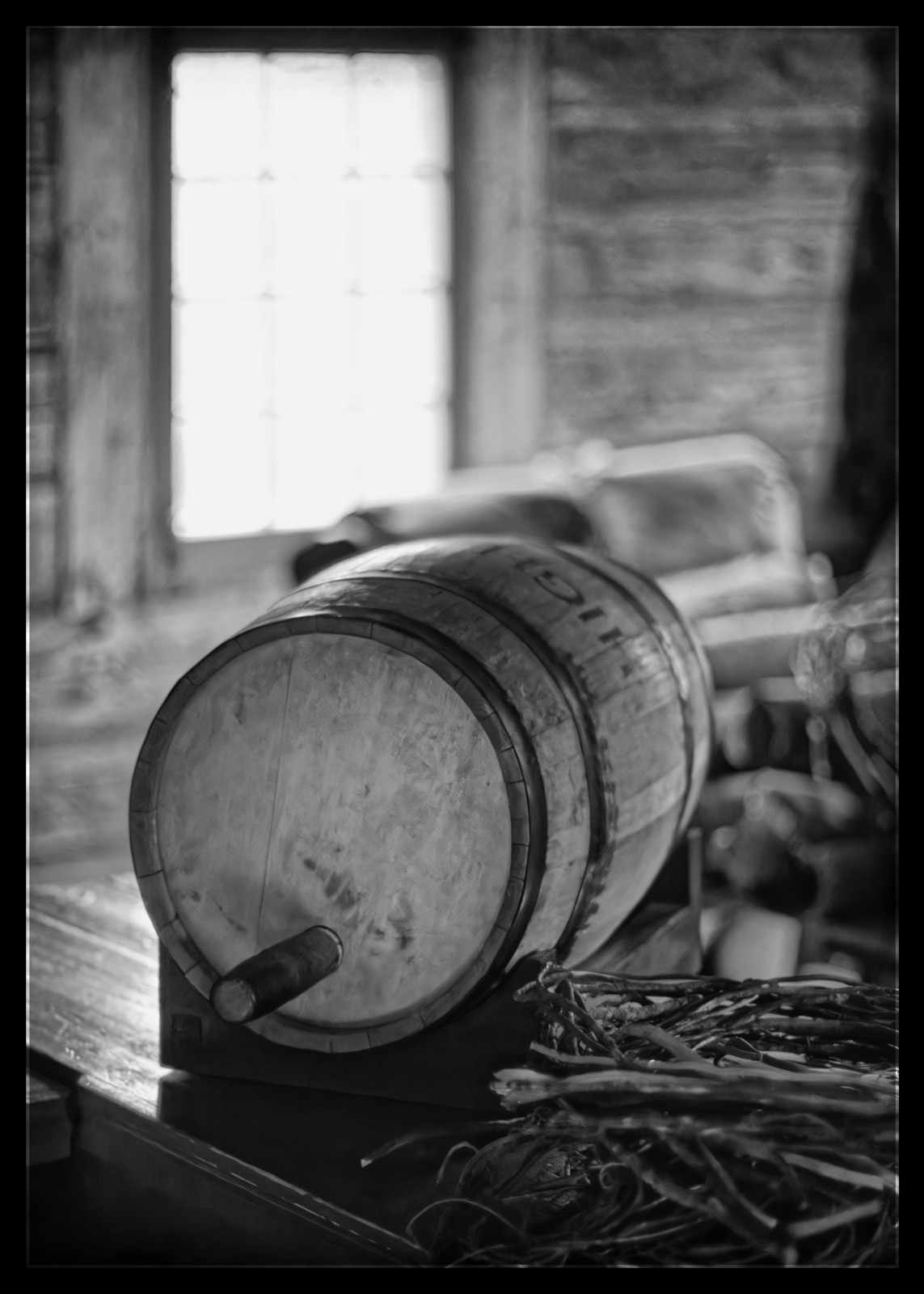
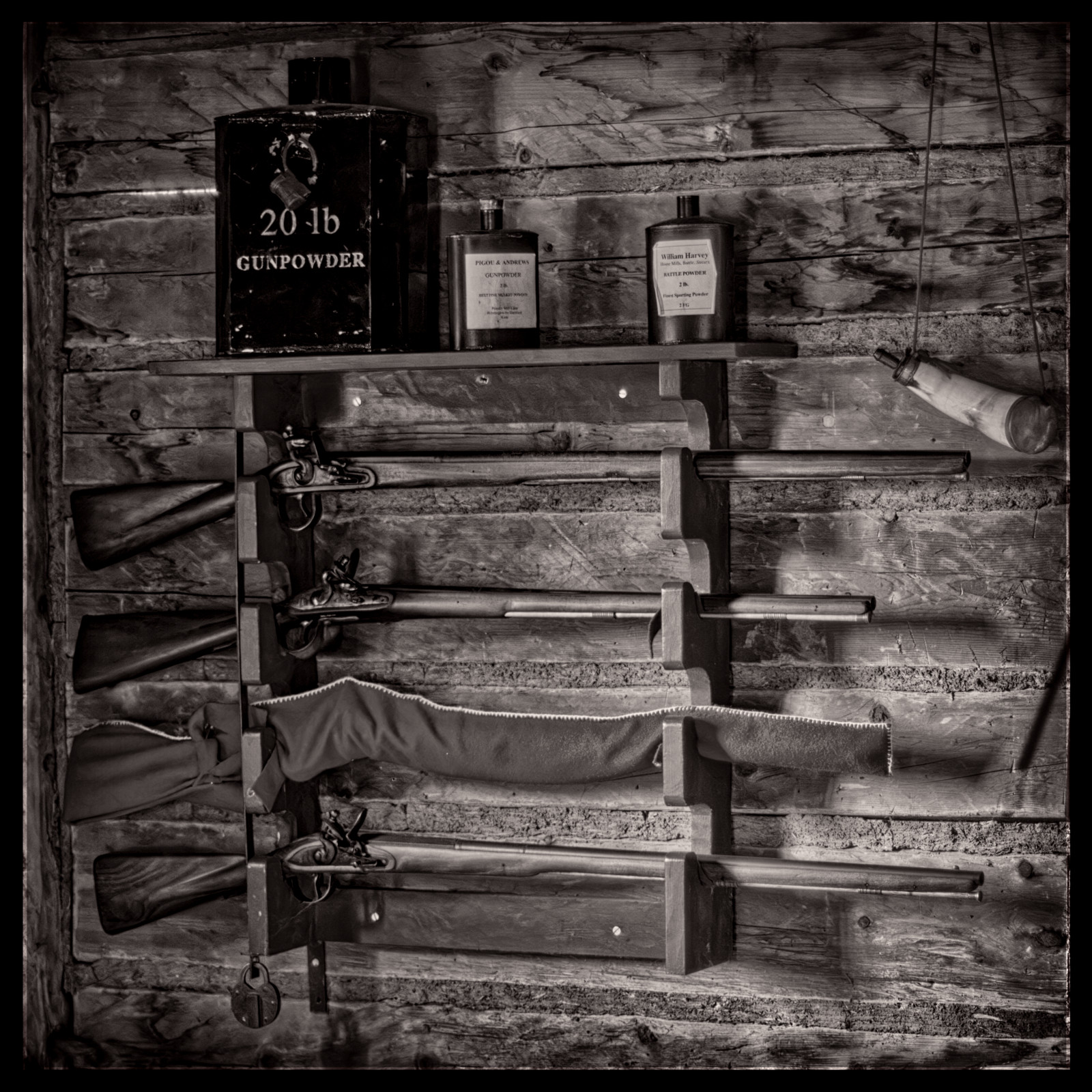
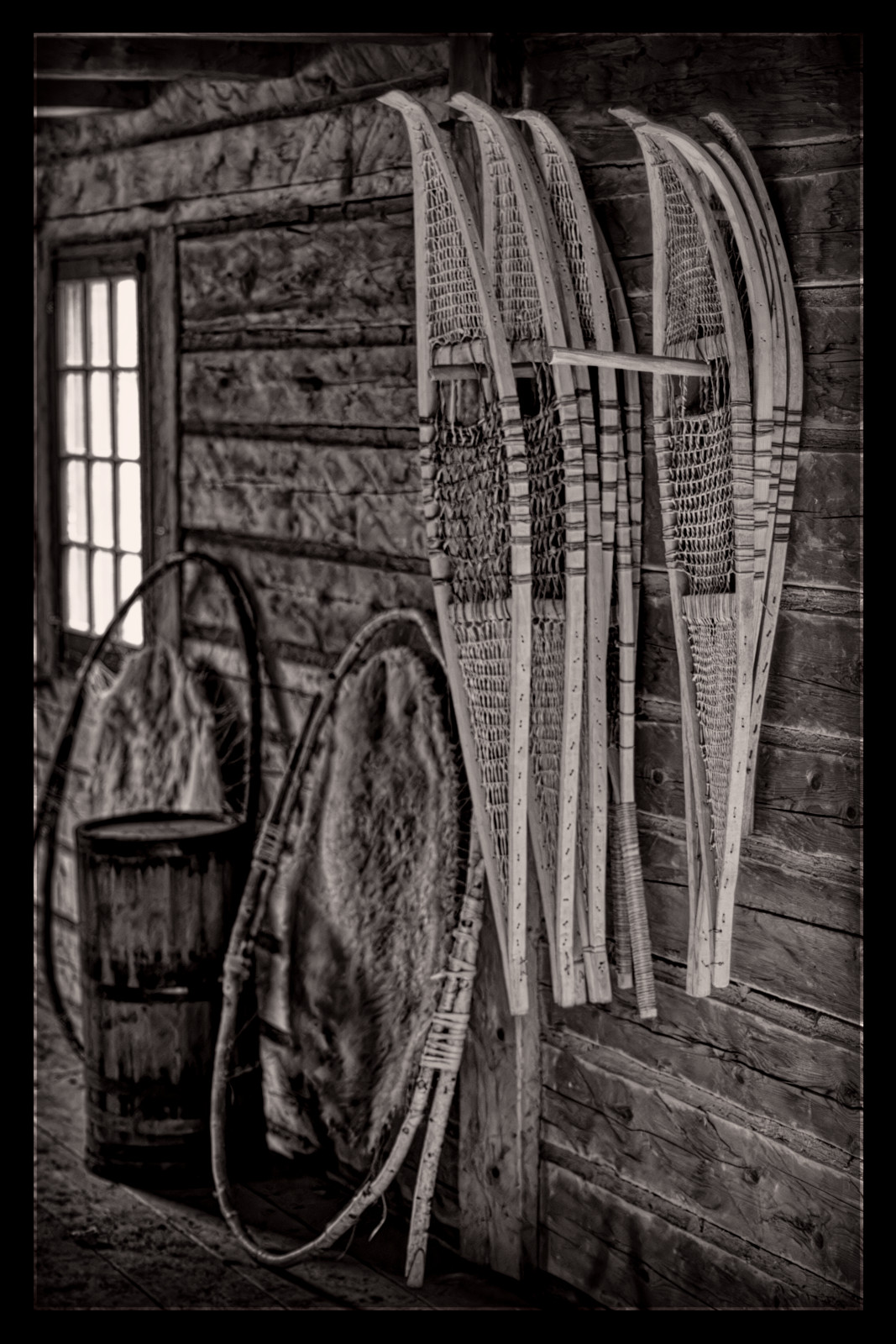
For today's image post, I offer a set of interior monochromes from Fort William in 2017, courtesy of the Fuji X-E2 and MFNG of uncertain description.
George,
Are you editing in the field? Doesn't the ambient light make seeing the screen difficult? Not sure if you are talking about tethering, or editing. There are some good software choices on different OS's. I use all three main ones for different reasons, but my software of choice provides it's own gui - so OS is irrelevant.
Jim
GeorgeBo wrote:
Early bird gets the waterfall and avoids other people. Especially when the temp is in the 20s F
Took the Z8 with two old rangefinder lenses. Relatively light weight package to carry on the backpack strap. Only have the iPad with me and iOS still doesn’t support native Z8 Raw files. So just posting a couple here from Lightroom Mobile until I get back home on my main computer. Lightroom Mobile does not have the Z8 camera profiles from the latest firmware update so no Deep Monochrome profile support yet. I am almost ready to try another OS for field shooting, but that is for another thread
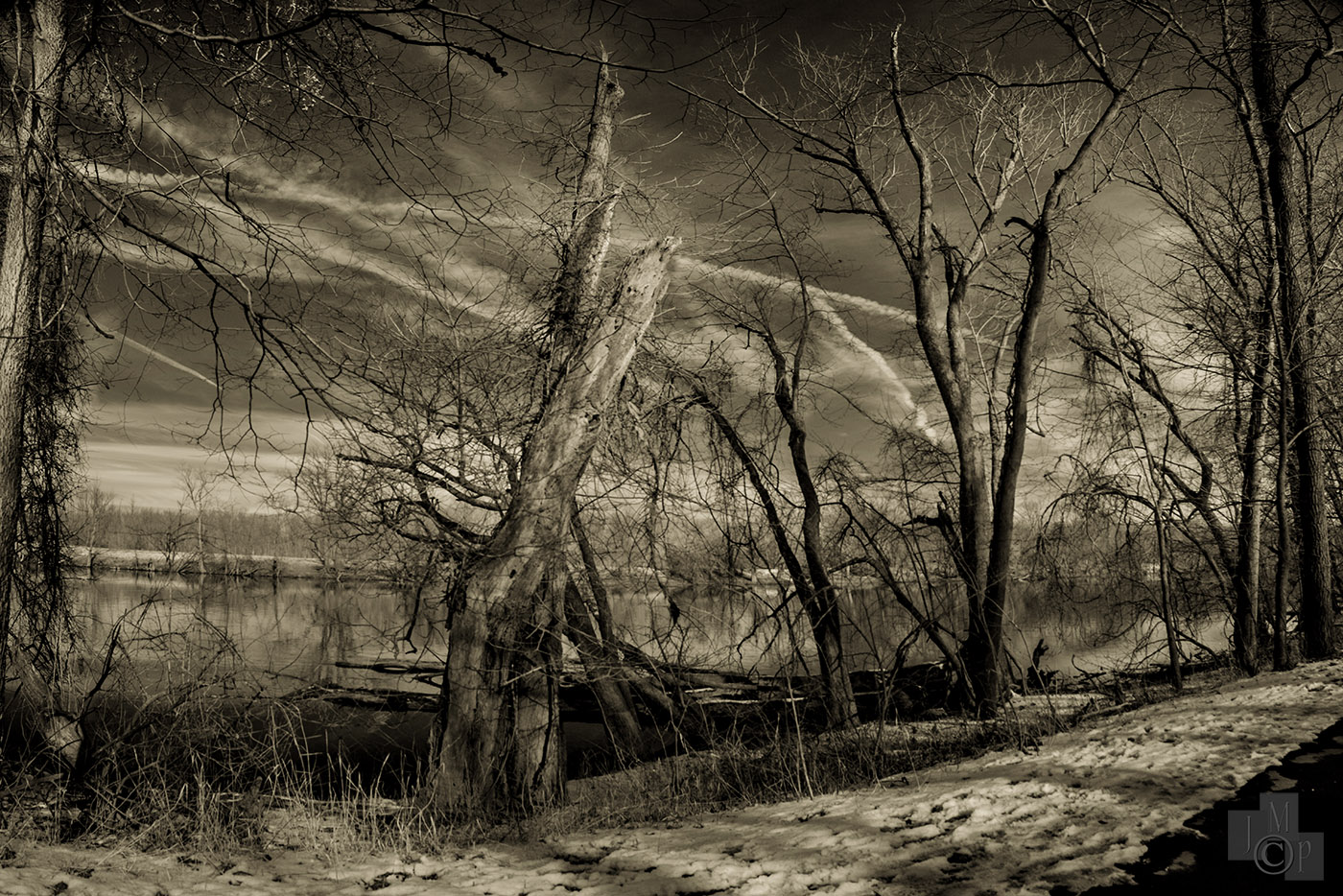
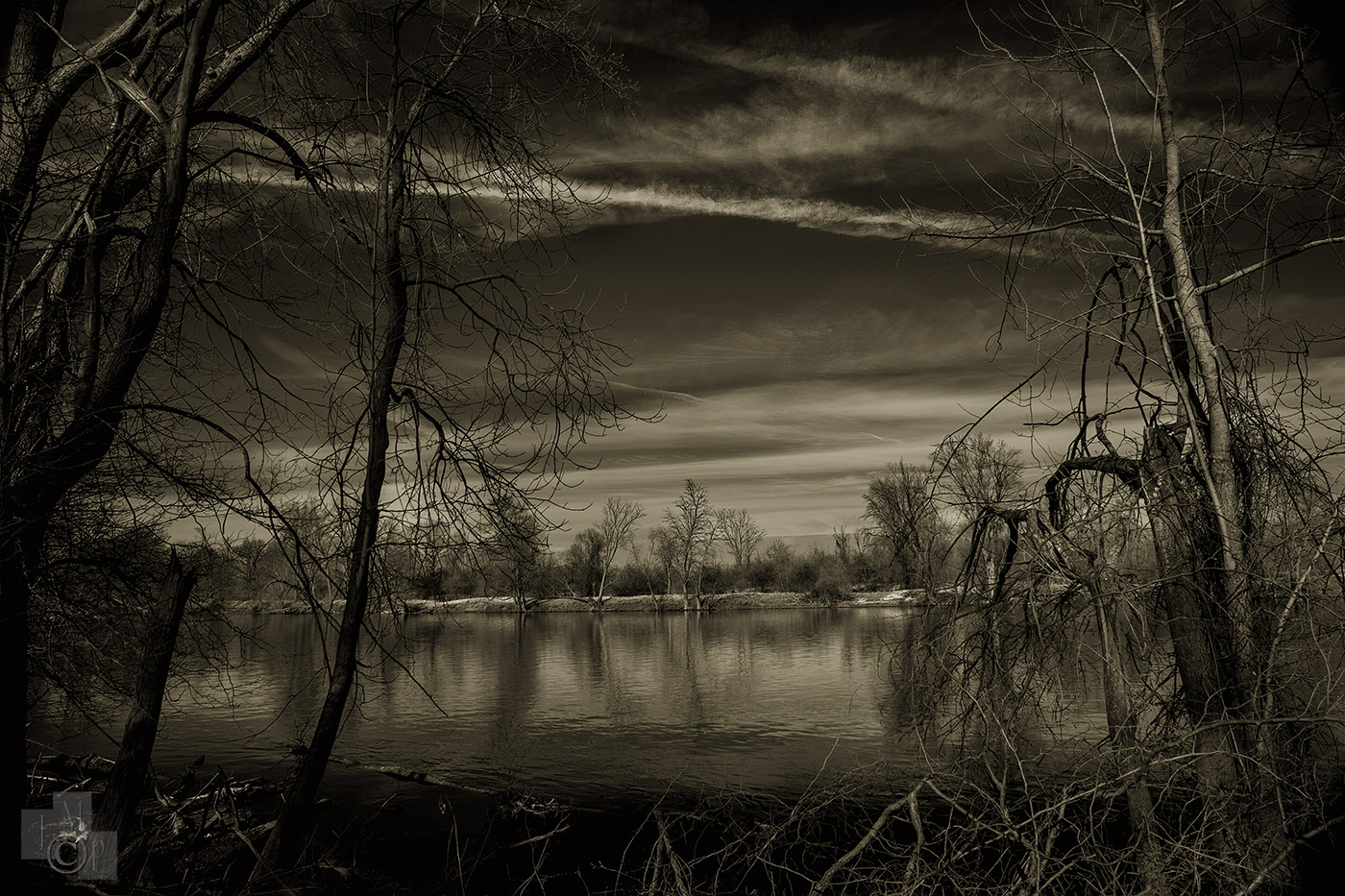
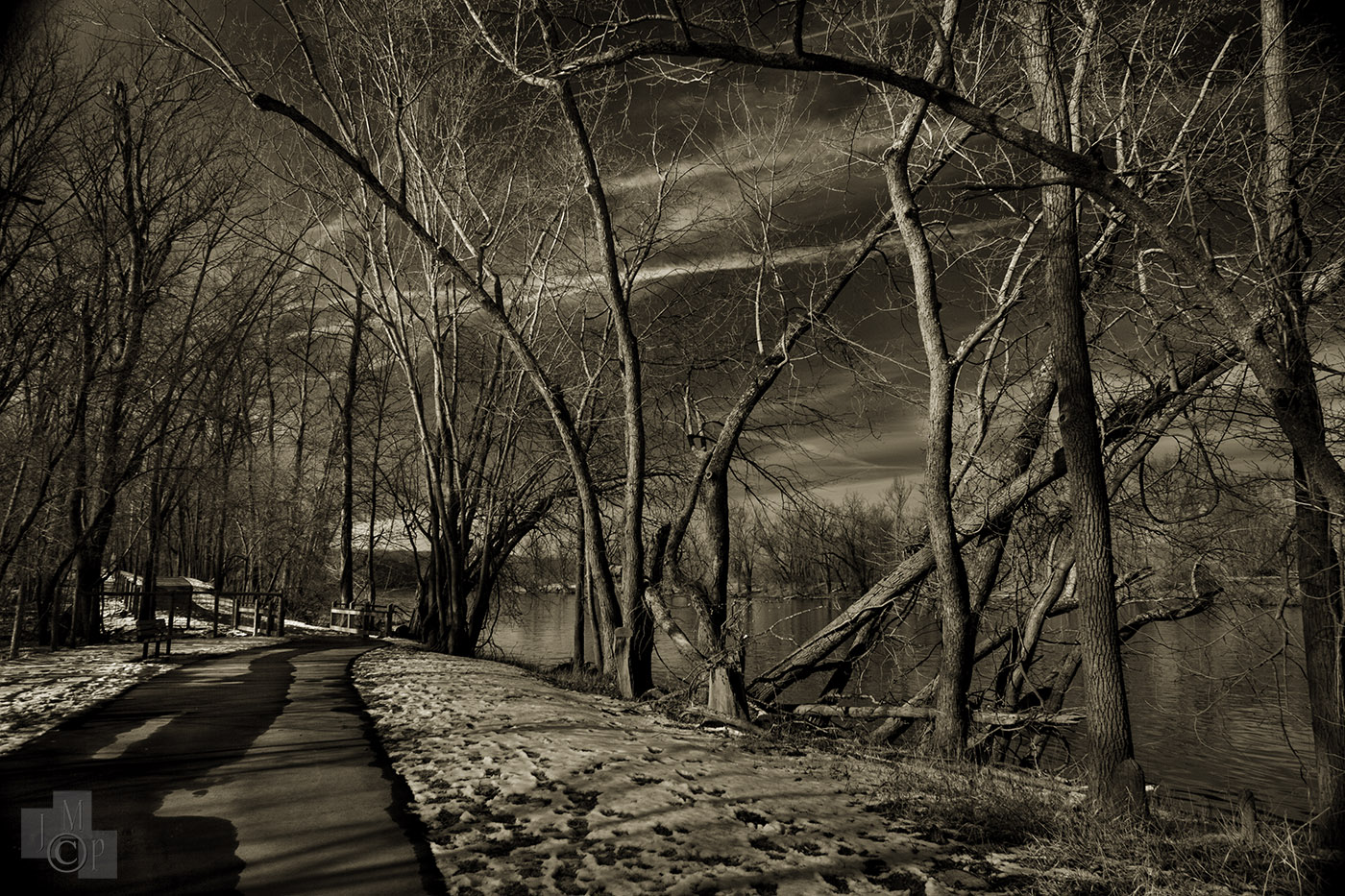
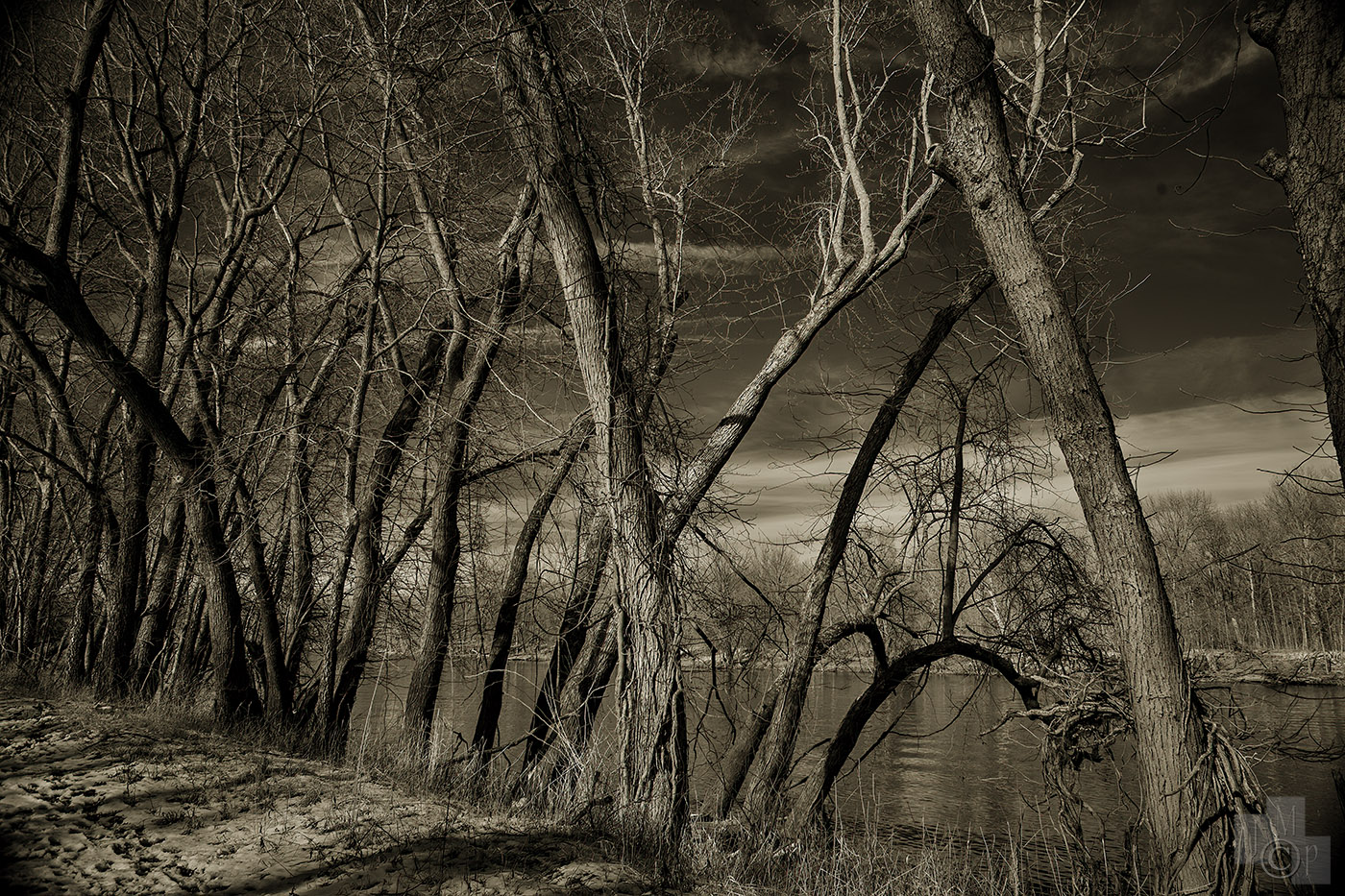
Worked on some Photoshop actions this afternoon. It literally is the first time saving thing I do - is to use the powerful scripting tools in Photoshop to make almost any simple or involved process a single click. I played with the toning on recent infrared images individually - arriving at different results each time. With this action there will be continuity across multiple toned images. I will likely make a set of different toning actions. Here are a handful of examples from the recent walk:
I still look for the pig every time I see this place!
DeltaSigma wrote:
Battersea power station. Proper bricks and mortar.
The old coal fuelled power station is now a large shopping mall and apartments.
The smoke stacks were taken down and re-built. One now has a viewing are on top.
James Markus wrote:
Worked on some Photoshop actions this afternoon. It literally is the first time saving thing I do - is to use the powerful scripting tools in Photoshop to make almost any simple or involved process a single click. I played with the toning on recent infrared images individually - arriving at different results each time. With this action there will be continuity across multiple toned images. I will likely make a set of different toning actions. Here are a handful of examples from the recent walk:
In the field was probably not the best choice of words. Lightweight editing, image culling platform when traveling would have been more appropriate.
One bag kit. Camera, lenses, tripod, “editing/image reviewing” device (laptop, iPad, etc). iPad was doing fine until I got my Z8 and the lack of RAW native support is frustrating. ON1 will not open them, native Photos app will not either. Lightroom will, but it forces you to use web sync and will not support an “on iPad save only”. I want to use the iPad as a culling tool while traveling and then work on a few here and there but mainly do the heavy post processing lifting when I return home. That is why I am really not liking Lightroom for iPad because of the forced sync. Maybe I am missing something with that, but I have not been able to find a way to turn it off. I use Lightroom Classic at home and have no interest in using their cloud storage.
I’ll figure it out, but just one of those things that bugs me. I also see in some posts that iOS does not support native Z9 RAW yet either. That camera has been out a long time in “digital time”.
I have no issues with Hasselblad RAW files. They provide their own free processing software Phocus. Works great.
I may look at the Surface Pro devices. Have not used Windows in 20 years (outside of what has to be used at work), but may look again. Especially if they run full applications and not mobile versions.
James Markus wrote:
George,
Are you editing in the field? Doesn't the ambient light make seeing the screen difficult? Not sure if you are talking about tethering, or editing. There are some good software choices on different OS's. I use all three main ones for different reasons, but my software of choice provides it's own gui - so OS is irrelevant.
Jim
As far as OS I get why folks don’t like the Adobe model, but 90% of my editing is now done on the iPad Pro and Adobe LR. Ingest to the camera role, cull then upload to Lightroom. Then I copy files off for external backup (along with Adobe cloud) and I’ll good. Not perfect but a great mobile workflow on a powerful tablet with good colors and a nice screen.
George, just read your post… if you don’t care about cloud why not just ignore Lightroom mobile and use it to play with files then do editing in classic? Don’t think it natively syncs to Classic but maybe I’m wrong?
Otherwise Surface Pro is a full Windows installation so it will run full Adobe natively.
If mac OS is your preferred platform - you probably should get a 15" mac air, or a honking big MBP. It took me awhile to figure out how to shut the cloud feature off. My #1 concern while traveling was backup of images. I burned optical disks, and had external hard drives. The first portable professional digital camera (NC2000) used pcmcia drives. Basically, a quarter inch thick credit card sized magnetic hard drive. The AP tech support guy at the press was messing around with one of my camera drives while I was getting a cup of coffee. He dropped it. 200 miles, and a whole days work from about 20 photo shoots were lost. I had to call all those accounts to try and set everything up all over again. Preserve the work and mess with it later - became my apptoach.
GeorgeBo wrote:
In the field was probably not the best choice of words. Lightweight editing, image culling platform when traveling would have been more appropriate.
One bag kit. Camera, lenses, tripod, “editing/image reviewing” device (laptop, iPad, etc). iPad was doing fine until I got my Z8 and the lack of RAW native support is frustrating. ON1 will not open them, native Photos app will not either. Lightroom will, but it forces you to use web sync and will not support an “on iPad save only”. I want to use the iPad as a culling tool while traveling and then work on a few here and there but mainly do the heavy post processing lifting when I return home. That is why I am really not liking Lightroom for iPad because of the forced sync. Maybe I am missing something with that, but I have not been able to find a way to turn it off. I use Lightroom Classic at home and have no interest in using their cloud storage.
I’ll figure it out, but just one of those things that bugs me. I also see in some posts that iOS does not support native Z9 RAW yet either. That camera has been out a long time in “digital time”.
I have no issues with Hasselblad RAW files. They provide their own free processing software Phocus. Works great.
I may look at the Surface Pro devices. Have not used Windows in 20 years (outside of what has to be used at work), but may look again. Especially if they run full applications and not mobile versions.
Unless I am missing something you can’t turn off cloud storage on Lightroom Mobile. I have the Photographer Plan and have hit the storage limit of 20GB with one day shooting. I have no intentions of buying more storage from Adobe when I have a 1TB plan with iCloud. Just wish I could use that.
Just an annoyance for me. I have an older Macbook Pro but not really looking at replacing that until Apple catches up with screen technology and processing capability. Have gotten spoiled with the touch function on the iPad Pro with keyboard that I catch myself trying to do the same on the MBP
AdaptedLenses wrote:
Nice B&W on this page, I’m a fan.
As far as OS I get why folks don’t like the Adobe model, but 90% of my editing is now done on the iPad Pro and Adobe LR. Ingest to the camera role, cull then upload to Lightroom. Then I copy files off for external backup (along with Adobe cloud) and I’ll good. Not perfect but a great mobile workflow on a powerful tablet with good colors and a nice screen.
George, just read your post… if you don’t care about cloud why not just ignore Lightroom mobile and use it to play with files then do editing in classic? Don’t think it natively syncs to Classic but maybe I’m wrong?
Otherwise Surface Pro is a full Windows installation so it will run full Adobe natively. ...Show more →
DeltaSigma wrote:
Battersea power station. Proper bricks and mortar.
The old coal fuelled power station is now a large shopping mall and apartments.
The smoke stacks were taken down and re-built. One now has a viewing are on top.
Sorry for the sidetrack with my processing saga. Here is one from me to get back on track
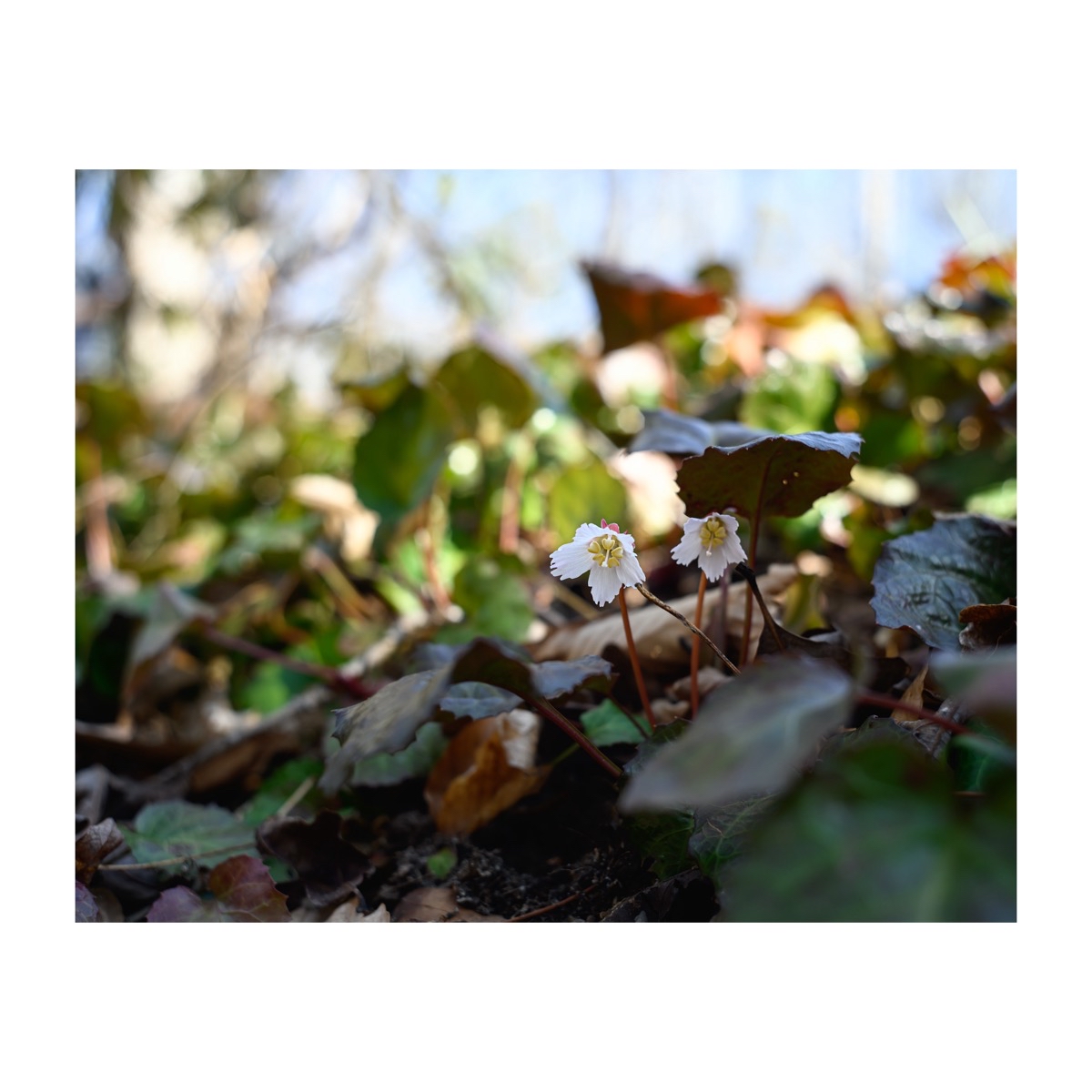
Oconee Bell - only grow in small regions of the NC, SC and GA mountains. Z8 / W-Nikkor 3.5cm f/1.8 lens. Close focus using a Voigtlander VM-Z Close Focus Adapter
Sean says the equivalent is accomplished this way. (3 years old)
?si=QDZtGMU9sG8NS1nR
GeorgeBo wrote:
Unless I am missing something you can’t turn off cloud storage on Lightroom Mobile. I have the Photographer Plan and have hit the storage limit of 20GB with one day shooting. I have no intentions of buying more storage from Adobe when I have a 1TB plan with iCloud. Just wish I could use that.
Just an annoyance for me. I have an older Macbook Pro but not really looking at replacing that until Apple catches up with screen technology and processing capability. Have gotten spoiled with the touch function on the iPad Pro with keyboard that I catch myself trying to do the same on the MBP
Lucky regarding the slow growth… I waited too long (3 months) and I’m still not ahead of it! Reminds me I need to get there before growing season restarts…
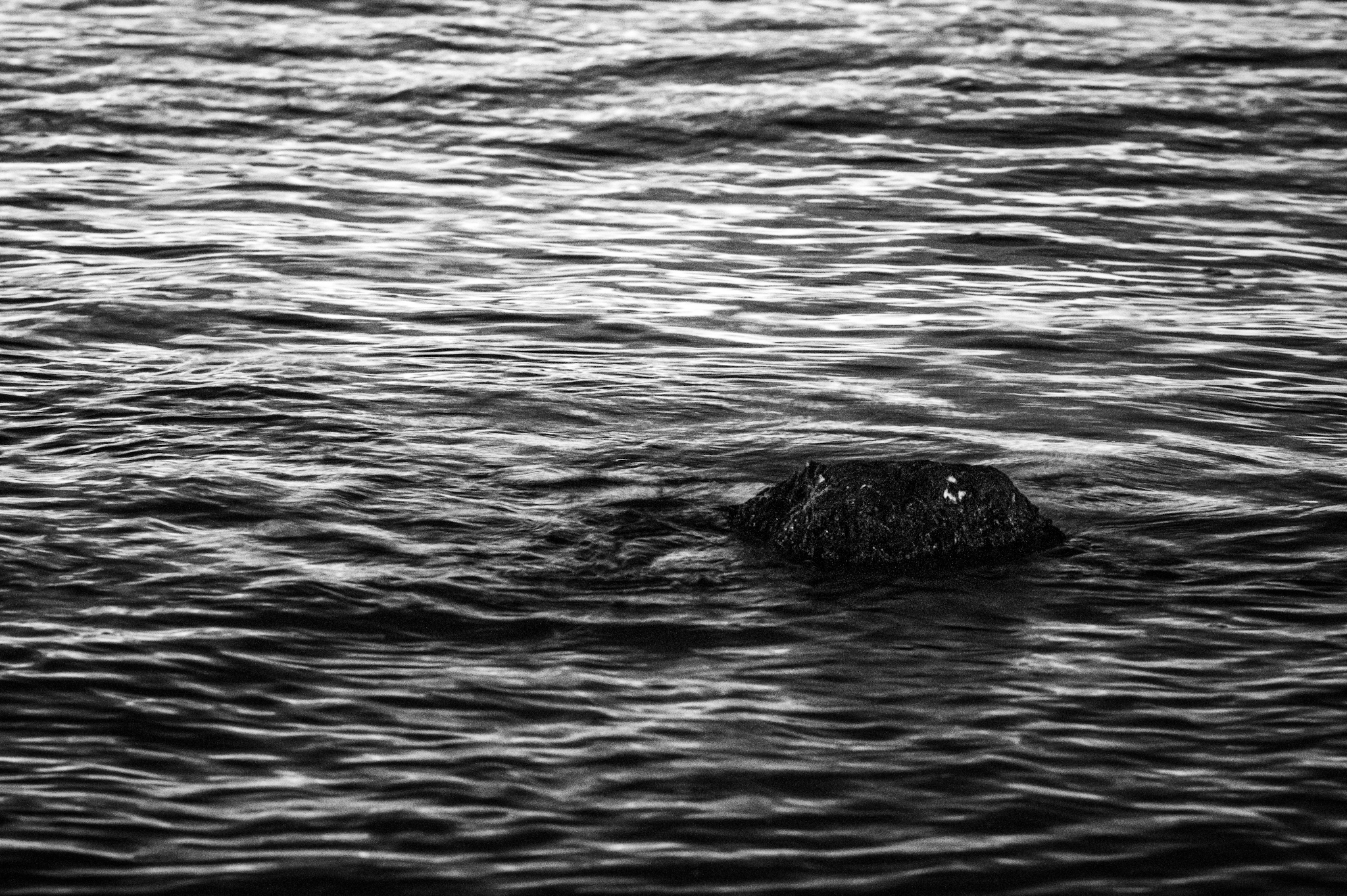
180 ED. Might try again this week, tried the next day same time but tide was already covering it.
rafaelcasd wrote:
Matt, SoCal is easier in that weeds and brush grow slowly, one clearing a year suffices, where I went wrong was in letting brush grow around he edges of the flat sections, until it became too much, got to keep it back every year as well. I have help, the same two brothers for the last 20 years.
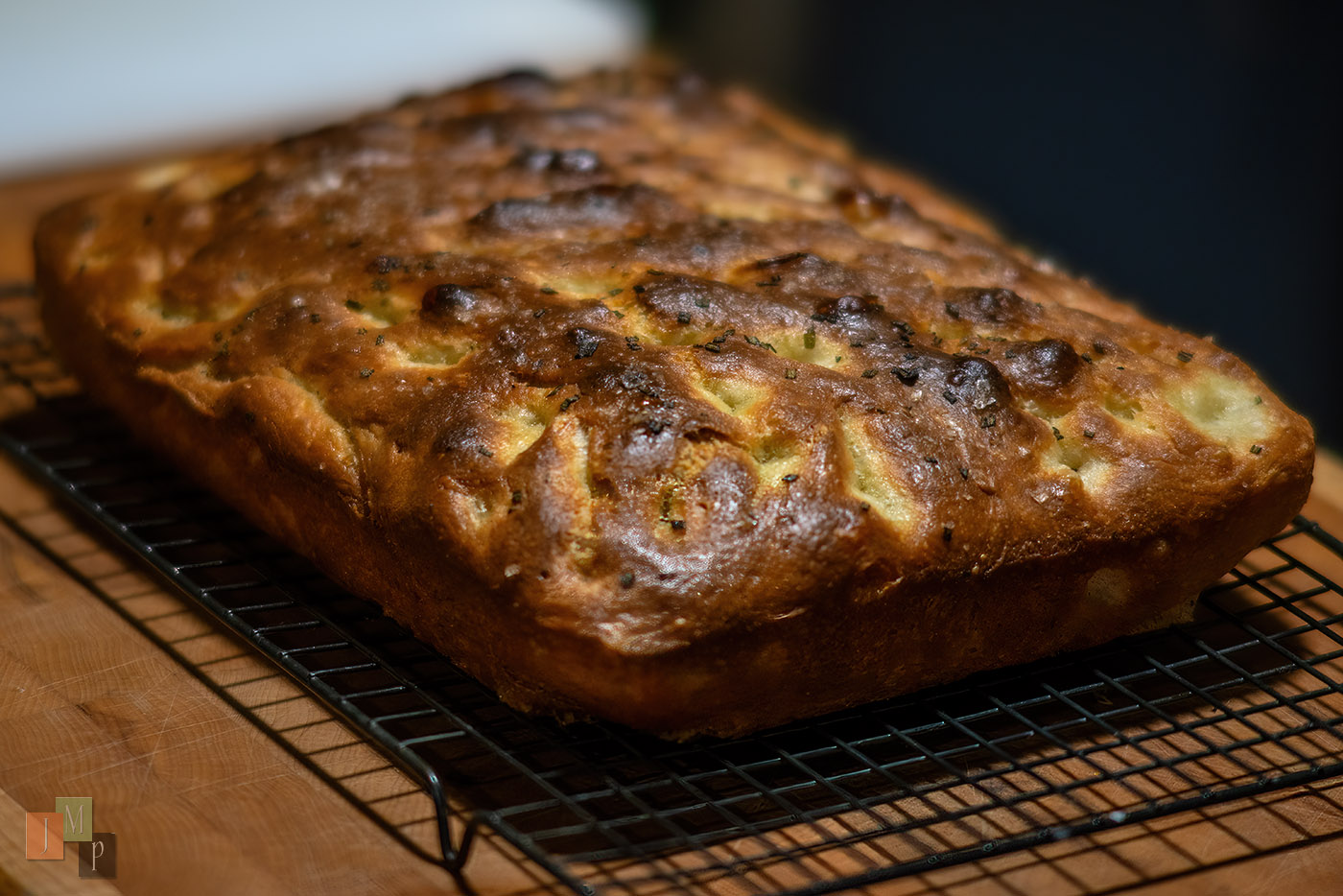
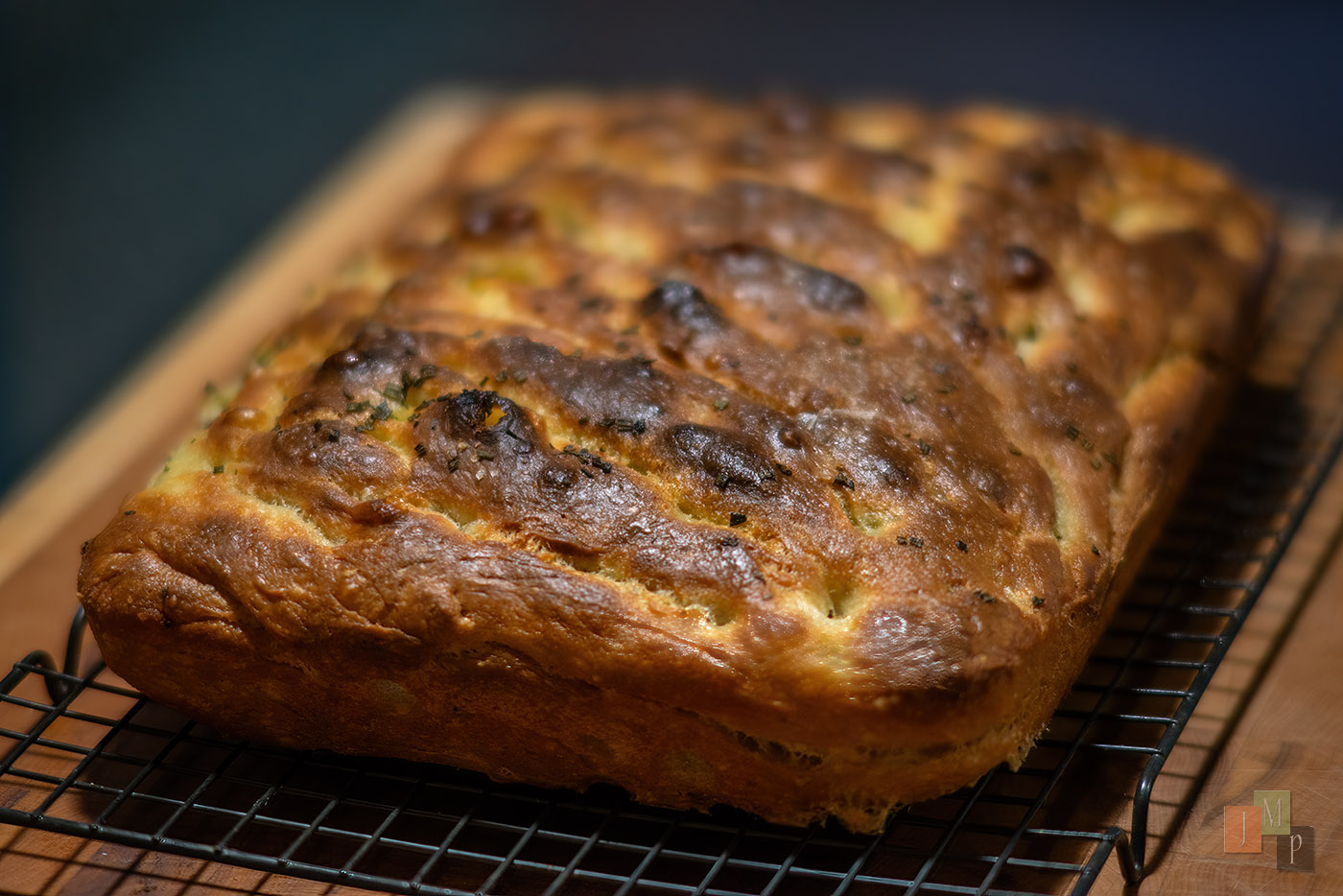
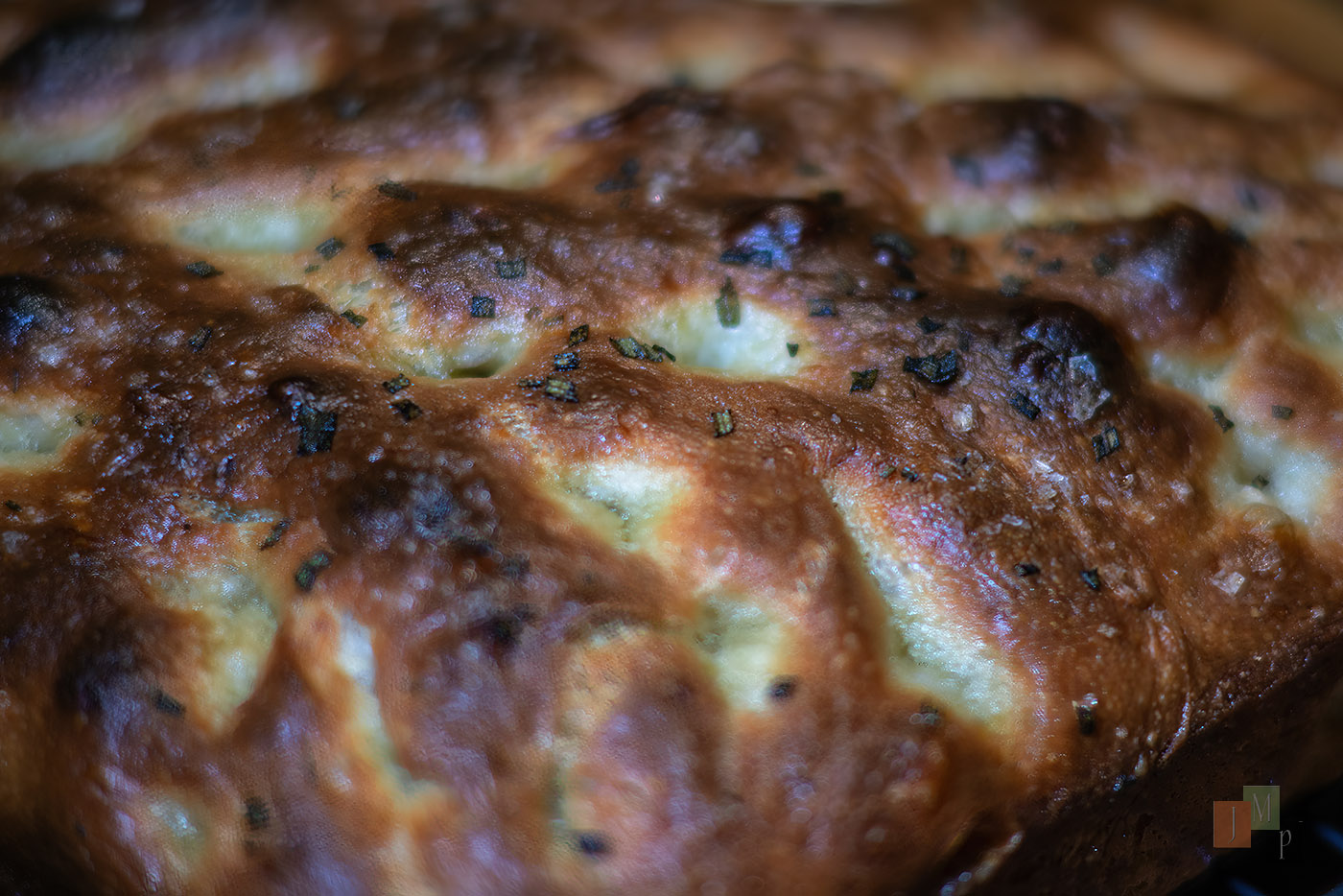
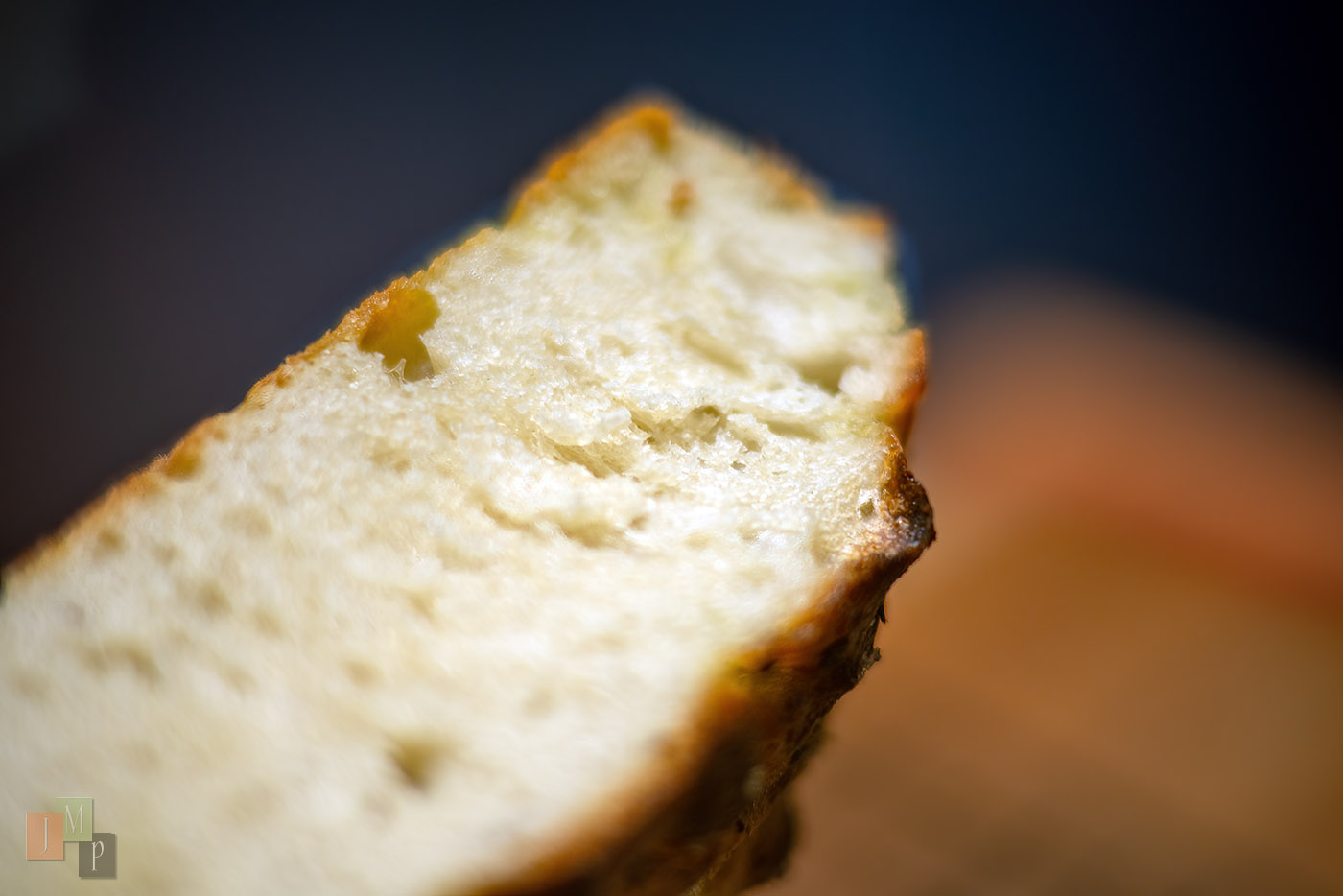
I'm doing this spring consolidation where I copy all the full resolution final edits to an external hard drive, and synch it to one of my network NAS. It takes a full day per year of edits collected, and the upshot is that I discovered I never get around to editing an increasing percentage of photos. It feels insurmountable, because my rate of generating images is increasing. Last two days it's "oops never did anything with that" - will I get back to it? I came across another Ligurian Focaccia of Barb's from almost two years ago. I still remember the bits of spice, and onion - it was awesome, but I never touched the files til tonight. {sigh}
DeltaSigma wrote:
Battersea power station. Proper bricks and mortar.
The old coal fuelled power station is now a large shopping mall and apartments.
The smoke stacks were taken down and re-built. One now has a viewing are on top.