DeltaSigma wrote:
Have you tried?
I wonder if the remove tool in PS would differentiate the lines against the complex background.
Not yet in PS. Did not work well in LR in the complicated areas. I've discovered that some of these smart tools are weird. I exported and tried to stitch a large pano last night, and it succeeded in the third attempt. The only variable I changed was the size of the individual panels, from a maximum of 3000 pixels to 4200 pixels in the long dimension. Strangely, it worked with the 4200 pixel exports and not the smaller panels.
---------------------------------------------
SiMuMe wrote:
I'll be more interested in going the opposite direction, i.e. see what generative fill can do with it.
I've not quite played with the generative fill, maybe I'll give it a shot later this week. Have to learn what it does first.
---------------------------------------------
leighton w wrote:
If you don't own Luminar Neo send me the RAW file and I'll give it go. Better yet, download a free trial. It has a one button fix for powerlines that works amazingly well.
I'll shoot you the file later tonight. If anyone else here wants to try the RAW file on their tool of choice, just PM me.
These manual focus Nikon lenses never seem to disappoint. Inside a church in Seville, the 28mm f2 worked well, and along with improvements in processing programs it seems we can get results like never before.
My better half likes to grocery shop at Aldi's. It has this aisle in every store called the "aisle of shame". This aisle is renown among the customers for the irresistible non-grocery items. I have lost track of the pet furniture she gets there. Here is the latest, Phoebe immediately claimed it.
It's nice to see this place staying busy with lots of great images posted!
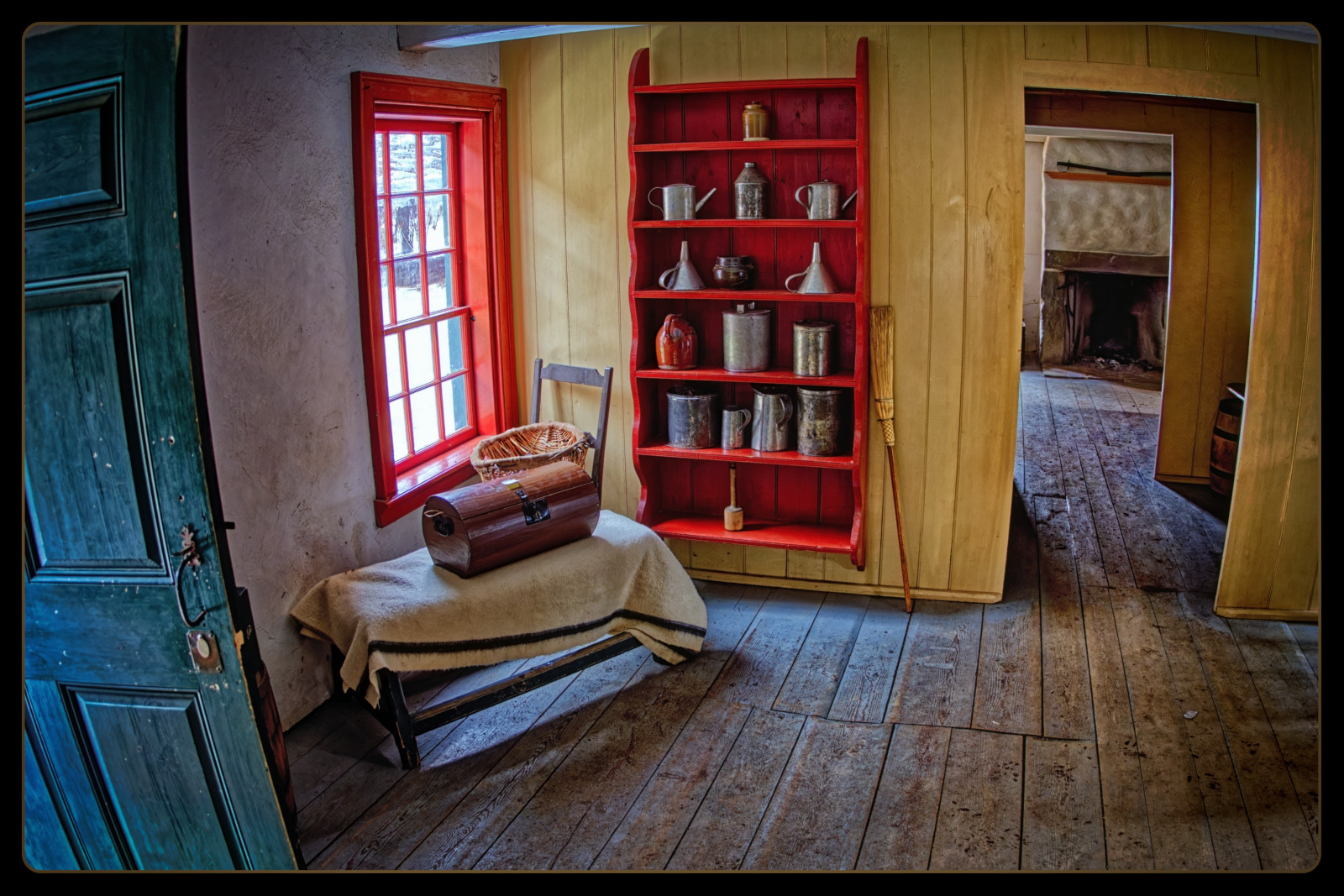
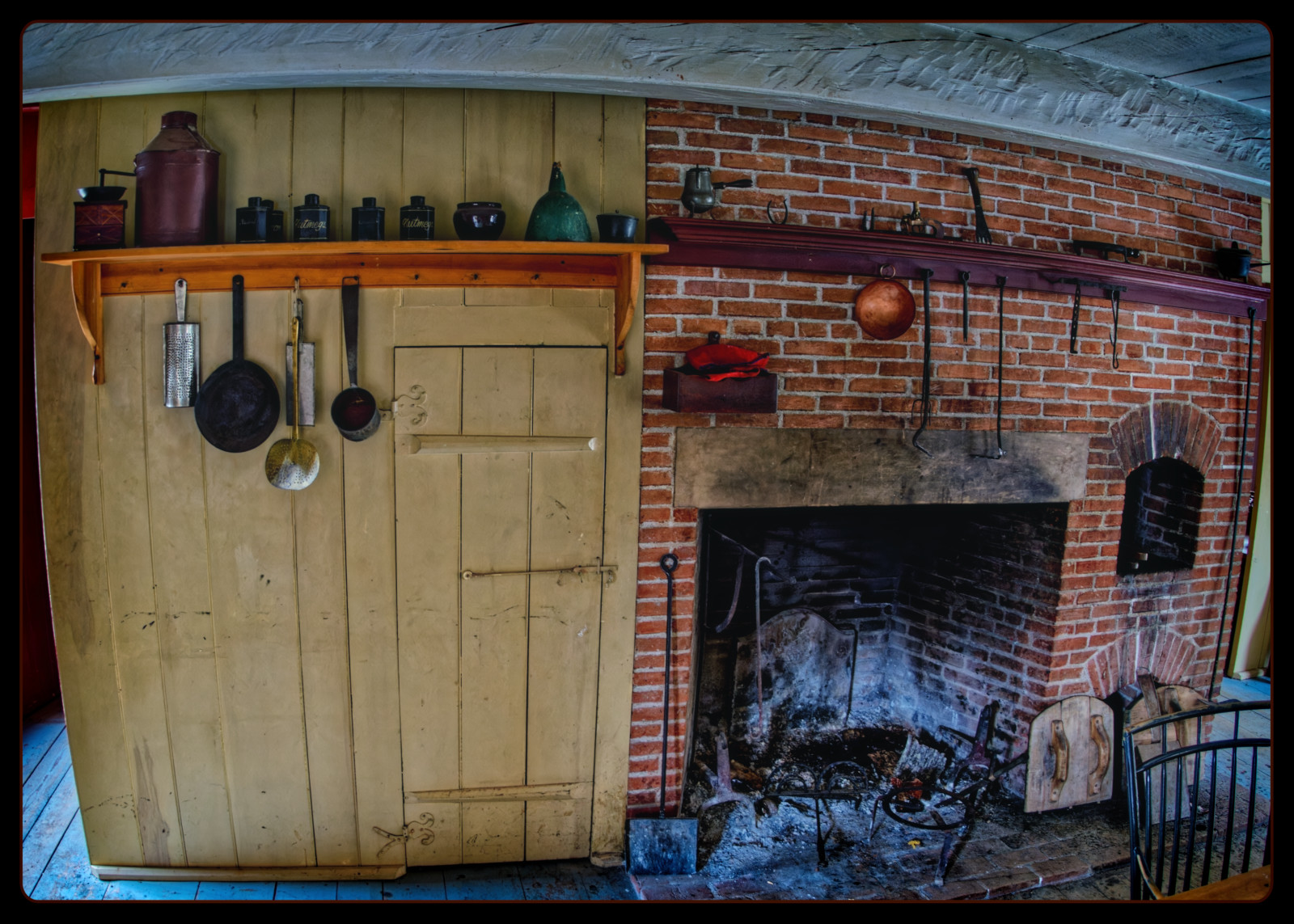
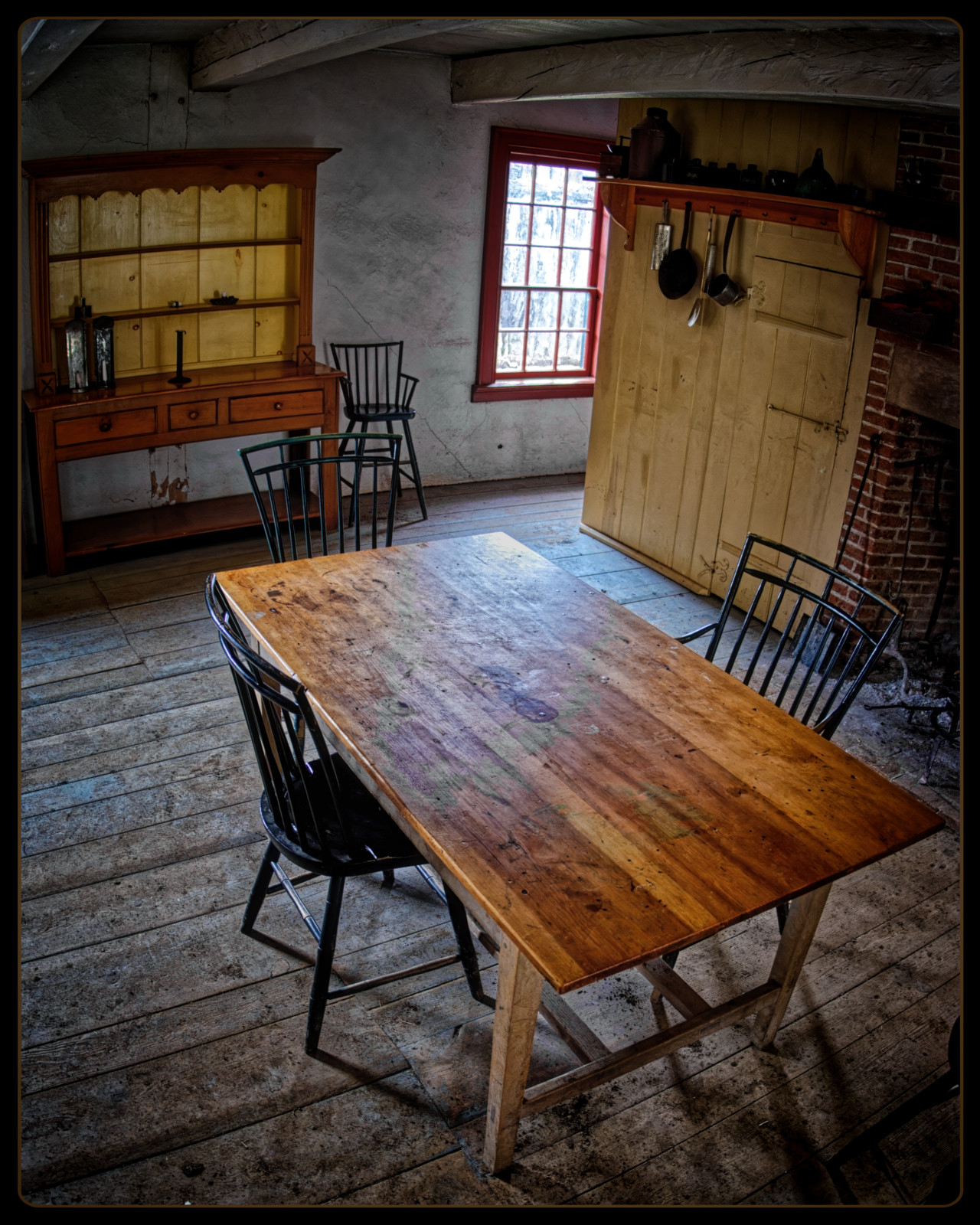
Here are some indoor photos from Fort William, outside Thunder Bay, Ontario in 2017. These were shot with a Fuji X-E2 and the 16 f/3.5 Ai fisheye. The reason I didn't post these at the time I took them (as well as many of the others I've recently been posting from our cross-Canada trip) is that the post-processing software I was using in 2017 was unable (or at least, using it, I was unable) to find sufficient detail in the shadows in particular, as well as the highlights, without either massive irreducible noise (from the lifted shadows---the images below would have been unusable for this reason) or a severe loss of contrast in the image (due to either reducing highlights while attempting to preserve shadows, or vice versa---this, too, was an issue with the images below).
In my experience, 2024 software is much, much better at taking full advantage of the dynamic range that is available in the raw files, while managing the noise and the contrast very effectively. For example, in the first photo below the fireplace in the background and the vestibule between rooms were completely shrouded in shadow before I lifted the shadows and reduced the noise that appeared. And this was unimpacted by the lowering of highlights that I did in order to show some of the scenery outside the window.
A few pages back, Ray shared this really nice industrial image and I told him about Luminar Neo taking out the powerlines. He sent me the image and I ran it through Luminar to see what it could do. Below is Ray's original and the 2nd one is using Luminar's 1 click powerline removal. There may be a few spots that need additional work but not too bad overall.
For a 1-click solution that looks pretty impressive.
I asked Ray to send me the file too so I'll see how long it takes me in PS.
It will take a LOT longer than 1-click.......
Colin
leighton w wrote:
A few pages back, Ray shared this really nice industrial image and I told him about Luminar Neo taking out the powerlines. He sent me the image and I tan it through Luminar to see what it could do. Below is Ray's original and the 2nd one is using Luminar's 1 click powerline removal. There may be a few spots that need additional work but not too bad overall.
leighton w wrote:
A few pages back, Ray shared this really nice industrial image and I told him about Luminar Neo taking out the powerlines. He sent me the image and I tan it through Luminar to see what it could do. Below is Ray's original and the 2nd one is using Luminar's 1 click powerline removal. There may be a few spots that need additional work but not too bad overall.
That's very impressive! I don't know if you've tried object removal in On1 yet, but that's the one thing that I think it is really bad at. Anytime I have more than just a dust spot to remove, I use the Affinity Photo inpainting tool. It does an incredible job, but can be tedious. It certainly isn't one click.