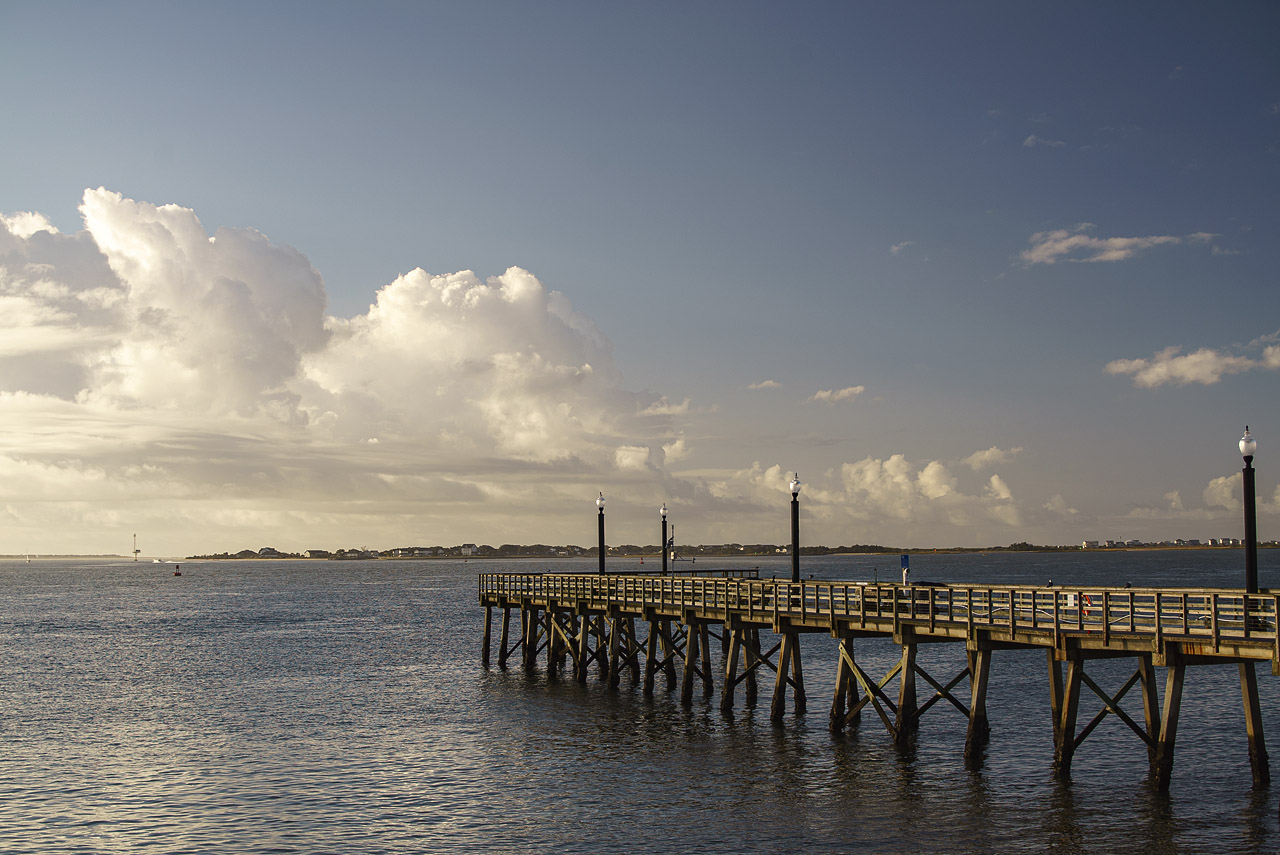
James Markus wrote:
I think I have outlasted the siren call for a D850 - for now. This is Finn or GS#2, and he turned 1 year old today. Photos via 5DS-R and the 85mm f1.4 ais
James Markus wrote:
Glen,
Your false color IR look more realistic than mine. The last grayscale one is super - imo!
Jim
Thanks for your kind comment, Jim! I've been learning a lot by watching YouTube videos and playing around in Lightroom and Photoshop, along with some of the Nik Collection, and I've developed a bit of a standard procedure. I started it all off by creating a DNG profile for my camera to enable Lightroom to set a useable white balance---I then discovered that a photographer named Rob Shea had created profiles for a large number of different cameras, including mine (you can download them from here).
Now that I have the DNG profile, I can apply it to each image in Lightroom, then use Lightroom's white balance settings to create a starting white balance to work with in Photoshop. I usually also set some other parameters in Lightroom, such as cropping and rotating, or "tone" and "presence" settings, or even some "HSL" adjustments. After opening the file in Photoshop (right click on the image in Lightroom, select "edit in" then "Photoshop"), I create an "invert" adjustment layer and choose either "hue" or "color" as the layer blending option (this has the same effect as channel swapping). I am then able to use "levels," "hue/saturation," and/or "color balance" adjustment layers---with or without the use of some of Photoshop's exciting new selection tools---to create a result that I can bring back into Lightroom (just by saving it in Photoshop), where I may apply further Lightroom adjustments, then finalize the image in either Color Efex or Silver Efex (sometimes with a bit of help from Viveza).
This procedure may seem complicated and/or laborious, but it has become familiar after a fair bit of practice, and it's a lot of fun. I now know a lot more about Photoshop than I ever knew before!
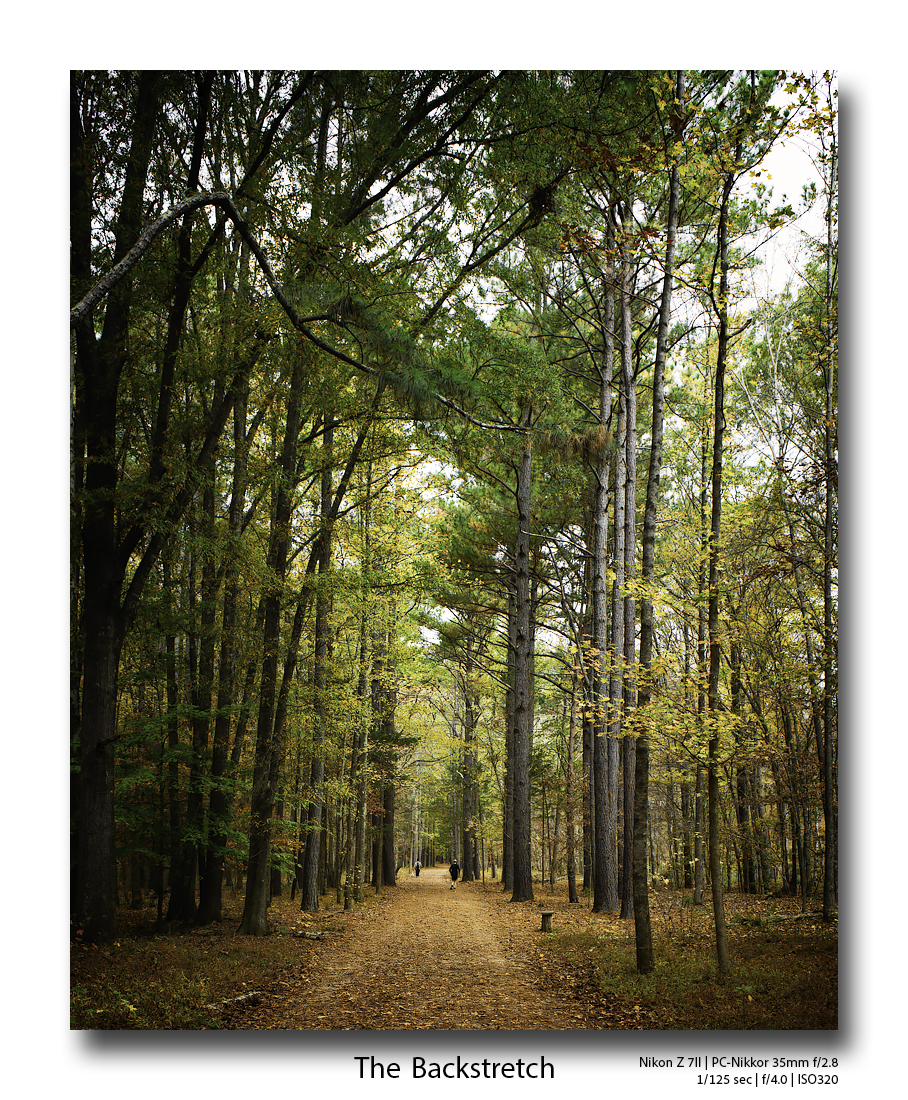
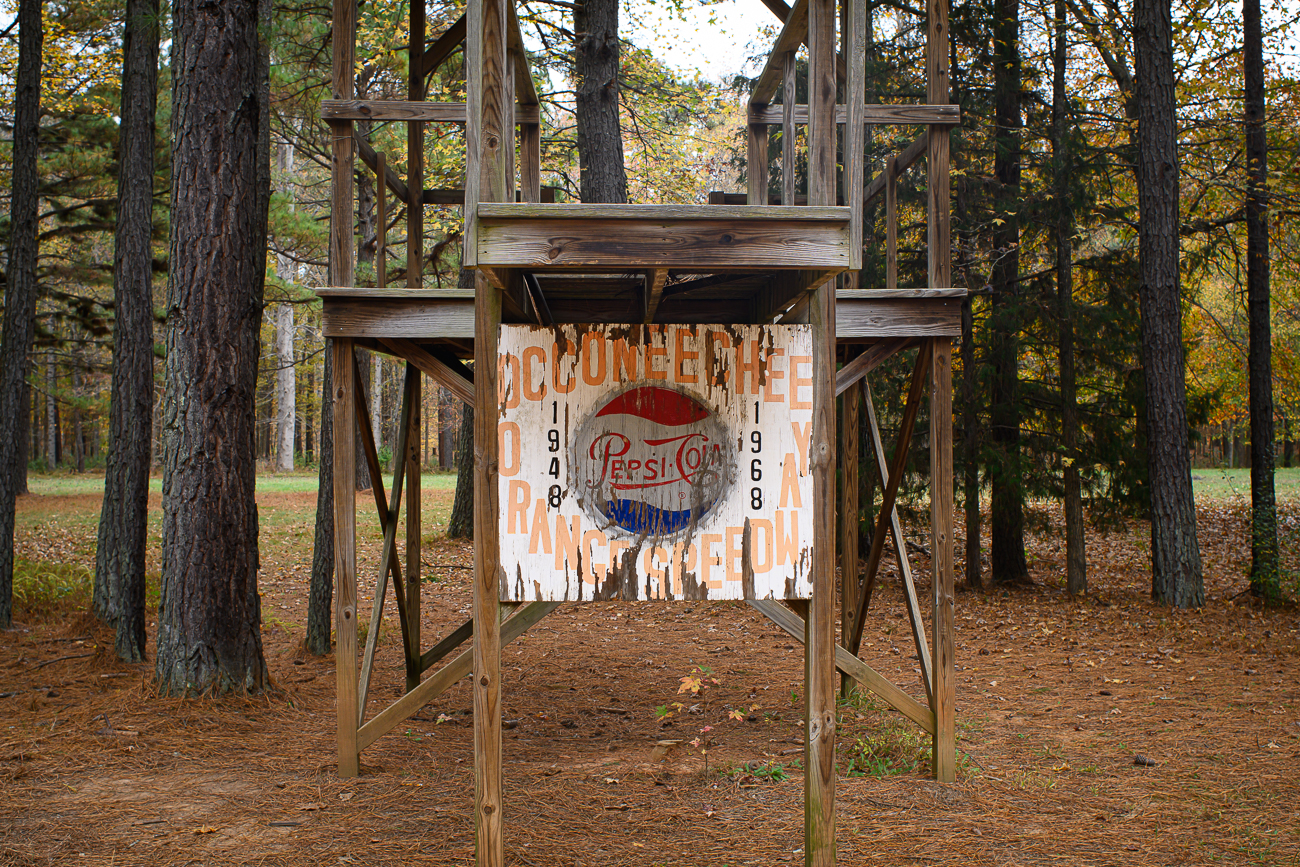
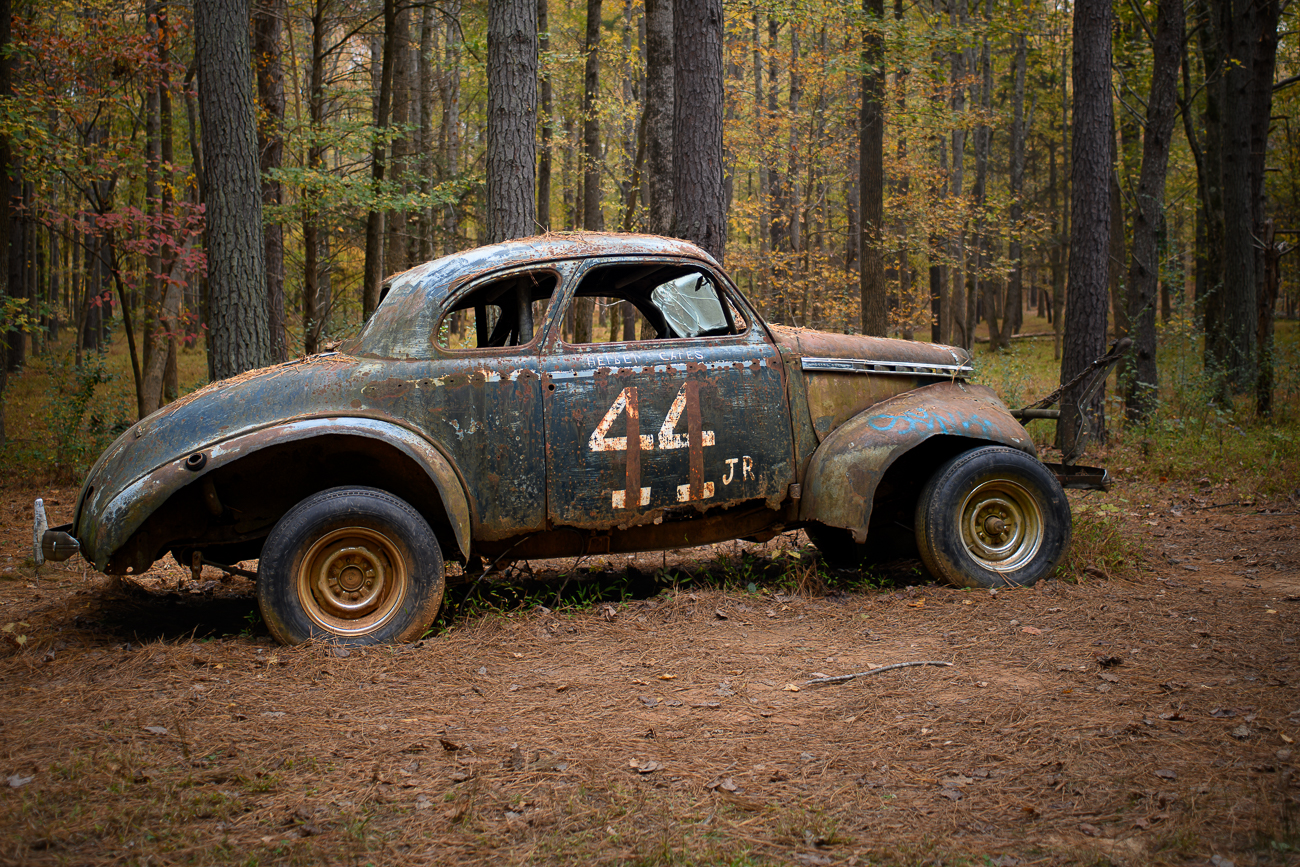
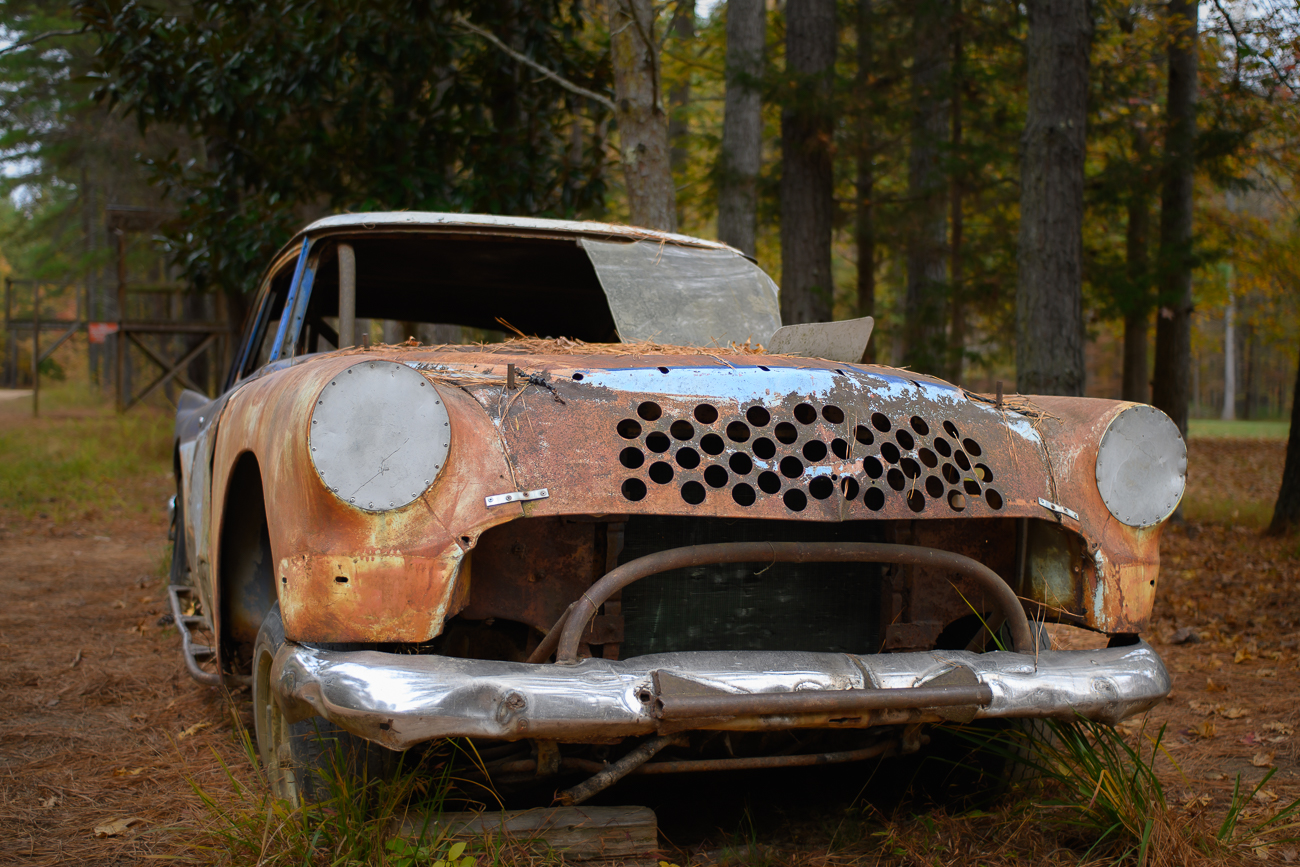
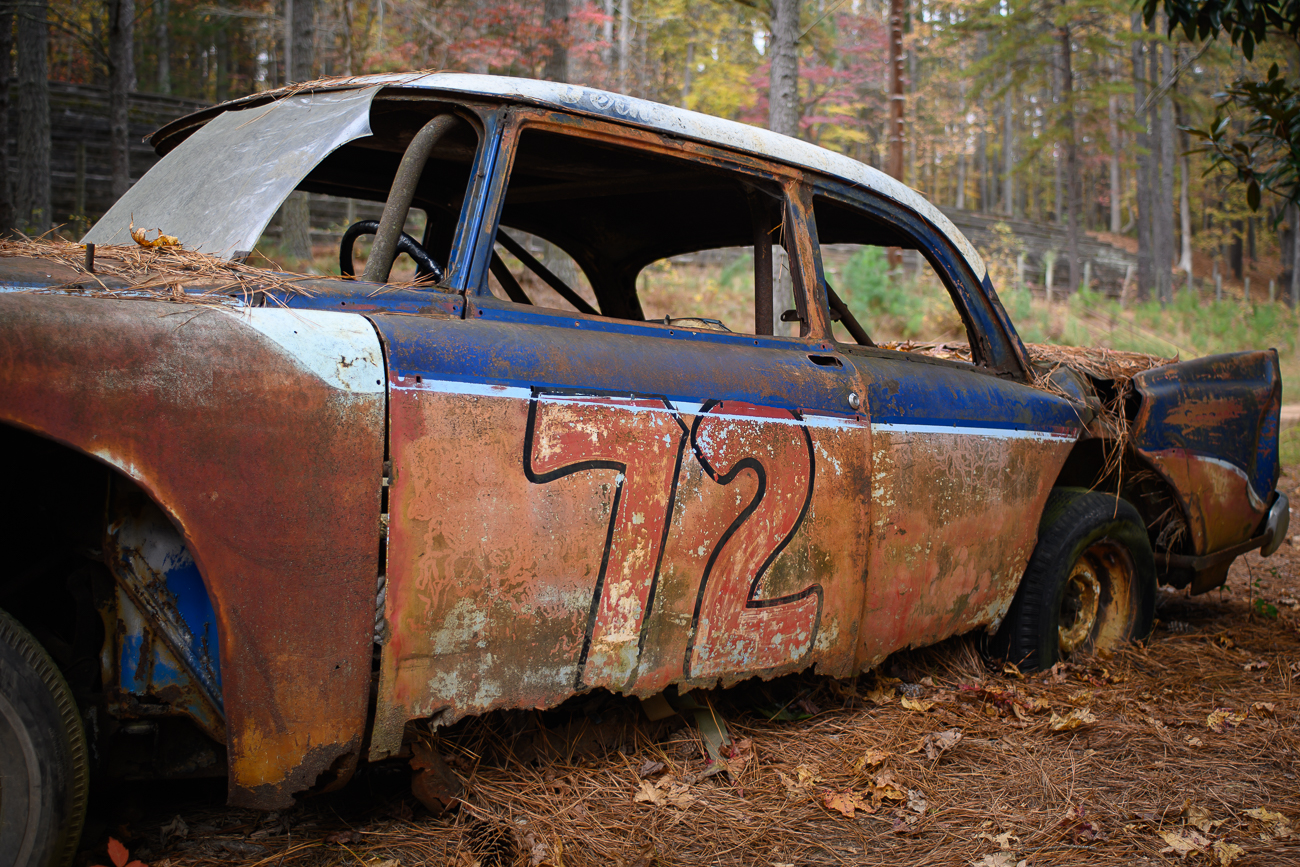
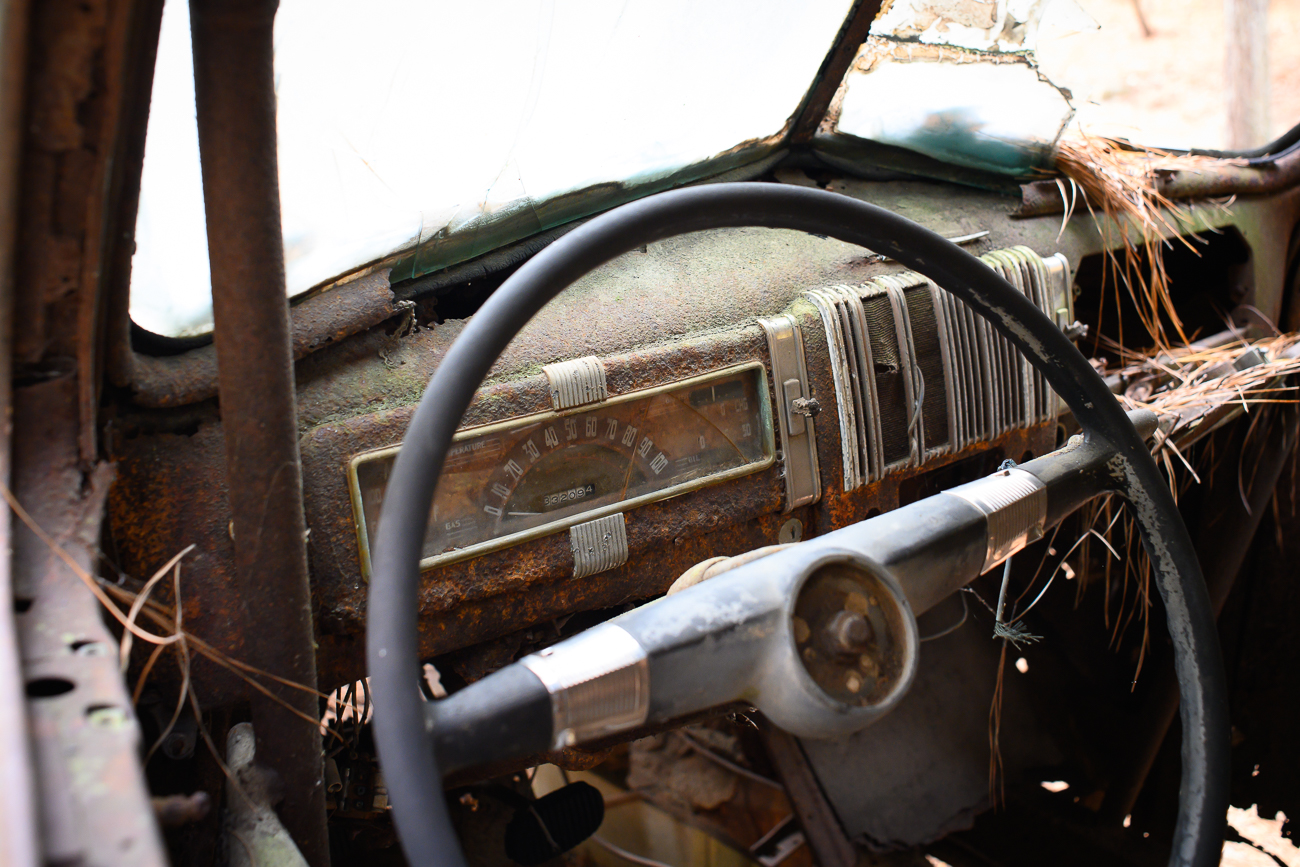
One more from a morning walk today. We went to a nearby trail that lead to an old abandoned NASCAR dirt track. Raced from 1948 - 1968. This view down the backstretch of the old 1 mile track.
PC-Nikkor 35mm/2.8 with about 8mm rise and cropped to 4x5.
Glen, Shooting at 665nm with the 5D produces raw files with neon orange skies and light blue trees with Lifepixel's custom IR WB. So, my very first order of business (10 months ago) was to create a custom profile using Adobe's DNG Profile Editor v1.0.4. Most of the work I do is in the ACR ("Develop") module of LR before exporting the raw file (saving). There are many ways to get from point A to point B, and I have been enjoying seeing your journey through IR imaging.
Keep it up
Jim
GroWeb wrote:
Thanks for your kind comment, Jim! I've been learning a lot by watching YouTube videos and playing around in Lightroom and Photoshop, along with some of the Nik Collection, and I've developed a bit of a standard procedure. I started it all off by creating a DNG profile for my camera to enable Lightroom to set a useable white balance---I then discovered that a photographer named Rob Shea had created profiles for a large number of different cameras, including mine (you can download them from here).
Now that I have the DNG profile, I can apply it to each image in Lightroom, then use Lightroom's white balance settings to create a starting white balance to work with in Photoshop. I usually also set some other parameters in Lightroom, such as cropping and rotating, or "tone" and "presence" settings, or even some "HSL" adjustments. After opening the file in Photoshop (right click on the image in Lightroom, select "edit in" then "Photoshop"), I create an "invert" adjustment layer and choose either "hue" or "color" as the layer blending option (this has the same effect as channel swapping). I am then able to use "levels," "hue/saturation," and/or "color balance" adjustment layers---with or without the use of some of Photoshop's exciting new selection tools---to create a result that I can bring back into Lightroom (just by saving it in Photoshop), where I may apply further Lightroom adjustments, then finalize the image in either Color Efex or Silver Efex (sometimes with a bit of help from Viveza).
This procedure may seem complicated and/or laborious, but it has become familiar after a fair bit of practice, and it's a lot of fun. I now know a lot more about Photoshop than I ever knew before!...Show more →
GeorgeBo wrote:
One more from a morning walk today. We went to a nearby trail that lead to an old abandoned NASCAR dirt track. Raced from 1948 - 1968. This view down the backstretch of the old 1 mile track.
PC-Nikkor 35mm/2.8 with about 8mm rise and cropped to 4x5.
George
Nice shot, George. I love how they took and old track and turned it into something useful and, at the same time, preserves its history.
Occoneechee/Orange Speedway operated from 1948 - 1968. Last race there was a victory by Richard Petty.
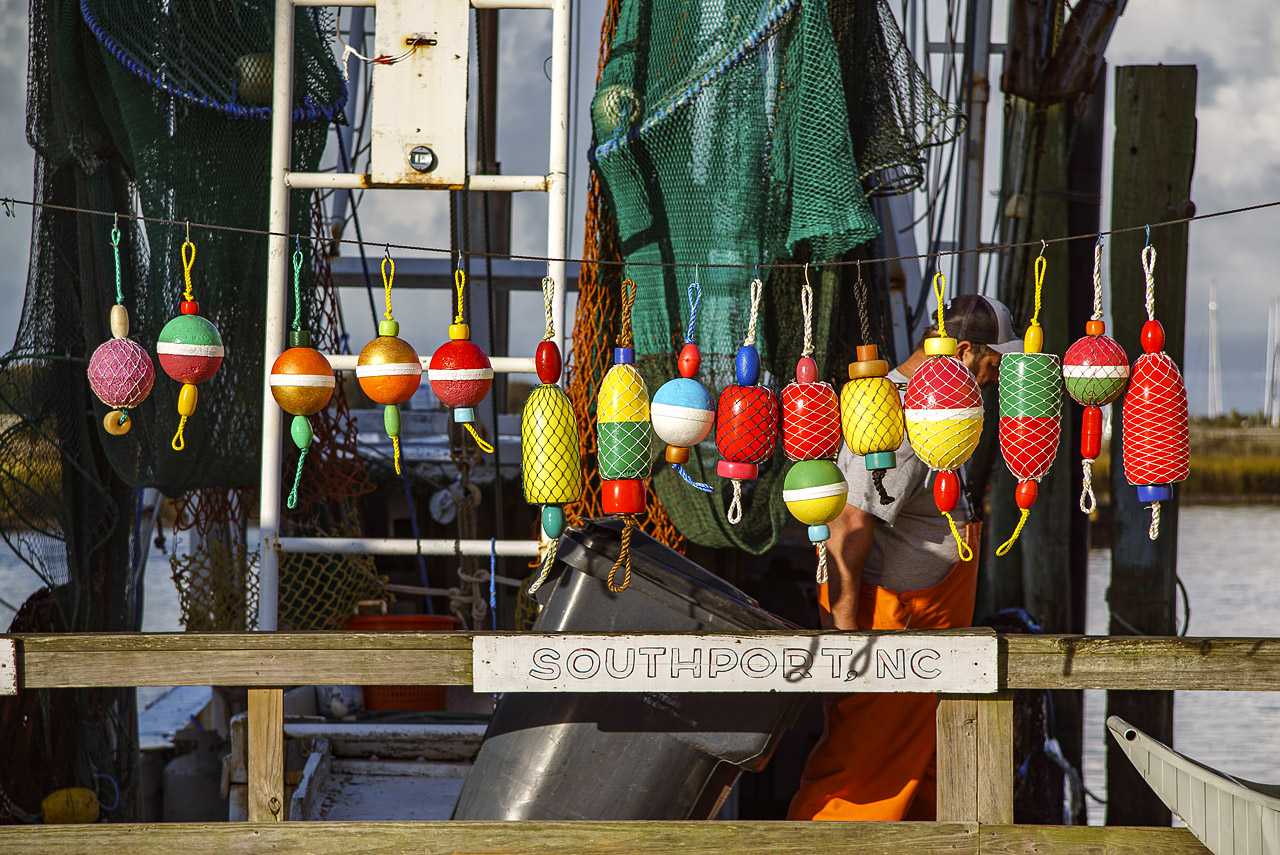
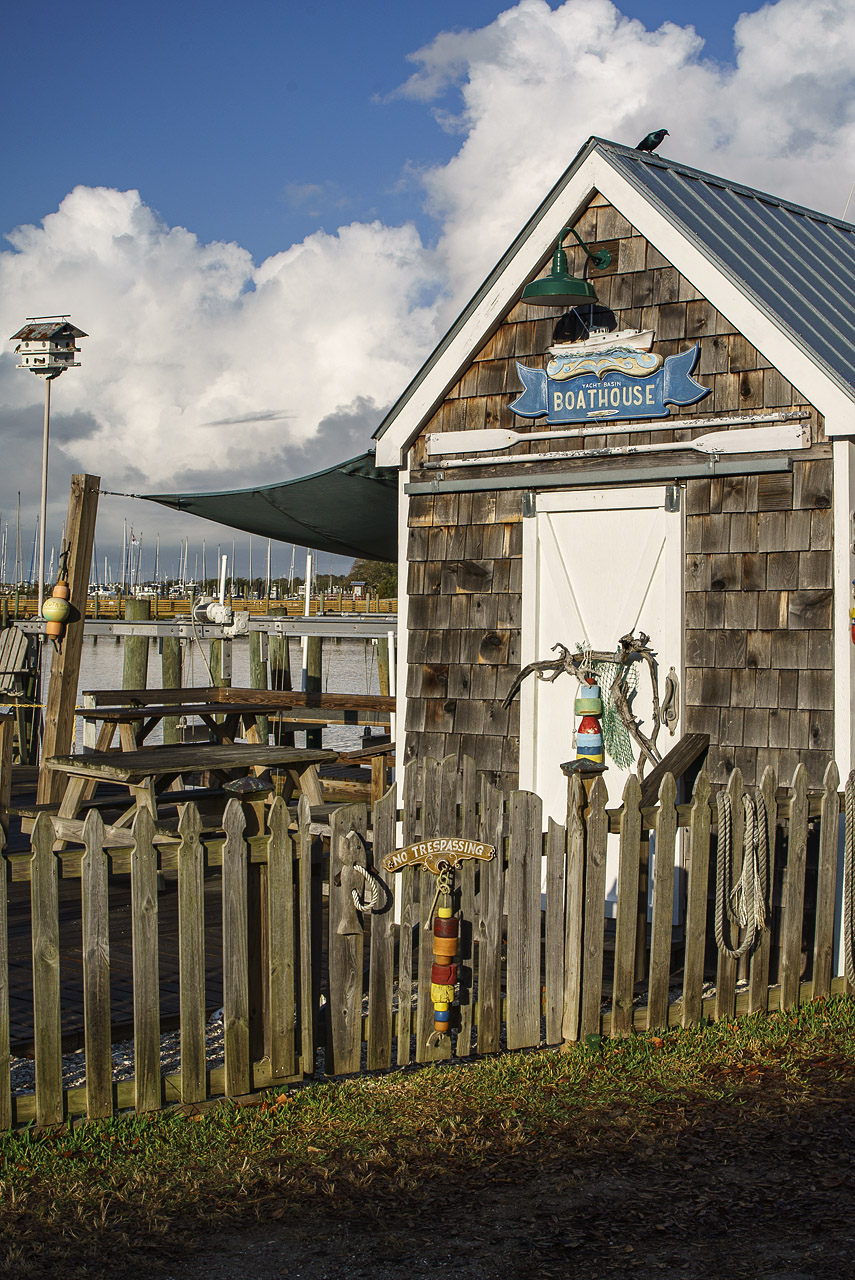
Here are a few from yesterday. All with the Z7II and PC-Nikkor 35/2.8
George
spoupard wrote:
Nice shot, George. I love how they took and old track and turned it into something useful and, at the same time, preserves its history.
George, excellent set from the abandoned Nascar track, never knew they raced in dirt. The trees must have been fun obstacles.
Beautiful fall colors at Millennium Park, Serge.
Glen, the artsy-fartsy works great!!
Andy, wonderful tour of the interiors. Can't wait for more of the exterior.
Jay, stunning PCE shot of the coast line through the trees!
Jim, having jumped from the D800 into the Z's, I can vouch for quite a change in image tuning and the defaults coming out of the Z's. I've read that the D850 and Z's have similar color science and tuning; consider yourself enabled!