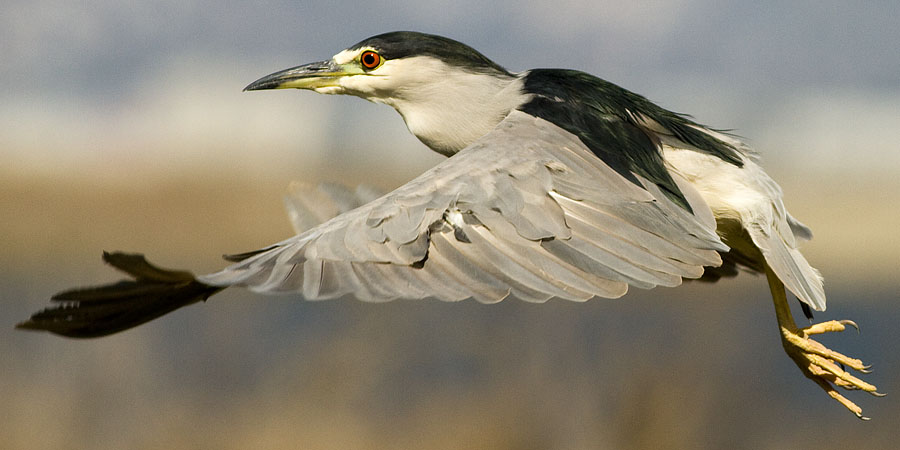
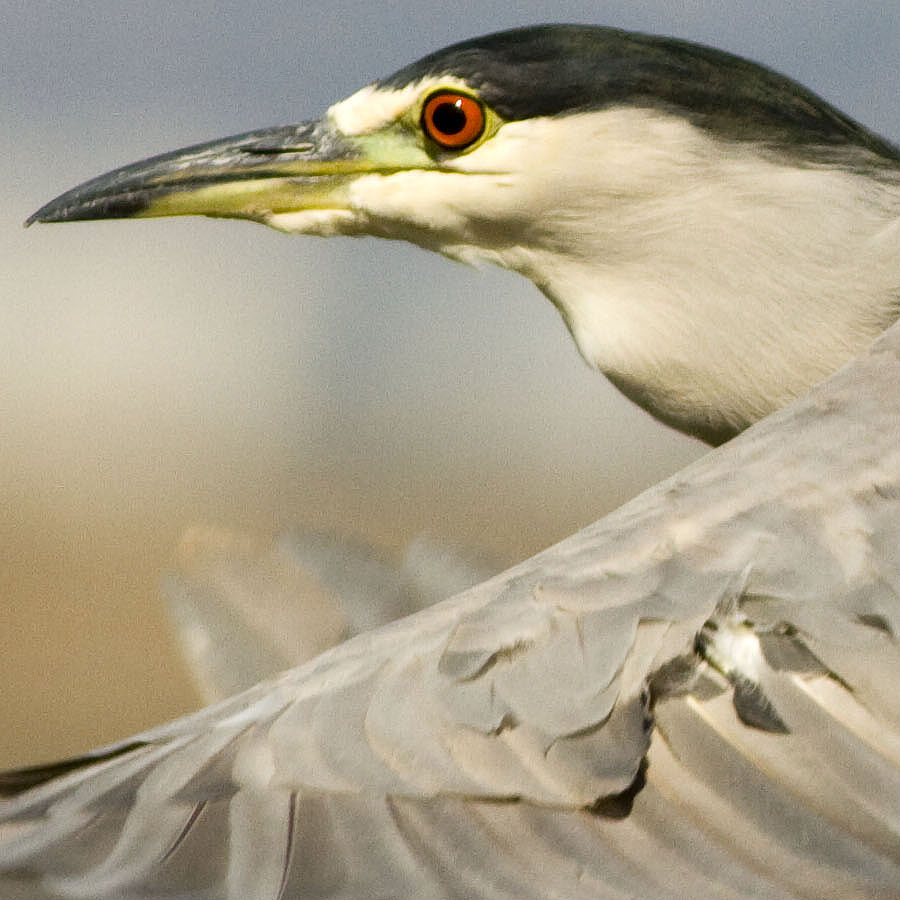
A while back, Conrad mentioned some issues with using PS-CS/ACR to convert RAW files, so I offered to see if it would work on my system. I was able to convert a production 7D .CR2 using CS4 and ACR5.5 with the Beta Profile.
With Conrad's permission, I put up a web page shows the difference between as-shot JPEG and processed RAW (using my 40+ year old eyeballs!) which you can see here.
First image below is for those that like tight crops, and second one is actual pixels slightly sharpened in Photoshop - EXIF in images.
Alek Komarnits wrote:
A while back, Conrad mentioned some issues with using PS-CS/ACR to convert RAW files, so I offered to see if it would work on my system. I was able to convert a production 7D .CR2 using CS4 and ACR5.5 with the Beta Profile.
With Conrad's permission, I put up a web page shows the difference between as-shot JPEG and processed RAW (using my 40+ year old eyeballs!) which you can see here.
First image below is for those that like tight crops, and second one is actual pixels slightly sharpened in Photoshop - EXIF in images.
Greg Schneider wrote:
I don't know if it's the beta ACR, the body or the processing technique, but those look incredibly noisy for ISO400.
You can download the XMP file from the web page and all I did in Photoshop was apply a Smart Sharpen of 50/1.0/Lens Blur. It would be interesting to have someone do similar touch-ups in DPP (I can't, since I don't have 3.7) and see if a difference in noise.
Remember in the picture above that you are looking at actual pixels, but given that there are 18 million of 'em, the noise "per image" (as Brainiac often reminds us) isn't too shabby if you don't pixel peep.
BTW, Conrad said it would be OK to post links to the full-res versions of the processed image, plus the extracted jpeg from the RAW file, so those are now available if you want to see the entire image.
Conrad Tan wrote:
Good stuff Alek! You can process all my photos from now on.
Thanks Conrad ... there is no "right" answer on what looks "best" when processing photo's, but you certainly provided a nice image to start with.
We can deal with ISO noise. It is an image which is OoF that is unfixable.
If 7D AF is clearly superior to 40/50/5D, that's worth the price of admission in my books.
Alek Komarnits wrote:
A while back, Conrad mentioned some issues with using PS-CS/ACR to convert RAW files, so I offered to see if it would work on my system. I was able to convert a production 7D .CR2 using CS4 and ACR5.5 with the Beta Profile.
Hmmmnnn.... ACR 5.5 Beta Profile. I didn't see that one on their page. I'll have to look. I did send an email to Canon asking when they were going to put DPP 3.7 up on the web.
PetKal wrote:
We can deal with ISO noise. It is an image which is OoF that is unfixable.
If 7D AF is clearly superior to 40/50/5D, that's worth the price of admission in my books.
cameron12x wrote:
And if I'm not seeing things, there looks to be some "pattern noise" as well? Strange. Wouldn't expect to see anything like that at ISO 400.
If you are looking at the worm-like patterns that I see, they are most probably JPEG compression artifacts caused by the heavy compression for the web-sized images. I don't think that they are produced by the camera. The compression could also be the source of some of the perceived noise.
Conrad Tan wrote:
Well I got Photoshop working. Now Lightroom will not import the photos. I have to manually copy the folder to my C drive. What gives?? Grrrr......
If you get the latest version of Lightroom, 7D files are imported correctly.