Post your recent film shots!
p.757 #1Post your recent film shots!
Love the sign that says "This pay phone works" - 
Feb 24, 2019 at 03:13 PM

p.757 #4Post your recent film shots!
Lieutenant Z wrote:
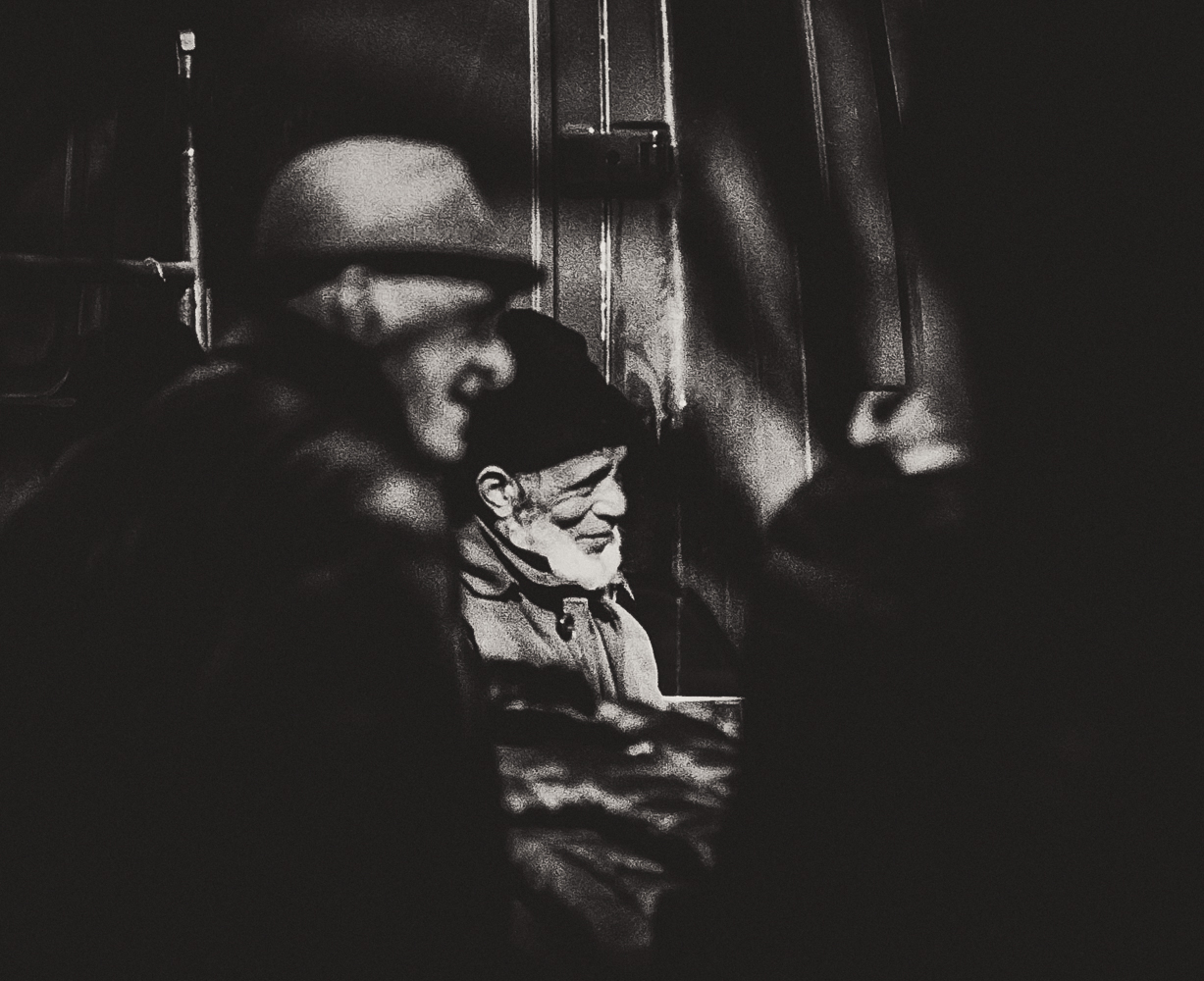
Nikon FE2 & 105/2.5ais - Fuji C200
Good grief. I'd have looked at the neg and never printed this - yet here it is in all its beauty. Good eye.
Nikon FE2 & 105/2.5ais - Fuji C200
Good grief. I'd have looked at the neg and never printed this - yet here it is in all its beauty. Good eye.
Feb 25, 2019 at 01:12 PM


p.757 #10Post your recent film shots!
Desmolicious wrote:
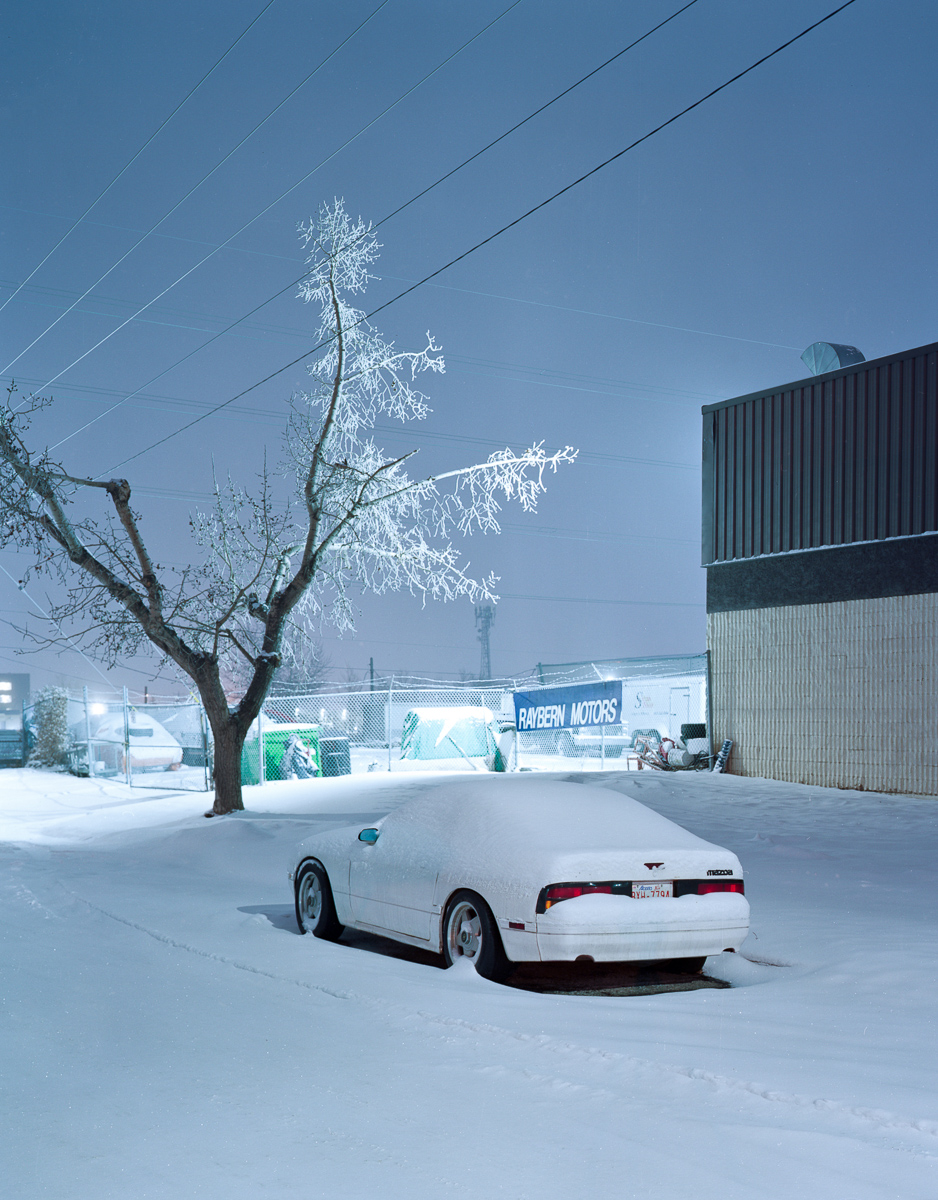
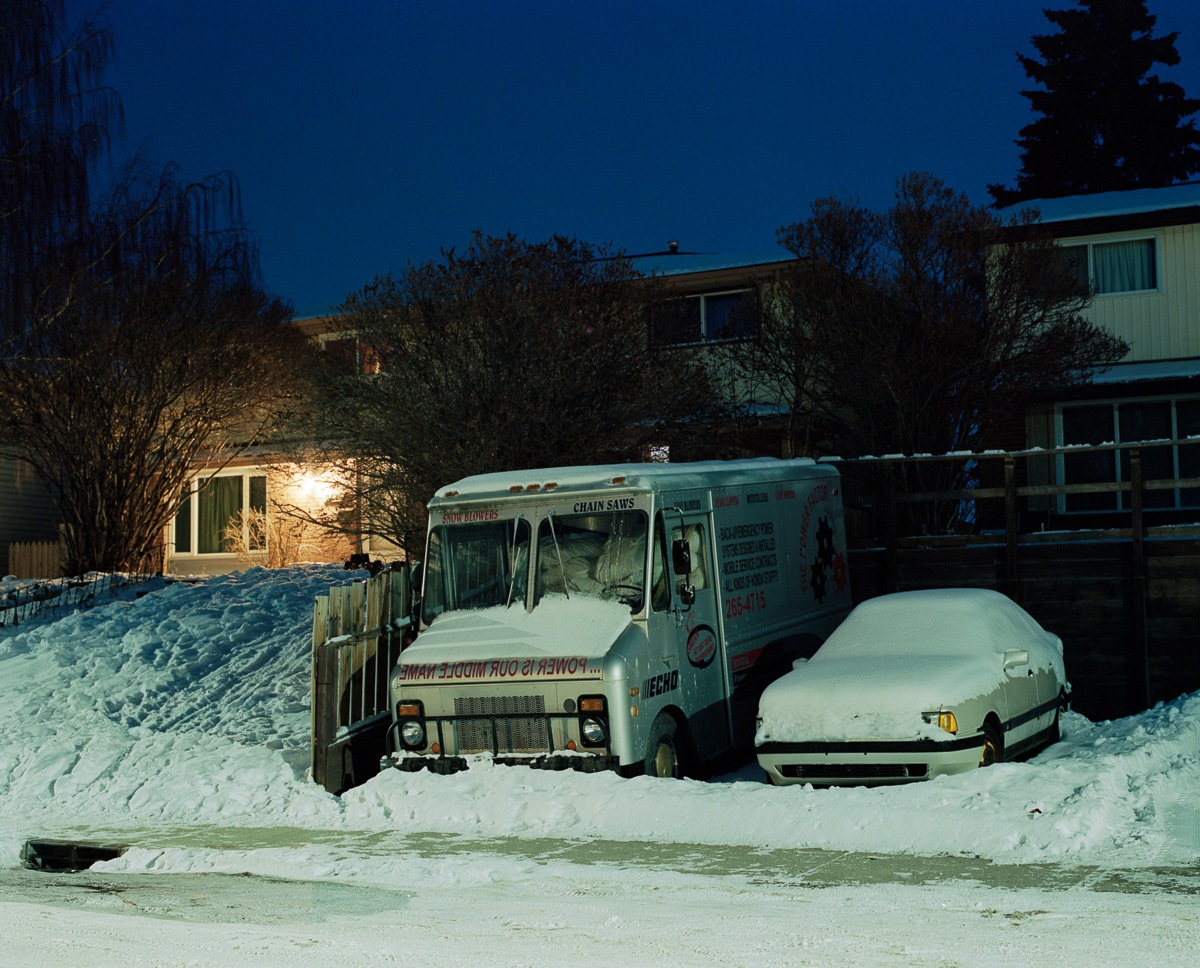
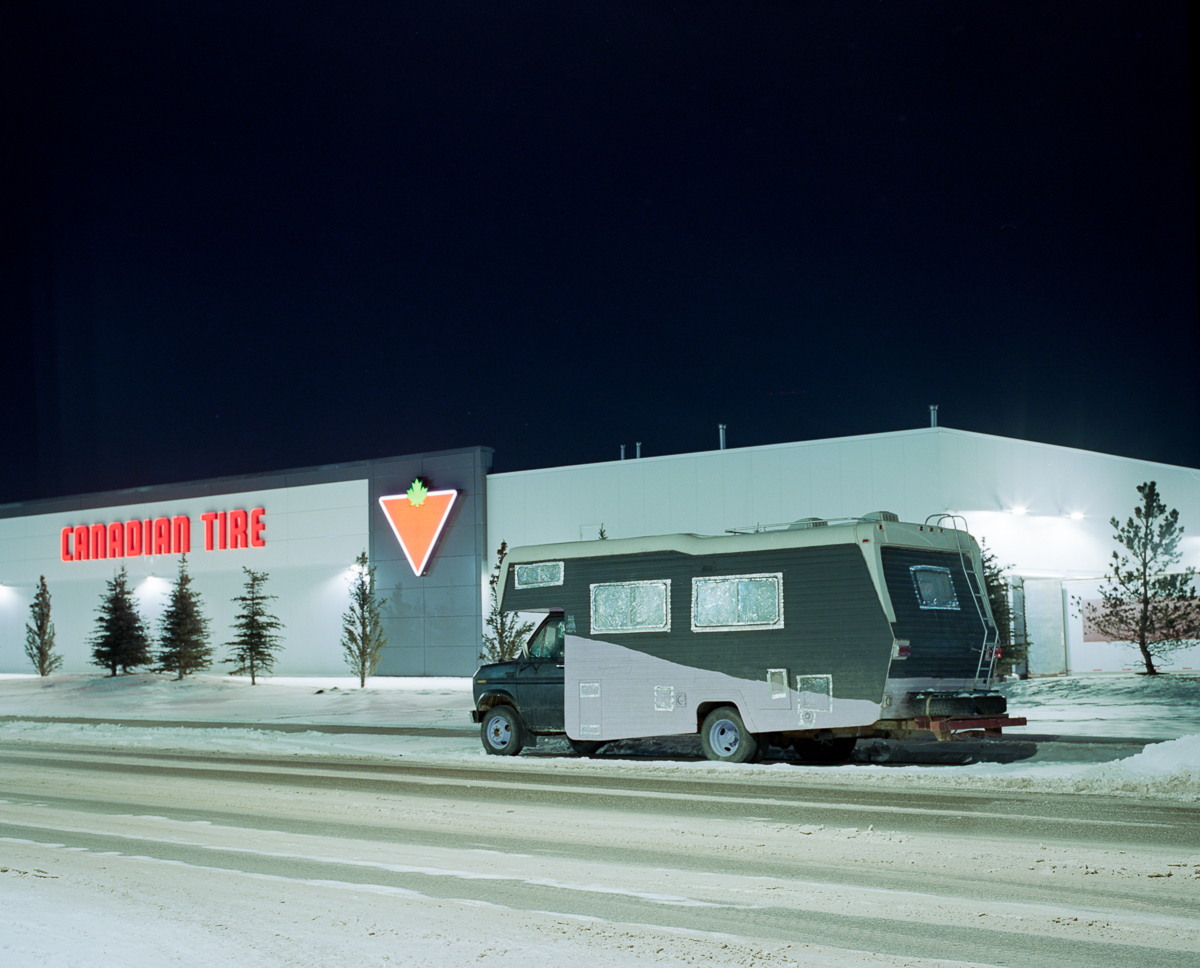
Agfa Optima 1535, Fuji C200, Z7 scan, negativelabpro.com
https://farm8.staticflickr.com/7862/47164428092_4b9c01416a_b.jpg
This is very nice. The framing, the saturated colors, the Americana subject matter. Great job!
Agfa Optima 1535, Fuji C200, Z7 scan, negativelabpro.com
https://farm8.staticflickr.com/7862/47164428092_4b9c01416a_b.jpg
This is very nice. The framing, the saturated colors, the Americana subject matter. Great job!
Feb 27, 2019 at 02:46 PM
|
p.757 #11Post your recent film shots!
Bellecour Square, Lyon, France
Nikon FE2 & 85/1.8 HC w.o with Fuji C200
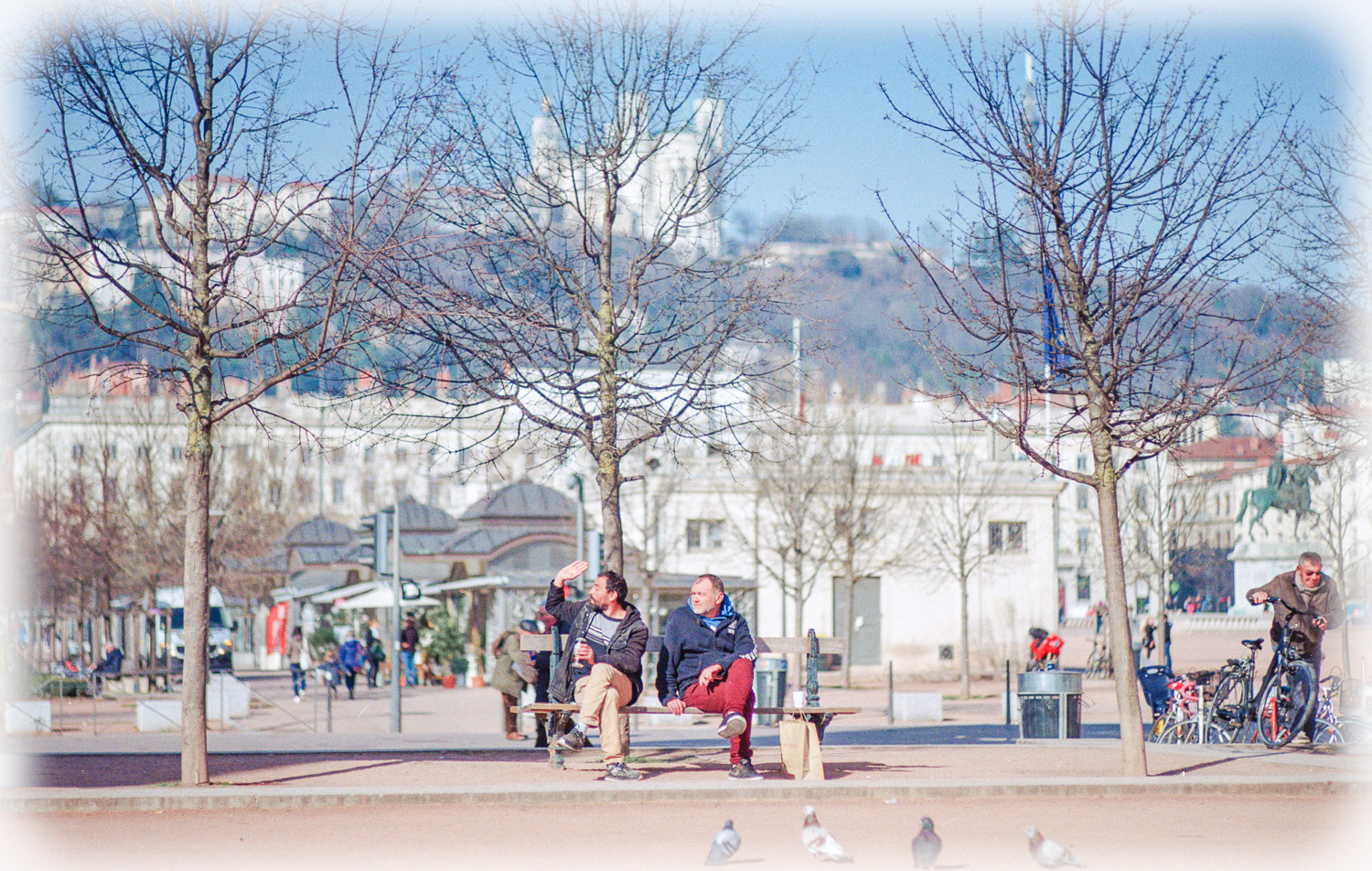
Nikon FE2 & 85/1.8 HC w.o with Fuji C200
Feb 27, 2019 at 02:58 PM
p.757 #12Post your recent film shots!
Jon Buffington wrote:
https://farm8.staticflickr.com/7862/47164428092_4b9c01416a_b.jpgThis is very nice. The framing, the saturated colors, the Americana subject matter. Great job!
Thanks Jon! It's nice that when Harbor Freight took over this old skate rink they kept the cool signage.
Desmolicious wrote
Agfa Optima 1535, Fuji C200, Z7 scan, negativelabpro.comhttps://farm8.staticflickr.com/7862/47164428092_4b9c01416a_b.jpg
Thanks Jon! It's nice that when Harbor Freight took over this old skate rink they kept the cool signage.
Feb 27, 2019 at 02:59 PM
p.757 #13Post your recent film shots!
Gonna give Negative Lab Pro a test run. Any pointers before I start the trial? I'm liking what I'm seeing. My v600 / VueScan work flow is good for most things, but I'd love to scan with a macro, and try to get the Noritsu colors my lab gets without splurging all the time. I took a year break from film and I'm already over budget after a few weeks of shooting. Will be picking up another c41 kit from FPP, too.
Feb 27, 2019 at 03:22 PM
p.757 #14Post your recent film shots!
imagesfromobjects wrote:
Gonna give Negative Lab Pro a test run. Any pointers before I start the trial? I'm liking what I'm seeing. My v600 / VueScan work flow is good for most things, but I'd love to scan with a macro, and try to get the Noritsu colors my lab gets without splurging all the time. I took a year break from film and I'm already over budget after a few weeks of shooting. Will be picking up another c41 kit from FPP, too.
Just watch the demo and pay attention to the fact that you have to crop out everything that is not
the actual image before you convert. Otherwise it will get an inaccurate colour fidelity and weird cast.
Gonna give Negative Lab Pro a test run. Any pointers before I start the trial? I'm liking what I'm seeing. My v600 / VueScan work flow is good for most things, but I'd love to scan with a macro, and try to get the Noritsu colors my lab gets without splurging all the time. I took a year break from film and I'm already over budget after a few weeks of shooting. Will be picking up another c41 kit from FPP, too.
Just watch the demo and pay attention to the fact that you have to crop out everything that is not
the actual image before you convert. Otherwise it will get an inaccurate colour fidelity and weird cast.
Feb 27, 2019 at 05:50 PM
p.757 #15Post your recent film shots!
Desmolicious wrote:
Just watch the demo and pay attention to the fact that you have to crop out everything that is not
the actual image before you convert. Otherwise it will get an inaccurate colour fidelity and weird cast.
Good to know. That's pretty much how VueScan behaves, too. It takes an average of everything within the chosen crop area, so if you have any of the unexposed negative or a bright specular highlight, or (god forbid) a speck of dust, it can throw things dramatically in a particular direction. Gonna watch the video tonight, maybe start the trial soon. I saw something on Reddit where the developer was participating in the discussion and it piqued my interest. Folks are getting really good results out of it. Yours look awesome!
imagesfromobjects wrote
Gonna give Negative Lab Pro a test run. Any pointers before I start the trial? I'm liking what I'm seeing. My v600 / VueScan work flow is good for most things, but I'd love to scan with a macro, and try to get the Noritsu colors my lab gets without splurging all the time. I took a year break from film and I'm already over budget after a few weeks of shooting. Will be picking up another c41 kit from FPP, too.the actual image before you convert. Otherwise it will get an inaccurate colour fidelity and weird cast.
Good to know. That's pretty much how VueScan behaves, too. It takes an average of everything within the chosen crop area, so if you have any of the unexposed negative or a bright specular highlight, or (god forbid) a speck of dust, it can throw things dramatically in a particular direction. Gonna watch the video tonight, maybe start the trial soon. I saw something on Reddit where the developer was participating in the discussion and it piqued my interest. Folks are getting really good results out of it. Yours look awesome!
Feb 27, 2019 at 09:34 PM
p.757 #16Post your recent film shots!
Try the Kodak ROC plugin for Photoshop. They have a trial version. Not without some limitations but they are minor and can be worked around with some practice. Overall possibly the most marvelous hardware-independant piece of software for color corrections that I have came across so far.
Borders or no borders it just works.
The workflow could be as simple as open the neg, invert and apply the plugin. "Digial" source works better than "Film" most of the time.
It was designed to color correct positives so it shines in that area too.
SergeyT
Borders or no borders it just works.
The workflow could be as simple as open the neg, invert and apply the plugin. "Digial" source works better than "Film" most of the time.
It was designed to color correct positives so it shines in that area too.
SergeyT
Feb 27, 2019 at 09:35 PM
p.757 #17Post your recent film shots!
The Kodak plugin looks great but, unfortunately, it won't work with the newer Adobe 64 bit apps on Mac or Windows. There's a plugin you can buy that will allow 32 bit apps to run inside a 64 bit app, but it's Windows only. (And only claims it works up to CS6)
I'd say Negative Lab Pro is the smart investment since it should be fully supported in the future. When I get the time to shoot some film again, I may actually try Portra or Ektar again because NLP seems to solve the color reversal issues I had with those films in the past.
I'd say Negative Lab Pro is the smart investment since it should be fully supported in the future. When I get the time to shoot some film again, I may actually try Portra or Ektar again because NLP seems to solve the color reversal issues I had with those films in the past.
Feb 28, 2019 at 10:06 AM
p.757 #18Post your recent film shots!
 Leica M7 Zeiss 50 Planar Kodak Ektachrome 100 by edward karaa, on Flickr
Feb 28, 2019 at 12:36 PM
p.757 #19Post your recent film shots!
edwardkaraa wrote:
https://farm8.staticflickr.com/7866/32297945337_0f0e75abba_o.jpgLeica M7 Zeiss 50 Planar Kodak Ektachrome 100 by edward karaa, on Flickr
Amazing capture!
Feb 28, 2019 at 06:48 PM
p.757 #20Post your recent film shots!
kwoodard wrote:
edwardkaraa wrote
https://farm8.staticflickr.com/7866/32297945337_0f0e75abba_o.jpgLeica M7 Zeiss 50 Planar Kodak Ektachrome 100 by edward karaa, on FlickrThank you very much Kevin!
Feb 28, 2019 at 08:42 PM