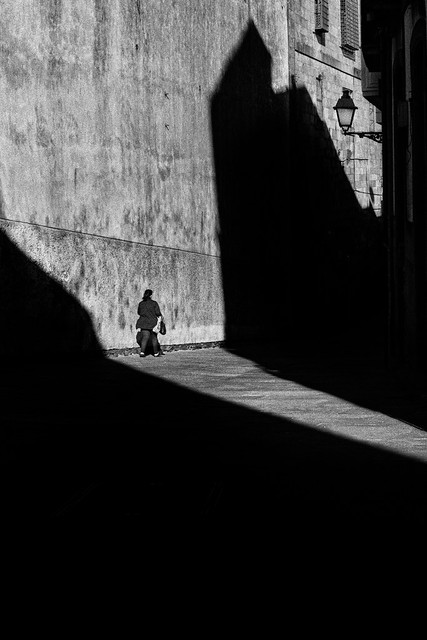
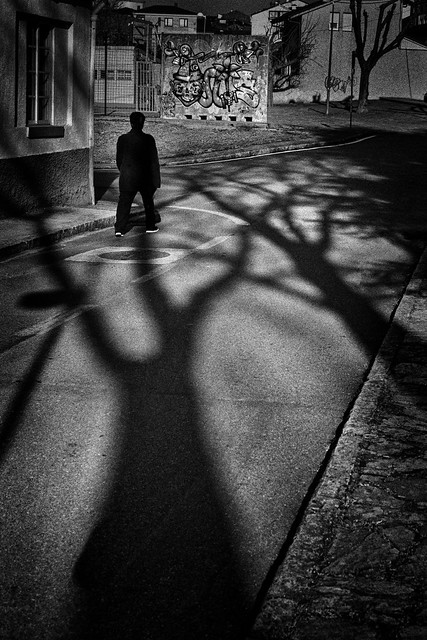
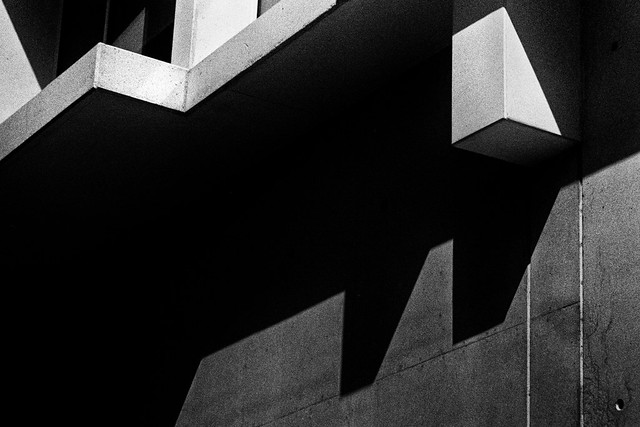
Yashica Mat 124 with Ektar 100 - scanned with a Nikon Coolscan 9000
The lens on this little camera performs much better than I expected particularly after I covered the internal chamber next to the taking lens with black flocking material used for telescopes etc. I think that the internal reflections issue was resolved with the 124G model.
nicoimages wrote:
Yashica Mat 124 with Ektar 100 - scanned with a Nikon Coolscan 9000
The lens on this little camera performs much better than I expected particularly after I covered the internal chamber next to the taking lens with black flocking material used for telescopes etc. I think that the internal reflections issue was resolved with the 124G model.
Been kicking this around for a while, but finally decided to take the plunge. This time next week, I will have everything I need to develop film at home.
kwoodard wrote:
Been kicking this around for a while, but finally decided to take the plunge. This time next week, I will have everything I need to develop film at home.
Just B&W or also Color?
Doing B&W is pretty easy. It's always a thrill to pull those freshly developed negs out!
Here is something I have been playing with, even after all my years with Photoshop. My issue is to get rid of some of the offensive grain (usually in skies) and also to sharpen, but have neither be too obvious or offensive. What I am trying is a combination of a noise reduction layer on top of a sharpened layer. Then I reduce the transparency of the noise reduction layer until the image looks good, flatten both layers, and do an adjustment curve to balance things out.
So, I open my scan in PS and duplicate the layer. (Already color corrected.) On the top layer I run NeatImage. On the bottom layer I run Franzis Sharpen Projects. Then I reduce the opacity of the top layer, in this case to 50%.The benefit of this approach is that you are not sharpening noise reduction, and you are not reducing noise on a sharpened image. If that makes sense.
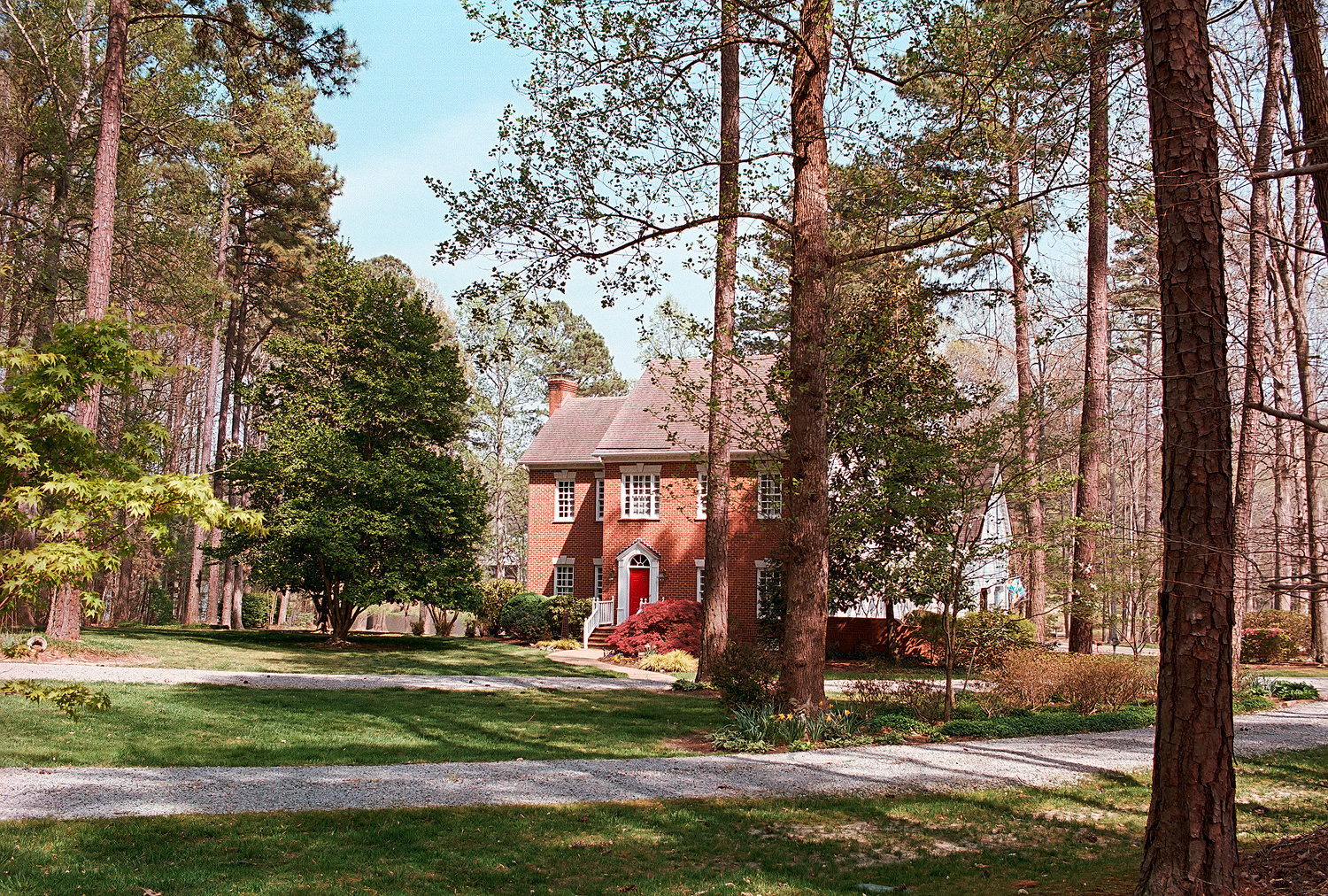
Next I will try this on a frequency separation set, to see if it works better. This image, of our home, though not a great photo by any means, displays the idea: Nikon F3T, Nikon 55 1.2 SC, Portra 400 half box speed.
designdog wrote:
Here is something I have been playing with, even after all my years with Photoshop. My issue is to get rid of some of the offensive grain (usually in skies) and also to sharpen, but have neither be too obvious or offensive. What I am trying is a combination of a noise reduction layer on top of a sharpened layer. Then I reduce the transparency of the noise reduction layer until the image looks good, flatten both layers, and do an adjustment curve to balance things out.
So, I open my scan in PS and duplicate the layer. (Already color corrected.) On the top layer I run NeatImage. On the bottom layer I run Franzis Sharpen Projects. Then I reduce the opacity of the top layer, in this case to 50%.The benefit of this approach is that you are not sharpening noise reduction, and you are not reducing noise on a sharpened image. If that makes sense.
Next I will try this on a frequency separation set, to see if it works better. This image, of our home, though not a great photo by any means, displays the idea: Nikon F3T, Nikon 55 1.2 SC, Portra 400 half box speed....Show more →
Thanks for describing your workflow - grain always appears more visible on scanned/digitized negatives because the light reflects on the silver particles. I personally don't try to get rid of the grain in the image because I purposely don't want to create the same look as in a digital out-of-camera file in my film photos. In fact I try to avoid a lot of post processing of the digitized negative - just some brightness/contrast adjustment in B&W photos plus some slight saturation changes if needed for color negatives, but this is it.
kwoodard wrote:
Been kicking this around for a while, but finally decided to take the plunge. This time next week, I will have everything I need to develop film at home.
Good call. You'll enjoy it, I hope. And, color is just about as easy as B&W.
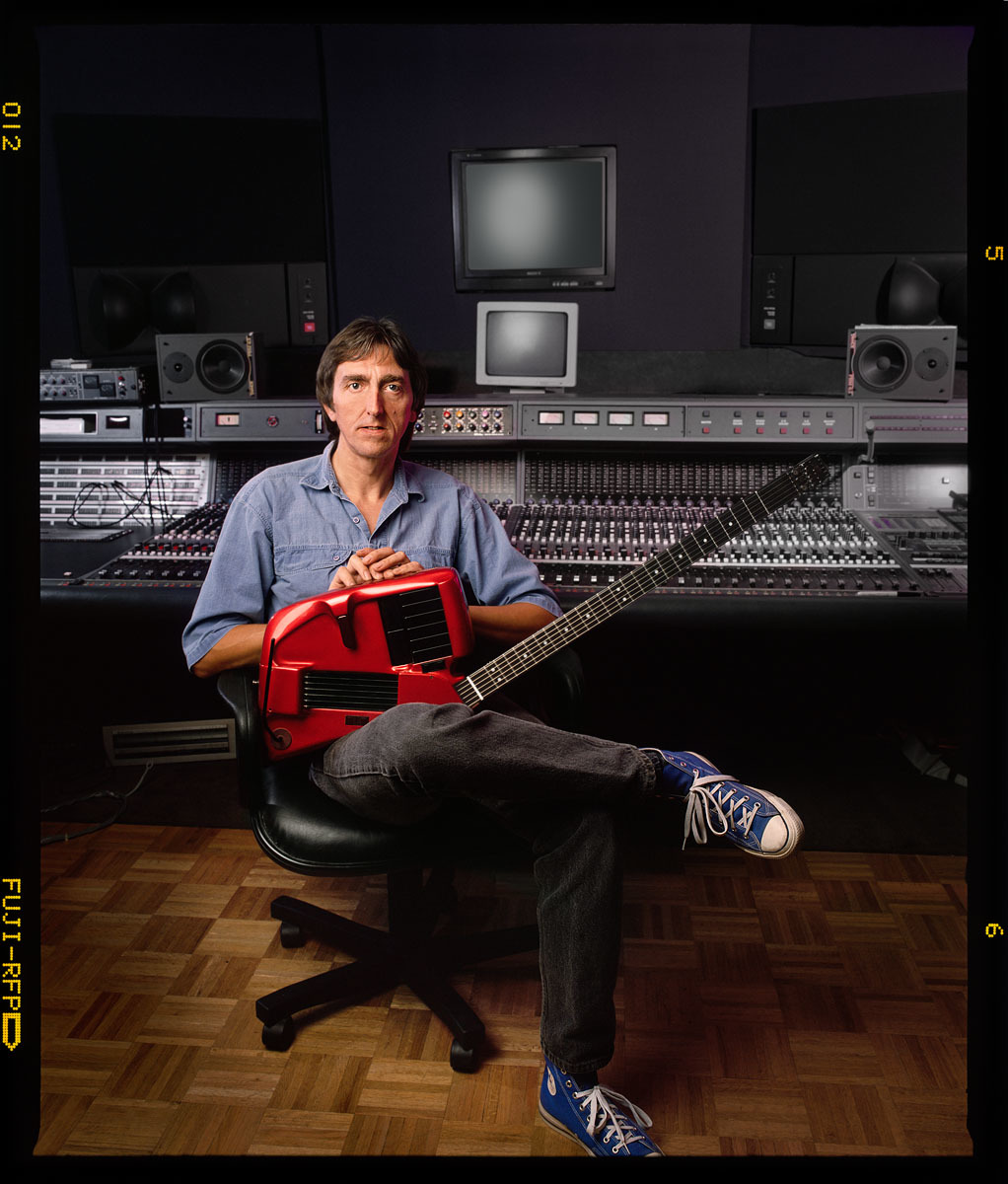
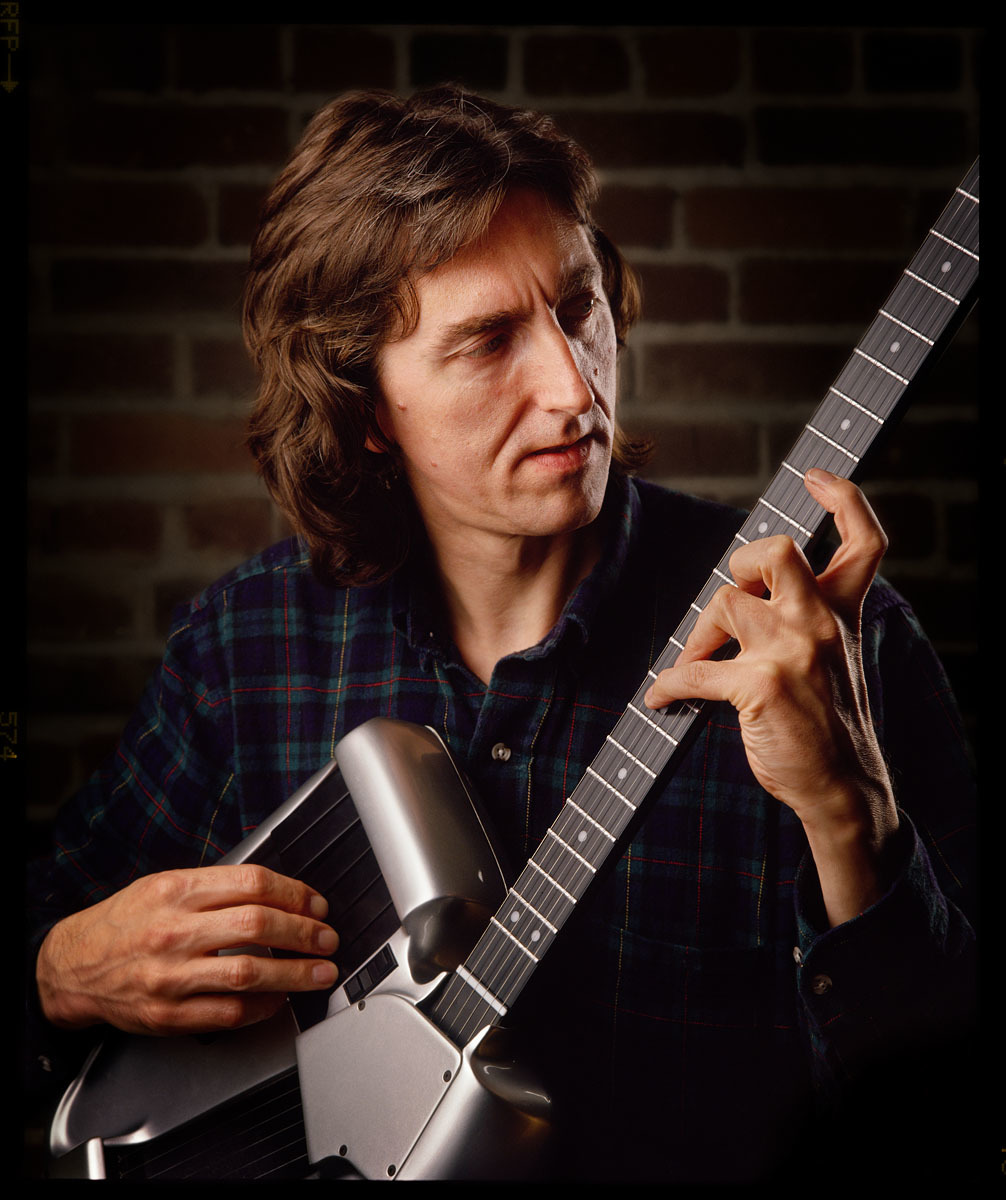
I posted these in the People section. Legendary guitarist Allan Holdsworth died last week here in Southern California. One of the most amazing musicians I've come into contact with taking the guitar way beyond normal musicians. Here he's with his Synthaxe guitar synths, of which only about a hundred were built. I shot Lee Ritenour with one as well. These were shot on an RZ67 with Fuji RFP.