kwoodard wrote:
Got a link on how to do this? Do you have to use those specific filters? (I haven’t used my filters in years, I don’t remember the numbers)
Most of my research when I started pointed to those filters. I chose the Tiffen ones because they were available from B&H in 52mm filter size and not ungodly expensive. I think if you have a slightly different but not exact combination, you might get get different color separation (or color casts), but the #25 Red, #58 Green, and #47 Blue set has worked well for me so far. You can always experiment with what you have and adjust to taste in digital post-processing. I combine the images in GIMP, but do some processing Lightroom.
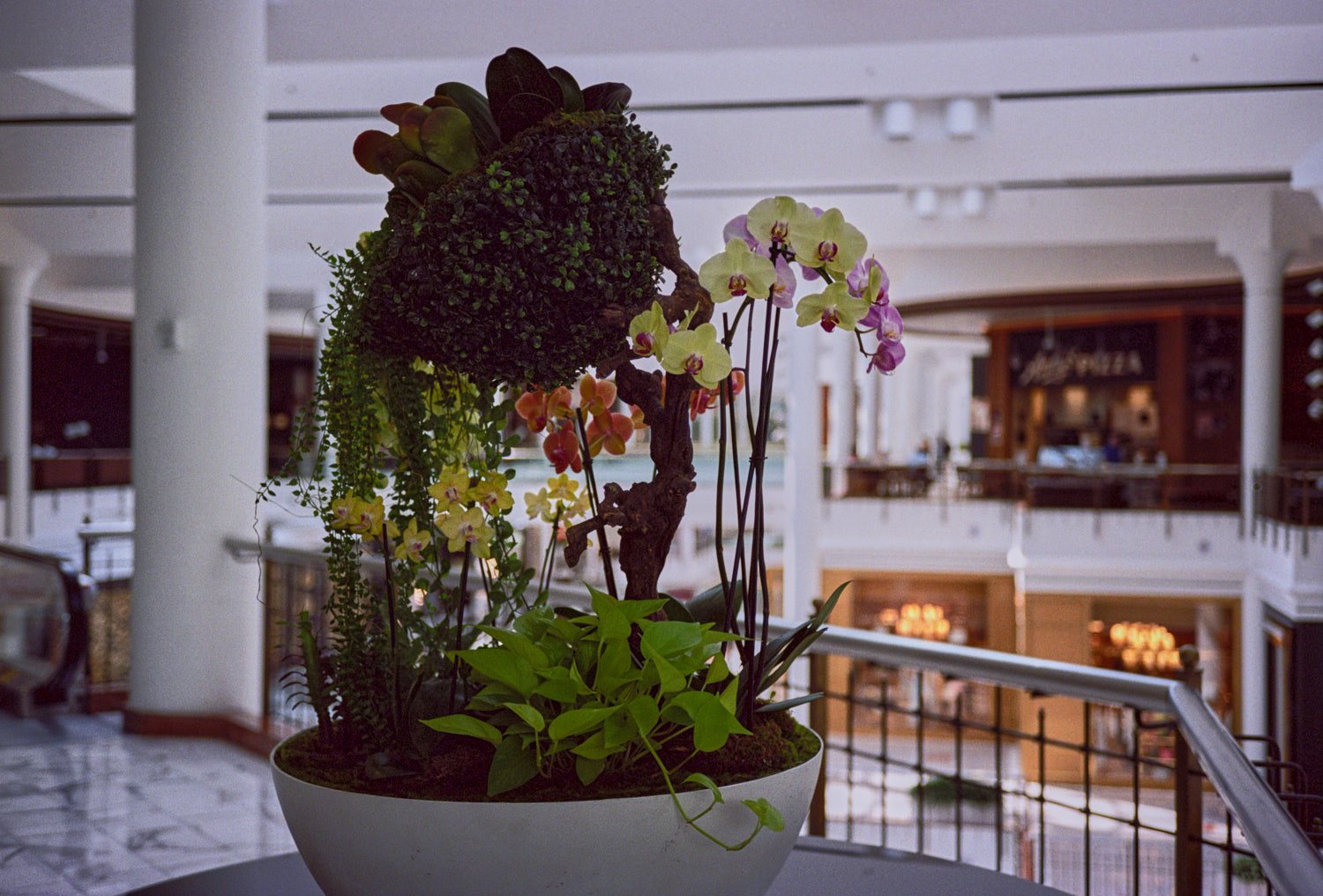
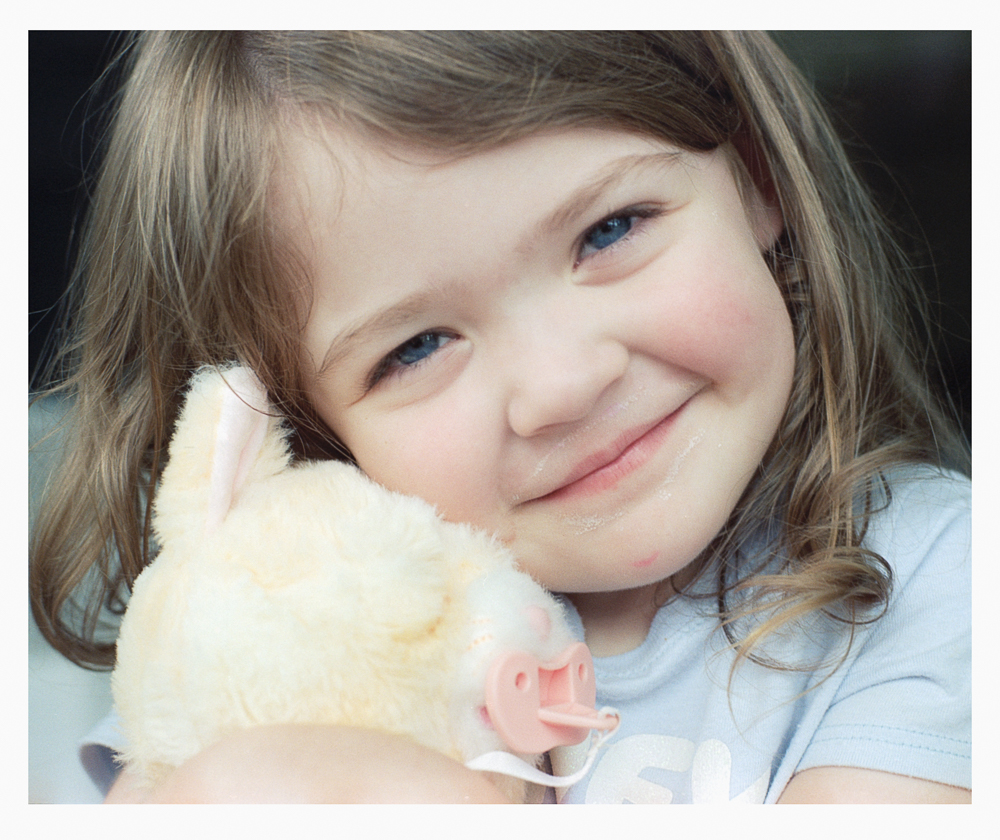
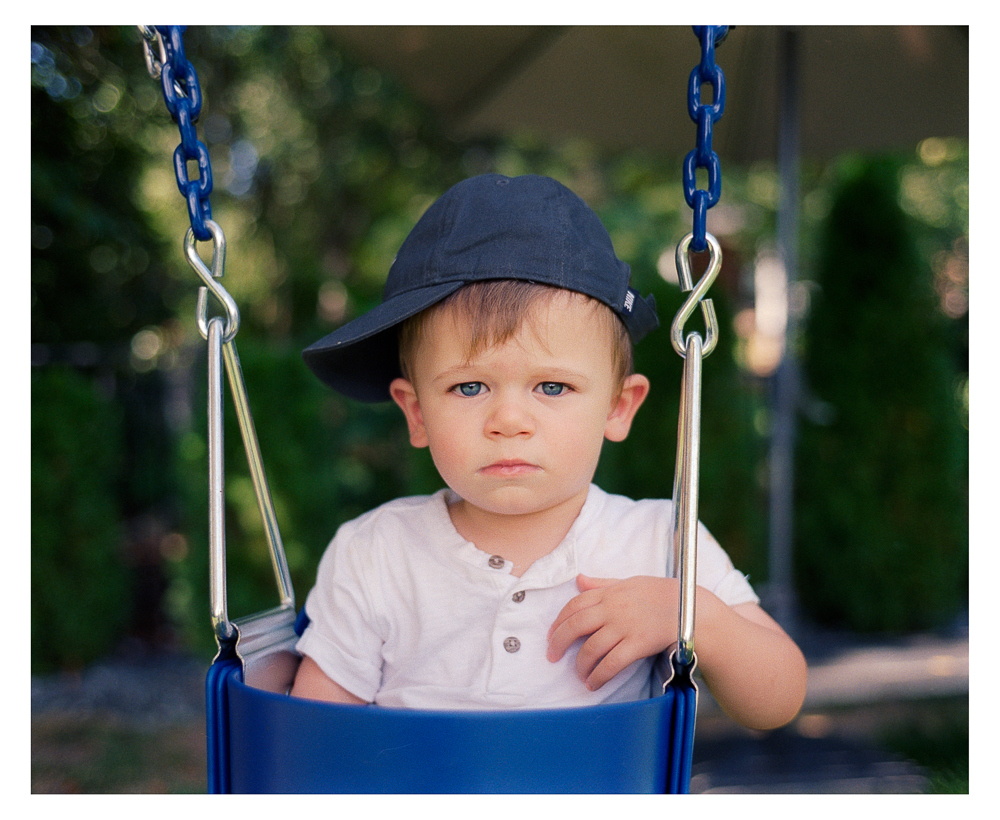
Kodak Aerocolor IV 2460 on Minolta XD, MC Rokkor 35/1.8 lens. I shot this roll at ISO 80 as an experiment and think I'll keep shooting it that way. It's already overexposed at ISO 100, since the film's native ISO is 125, but 80 seems like a sweet spot when you're shooting in shade or an overcast day.
bjhurley wrote:
Kodak Aerocolor IV 2460 on Minolta XD, MC Rokkor 35/1.8 lens. I shot this roll at ISO 80 as an experiment and think I'll keep shooting it that way. It's already overexposed at ISO 100, since the film's native ISO is 125, but 80 seems like a sweet spot when you're shooting in shade or an overcast day.
Really nice colours here! Not a film I'm familiar with either. Expired long?
philipj wrote:
Really nice colours here! Not a film I'm familiar with either. Expired long?
Not expired at all! This film is sold under a variety of brand names: Film Washi-X, Flic Film Electra 100, SantaColor 100, and I think several others. It's respooled from Aerocolor IV 2460 which apparently is still used in aerial photography.
It can be a tricky film to scan, though, because it lacks the orange mask present in most/all other color negative films and that confuses scanners. My lab's scans often have a strong orange cast; for rescanning I find the simplest approach is to scan it as slide film and then invert it, although setting the white balance is tricky because scanning as slide film gives you a negative, which you then have to invert. But I've gotten good results that way, if a bit on the cool side. Slide film also lacks an orange mask, so by scanning it as slide you eliminate that orange cast in the scans.
You can also cross-process this in E6 as slide film, but you need to put a warming filter on your lens (81b is recommended) otherwise the photos will have a strong and ugly blue cast.
The ones I posted above are lab scans; when I pick up the negatives later this week I'll rescan a few of the ultra-orange ones in that roll.
The other technique is to scan a piece of unexposed film and use that to get the right colors in scanning software. I haven't tried that yet, but I remember that's what Huss does when he scans this film into Negative Lab Pro.
If you like super-saturated reds, this is the film for you.
philipj wrote:
Really nice colours here! Not a film I'm familiar with either. Expired long?
Here is one taken with a Leica M4, 50 2.0 Summicron V5. The film is Cat Labs 100 (Aerocolor) and developed in C-41 at a local lab. It was scanned using a Sony A7CII fitted with a FE90 2.8 Macro, Negative Supply Pro Carrier and a 5X7 Lightsource Pro. The conversion was with the Negative Lab Pro plug in for Lightroom using the Noritsu color profile. Following NLP's directions, used the eyedropper tool to select white balance from the blank space between the frames, then cropped out anything that wasn't the image. This is the result:
This was also the first full roll of color negative film I scanned using NLP. The Aerocolor is a nice film but very thin. It was fun to try but I bought some Fujicolor 200 to have on hand.