shirozina wrote:
The latest version of DPP introduced some default noise reduction which ruined the clarity. Easily seen if you flick through the RGB channels in Photoshop at 100% - the blue looks very watercolour like and softened now whereas it used to be nice and defined. I've never seen any sharpening that can't be turned off in C1, ACR or DPP btw. Color and tonal seperation in DPP are superior to all other RAW processors that I have ever used - the subtle gradients that you can get with DPP are the best reason to use it.
I don't see this in DPP, where is it said that there is a default NR? If you use the High Quality setting for display, it turns on the ability to use the NR settings on the NR tab...but the default is set to zero.
OT, the High Speed setting for display has a really poor rendering and never use that.
Wow Tariq, I am really surprised with your comparison. With my 20D, I get exactly the opposite results and have found that I can recover shadows and highlights in ACR that I absolutely cannot in DPP - highlights in particular.
This could be because of differences in how ACR handles the 5d vs. the 20D but I suspect that part of it may be you just need to practice a little more with ACR. One thing that I have noticed is that each Raw converter has its quirks and trying to use one like you've used another will not give you optimal results.
One thing that can be a little confusing with ACR is the naming conventions for the basic controls. It can kind of throw you off. Here is the way I have come to interpret/use the sliders:
- Exposure = Highlight Clipping
- Recovery = Highlight protection extreme
- Fill light = Low-midtone adjustment
- Blacks = Shadow Clipping
- Brightness = Midtone adjustment ( but when used with Exposure almost becomes High-midtone adjustment)
In v4.2 I almost never use Recovery now.
If you could make the shipping container raw file available, I would like to take a crack at it in ACR. If I get a little more time, I'll post some examples of where I have recovered highlights that were unrecoverable in DPP.
Regarding color accuracy, I would have to say that that is probably ACR's greatest weakness. Even when using the Fors and Gardner calibration scripts, it seems like the calibration protocol is just too limited to get it perfect (I think I ended up with an average Delta-E of about 2.0 the last time I tried the Gardner script).
That said, if perfect color matching is not an absolute requirement I think the ease of use of ACR and its strengths in other areas make up for the weakness. I mean I see people using Picture Styles on the new Canons and in my opinion those can jack around the colors worse than what ACR will do.
Anyway, I'm not trying to be an ACR evangelist. Everybody has their preferences for a raw converter and that's fine. I just think it takes a while working with a raw converter to understand its "logic" and to properly evaluate it.
I will make the RAW file available Sunday hopefully. I have been using ACR since it came out through all its versions and I'm very familiar with it, as well as LightRoom but I will see what more tweaking could do. Remember that I used a fairly large amount of Recovery on the ACR file just to get any detail in the container and did nothing in DPP also. When I first opened the file in ACR I was shocked at the lack of Highlight detail I saw, particularly since I expose to the left of the histogram and not the right so I really protect my highlights. Given that you had the opposite experience with a 20d, it may be down to a camera specific issue with ACR.
Here is the Raw file for anyone how wishes to play with it. You may post anything from this file here on this forum but of course this image is copyrighted and no other use is granted, not that you would want to use it anyway I think its restricted to about 75 downloads for the next 7 days. http://www.yousendit.com/transfer.php?action=download&ufid=630620550E353B8A
Here is another side by side with DPP on the left and ACR 4.2 on the right after some extreme underexposure and fill light tweaking. This is definately closer but you loose some micro contrast and the image begins to looked washed out with ACR, though its more neutral compared to the somewhat over the top color of DPP. Notice the nasty jaggies from the ACR version on the diagonal lines between the containers. This is not the first time I have seen this with ACR. http://www.gibranstudio.com/Container.jpg
You can adjust the color in DPP no problem, with precision too. Also I find with DPP, the converted TIFF has great detail when you drill down into the file, excellent quality and my tests are the same as yours, not just a little better, but quite a bit. It is especially noticable when enlarged and printed. I'm not saying the other converters are not good, just not as good.
Shane Canfield wrote:
You can adjust the color in DPP no problem, with precision too. Also I find with DPP, the converted TIFF has great detail when you drill down into the file, excellent quality and my tests are the same as yours, not just a little better, but quite a bit. It is especially noticable when enlarged and printed. I'm not saying the other converters are not good, just not as good.
I will definitely be spending more time in DPP and learning its ins and outs. Adobe appears to have decided that speed is more important than ultimate quality for their RAW converter as DPP is slower than ACR, at least as regards a Canon 5D file.
DPP is the best, I mentioned this from time to time when people complain about Canon colours. I downloaded CS 3 recently and I found the b/w tool was quite nice, I still prefer DPP though. Very happy with the basic controls of it though I would like to have more possibilities from time to time.
A mayor DPP bug for me is that it renames/encripts the files when sending the picture to PS.
Andy, are you using the mono conversion in DPP too? ...it is under picture styles. You get a Filter effect and Toning affect if you want it along with the contrast, etc. I've found it makes very sharp conversions and you can tweek it even more with RGB tab...the changes are lossless of course.
I just don't like the interface of DPP. Working with Lightroom or C1Pro is just so much easier, faster, more convenient and offering more editing possibilities.
But I guess that now also I'll delve deeper into DPP, and try to find a workflow that suits me.
I've been looking for the one-stop shot start to finish Raw to Jpeg solution...several things work. You can go Lightroom, C1, even Bridge/ACR/CS3 is an option. I just prefer the DPP conversion over the others and not willing to give up the extra bump in that step. Agree the interface is a clunky and does not have that polished Adobe look. The Ugly Duckling story.
But I use batch for most stuff, which would do with the other programs too...so in the end, I don't consider it a big deal because no matter what I do, I live in batch.
Others disagree of course...and many poeple have found the C1 solution perfect for start to finish for years now. Lightroom is getting more and more converts. I will say Lightroom is the only major brand converter I have not tried, but my guess is it uses the same conversion engine as ACR so the results would be similar.
But adding DPP does change the workflow and that can be a big turn-off...not wild about that aspect either.
This intrigues me, since I often complain about Canon coulours!
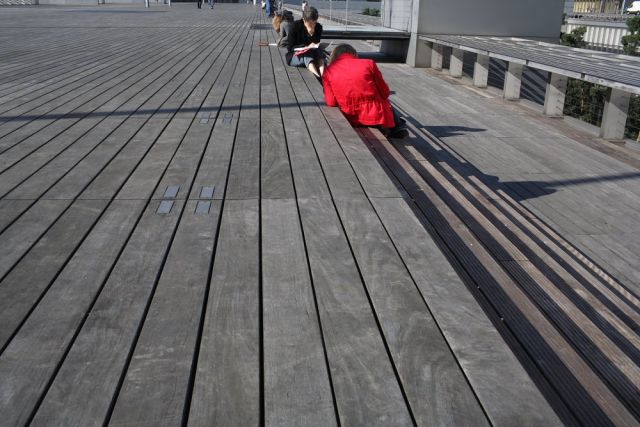
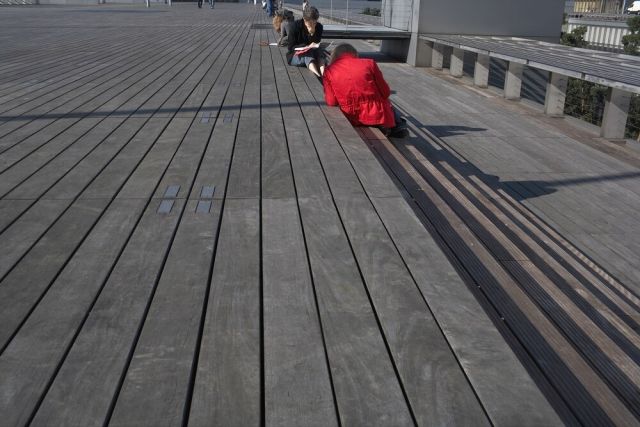
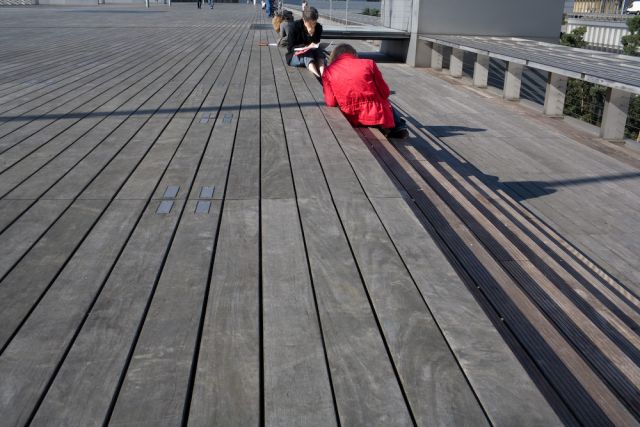
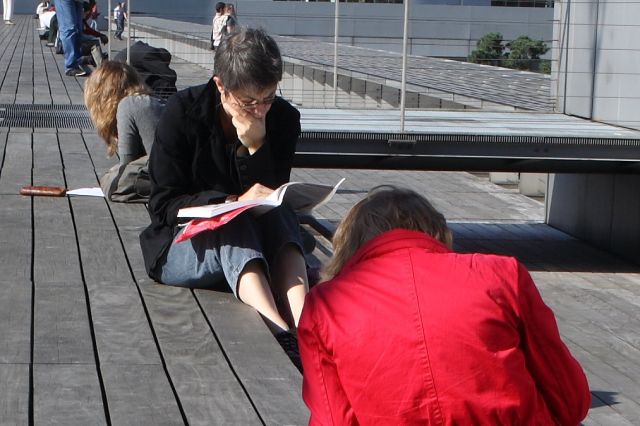
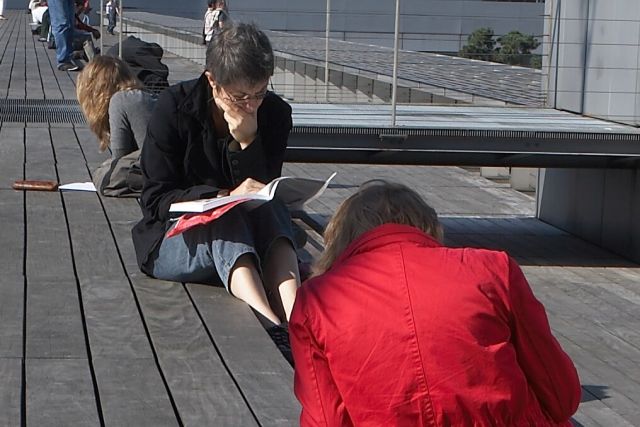
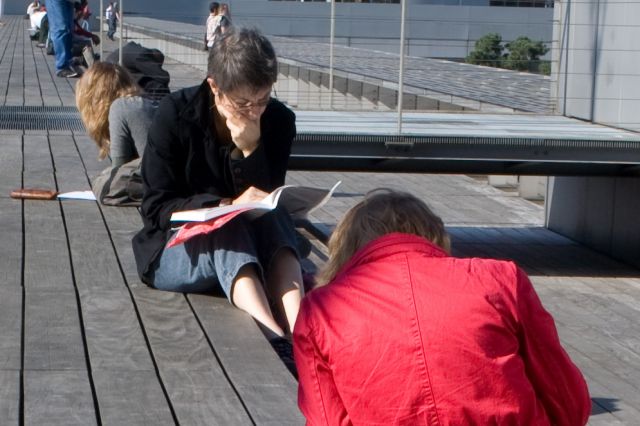
So I took a particularly offending shot. One that made want to switch back to Nikon. Nothing special about this haphazard shot, except a person wearing a red, red, red jacket. The kind of red Canon sensors love! or hate! It's shot with a 35L. I processed it three times, with Lightroom 1.2, DPP 3.02, and Capture One Pro 3.73. No editing whatsoever, default settings and in camera white balance on each one. First, the whole shot, then a 100% crop:
A lot of errors should be in there: confusion about downssampling, color profiles, etc. But the results seem pretty obvious to me. DPP colour is pretty bad, but LR maybe worse. LR really astonished me with the lack of detail in the blonde girls hair. Overall best deal still seems to be C1. Then again, editing these shots would change a lot of things, and while the default conversion of LR seems the worst, it offers more editing possibilities than any of the other two.