New to the forum
p.1 #1New to the forum
Hello everyone! I'm new to the forum and looking for instructions on how to upload photos. I tried to post photos on the Sports forum but wasn't able activate the upload file option. Is there a waiting period before a new member can post photos? Can anyone help me? Thank you
Sep 04, 2026 at 06:26 PM
p.1 #2New to the forum
Your Upload & Sell: Off
You must pay for Upload & Sell first or host the files elsewhere. Did you pay and not get activation yet?
EBH
You must pay for Upload & Sell first or host the files elsewhere. Did you pay and not get activation yet?
EBH
Sep 04, 2026 at 06:42 PM
p.1 #3New to the forum
Thanks for the reply EBH! I appreciate it. I did not know I had to pay to post photos. I will do that now. You said, "host the files elsewhere". Does that mean leave a link to another site to view the photos?
Sep 04, 2026 at 07:15 PM
p.1 #4New to the forum
Yes, you can link images for example from your own website.
EBH
EBH
Sep 04, 2026 at 09:15 PM

p.1 #5New to the forum
I believe you can post from most photo websites, Flickr, Pbase,...........it has been a very long time since I did that so I could be wrong.
"EB" is always "on top" of happenings here on FM so he can direct us both if I have mis informed you.
WELCOME!
Get posting ASAP!
Dan
"EB" is always "on top" of happenings here on FM so he can direct us both if I have mis informed you.
WELCOME!
Get posting ASAP!
Dan
Sep 05, 2026 at 09:18 AM
p.1 #6New to the forum
Danpbphoto wrote:
I believe you can post from most photo websites, Flickr, Pbase,...........it has been a very long time since I did that so I could be wrong.
"EB" is always "on top" of happenings here on FM so he can direct us both if I have mis informed you.
WELCOME!
Get posting ASAP!
Dan
You're right, Dan, about posting from Flickr. That's what I do and it works well.
I believe you can post from most photo websites, Flickr, Pbase,...........it has been a very long time since I did that so I could be wrong.
"EB" is always "on top" of happenings here on FM so he can direct us both if I have mis informed you.
WELCOME!
Get posting ASAP!
Dan
You're right, Dan, about posting from Flickr. That's what I do and it works well.
Sep 05, 2026 at 03:10 PM
p.1 #7New to the forum
IT was the "Labor Day" holiday.......Fred needed a rest! 
Now let's get a postin'!
Dan
Now let's get a postin'!
Dan
Sep 08, 2026 at 09:09 AM
|
p.1 #8New to the forum
I just learned how to do this without paying.
I used Flickr. Click the arrow (share icon) on your photo and use "BBCode". It will give you a long string of text and then copy that info and just paste it in your reply. It will look weird but when you hit post it will link your photo and even pull the photo into the thread!
I used Flickr. Click the arrow (share icon) on your photo and use "BBCode". It will give you a long string of text and then copy that info and just paste it in your reply. It will look weird but when you hit post it will link your photo and even pull the photo into the thread!
Sep 09, 2026 at 12:42 PM
p.1 #9New to the forum
FurtiveSycophant wrote:
I just learned how to do this without paying.
I used Flickr. Click the arrow (share icon) on your photo and use "BBCode". It will give you a long string of text and then copy that info and just paste it in your reply. It will look weird but when you hit post it will link your photo and even pull the photo into the thread!
There is a "sticky" about posting from Flickr that has been on the forum for many, many years!
Dan
I just learned how to do this without paying.
I used Flickr. Click the arrow (share icon) on your photo and use "BBCode". It will give you a long string of text and then copy that info and just paste it in your reply. It will look weird but when you hit post it will link your photo and even pull the photo into the thread!
There is a "sticky" about posting from Flickr that has been on the forum for many, many years!
Dan
Sep 10, 2026 at 10:02 AM
p.1 #10New to the forum
I found old instructions that indicate you just need to put the URL from a website server. I just tried this in a test message, using the URL of an image from my website, and instead of the image appearing in the message, only the URL appeared?
What am I doing wrong?
What am I doing wrong?
Oct 25, 2026 at 09:20 PM
p.1 #11New to the forum
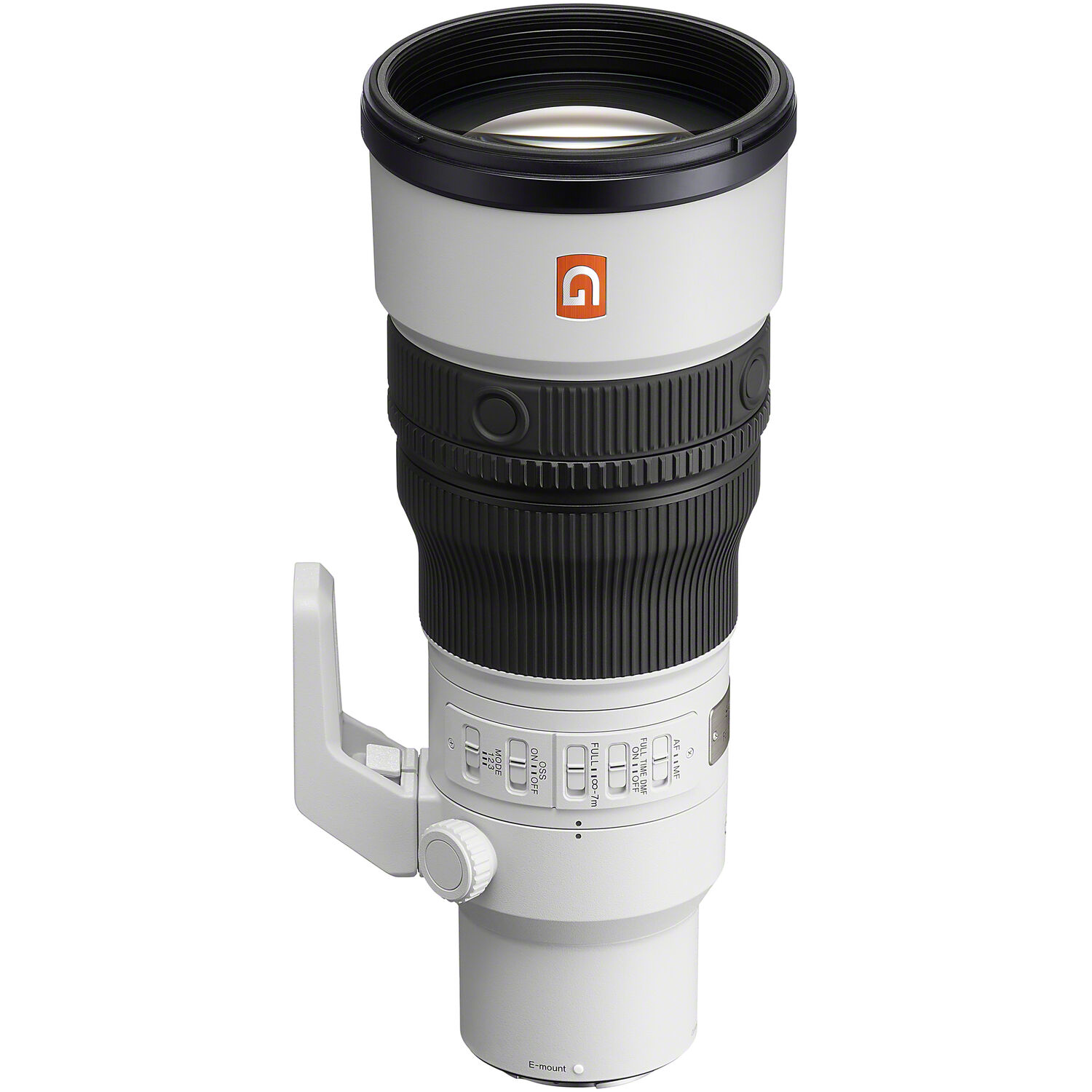
I just posted this link from the BH. You need to link to the file itself, not the page. I'm not sure what all types other than PNG and JPG are acceptable.
EBH
EBH
Oct 25, 2026 at 09:29 PM

p.1 #13New to the forum
Edited on Oct 28, 2026 at 02:26 PM · View previous versions
Oct 28, 2026 at 02:23 PM
p.1 #14New to the forum
KMSlandscape wrote:
I found old instructions that indicate you just need to put the URL from a website server. I just tried this in a test message, using the URL of an image from my website, and instead of the image appearing in the message, only the URL appeared?
What am I doing wrong?
You have to use the BB code.
For details, ask Google: "Smugmug how to get the bb codes"
I found old instructions that indicate you just need to put the URL from a website server. I just tried this in a test message, using the URL of an image from my website, and instead of the image appearing in the message, only the URL appeared?
What am I doing wrong?
You have to use the BB code.
For details, ask Google: "Smugmug how to get the bb codes"
Oct 28, 2026 at 02:25 PM