p.1 #1 · Anyone having this issue with their Sony A7RVI in Lightroom?
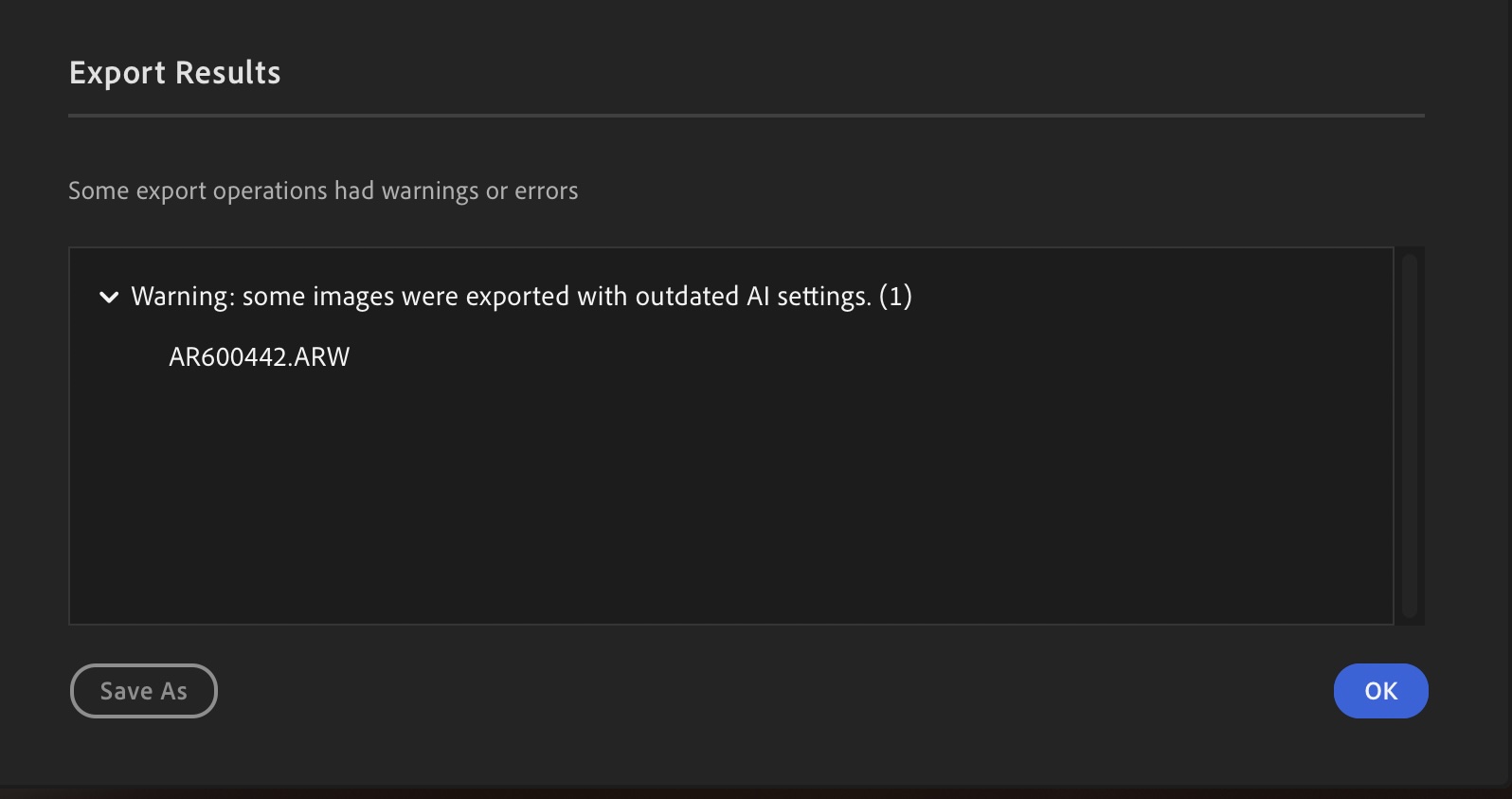
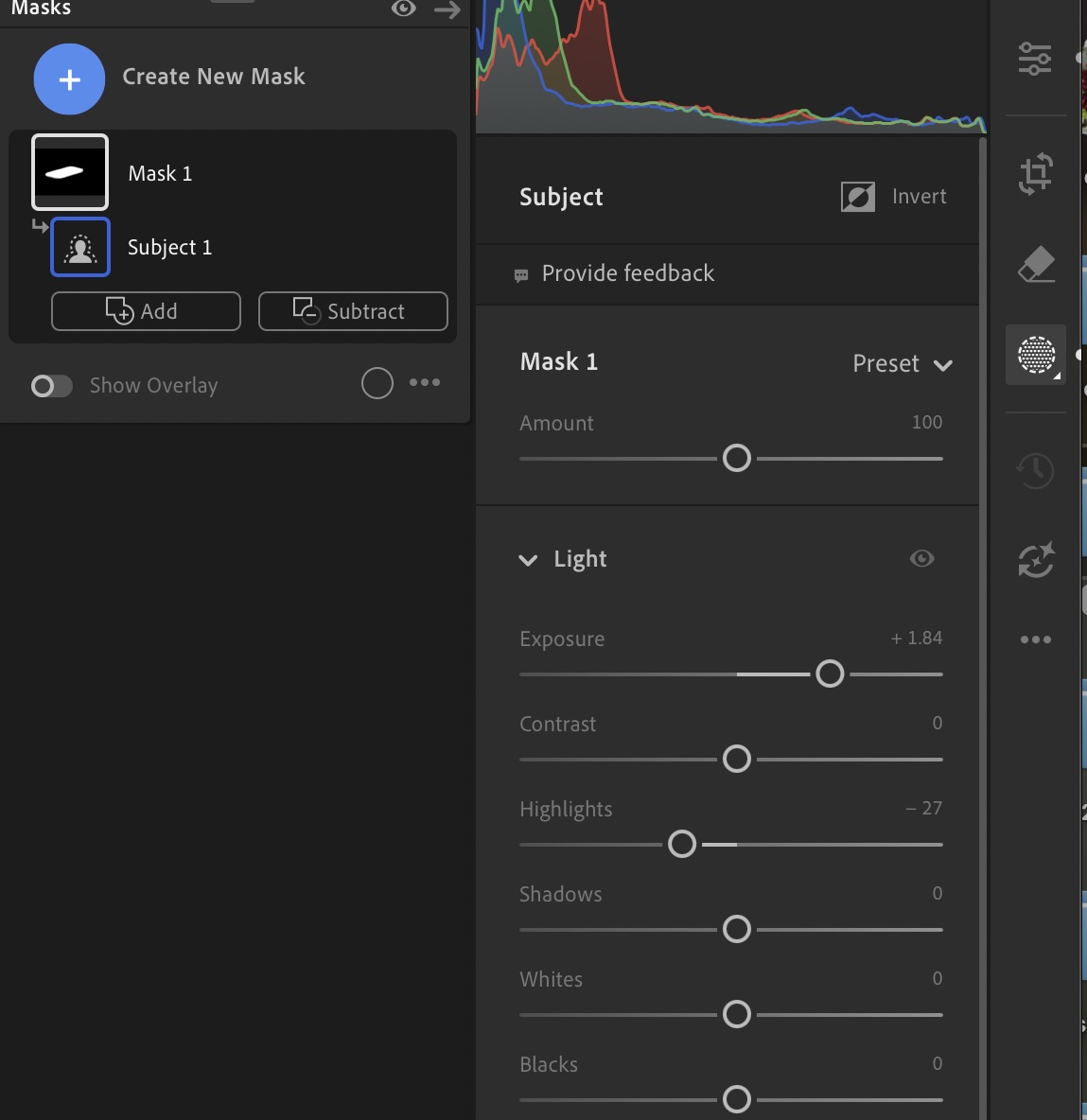
I received my new Sony A7RVI and shot some photos with it. While working in Lightroom desktop, I am getting this error below on the latest Desktop Mac version of Lightroom even though there are no AI settings to update on my files (have tried all the ways to update them and there is no yellow flag to indicate any anyway). The files are coming from the new Sony A7RVI in any of the raw formats, it doesn’t matter which one I do. Once I add a mask to the image (adding a mask seems to be key for the error to occur on export), the error message below will occur when the completed edited file is exported from Lightroom. It does not happen with JPG's straight out of the camera.
I have tried tech support several times and they tell me it doesn’t matter, as the file is being updated, but I don’t want the continual error message. This doesn’t happen with my other Sony or Nikon cameras. It also happens on my wife’s Mac also, so I don’t think it is computer specific. Curious if anyone else with a Sony A7RVI is having this same issue in Lightroom? It is a strange one unless it is some type of Lightroom bug others are having with the new camera files.
Warning: some images were exported with outdated AI settings. (1)