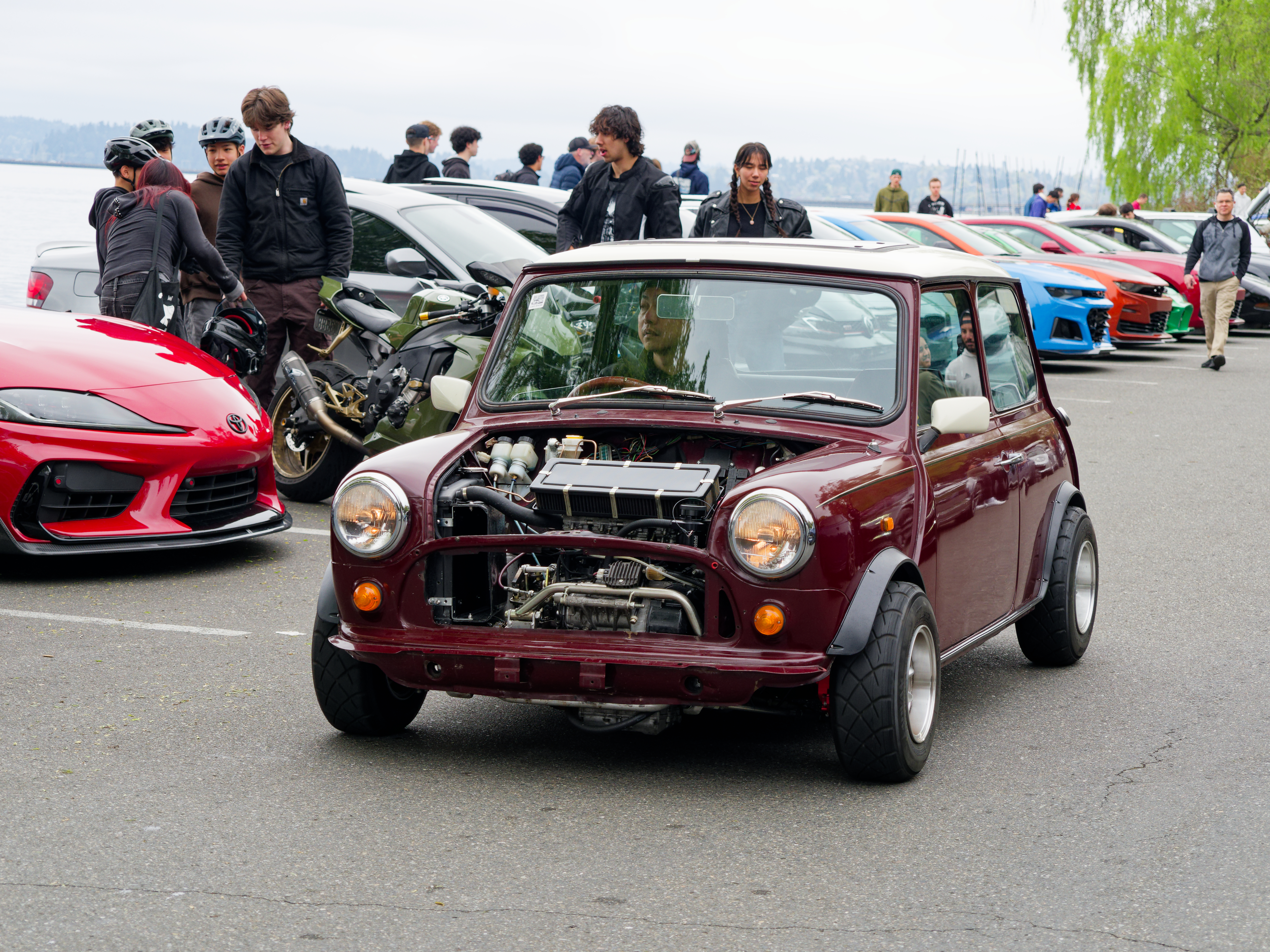
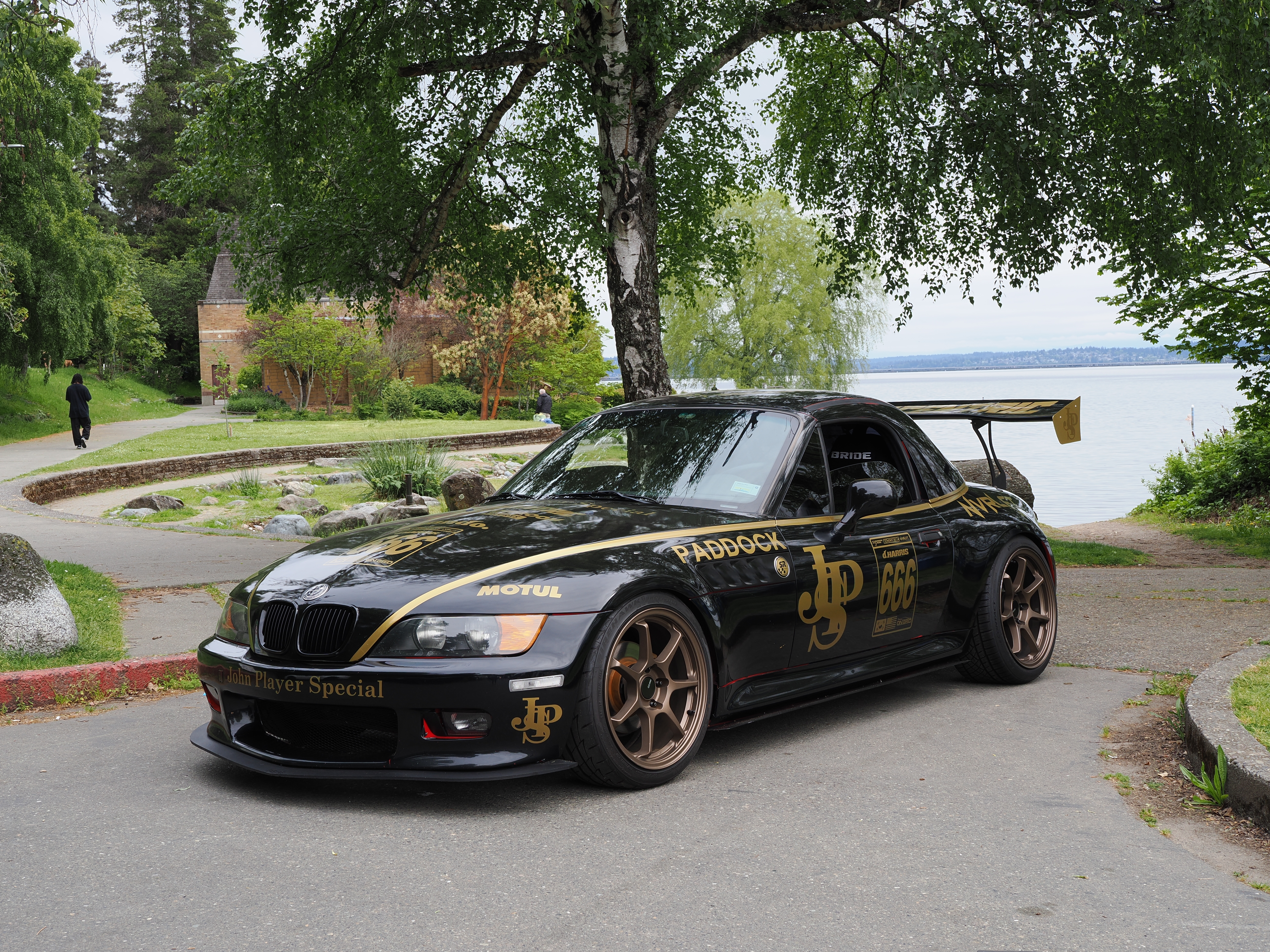
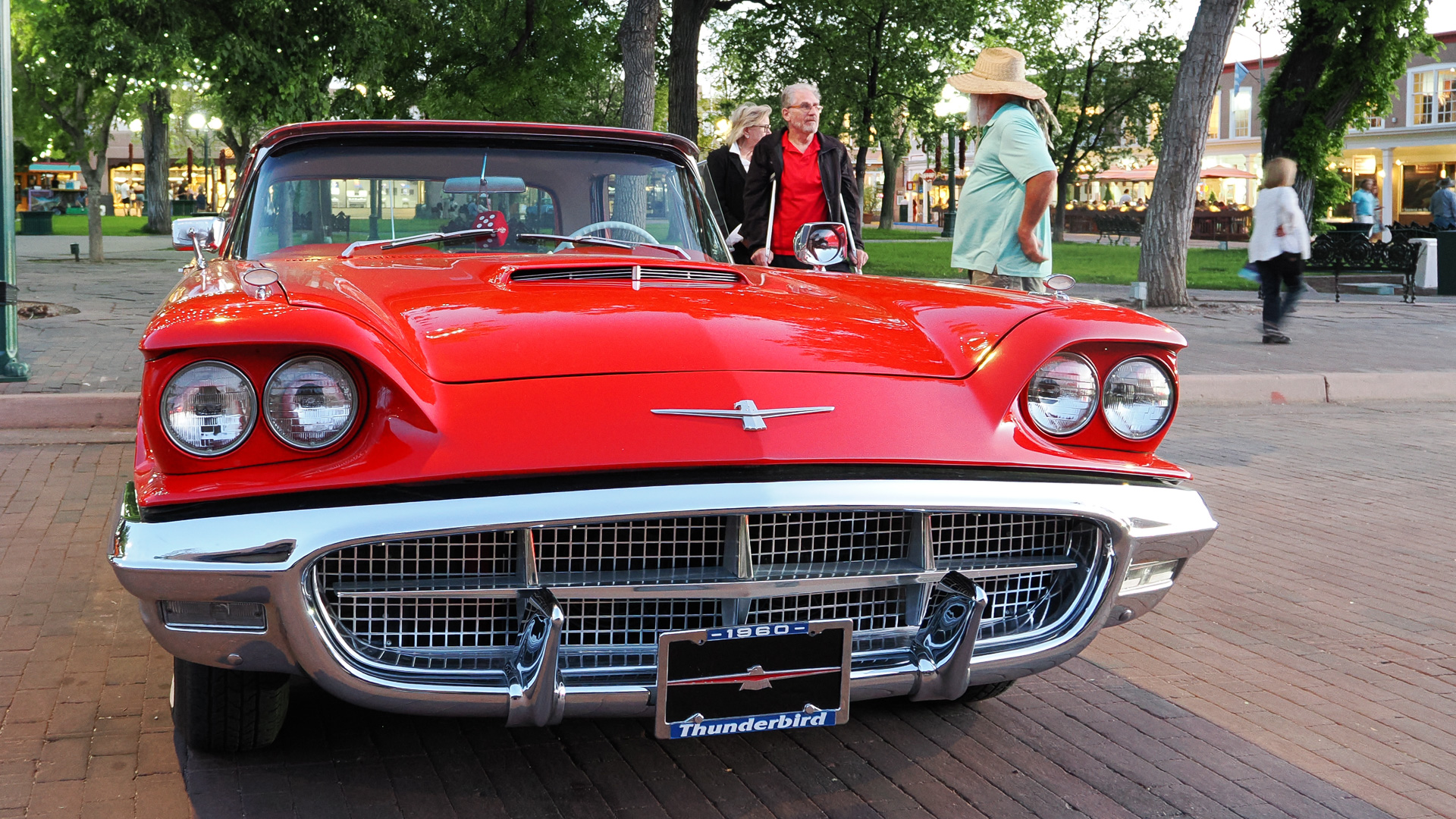
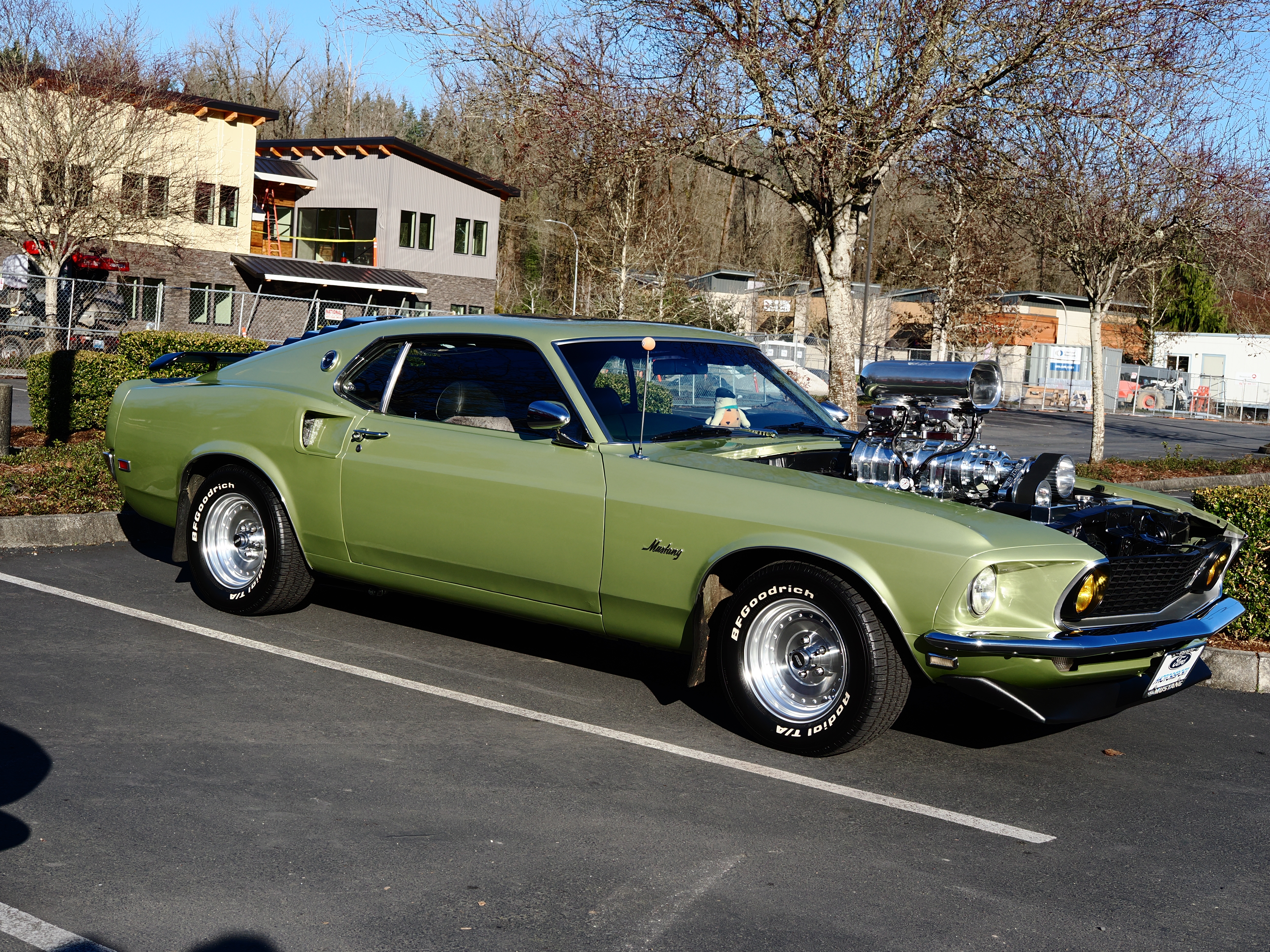
liggy wrote:
Nice! I'm still trying to diagnose a misfire in my S2000. Driving me nuts. I live really close to the LW location.
Would be fun to go again.
Come by there! Plenty of S2000s there. You might get some help from other owners
Vesperene wrote:
Come by there! Plenty of S2000s there. You might get some help from other owners
Thanks! Frustrating.
New plugs. New coil packs. Replaced MAP sensor. Dumped some Seafoam fuel treatment. So far it’s better but not fixed.
I’m reaching the limit of my wrenching abilities. Might be a vacuum leak or possibly a dirty injector. If taking the injectors out and having them serviced doesn’t do it - gonna have to take it to a mechanic. grrr….
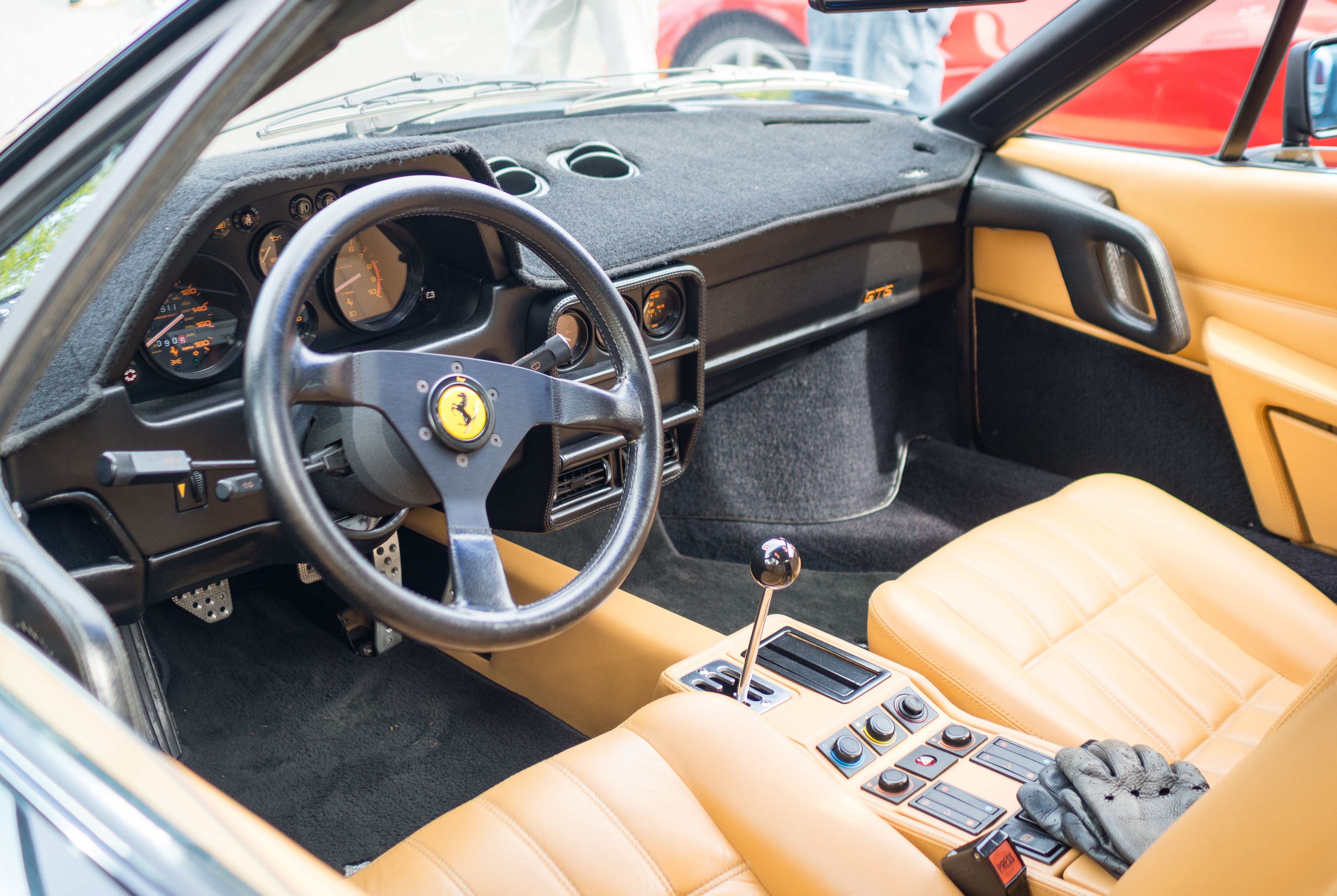
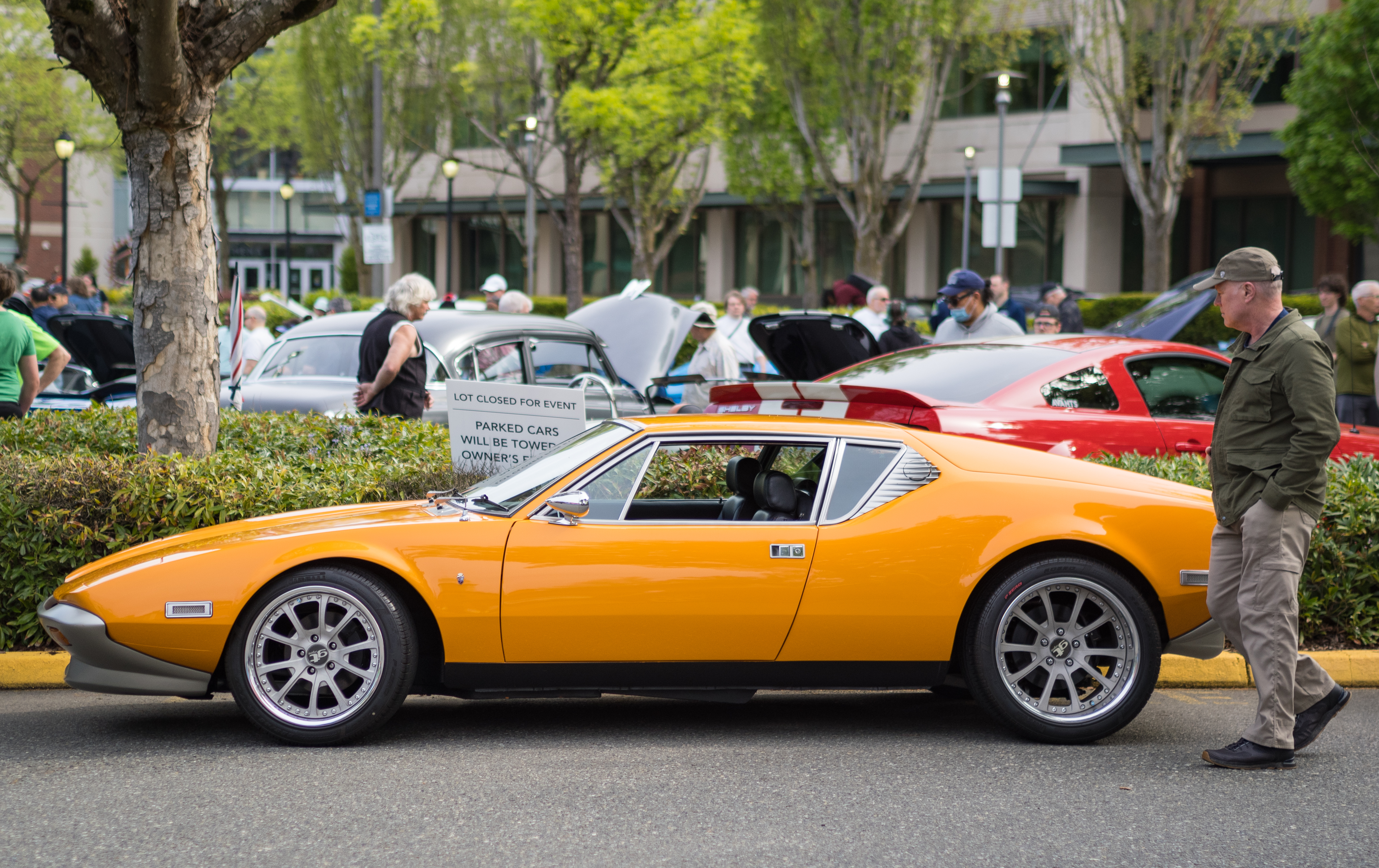
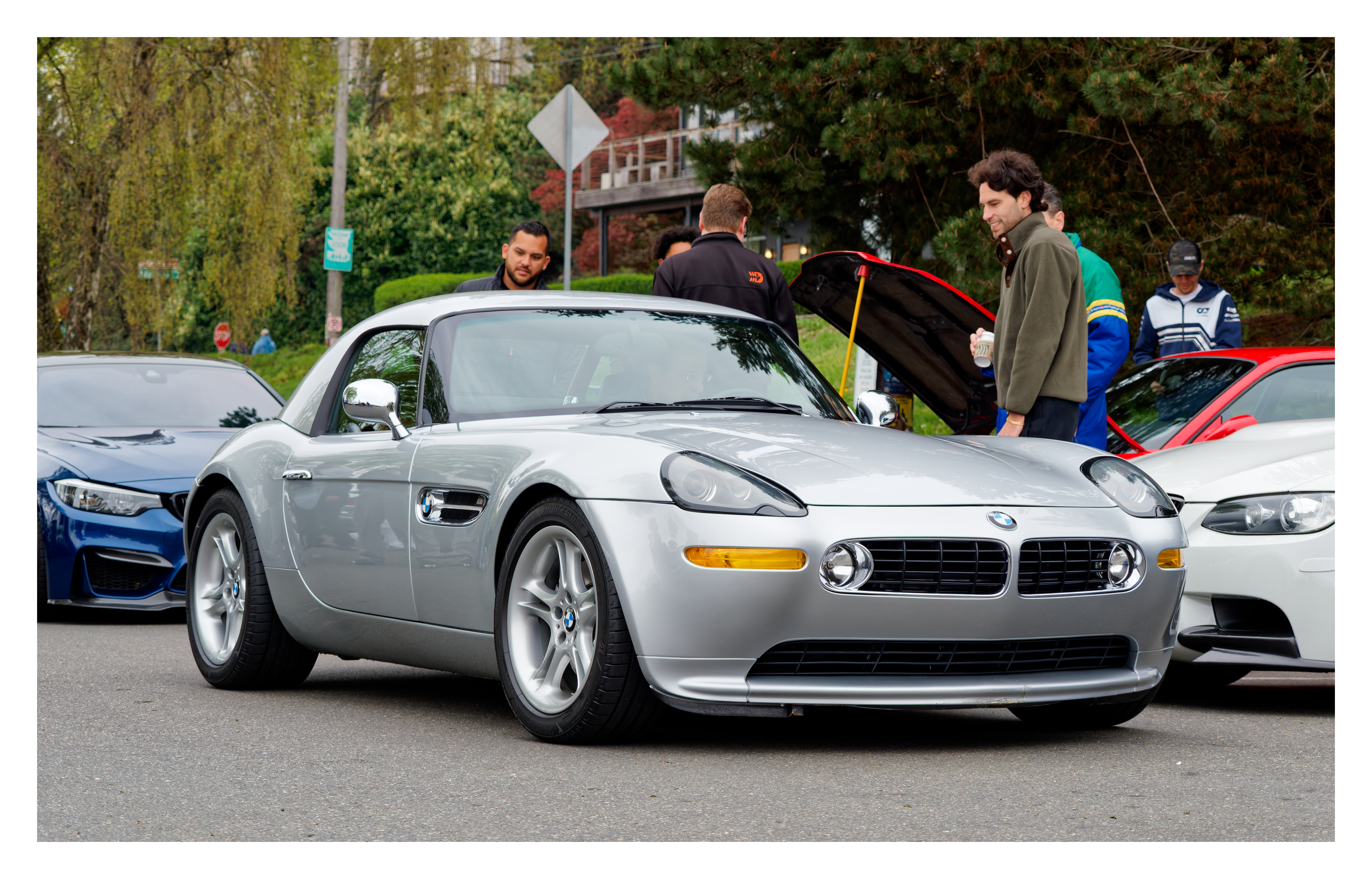
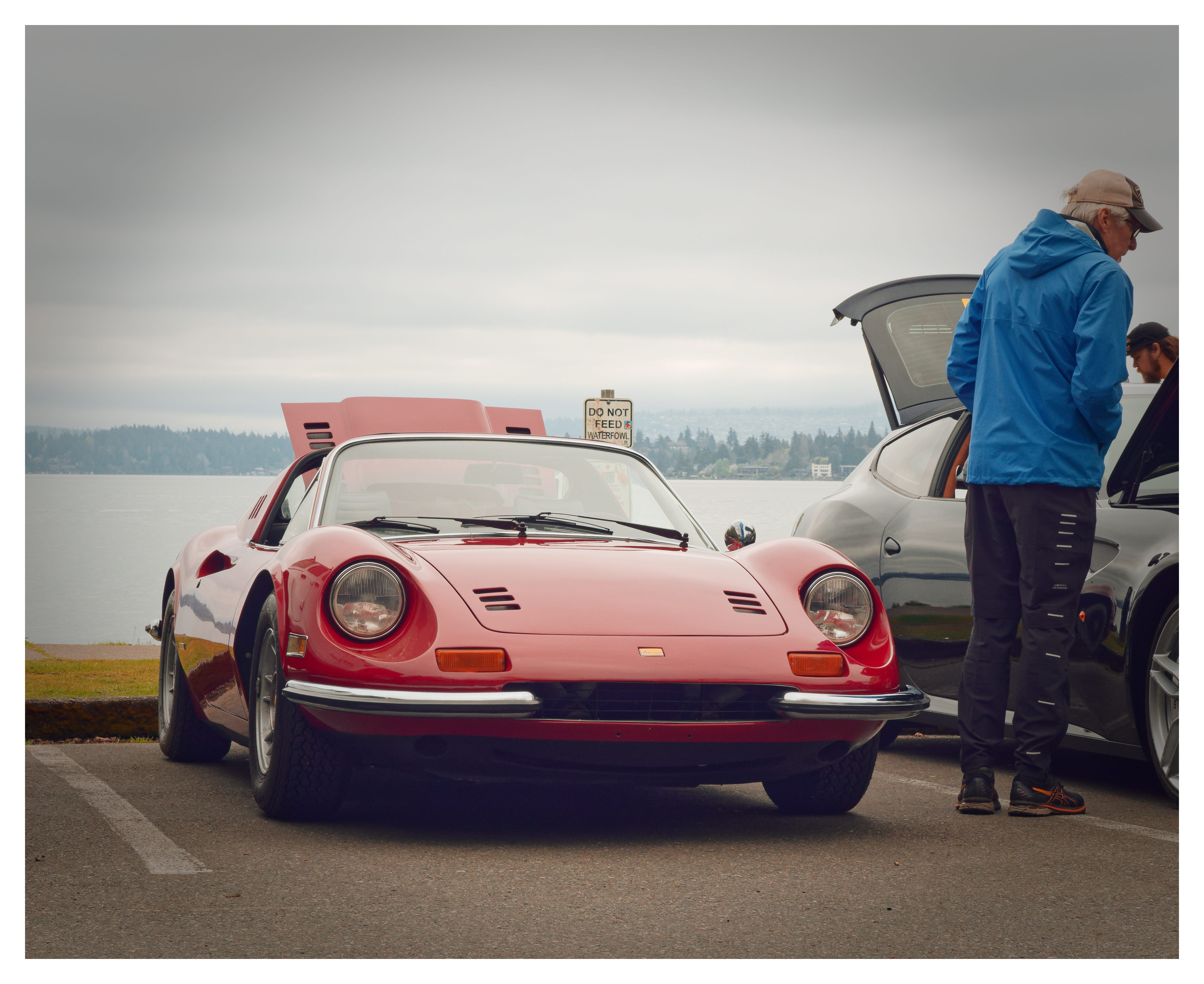
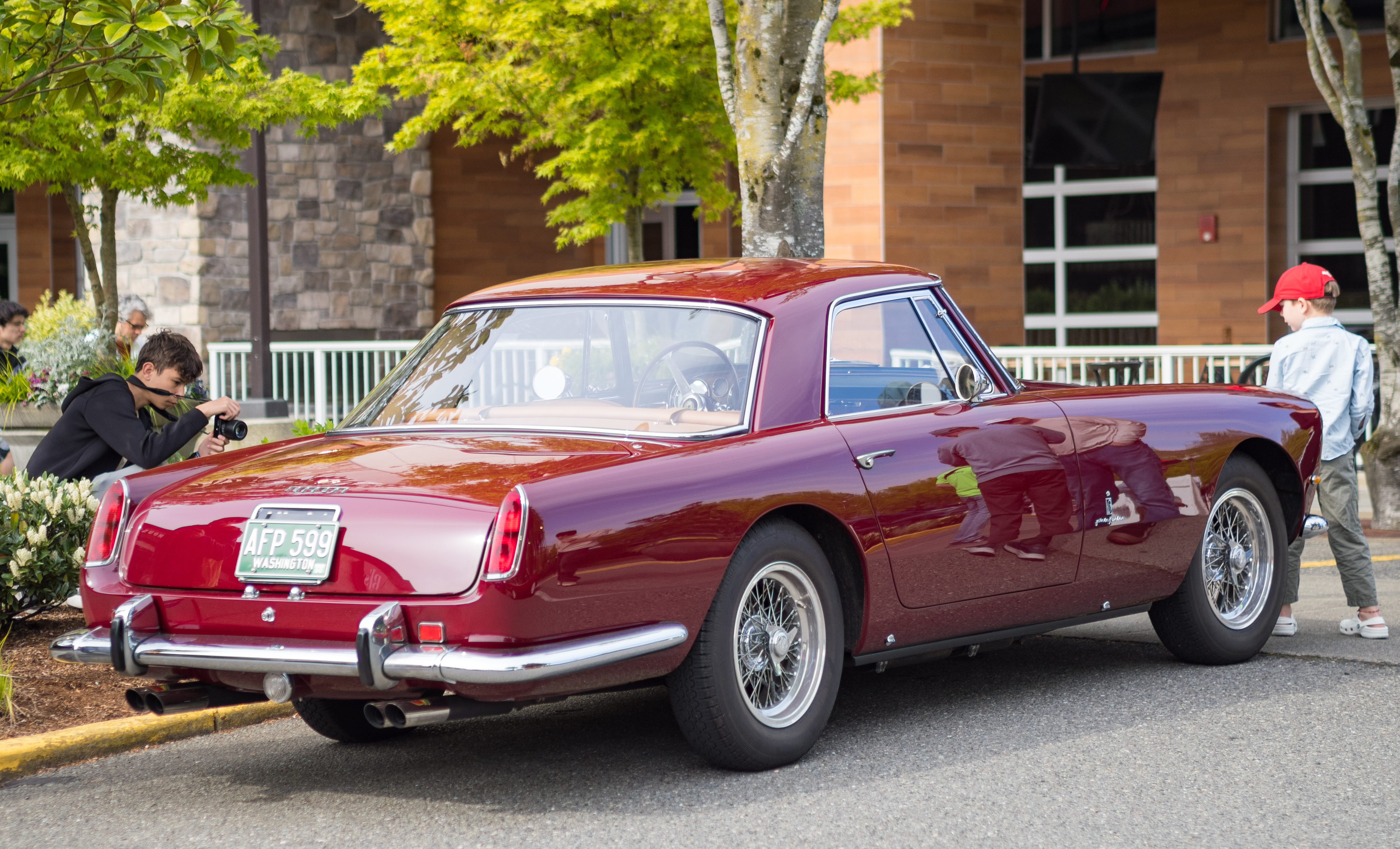
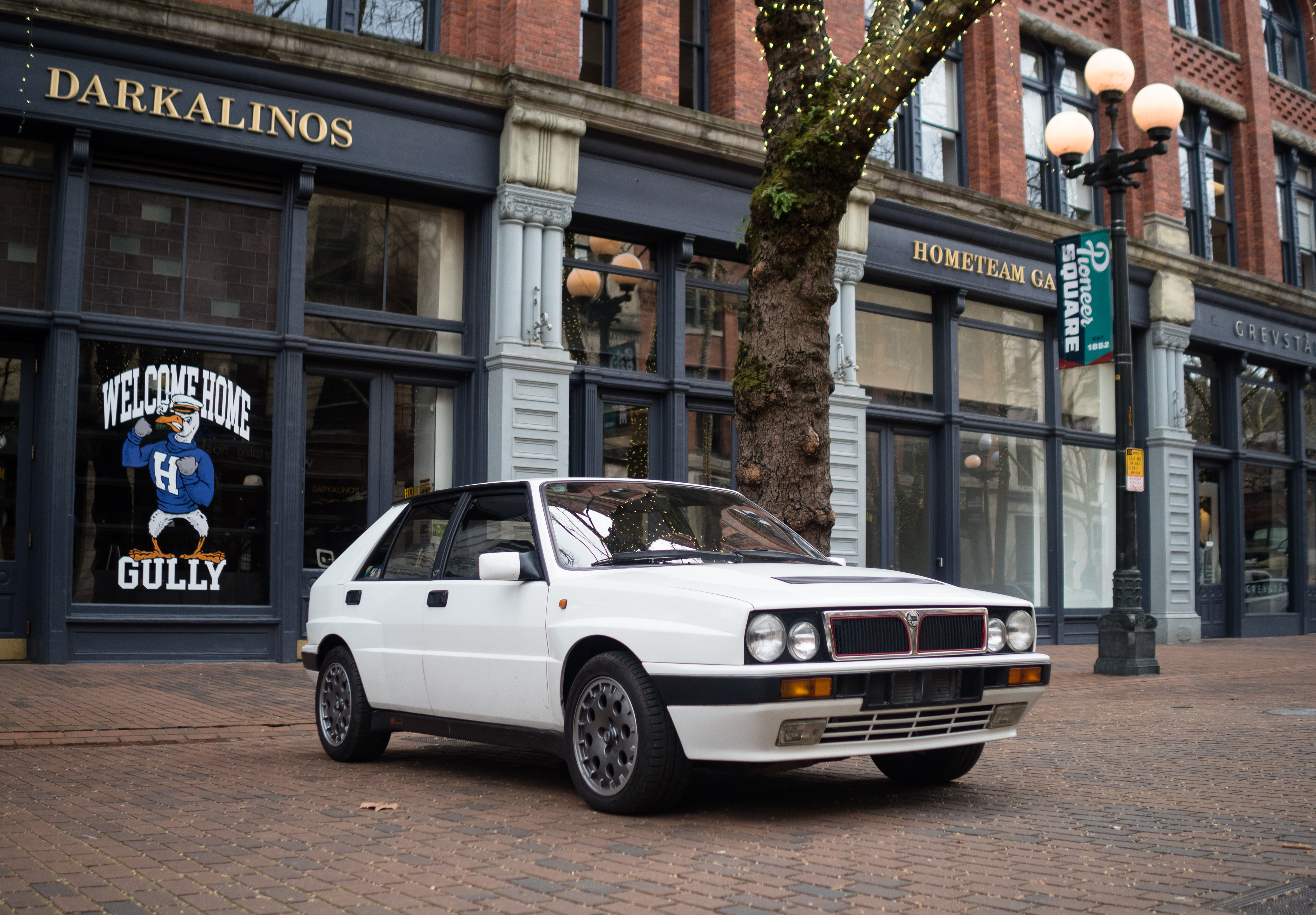
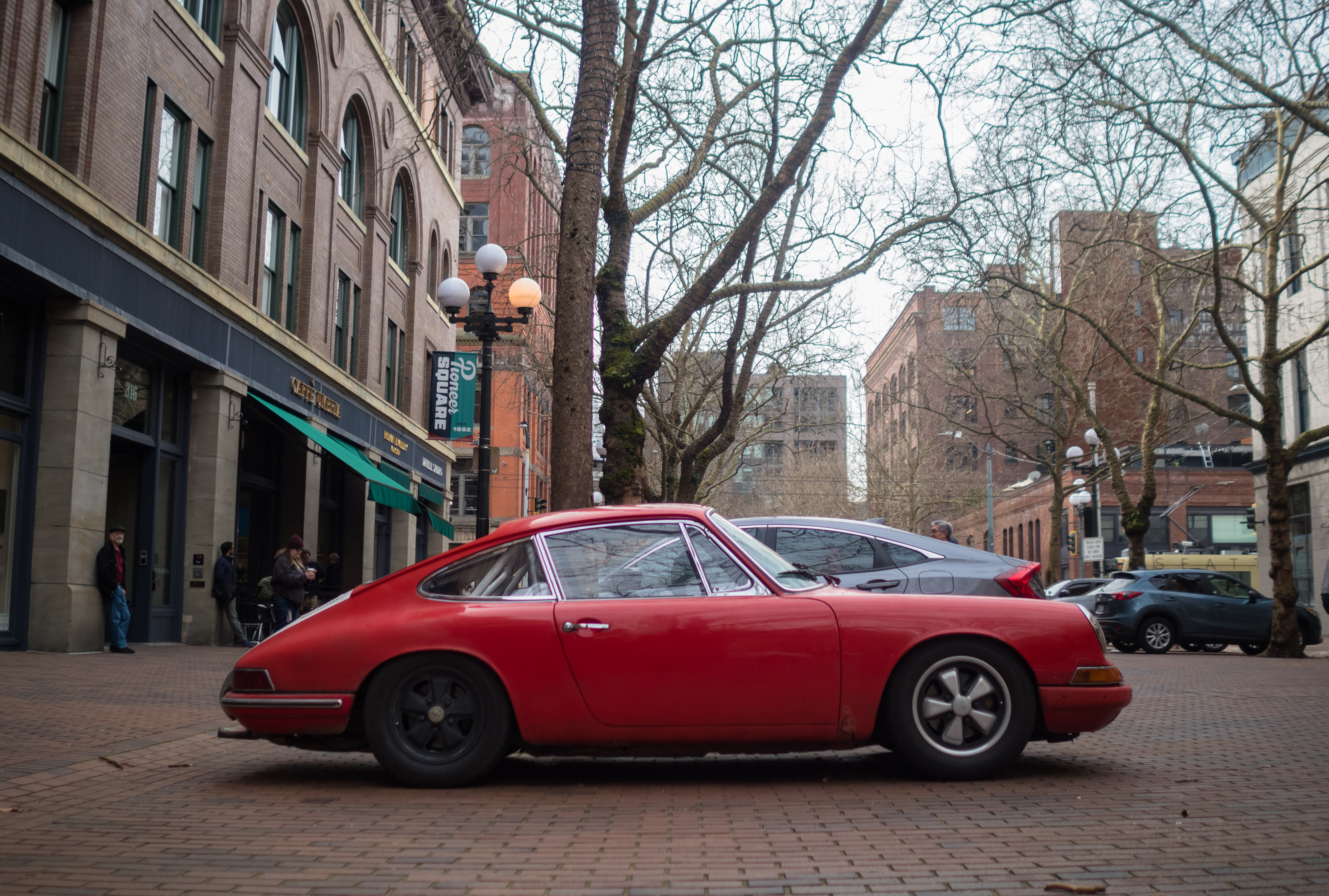
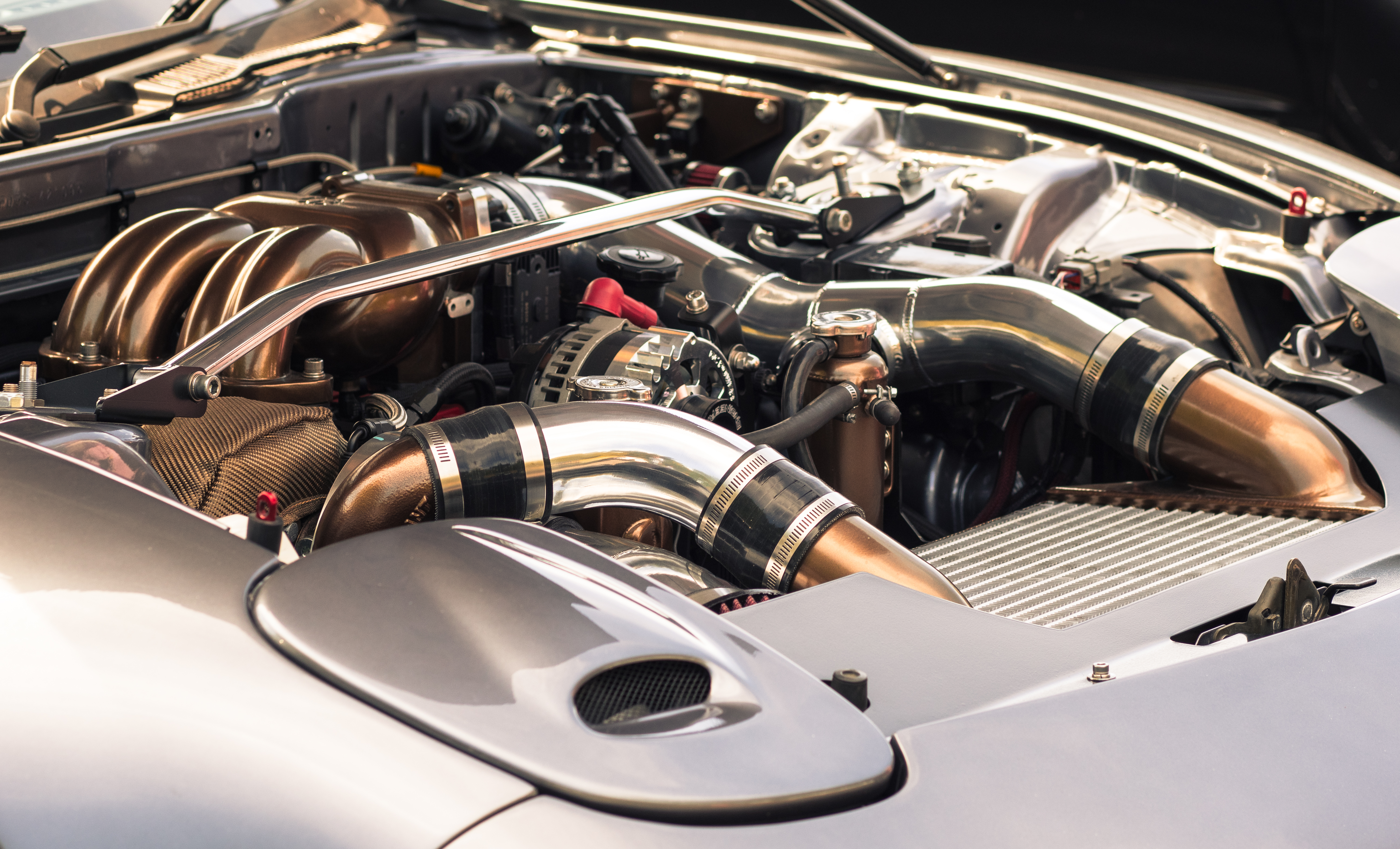
I can't figure out how to post images that are sharp .. could you please provide your export/import settings?
Thanks
Thanks a lot. I am no expert but here is what I do.
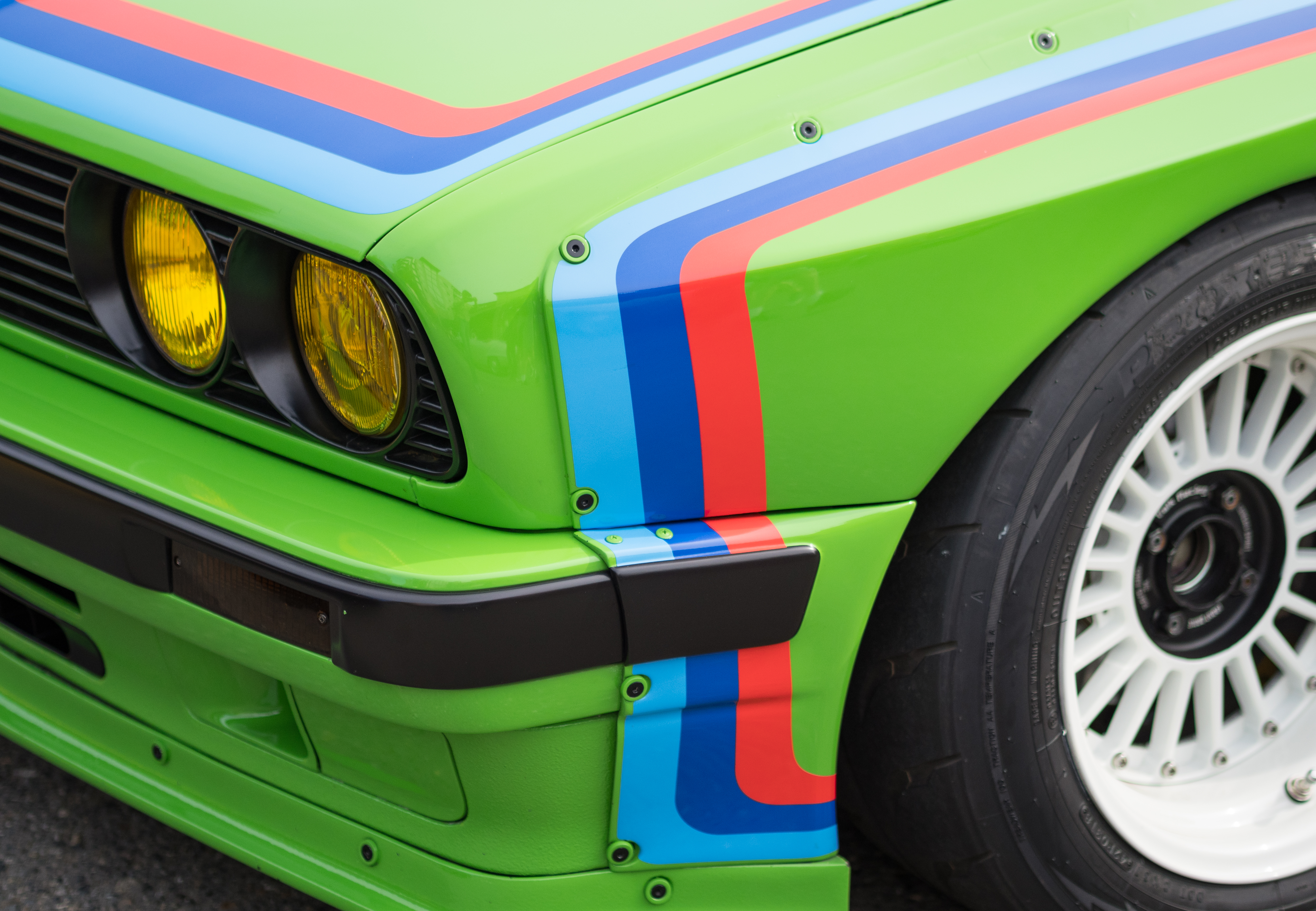
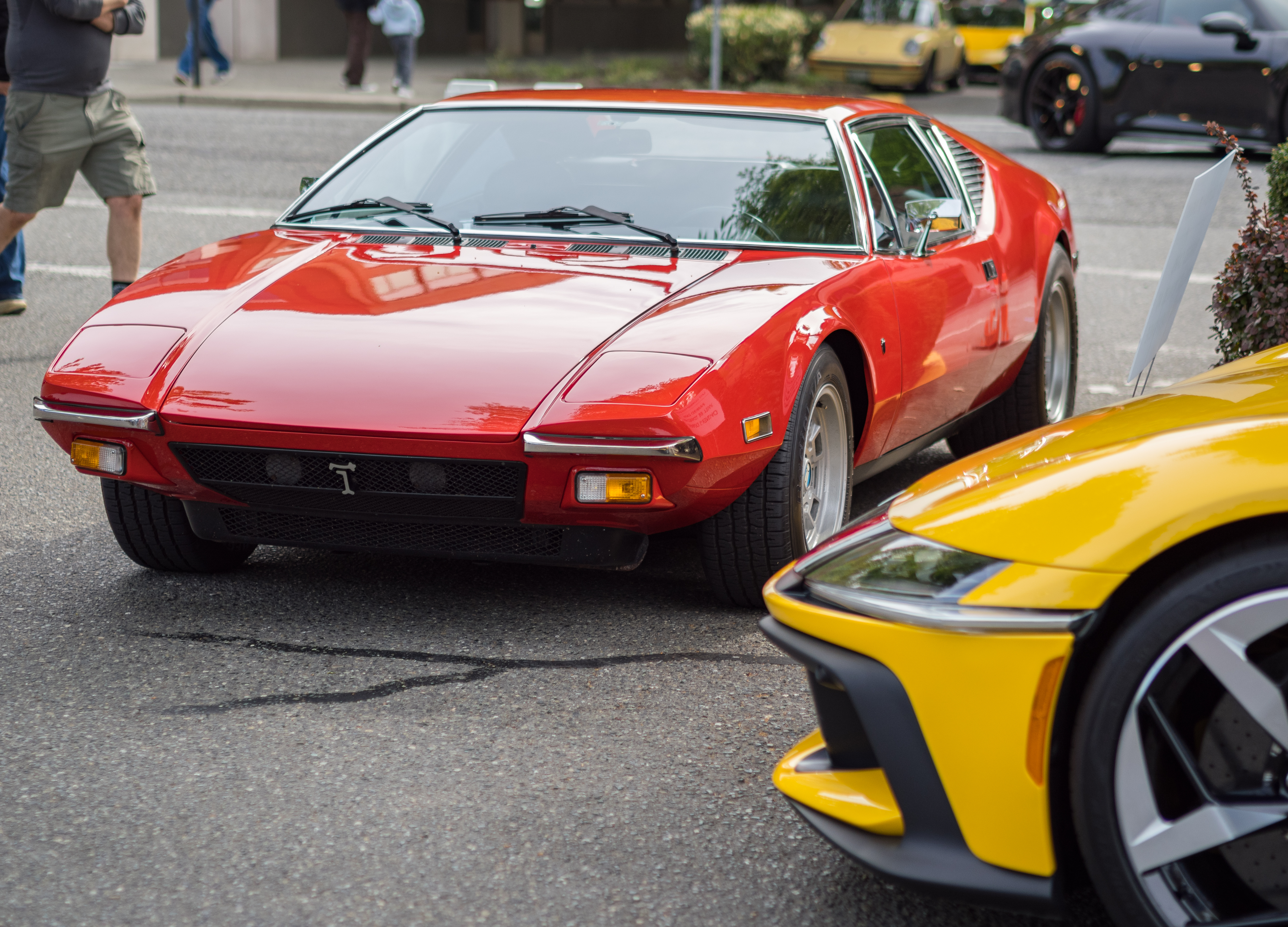
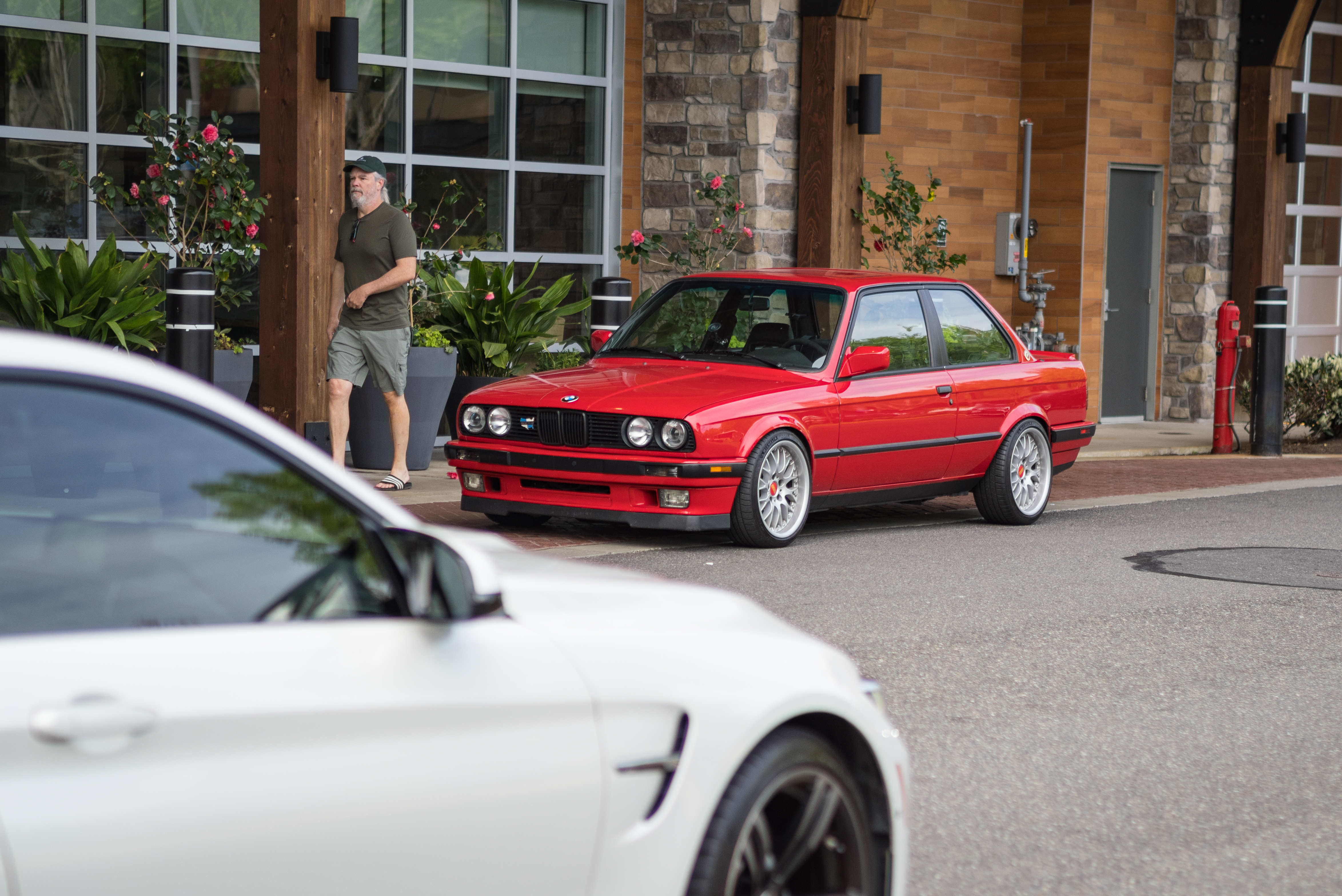
I try to keep the base image as clean as possible. High shutter speed + as low ISO as possible. The lower the better. I also expose it correctly or on the left (dark) but never on the right. I feel correcting shadows in m43 raw files is easier than fixing highlights.
For the photos in the first post, I used Lightroom Classic CC. Its a very old program that I am still hanging onto because it doesn't need monthly paid subscription. However since its so old, it does not support any of the new cameras including my OM-3. So I use Adobe DNG convertor first to convert .orf files into .dng. Its a long and slow process but I am okay with that. Then I import those .dng files into LR CC.
Once in LR, I like the "Adobe Vivid" color profile so I set it as starting point. LR automatically applies certain settings when you start developing. Most notable among them is the sharpness slider set to 30 that I sometimes increase to 38-40. Secondly, I use Clarity and Haze sliders carefully never going beyond +10 - both these are really powerful and m43 files don't react too well. I believe newer generation of LR does the haze removal much smoothly.
After that depending on the lens (like Oly 45mm f1.8 and 20mm f1.4 PRO) I use the defringe slider to remove purple fringing. Both these lenses of mine have considerable purple fringing when shot wide open. Removing purple fringing adds to sharpenss too.
For the second set I used DxO PL 9.1. Again similar settings to LR CC but PL allows adding borders very easily so I use that sometimes. In general, I reach out to LR CC 90% of the times.
Export is simple - JPEG, quality set to 100 and color space to sRGB. Nothing fancy.
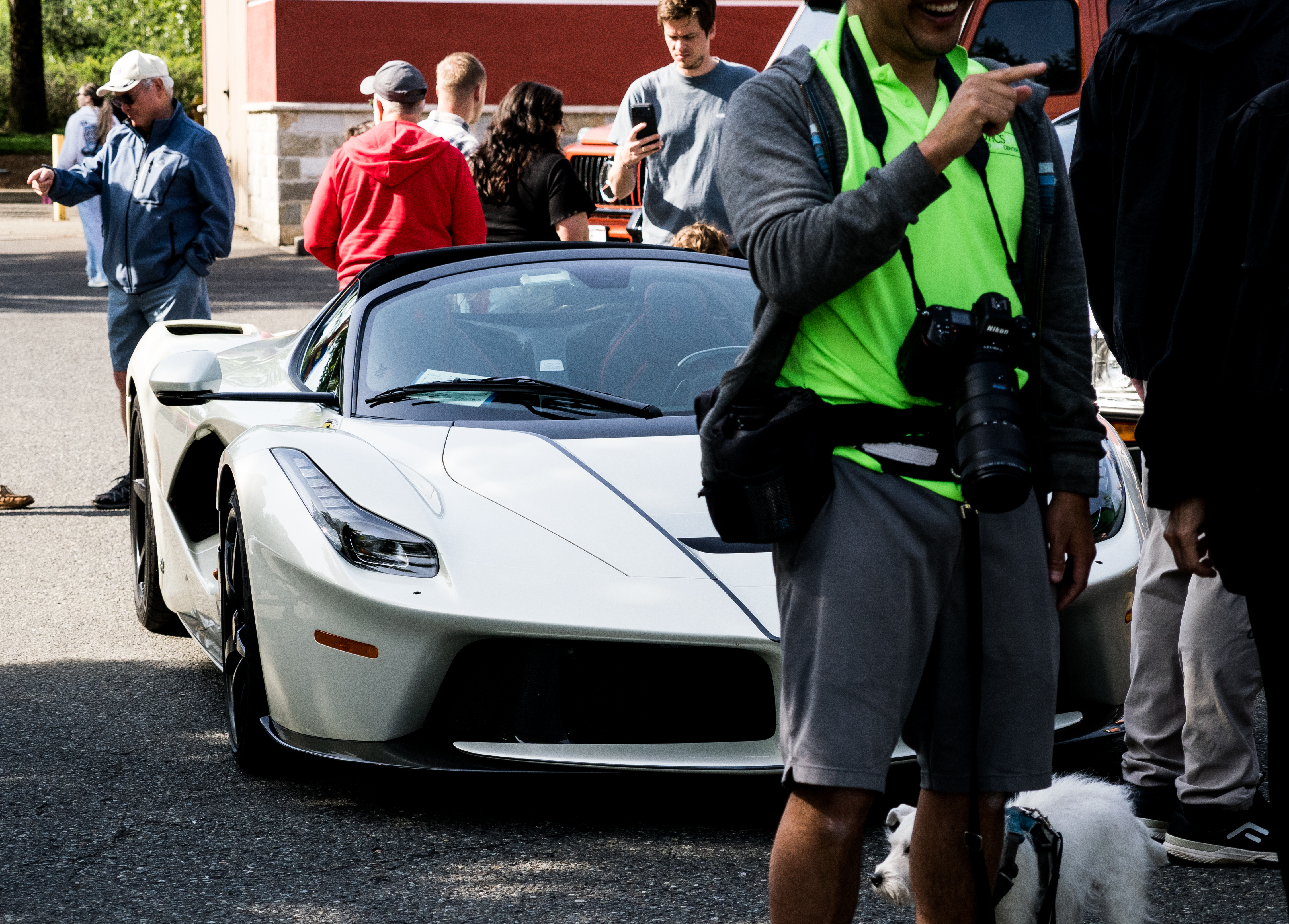
Having said all that, SOOC JPEGs from OM-3 are *really* good too and camera applies strong correction settings to files. For example here are a few JPEG files straight from OM-3. You can use them as it is if you get the framing right, which in my case is a rarity:
I recommend you add a CPL filter to your repertoire. They're essential for controlling glare on shiny cars. Also since the cars are not moving and your camera has very good IBIS there's no need to use especially fast shutter speeds. Keep your ISO at minimum, pick the aperture you want for the DOF you want, -2/3 EV for highlight preservation and you're good to go.
scoundrel wrote:
I recommend you add a CPL filter to your repertoire. They're essential for controlling glare on shiny cars. Also since the cars are not moving and your camera has very good IBIS there's no need to use especially fast shutter speeds. Keep your ISO at minimum, pick the aperture you want for the DOF you want, -2/3 EV for highlight preservation and you're good to go.
Thanks for the tip! Most of these were done casually while I was on my bike ride but I do plan to do it more seriously. OM-3 or m43 in general blows the highlights especially with beautiful run of sunny days here in PNW. My Nikon is better at it but I always find OM-3 more joyous to use.