Jack Flesher
Offline
• • • •
Upload & Sell: On
|
 p.2 #4 · My thoughts on Fuji XF 35 vs. 33 p.2 #4 · My thoughts on Fuji XF 35 vs. 33 | |
SGinNorcal wrote:
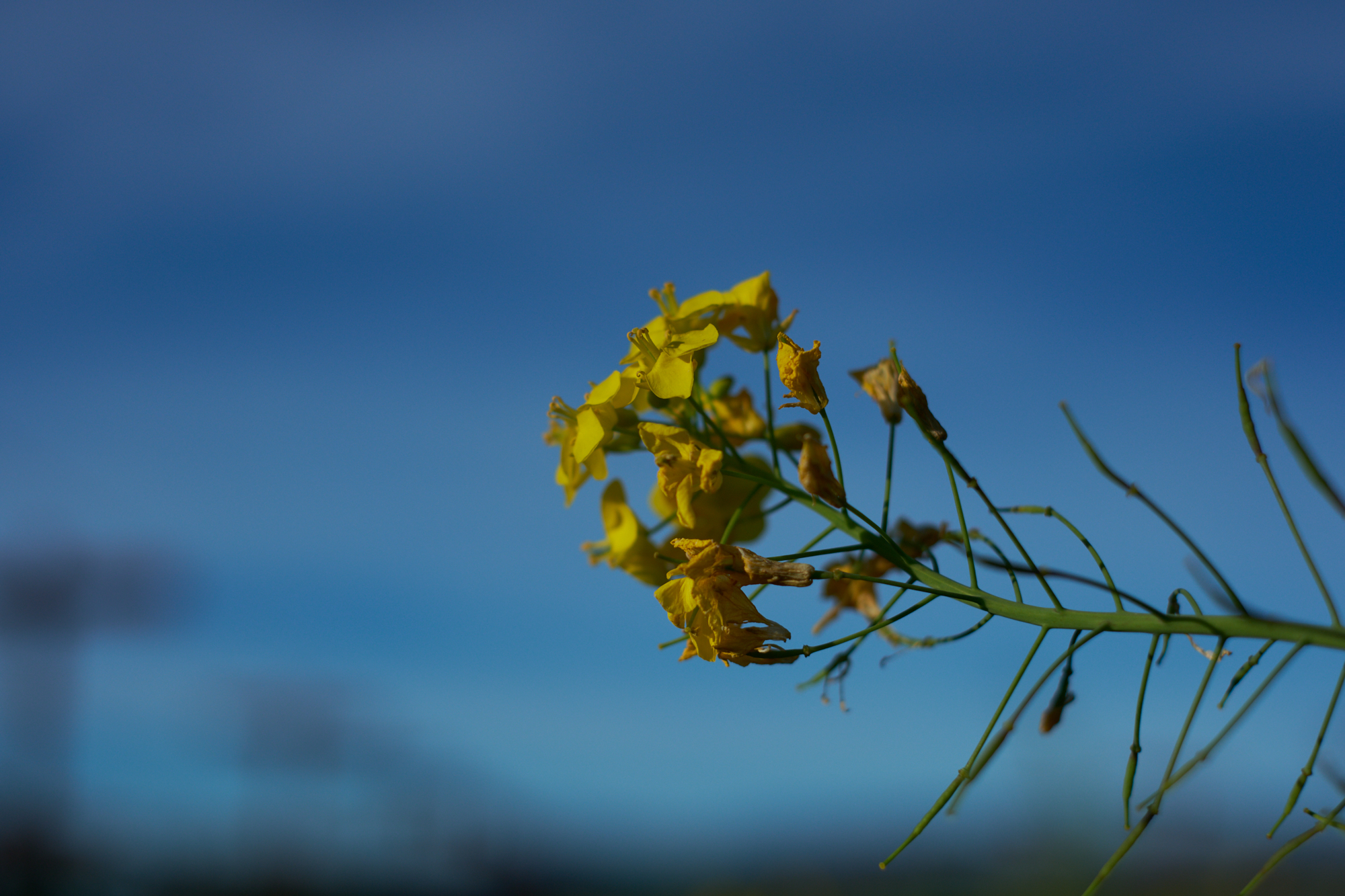
The white balance was on Auto throughout but nothing seems unusual. Shots with sky are 5k-6k and those with less direct light 4100-4900. All RAW files, Capture One, minor adjustments to reduce Highlights, small increases to Contrast and Brightness. Regarding the use of the term character, I was trying to be more specific, using terms like vibrancy or specific colors that pop. Just hoping to avoid off-topic arguments. I generally agreement with your observations and think lens choice here is largely if you like the pop of the 35 or the neutral palette of the 33.
In C1, which film curve are you using as your default, or are you perhaps set to “auto?” I have to agree with Scott that your WB’s seem a bit off on my system. Skies are a bit too cyan, whites leaning yellow, but not in a warm, golden light way. Not anything offensive or way off, but definitely not what I get with my XH2 set to AWB and C1 set to “as shot” using C1’s “film standard” curve. Also, are you outputting srgb JPEGs to view here, or perhaps using some other profile?
Second thought is IIRC, you can tweak WB bias in the camera menu via the little color grid. Have you by chance done anything with that or is it zeroed out as well?
PS Edit: You said one other thing worth discussing, and that was you regularly pulled back highlights. I shoot raw and convert out to jpeg via C1 as indicated above. I mostly shoot in A mode with EC zeroed using the multi or matrix metering, and leave DR at base 100 to prevent funny business in the exposures there. With that, I import my raws into C1 without any settings except my standard import style, which locks in everything "as shot," my base sharpening setting and the C1 film standard color curve applied. With that said, when I edit for jpeg output, I rarely have to pull back highlights, in fact to the opposite I am more often bumping exposure 1 or 2 tenths and pulling the right levels slider down a bit obtain a 250-ish white. At the same time, I am often having to bump the low end levels slider up to get to a full 0 black. With that, I do often bump shadows a bit to taste, but again rarely touch highlights. Additionally I rarely have to add more contrast but will occasionally add a few points of saturation. If I add a vignette, I do tend to come back and add back a bit of brightness to balance out. A long way to ask if you dropper your brightest white after your edits, what value are you generally editing to? Again, all this could be stylistic choice and that's all good, but I am now curious since your cams raw workflow regime seems to run so counter to mine using the same program...
|