I was looking in the manual for EOS R100 and found a mode named, "Grainy B/W". Has anyone tried this in any Canon body? I'm wondering if the results are somewhat decent.
Seems like an appealing alternative to dropping a couple grand for a Panasonic body (or even a Nikon Zf) just for the monochrome.
I've shot B&W using Canon bodies for years, I'd think the R100 should be fine. Are you specifically looking for more grain or just b&w?
I think every Canon camwra I've ever had has the ability to use monochrome if you go into menus. I've shot jpeg and raw since i use DPP which holds on to the in camera settings
Technically it's better to convert color to b&w in pp imo since you can use color adjustments. But sometimes it helps keep track and see what you're doing if you use in camera monochrome. Also I've used gimp to convert to b&w, channel mixer gets good reviews and you can add grain if you want.
I've really enjoyed Kodak 400TX and I'm looking for similar results in digital. Grain is necessary.
If I recall, Canon calls their grainy b/w a "creative filter". Is it possible to remove all color from the viewfinder when framing with this filter?
As you said, another option is GIMP or even Capture One Pro. Peter Coulson sells film grain for download but I don't know about using his grain outside of Adobe. Someday I may also consider a Lumix camera because of its black and white settings. But the most efficient and streamlined option would be in-camera with an inexpensive Canon body like R100. I'd like to see how good Canon can get, anywhere in the EOS line.
Rainbow Chaser wrote:
I was looking in the manual for EOS R100 and found a mode named, "Grainy B/W". Has anyone tried this in any Canon body? I'm wondering if the results are somewhat decent.
Seems like an appealing alternative to dropping a couple grand for a Panasonic body (or even a Nikon Zf) just for the monochrome.
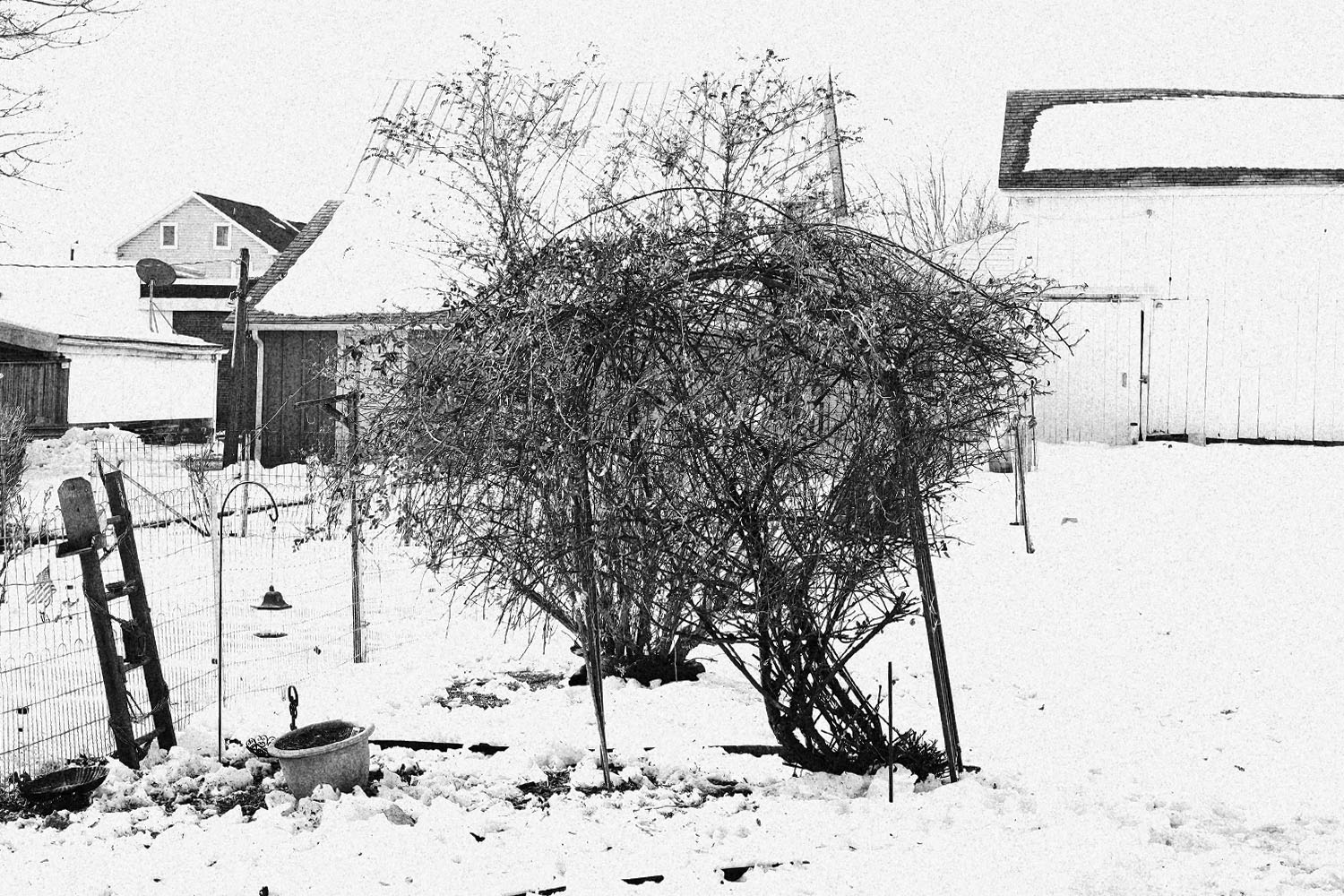
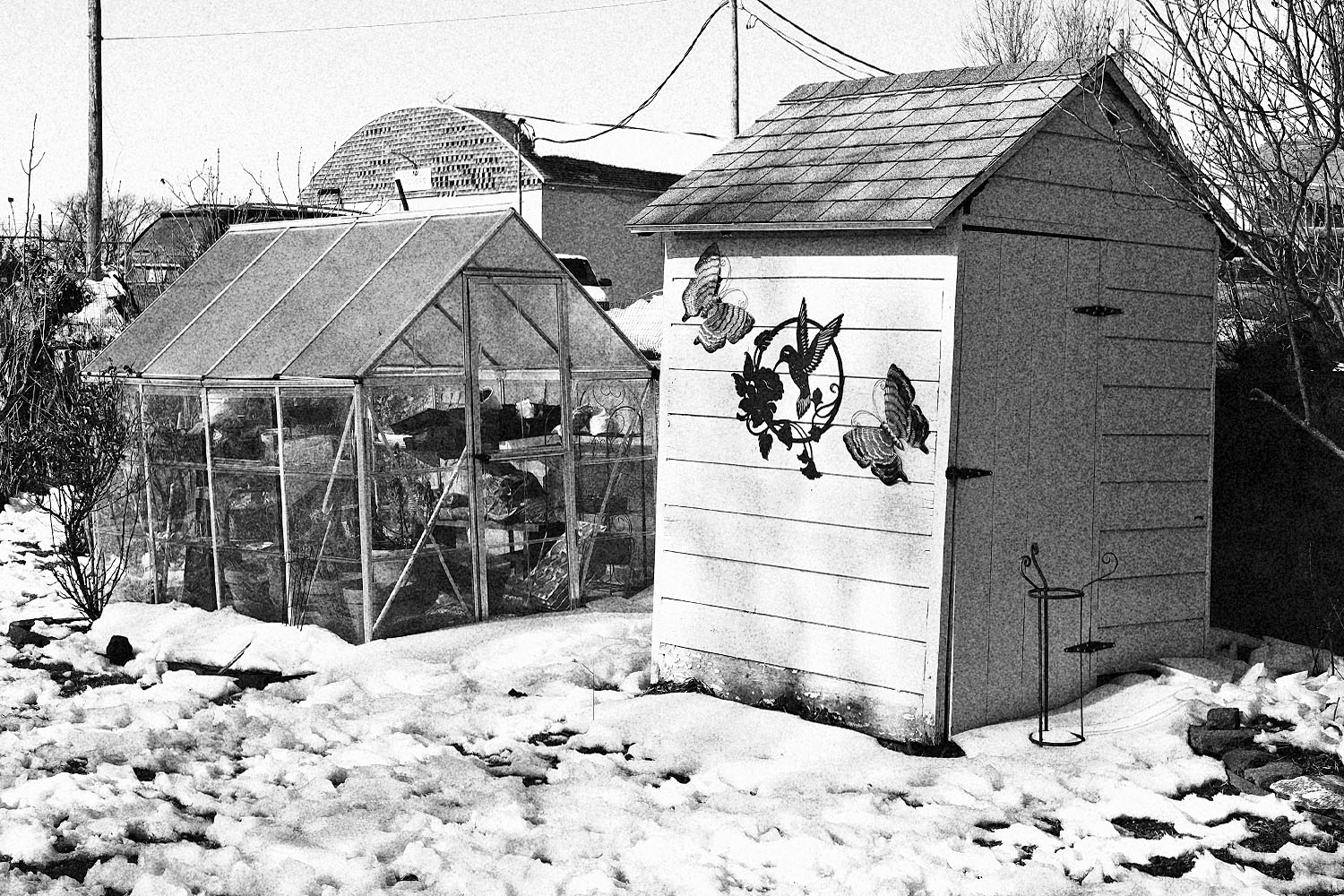
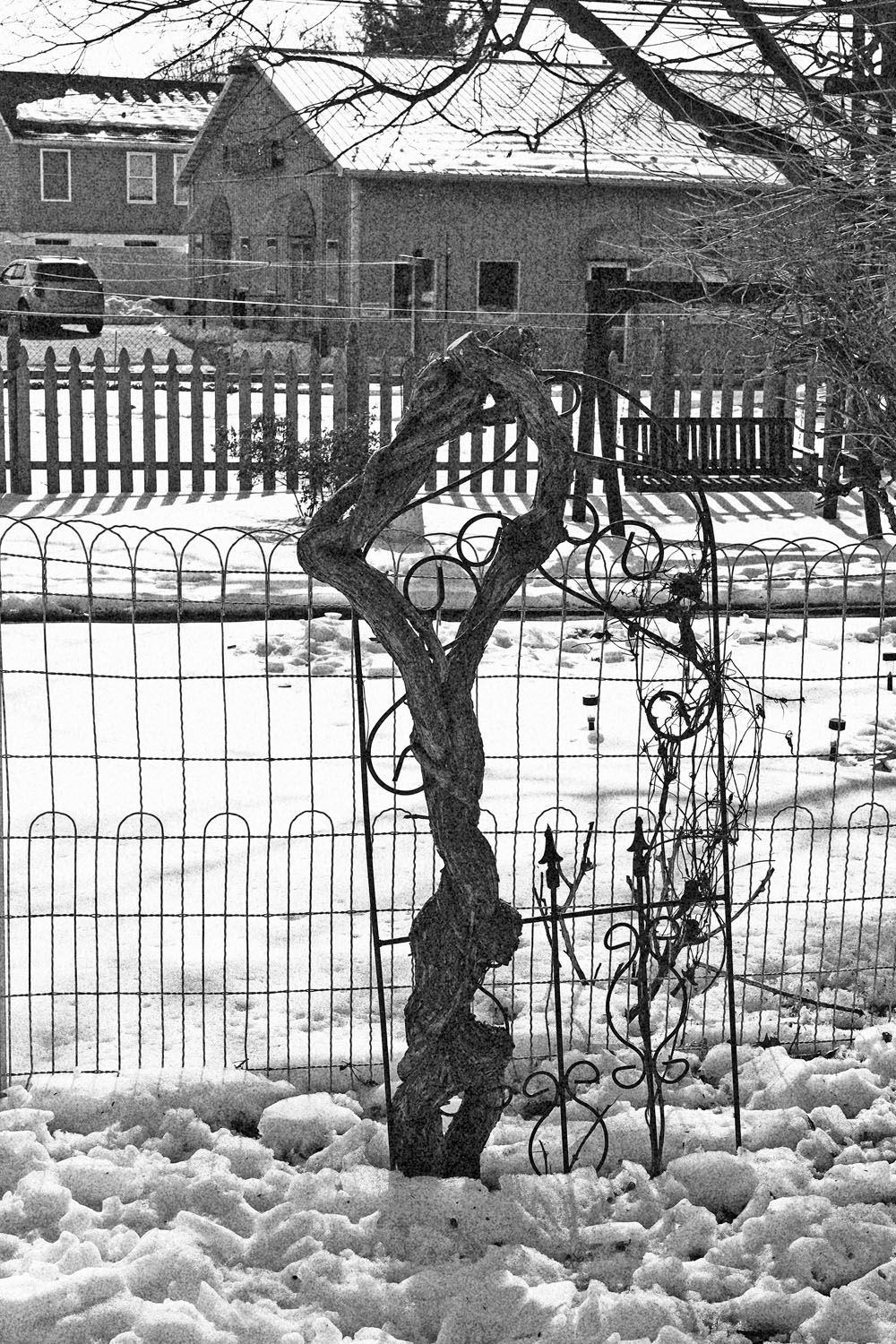
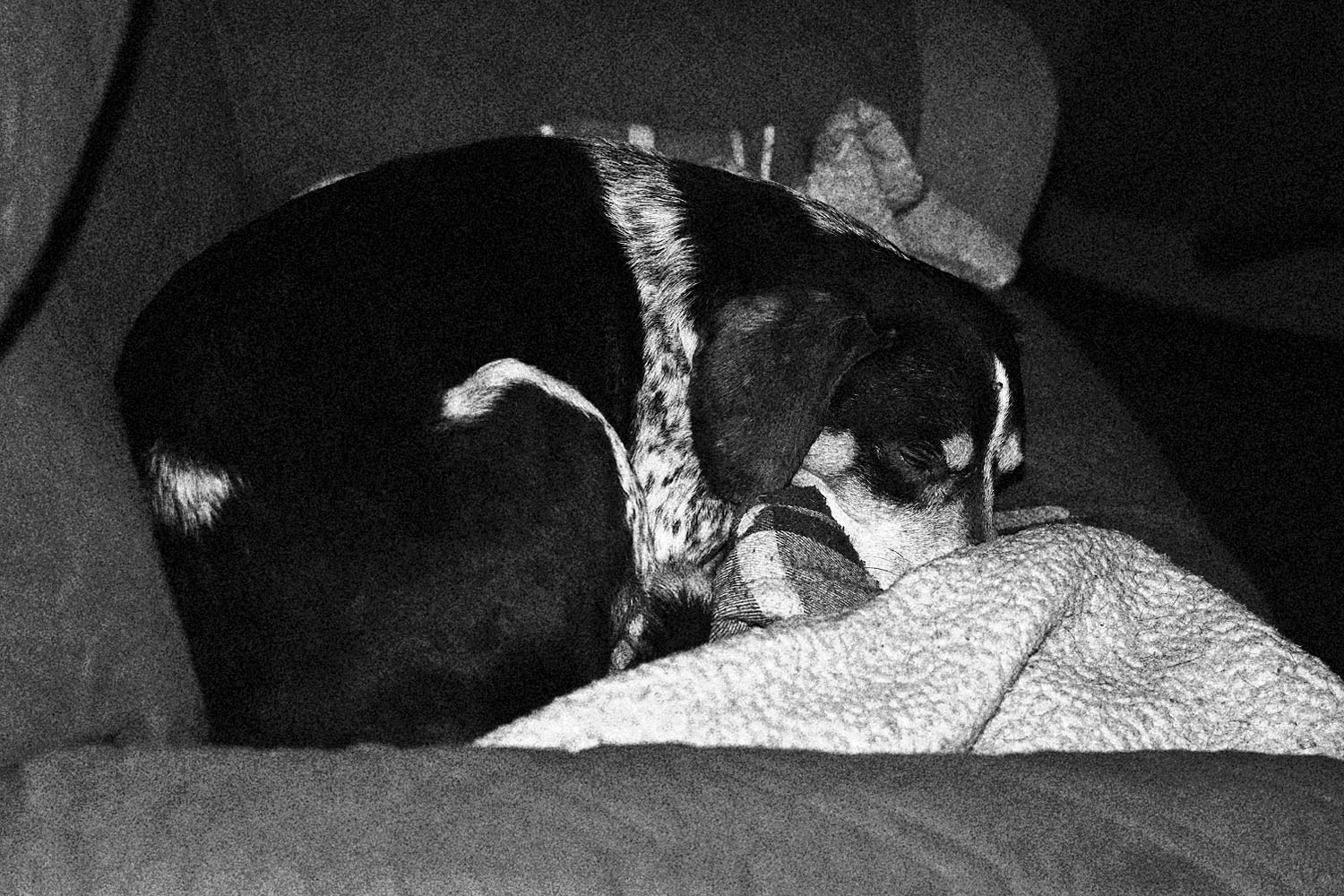
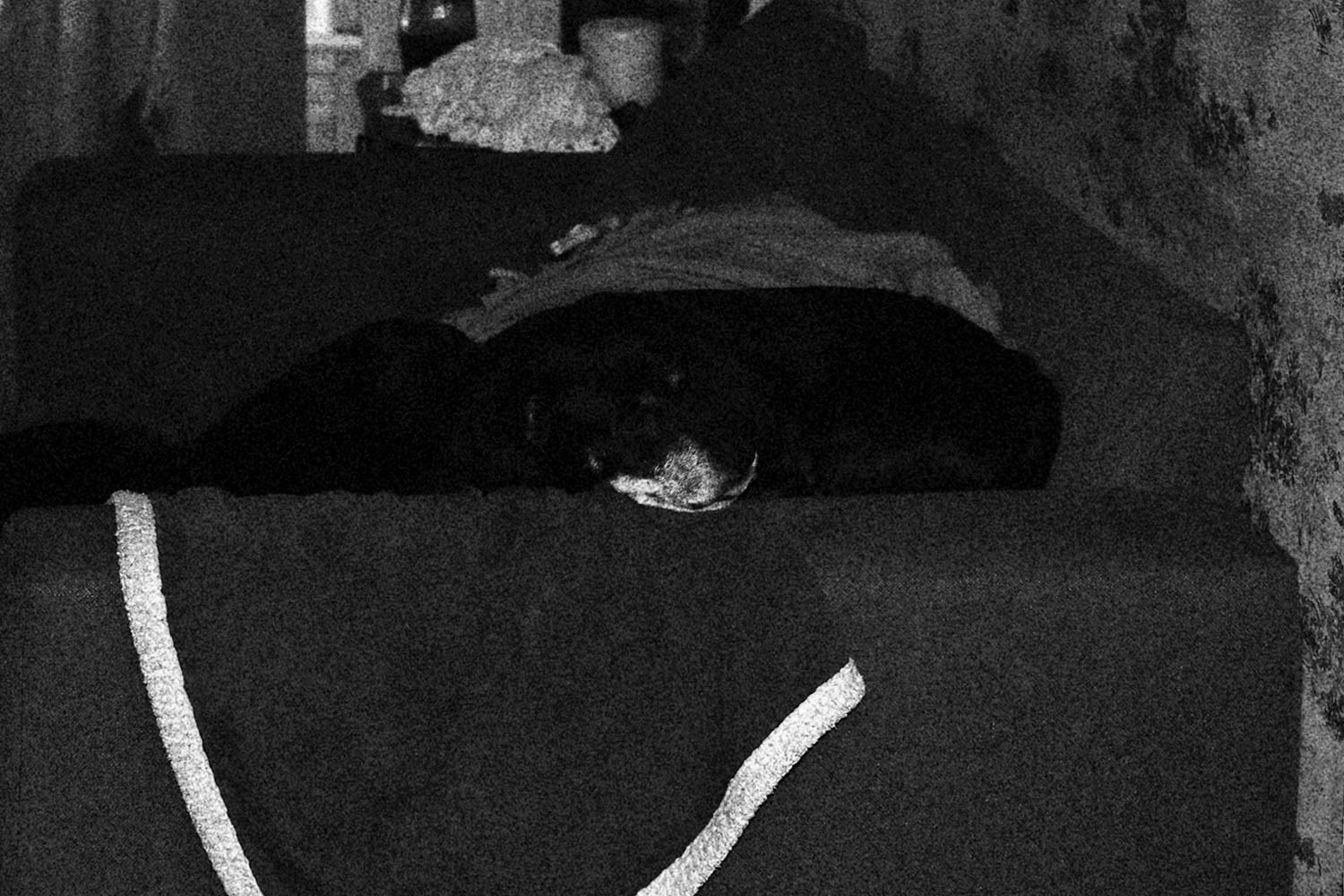
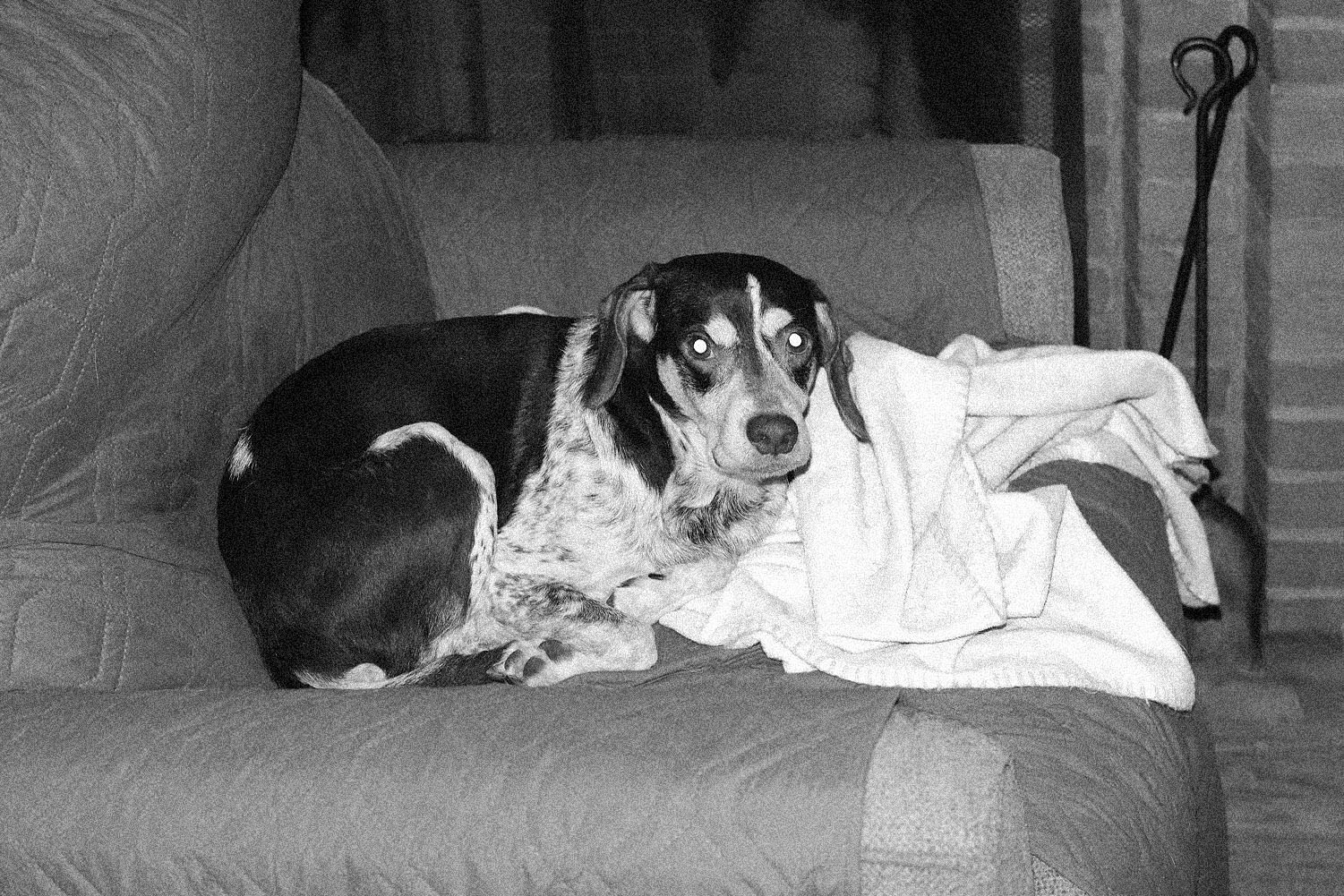
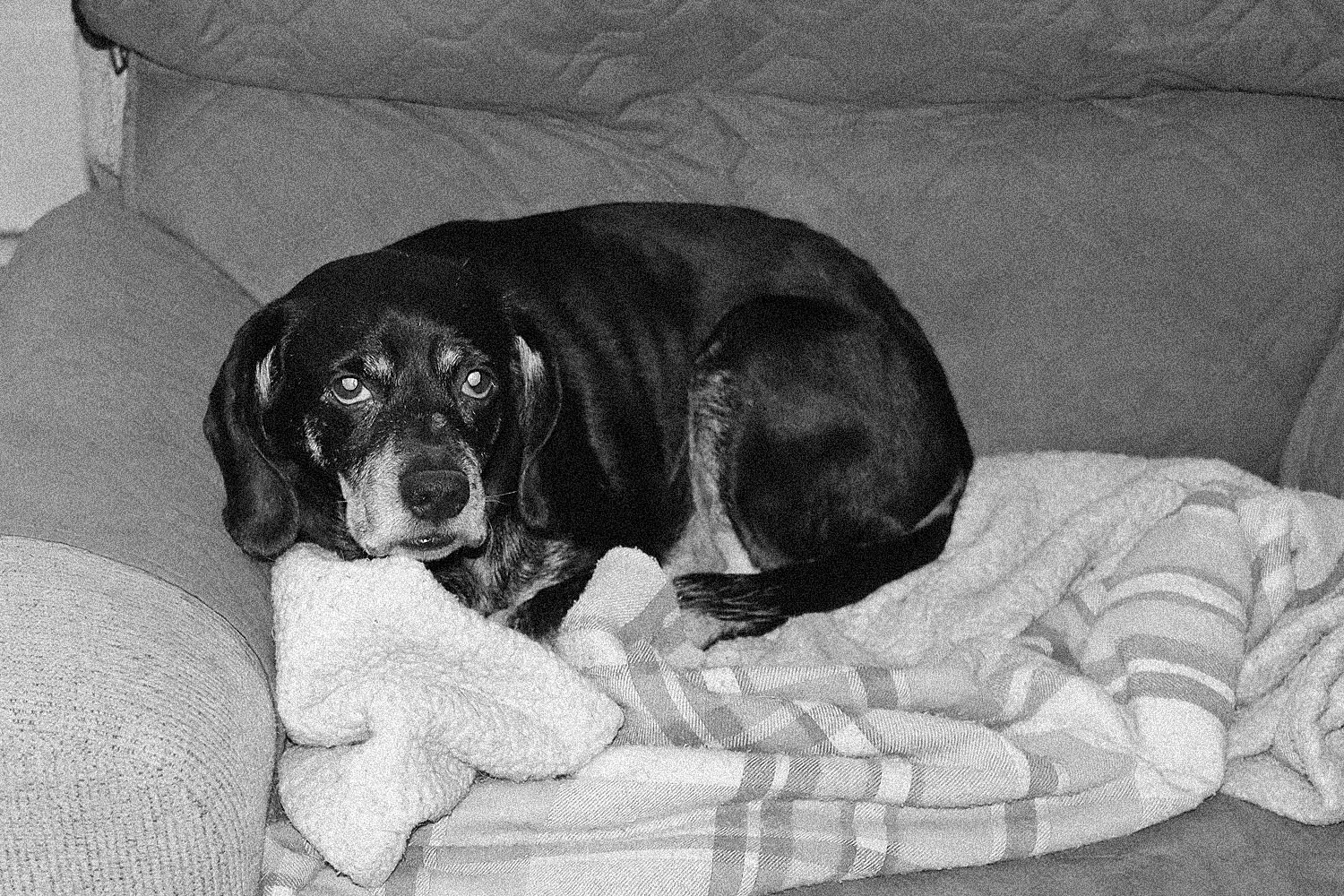
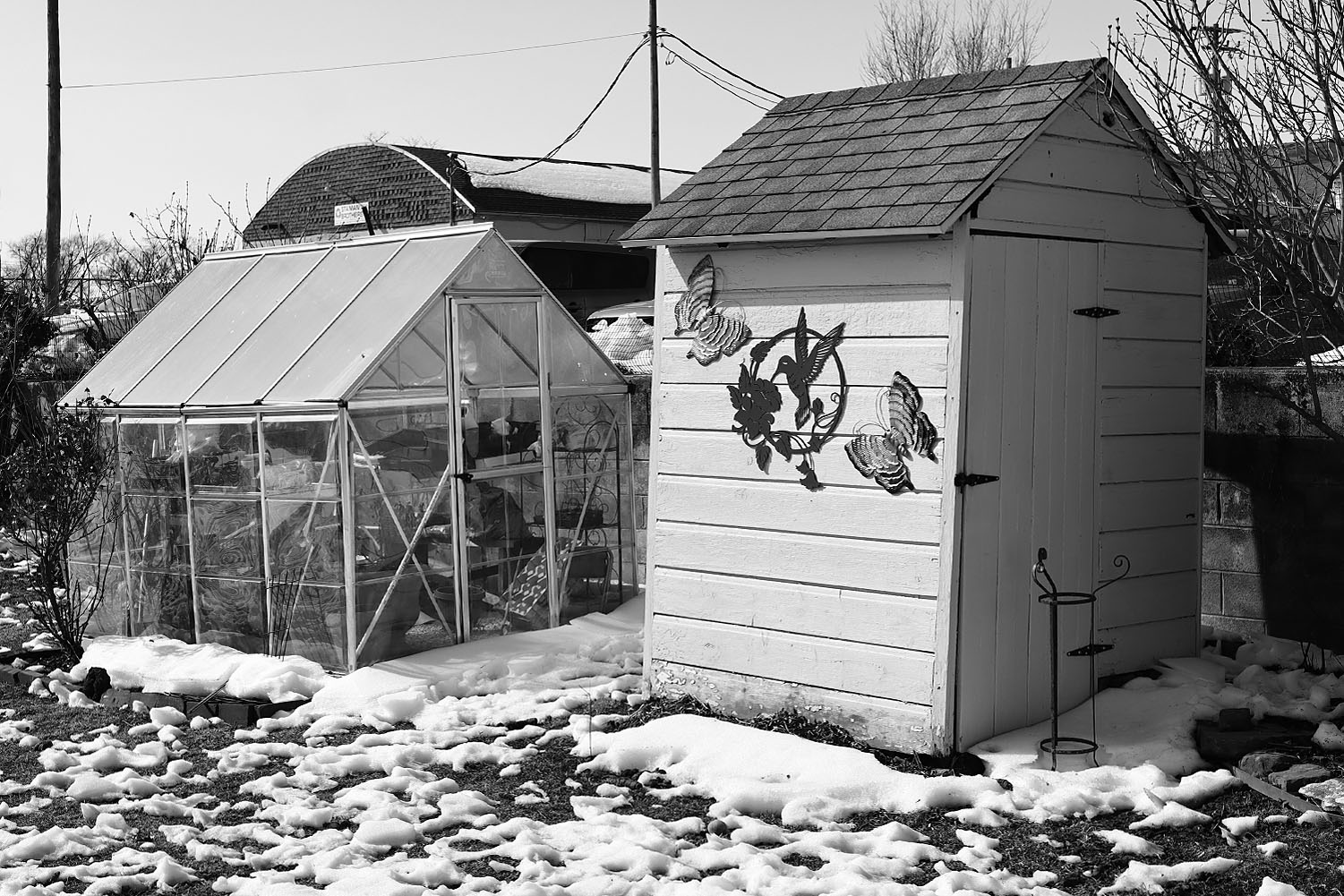
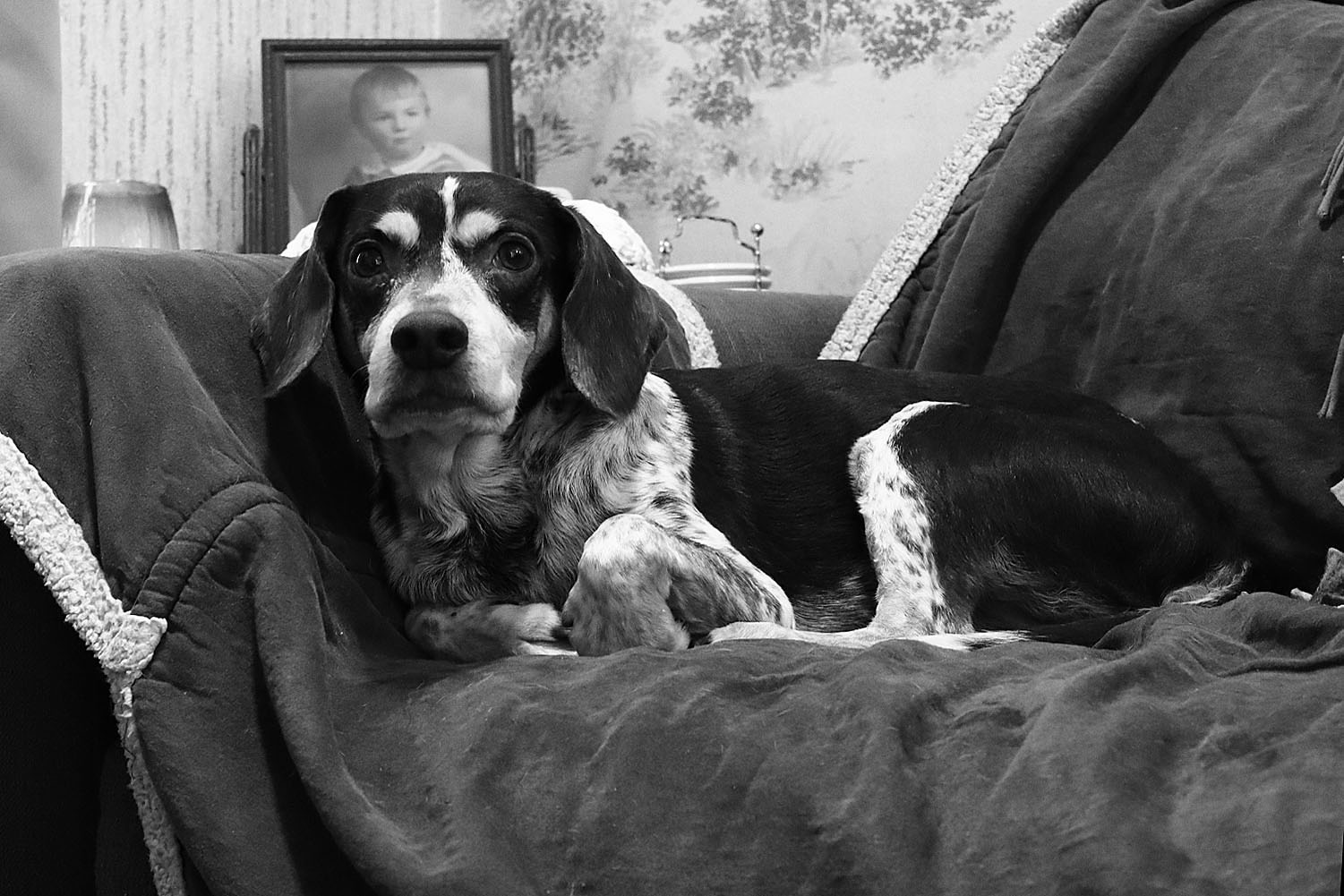
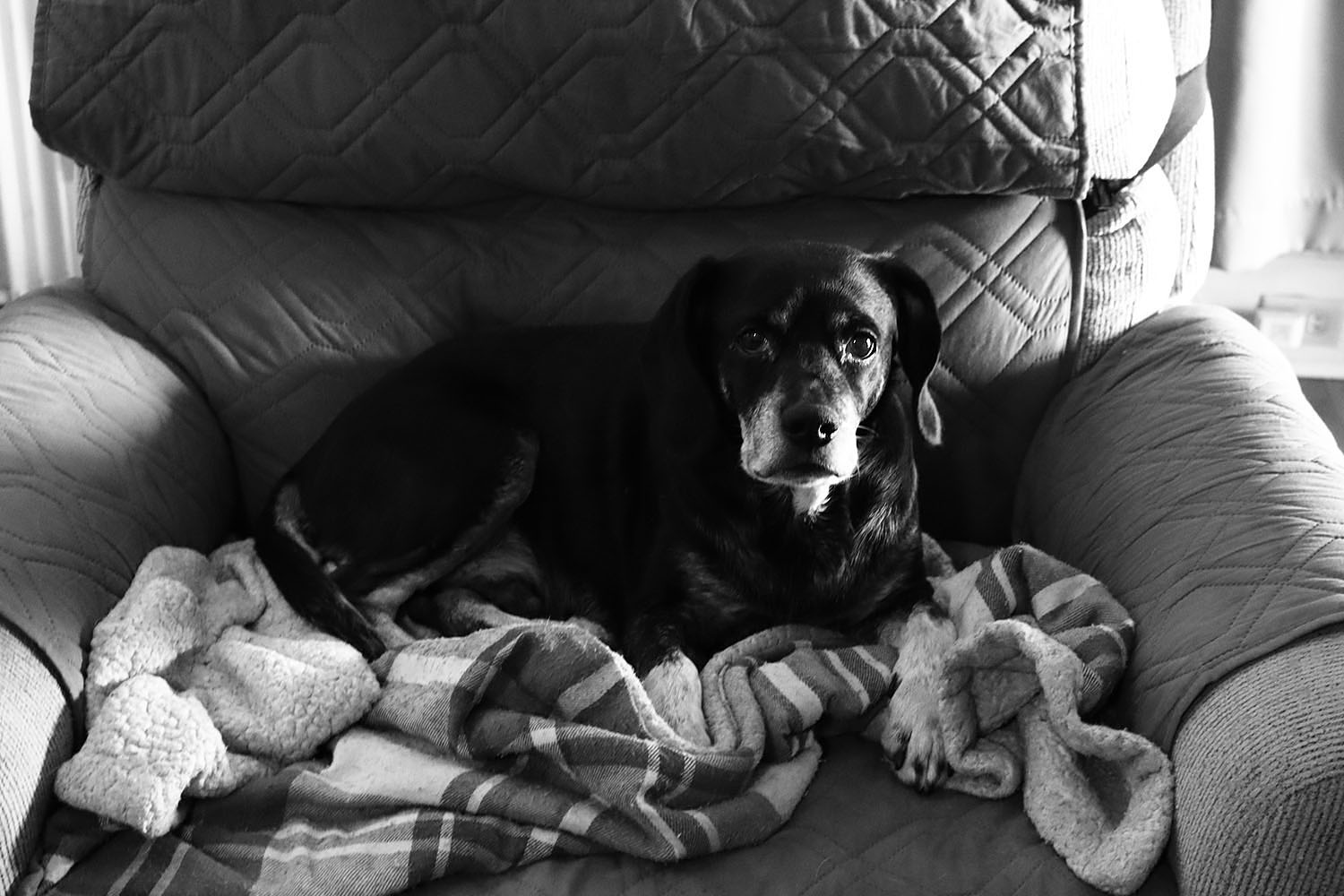
I played around with it this morning, but still a lot of snow, so not the best examples. The 2 dog pictures are not what I anticipated either. Unfortunately, you can't change the settings.
Jim
Canon EOS R100RF28mm F2.8 STM lens28mmf/5.01/320s100 ISO0.0 EV
Canon EOS R100RF28mm F2.8 STM lens28mmf/7.11/640s100 ISO0.0 EV
Canon EOS R100RF28mm F2.8 STM lens28mmf/7.11/800s100 ISO0.0 EV
Canon EOS R100RF28mm F2.8 STM lens28mmf/2.81/60s320 ISO0.0 EV
Canon EOS R100RF28mm F2.8 STM lens28mmf/2.81/60s1000 ISO0.0 EV
jgoetz4 wrote:
I played around with it this morning, but still a lot of snow, so not the best examples. The 2 dog pictures are not what I anticipated either. Unfortunately, you can't change the settings.
Jim
Can you go to Picture Styles or similar, select monochrome, and then adjust contrast? I'm not familiar with this mode, but thats how I've always done it. If you want more noise, ip the iso, jpeg you cant turn off NR so you might have to up it more
Rainbow Chaser wrote:
I've really enjoyed Kodak 400TX and I'm looking for similar results in digital. Grain is necessary.
If I recall, Canon calls their grainy b/w a "creative filter". Is it possible to remove all color from the viewfinder when framing with this filter?
As you said, another option is GIMP or even Capture One Pro. Peter Coulson sells film grain for download but I don't know about using his grain outside of Adobe. Someday I may also consider a Lumix camera because of its black and white settings. But the most efficient and streamlined option would be in-camera with an inexpensive Canon body like R100. I'd like to see how good Canon can get, anywhere in the EOS line....Show more →
Ive gotten good results, never really tried to match a film like Tri X, though. Shot Pan F more on film, I'm more interested in getting rid of grain or noise,
You can shoot high iso, joeg gets NR though, you might have to go to 6400 or something. But if you're picky on the grain, as opposed to being happy adding noise, you might need a plug in
AmbientMike wrote:
Can you go to Picture Styles or similar, select monochrome, and then adjust contrast? I'm not familiar with this mode, but thats how I've always done it. If you want more noise, ip the iso, jpeg you cant turn off NR so you might have to up it more
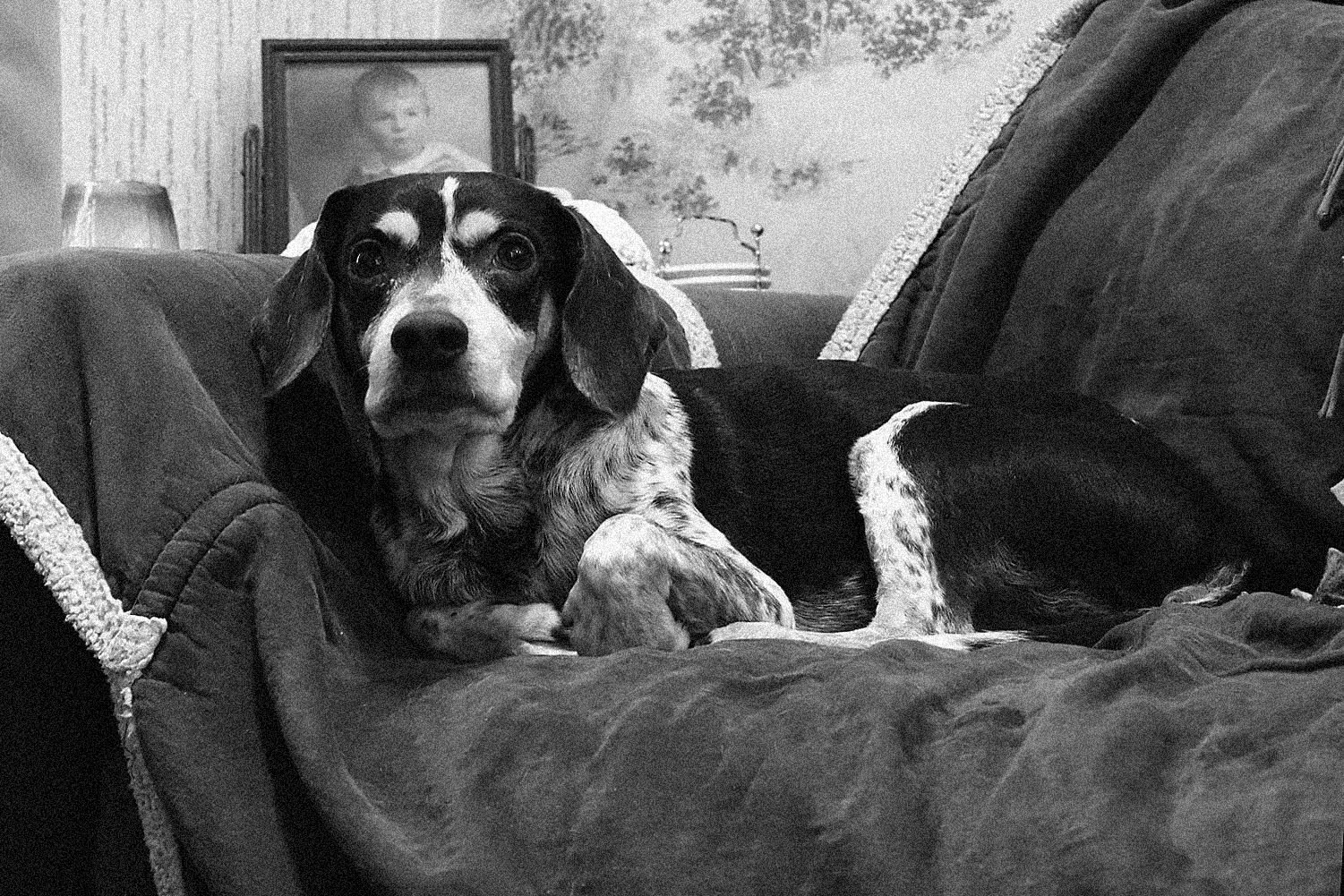
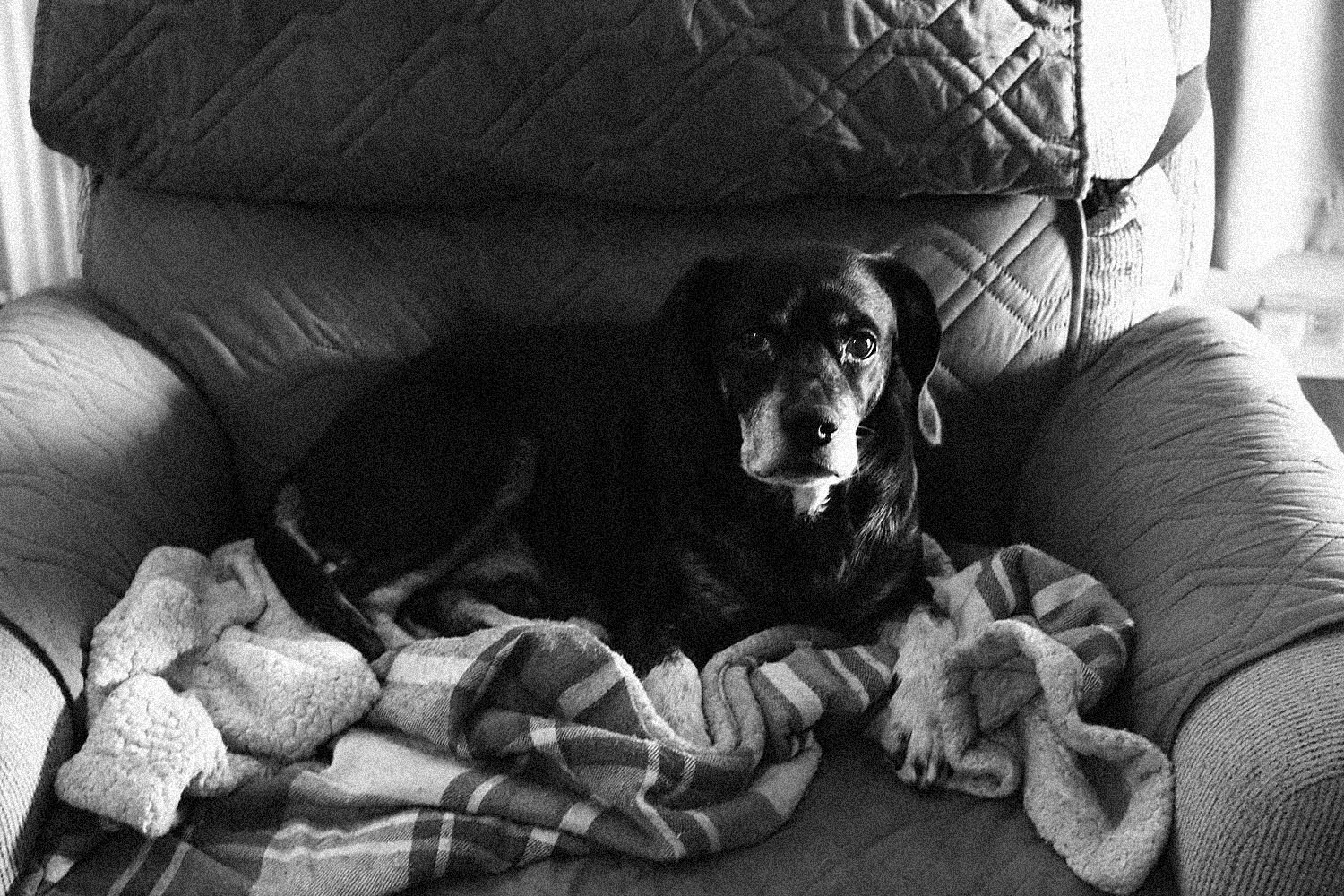
The 3200 iso surprised me. It's not that bad. The contrast was +3
Canon EOS R100RF28mm F2.8 STM lens28mmf/5.61/1000s100 ISO0.0 EV
Canon EOS R100RF28mm F2.8 STM lens28mmf/5.61/10s3200 ISO0.0 EV
Canon EOS R100RF28mm F2.8 STM lens28mmf/4.01/40s3200 ISO0.0 EV
EB-1 wrote:
What is the point, do they want to look like Tri-X bady processed or East German film from the 70s?
EBH
Not sure. The poster wanted to see some examples from the R100's grainy B/W mode, so I posted a few, and then some taken with the monochrome picture style.
Jim