chez wrote:
You can make any digital image look exactly how one wants. fjablo wrote:
Sure, then please show me your perfect recreations of Portra, Ektar, Velvia 50 shots.
....
Yeah, trying to grade a digital image to match an actual wet print or film frame *truly accurately* is extremely challenging. There's no recipe for it, either, not even Fuji's own simulations -- it's an image-by-image manual process. (though I do think chez is sort of right in that getting "close enough to replicate the vibe" is more achievable).
The interesting (and disappointing, in my recent experience) caveat to that, though, is that the above is largely true even if the "digital image" in question is *literally a scan/digitization OF the film in question*. So once you're not looking at an actual wet print, film frame, or projection, as probably 99% aren't these days, everything's probably within roughly the same margin of error where, again, we're talking about "close enough to replicate the vibe".
Lee Saxon wrote:
The interesting (and disappointing, in my recent experience) caveat to that, though, is that the above is largely true even if the "digital image" in question is *literally a scan/digitization OF the film in question*. So once you're not looking at an actual wet print, film frame, or projection, as probably 99% aren't these days, everything's probably within roughly the same margin of error where, again, we're talking about "close enough to replicate the vibe".
I fully agree, although I it seems we might be getting closer again with recent product developments. E.g. using true RGB backlighting for scans is a good starting point and more closely matches the "logic" of film. And we can already capture true RGB data on our cameras thanks to pixel-shift. Of course the conversion software still has to catch up with these developments.
The funny part is that someone who develops a really good RGB-level negative conversion software, could probably also develop a RAW profile that is 99% accurate to the nature of a film stock. And I would be glad if they did. I would still shoot film, but I would also like to edit some digital files to resemble films more closely.
Tbh I don't think any of the available film "simulations" do a good job. And I've tried many and even sometimes use RNI on my images for "the vibe". But imo it doesn't come close to the real thing.
https://videovillage.com/filmbox/ free version for low res output was available a few years ago not sure now. It's resolution agnostic and you can export pretty much any resolution out of Resolve now.
fjablo wrote:
I fully agree, although I it seems we might be getting closer again with recent product developments. E.g. using true RGB backlighting for scans is a good starting point and more closely matches the "logic" of film. And we can already capture true RGB data on our cameras thanks to pixel-shift. Of course the conversion software still has to catch up with these developments.
The funny part is that someone who develops a really good RGB-level negative conversion software, could probably also develop a RAW profile that is 99% accurate to the nature of a film stock. And I would be glad if they did. I would still shoot film, but I would also like to edit some digital files to resemble films more closely.
Tbh I don't think any of the available film "simulations" do a good job. And I've tried many and even sometimes use RNI on my images for "the vibe". But imo it doesn't come close to the real thing....Show more →
ftllens wrote: https://videovillage.com/filmbox/ free version for low res output was available a few years ago not sure now. It's resolution agnostic and you can export pretty much any resolution out of Resolve now.
Will have a look, thanks.
Some question marks regarding workflow though - e.g if not based on a raw file, what does it expect as a starting point to ensure consistency (5000K, rec709?).
Their sample images are also not very good to assess the quality as there’s not enough variation of colors and lighting scenarios. I am skeptical that they can be as good as they claim given how many film stocks are supposedly covered. And the samples for some look strange - e.g Provia 100F has low-ish contrast, Velvia is less saturated than Ektar?
Ultimately looks like all the other half-baked attempts. But maybe low expectations help to be positively surprised
Some question marks regarding workflow though - e.g if not based on a raw file, what does it expect as a starting point to ensure consistency (5000K, rec709?).
Their sample images are also not very good to assess the quality as there’s not enough variation of colors and lighting scenarios. I am skeptical that they can be as good as they claim given how many film stocks are supposedly covered. And the samples for some look strange - e.g Provia 100F has low-ish contrast, Velvia is less saturated than Ektar?
Ultimately looks like all the other half-baked attempts. But maybe low expectations help to be positively surprised ...Show more →
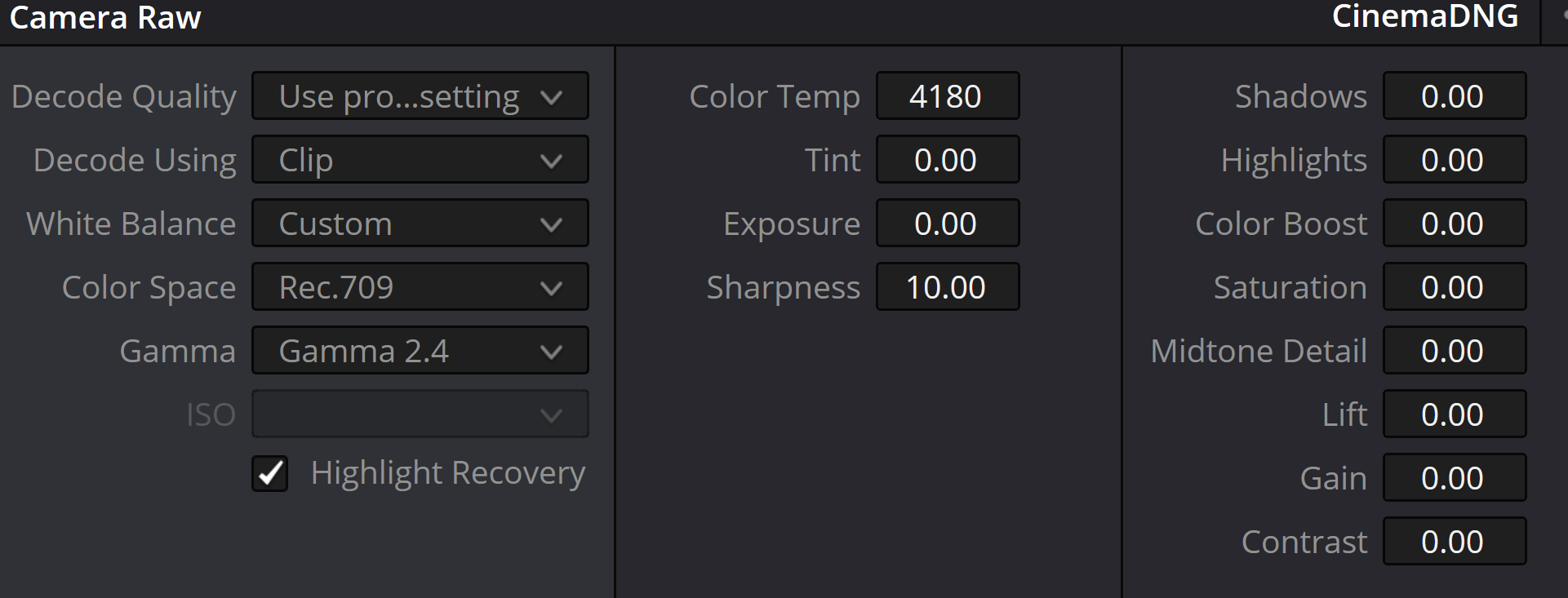
It is a RAW workflow. You just drop in the DNG file and can adjust normally. For grading it's better than any stills software.
For stock fidelity, I couldn't tell you. It was recommended to me by people who have pretty big production budgets, so if it's good enough for them, it's good enough for me.
In any case, it seems they extended the full version trial for 5 days, so you can test it out and see how it is.
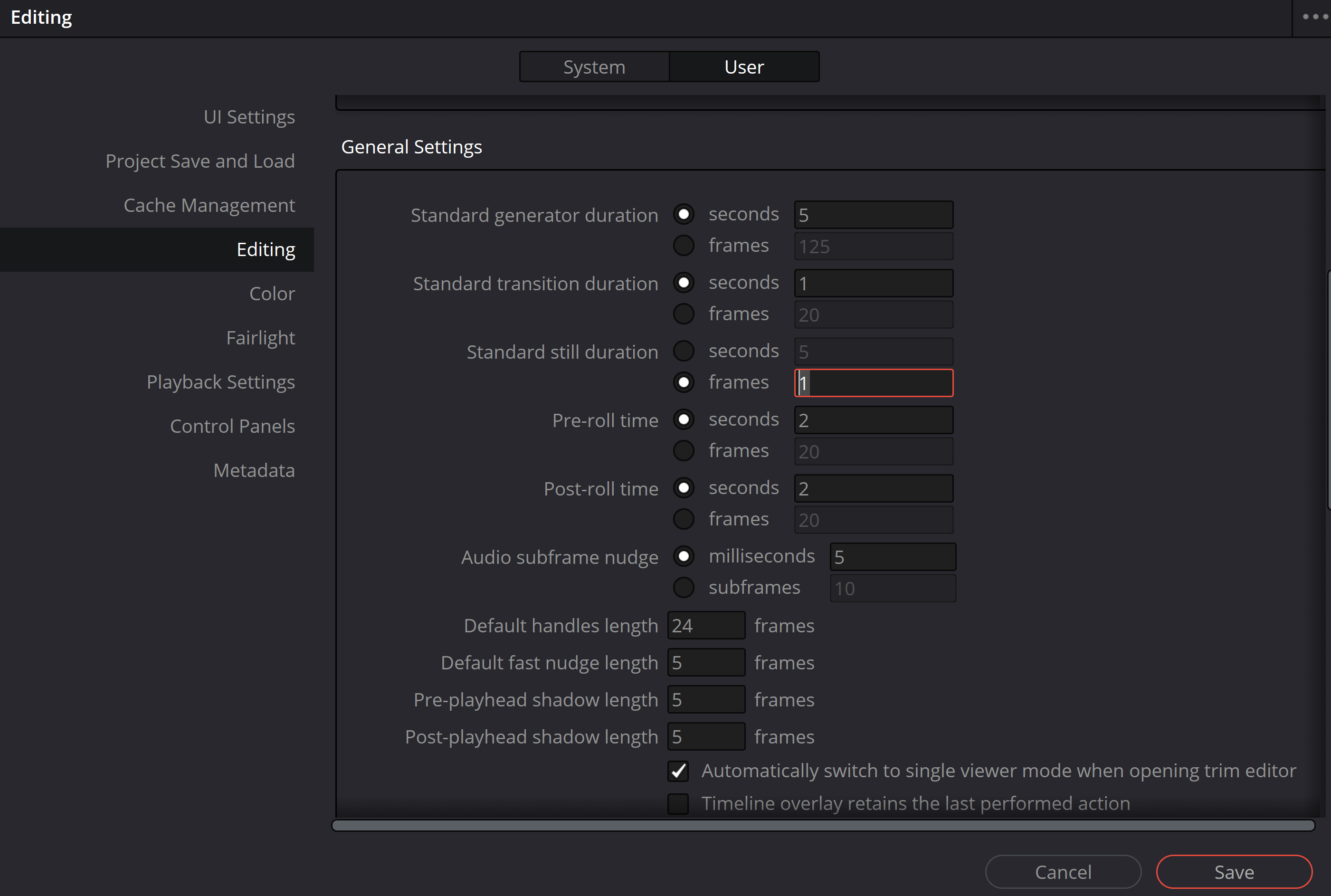
Just be careful to export single frame otherwise you'll end up with like 200 exports lol
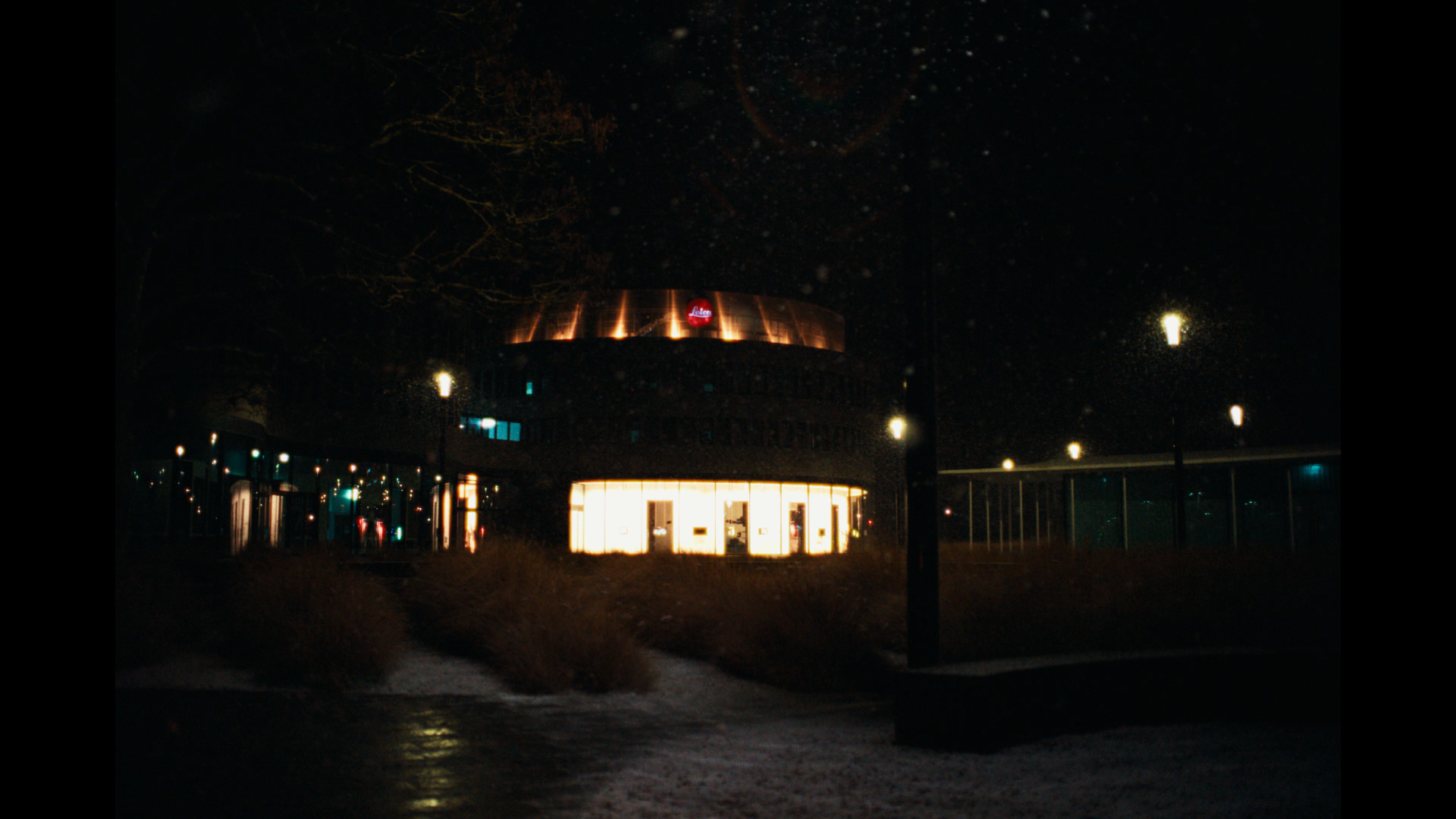
random dng jpg out
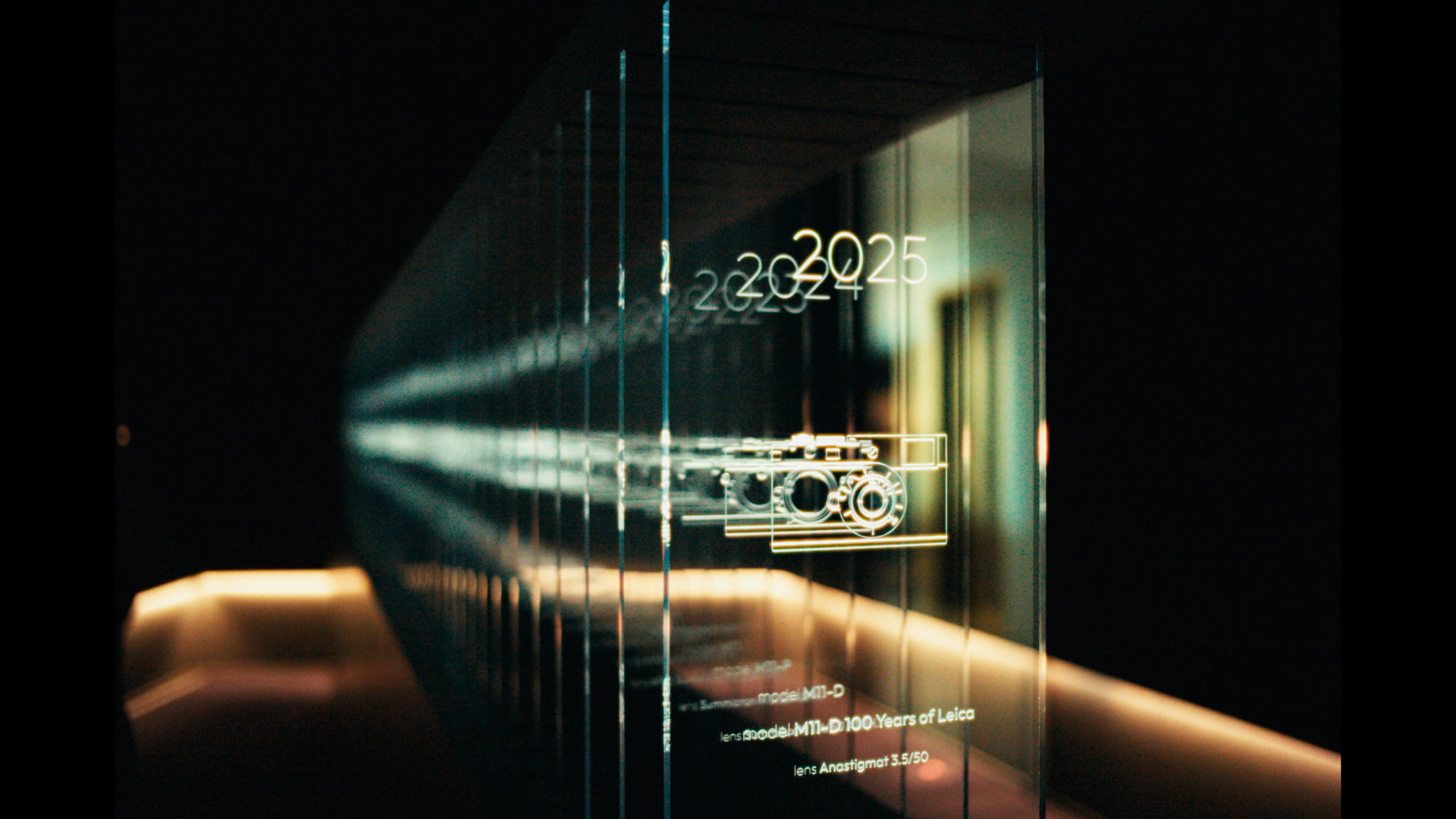
random dng jpg out 2
Davinci Resolve > Preferences > User Tab > Editing > General Settings [Standard Still Duration, select Frames, set to 1]