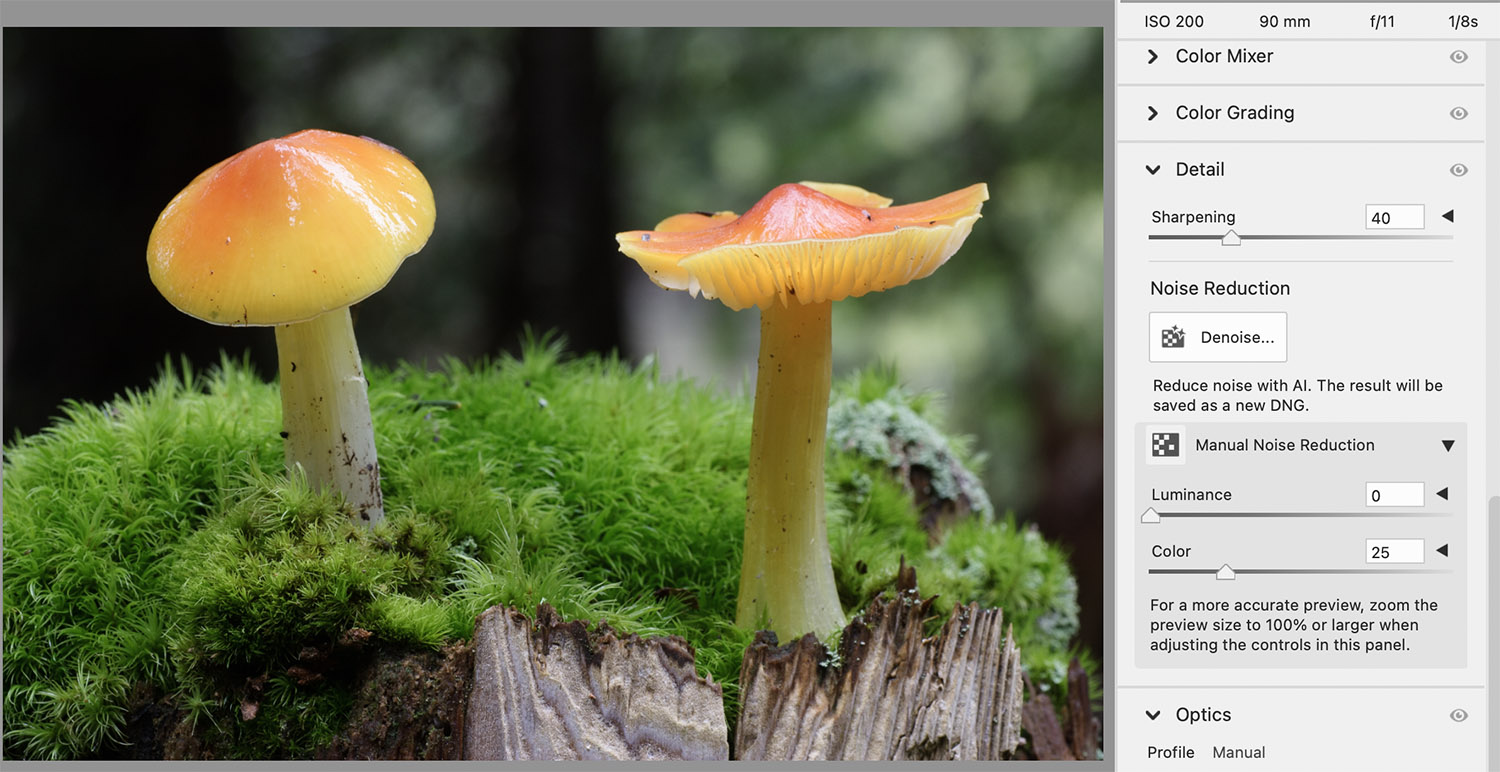
Is there a difference between the PS and LR noise reduction? Searching online it seems that these functions are rapidly changing so I'm not sure what is currently the same or different. I have installed the latest PS and the NR is a live action, not requiring any DNG nonsense. But PS is relatively slow at NR and there are only two controls, Denoise and Sharpening. I was rather surprised that the PS NR is so limited. Is LR NR the same as PS now or is it more sophisticated? Thanks.
I am only posting this AI (Grok) answer to your question because I found the answer to be quite interesting. Please ignore this post if AI answers offend you.
I'm using PS 27.1.0. The article seems to be based on an older version. In any case the point is that there is not much difference in NR of LR and no matter which method for RAWs it is not so good as I would have thought. I just got that cheaply deal on the cloudy Adobe and decided to check it out compared to the old perpetuated PS. There are various useful tools in there, but I'll continue with DXO for RAW file conversion of the noisy, high-res MILS from the 2020s.
My workflow is based on Photoshop and ACR, so I don’t know how relevant my response will be…
These days I do virtually all of my NR in ACR, not in Photoshop. Over the past few years, ACR has become more and more sophisticated and flexible, and as that has happened I have moved more of my post-processing into ACR.
ACR gives you control over the usual NR features (amount, radius, etc) and lets you easily mask the NR to keep it away from high contrast edges and apply it mostly to areas of low contrast and/or gentle gradients.
You can also control this even more precisely by using some slightly more generic NR sliders applied to selections using the advanced selection tools in ACR. (All kinds of subject selections, brushes, gradients, luminosity/color range, etc.)
Then there is the new (and sometimes amazing) AI Denoise feature in ACR which usually does a pretty remarkable job of cleaning up noise. I have some files that are photographically credible but which ended up being very noisy — some margin handheld night photography images and some wildlife. photography done in morning and evening twilight at high ISOs. I’ve kept the raw files, in some cases for years, but felt that they weren’t usable due to the noise — but after the AI Denoise treatment they are now usable.
There are still, of course, situations in which Photoshop’s NR (combined with layers) is useful.
I assumed ACR is still part of PS. I opened the RAW files (ARW or CR3) in PS from the Brig. The window title for the image is "Camera RAW 18.0." Isn't that the same as ACR and where I'm supposed to be doing the processing? Then options under Details are the Denoise and the Sharpening. When I click the Denoise box is says to wait 4 seconds which I assume is the Adobe AI doing something slowly. Even the notes indicate it is powered by AI. Results are decent, just not what I can get from DXO (R5 II or a7rV at ISO 6400). At lower ISOs it's probably just fine and less of a difference.
If I understand correctly, then LR also invokes the Camera RAW 18.0? I really want to avoid the LR if humanely possible, but just wanted to be sure its NR isn't significantly better than PS or DXO.
Sorry for digressing, this has been a mystery to me as to why there's no stand-alone version of ACR for photography? Why it needs to be accessed indirectly, through a catalog (LR), Bridge, or PS?
Normal image processing programs don't have that awful separate Brig function either. I'm sure many of the complexities are due to diverse user needs and long term compatibility. And is LR still using a single-user proprietary database?
ruthenium wrote:
Sorry for digressing, this has been a mystery to me as to why there's no stand-alone version of ACR for photography? Why it needs to be accessed indirectly, through a catalog (LR), Bridge, or PS?
There's Lightroom (not Lightroom Classic) that doesn't have a catalog. The functionality is essentially the same as ACR.
EB-1 wrote:
I assumed ACR is still part of PS. I opened the RAW files (ARW or CR3) in PS from the Brig. The window title for the image is "Camera RAW 18.0." Isn't that the same as ACR and where I'm supposed to be doing the processing? Then options under Details are the Denoise and the Sharpening. When I click the Denoise box is says to wait 4 seconds which I assume is the Adobe AI doing something slowly. Even the notes indicate it is powered by AI. Results are decent, just not what I can get from DXO (R5 II or a7rV at ISO 6400). At lower ISOs it's probably just fine and less of a difference.
If I understand correctly, then LR also invokes the Camera RAW 18.0? I really want to avoid the LR if humanely possible, but just wanted to be sure its NR isn't significantly better than PS or DXO.
Bridge is essentially Adobe’s non-Lightroom tool for organizing your raw files. When you double-click these files in Bridge, they open in the Adobe Camera Raw (ACR) app for editing. ACR provides many of the same raw-files-editing tools that you find in Lightroom. My workflow then opens the raw files straight from ACR into Photoshop as “smart objects.” This allows me to return to the raw image in ACR (by double clicking its layer in PS) for further processing or changes even after I have opened it and edited in Photoshop.
I virtually never use Lightroom. (I do like to use it to filter files for selection purposes sometimes.)