p.1 #1 · New weirdness--exclamation marks on import folders in LR Classic
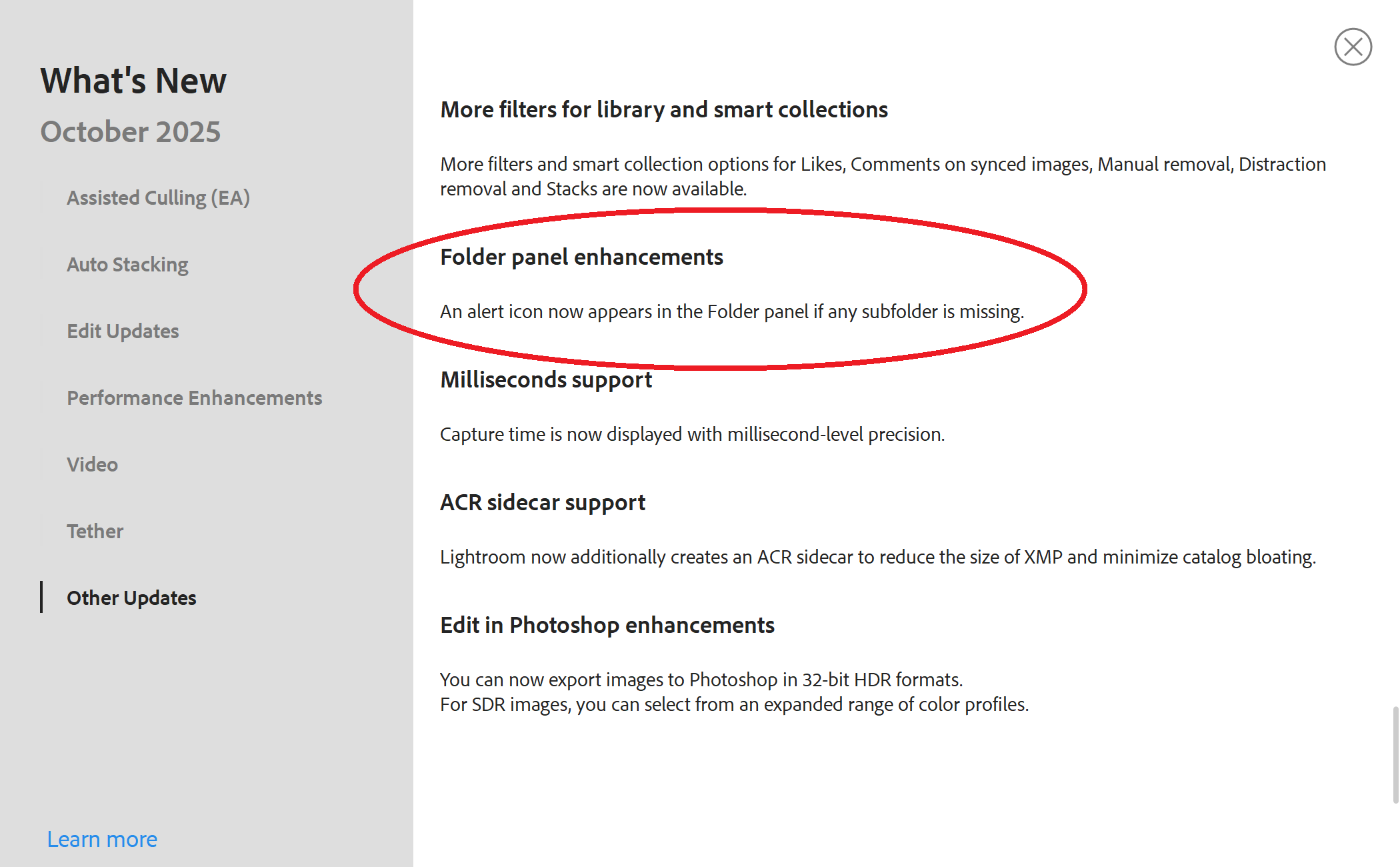
Hey everyone, hoping my fellow MacBook LR users can help with this new weirdness. LR has placed an exclamation mark next to my main photos folders and then a couple of the year folders. I have no idea what is going on. None of these folders indicate that they are missing any photos or have any issues. There is an option to Update Location of the folder but when I click through to show location in Finder, they are all where they should be. Notably, this is a brand new problem that occurred after I installed the latest update yesterday. Anyone else experiencing this, anyone have any thoughts? Many thanks.
p.1 #2 · New weirdness--exclamation marks on import folders in LR Classic
Google AI offers this ...
"Common meanings of the exclamation mark
Missing file: This is the most common reason. It means the original image file has been moved, renamed, or deleted outside of Lightroom. Lightroom only has a preview or a link to the original file, so when the original is gone, this icon appears.
External changes: If you edit a photo in another program (like Photoshop) without using Lightroom's "Edit In" command, the metadata might become out of sync and trigger an exclamation mark.
Metadata error: The icon can also appear if there was an error while trying to save the photo's metadata to the catalog."
I would try to find a single photo in one of the folders and figure out which (if any) of those possibilities might be the cause.