duncangr wrote:
I think you are confused - it does mean the camera will stay locked on to the current subject better even if it is moving towards/away from you. The Locked On applies when the subject is obscured or leaves the frame - otherwise is will stay focussed on the subject. Check my videos of swallows and lanner falcons coming straight toward the camera - Locked On does not prevent the camera from staying focussed on to these subjects.
From the Manual
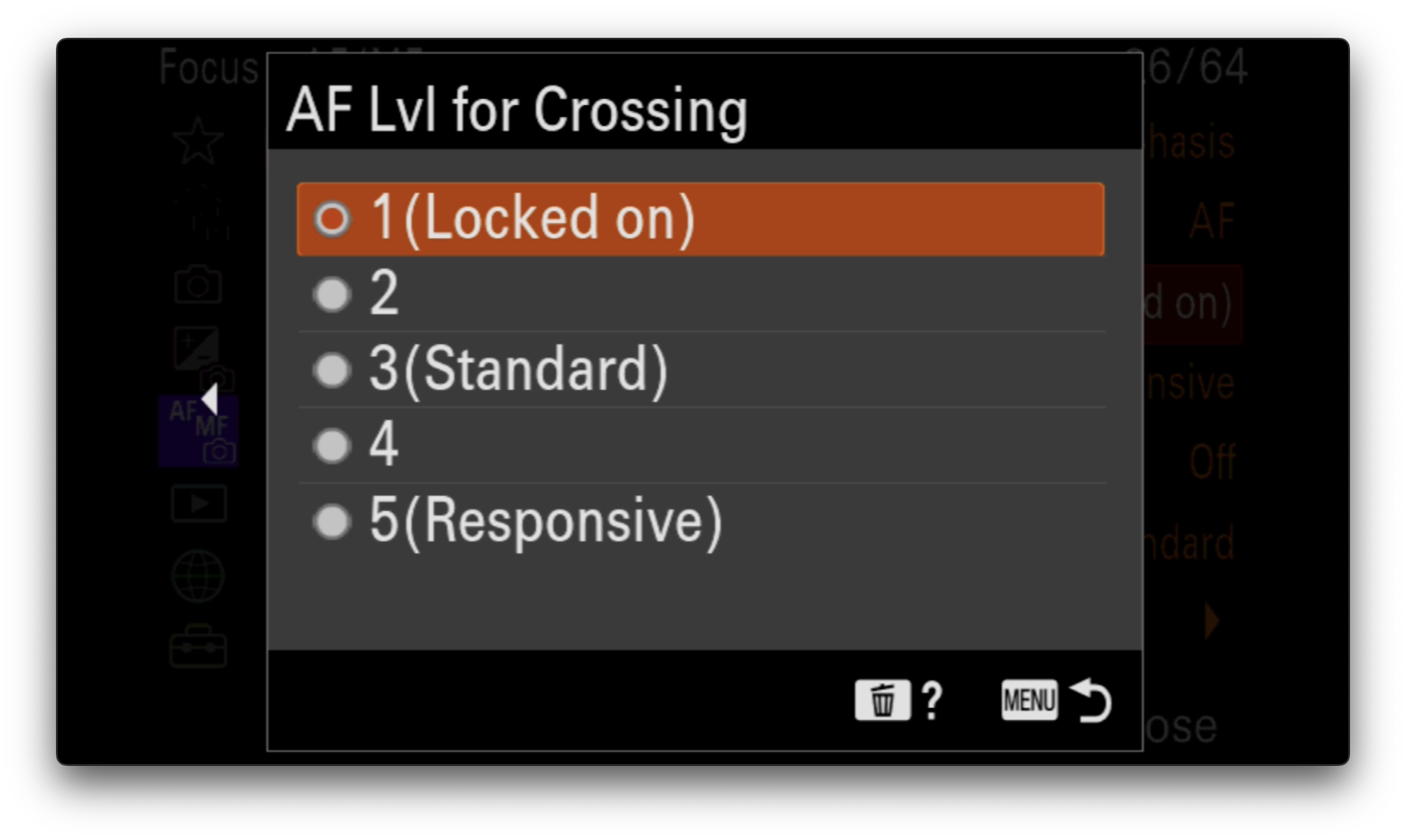
Select [5(Responsive)] when you want to quickly focus on the crossing subject if another subject crosses between the
camera and the subject, or when you want to quickly focus on another subject in the focus area if the subject goes out of
the focus area.
Select [1(Locked on)] when you want to keep focusing on the subject if another subject crosses between the camera and
the subject, or when you want to keep focusing on the distance where the subject previously was if the subject goes out
of the focus area....Show more →
5(Responsive) / 4 / 3(Standard) / 2 / 1(Locked on):
Select [5(Responsive)] to focus responsively on subjects at different distances.
Select [1(Locked on)] to keep the focus on a specific subject when other things are crossing in front of the subject.
But for events where people are running quickly towards me, like marathons, soccer, and basketball, I get the best accuracy with 5. As long as nothing gets in the way. If I use lower than 3, the AF gets laggy, and some shots in the burst end up focused slightly behind the subject. I use 2 for hockey, since most of the time the players are moving side to side and heavily overlapping. But for most things, I'm at 3-5 to keep the AF moving as quickly as possible.
BlueBomberTurbo wrote:
Not sure if things have changed since my A9:
But for events where people are running quickly towards me, like marathons, soccer, and basketball, I get the best accuracy with 5. As long as nothing gets in the way. If I use lower than 3, the AF gets laggy, and some shots in the burst end up focused slightly behind the subject. I use 2 for hockey, since most of the time the players are moving side to side and heavily overlapping. But for most things, I'm at 3-5 to keep the AF moving as quickly as possible.
Sure but the OP doesn't want the camera to leave the horse rider it is focussed on when the rider is obscured by the jump, he doesn't want it to focus on the nearest thing in the foreground.
I never did figure out how to make this work. I ended up having to refocus on the rider when they came out from behind a jump, not ideal. I don’t understand why, with subject recognition on to animal or human, it so quickly locked onto the jumps. Not the end of thecworld but, disappointing. Thanks for all of the feedback.
duncangr wrote:
Sure but the OP doesn't want the camera to leave the horse rider it is focussed on when the rider is obscured by the jump, he doesn't want it to focus on the nearest thing in the foreground.
Then 3 is probably the best for that situation, because 1 isn't moving the focus fast enough to keep up in a clear view. 1 is way too strict with keeping the focus locked on, including not moving the focusing element until it's absolutely certain the subject is moving (when they just begin to become OOF). This delay leads to missed shots on fast subjects. 3 should have enough time ignoring interruptions to prevent focus from moving to something in front of the subject, while moving the focusing element fast enough when the subject is in view to to keep up with it.
BlueBomberTurbo wrote:
Then 3 is probably the best for that situation, because 1 isn't moving the focus fast enough to keep up in a clear view. 1 is way too strict with keeping the focus locked on, including not moving the focusing element until it's absolutely certain the subject is moving (when they just begin to become OOF). This delay leads to missed shots on fast subjects. 3 should have enough time ignoring interruptions to prevent focus from moving to something in front of the subject, while moving the focusing element fast enough when the subject is in view to to keep up with it. ...Show more →
The OP is shooting a horse rider - which is not what I would call a particularly fast subject.
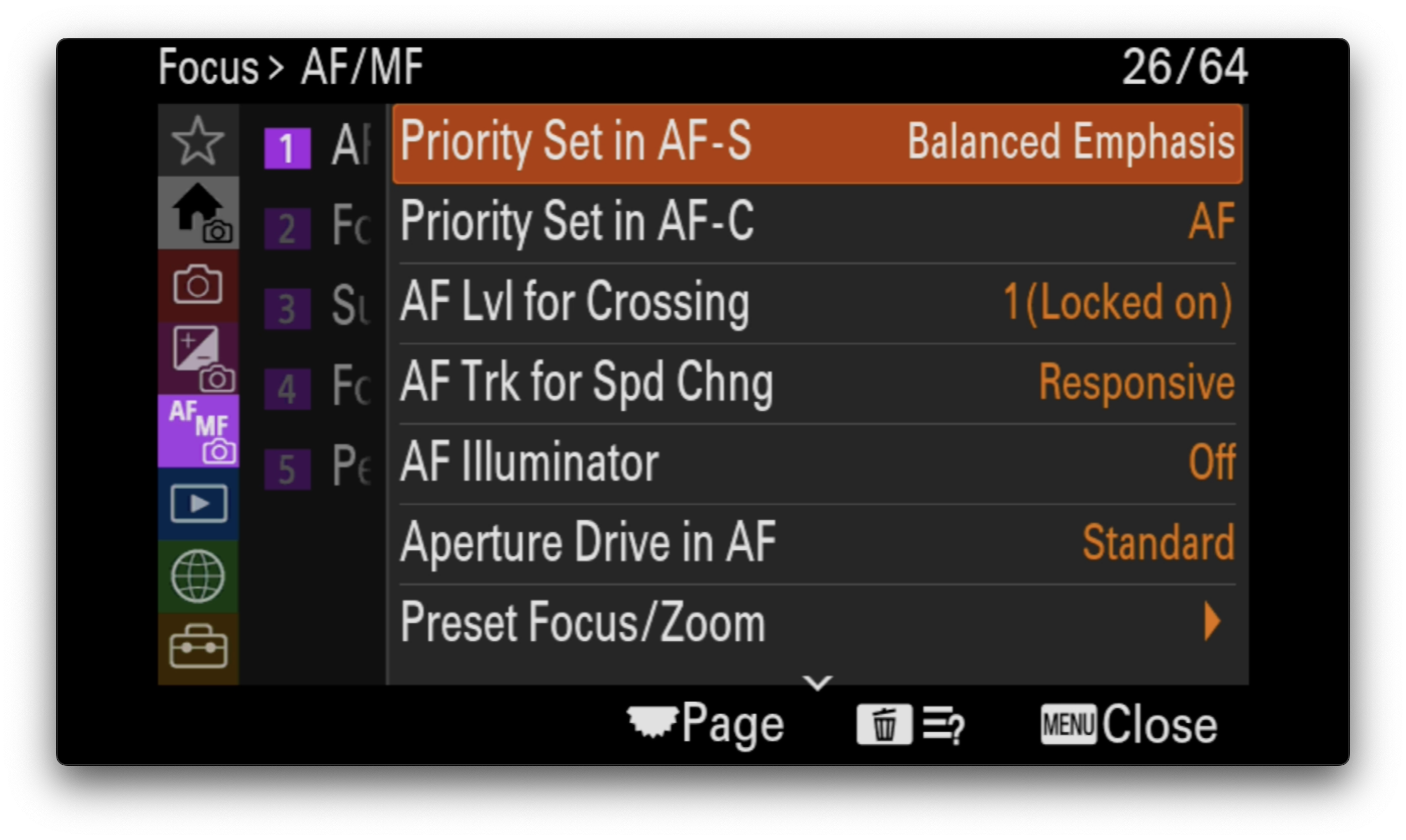
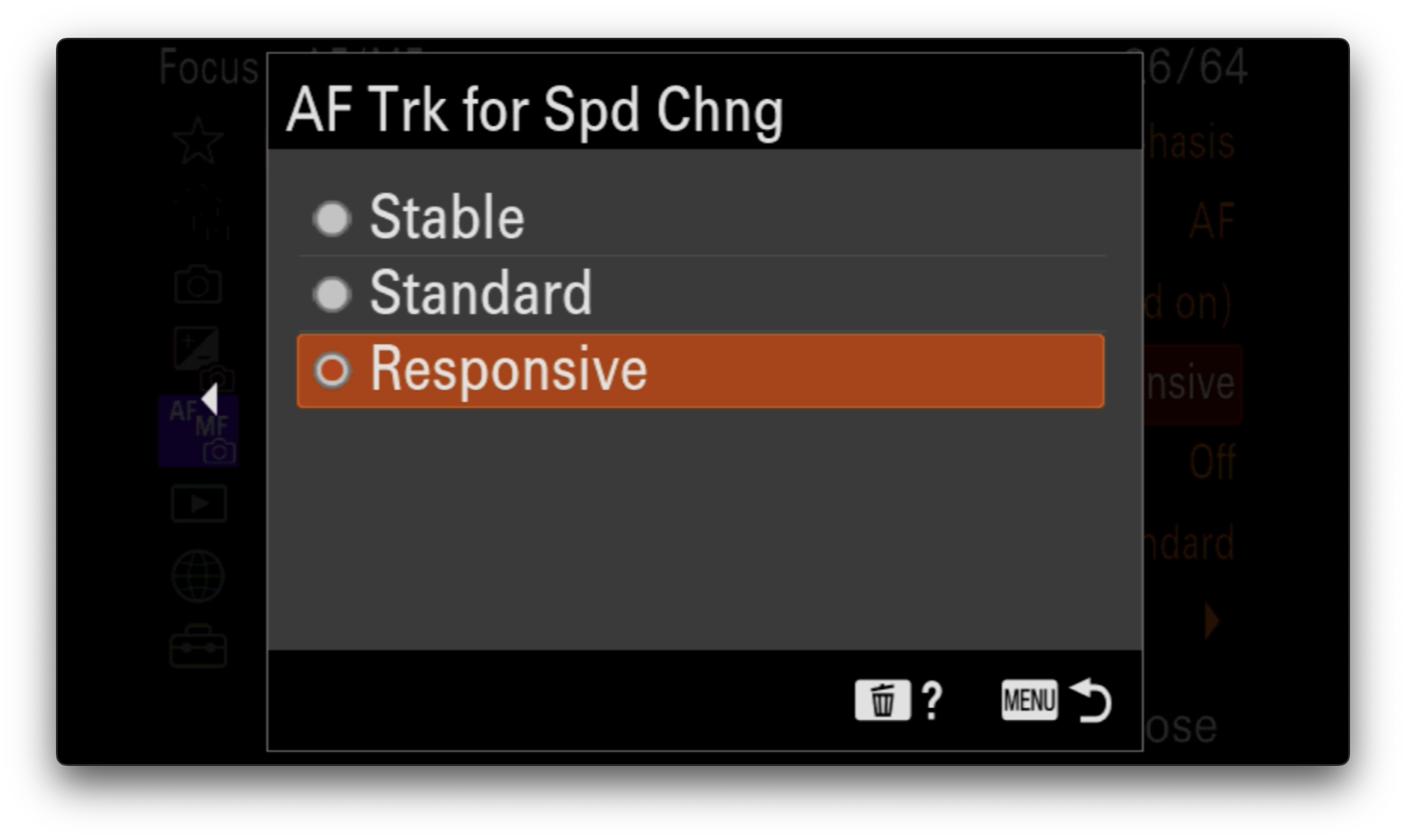
There is a separate setting for responsiveness to speed changes - see AF settings screen shots below.
These are the Sony Autofocus Settings I typically use.
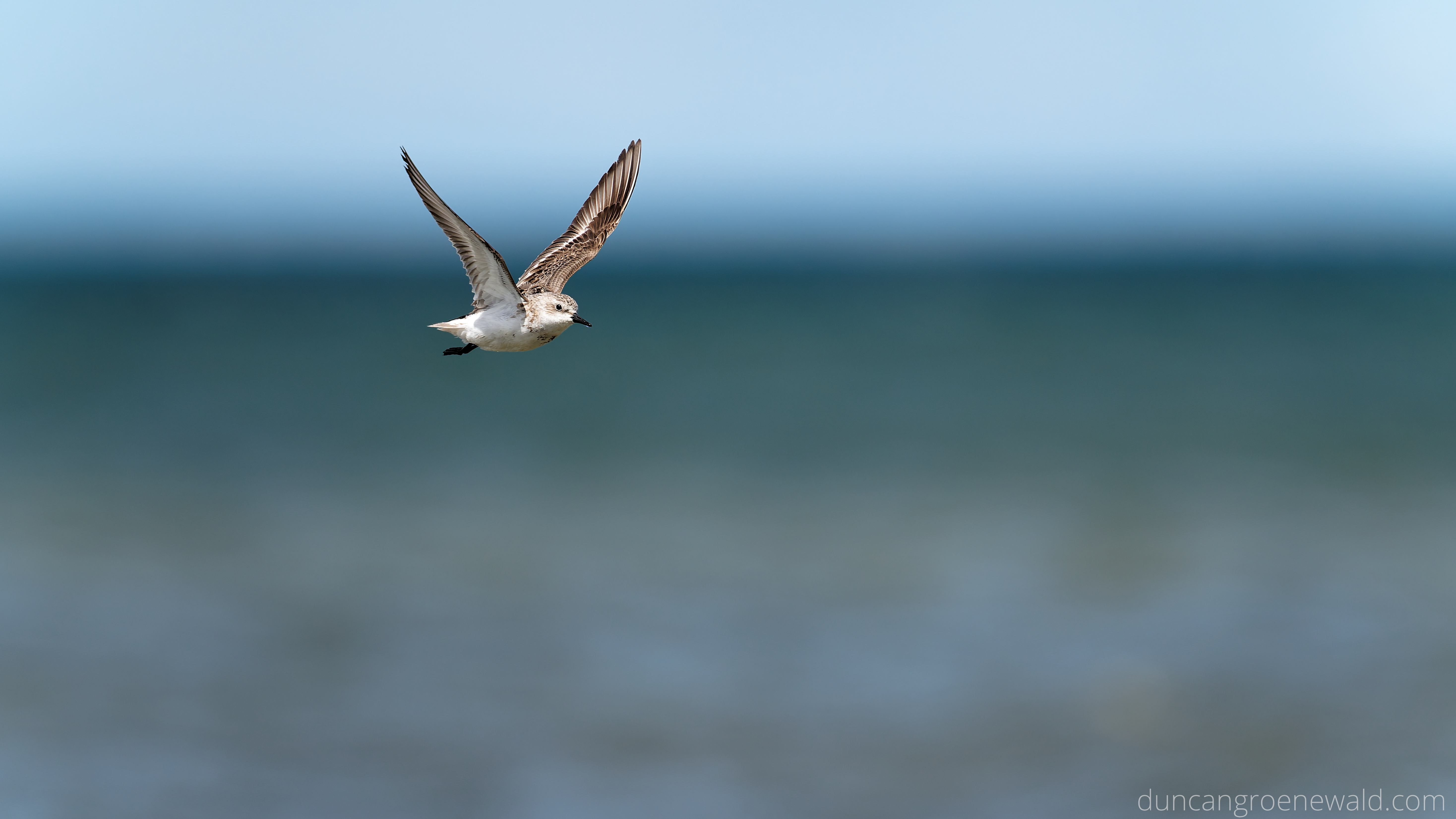
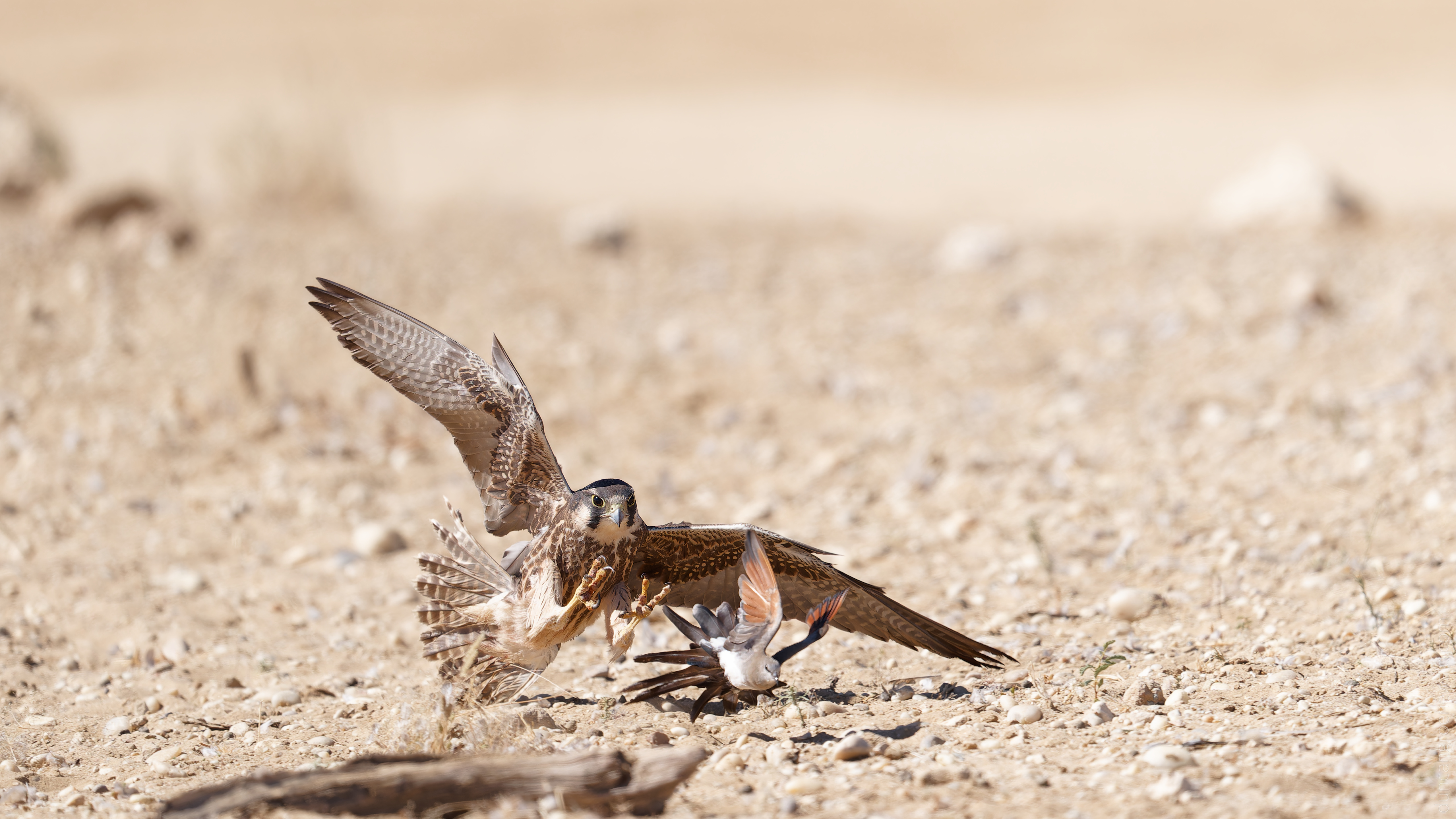
Examples of some fast subjects taken with these settings.
And a link to some sequences of birds taking off and heading straight toward the camera. The Locked On setting just means it will stay with the current subject and if the subject is obscured it will not change focus distance while trying to find another subject in the frame. The Speed Change setting is the one that will change the speed at which the AF changes if the subjects speed changes suddenly.
You can choose the size of the 'Zone' in which the AF will find the subject. Perhaps you can eliminate the jump in that manner. Check out Steve Perry's YouTubes on this subject.