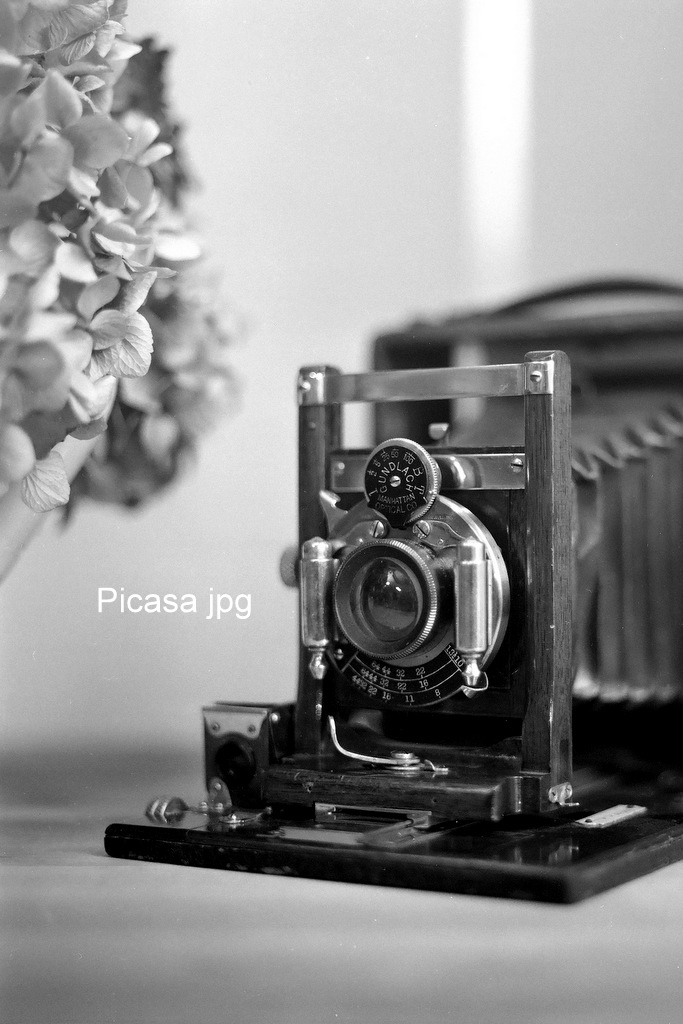
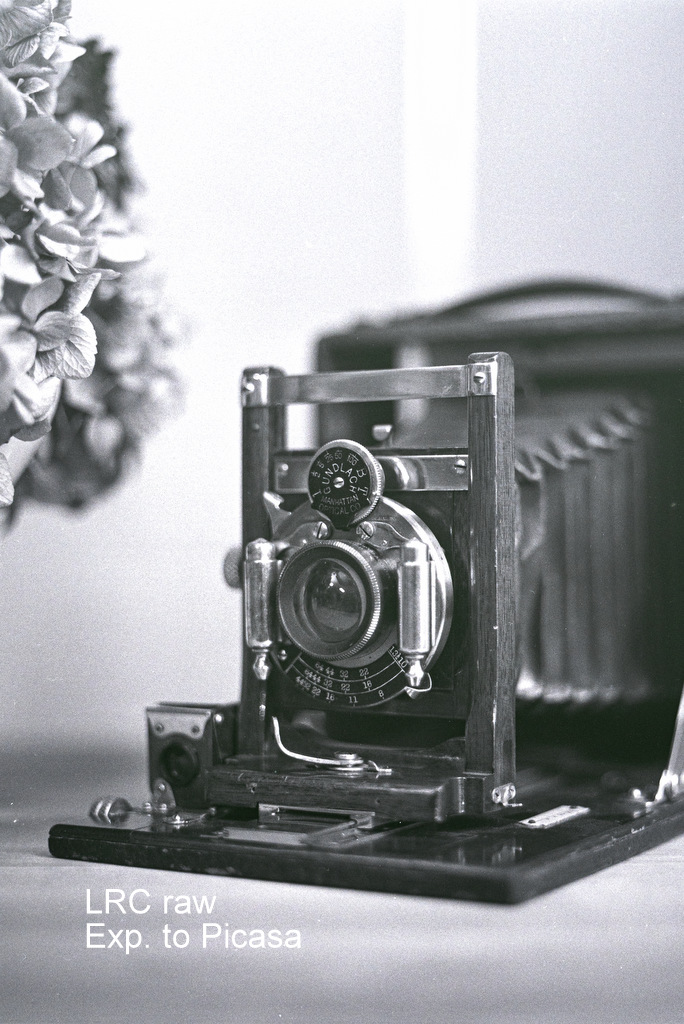
I scanned this negative using R5 and EF100L from a Rollei SL66. One I edited the jpg in Picasa and the other a RAW in LRC. I then exported the raw to a tiff in Picasa. The Picasa has always been my favorite for the easy and quick processing that gets great results. It can also do raw but since it's discontinued it can't do the R5 raw. Look at the two images and tell me which one you think is better. Both were cropped a bit. I will admit I really don't know how to use LRC so i"m sure others could do a much better job, but if you want quick and easy I find Picasa great even though it doesn't do a lot.
My typical workflow for Lightroom Classic:
- import;
- enter Develop mode;
- set colour profile to Adobe Monochrome when processing BW;
- enable clipping warnings (toggle with "cmd + j" or triangles above the histogram) - this would highlight the clipping areas with red and blue;
- adjust the level line (Tone Curve) ends horisontally to set the black and white points; in many cases on well-exposed negatives having those just before clipping is a good starting point;
- detail: turn off noise removal; leave sharpening on default;
- lens correction: enable vigneting correction, select your lens in the dropdown, disable distortion correction;
- add a bit of sharpening with "texture" (under 20 to keep it subtle);
If you "scan" the frames with the same exposure settings, then you can copy the above to the whole roll. Right click on thumbnail > Develop Settings > Copy Settings.... Then select all, and Develop Settings > Paste Settings.
For each frame:
- adjust the crop (R);
- remove dust spots with the magic eraser (toggle with "q", scroll to adjust the brush size);
Then export. LR can call an external script on export. I made custom ones that change EXIF to set the camera model to the one that took the original picture.