I'm scheduled to take headshots and full body pictures with a backdrop next week, indoors. I don't do this often, pretty much never. But wanted to possibly use some Canon Speedlites on light stands.
- How many do I need?
- What are some budget friendly stands? Amazon Basics work?
- Any other attachments I need to mount the flash on there?
- Any tips on stand positioning, where to point the flash, modifier or not, etc?
- Am I just overthinking it and maybe just go with one flash on camera, and call it a day? Lol
You're in NYC. There have got to be a number or rental houses where you could rent one or two monolights, stands and a decent set of light modifiers.
What are your 'client's' expectations for this shoot? Have they said anything like, 'hey we want the photos to look like these'?
It could be as simple as one light on the subject and one on the backdrop. There are even ways to light both the subject and the background with one light.
My set up for head shots is generally a key light (main light), fill (a reflector), a hair light and a background light. Light modifier size here for the key light would be in the 36" range. Hair light I use straight reflector flash head with a grid to control light spill. Background light is also a straight reflector flash head straight at the background set at about subject's torso height. If the key light is smaller, light quality will be harder. Larger and it will be very soft if you're in a small area (light bouncing off walls) or if the light can't be moved back much. Another factor is ceiling height if using large modifiers because you generally want to raise them somewhat. For full length, you'd ideally use a larger light modifier. The general rule is a modifier similar in size to the subject. So for full length, something in the 5-6' range and for head shots, as mentioned, around 36".
If you have to do head shots and full body at the same time and can only do one lighting set up, you could go with a larger modifier backed up somewhat. The thing with larger soft boxes is you need more power than just a speedlite. 400-600 Ws would be better but you can also bump ISO a bit and get away with a bit less power.
At the least for head shots, if you have to use speed lights, would be to use an umbrella with the key light.
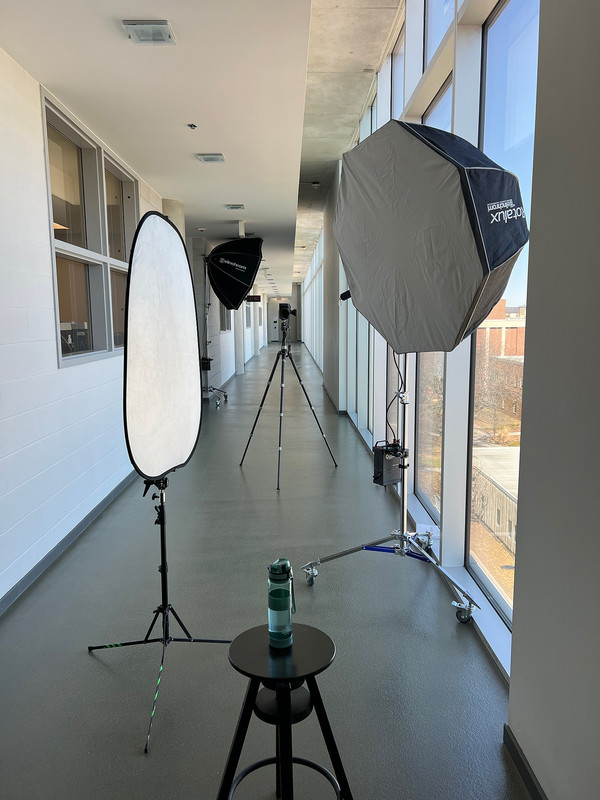
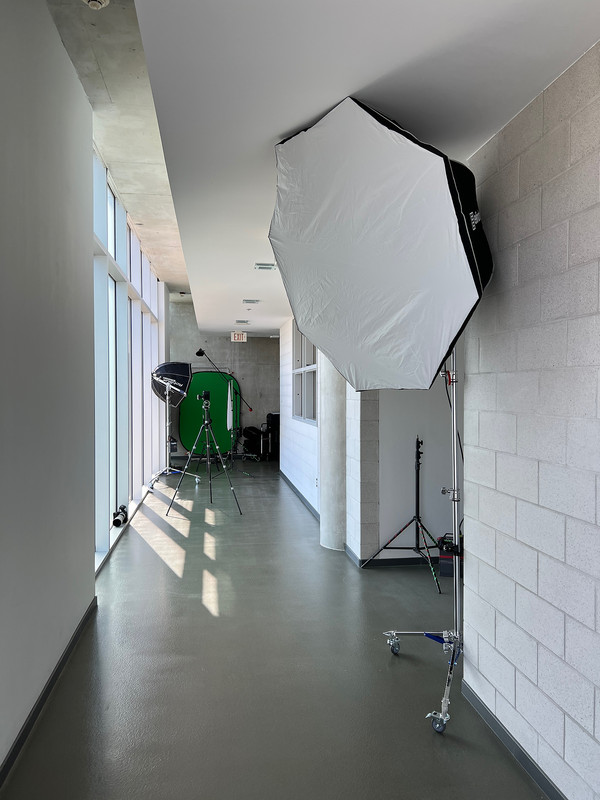
Here are some photos of my set up for on-location head shots. For this shoot I also did full length shots against a bank of windows in a hallway with a separate set up of just one light in a ~5' softbox.
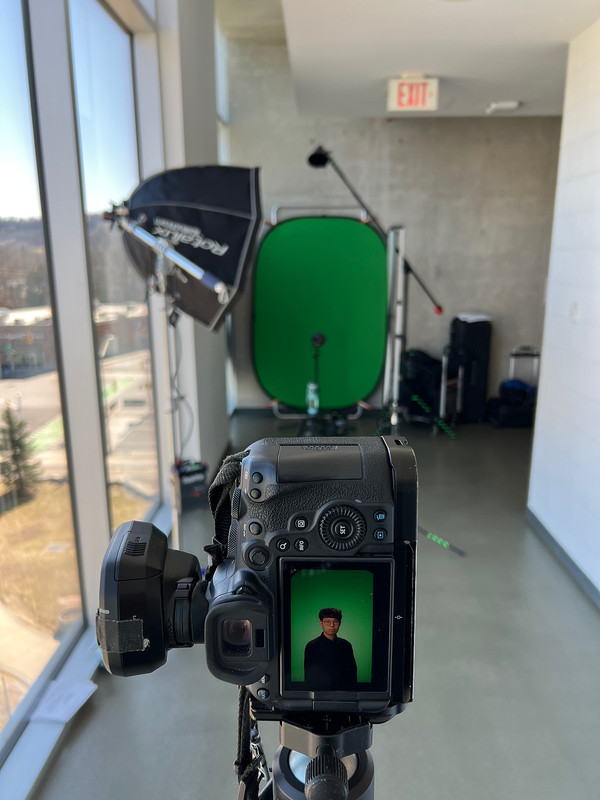
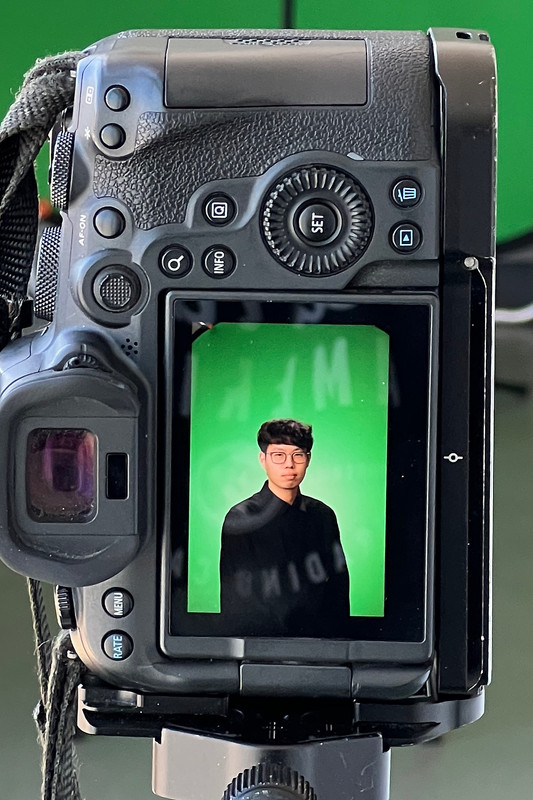
This is the head shot set up. It was a 39" octabox as the key light, a reflector, hair light boomed up in a grid and a background light. The strobes were capable of 400 Ws but the key wasn't even at 100 Ws to achieve ISO 200 f/8. The hair and background lights were dialled way down like 25 Ws or even less. The background was green screen simply for ease of background selection in post to change to a totally different color. But with smart AI masking now in many editors, it can be done with pretty much any background.
This is the same set up just looking the other direction. In the background you can see the light for the full length set up.
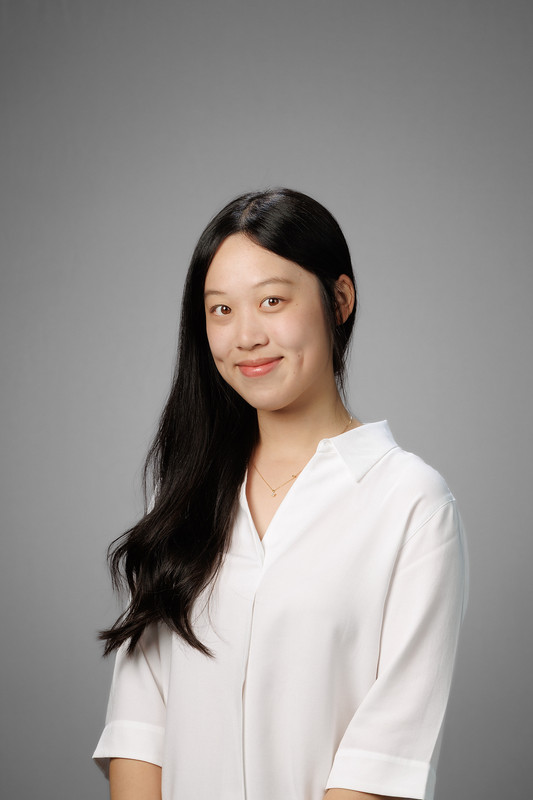
This is an example of a portrait from this set up, but at a different location and shot against a gray background:
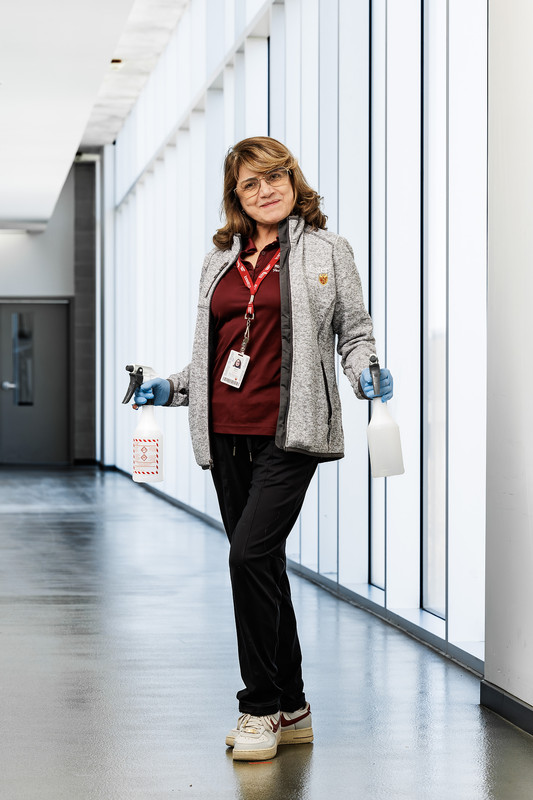
This is the full-length set up and a sample image of one of the janitorial staff that happened to be handy to test the set up. The light was set up opposite a white wall that acted as a fill reflector.
If you have an hour, this is a very good video about single light portraits. He walks through different light modifier types and sizes. Yes, it was commissioned by Elinchrom, but the basics are brand agnostic. That said, I am an Elinchrom fanboy, particularly their light modifiers.
The one 'pro tip' takeaway from this video is how to feather lighting (skim it across and wrap around the subject rather than blast it straight at them - though there are also times and places for that technique).
Such an excellent post! Thank you for sharing that detailed setup info
The pic of the janitor is great!
And thanks for referencing Felix kunzes video - I also found that highly informative when I saw it. I had it playing on double speed - makes that long video go by much faster
If you have any extra tripods, you can use these Westcott adapters to turn them into light stands. I just purchased my first flash equipment and came across this adapter that I’ll put on an extra tripod instead of trying to deal with a cheap light stand or buying an expensive stand that I might hardly ever use
I guess my age is going to show as I look at the head shots rscheffler posted. I was taught a headshot was shoulders and head. And not with the head in the middle of the frame with all that blank space above it. That head placement is very common with new photographers who tend to place heads in the middle of the frame ( if you draw two lines from corner to corner) that is where the head is.
Film makers have all sorts of slang words to describe things on the set or in front of the camera. When doing photos of an actor you ask the director if they want a twofer (breasts to top of head) or cowboy (waist to head). I can’t remember the term for aa close head shot. I guess back in the day that was the correct way to be given directions when photographing a woman.
Not sure if this is going to blow up on me, but that is the way it was w9rking on films and tv shows in the ‘70’s.