p.1 #1 · Sony. Lens Focus-Hold Button: looking for a solution
Hello:
When I owned the a7riii and attached my 24mm Gmaster, I could choose from the camera’s menu the specific option to program the lenses focus hold button for eye AF. I did and I used the button that way successfully and happily
When street shooting and wanting to activate eye AF before a subject entered the frame, the focus hold button enabled faster focus on the eye when the subject entered the frame.
The ability to program the focus hold button in this way has disappeared in the Sony a7rv. Is there any way to achieve
Setting the lenses focus hold button to eye af? Is there a workaround.
p.1 #2 · Sony. Lens Focus-Hold Button: looking for a solution
Since nobody is giving you a detailed list of steps to follow, I can try to help:
First, the language. Sony has replaced the eye AF to a more broad concept called "subject recognition". This works in a hierarchical way: the camera recognizes the body, then goes after the head, and if possible - the eye. When it loses the eye (subject turns away) it switches back to tracking the head, and when that fails - the body. Nikon Z8 works the same way, and it's obviously more robust than what we had before.
It is important to remember that the subject recognition needs one setting to work the way you want, which is the AF area to recognize subjects in. Generally there is the trade-off between flexibility, reliability and speed. You can use the entire frame to recognize subjects, or smaller areas that can be moved around.
The next question is how to configure the camera to switch to subject recognition mode when holding the lens button. Due to the insane flexibility of Sony bodies, there are several ways to do this. I can't give you the detailed HOWO instructions because my camera is not setup the way you probably want, and I haven't explored other ways.
My setup: the control wheel under my thumb cycles through 3 AF areas I have pre-configured (full-screen, wide, and center). The bottom press on the control wheel toggles subject recognition, ON/OFF. If you're OK with a similar setup, you can configure the lens button to enable subject recognition while you're holding it.
But as I said earlier, if you need to change two settings at once while you're holding the button, this won't work. If, in addition to enabling subject recognition you also want to switch the AF area, you need to create a new custom "shooting mode", save it into one of the "banks" in camera memory, and then program the lens button to quickly recall that mode while you're holding it. I have not done that myself, just citing the manual to you here.
p.1 #6 · Sony. Lens Focus-Hold Button: looking for a solution
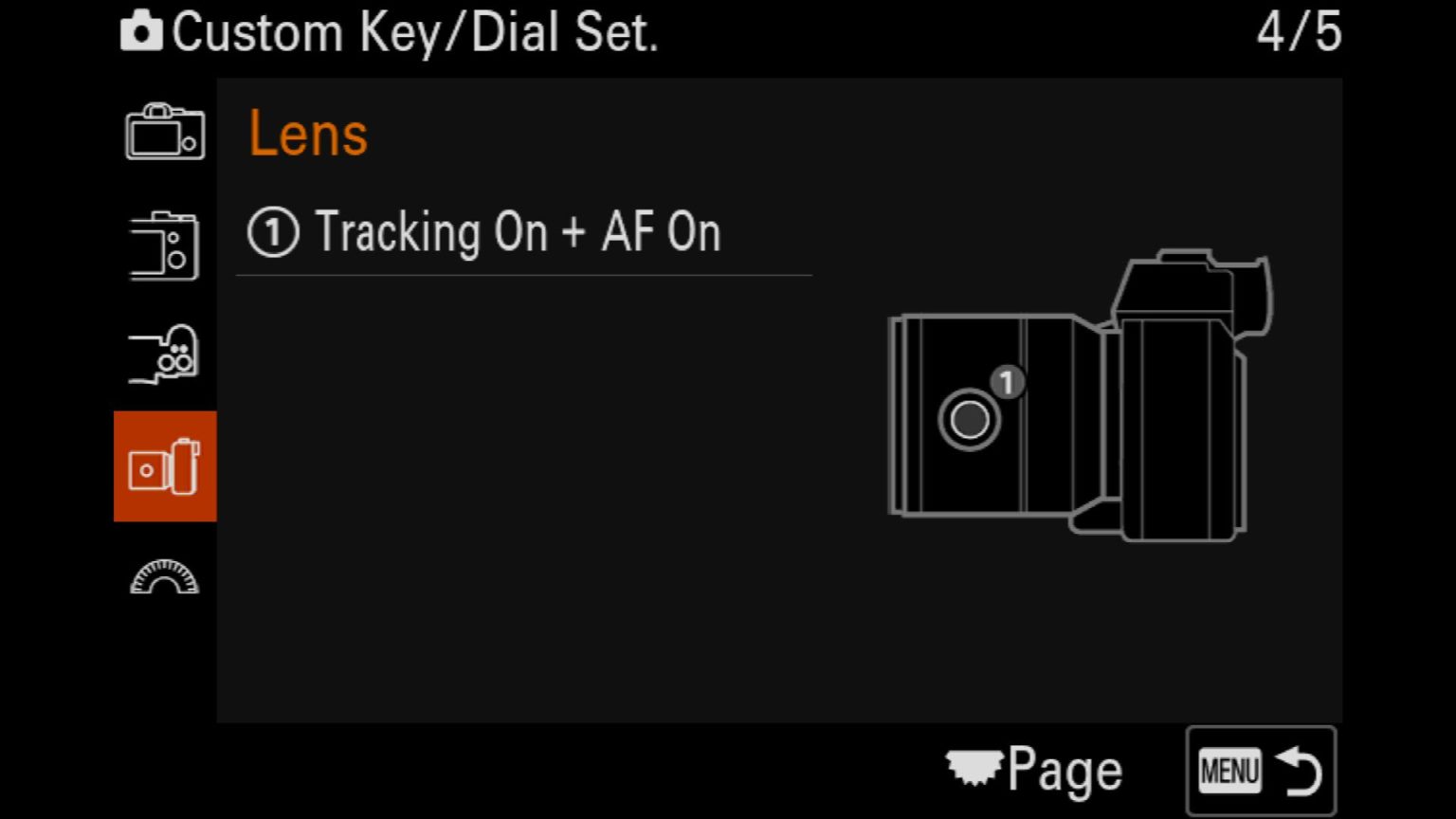
After much fiddling and using trial and error, I believe I finally figured out how to set the "focus hold" button on the lens so that, when the button is depressed, the lens will more quickly attain eye AF.
The answer is to set the focus hold button to "AF On"
That setting prioritizes eye af and eliminates situations where the camera first focuses on the fact then switches to eye AF. The button solution forces the camera to go directly to eye AF.