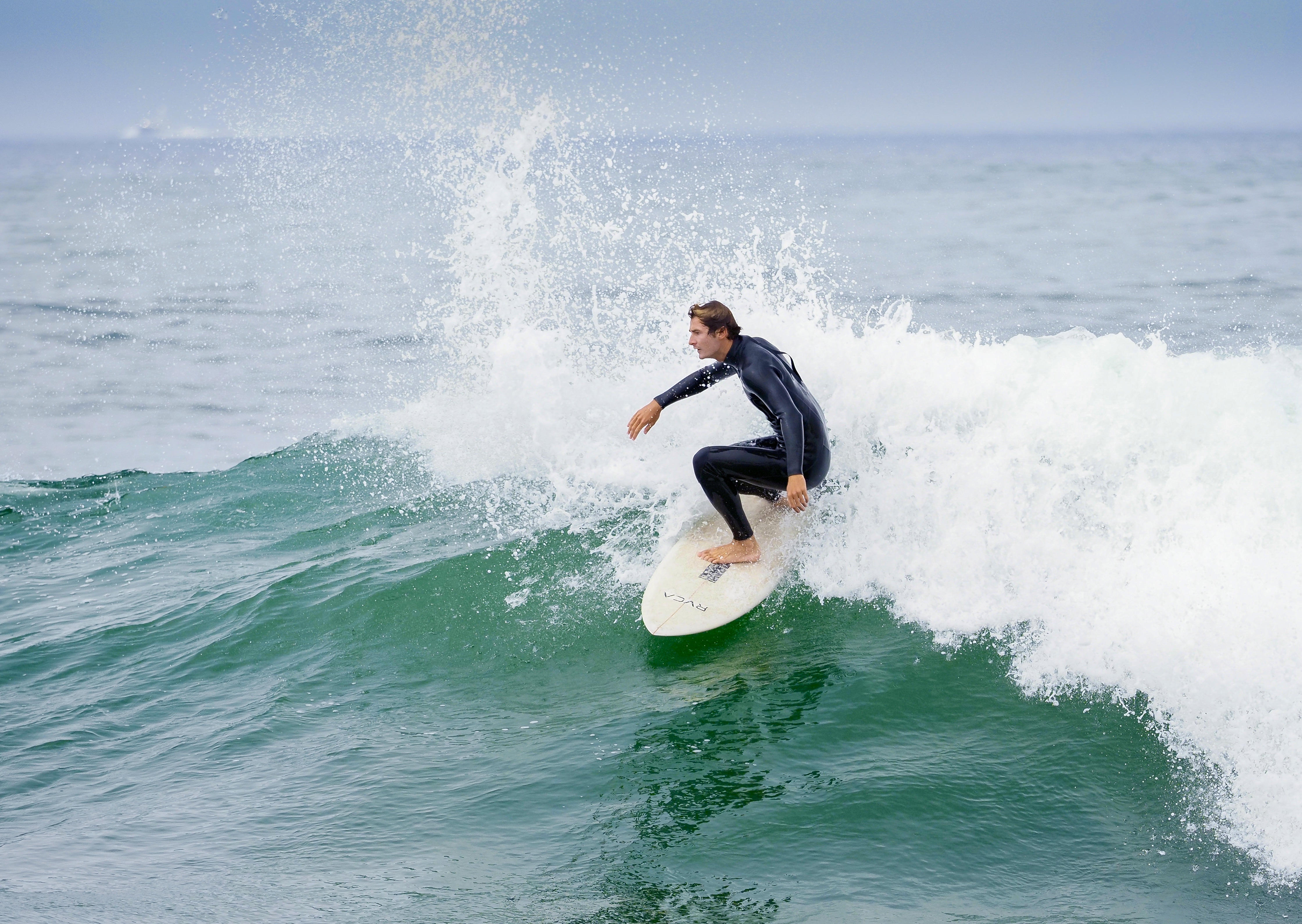
p.1 #1 · Shooting surfers on Lumix G9 MKII AF mode?
I enjoy shooting surfers with my 100-400 lens. I am having difficulty in getting sharp images. I am shoopting at 1/2000 at f/9 in C mode. I had been using the people tracking mode, but they are so far away that I think that the camera is having a hard time getting focus. I am thinking of changing my setting to Tracking AF, and using one of the other tracking modes such as Motorcycle or Airplane. I would be interested in hearing other opinions.
DC-G9M2LEICA DG 100-400/F4-6.3II lens200mmf/8.01/2500s320 ISO0.0 EV
p.1 #2 · Shooting surfers on Lumix G9 MKII AF mode?
Unrelated to AF, to the best of my understanding, a micro four thirds camera system is affected by diffraction softening starting from F4 (when this softening is negligible). You need to test on a static subject how well your lens resolves when wide-open and when closed to f/8 or f/9. This is not easy to predict. If we believe LensTip, this lens gets progressively weaker toward 400mm and MAY need to be stopped to f/8 for optimal sharpness, but you may want to confirm this with the lens in your hands.
Another consideration is that when shooting a distant subject over a long stretch of a water surface under a bright sun, it is highly unlikely that you are shooting through clear and transparent air. The varying humidity and the streams and waves of moist air can be responsible for the softness in your photos, on top of the certain diffraction softening at f/8 - f/9.
p.1 #3 · Shooting surfers on Lumix G9 MKII AF mode?
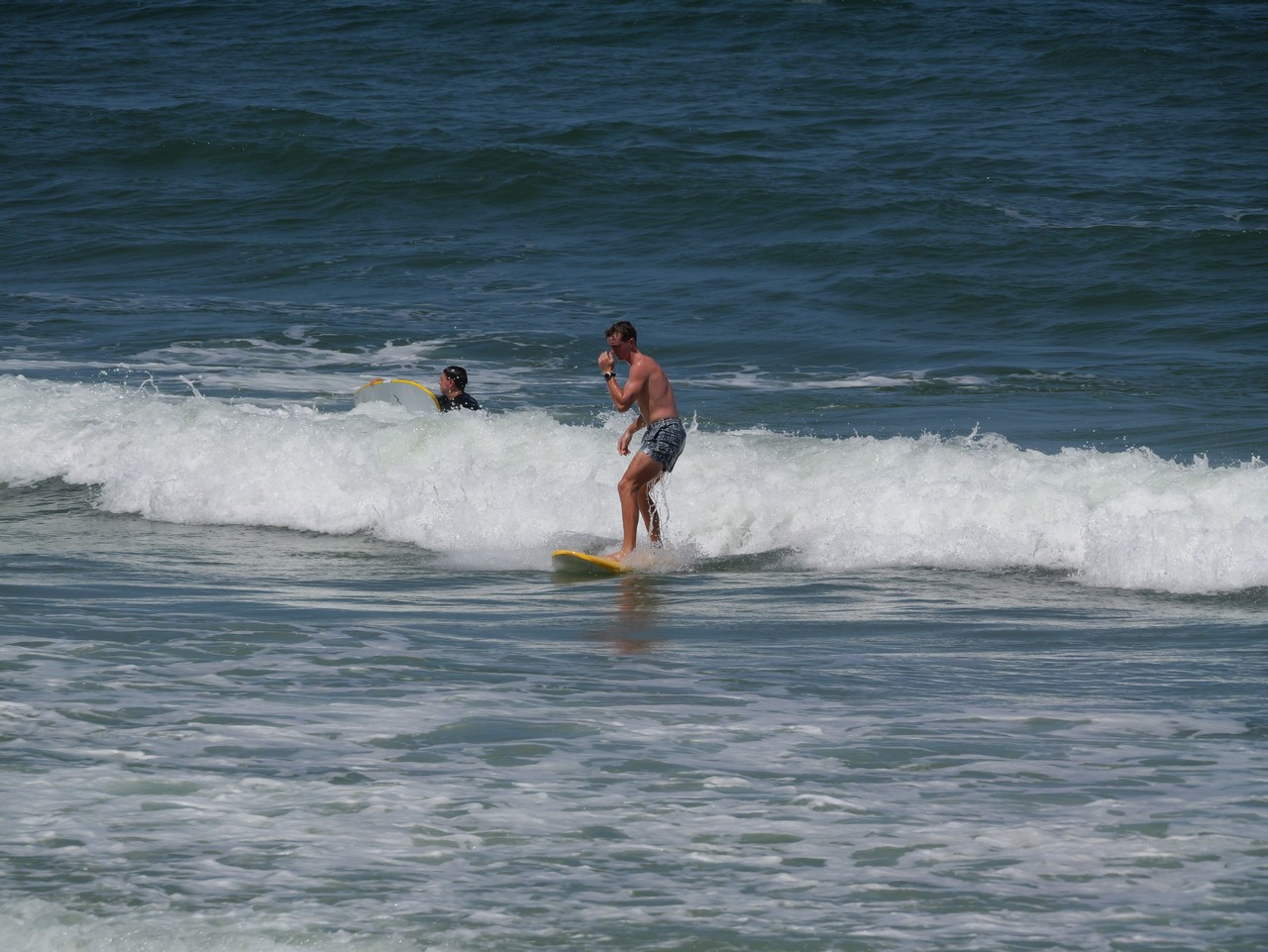
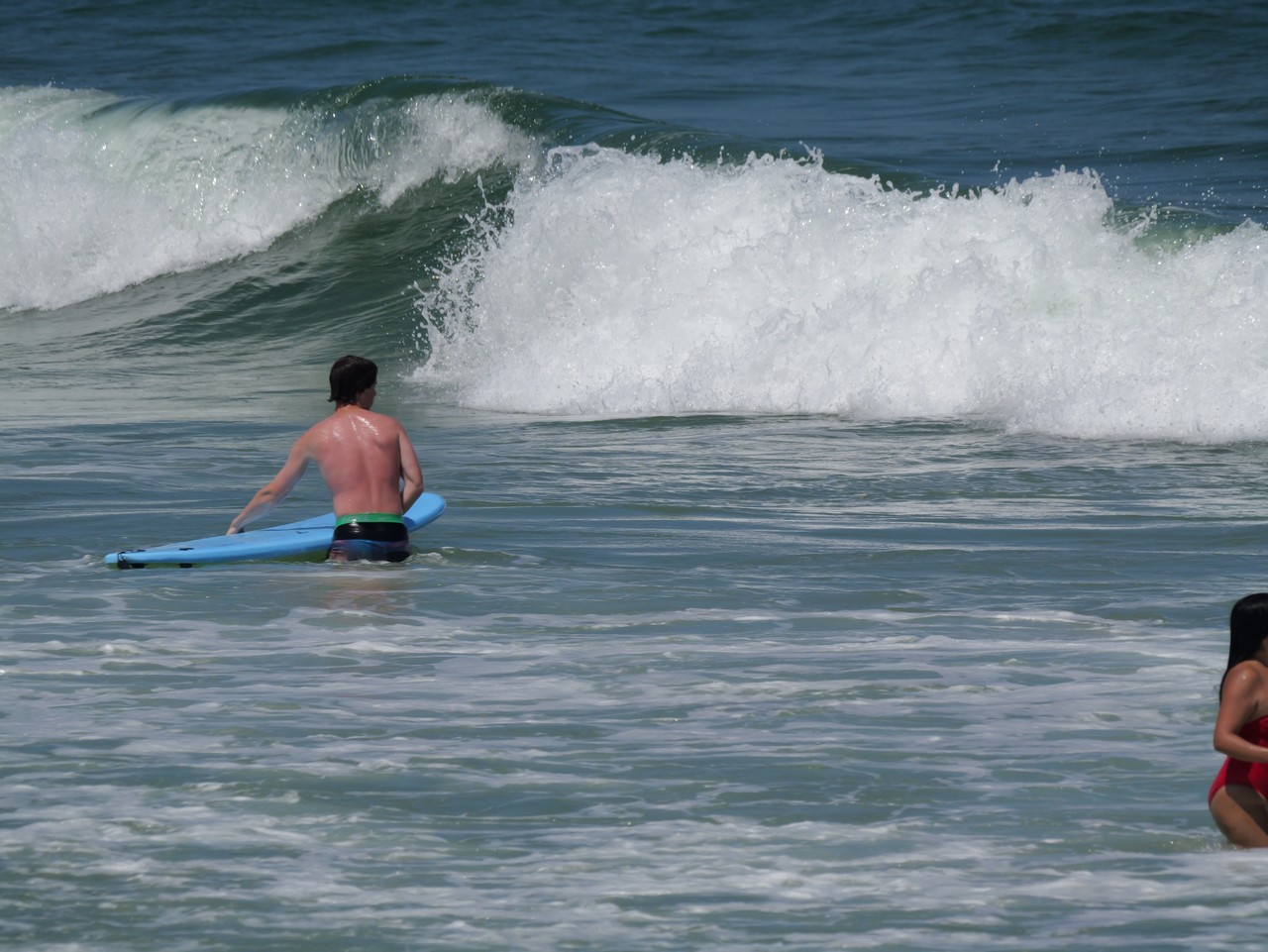
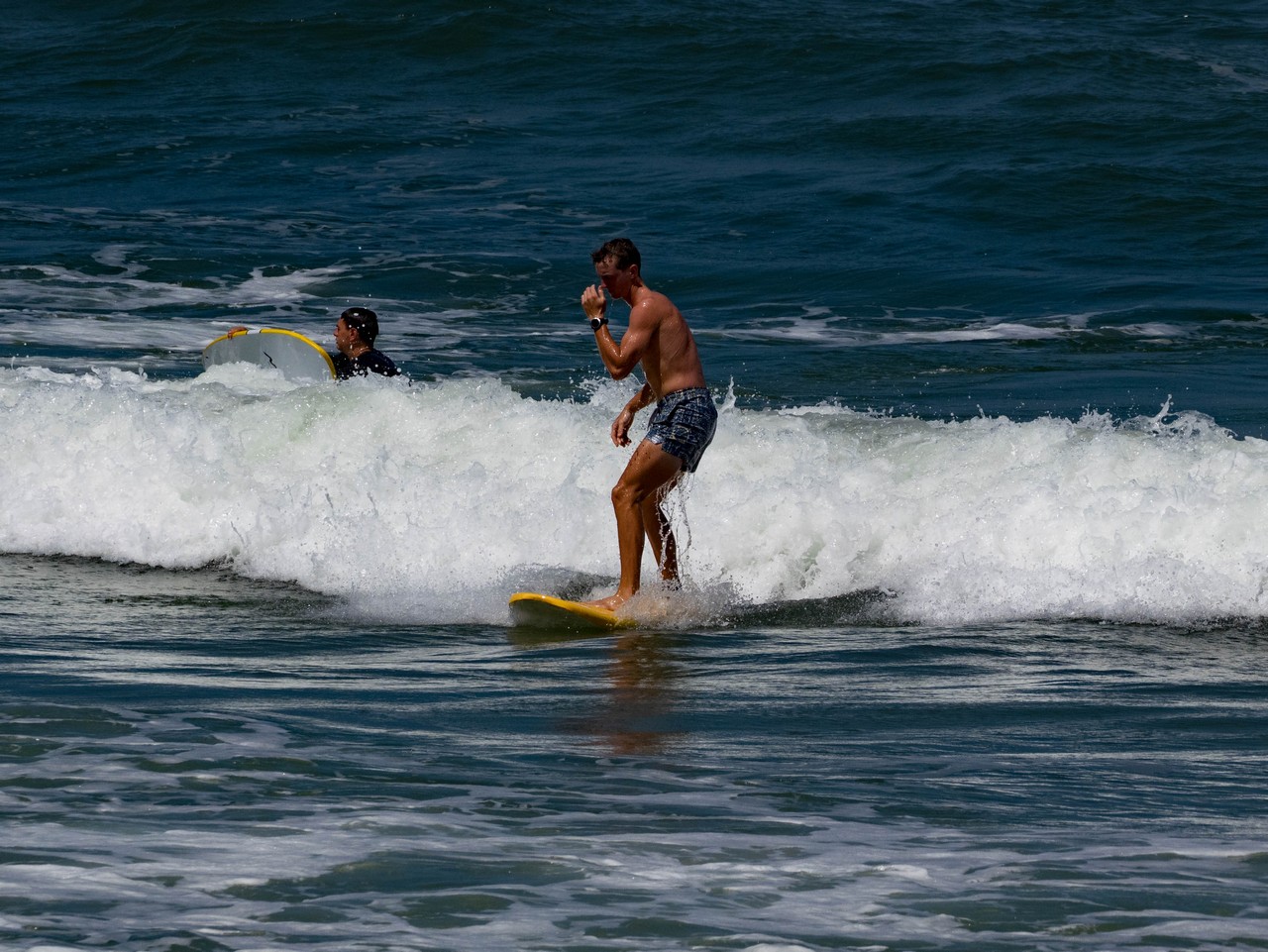
I was shooting at f/9 and 1/2500 sec. I tried applying Dehaze in LRC, and I think it made a difference. Here are two shots before Dehaze and one after. Also, there is one of a stationary object which looks pretty sharp to me.
Original shot
DC-G9M2LEICA DG 100-400/F4-6.3II lens400mmf/8.01/2500s320 ISO0.0 EV
After Dehaze
DC-G9M2LEICA DG 100-400/F4-6.3II lens200mmf/8.01/2500s320 ISO0.0 EV
Close up of stationary object
DC-G9M2LEICA DG 100-400/F4-6.3II lens400mmf/8.01/2500s500 ISO0.0 EV
p.1 #4 · Shooting surfers on Lumix G9 MKII AF mode?
The question is not whether the stationary object looks sharp to you at f/8 (it seems you shoot at f/8, not at f/9). The question is when it should be the sharpest if you shoot this object at f/6.3 then at f/7 then at f/8. That is, whether closing the lens to f/8 is smart and gives you the sharpest photos. You are in the aperture region where diffraction makes your images progressively softer as you close the aperture. The only reason for closing the aperture is if the lens is not optimized for shooting wide open and can be improved by closing. This is when the image softness is dominated by the poor optical quality of the lens, and when the effect of diffraction is secondary.
You photos may look much better if you process these in DxO Photolab 8 Elite, where the lens corrections, e.g. sharpening, are optimized for your lens. If you want to try Photolab (one month-long trial is free), here is a quick guide for starting from scratch:
1) Make sure you use the Elite version, not the Standard.
2) Don't use the built-in presets. When starting from scratch, click on No Corrections (Apply) then DxO Optical Corrections Only (Apply), optionally: disable Vignetting Correction (adjust vignetting correction manually, when needed).
3) Color Rendering defaults to Neutral Color when unclicked (try this first), an alternative option to try is the Generic Rendering --> DxO Camera Profile.
4) Most aggressive denosing is with DeepPRIME XD/XD22s. Click on this. For super-noisy images, at ISO 3200 and higher, move Luminance to 90.
5) In regular, relatively simple cases that do not require an elaborate processing what remains is to adjust light and contrast. There is no one method that works for every raw file, but the simplest things to try are as follows:
-Adjust DxO Smart Lighting to your liking
-Adjust DxO Clear View Plus to your liking
-Adjust Contrast, optionally enable Tone Curve -> Light Contrast (Luma)
-Adjust Microcontrast if needed. This is normally set to 16 by default, but this may result in too much microcontrast.
6) Keep an eye on Lens Sharpness Optimization. This is at +1 by default. If this results in over-sharpening, change the setting to 0.
7) Correcting WB, colors, and adding local corrections can be done further if necessary.
I hope this may be helpful.
p.1 #6 · Shooting surfers on Lumix G9 MKII AF mode?
Hi Graham,
If I may offer some tips for shooting surf:
- Set your shutter speed to 1/2000s and open the aperture all the way. Set ISO to auto.
- Shoot in burst mode 6fps with AF-C with a small zone and keep the AF zone on the surfer
- Get as close to the water's edge as possible and sit down. Cradle the camera/lens using your knees as support.
- Shoot in the morning (before 9a) or evening (after 6p) for the best lighting.
- Set your exposure compensation to (-0.7) or so to avoid overexposing
- Use a polarizing filter if you have one.
p.1 #7 · Shooting surfers on Lumix G9 MKII AF mode?
Thanks for the good advice. Here is where I wound uo with my settings:
Lens Lumix 100-400
Manual mode
SS 1/250
Aperture f/4
Auto ISO
AF-c
Single point focusing
Iwasshooting in the late afternoon so that the sun was behind me. The early morning sots didn't work very well because the surfers were backlit toomuch. I did use a CPL on the third day.
Unfortunately, at 79 years old, I can no longer get right down to the water's edge and squat down. The best I can manage is shoot from the boardwalk whiich is about 10 feet above the sand. I am still struggling with getting the surfers in focus. I will have to keep on trying.
p.1 #8 · Shooting surfers on Lumix G9 MKII AF mode?
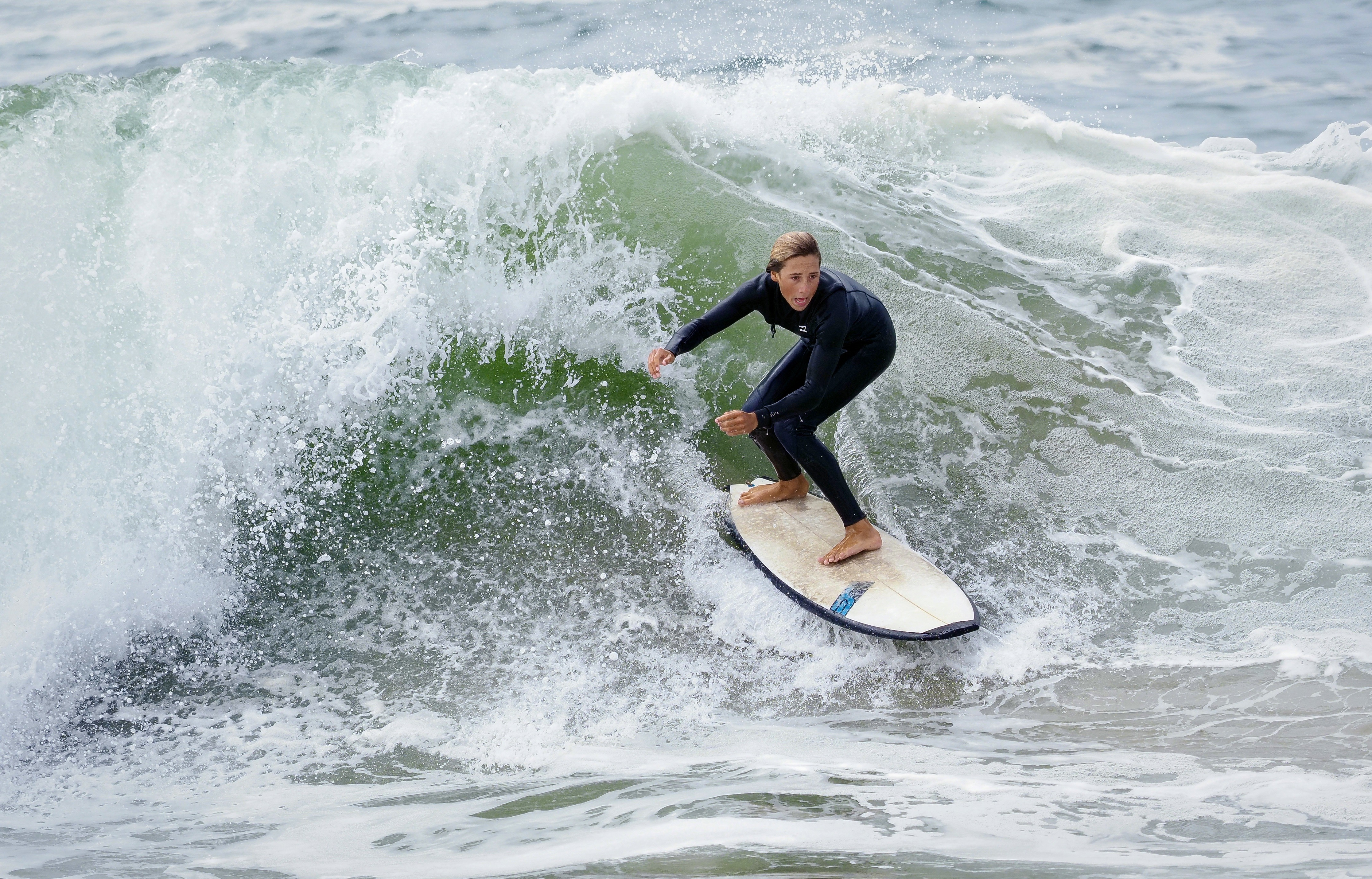
I just looked at the few shots I've taken of surfers with my Olympus e-m1 mark II and 40-150 2.8. aperture priority, shutter speed is 1/2000 and auto iso. I think your ss is defenitely too slow, It also looks like the focus is not locking on the surfer.
E-M1MarkIIOLYMPUS M.40-150mm F2.8 lens150mmf/3.21/2000s200 ISO+0.3 EV
E-M1MarkIIOLYMPUS M.40-150mm F2.8 lens150mmf/3.21/2000s200 ISO+0.3 EV
p.1 #12 · Shooting surfers on Lumix G9 MKII AF mode?
If the lighting is constant, you should shoot in manual and fix your ISO because you'll get consistent exposures for every single shot regardless of how much white water is in the photo. If it's early morning or later afternoon, recheck your exposure every so often as the sun rises/sets. If you're shooting at an angle either left or right and the sun is on one side or the other, this requires different exposures, but I don't consider this a case of constant lighting.
One other tip. Compositionally, it is better to shoot at an angle into the wave versus straight in front of you. This also gives you more of an in-the-water look, what you see when you're in the lineup, versus what people see from the beach.
p.1 #13 · Shooting surfers on Lumix G9 MKII AF mode?
Thanks for the advice! I will try them out. The only thing is that I am quite elderly and don't walk well on the beach which for forces me to shoot from a boardwalk which is about 8 feet above the beach,
p.1 #14 · Shooting surfers on Lumix G9 MKII AF mode?
One issue I find with surf photography is the focus will be on the ocean spray behind or in front of the surfer.You need enough DOF to compensate for this.I shoot surf on the Gulf in winter.I shoot manual with auto ISO and usually +1/2-1 stop over depending on sun direction.Surfers are close so the 40-150 with 1.4 telecon is usually ok,sometimes with a crop.