chiron
Offline
• • • • •
Upload & Sell: On
|
 p.3 #19 · Adobe vs C1? How about some examples? p.3 #19 · Adobe vs C1? How about some examples? | |
ruthenium wrote:
Define the "basis", and I shall process the raw file accordingly.
To answer your question:
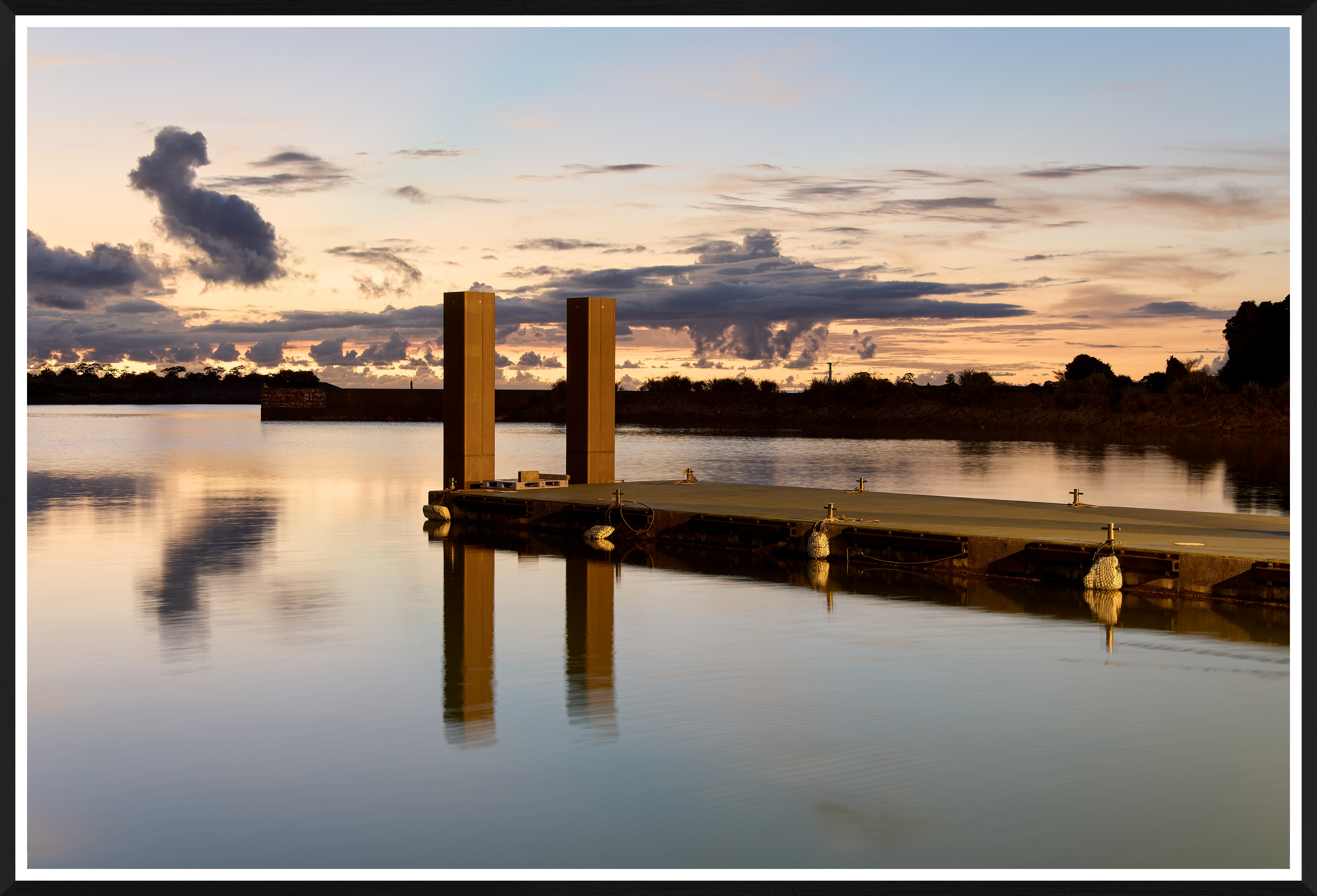
C1 did not receive "multiple adjustments." I clicked on Auto Adjust where a single option was checked - High Dynamic Range. The other three options, Contrast&Brightness, Exposure, and White Balance, were un-checked (in my limited so far experience, I find these better to keep unchecked). The only added correction was Shadow moved to 10, to gently lift the shadows. I believe what I did is close to the bare minimum, the "basis" for comparison.
Adobe I know the least. I subscribed the Photography package last December but the complexity of the interaction with multiple programs has kept me away from using it. I cannot use Lr because this is a catalog, and I don't need this. There is no standalone photography processing app in the Adobe package. The processing part, Adobe Camera Raw is accessible only through other apps (Lr, Br, Ps) that all do something else. I find the approach confusing, time consuming, and unnecessarely complicated. Maybe this is just me, not Adobe, but I wish Adobe Camera Raw was a standalone raw processing app,
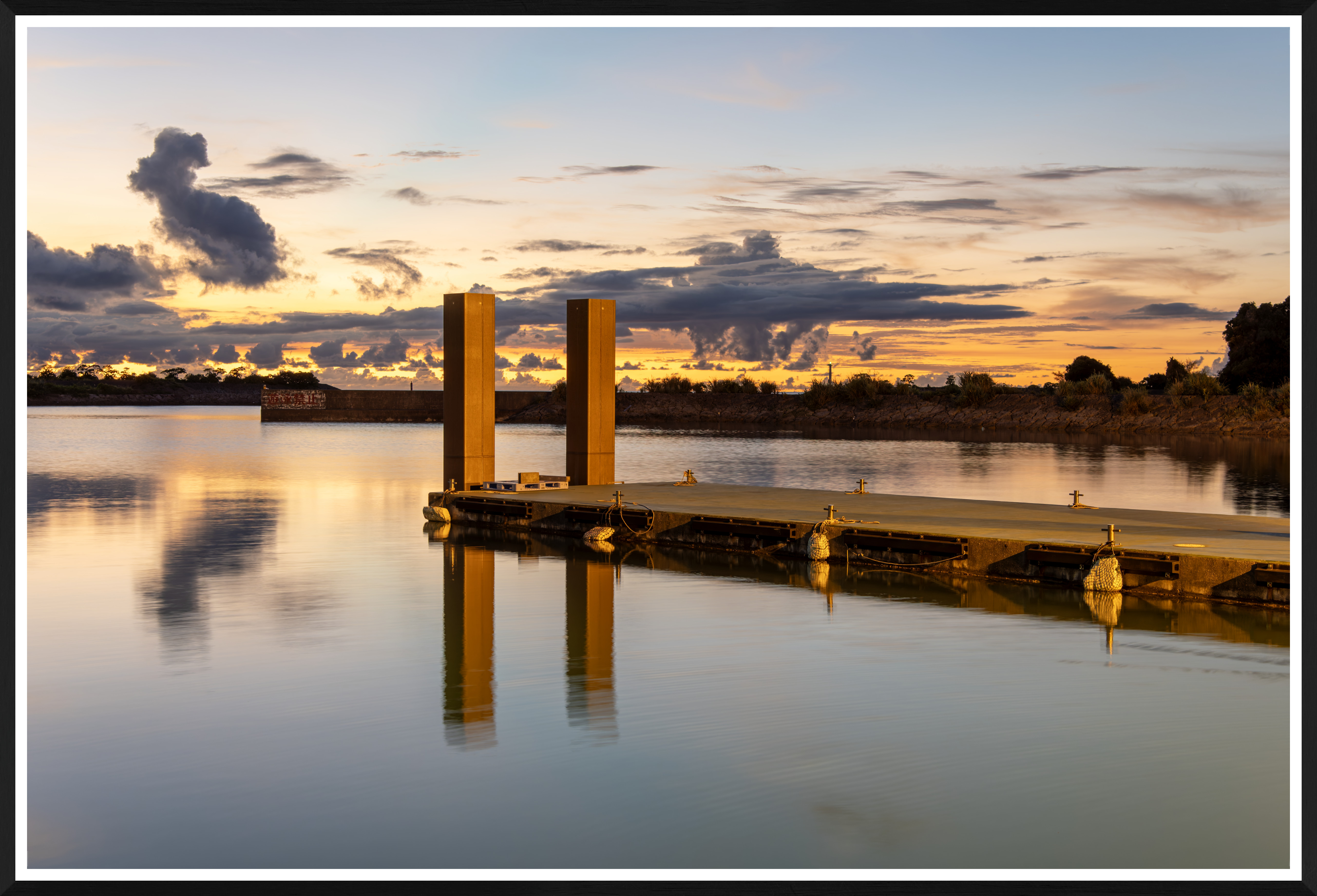
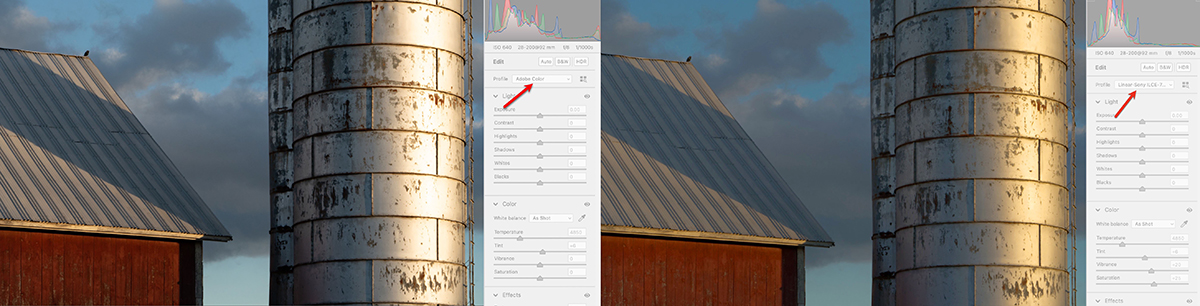
Thus, I opened the file, and clicked on Auto, with the default Adobe Color profile. Is this the "base"? - no, because there are more different profiles (e.g., Adobe Standard, Adobe Landscape ...). Which one would you consider the "base"? Adobe Color is offered by default; thus, this seems to be the top choice and I used it. Do I prefer the colors? No, in comparison, I don't quite like the yellowish colors of Adobe Color.
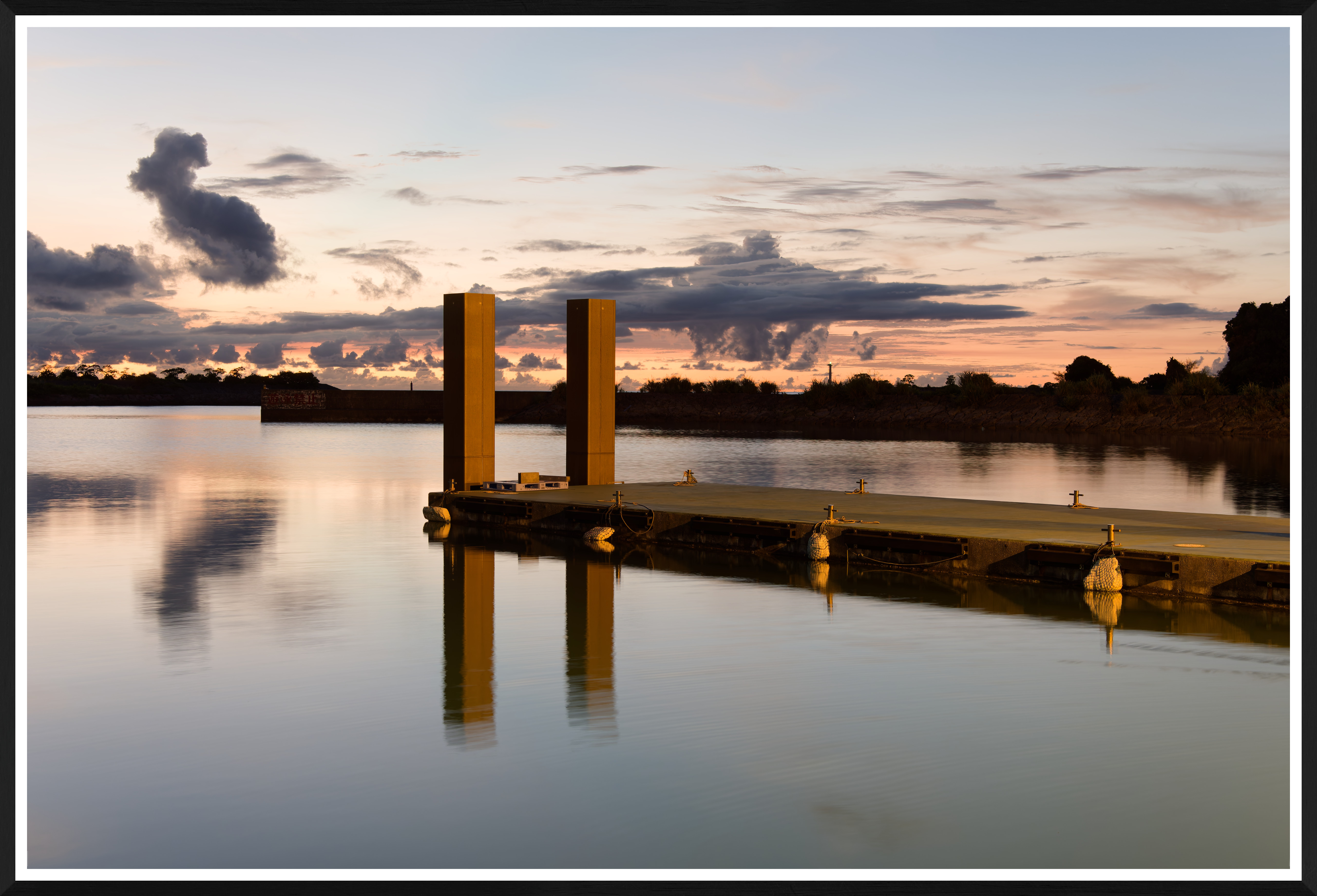
The last, DxO Photolab 8 has four pre-defined profiles/starting points: No Corrections, DxO Style - Natural, DxO Standard, and Neutral Colors. I used No Corrections as the "base" then added denoising with DeepPRIME XD/XD2s, adjusted light by clicking on DxO Smart Lighting --> Light (this is similar to Auto Adjust --> High Dynamic Range in C1), moved Midtones to 10 and Shadows to 5, contrast in Highlights to +20, Sharpening was at 0. The Color profile was the basic Generic --> Neutral Color. If I selected any of the Natural, Standard, or Neutral, then the appearance would have changed.
Hopefully, I explained what I had done in sufficient details.
The bottom line: there is no common "basis" between the three programs. Even the very minimal corrections can be done slightly differently by using one or the other "standard" profile.
As a result, there is no simple FAIR way of comparing the three programs. The devil is in the details, when the analysis becomes increasingly technical (as we have seen in the above posts).
For 99% of the users (I believe) the reason to use one of the three programs is simple. Most probably started using one, and they "like" it (or have a catalog built on one of these), and wouldn't be interested enough in investing time into learning a different piece of software.
The last thing: I provided the raw file, and anyone interested can post their own "fair" comparison (and tell me that I utterly failed in mine)....Show more →
No offense intended and I'm not trying to give you a hard time, and I like your photograph very much--I think it is beautiful--but it seems to me you edited the DXO and C1 images to taste and left the LRC image on full auto without adjusting it to taste. The result was the LRC image appears overly bright, which is what i usually feel about unadjusted DXO Smart Light also. I don't use or know C1.
But with the first C1 image, unchecking three of the auto functions means it is no longer really operating as Auto. I would count turning off Contrast & Brightness, Exposure, and White Balance as three adjustments to the Auto function; setting Shadows to 10 is a fourth adjustment.
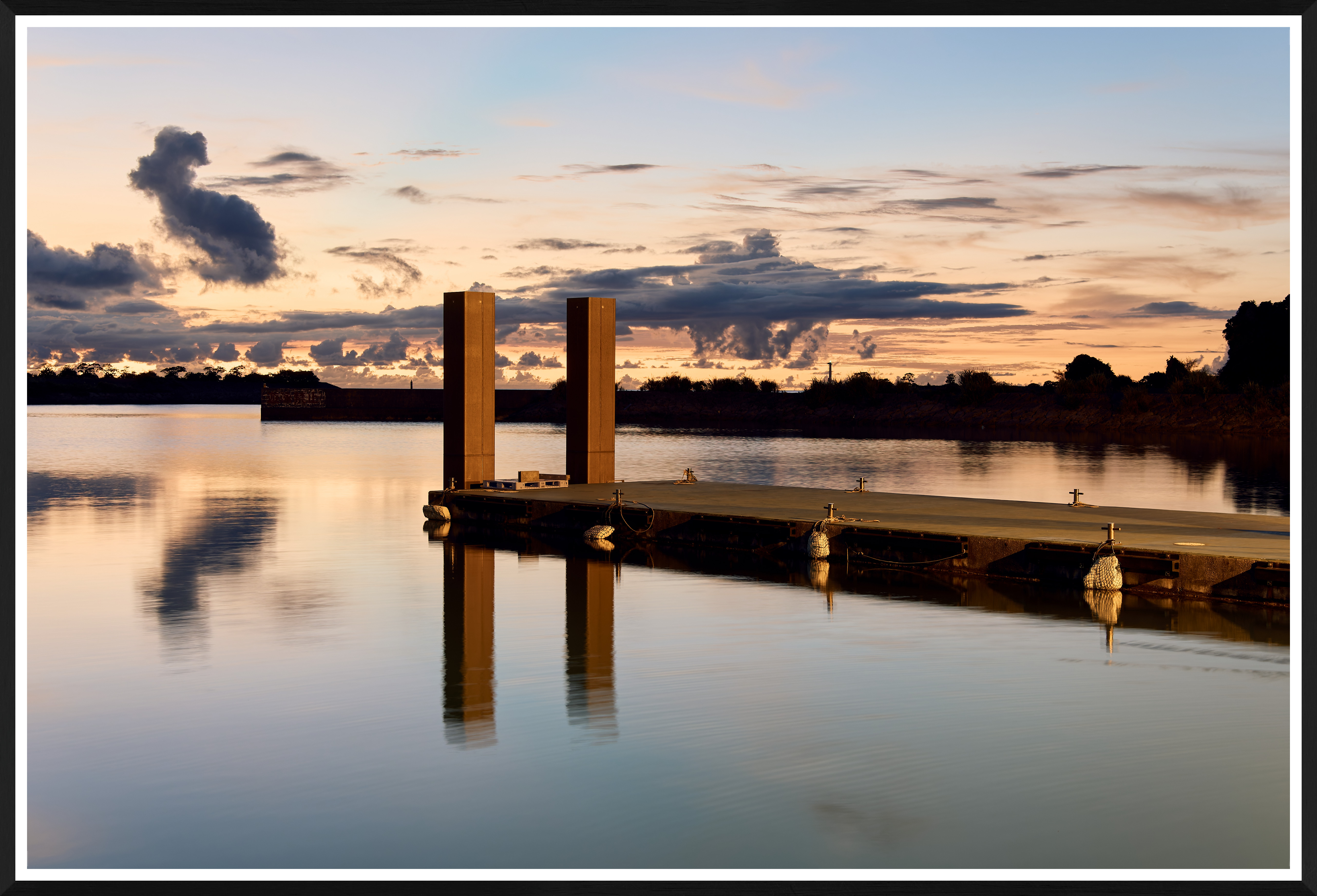
With the second C1 image, in addition to the above, you added the Oslo Style preset.
With the DXO image, I count 5 or 6 adjustments after the application of the auto Smart Light function.
By placing the four images together in a thread about comparing postprocessing programs, you are of course inviting comparison. But the files are edited so differently that no comparison of programs is meaningful.
I would suggest that a better comparison would be either to set all programs on full Auto, with all functions enabled, the same color renderings chosen (Adobe has them also), the intensity of the DXO Smart Light set to 100, etc., etc, so that the settings of the programs are as close as possible; or, edit all of the images to taste.
I think your examples are interesting to look at, but in terms of comparing programs they may tend to support @gdanmitchell to the point that all of the programs are powerful and that differences come down to the preferences and skills of different users.
|