p.1 #1 · Right Clicking Photo Files to open them will not allow me to choose latest Photoshop
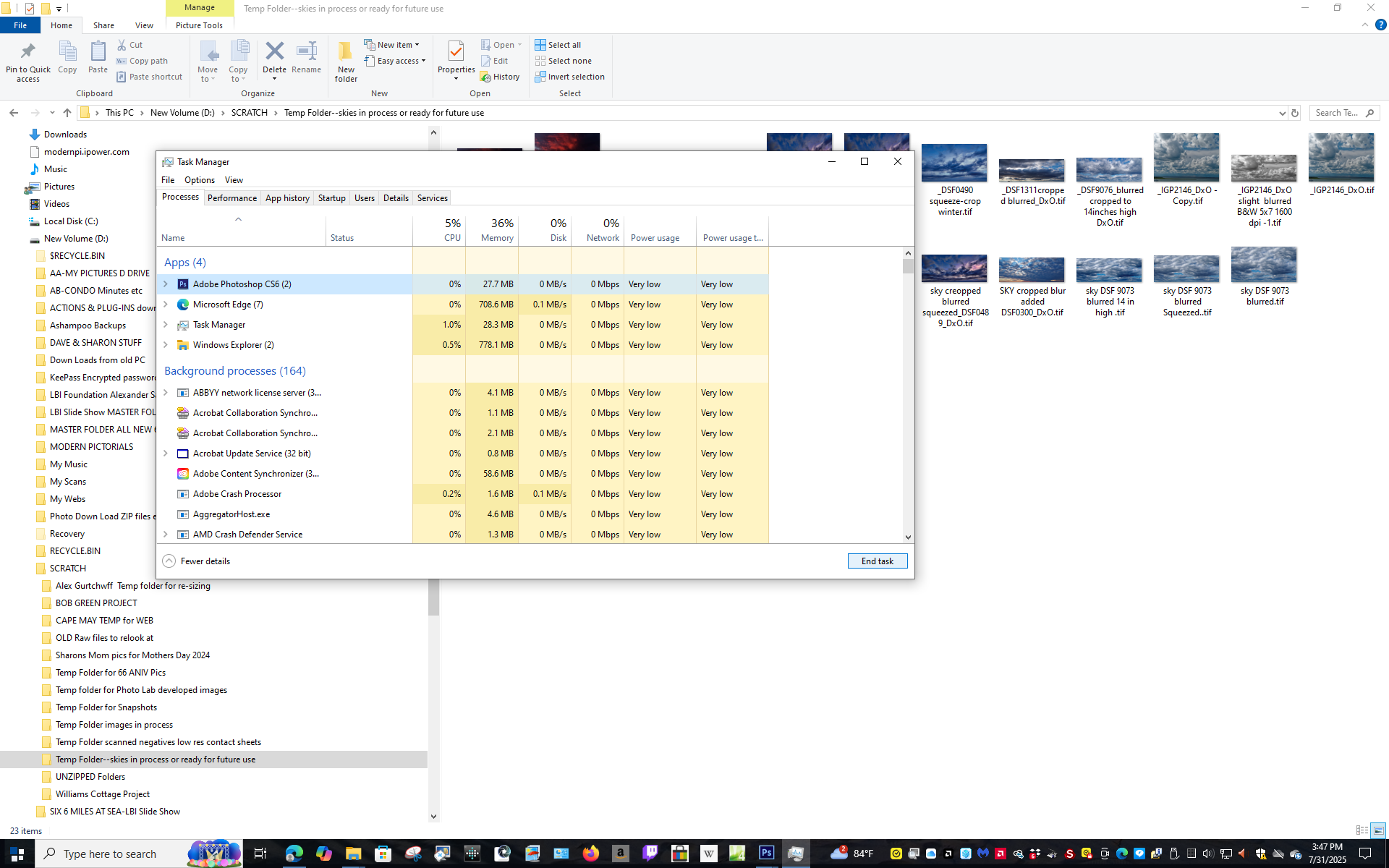
I have Photoshop 2024 installed as well as several non subscription versions CS5 32 Bit, CS5 64 Bit, CS6 32 Bit and CS6 64 Bit. The CS6 64Bit became corrupted and would lock up my PC. I was able to re-download CS6 and re-install it along with many Legacy Plug-Ins, but the old CS6 still haunts me. If I double click a TIF or JPG file it tries to use the corrupted CS6 and freezes my PC. I have to then go to CTL ALT DEL and bring up Task Manager and shut it down. I
have gone through all the listed "Fixes" to get Photoshop 2024 to open my TIFs and JPGs, but non work, as they do not offer me the choice of PS 2024 using "Open With".
Any suggestions?
Thanks
Dave
p.1 #3 · Right Clicking Photo Files to open them will not allow me to choose latest Photoshop
I think this will work. It's been a while and I don't want make any unfortunate changes on my Win 10 system
Open File Explorer
Find a TIF and right click on it.
In the Option window about 1/2 way down you should see Open With
Hover over that
A list will appear, ignore it and select Choose another App
New window : Scroll down to the bottom and select More Apps
New Window: Scroll down to the bottom and select Look for another App on this PC
A window opens that will allow you to search for the new CS6 executable.
There may be an easier way but pretty sure that will work, Needs to be done for both jpg and tif file types.
p.1 #5 · Right Clicking Photo Files to open them will not allow me to choose latest Photoshop
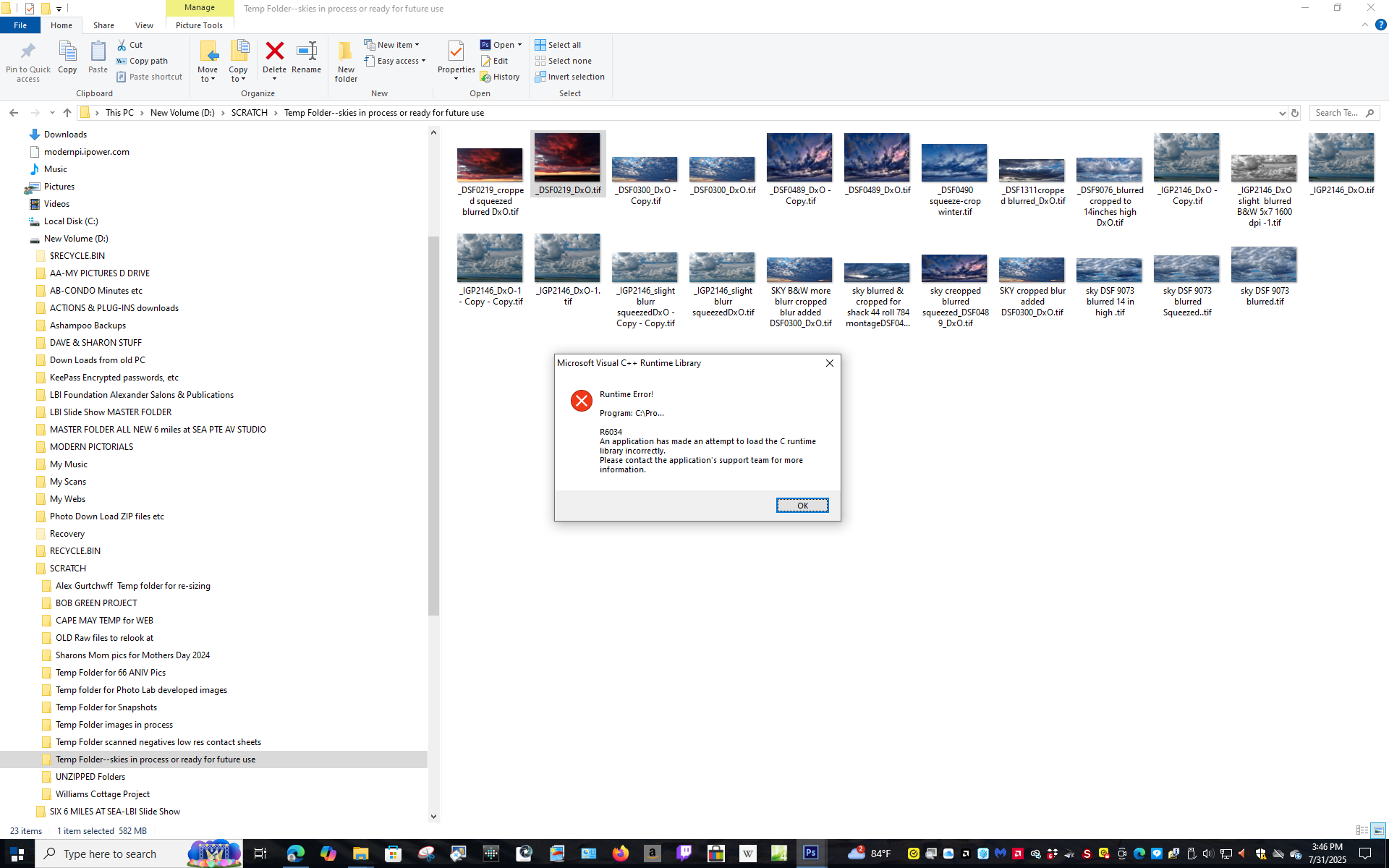
I tried using your suggestion to select the Photoshop 2024 Executable, when I chose it, it still freezes up because it still uses the corrupted PS 6. See Screen shots attached.
Dave
p.1 #6 · Right Clicking Photo Files to open them will not allow me to choose latest Photoshop
Some time ago I had an issue with files opening in the 32 bit version of PS instead of the 64 bit (CS6). IIRC, I used FileTypesMan to sort it out. The app is a bit non-intuitive and it took a few tries to get me where I wanted to go. I probably should have read the help file first.
p.1 #8 · Right Clicking Photo Files to open them will not allow me to choose latest Photoshop
Thanks everyone, I have tried everything. As a last resort, I could open Photoshop and leave it running and minimize it. Then if I want to look at a photo file, instead of double clicking it, I would have to maximize Photoshop to full screen, and open the file from there. That is giving up in defeat, but I have tried everything. My fear is that with Photoshop running in the background it may slow my PC up while doing other things.
Dave