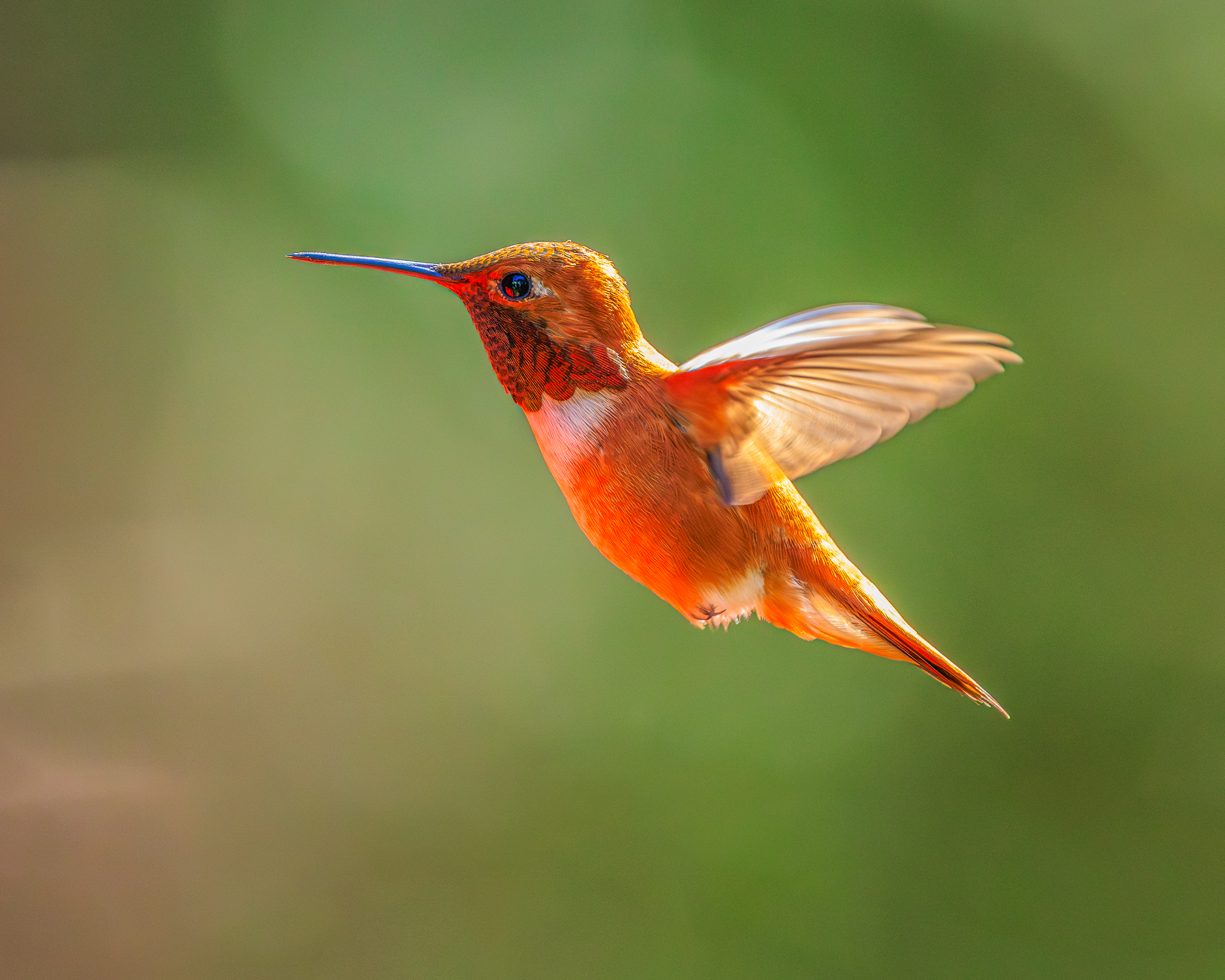
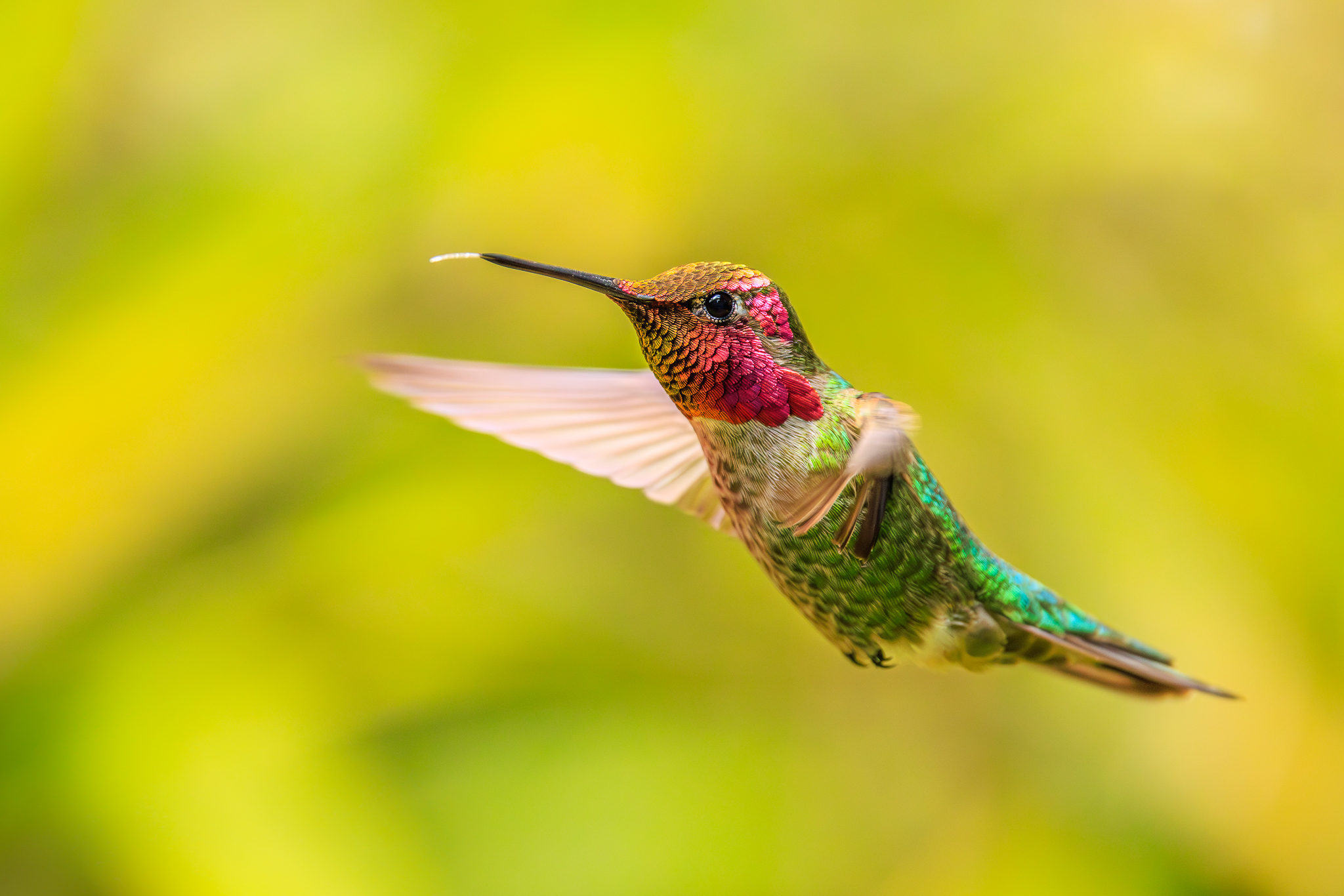
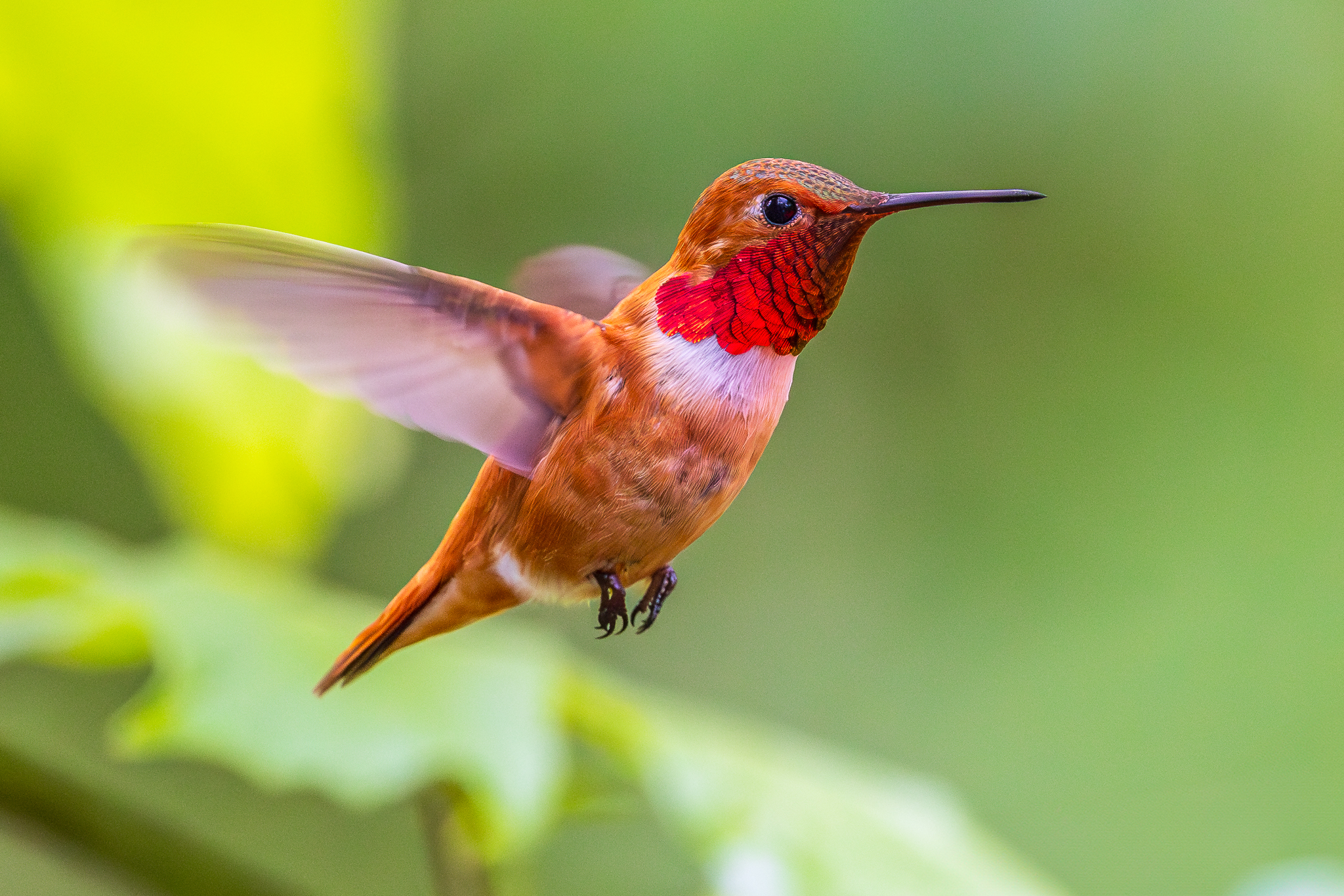
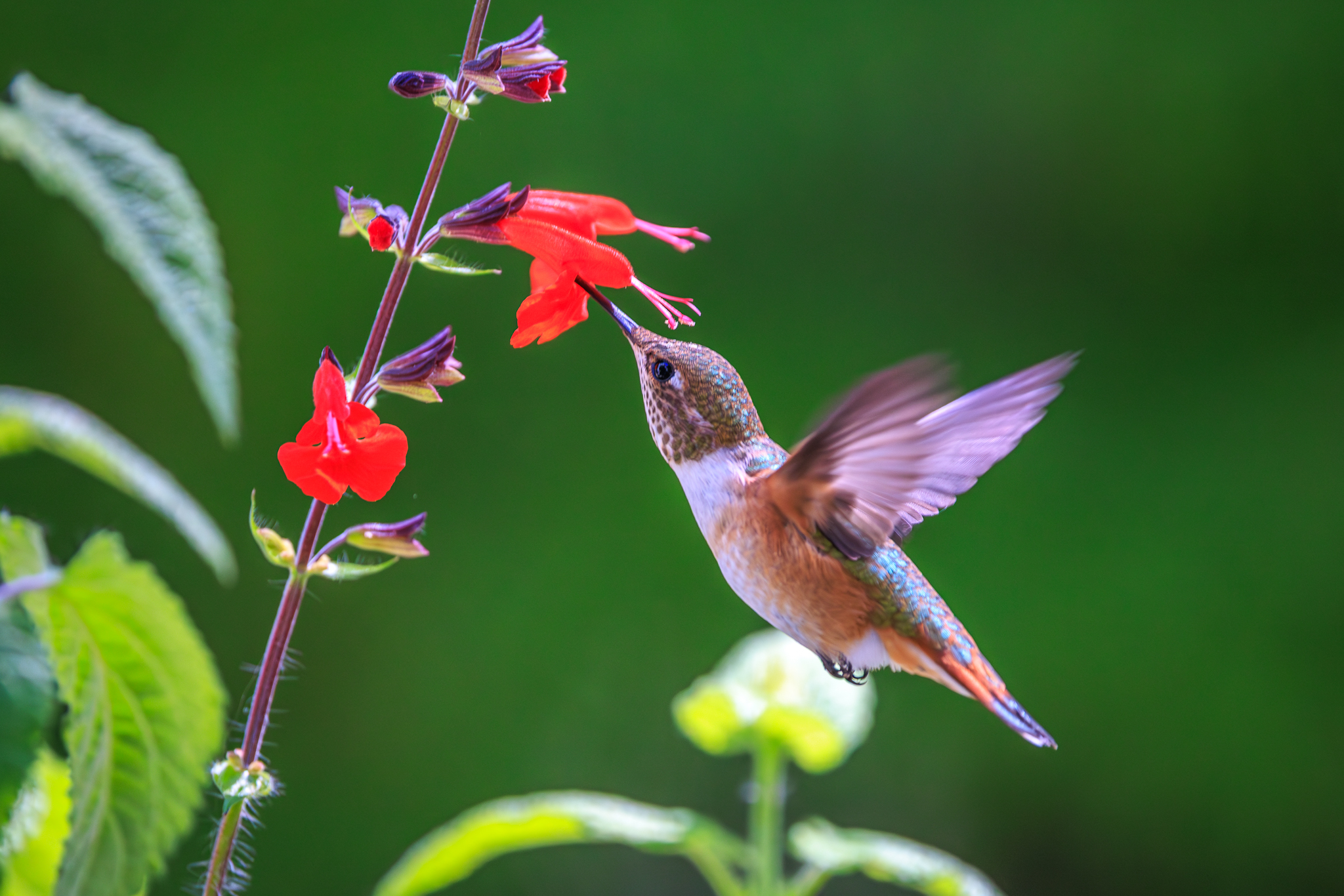
p.1 #1 · Canon RF 100-500mm F/4,5-71.1 L IS USM Lens
Thoughts on the quality of this lens, mainly will be used for Hummingburd photography , I'm able to get fairly close to them, I have the RF 70-200 f2.8 Z lens and the EF 300 f/2.8. Last year, everything I was shooting was mainly at Feeders, but this year I have a great place to shoot, with nothing but wild flowers, BUT, with the 300, it was a real challenge initially picking up the bird and the 70-200 falls a little short, especially not being able to use an extender. Thanks in advance
p.1 #4 · Canon RF 100-500mm F/4,5-71.1 L IS USM Lens
BobnJake wrote:
Thoughts on the quality of this lens, mainly will be used for Hummingburd photography , I'm able to get fairly close to them, I have the RF 70-200 f2.8 Z lens and the EF 300 f/2.8. Last year, everything I was shooting was mainly at Feeders, but this year I have a great place to shoot, with nothing but wild flowers, BUT, with the 300, it was a real challenge initially picking up the bird and the 70-200 falls a little short, especially not being able to use an extender. Thanks in advance
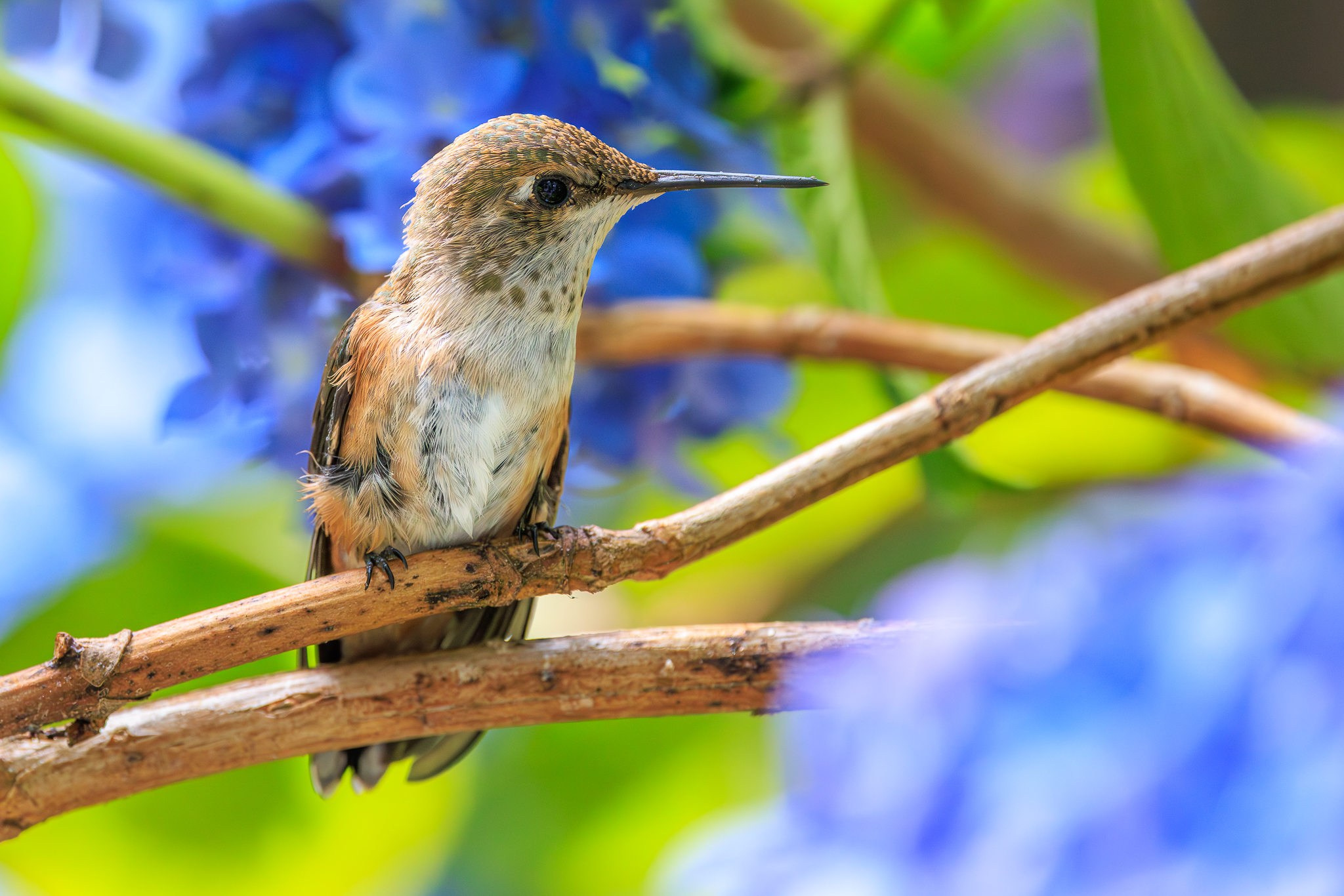
I've used the 100-500 quite a lot in Central and South Amercia on hummers with the R5 and R5 II. On natural flowers in natural light you can reasonably chase them around handheld and get good results. IQ of that lens is very good over most of the range except edges and corners are weaker as you would expect, and at 500mm the zone of best IQ is smaller. For the more skittish or smaller species I prefer to use the 500/4 IS II with 1.4x III and sometimes extension tubes.
I don't care for the 100-500 with 1.4x, though some people find that adequate. Stop down 1/3 for better contrast.
I have used 5-6 copies of the 100-500 and they have been surprisingly consistent, for better or worse. It's an excellent overall lens and one of the few reasons to keep some Canon gear. I use the 100-500 not only for wildlife but to make ~gigapixel images with focus stacking.
The worst part about that lens is not the lens, but the tripod mount ring. Mine went bad and it cost me about $200 direct from Canon to replace a few years ago. They do not sell it retail like Tripod Mount A or B were sold a few years ago.
p.1 #5 · Canon RF 100-500mm F/4,5-71.1 L IS USM Lens
If I am not mistaken, with the Z version of the 70-200 you CAN use extenders.
That said, the 100-500 is a stellar lens and I am finding myself using it more and more. Its minimum focusing distance is remarkable, too, in case these birds come quite close. I think you would be happy with its performance.
p.1 #6 · Canon RF 100-500mm F/4,5-71.1 L IS USM Lens
EB-1 wrote:
The worst part about that lens is not the lens, but the tripod mount ring. Mine went bad and it cost me about $200 direct from Canon to replace a few years ago. They do not sell it retail like Tripod Mount A or B were sold a few years ago.
EBH
I took the tripod collar off mine the second day after I bought it.
p.1 #9 · Canon RF 100-500mm F/4,5-71.1 L IS USM Lens
Ugh, wish I'd seen this thread before my trip to a local state park that has a hummingbird area. Out of an abundance of caution, wanting to have the best chance at freezing wings, I kept my shutter speed at 1/3200s (R5mk2 and I used both 100-500L and 200-800).
I see @Cliff L. you were using much slower shutter speeds and still getting some good results on the wings. Keeping the 1/3200s speed resulted in most of my shots being between ISO 1600-2500. If I had known that 1/1000, 1/1250 and 1/1600 would have resulted in what you got, I might have been able to lower my ISO by a full stop or more!
It was my first time shooting hummingbirds (I tried like 15 years ago with my 7D at the time and gave up in frustration). The R5mk2 made it literally easy mode. And then when I enabled pre-capture...holy game changer, Batman! The only downside is I ended taking tons of photos. I have to DL them onto my PC and pick the best ones.
Here's a couple of examples: I cropped both knowing that imgur uses lossy compression. Other than the crop and imgur lossy compression, these are straight out of the camera jpegs, using the neutral (N) jpg setting and ISO noise reduction disabled in the camera.
Canon R5 Mark II (firmware 1.0.3) + RF 100-500 f/4.5 - 7.1 (firmware 1.1.0)
Shot at 1/3200s, 500mm f/7.1, ISO 2000
Canon R5 Mark II (firmware 1.0.3) + RF 100-500 f/4.5 - 7.1 (firmware 1.1.0)
Shot at 1/3200s, 500mm f/7.1, ISO 2000
Bird on right was what the camera was focused on
p.1 #10 · Canon RF 100-500mm F/4,5-71.1 L IS USM Lens
Carlo_M wrote:
I see @Cliff@ L. you were using much slower shutter speeds and still getting some good results on the wings. Keeping the 1/3200s speed resulted in most of my shots being between ISO 1600-2500. If I had known that 1/1000, 1/1250 and 1/1600 would have resulted in what you got, I might have been able to lower my ISO by a full stop or more!
I never worry about trying to freeze the wings, so I don't pay much attention to the shutter speed as long as the bird's head is not blurred.
I also used the mechanical shutter exclusively when shooting hummingbirds with the R5; with the R5 II the stacked sensor readout speed is fast enough to use electronic shutter most of the time.
I would also never shoot in JPEG, but that's just me...
p.1 #11 · Canon RF 100-500mm F/4,5-71.1 L IS USM Lens
Cliff L. wrote:
I never worry about trying to freeze the wings, so I don't pay much attention to the shutter speed as long as the bird's head is not blurred.
I also used the mechanical shutter exclusively when shooting hummingbirds with the R5; with the R5 II the stacked sensor readout speed is fast enough to use electronic shutter most of the time.
I would also never shoot in JPEG, but that's just me...
re: freezing wings. Since this was my first time shooting HBs I wanted to see if I could freeze the wings (I know academically the R5ii can do it, I mean if *I* could do it). I also wanted to test readout speed, to see if it would be a problem...meaning if the 1/3200s was fast enough to freeze the motion of the wings but readout speed led to motion artifacting, which in the shots I've looked at so far, it doesn't seem to have done that. Now that I have the answer to that, I won't be afraid to lower shutter speed to introduce a little more motion blur but decrease ISO (and thus noise).
re: type of shutter used. I tested with EFCS but couldn't tell a quality difference (in the R5ii as you know it stays at 14-bit with ES now). So while it does lower readout speed from 6.3 to 3.4ms, in practical terms I couldn't tell a difference in image results (meaning I couldn't find an obvious instance in my ES shots where I felt the extra 2.9ms of readout speed caused artifacting). The tradeoff wasn't worth using EFCS for me (I lost a lot of FPS going down from 30 to 12 for EFCS). Also AF in the R5ii works best in ES. I was told this by a Canon rep at a Father's Day event at Samy's last Saturday, which surprised me. I confirmed it at this hummingbird shoot. AF works noticeably better, faster and is more sticky in ES than in EFCS (I didn't use full MS).
re: jpg. I shoot RAW+JPEG. Often I don't get around to reviewing and editing RAW for many days/weeks depending on how busy I am with work. Shooting that way allows me to immediately share results with friends (and forums like FM!) with minimal effort.
p.1 #12 · Canon RF 100-500mm F/4,5-71.1 L IS USM Lens
Carlo_M wrote:
re: jpg. I shoot RAW+JPEG. Often I don't get around to reviewing and editing RAW for many days/weeks depending on how busy I am with work. Shooting that way allows me to immediately share results with friends (and forums like FM!) with minimal effort.
One of the best features in newer cameras (besides pre-capture) is the direct cloud upload. This has the potential to revolutionize workflow. Once it is setup, you can leave the camera on (and connected to wifi) and it will automatically upload to cloud and to a service of your choice. I have it connected to Lightroom. Once I come back from an outing, the camera automatically connects to cloud and starts uploading (ok. in Canons case, I need to turn camera off & On). In a few minutes, images start appearing n my Lightroom mobile auto-magically!
Of course the images are also available in Lr Desktop but having them in mobile makes it easy to edit and share on the go. Eventually all images and videos are in Lightroom. It does fill up my LR storage space, but LR does not block uploads immediately. At some point I open my Lr desktop, make sure that all images are synced/downloaded to local, and then delete them in cloud.
p.1 #13 · Canon RF 100-500mm F/4,5-71.1 L IS USM Lens
One of the best features in newer cameras (besides pre-capture) is the direct cloud upload. This has the potential to revolutionize workflow. Once it is setup, you can leave the camera on (and connected to wifi) and it will automatically upload to cloud and to a service of your choice. I have it connected to Lightroom. Once I come back from an outing, the camera automatically connects to cloud and starts uploading (ok. in Canons case, I need to turn camera off & On). In a few minutes, images start appearing n my Lightroom mobile auto-magically!
Of course the images are also available in Lr Desktop but having them in mobile makes it easy to edit and share on the go. Eventually all images and videos are in Lightroom. It does fill up my LR storage space, but LR does not block uploads immediately. At some point I open my Lr desktop, make sure that all images are synced/downloaded to local, and then delete them in cloud. ...Show more →
The issue for me isn't the upload/download. I use OWC CFB 1TB cards and have their Thunderbolt 5 CFB adapter, so I can literally download at 5GB/s speed (and all my PCs support that speed).
The issue is going through the photos, separating the keepers and deleting the unwanted, and then going into the RAW files and optimizing (whether it's light NR, cropping, color correction, etc.).
p.1 #14 · Canon RF 100-500mm F/4,5-71.1 L IS USM Lens
indusphoto wrote:
One of the best features in newer cameras (besides pre-capture) is the direct cloud upload. This has the potential to revolutionize workflow. Once it is setup, you can leave the camera on (and connected to wifi) and it will automatically upload to cloud and to a service of your choice. I have it connected to Lightroom. Once I come back from an outing, the camera automatically connects to cloud and starts uploading (ok. in Canons case, I need to turn camera off & On). In a few minutes, images start appearing n my Lightroom mobile auto-magically!
Of course the images are also available in Lr Desktop but having them in mobile makes it easy to edit and share on the go. Eventually all images and videos are in Lightroom. It does fill up my LR storage space, but LR does not block uploads immediately. At some point I open my Lr desktop, make sure that all images are synced/downloaded to local, and then delete them in cloud. ...Show more →
What's your process for confirming all files have been successfully copied to your desktop and deleted from your camera?
p.1 #15 · Canon RF 100-500mm F/4,5-71.1 L IS USM Lens
The issue for me isn't the upload/download. I use OWC CFB 1TB cards and have their Thunderbolt 5 CFB adapter, so I can literally download at 5GB/s speed (and all my PCs support that speed).
The issue is going through the photos, separating the keepers and deleting the unwanted, and then going into the RAW files and optimizing (whether it's light NR, cropping, color correction, etc.).
Once you get it in LR, you can do the culling and fixing in mobile. It is actually faster then going through jpg files to share.
p.1 #16 · Canon RF 100-500mm F/4,5-71.1 L IS USM Lens
Cliff L. wrote:
What's your process for confirming all files have been successfully copied to your desktop and deleted from your camera?
I use Lightroom Classic on desktop. I look at the sync status on top right (cloud icon) to see if the sync is complete. I check the physical location in Library (where the synced files are downloaded) and on the drive for a quick check that raw files exist. Then I go in the LR "All synced photographs" collection, select the ones I want to delete and delete them. This only deletes them on cloud and local copy is left intact. Even if I delete something I shouldn't, all files are in trash folder for 60 days. However the cloud storage is immediately released even though files are still in trash.
The files are not automatically deleted from the camera (which is a good thing). That would be upto me to delete when I pick up the camera next time, and I usually leave those on the card for as long as I can.
I also go through a separate process of re-syncing these files back to cloud using smart collections (like based on rating, dates, projects). Smart collections dont sync. So I have been using this plugin to automate this process for this kind of sync https://regex.info/blog/lightroom-goodies/smart-collection-sync
p.1 #17 · Canon RF 100-500mm F/4,5-71.1 L IS USM Lens
indusphoto wrote:
I use Lightroom Classic on desktop. I look at the sync status on top right (cloud icon) to see if the sync is complete. I check the physical location in Library (where the synced files are downloaded) and on the drive to doa quick check that raw files exist. Then I go in the LR "All synced photographs" collection, select the ones I want to delete and delete them. This only deleted them on cloud and local copy is left intact. Even if I delete something I shouldn't, all files are in trash folder for 60 days. However the cloud storage is immediately released even though files are still in trash.
I also go through a separate process of re-syncing these files back to cloud using smart collections. Smart collections dont sync. So I have been using this plugin to automate this process for this kind of sync https://regex.info/blog/lightroom-goodies/smart-collection-sync
It sounds like any time you save with the cloud transfer is going to be wasted having to physically verify that each of the files has actually been transferred.
Of course, none of this has anything to do with the OP's question about the RF 100-500L zoom...
p.1 #18 · Canon RF 100-500mm F/4,5-71.1 L IS USM Lens
Cliff L. wrote:
It sounds like any time you save with the cloud transfer is going to be wasted having to physically verify that each of the files has actually been transferred...
I did do painstacking verification on individual files in the beginning but I am now very comfortable with the reliability. But I agree, this digression is going too far. Let us get back to the topic.
p.1 #19 · Canon RF 100-500mm F/4,5-71.1 L IS USM Lens
indusphoto wrote:
Once you get it in LR, you can do the culling and fixing in mobile. It is actually faster then going through jpg files to share.
You're likely either way younger than me or just more app/phone tolerant than I am. I have zero desire to do anything on PS mobile on my phone. When I'm in PS, I'm *in* PS--using a high powered PC + 4K calibrated monitor, doing really involved work (not just NR, brightness, contrast, exposure and color adjustments, but layer masking, smoothing, etc.). Trying to do all that would drive me nuts on my phone.
Much easier for me to shoot R+J and quickly attach my phone to my R5 directly via USB-C and pull out the images I want while sitting there in situ and then text it to whoever needs it.