p.1 #1 · Cropping help. Edit grid squares, or move with crop?
Hi all,
Can anyone point me to an application that allows me to customize the amount of squares in a cropping grid? I've used Capture One, which allows for grid customization . In CO I'm able to overlay a grid that moves with the crop -expanding or compressing. I'm switching over to Lightroom Classic but I don't see such a feature. Ability to change the grid color would also help tremendously.
p.1 #5 · Cropping help. Edit grid squares, or move with crop?
deecool81 wrote:
ty but I want to keep it as a grid. I want to change the number of squares in the grid
In the video he didn't cycle far enough in the Overlays to show the grid. You also need to ensure Grid is selected as one of the options (if not selected it won't appear as you cycle)
Set the grid to whatever size you want
Click on the Crop tool
Tools > Crop Guide Overlay > Choose Overlays to Cycle
Edit in the window to ensure Grid is selected and turn off any not needed
Then just use the O key to cycle through to Grid
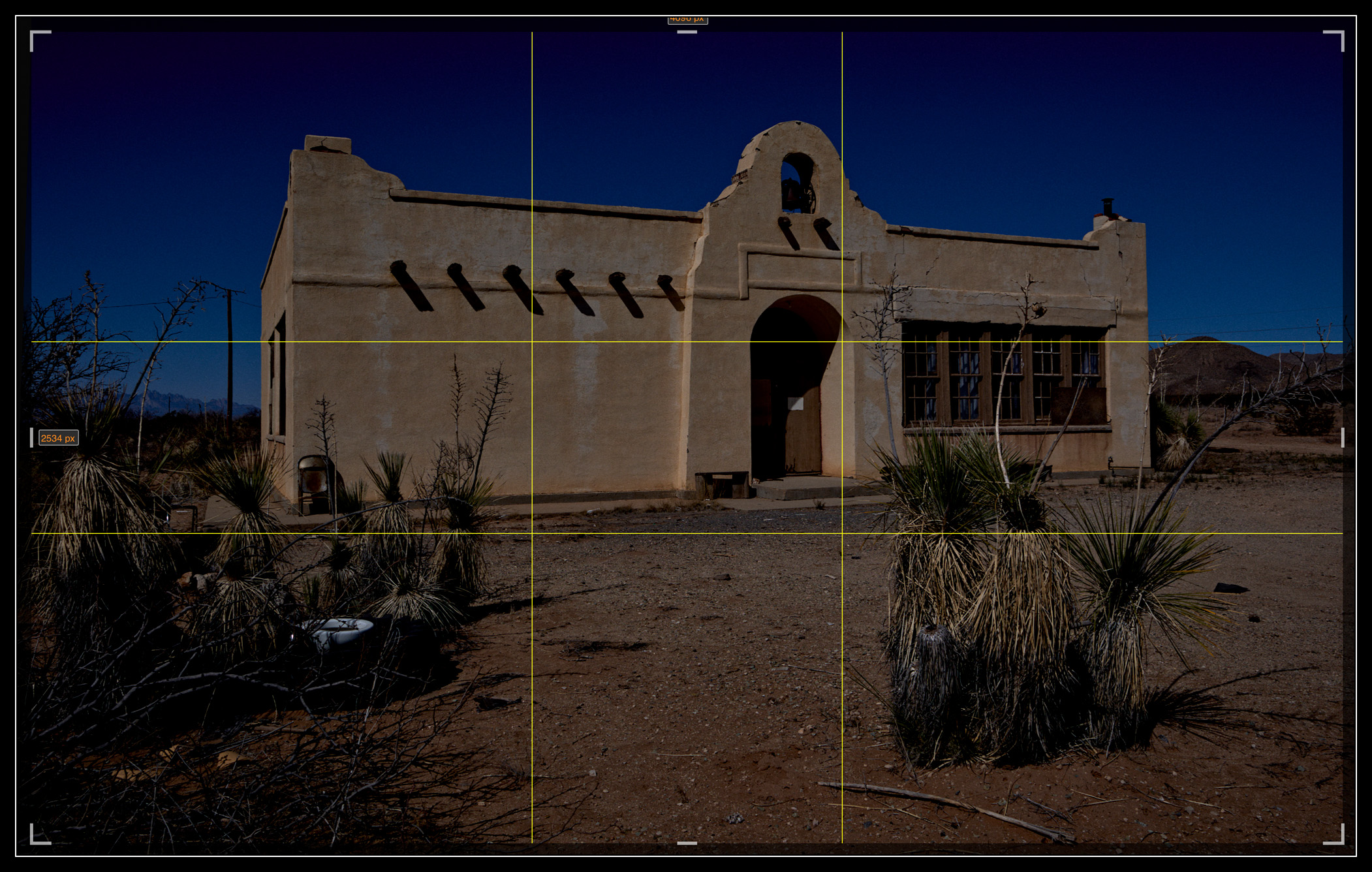
However it does not keep to a fixed number of grid cells as you change the crop, the grid size (size of the square) is maintained (as a reference to the original image size), and (so far as I know) you cannot change the grid size from within the Crop tool.
p.1 #7 · Cropping help. Edit grid squares, or move with crop?
Jack Flesher wrote:
You mean LR cannot show you a 5x5 grid, golden mean or Fibonacci spiral in different colors while you crop? That's like so 2001...
LR does show a 5x5 grid when you cycle through the O. It also has a 3x3 and a 2x2 ... and then there's the one that looks like graph paper, it has so many small squares. If there was a way to change the grid pattern, I'd like it too. Sometimes I like having the lines for orientation (i.e. aligning verticals, etc.), but the graph paper grid is just "too busy", and something like an 8x8 or 10x10 or might be preferential to the graph paper grid.
p.1 #8 · Cropping help. Edit grid squares, or move with crop?
You can change the size of the grid, but as I mentioned above not within crop mode.
In Develop module but NOT with Crop tool selected;
Turn the Grid on in the loupe overlay;
View > Loupe Overlay >> then check Grid
With the grid showing press CTRL/CMD (Win/Mac) and a Grid | Size | Opacity control appears at the top of the image. Adjust as you need. But you are adjusting the grid size, not an array. By that I mean you can't change it to (for eg) a 20 x 30 array that will resize as you crop (and stay 20 x 30). The size of the grid is fixed to the original full image, so as you crop you get less cells.
p.1 #10 · Cropping help. Edit grid squares, or move with crop?
Yes, this is the full list;
Grid
Thirds
Fifths
Diagonal
Center
Triangle
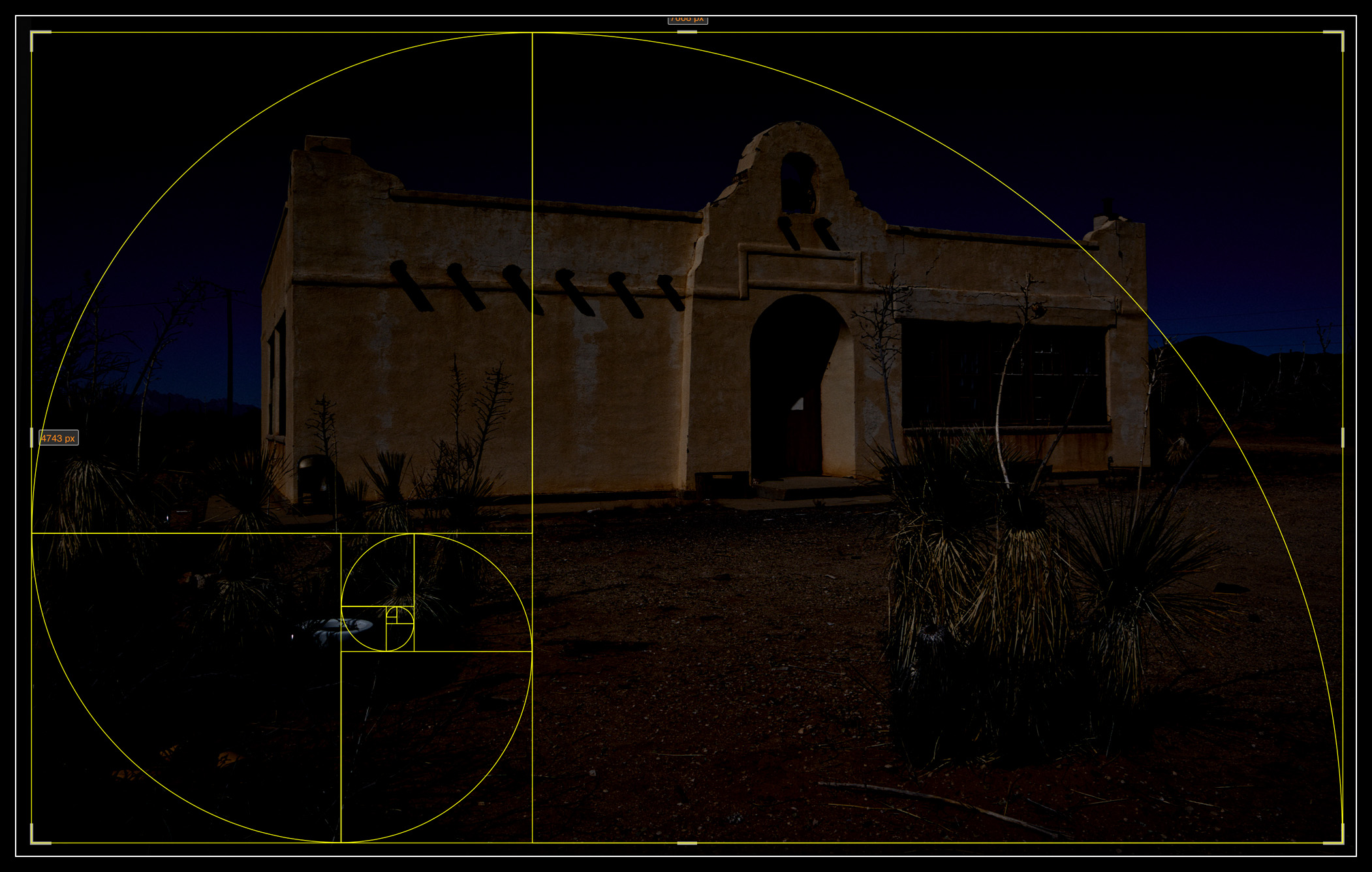
Golden Ratio
Golden Spiral
Aspect Ratios
For Aspect Ratios it draws lines to the right and left (on a 2x3 AR image for example) that show crops to 1:1, 3:4 and 4:5


 might be preferential to the graph paper grid.