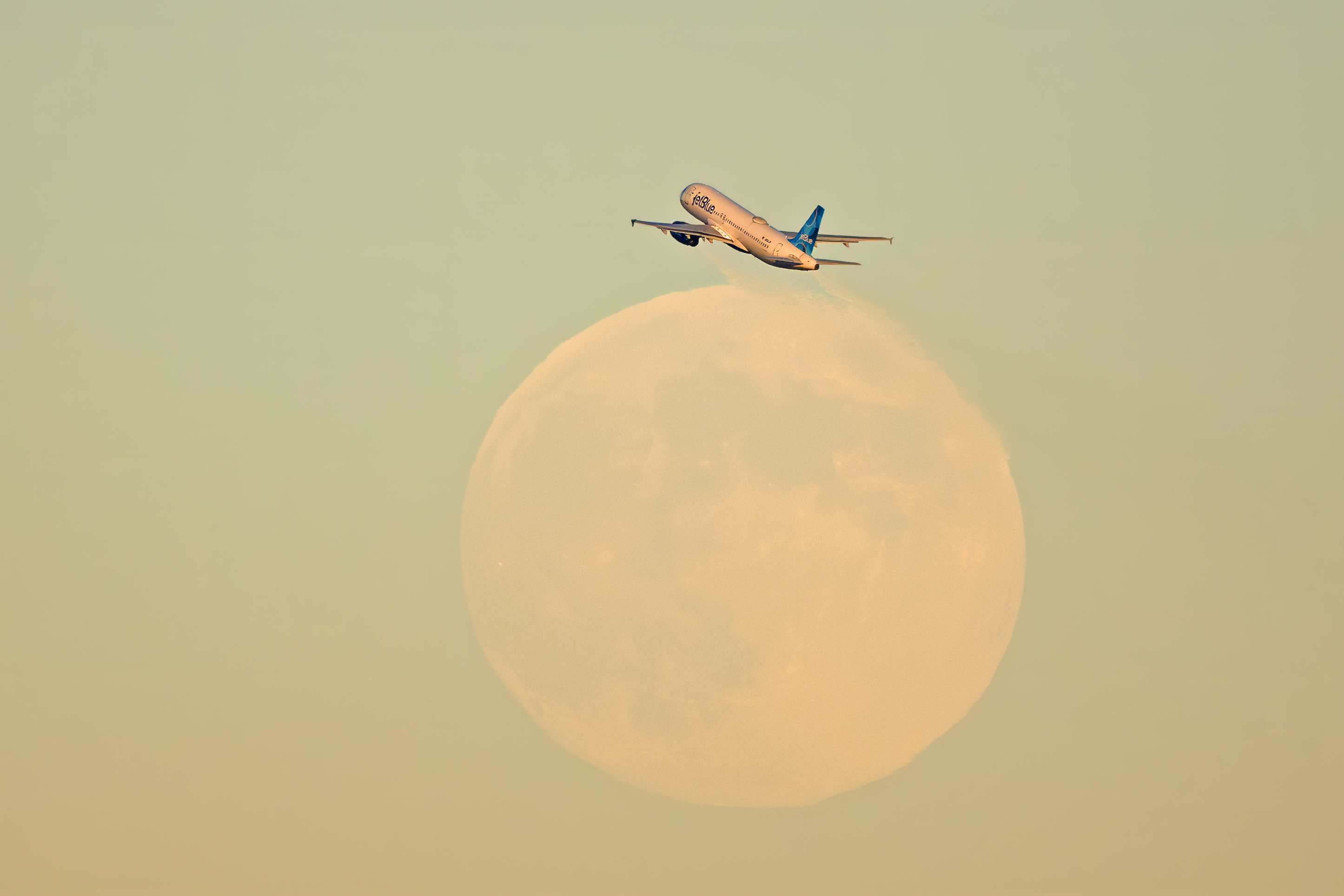
f_a_98 wrote:
You are catching the moon bug from baobab over at dpr.😁
Great shot!
Thank you,
I've been incorporating the moon and particularly the full moon in my imagery for years. Here is an award winner taken back in 2018 of a Merlin illuminated by the last glow of the sun and my flash. It is one of the hardest photos I've taken because the moon rises so fast leaving me little time to balance my flash and constantly having to move to maintain the composition.
Love the jet and the moon Morris. Have you tried in postprocessing to decrease the exposure of the moon , focus and increase the contrast? That would make it a killer image. Well done to capture this! Alan
Alan Milnes wrote:
Love the jet and the moon Morris. Have you tried in postprocessing to decrease the exposure of the moon , focus and increase the contrast? That would make it a killer image. Well done to capture this! Alan
Thank you Alan,
I had not tried processing the moon separately from the rest. I did quite a bit of adjustments using levels, custom curves already. The white aircraft shows every change I made. The moon had very little contrast when it first came up and is when I took the photo. I'll think about ways to approach this without making it look fake.
Very cool shot, Morris (and the kestrel image is superb!). In Lightroom I would try pulling the luminance down on the blue channel and see if that helped the moon stand out a bit better against a darker sky. The dehaze slider may also help. Regardless, nice job capturing this. 👍🏼
Ross Martin wrote:
Very cool shot, Morris (and the kestrel image is superb!). In Lightroom I would try pulling the luminance down on the blue channel and see if that helped the moon stand out a bit better against a darker sky. The dehaze slider may also help. Regardless, nice job capturing this. 👍🏼
Thank you Ross,
You are seeing the second version of the merlin image. I've made played quite a bit with curves in each channel to achieve what you are suggesting. The tricky part is being gentle so the image dose not start to look fake or over processed.
You are seeing the second version of the merlin image. I've made played quite a bit with curves in each channel to achieve what you are suggesting. The tricky part is being gentle so the image dose not start to look fake or over processed.
Morris
Yes, I agree with you, it has to be subtle enough tot not look fake. By the way, I was referring to your first image with the jet plane, about possibly being able to pull down the blue sky.
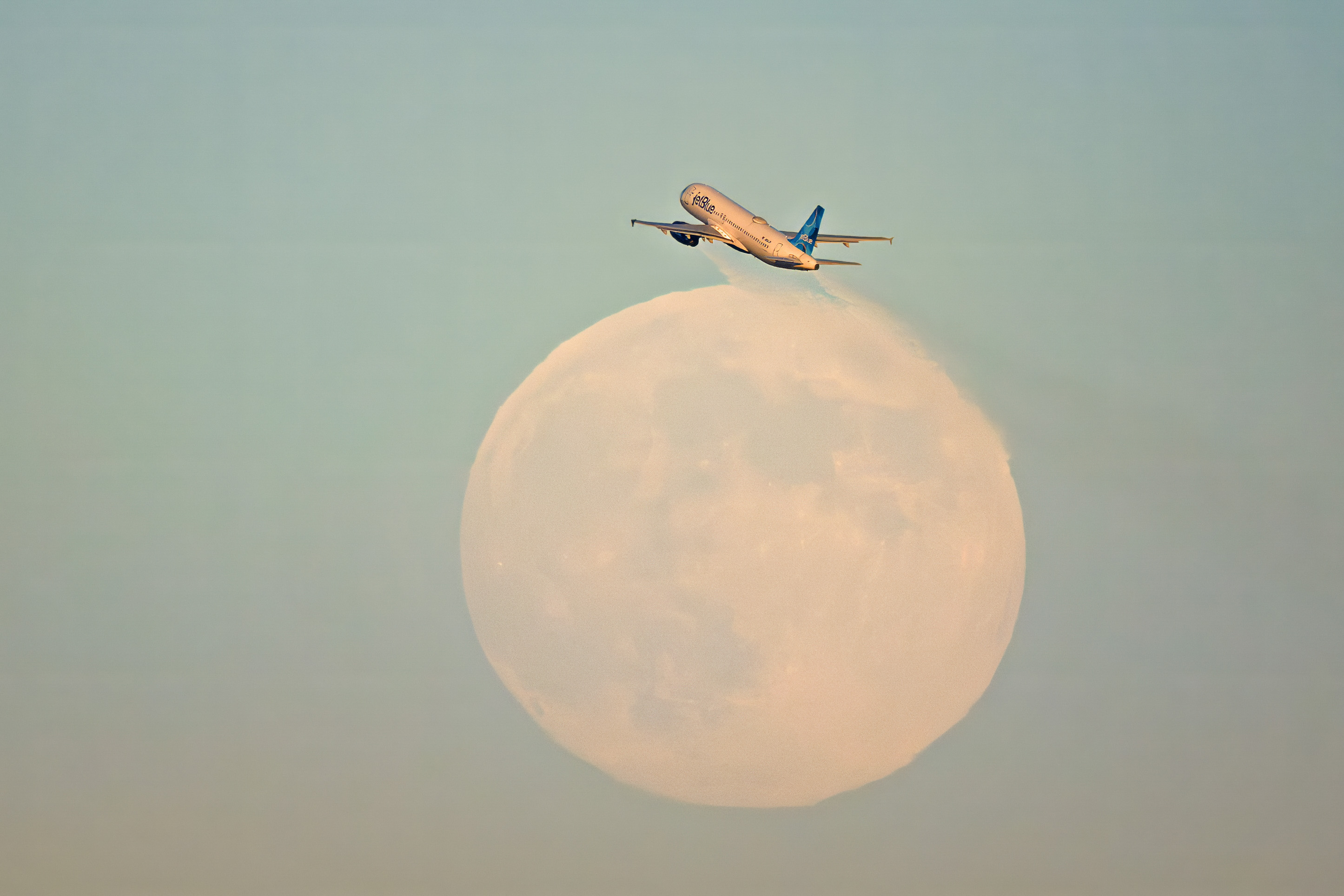
If you don’t mind me doing so, I can try something in Lightroom on that Jet Blue jpeg and post it here to see what you think...
Ross Martin wrote:
Yes, I agree with you, it has to be subtle enough tot not look fake. By the way, I was referring to your first image with the jet plane, about possibly being able to pull down the blue sky.
If you don’t mind me doing so, I can try something in Lightroom on that Jet Blue jpeg and post it here to see what you think...
Oh, I did some changes on the aircraft image as well. Go ahead and see what you can do. Just let us know the changes you make. I work in Photoshop yet can translate Lightroom changes.
I tried to keep it subtle, and made no changes to the airplane, only the moon and sky. In lightroom I made a mask of the airplane then inverted it so I was working on just the moon and sky. On that inverted mask I increased contrast by 60 points, brought black levels down by 20 points, subtracted some green and yellow in WB so the sky was a bit more blue, added 10 points of dehaze.
morris wrote:
I like what you have done Ross. I like the extra detail in the moon. Artistically the blue sky seems good yet of cause it's not what the sky was like.
Thank you for the detail of the changes.
Morris
Thanks for letting me play with it! You have a great image.