vbnut wrote:
Is it correct to assume the Flying Mobula Ray is a PreCapture shot?
It hadn't crossed my mind that PreCapture should make it much easier to capture fish, whales, etc. jumping out of the water. I've always found those extremely difficult, because it's so hard to predict both where and when the jump will occur. PreCapture will help to solve the "when" problem.
Precapture would not of been a great benefit here. I was on a moving boat and you did not know where they would pop out. I just prefocused the general area and hoped for the best. I am not saying it could not be used but I would just not count on it to get the shot. I was on a cruise excursion so this was just a drive by so to speak, most people did not even notice them.
RobAmy wrote:
Precapture would not of been a great benefit here. I was on a moving boat and you did not know where they would pop out. I just prefocused the general area and hoped for the best.
Interesting. I would have thought this is a perfect example for pre-capture. It's kinda similar to my problem of shooting penguins jumping up onto an ice floe. You don't know when they'll do it, you can't see them under water, you just know it will happen, it will happen suddenly, and just briefly. I could point the camera at the ice edge with shutter half down and just wait.
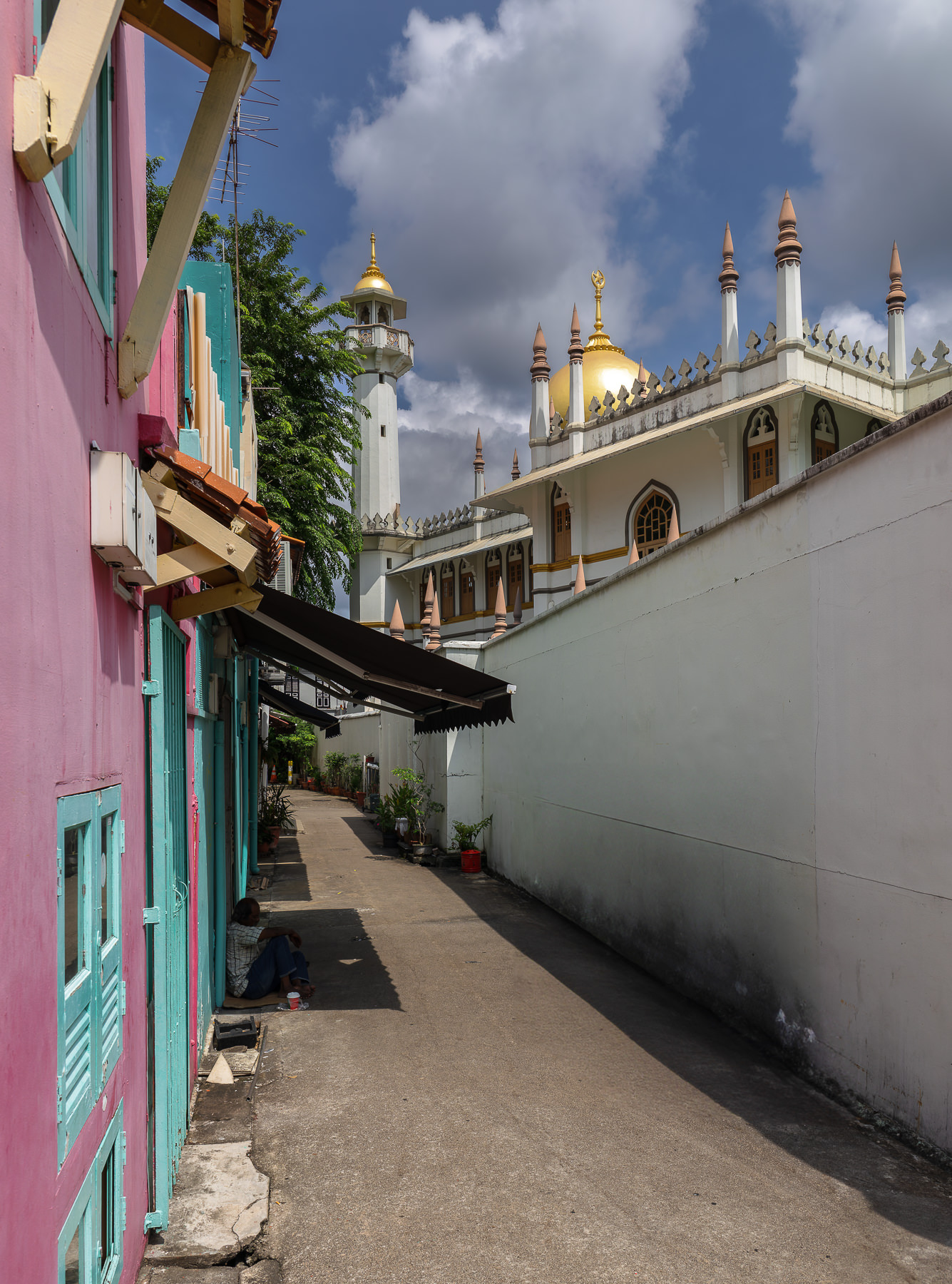
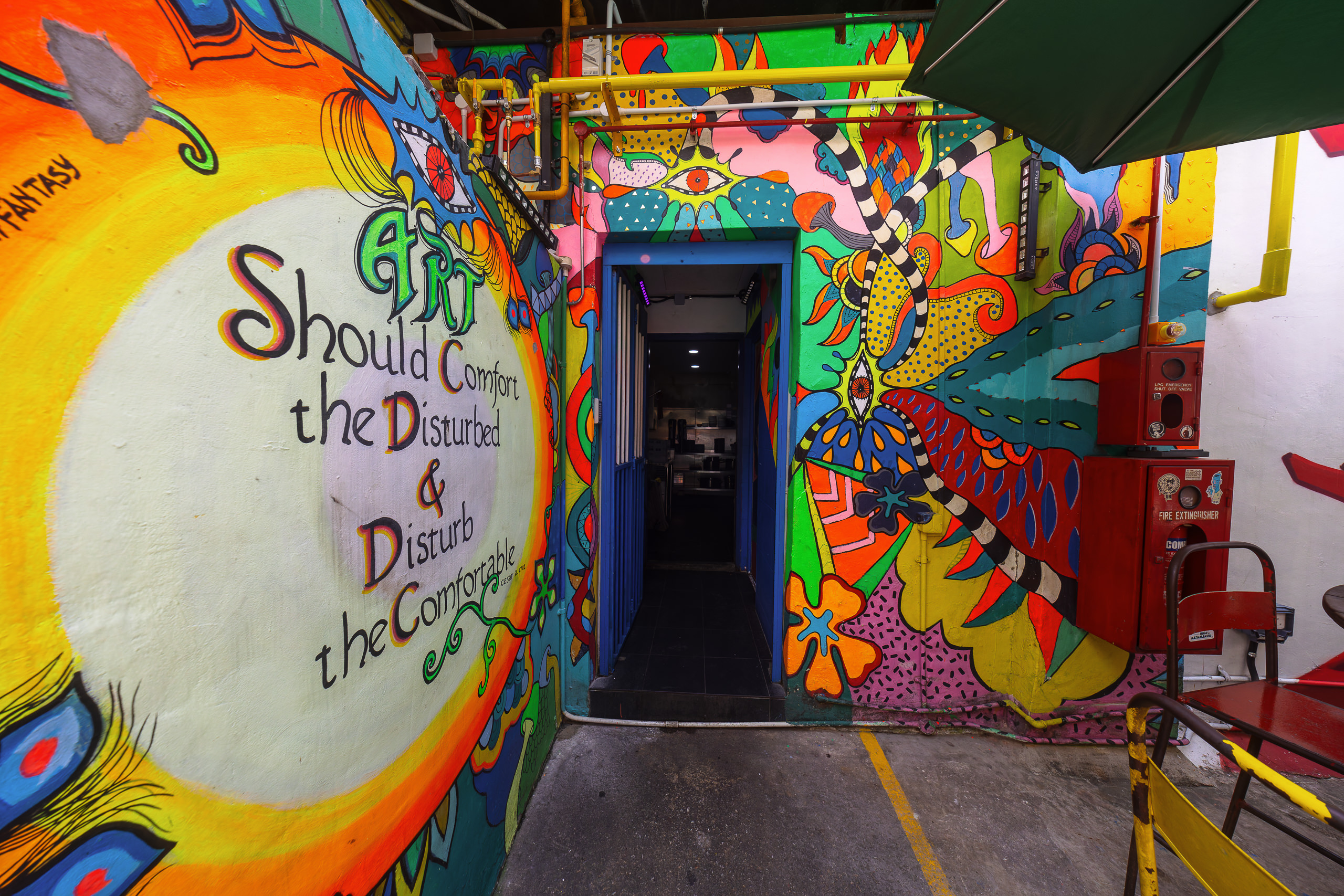
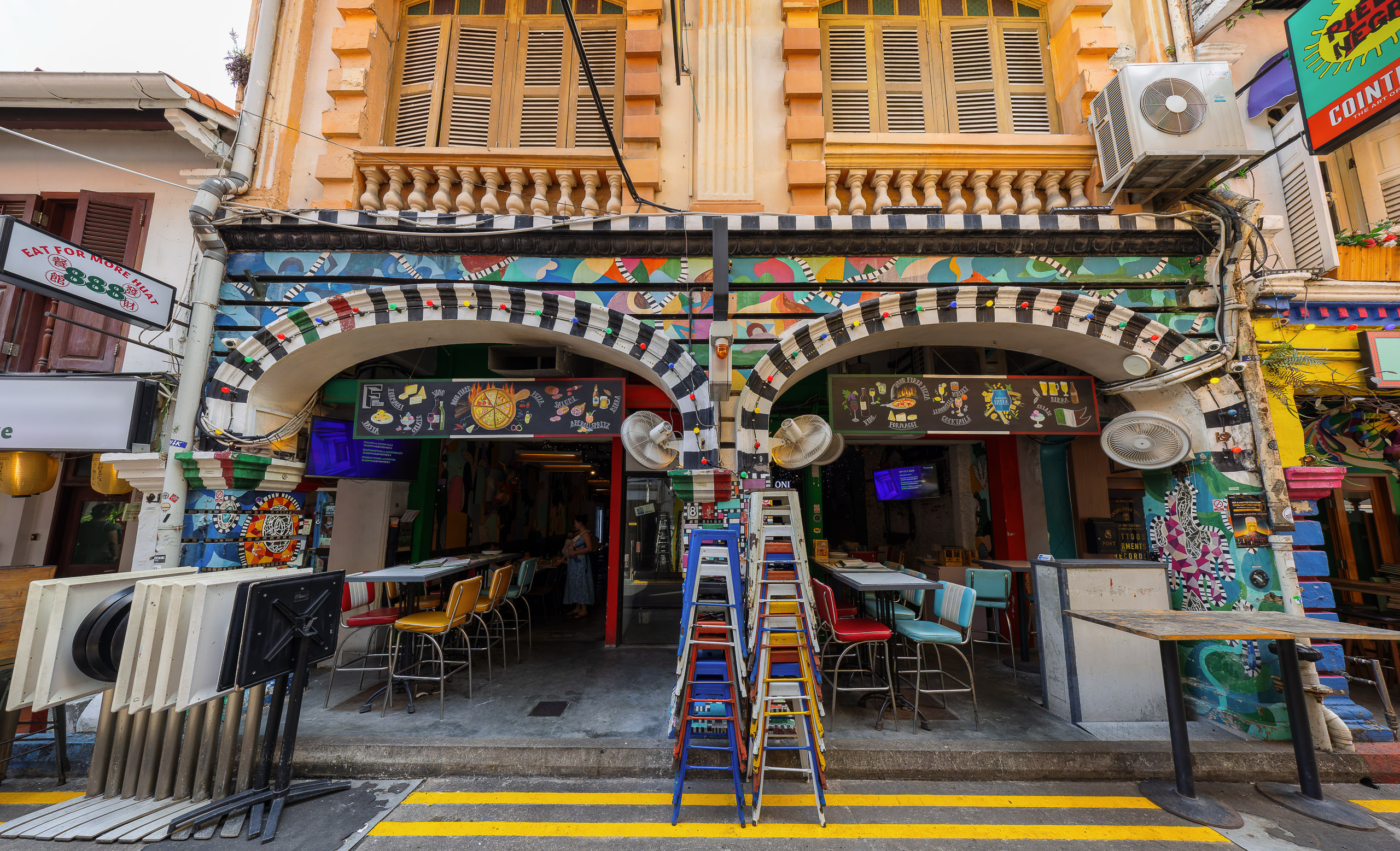
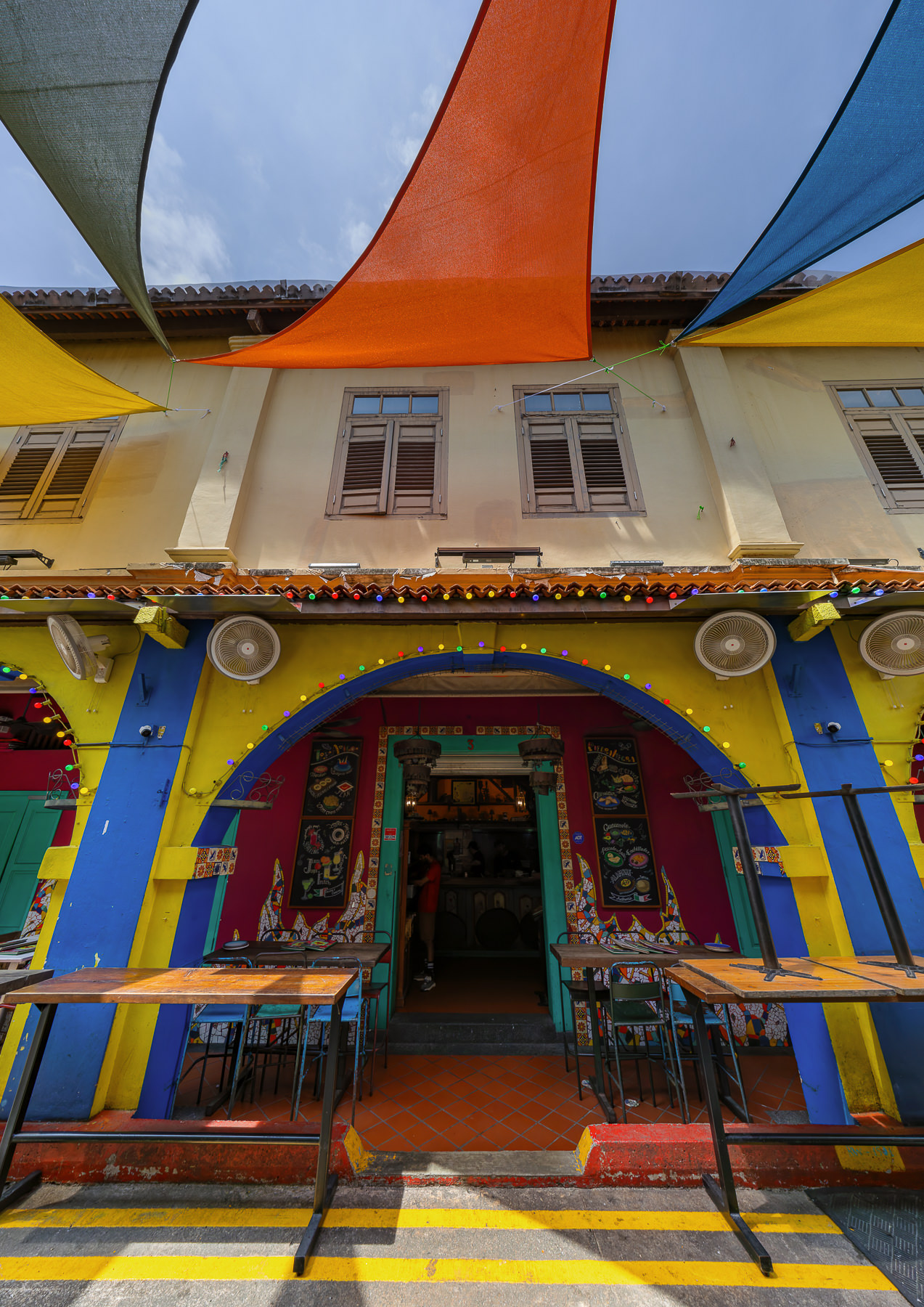
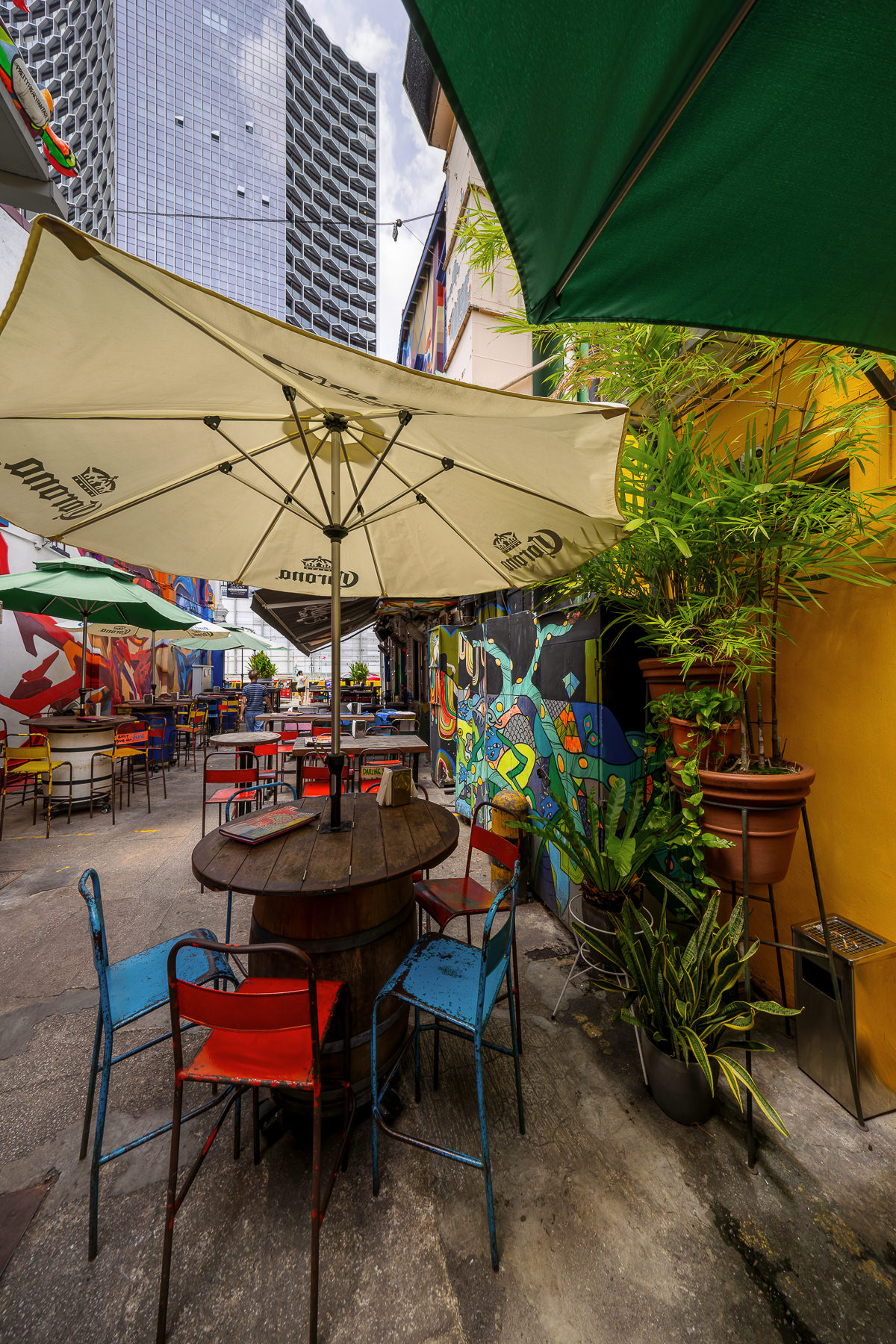
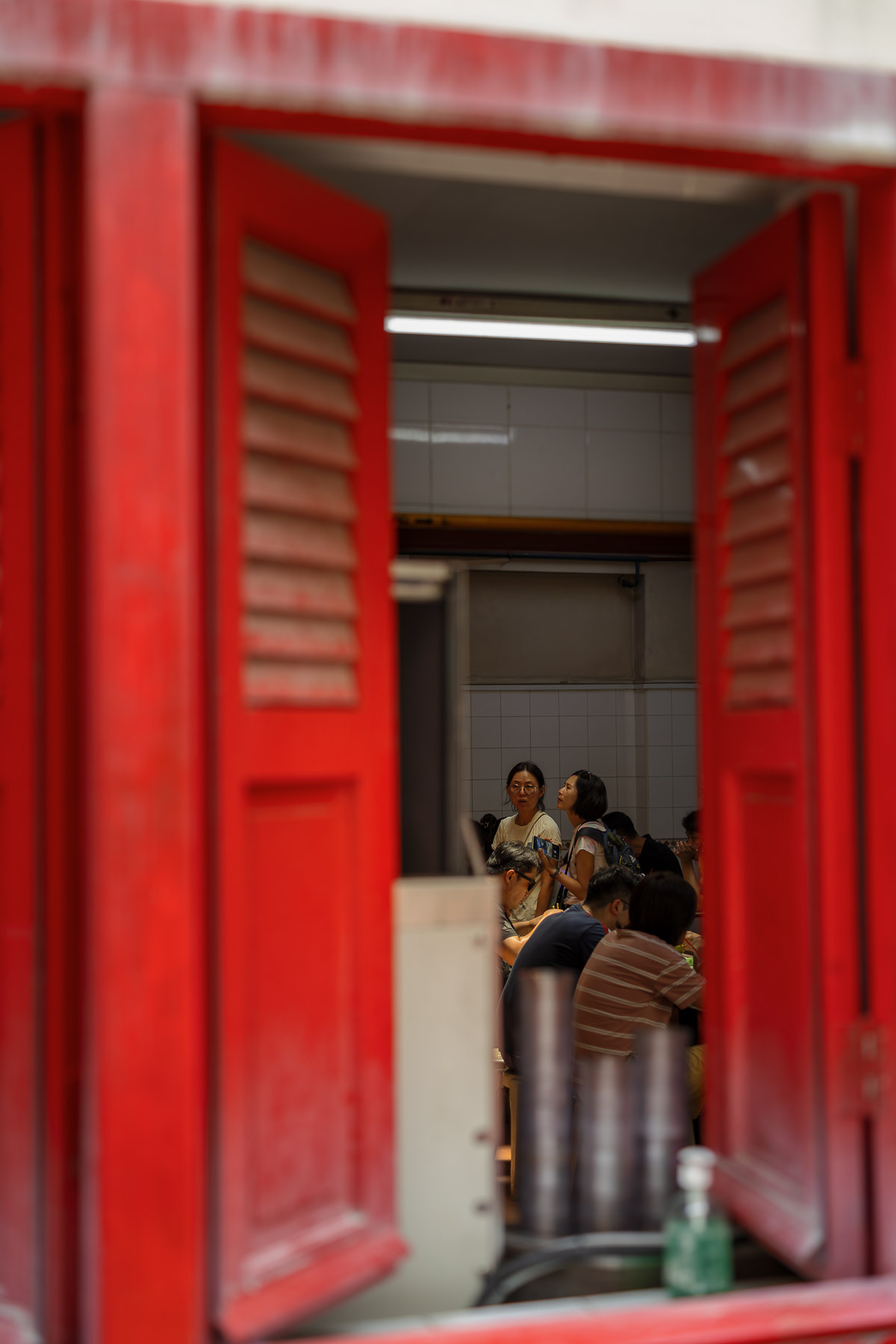
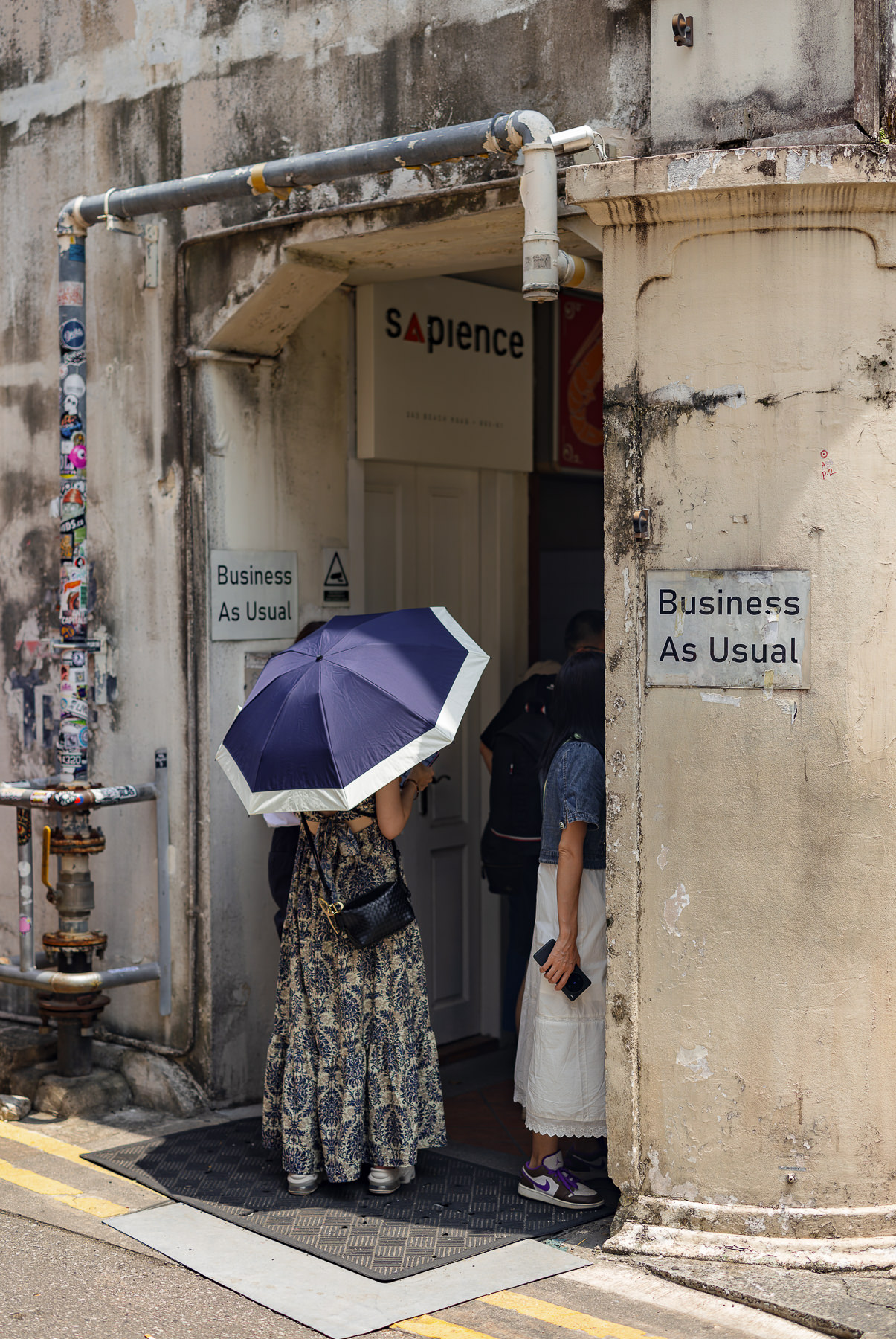
I had some interesting experiences recently in Singapore: on an average morning, with extremely high humidity and temperature already going towards 30c, obviously I was uncomfortable - but so was the camera. In an example of what never happened to me before, all three lenses were fogging up inside: the 24-105Z, 50L, and 10-20. The camera was giving me overheat warnings simply from sporadic shooting of stills. The images from the fogged up lenses were unusable. Once I realized what was happening I periodically put my gear in the sun to bake and that reduced the fogging temporarily (of course it didn't help with camera overheating). I was mindful not to go to air conditioned places as that would make the lenses cooler and the problem worse. It took some three hours for things to improve, for that time I was forced to switch lenses periodically and to bake them.
This never happened to me before, and I spent more than my fair share of time in Florida. Next time I go to a climate like this I'll bring one of my lens heaters and a power brick...
Canon EOS R5m2RF24-105mm F2.8 L IS USM Z lens24mmf/8.01/400s100 ISO-0.3 EV
Canon EOS R5m2RF10-20mm F4 L IS STM lens10mmf/8.01/250s800 ISO-0.3 EV
Canon EOS R5m2RF10-20mm F4 L IS STM lens10mmf/8.01/250s800 ISO-0.3 EV
Canon EOS R5m2RF10-20mm F4 L IS STM lens10mmf/8.01/500s100 ISO-1.3 EV
Canon EOS R5m2RF10-20mm F4 L IS STM lens10mmf/8.01/250s125 ISO-1.7 EV
Canon EOS R5m2RF10-20mm F4 L IS STM lens11mmf/8.01/320s250 ISO-0.7 EV
Canon EOS R5m2RF50mm F1.2 L USM lens50mmf/2.01/320s100 ISO-0.7 EV
Canon EOS R5m2RF50mm F1.2 L USM lens50mmf/2.01/3200s100 ISO-0.7 EV
Canon EOS R5m2RF50mm F1.2 L USM lens50mmf/1.21/2000s100 ISO-0.7 EV
stanj wrote:
I had some interesting experiences recently in Singapore: on an average morning, with extremely high humidity and temperature already going towards 30c, obviously I was uncomfortable - but so was the camera. In an example of what never happened to me before, all three lenses were fogging up inside: the 24-105Z, 50L, and 10-20. The camera was giving me overheat warnings simply from sporadic shooting of stills. The images from the fogged up lenses were unusable. Once I realized what was happening I periodically put my gear in the sun to bake and that reduced the fogging temporarily (of course it didn't help with camera overheating). I was mindful not to go to air conditioned places as that would make the lenses cooler and the problem worse. It took some three for things to improve, for that time I was forced to switch lenses periodically and to bake them.
This never happened to me before, and I spent more than my fair share of time in Florida. Next time I go to a climate like this I'll bring one of my lens heaters and a power brick...
Stan, we just crossed paths on my return from Indonesia (through Tokyo). It's the heat and humidity combo over there and I agree I see this happen more over there than it does in hot/humid places in the US like Florida. I was just living on a boat in the Indian Ocean and if one accidentally takes their cameras inside to the air conditioned spaces they'll get the same fogging issue when it's taken back outside, even at temps below what you were experiencing. I learned this lesson in the early 2000's on my first boat trip over there so I know the drill. If you don't come prepared to keep your gear in a pelican case outside you'll often have to deal with this problem. There was another photographer buddy on the boat and I tried to warn him but he forgot and got 'fogged'. It's obviously not possible to keep your gear outside when staying in a hotel, so yeah a heater would help but it's not always enough depending on the elements. Sometimes you just have to wait it out while the gear acclimates, all while missing "the shot". To mitigate some of this, you have to keep the AC to a minimum in your room, which is not always fun for your family. And yes, the R5II was still giving me heat warnings from shooting stills, but it never got to the point of shutting down.
stanj wrote:
Interesting. I would have thought this is a perfect example for pre-capture. It's kinda similar to my problem of shooting penguins jumping up onto an ice floe. You don't know when they'll do it, you can't see them under water, you just know it will happen, it will happen suddenly, and just briefly. I could point the camera at the ice edge with shutter half down and just wait.
You could be right for sure, personally I have not used precapture that much yet. I would definitely try it for sure. I would think if you miss focus you have a bunch of out of focus shots. I will be trying it on a lot more targets.
stanj wrote:
I had some interesting experiences recently in Singapore: on an average morning, with extremely high humidity and temperature already going towards 30c, obviously I was uncomfortable - but so was the camera. In an example of what never happened to me before, all three lenses were fogging up inside: the 24-105Z, 50L, and 10-20. The camera was giving me overheat warnings simply from sporadic shooting of stills. The images from the fogged up lenses were unusable. Once I realized what was happening I periodically put my gear in the sun to bake and that reduced the fogging temporarily (of course it didn't help with camera overheating). I was mindful not to go to air conditioned places as that would make the lenses cooler and the problem worse. It took some three hours for things to improve, for that time I was forced to switch lenses periodically and to bake them.
This never happened to me before, and I spent more than my fair share of time in Florida. Next time I go to a climate like this I'll bring one of my lens heaters and a power brick...
I have run into this with just about every camera brand. As we all know, air conditioning is the culprit. Prior to leaving, I usually put on a standard zoom like a 24-105mm with a polarizer or UV filter, as they are easier to wipe down if required.
I tend to leave my hotel, and go sit outside at a coffee shop. I get a coffee, sit down and take the camera out of the bag. Get the sun onto the camera, and just let the gear warm up. Any lens that has a filter on it, I take the lens cap off in the bag. Open the bag and get the warm air into it a few times. If you are in a rush, put the black rain cover on the bag - it will heat faster... But, keep opening and closing it to get warm air in.
Do not take the lens off, until the camera is up to ambient temp, otherwise you will fog the sensor. The previously air conditioned air has much less humidity, so the camera should be able to shoot once the outside of it is warm. But it will take upwards of half an hour, in direct sunlight, walking and shooting for the inside to reach the same temperature.
Moisture baking off the sensor might be what caused the overheat. A little direct sunlight into the lens, while moving it around, will help too - but not too much for obvious reasons.
stanj wrote:
I had some interesting experiences recently in Singapore: on an average morning, with extremely high humidity and temperature already going towards 30c, obviously I was uncomfortable - but so was the camera. In an example of what never happened to me before, all three lenses were fogging up inside: the 24-105Z, 50L, and 10-20. The camera was giving me overheat warnings simply from sporadic shooting of stills. The images from the fogged up lenses were unusable. Once I realized what was happening I periodically put my gear in the sun to bake and that reduced the fogging temporarily (of course it didn't help with camera overheating). I was mindful not to go to air conditioned places as that would make the lenses cooler and the problem worse. It took some three hours for things to improve, for that time I was forced to switch lenses periodically and to bake them.
This never happened to me before, and I spent more than my fair share of time in Florida. Next time I go to a climate like this I'll bring one of my lens heaters and a power brick...
Just a heads up and sorry for the OT tangent, but I believe you have an R1 waiting for you when you arrive home: shooting a late September afternoon football game with the R1 in direct sun also prompted the temperature warning in the viewfinder, but it never got to a critical point. The camera did feel a bit warm, but so did my R6II (don't recall if the heat warning appeared there too).
I've had the lens fogging problem as well. Obviously it's a problem in northern climates during the winter when transitioning from cold outdoors to warm indoors. But long ago I also had it happen during the summer in cool wet weather and didn't let the gear adequately dry out (I was inexperienced at the time). The next day I couldn't figure out why the view through the viewfinder was hazy until I looked into the lens and discovered it was fogged up. Yep, leaving it in the sun helped, as did pumping the zoom back and forth to force cold internal air to be replaced by the warmer surrounding air and warm up the internals faster. But with a prime lens like the 50/1.2, I'm guessing it will take longer to clear because there is less internal air displacement caused by racking the focusing ring.
artsupreme wrote:
There's no fan in the camera that has a switch, you would have to have a cooling grip and I'm not sure if those have switches or not.
Thanks, I ask, because I was wondering if air could be forced through the cooling channels to warm up the inside.
I wonder if it would help heat the internals/sensor by just running pre-capture for a while, or recording a long video? But likely this would only be effective for the camera and less so for the lens. Downside would be battery consumption.
Planetwide wrote:
Thanks, I ask, because I was wondering if air could be forced through the cooling channels to warm up the inside.
I could be wrong actually about being able to control the fan internally, I'm sure someone else will chime in. I haven't noticed any fan controls in my menus but it could be in there somewhere.
Nice perro. I wonder how much sharper it is than the RF non Z. I haven't seen any comparisons between the two yet but my non-Z has been my workhorse for several years and I'm happy with it's IQ.
artsupreme wrote:
Nice perro. I wonder how much sharper it is than the RF non Z. I haven't seen any comparisons between the two yet but my non-Z has been my workhorse for several years and I'm happy with it's IQ.
The Z lens gives me 600mm prime vibes when I open the files. They just have a crisp look. I also used the OG RF 2.8 since its release and I consider it an amazing lens. The z lens is also the fastest focusing lens I've ever used. its instant and deliberate.
Cross posted on the 2024 Fall Image Thread. A few in the backyard with the RF 100-500 on the R5 II with fairly heavy cropping. It is amazing how fast the R5 II locks onto the birds eyes and sticks on them.