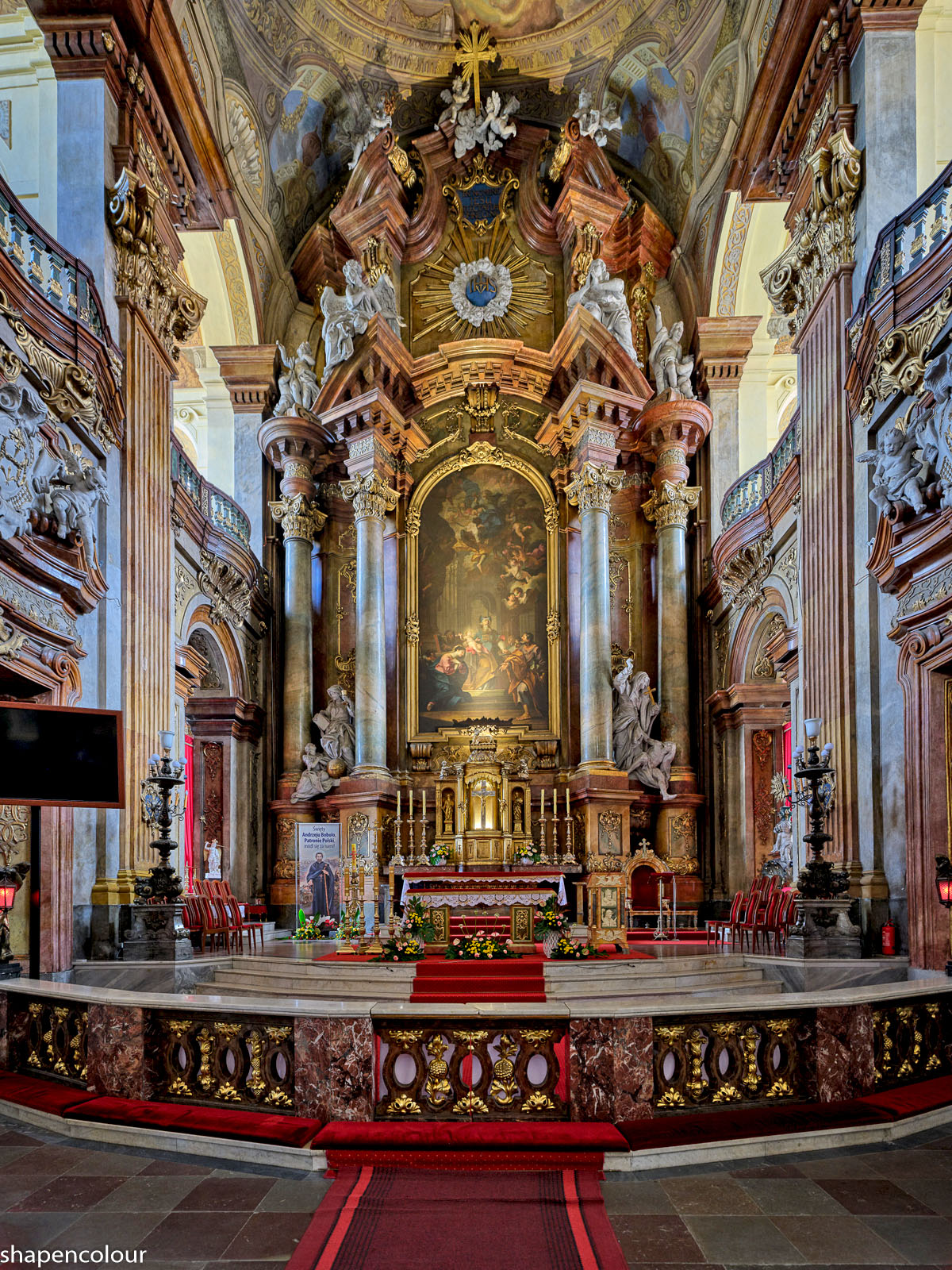
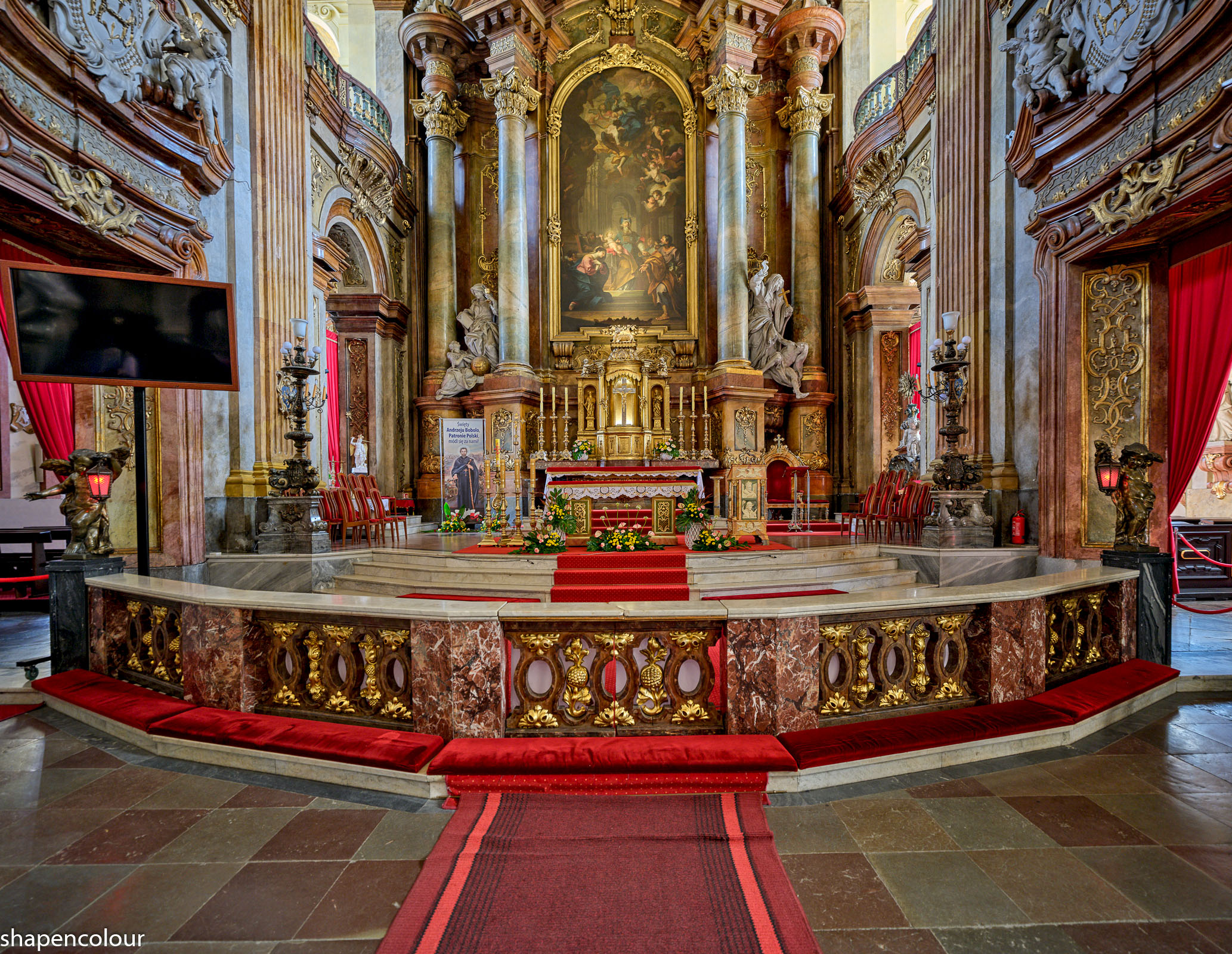
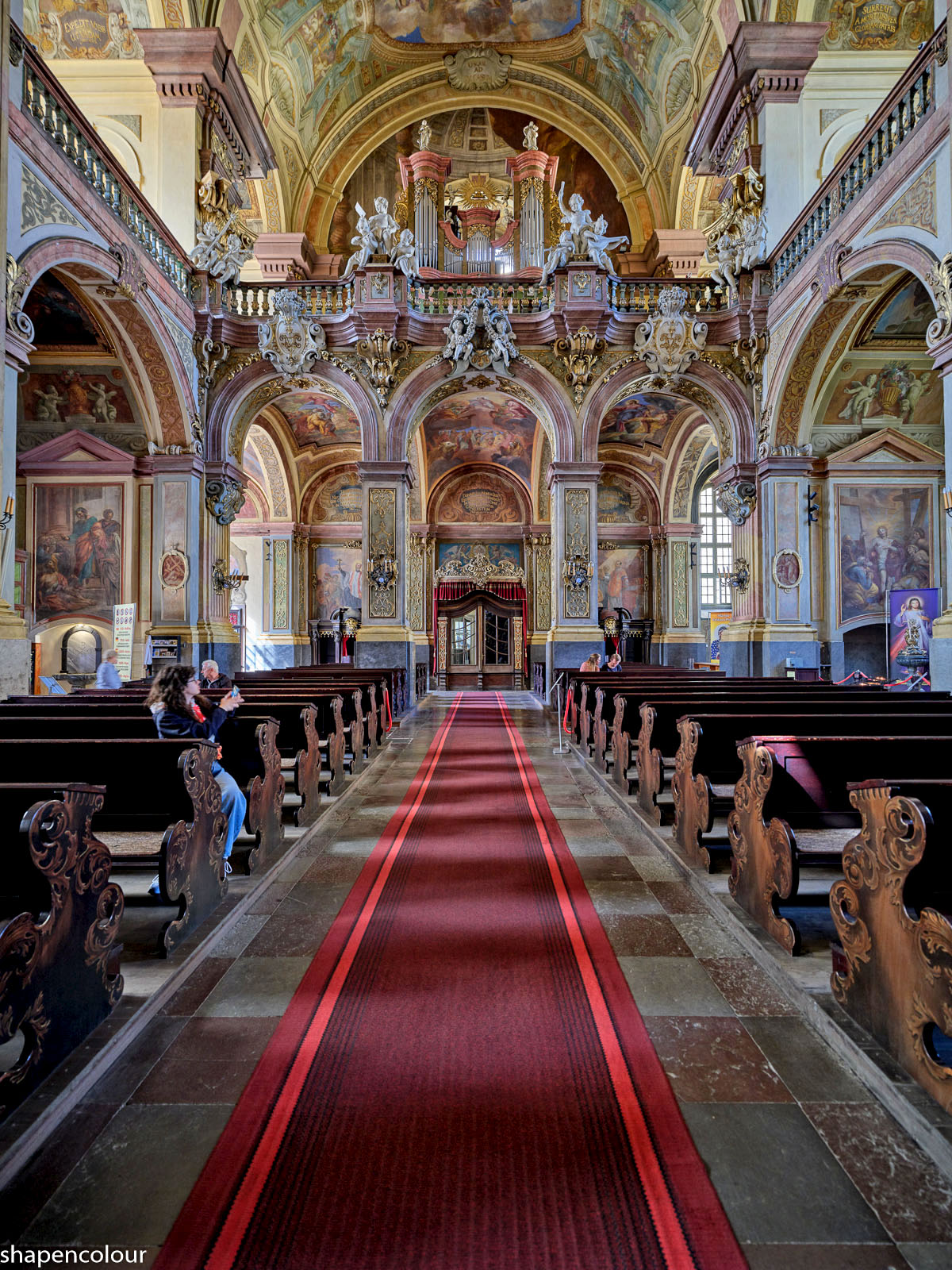
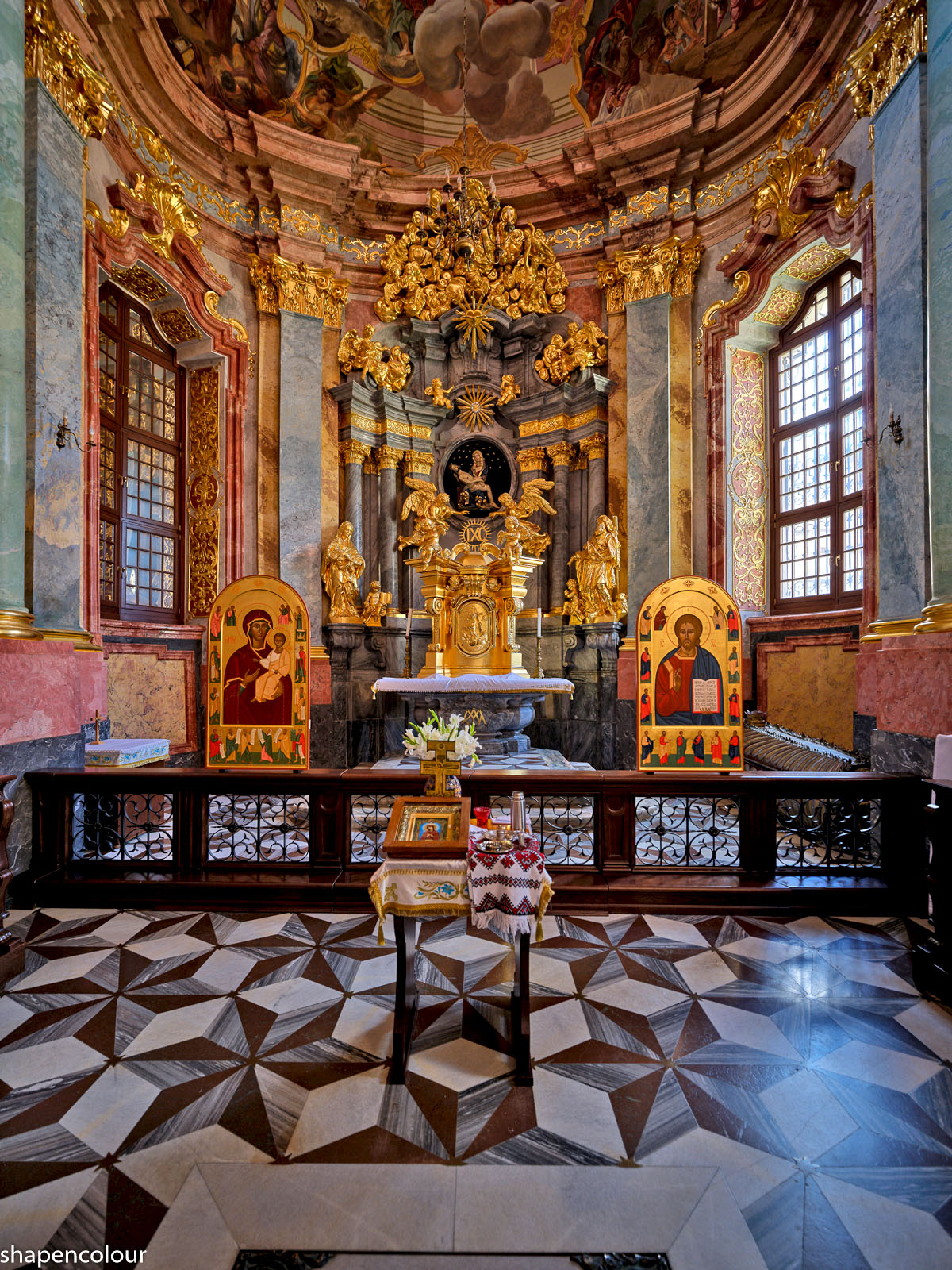
p.108 #1 · Fuji GFX Image Thread - all cameras and lenses
Thank you for explaining! I appreciate this. I believe I now understand why the camera set the ISO to 200 (to me, this suggests that "Dynamic Range" was in Auto). This behaviour makes sense if "sunlight was very strong."
Out of curiosity, what size do you use when uploading images here? They are very crisp, while anything I try to upload loses every detail for unknown reasons. I suppose it has something with the ratio between viewing size and uploading size to do.
Out of curiosity, what size do you use when uploading images here? They are very crisp, while anything I try to upload loses every detail for unknown reasons. I suppose it has something with the ratio between viewing size and uploading size to do.
My uploads are around 3.3MB, on average. FM wouldn't accept jpegs significantly larger than that; e.g. uploading a 3.5MB jpeg might work, but 3.7MB most likely wouldn't. On export for FM, I keep the "quality" at 85/100 and change the number of pixels to produce jpegs of the intended ca. 3.3MB size.
Therefore, the number of pixels in my jpegs on FM can be different, depending on the amount of detail in these images, however this number doesn't go under 8-9MP (suitable for a 4K display).
Among other things, denoising works to reduce the file size and I use denoising on every raw file, regardless of the ISO (some people like seeing noise in a photo, but I am not one of them). I export jpegs with embedded Display P3 (rather than sRGB) color space, although this can make a visible difference mostly when there are vivid warm colors.
p.108 #5 · Fuji GFX Image Thread - all cameras and lenses
clk11211 wrote:
I just got my GFX100s this week, really looking forward to seeing what medium format can deliver with landscapes
Good luck!
I received my GFX100S II nine months ago, and only now I feel reasonably comfortable with the settings, with the camera controls, and have a better sense of where this system excels. Learning this system may take time and may require some patience.
Something to mention is that so much image quality of the GFX is due to the GF lenses.
p.108 #6 · Fuji GFX Image Thread - all cameras and lenses
I think the shallow DOF might be the biggest challenge for me (possibly having to focus stack), looking forward to trying the 4:3 compositions though for sure after using full frame for so long!
p.108 #7 · Fuji GFX Image Thread - all cameras and lenses
clk11211 wrote:
I think the shallow DOF might be the biggest challenge for me (possibly having to focus stack), looking forward to trying the 4:3 compositions though for sure after using full frame for so long!
Are you coming to the GFX from an APS-C or full-frame system?
The DoF is relatively straightforward to translate, just use the crop factor.
E.g., if a GF lens displays F4.0, then the DoF on the GFX is going to be equivalent to 0.79 x 4 = f/3.2 on a full-frame system.
In other words, shooting a GF lens at f/4 is equivalent in terms of the DoF to shooting a full frame lens at f/3.2 (assuming their focal length are correctly related by the crop factor as well).
The difference between a full-frame and an equivalent GFX system in terms of the DoF is actually not that large: 2/3 of a stop.
The on-set of diffraction is also linked to the crop factor.
On a full-frame system, the first slight diffraction softening is seen at f/8, whereas on the GFX this is expected at f/10.
However, in practical terms you wouldn't see the diffraction softening without magnification. Thus, this is not a major concern.
For maximum DoF, you can try closing the aperture down to f/11 - f/14. Closing further would not make practical sense most times.
p.108 #9 · Fuji GFX Image Thread - all cameras and lenses
ruthenium wrote:
My uploads are around 3.3MB, on average. FM wouldn't accept jpegs significantly larger than that; e.g. uploading a 3.5MB jpeg might work, but 3.7MB most likely wouldn't. On export for FM, I keep the "quality" at 85/100 and change the number of pixels to produce jpegs of the intended ca. 3.3MB size.
Therefore, the number of pixels in my jpegs on FM can be different, depending on the amount of detail in these images, however this number doesn't go under 8-9MP (suitable for a 4K display).
Among other things, denoising works to reduce the file size and I use denoising on every raw file, regardless of the ISO (some people like seeing noise in a photo, but I am not one of them). I export jpegs with embedded Display P3 (rather than sRGB) color space, although this can make a visible difference mostly when there are vivid warm colors....Show more →
Then you are uploading much larger images than I do (2048 pixels on the wide end). I suppose the problem could be that the size I use is too close to whatever the native viewing size of the forum is, so that the images will be reinterpolated to almost the same size but then loses all detail. Very strange.
Edit: What I don't understand is that if I try to upload a larger image, it will just stretch the post and make the whole thread unreadably wide. How can it be so many different ways to show an image depending on who and how it was uploaded?
Edit 2: Nope, can't upload larger images at all: "The file exceeds the maximum size of 1.4 MB. Please resize your image(s)"
However, that might have something to do with me not being a paying member. I think Fred just let med upload images anyway if they are meant to show technical things rather than displaying someting for artistic purposes. Seems reasonable.
p.108 #10 · Fuji GFX Image Thread - all cameras and lenses
Makten wrote:
Then you are uploading much larger images than I do (2048 pixels on the wide end). I suppose the problem could be that the size I use is too close to whatever the native viewing size of the forum is, so that the images will be reinterpolated to almost the same size but then loses all detail. Very strange.
Edit: What I don't understand is that if I try to upload a larger image, it will just stretch the post and make the whole thread unreadably wide. How can it be so many different ways to show an image depending on who and how it was uploaded?
Edit 2: Nope, can't upload larger images at all: "The file exceeds the maximum size of 1.4 MB. Please resize your image(s)"
However, that might have something to do with me not being a paying member. I think Fred just let med upload images anyway if they are meant to show technical things rather than displaying someting for artistic purposes. Seems reasonable. ...Show more →
I am a paying member. Thus, my experience can be different. All images uploaded while using the FM upload fit a browser window horizontally, regardless of the number of pixels. To make these images fit the screen vertically, one need to click on a particular image.
My concern about your situation is that your uploads can be modified internally on FM. Test this: upload a jpeg, then download this from FM. Compare the EXIF between the two jpegs. I wouldn't be surprised if you see (a) different sizes, and (b) if you find that there is no EXIF at all in the dowloaded jpeg. That is, there will be no information on the embedded color profile, among other missing data.
For the larger images that you have tried and "can't upload" - I assume these didn't exceed 3.3MB - correct?
p.108 #11 · Fuji GFX Image Thread - all cameras and lenses
Two days ago, I added the GF45mm F2.8 lens to my GFX kit (several recent post by @Makten influenced me).
There are four lenses now in my kit, all GF: 20-35mm F4, 45mm F2.8, 55mm F1.7, and 500mm F5.6.
They do different things, but I think that the GF45mm F2.8 might be a good candidate for that kind of travel when I may want to keep one lens on a camera most times. With cropping, this lens easily covers the 36 to 64 mm full-frame equivalent range, and this should work for me 80-90% of the time in most places. The GFX100S II with the GF45mm F2.8 (with the hood) weigh 1,435 g (3.16 lbs), on a balance good to +/- 1g. This is relatively light by my standards.
I have tested the new lens at close and long distances - it feels consistent with my expectations based on some reviews that I have seen on the internet. I shall keep it.
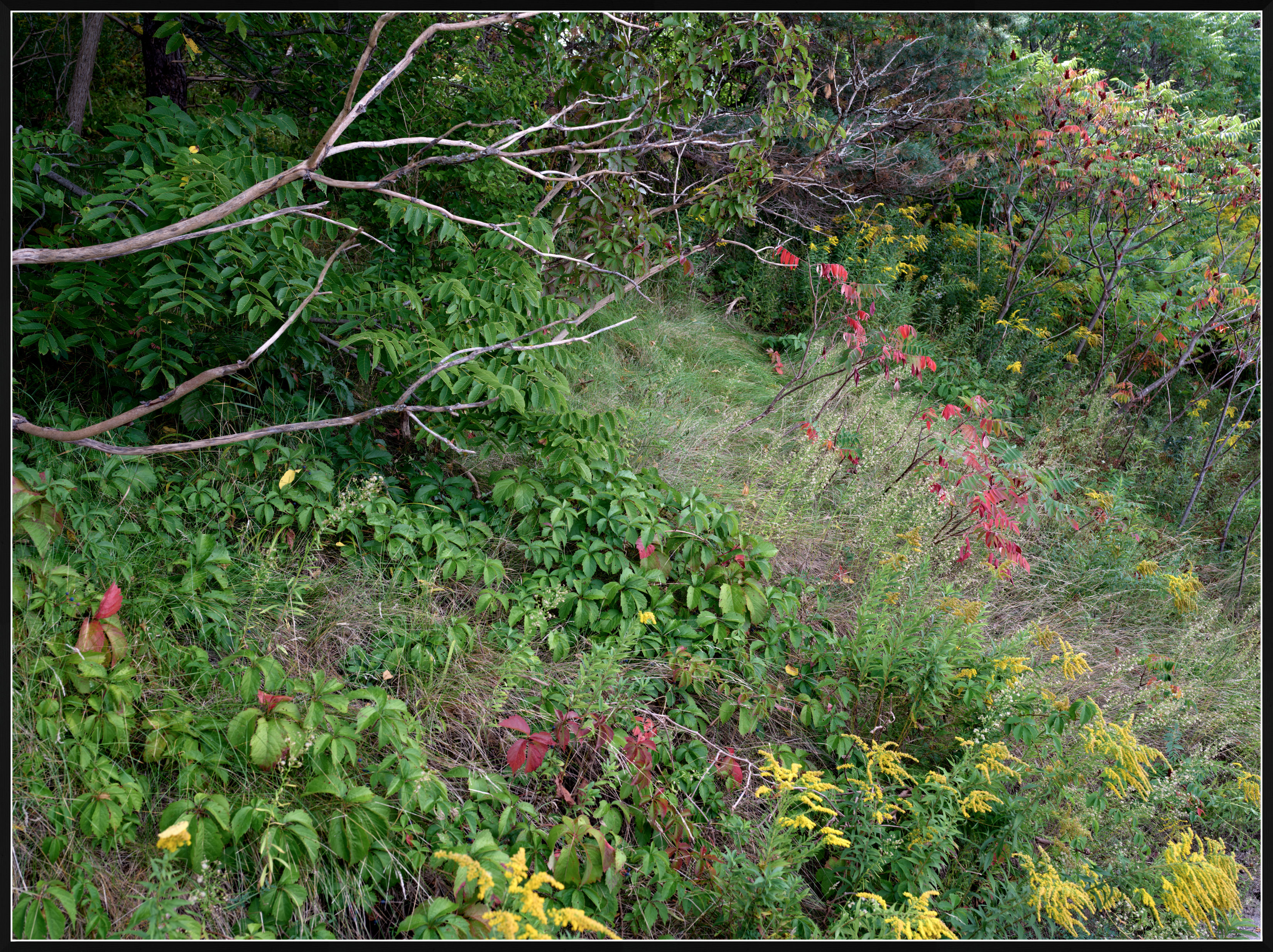
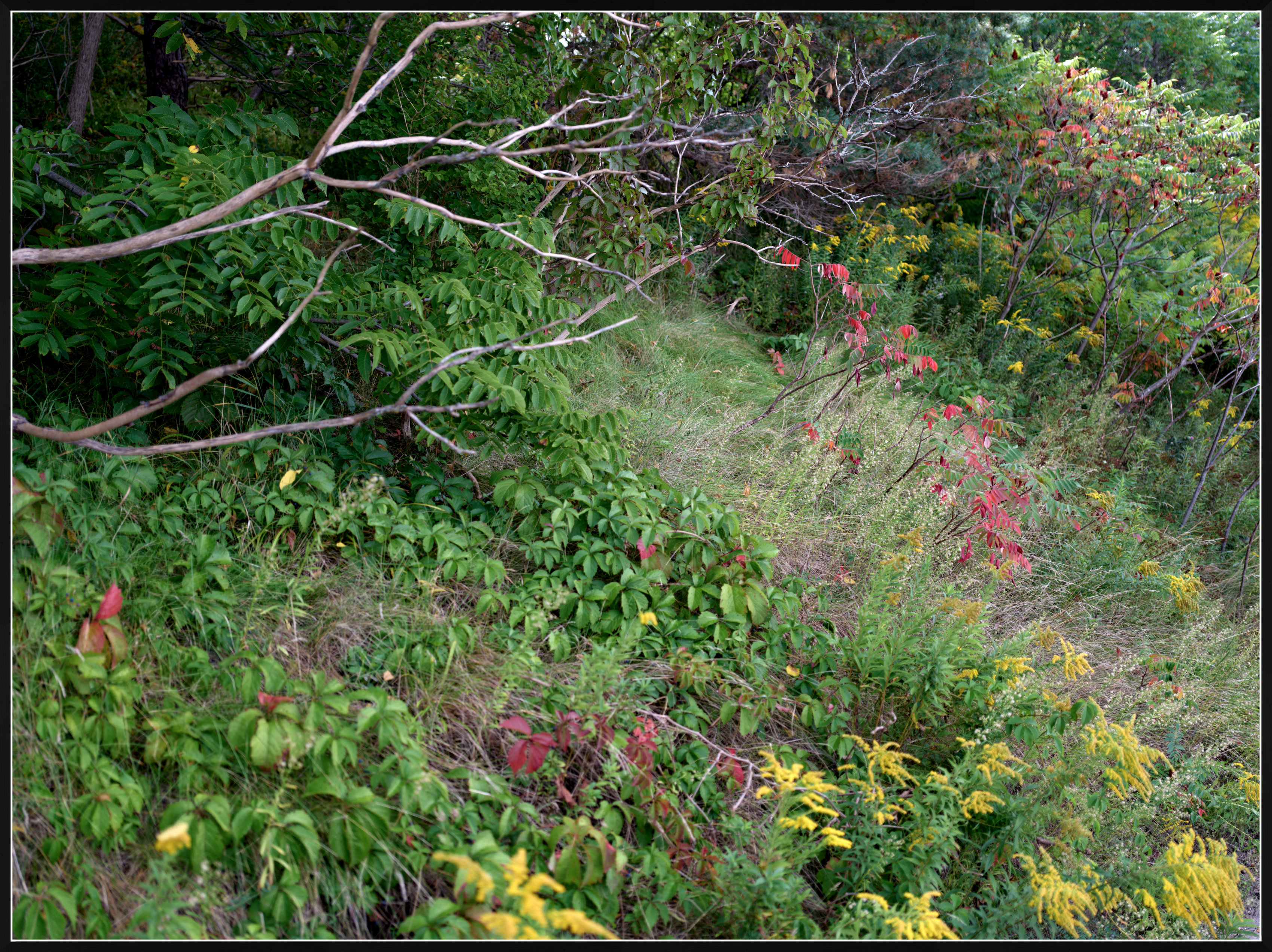
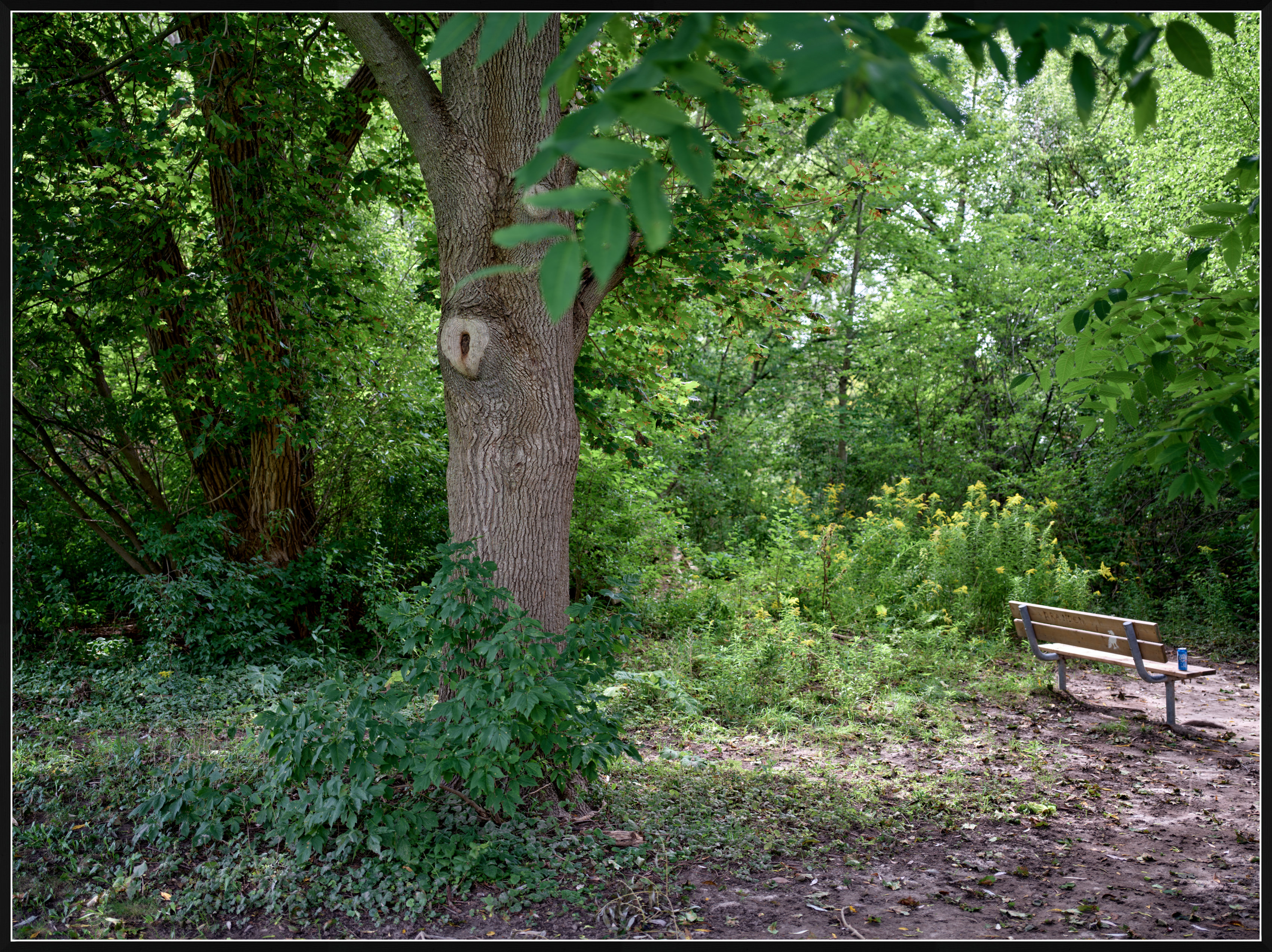
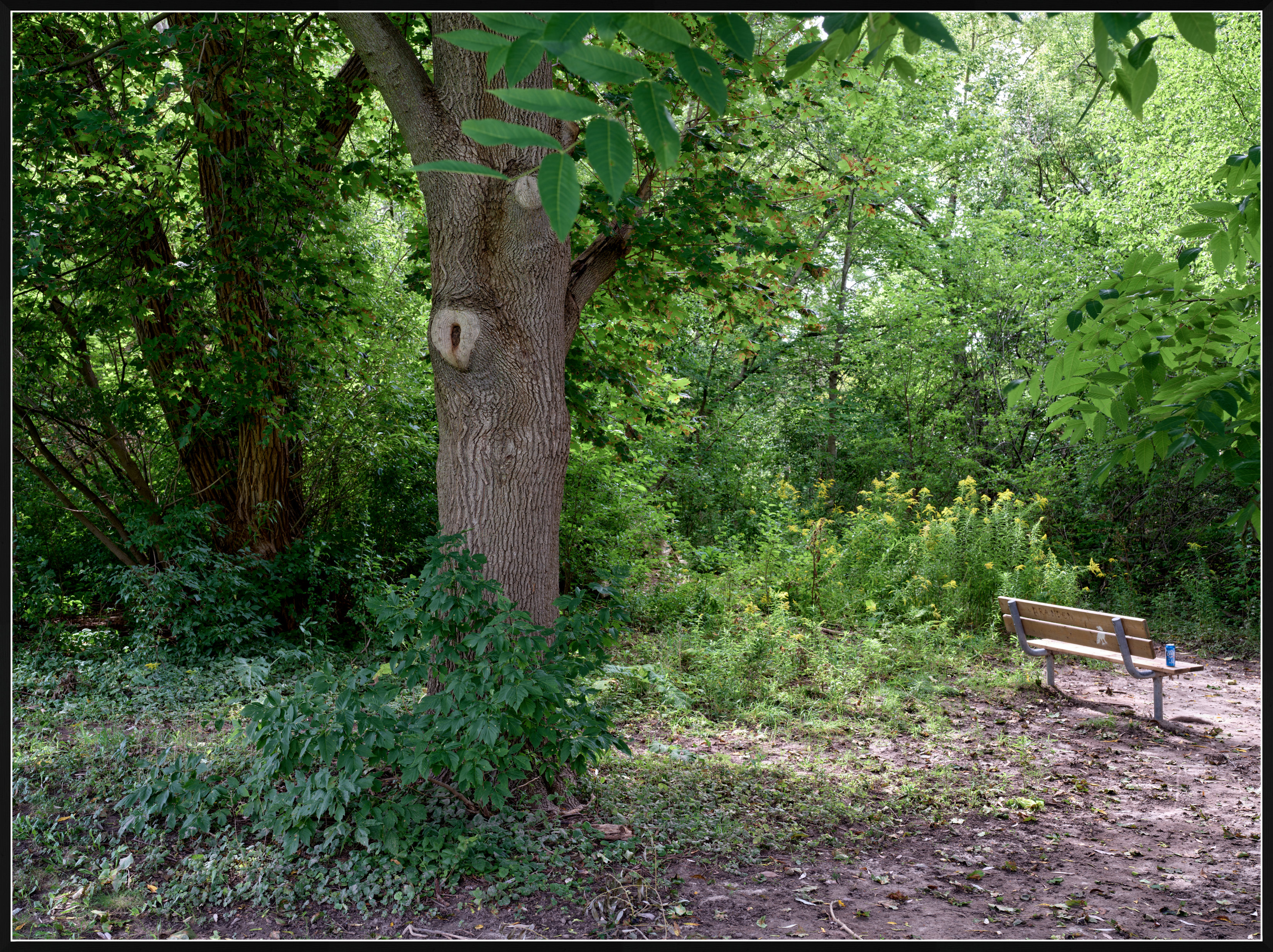
Yesterday, I took a series of photos on my way to work (a 30min walk).
I was mostly interested in comparing the rendering of this lens at f/2.8 vs f/8.0, and there are some differences.
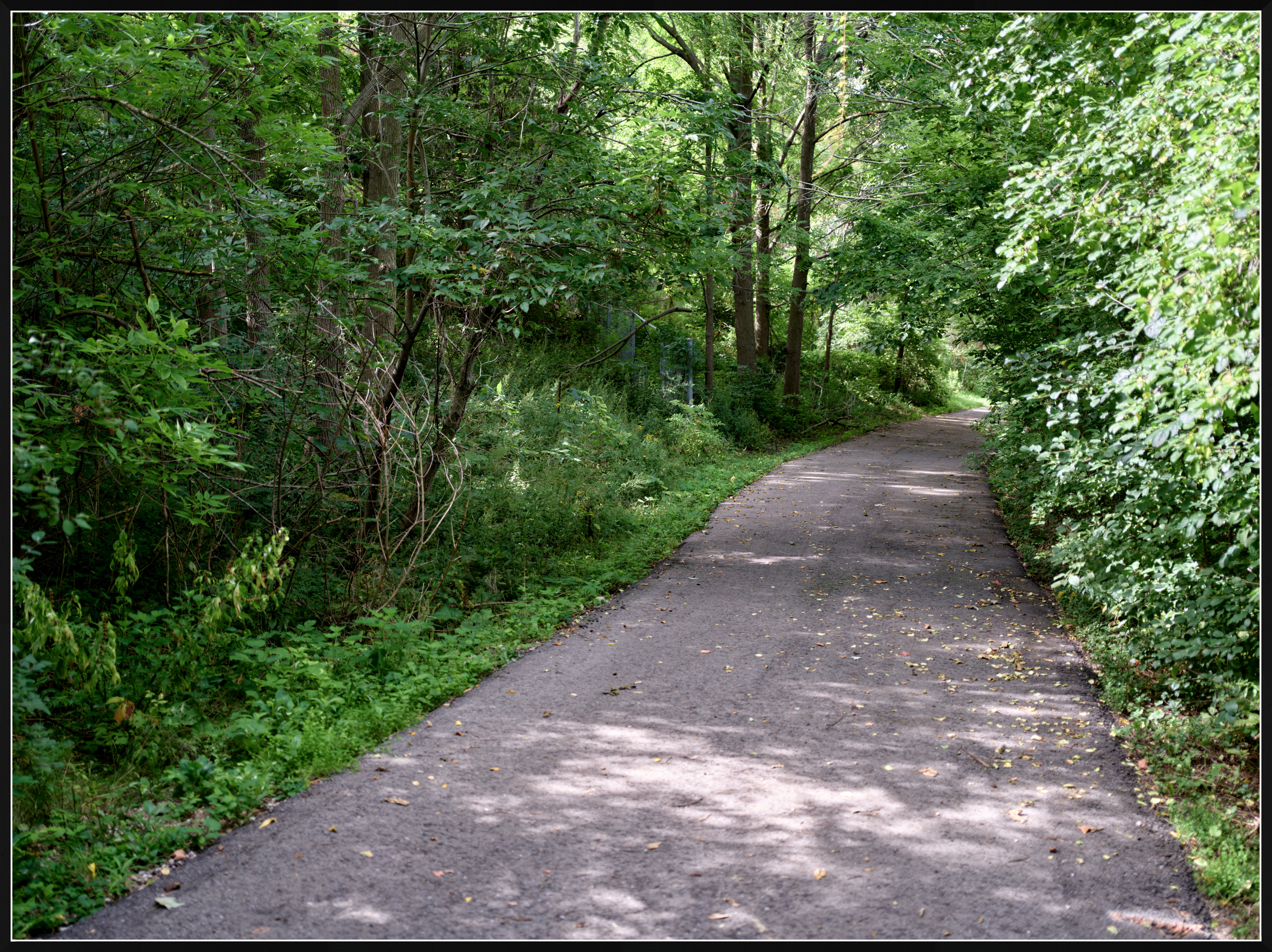
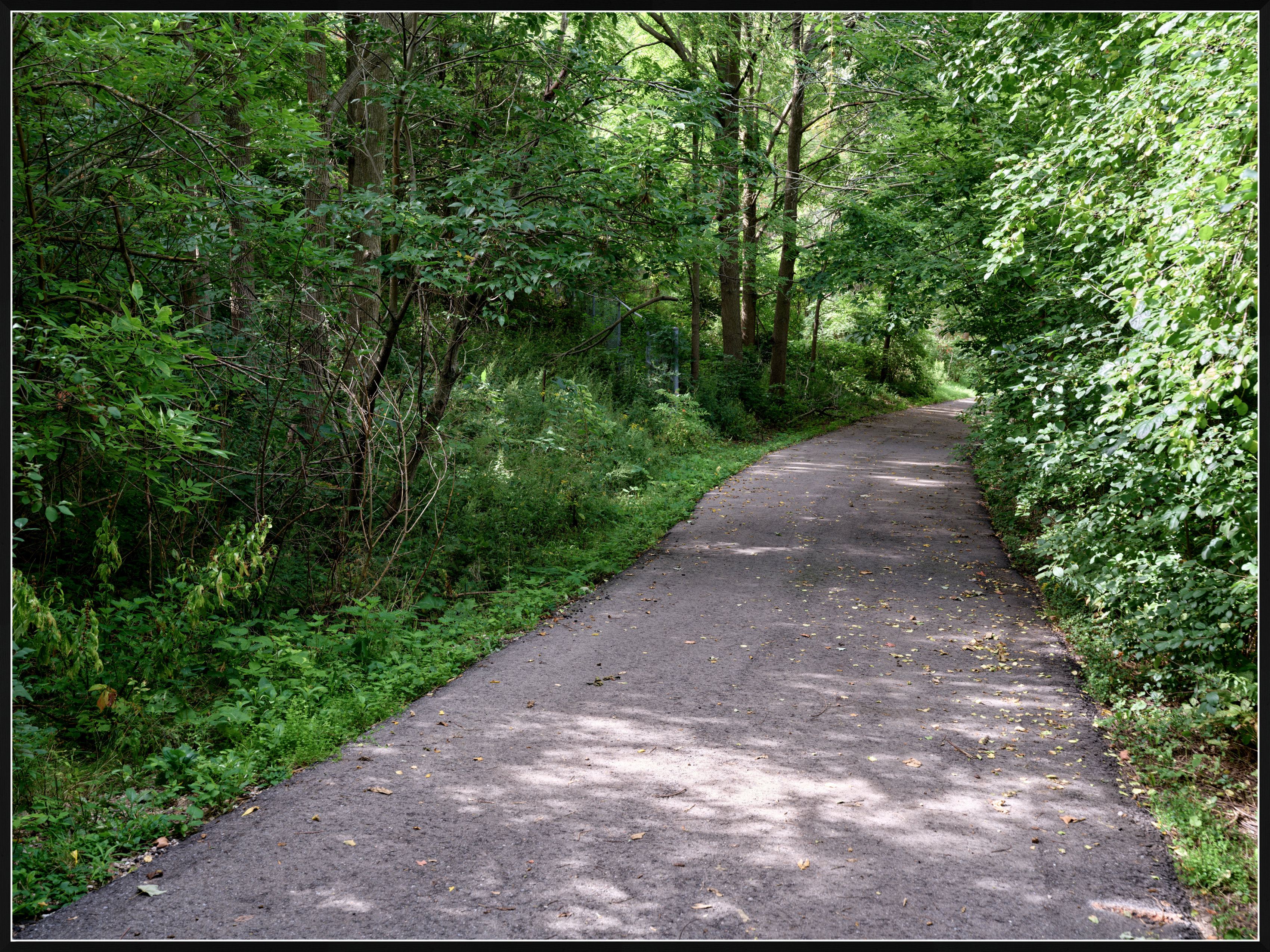
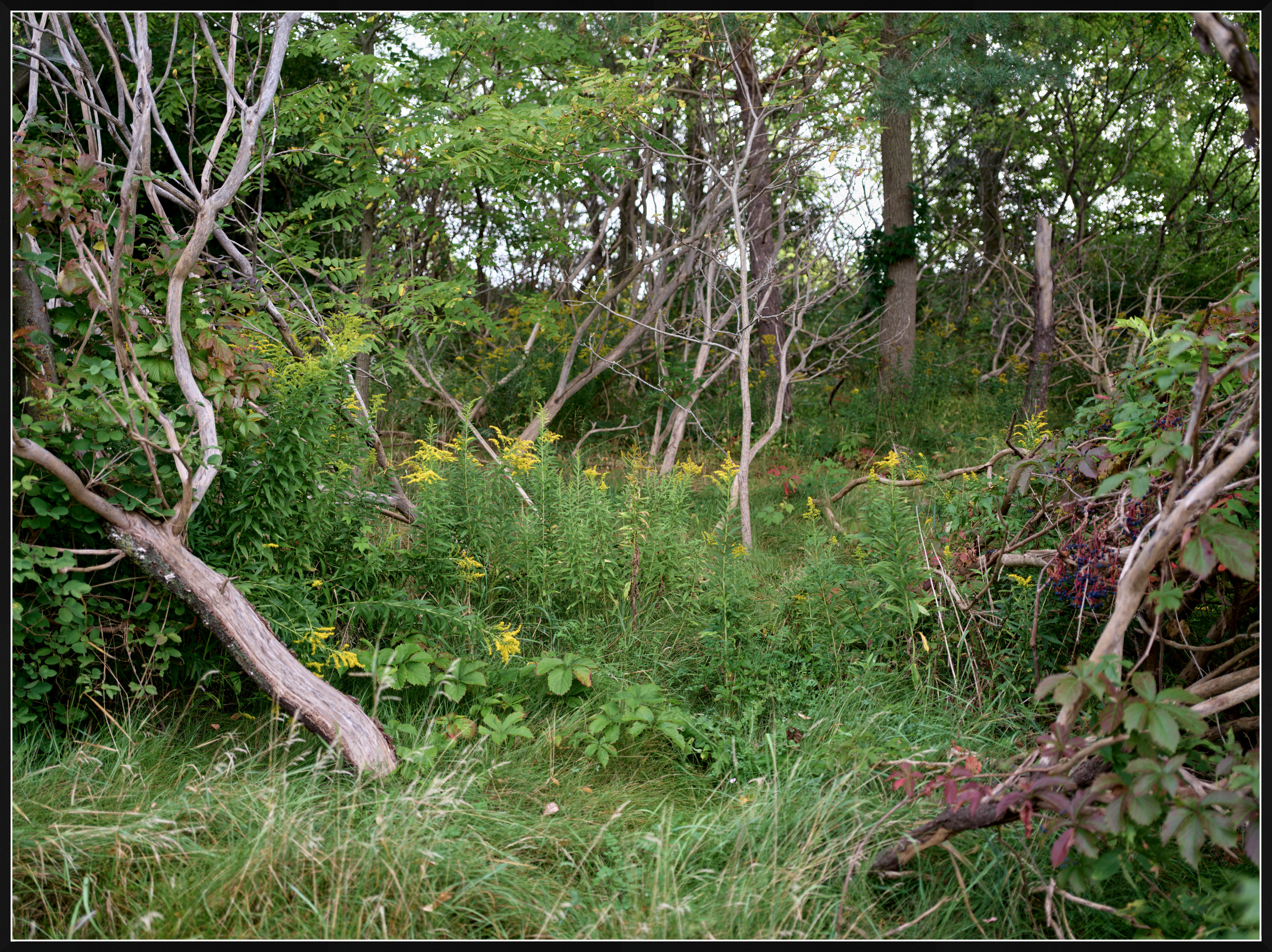
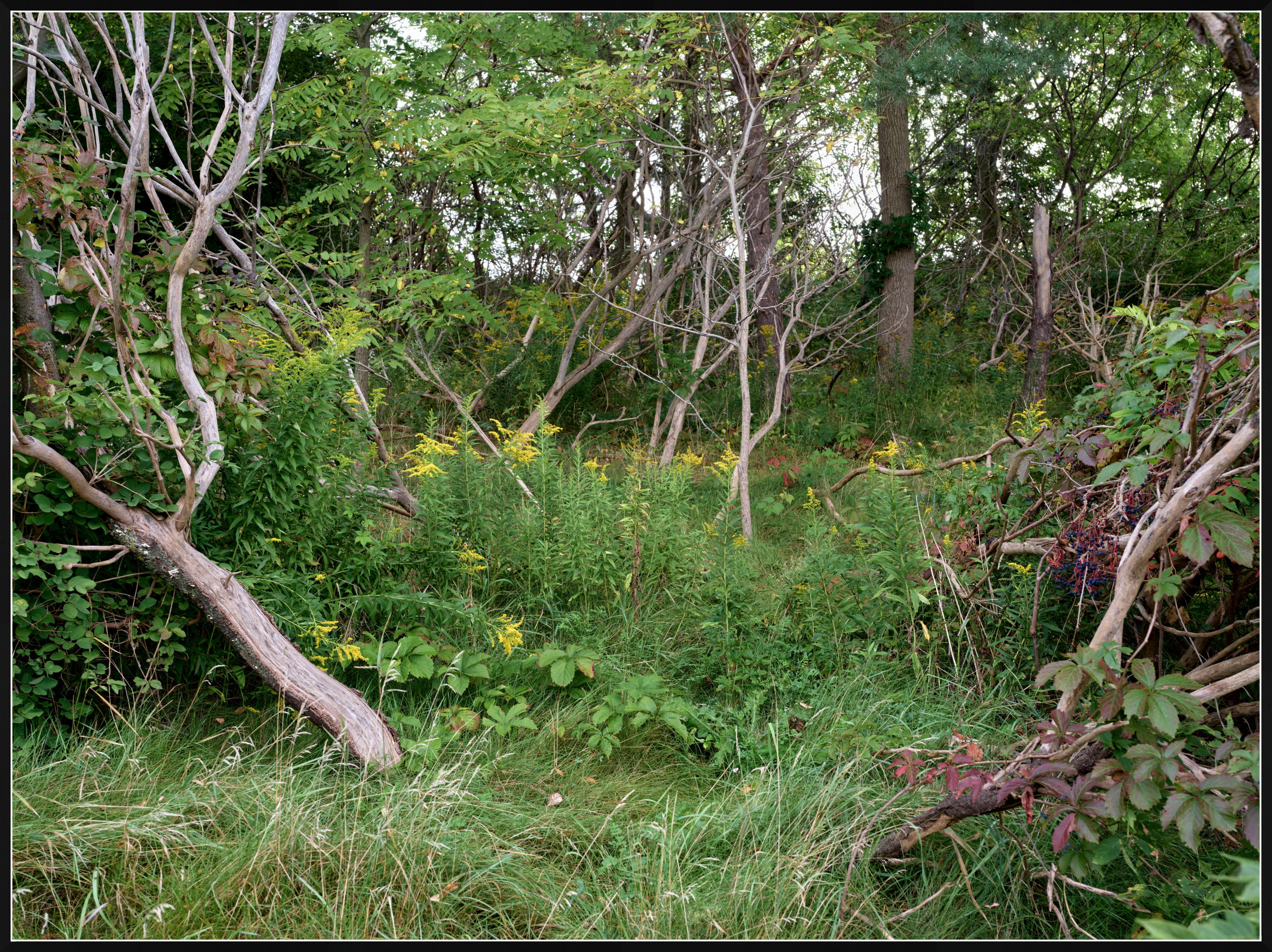
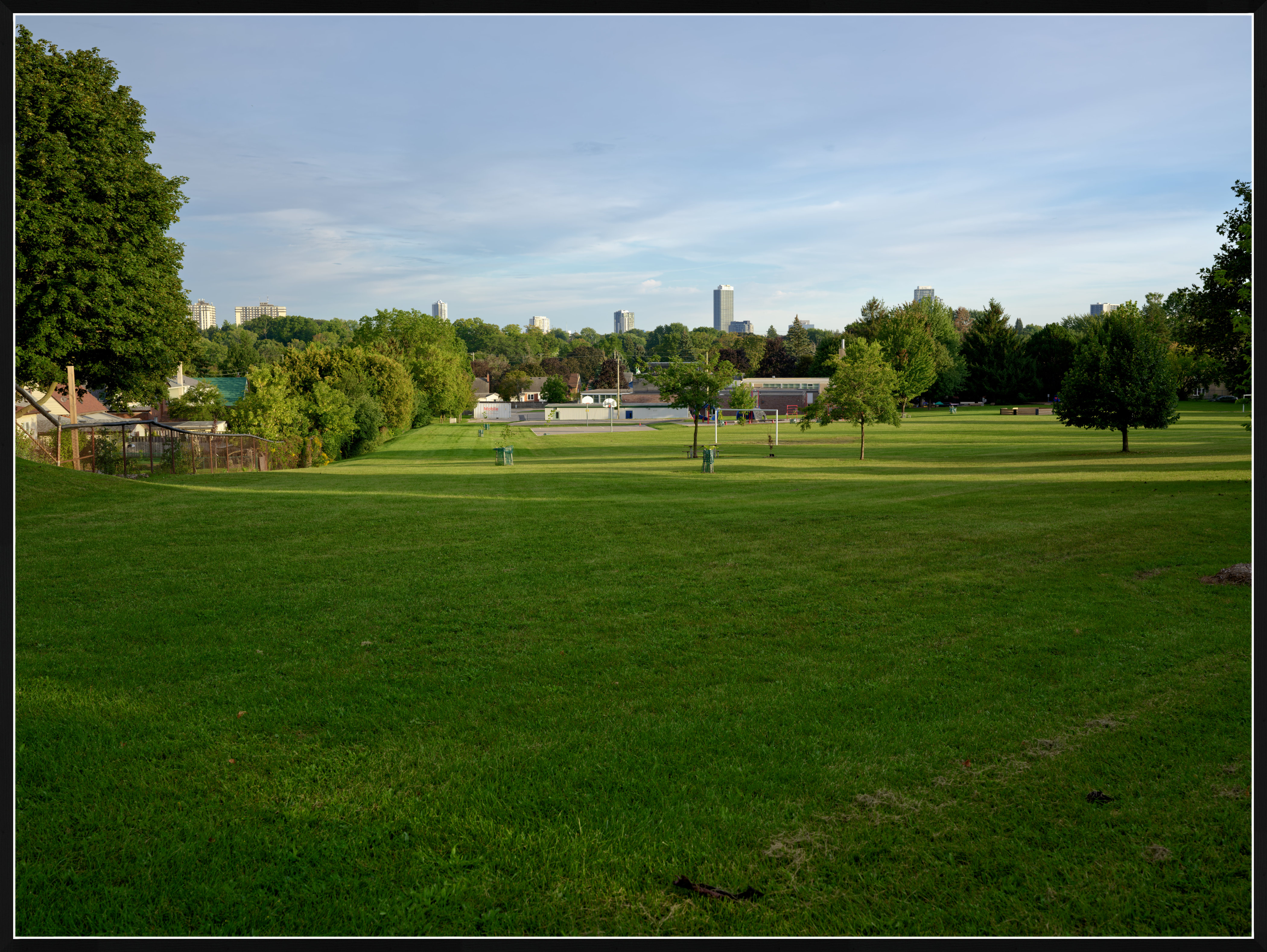
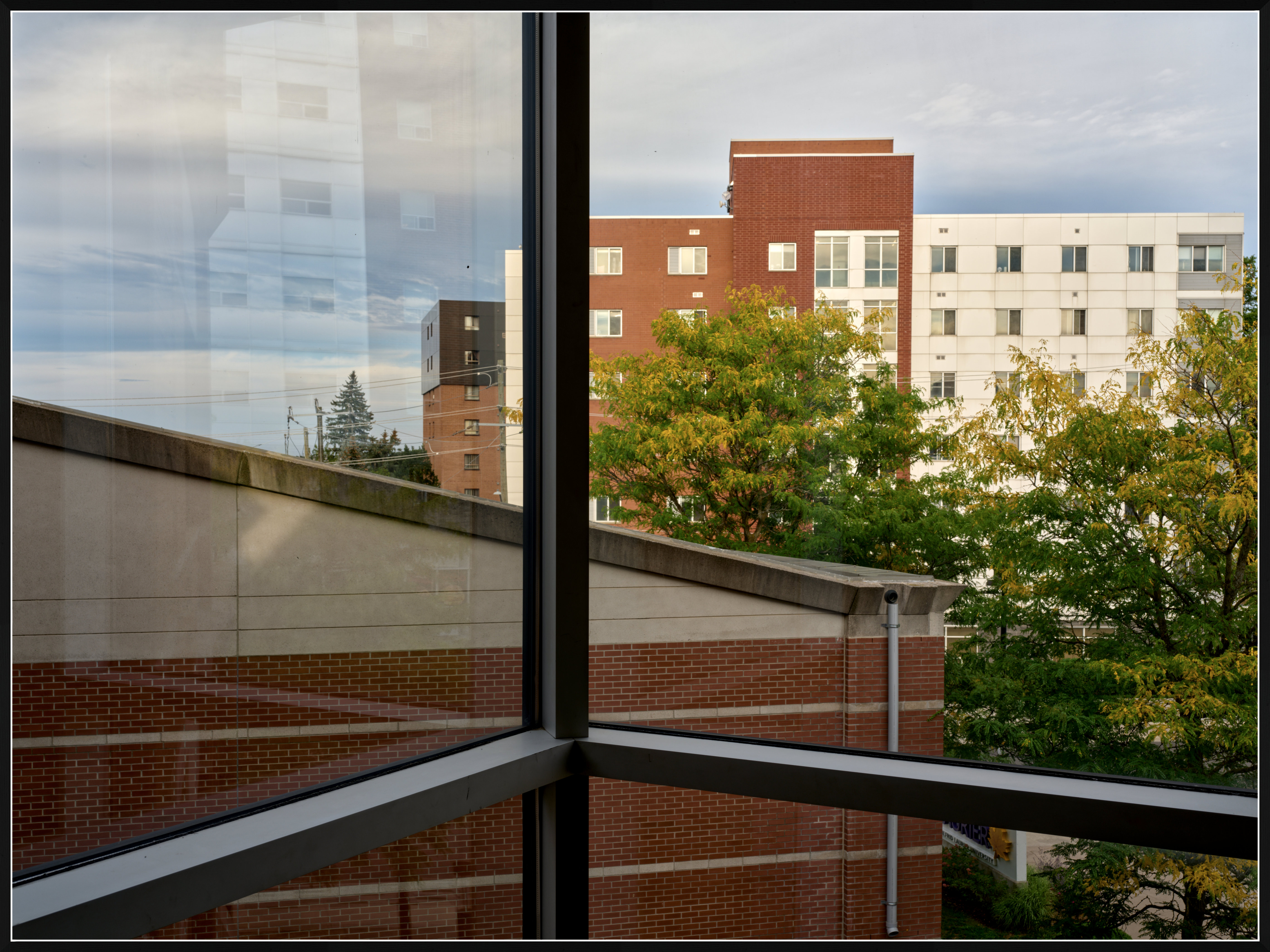
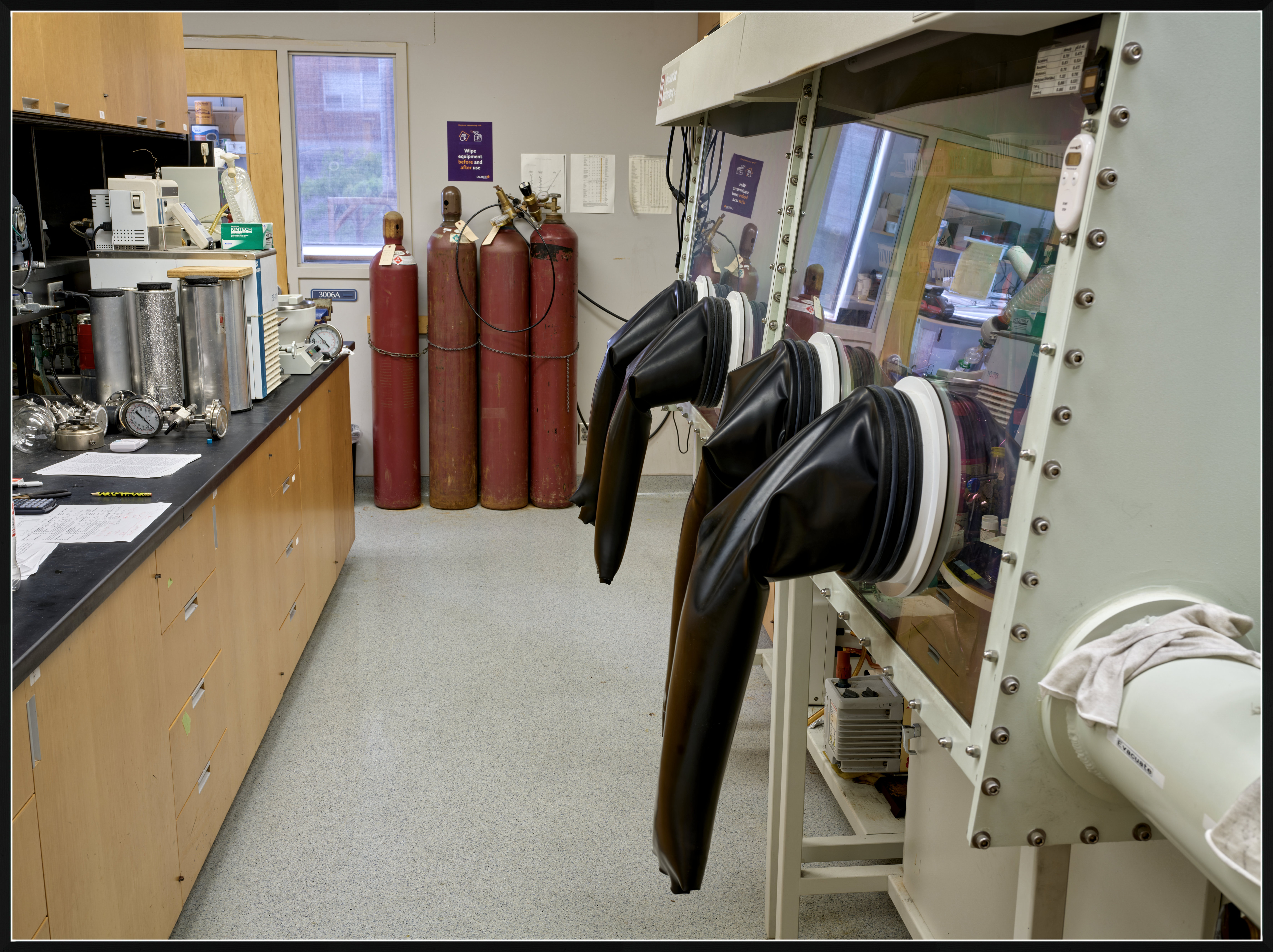
The uploaded images shown below come in pairs: at f/2.8 and f/8.0.
There is something about the f/2.8 shots that I like: perhaps, the softness and the residual vignette.
This lens peaks in the optical image quality by f/8, and the sharpness is extreme on the 102MP sensor. I often have the feeling that the resulting images are too sharp, as if I over sharpened them, although my sharpening is off in Capture One.
GFX100S IIFujifilm Fujinon GF45mm F2.8 R WR lens45mmf/2.81/20s80 ISO0.0 EV
GFX100S IIGF45mmF2.8 R WR lens45mmf/8.01/3s80 ISO0.0 EV
GFX100S IIFujifilm Fujinon GF45mm F2.8 R WR lens45mmf/2.81/50s80 ISO0.0 EV
GFX100S IIFujifilm Fujinon GF45mm F2.8 R WR lens45mmf/8.01/6s80 ISO0.0 EV
GFX100S IIFujifilm Fujinon GF45mm F2.8 R WR lens45mmf/8.01/10s80 ISO0.0 EV
GFX100S IIFujifilm Fujinon GF45mm F2.8 R WR lens45mmf/2.81/85s80 ISO0.0 EV
GFX100S IIFujifilm Fujinon GF45mm F2.8 R WR lens45mmf/2.81/20s80 ISO0.0 EV
GFX100S IIFujifilm Fujinon GF45mm F2.8 R WR lens45mmf/8.01/18s500 ISO0.0 EV
p.108 #12 · Fuji GFX Image Thread - all cameras and lenses
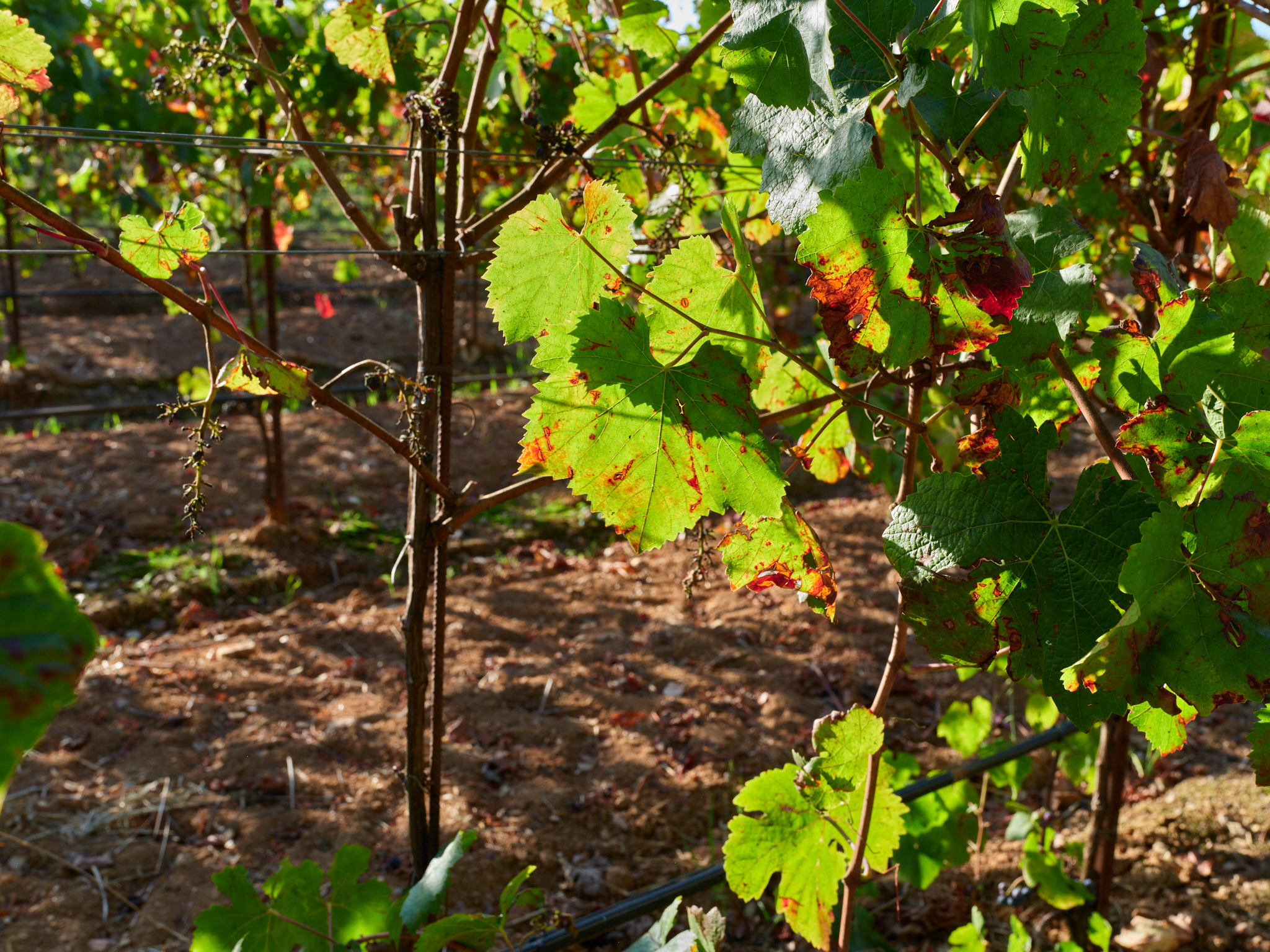
three more test shots with the GF45mm F2.8 lens
Of these, the last two were taken with the lens closed to F14. This seems to work best for optimizing the DoF (shot in manual with the focus at 3m)
GFX100S IIGF45mmF2.8 R WR lens45mmf/8.01/60s160 ISO0.0 EV
GFX100S IIFujifilm Fujinon GF45mm F2.8 R WR lens45mmf/14.01/20s500 ISO0.0 EV
GFX100S IIFujifilm Fujinon GF45mm F2.8 R WR lens45mmf/14.01/2s1000 ISO0.0 EV


 Seems reasonable.