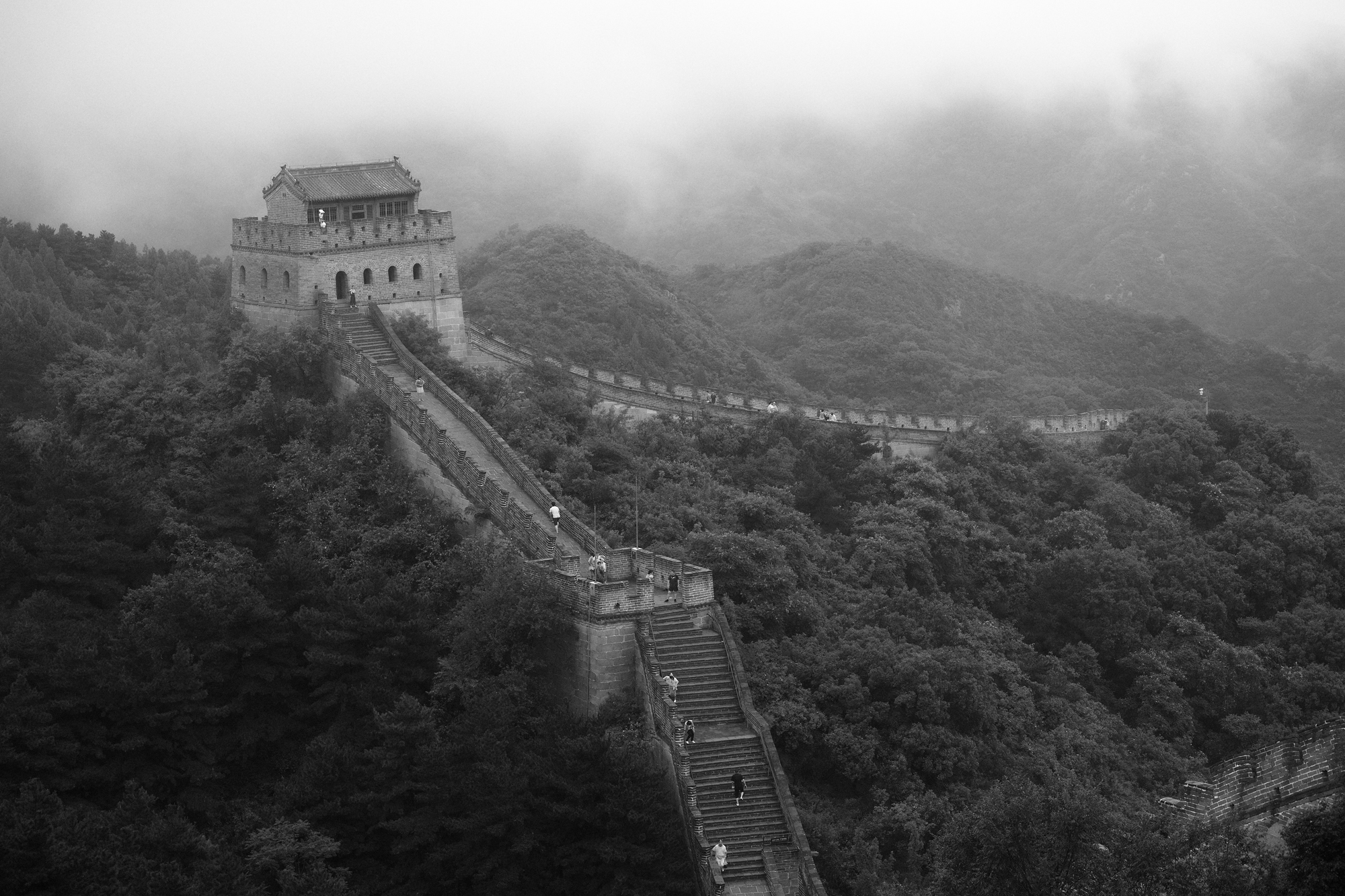
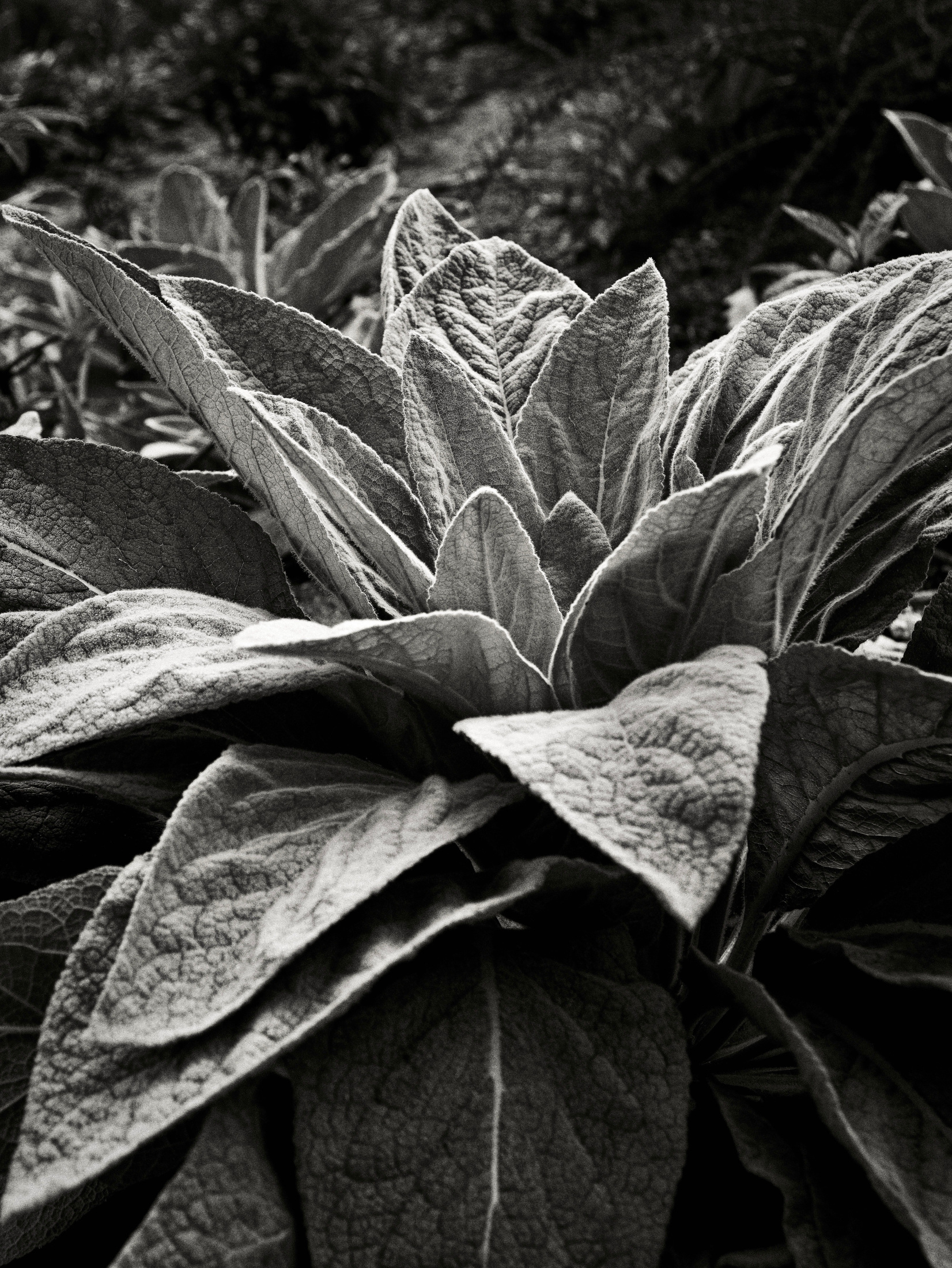
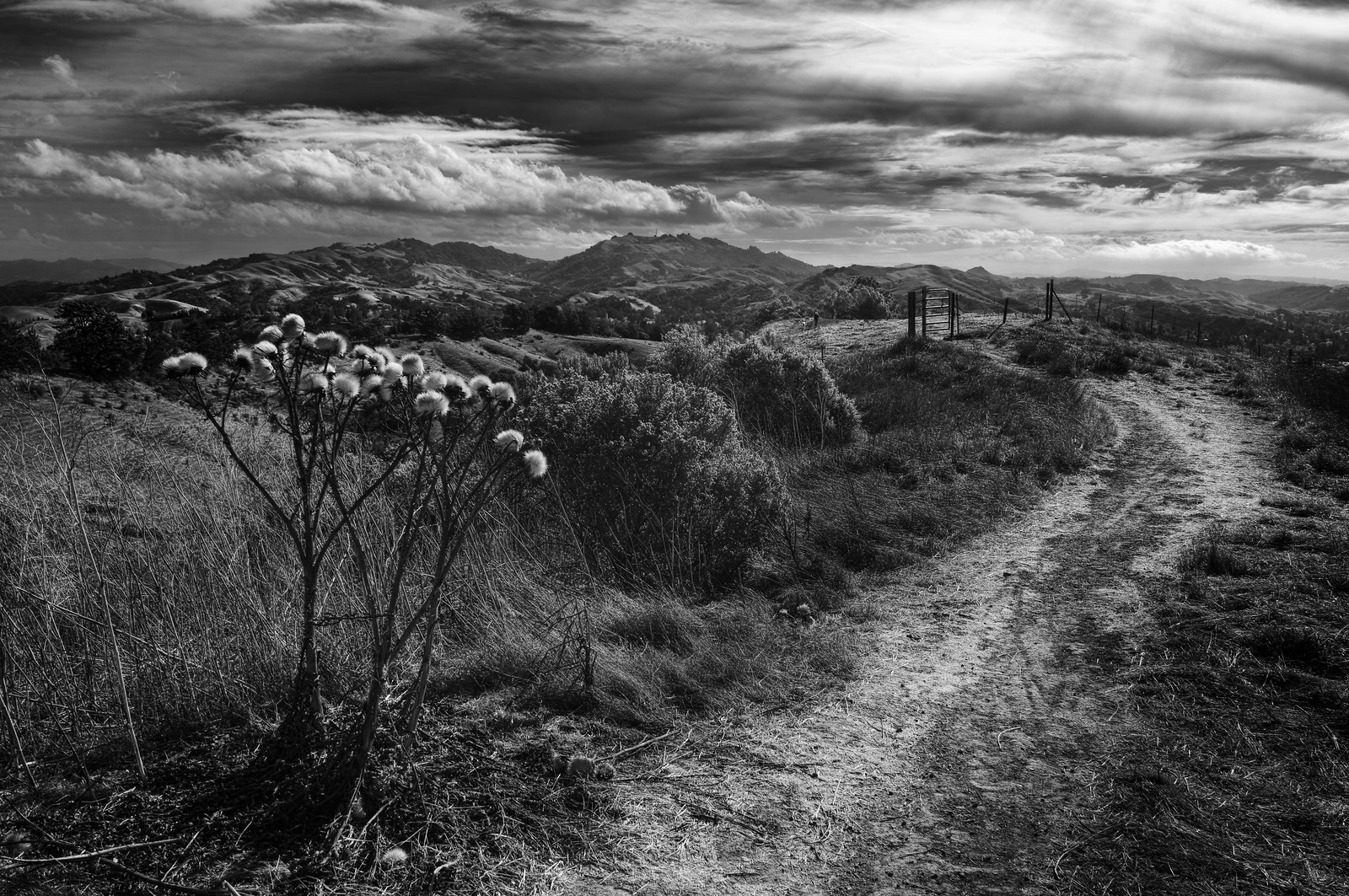
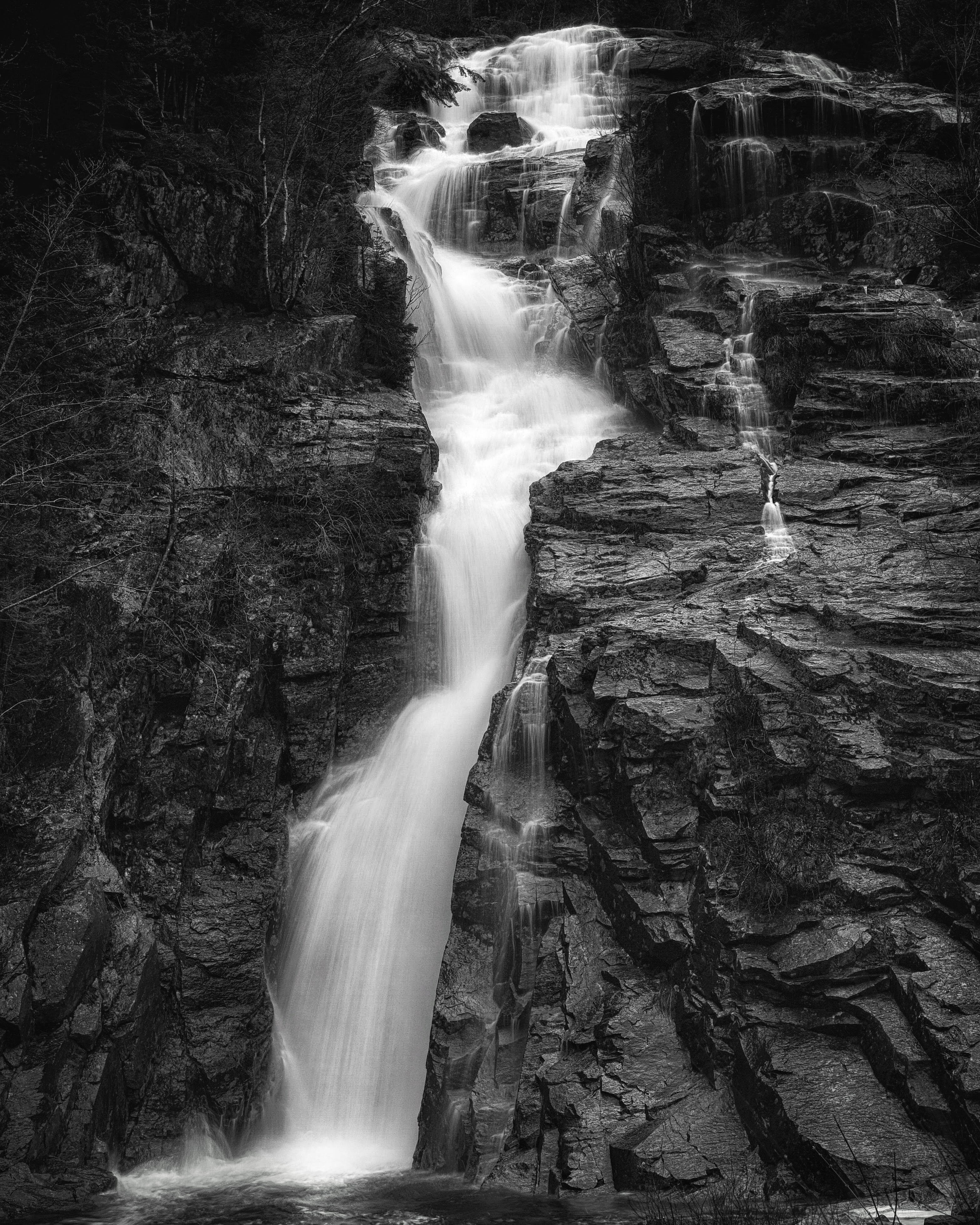
p.1 #1 · How are you using Foveons to shoot monochrome?
All the Leica and Pentax monochrome talk has me want to give the Sigma Foveon unique sensor (in my case in the dp0Q & dp2Q) another shot for dedicated monochrome, but curious how others are using them for B&W. Shooting as other cameras and adjust late in PP? Using only the blue channel in SPP? Filters to force choice? Any words of advice or experience are appreciated.
p.1 #2 · How are you using Foveons to shoot monochrome?
I've only played around with the DPs, but I have used the Sigma SD Quattro H extensively, and I think most of the tools are the same. Unless my memory's faulty (very possible), the H only added the ability to process 12-bit DNGs in-camera. I really enjoyed the H because it was easy to work with as a mono camera regardless of how you wanted to use it. I love using color filters in the field, and loved that the camera could produce a RAW mono file with the accurate impact of the filter intact. It was one of the few cameras I used with RAW+JPEG because it made it easy to nail it in camera and produced lovely JPEGs for shoot and share. And SPP still allows you to process RAWs as color files if you desire the easy subtleties of mono-conversion software. For mono shooters, it's as a good as it gets outside of a dedicated mono CMOS, so my advice is to enjoy the flexibility.
p.1 #4 · How are you using Foveons to shoot monochrome?
I didn't have a problem with the APS-H sized sensor in the H (lots of years shooting a Canon 1DII/n left me with a good memory of the focal length conversions) and I loved the removable hot mirror filter. It was the lack of IBIS and the mount of limited adaptability that pushed me into a full-spectrum mono conversion of an a7rII. I wasn't fond of the EVF placement and the fixed rear screen, but those were things I didn't mind working around.
If they do produce an L-mount Fovenon-based camera with IBIS (and hopefully retain the removable hot mirror) I will have to check it out. That'll be an expensive proposition for me, though. Not just in the cost of the camera but also all those interesting L-mount lenses I've managed to avoid because I've had no interest in any of the cameras thus far. The APO-Summicron-SLs 35 and 75 and the 90-280 would make an awfully fine kit.
p.1 #5 · How are you using Foveons to shoot monochrome?
My DP Merrills have sat quiet for a while now, but they are outstanding for monochrome. I shoot standard RAW and convert in Sigma PhotoPro, which does excellent BW conversions**. I sometimes use only the blue channel, which has the lowest noise, but I'm usually not too fussy about noise in BW (I often add grain!), so the main thing is that you can adjust the relative value of all the channels arbitrarily to give you much more contrast control than you would ever get using optical filters on a monochrome camera. Even the small Foveon sensor will give you single-pixel-sharp images printed at 240 dpi on 17x20 paper, with resolution *fully* equivalent to about 40-50 megapixels on a Bayer sensor with the best apo lens you can get (I can say this having looked over thousands of images and a hundred or so 17x20 prints). Go for it!
**(The reason for this approach is that anything generating jpegs directly has a high risk of blowing highlights, in my humble experience, while SigmaPP gives really excellent highlight recovery in the BW conversion. While I may be more tolerant than some for noise, I am *extremely* intolerant of blown highlights. I like to get that long roll-off that BW negative film would give you, and using highlight recovery plus a small amount of fill in SIgmaPP gives you almost exactly that.)
p.1 #6 · How are you using Foveons to shoot monochrome?
I process my DP3 Merrill files for BW similarly as a default workflow when I wish to weight toward the blue channel away from red. But also often find opportunity for more varied results making the BW conversion and local adjustments on a 16-bit color TIFF in Capture One after developing the raw in SPP. Should work well with DPQ files but have not tested that.
Another key component to battling foveon noise in color and BW workflow is to take advantage of the highlight exposure headroom of the sensor. Again, my experience is with m not q. Anyway, I shoot at ISO 200, practice ETTR and then overexpose the scene by +0.3 or +0.5 stops. I then process in SPP bringing exposure down as much as 2 stops and the highlight detail is amazing without causing the shadows to go ballistic with noise. You can export two tiff files, one optimized for shadows in SPP and one recovering highlights in SPP, and blend them in Ps. This is often unnecessary as I typically can make a single image carry the tonal range in SPP. A trick to this method is not to shoot at 100 iso, which is counter to much advice regarding controlling noise on these sensors. Shooting at 200 iso gives more headroom for highlight recovery when deliberately overexposing than you get from 100 iso. The overexposure helps the shadow areas grab light with better signal to noise availability on those pixels. It’s far better to darken than to lighten for noise on probably all sensors but especially Foveons.
photonoclast wrote:
My DP Merrills have sat quiet for a while now, but they are outstanding for monochrome. I shoot standard RAW and convert in Sigma PhotoPro, which does excellent BW conversions**. I sometimes use only the blue channel, which has the lowest noise, but I'm usually not too fussy about noise in BW (I often add grain!), so the main thing is that you can adjust the relative value of all the channels arbitrarily to give you much more contrast control than you would ever get using optical filters on a monochrome camera. Even the small Foveon sensor will give you single-pixel-sharp images printed at 240 dpi on 17x20 paper, with resolution *fully* equivalent to about 40-50 megapixels on a Bayer sensor with the best apo lens you can get (I can say this having looked over thousands of images and a hundred or so 17x20 prints). Go for it!
**(The reason for this approach is that anything generating jpegs directly has a high risk of blowing highlights, in my humble experience, while SigmaPP gives really excellent highlight recovery in the BW conversion. While I may be more tolerant than some for noise, I am *extremely* intolerant of blown highlights. I like to get that long roll-off that BW negative film would give you, and using highlight recovery plus a small amount of fill in SIgmaPP gives you almost exactly that.) ...Show more →
p.1 #7 · How are you using Foveons to shoot monochrome?
I agree - the camera's histogram will often show one or more channels blown, but bringing it into SPP you can bring those highlights down to a considerable degree, and none of the channels will show a blown pixel. Then you do your BW conversion. That's the optimum way to handle highlights and minimize noise, at least on the M's.
p.1 #8 · How are you using Foveons to shoot monochrome?
I originally bought the SD Quattro for monochrome use, but soon discovered how much I like it as a color camera.
It does a great job with mono conversions. I've added a touch of "Tri-X" in post.
p.1 #9 · How are you using Foveons to shoot monochrome?
blessingx wrote:
All the Leica and Pentax monochrome talk has me want to give the Sigma Foveon unique sensor (in my case in the dp0Q & dp2Q) another shot for dedicated monochrome, but curious how others are using them for B&W. Shooting as other cameras and adjust late in PP? Using only the blue channel in SPP? Filters to force choice? Any words of advice or experience are appreciated.
The Sigma Foveon or Quattro cameras are excellent for monochrome.
Given that you have mentioned cameras with the Quattro sensor and live view, the "easiest" way is to set the display/EVF to monochrome and have at it. With this approach, there is still a color image to work with.
The "dust protector" (hot mirror) is not removable in the fixed lens cameras (dp series), but I am sure that those that own these cameras are aware of this.
If you want to have no choice but monochrome, use the interchangeable lens camera and remove the dust protector. I have found that using a 590nm filter helps with the "excess red".
Unlike the "Bootleg Monochrome" blog, I have had no good luck using the sdQ for IR work. I find that the SD1M is much better, but this camera lacks live view and I have found exposure to be "iffy" at best. It certainly is not consistent.
Sigma's editor, SPP, has many options for B+W processing. SPP does process files differently for color and monochrome. I would use SPP to do initial processing and the conversion.
It is important to note that the "dust protector" cannot be replaced with an off the shelf "hot mirror" from Kolari Vision, as an example. Only the Sigma version will work properly. Equally important is that the sdQ/H and SD1M cameras are discontinued, and long term availability of the OEM "dust protector" is unknown. I do not know if it is currently available, but I did buy a couple of spares in The Before Times. The "dust protector", while it IS easily removed and installed, it is also quite fragile.
Also note that the sdQ/H only focus reliably with Sigma Global Vision Series lenses, and mostly reliably with the latest EX version 105/150/180mm macro lenses. Many/most of the older non Global Vision lenses are a crap shoot.
This is SDQH with dust protector removed + 590nm filter: _DQH1005.jpg by Dan T, on Flickr
The Sigma Foveon or Quattro cameras are excellent for monochrome.
Given that you have mentioned cameras with the Quattro sensor and live view, the "easiest" way is to set the display/EVF to monochrome and have at it. With this approach, there is still a color image to work with.
The "dust protector" (hot mirror) is not removable in the fixed lens cameras (dp series), but I am sure that those that own these cameras are aware of this.
If you want to have no choice but monochrome, use the interchangeable lens camera and remove the dust protector. I have found that using a 590nm filter helps with the "excess red".
Unlike the "Bootleg Monochrome" blog, I have had no good luck using the sdQ for IR work. I find that the SD1M is much better, but this camera lacks live view and I have found exposure to be "iffy" at best. It certainly is not consistent.
Sigma's editor, SPP, has many options for B+W processing. SPP does process files differently for color and monochrome. I would use SPP to do initial processing and the conversion.
It is important to note that the "dust protector" cannot be replaced with an off the shelf "hot mirror" from Kolari Vision, as an example. Only the Sigma version will work properly. Equally important is that the sdQ/H and SD1M cameras are discontinued, and long term availability of the OEM "dust protector" is unknown. I do not know if it is currently available, but I did buy a couple of spares in The Before Times. The "dust protector", while it IS easily removed and installed, it is also quite fragile.
Also note that the sdQ/H only focus reliably with Sigma Global Vision Series lenses, and mostly reliably with the latest EX version 105/150/180mm macro lenses. Many/most of the older non Global Vision lenses are a crap shoot.
You can remove the hot mirror from the DPs, it's just more or less a permanent conversion to full spectrum. I did this on my DP1m.
As you say, there is no way to get exactly back to visible spectrum imaging with an off-the-shelf filter over the lens. The on-sensor filter is dichroic. The Kolari and other hot mirror filters (BG38, BG39, BG40) can work to some extent, but it's not quite the same. They have a slight color cast that is stronger in the corners.
Anyways, I enjoy using the DP1m as a color IR or B&W IR camera. I usually convert to B&W in SPP if that is my intent. I believe it processes noise from the RAW in the best way there.
p.1 #13 · How are you using Foveons to shoot monochrome?
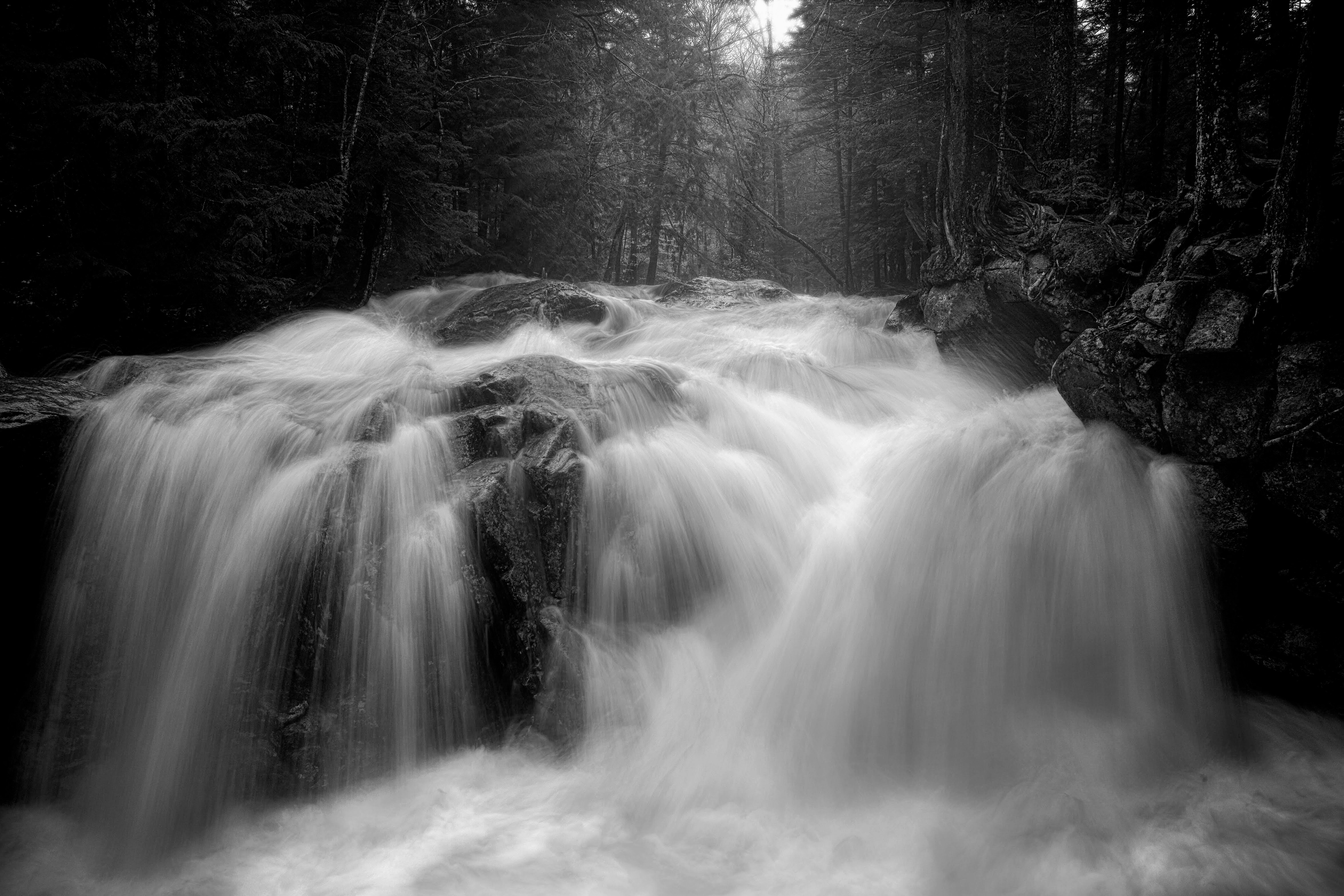
I originally bought the DP Merrills for their color fidelity but soon started using them more for monochrome, particularly with waterfalls and street photography. It's the slowest street camera in the world, lol but when it works, it works.